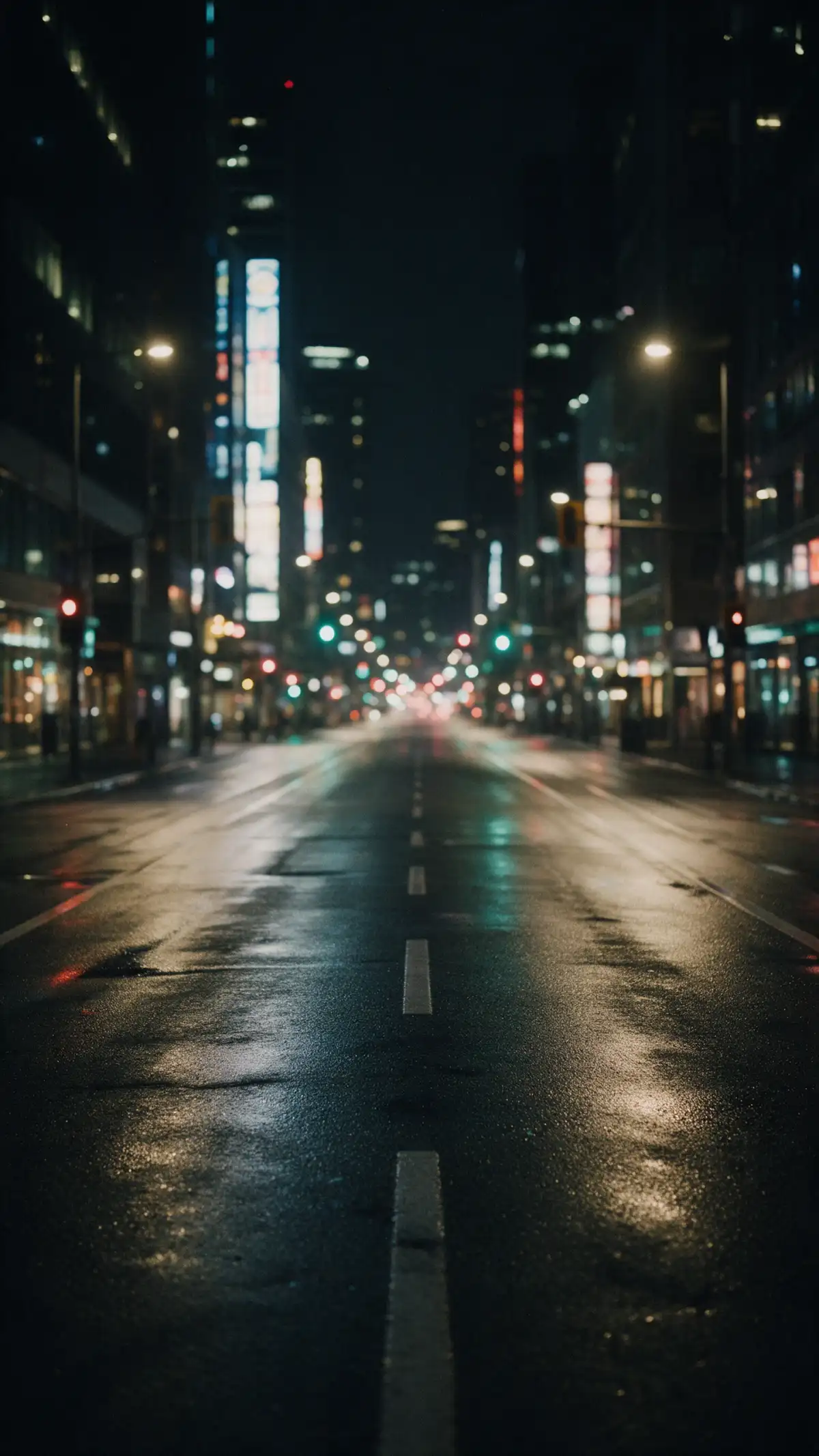
Hero background

AI Background Generator

Describe the background you want or upload a product photo as a reference. MagicLight AI creates custom backgrounds to match your ideas in seconds. No design experience required.

Create an AI Background for Free
AI Background Generator preview
Custom background preview
Presentation backdrop preview
Virtual call background preview
Product backdrop preview
Stream background preview
AI Background Generator preview
Custom background preview
Presentation backdrop preview
Virtual call background preview
Product backdrop preview
Stream background preview

Top Features of the Magiclight AI Background Generator

A backdrop should sit behind your subject and stay out of the way. The AI background generator from Magiclight AI lets you control the space and the shape.
Generate an AI Background Now
3D decoration

4 Frame Shapes for Calls and Phones

Choose 16:9 for calls and slides or 9:16 for lock screens and stories across Magiclight AI. Set the shape to 4:3 and 1:1 as well before you run it, so you never crop the result.

Add File Types as References

Upload JPG, PNG, or WEBP files, up to 20MB. A product photo or a color swatch can steer the colors in your backdrop. Use Reference Image to Image to start from the reference image file.

2 Modes in the Same Panel

Use Text to Image for a written idea. Employ Reference Image to Image to start from a product photo or packaging that your backdrop must match in color and texture.

6 Image Models With Diverse Results

Pick from the 6 image models listed in the menu and check the credit cost beside each name. Go for Nano Banana 2 for quick results and try GPT Image 2.5 sunburst for professional backdrop results.

Who Can Use the Magiclight AI Background Generator?
Most people only notice a background when it looks wrong. The Magiclight AI background generator keeps the setup short for remote workers, sellers, teachers, and streamers alike.
For Remote Workers
For Remote Workers
Create a tidy virtual office backdrop in 4 different aspect ratios.
Match your call background to your company colors in 500 characters.
Switch to a seasonal backdrop with JPG, PNG, and WEBP references.
For Online Product Sellers
Generate a marble countertop or wooden table backdrop with a reference image.
Create online holiday product posts in 16:9 aspect ratio.
Keep every listing on the same background style with a 20MB reference.
For Presenters
For Presenters
Design calm slide backgrounds in 6 different image models for diversity.
Make a title-style backdrop with an image and 500-character prompt.
Set up a video using any of the 20 video models with the backdrop.
For Streamers
For Streamers
Create a starting-soon screen background for your stream in 2 image modes.
Design a fresh phone wallpaper in a 9:16 vertical aspect ratio.
Build matching backdrops for your stream with a 20MB reference image.
Why Creators Choose Magiclight AI
Background Generator
Backgrounds have to work quietly across calls, slides, listings, and screens at once. The Magiclight AI background generator lets you test lightly and spend only when a backdrop is worth keeping.
4:3 Frames for Classic Screens
Use a 4:3 frame for older projectors, tablets, and printed handouts. The background fits screens that are not widescreen without cropping.
One Prompt and Several Looks
Keep the description and change only the model. The same scene comes out with different light and detail, so you can pick the mood that suits you.
Square Backgrounds for Feed Posts
Pick a square 1:1 frame for product posts and quote graphics on social feeds. A clean backdrop in that shape leaves plenty of room for your item or your words.
Business Use Covered on Paid Plans
Paid tiers carry commercial rights, so backdrops can sit behind product listings, ads, and client decks. A few looks can be trialed on starter credits first.
Models with Different Moods
Nano Banana 2.1 and GPT Image 2.5 in its flare variant light one office scene in two quite different ways. Comparing the pair side by side reveals which mood suits your brand.
Extend Backgrounds to 30 Seconds
Use the AI video models and the reference backdrop image to create 30 second extendable shots that can be used as promotion content.

How to Use Magiclight AI Background Generator

Your custom backdrop is ready in 4 steps. With the AI background generator from Magiclight AI, you describe the scene and it picks the shape of your screen.

1.

Step 1. Pick Words or References

Go into the Toolbox and pick a starting mode. Text to Image works from a description. Reference Image to Image works from a JPG, PNG, or WEBP file up to 20MB.

2.

Step 2. Describe the Scene and Space

Name the setting and add up to 500 characters. Ask for empty space on the left or a soft blur so your subject has room.

3.

Step 3. Match the Frame to the Screen

Pick 16:9 for a call or a slide and 9:16 for a phone screen. Use 4:3 for older screens and 1:1 for feed posts. Then choose a model.

4.

Step 4. Create the AI Backdrop

Press Create Image and save the result. Consider it as a call background, a slide backdrop, or a phone wallpaper.

FAQs on AI Background Generator

Can I use these as video call backgrounds?

Yes. Build a 16:9 backdrop in Magiclight AI, download the file, and upload it through the background settings of your video call app before the meeting.

Can it remove the background from my photo?

Magiclight AI creates new backgrounds rather than cutting out subjects. Use a separate background remover first, then place your subject on a new Magiclight AI backdrop.

Can I match a background to my product?

Yes, choose Reference Image to Image and upload a product photo or a color swatch up to 20MB. Add a short description of the scene, and the backdrop can pick up those colors and textures.

How do I keep text readable on a slide background?

Ask for a soft blur or empty space on one side. The prompt box takes up to 500 characters, so you can name the setting and the quiet area in one description. Use the 16:9 frame for slides.

Can I use backgrounds in product listings?

Yes, after you move to a paid plan with commercial rights. Marketplaces have their own photo rules too, and a few insist on plain white backgrounds.

Is the AI background generator free to try?

New accounts get starter credits to spend on backdrops. The Create Image button shows the credit cost of the model you picked before you run it.


Create Perfect Backdrops With Magiclight AI Background Generator

Bring the screen, the subject, and the mood you want behind it. Magiclight AI paints a backdrop that supports your message without stealing the spotlight.