Reference Photos With 1500 Characters for Description
Upload a reference photo showing the dancer you want in your video. You also have 1500 characters to explain the dance steps and how the person should move.
Create Now
Bring any picture to life with Magiclight AI. Choose how you want the subject to move and turn a still image into a fun dance video. No editing skills needed.
Create AI Dance Videos for Free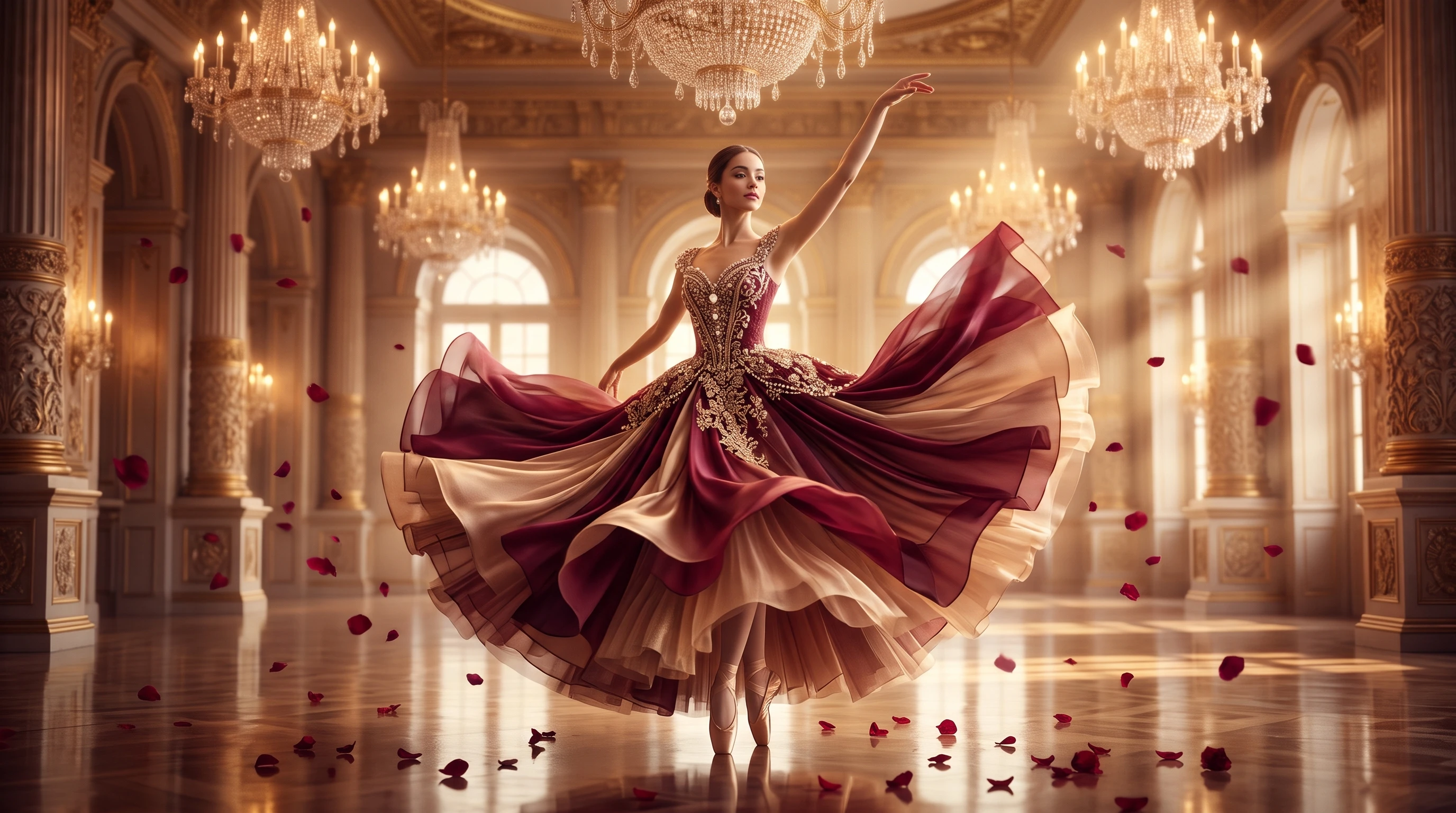










Magiclight AI dance video generator makes a video based on your picture and instructions. Upload a photo of the person you want dancing and explain the moves you have in mind.
Upload a reference photo showing the dancer you want in your video. You also have 1500 characters to explain the dance steps and how the person should move.
Create NowMagiclight AI offers 20 video models with different capabilities. Seedance works with uploaded music, giving you another option when the dancer needs to follow a particular song.
Explore Video Models
A short routine can fit into one video without cutting it into several parts. Seedance 2.5 supports 30 second clips, giving the dancer time to finish a complete sequence of moves.
Generate a Dance Video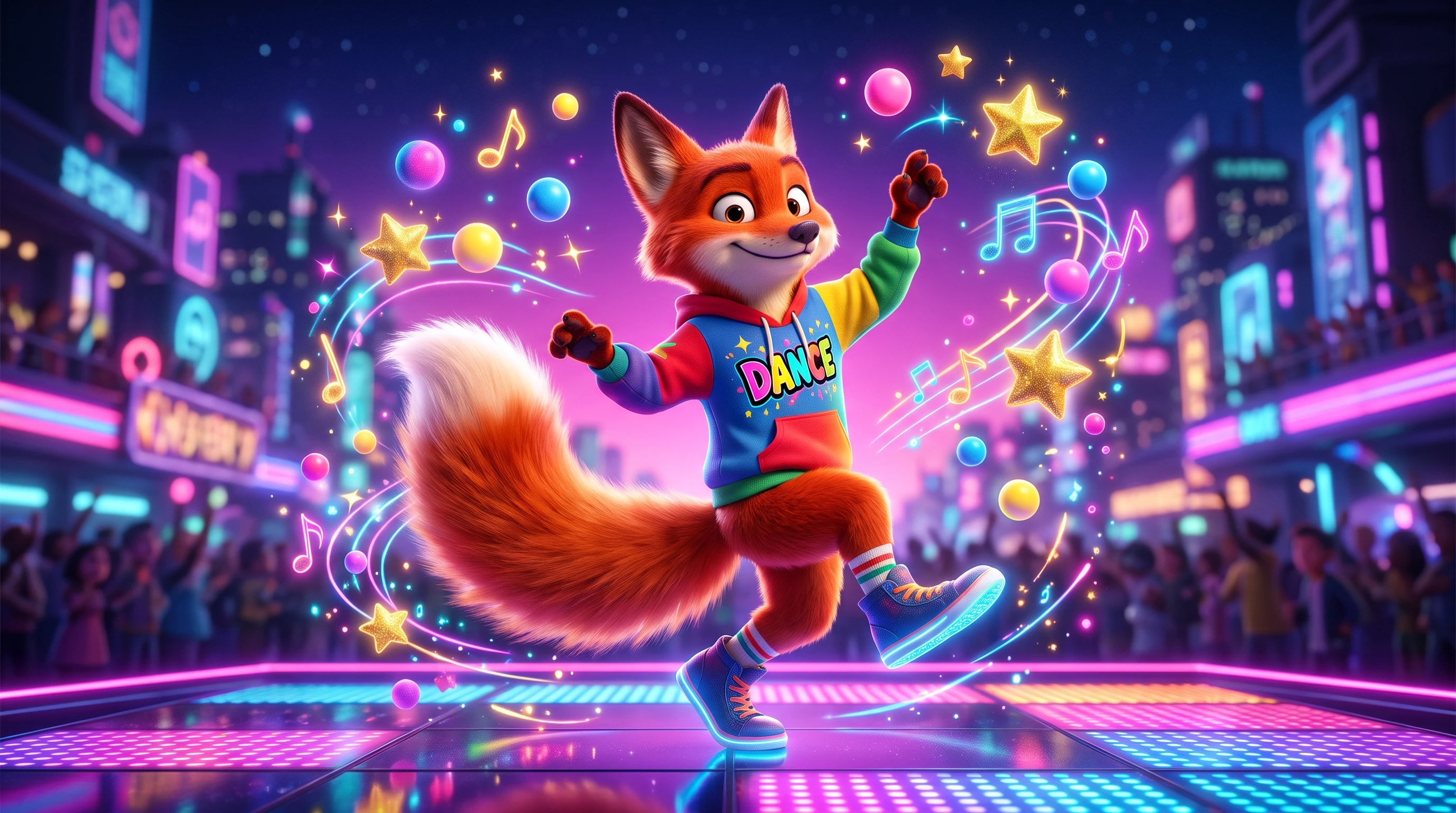
Veo family models support sound effects alongside the generated video. This can help when your dance scene needs audible footsteps or other sounds that match the action on screen.
Start Creating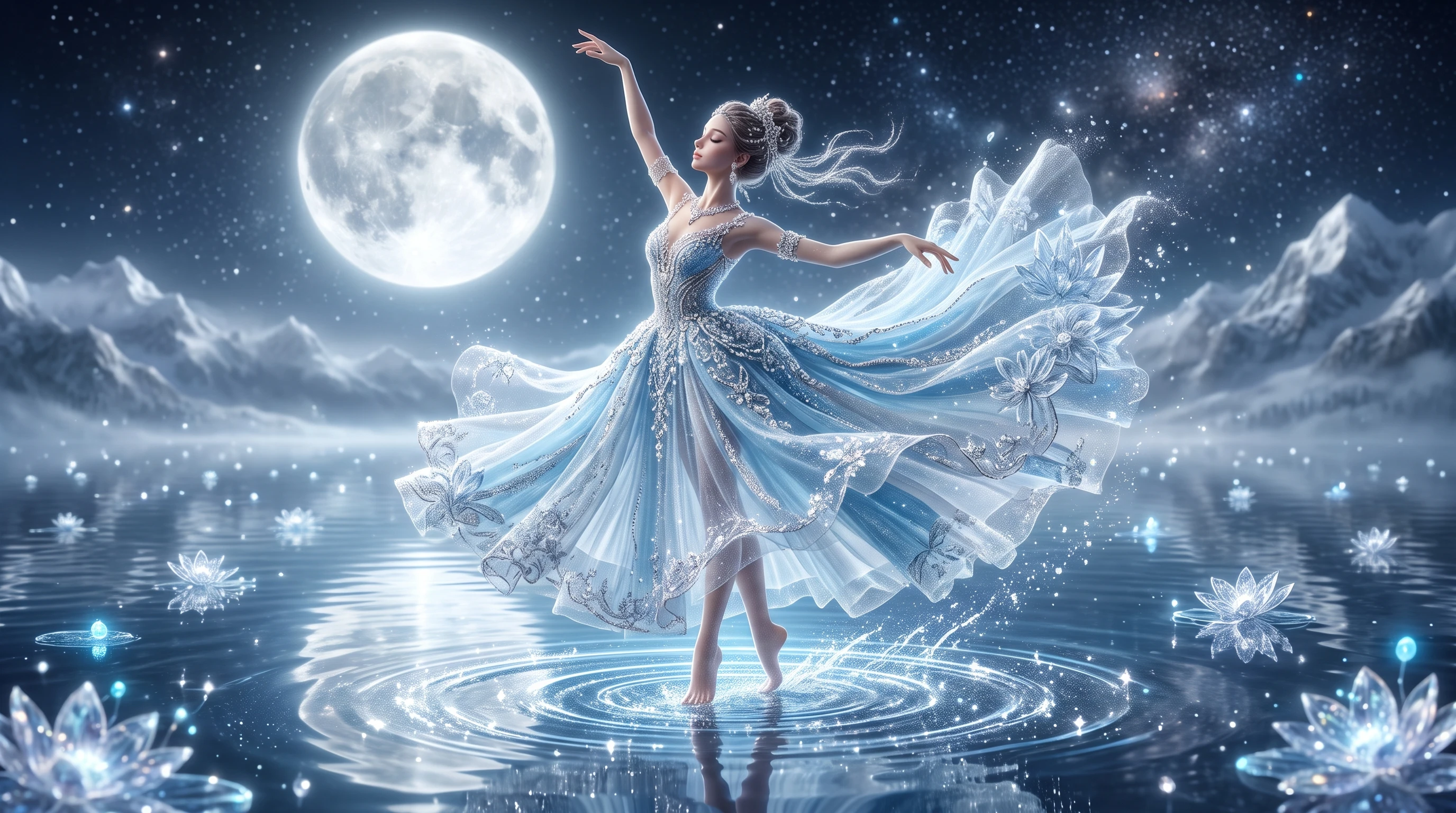


Before sharing your dance video, you need to get the movements right. These 4 steps show how Magiclight AI dance video generator works, from your first photo to the final clip.
In Magiclight AI Toolbox, access the Video tab and upload a clear photo of your dancer. Make sure the entire body is visible so the model can capture the arm and leg movements.
Write your dance instructions within the 10000 character limit. Describe how the dancer should move across the scene and include any camera movements you want during the clip.
Magiclight AI provides 20 AI video models for your dance video. Choose a suitable model, set the duration to 30 seconds and select your preferred aspect ratio before generating.
Preview the generated video to see how the dance movements look. Check the dancer's appearance and make any necessary adjustments before downloading the final video to your device.
Choreographer
I tried a few dance sequences before taking them to rehearsal. Seeing the movements on screen helped me spot where the routine needed a little more work.
Fitness Instructor
My class needed a fresh warmup routine, and I wanted to see how it looked first. Magiclight AI gave me a quick preview before I taught the actual steps.
Musician
The chorus had a good beat, but I couldn't picture the dance. Watching a character move to the track gave me a clearer idea for the music video.
Graphic Designer
I usually work with still illustrations, so seeing one of my characters dance was pretty funny. It also gave me something different to share on my page.
Seedance models that accept audio can use your uploaded song to guide the dance. Fast beats may cause timing issues, so review the clip and adjust any moves that seem out of sync.
You can recreate simple dance steps, but copying original footage or music may raise copyright issues. Record your own reference clip and guide Magiclight AI with those movements.
Yes. Magiclight AI dance video generator can animate cartoon drawings from uploaded images. Describe the original art style in your prompt to help maintain the character's look.
Seedance 2.5 supports dance clips lasting 30 seconds, while Veo 3.1 Lite supports 8 seconds. Longer routines can be made in separate clips and joined later using a video editor.
Photos showing the full body against a plain background usually work best. Keep the dancer's arms and legs visible, since cropped limbs can make the movements harder to generate.
Yes. Magiclight AI supports 9:16 for vertical dance clips and 16:9 for wider videos. Choose the format based on where you plan to share your finished dance video.



Your next dance video can start with a single photo. Try Magiclight AI today and see how your favorite moves look in action.