30 Seconds for Family Memories
A childhood picture can become a short video for the next family gathering. Magiclight AI lets you create 30 seconds of motion, so relatives have time to watch the familiar faces.
Create Now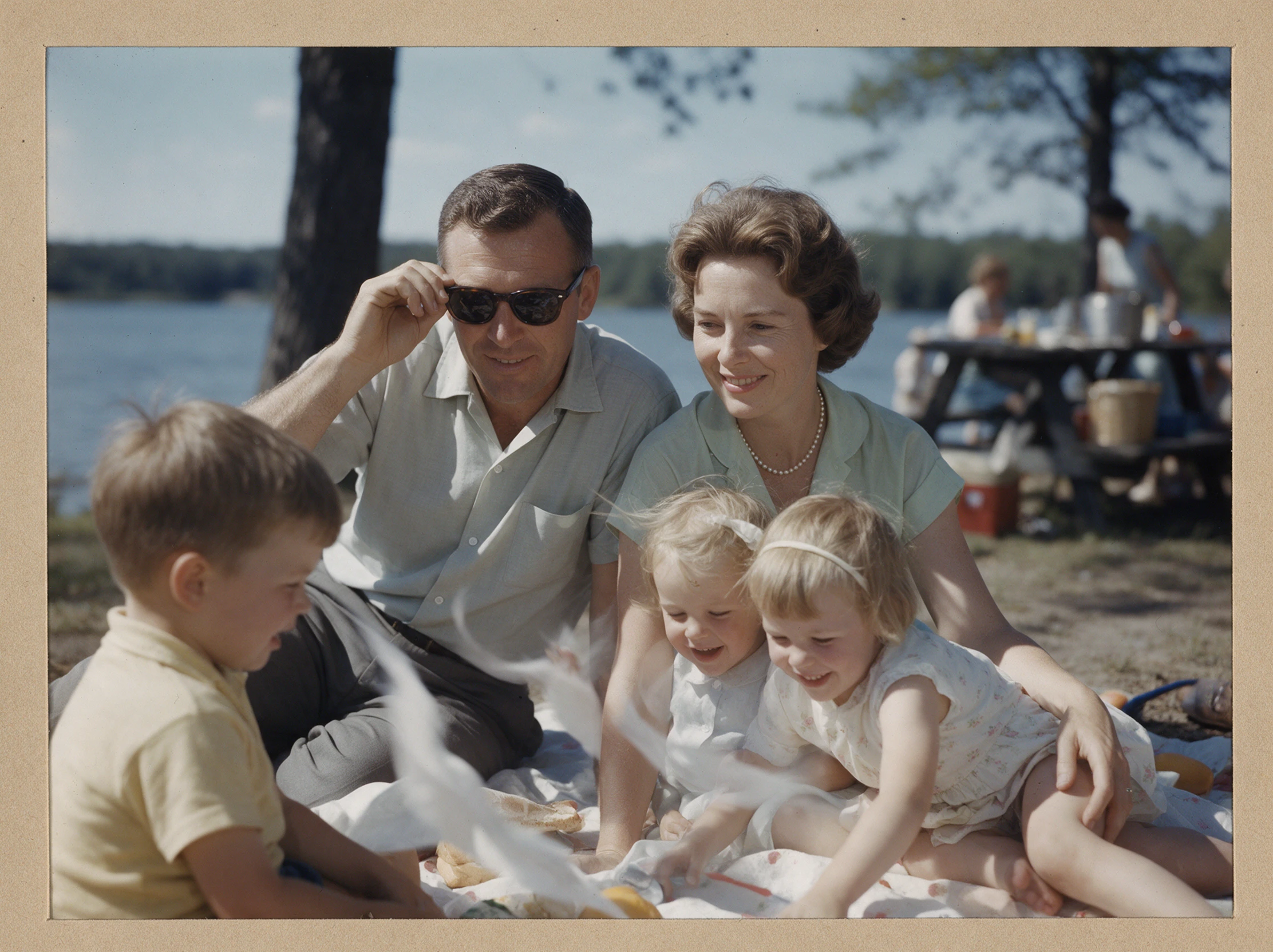

Bring old family portraits to life with Magiclight AI. Upload a photo, describe the movement you want, and turn the still image into a short video. No editing skills needed.
Animate Old Photos for Free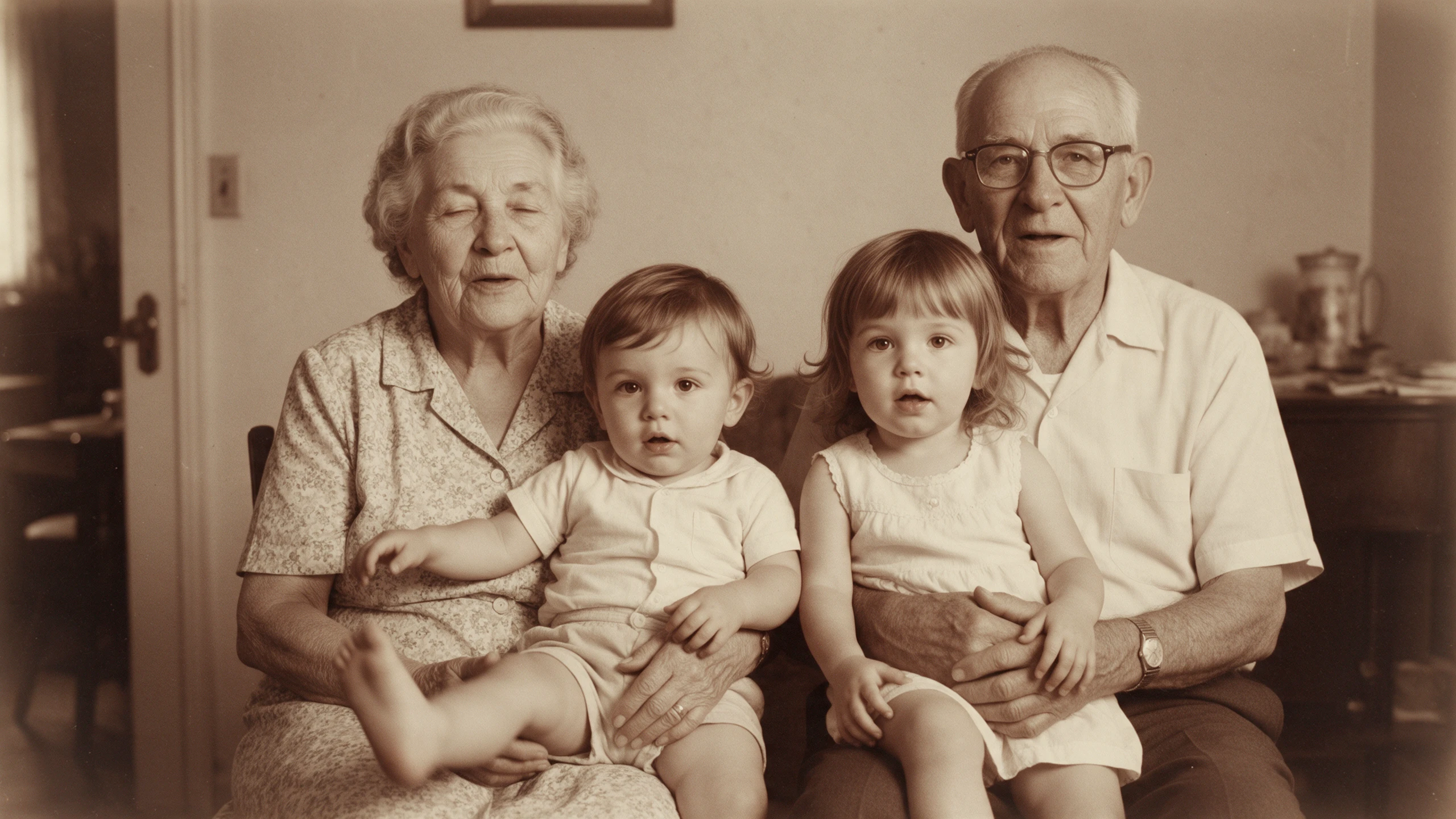










Some family photos show a serious face, while others catch everyone laughing. Magiclight AI lets you animate old photos with movement that suits the original picture.
A childhood picture can become a short video for the next family gathering. Magiclight AI lets you create 30 seconds of motion, so relatives have time to watch the familiar faces.
Create NowKeep the original scan safe on your computer before you start. Magiclight AI accepts JPG, PNG and JPEG pictures within 10MB, so check the size of your photo copy before uploading.
Create Characters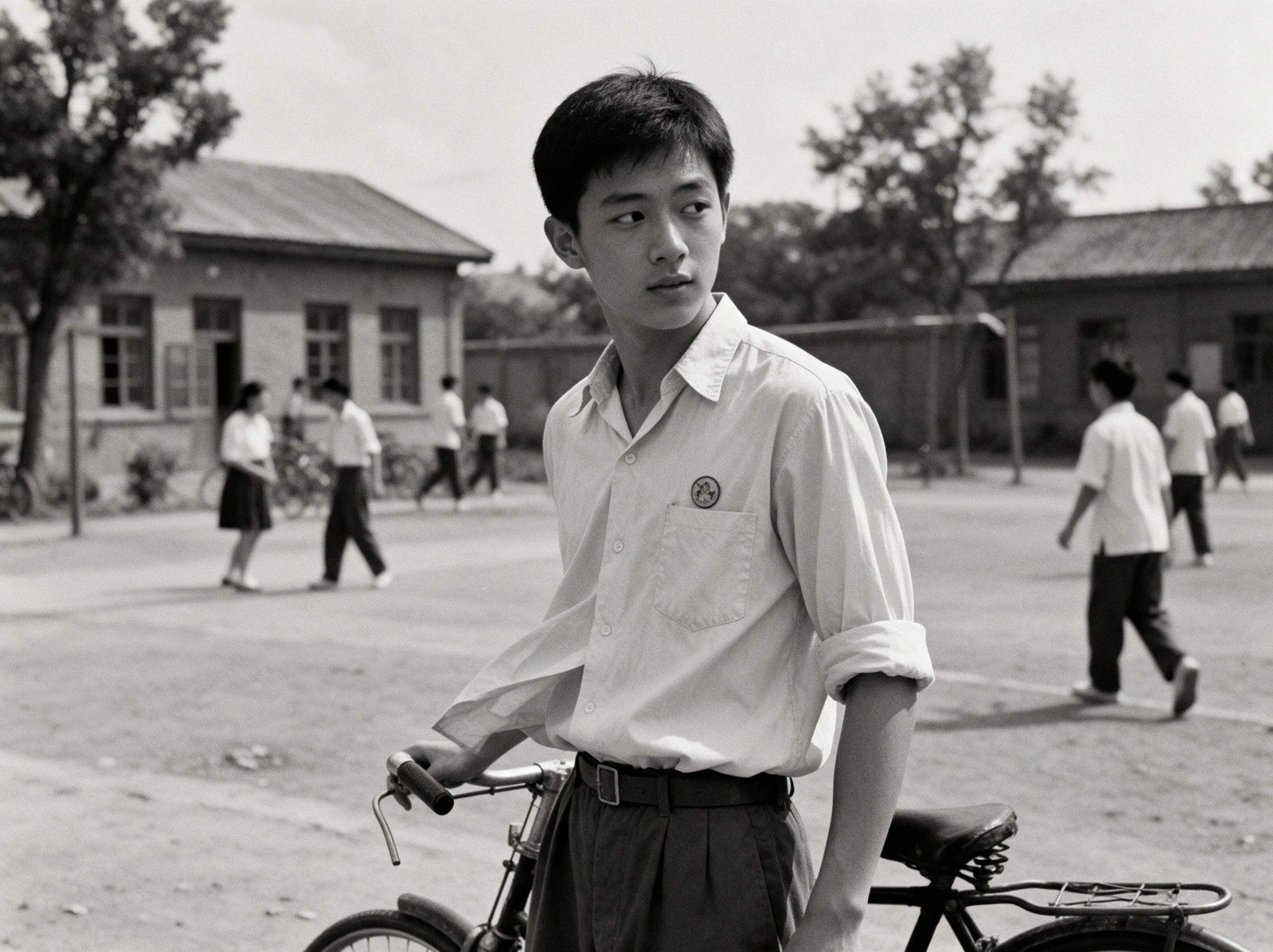
An old portrait may look different depending on the model you use. Magiclight AI has 20 AI video models to try, so check the faces before choosing one to share with your family.
Generate a Video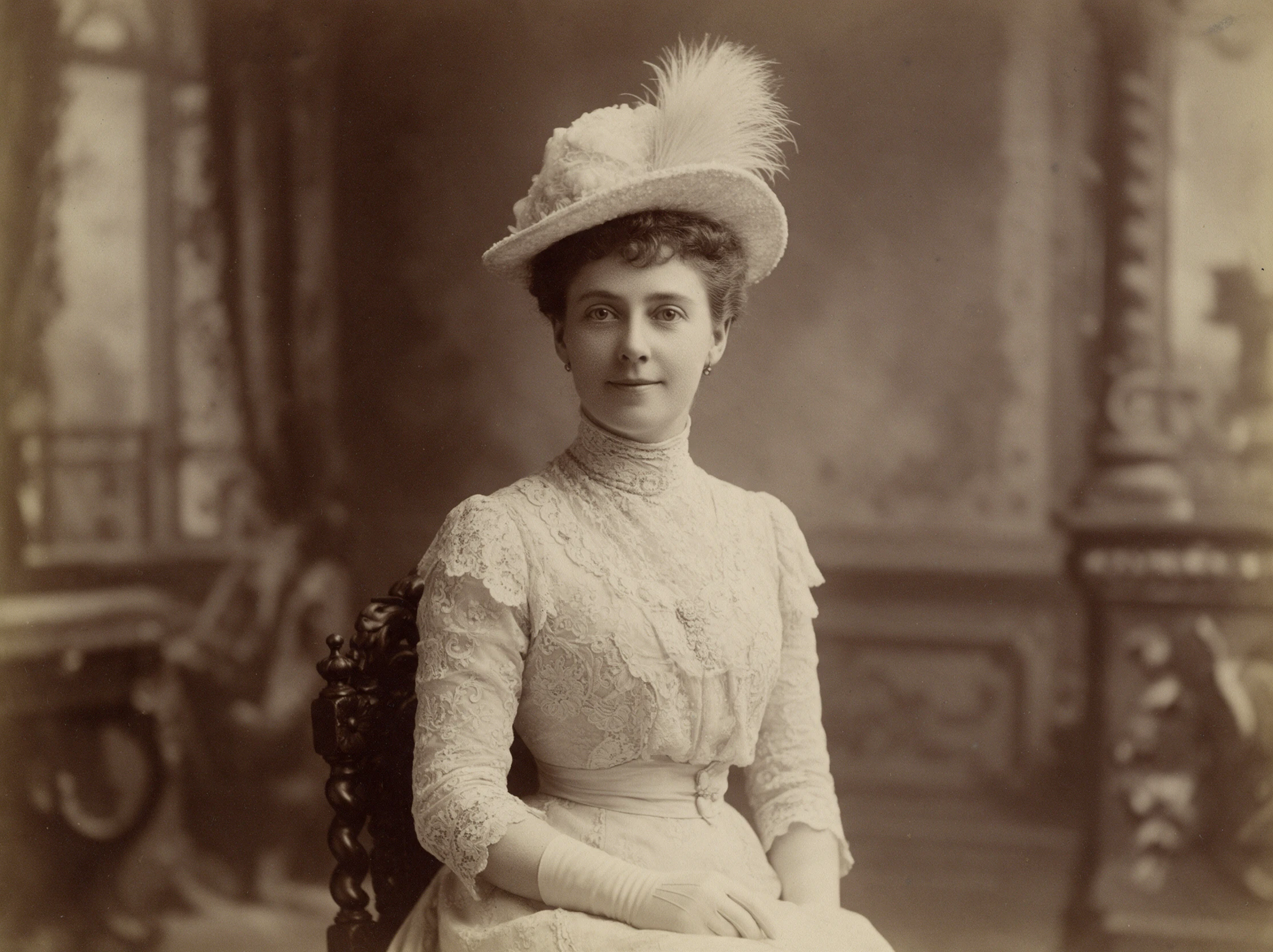
Choose the resolution that suits where your family will watch the animated video. Options include 720p, 1080p and 4K, with 4K available in a Seedance 2.0 model.
Start Creating


You only need 4 steps to animate old photos with Magiclight AI. Start with a picture from your collection, decide what should move, adjust the video settings, and save the result.
Head to the Video tab in Magiclight AI and add your scanned photograph. Use a JPG, PNG or JPEG file where the faces are easy to see, even if the original picture is quite old.
Enter an animation description for the people in your photograph. You might ask for a slow blink from your grandfather while everyone else stays still in the original scene.
There are 20 AI video models available in Magiclight AI. Pick one for your photograph, decide how long the clip should run, and use 9:16 for a phone video or 16:9 for a wider view.
Play the finished animation and look closely at the person's face. If something seems different from the photograph, change your instructions and try again before saving the video.
Family Genealogist
My great aunt's portrait was the first one I tried. The little blink looked lovely, though I kept the original beside it so our family could see what had changed.
Portrait Photographer
A customer brought in a faded wedding picture last month. Seeing the couple move was a nice extra, but I still checked every frame before sending the finished video.
History Teacher
The class got quiet when the old school photo started moving. Afterward, we talked about which parts came from history and which parts the software had imagined.
Content Creator
Old photos usually get a quick glance on my page. This one had people asking about the family in the picture, which gave me a reason to share the story behind it.
No. When you animate old photos with Magiclight AI, the movement is imagined from one picture. It cannot show exactly how someone moved in real life.
Not directly. Scratches across a face can affect the animation. Repair the scanned picture first if you want Magiclight AI to work from a clearer image.
Usually, but results can vary. Tell Magiclight AI to keep the original black and white look in your description if you do not want colors added.
Each model may handle an old face differently. Magiclight AI offers 20 video models, so you can try another if the first result changes someone's appearance.
A small movement rarely needs a long video. Magiclight AI supports 30 seconds with compatible models, but a few seconds may be enough for a natural smile or glance.
Only when the photo's usage rights allow it. Check the archive's rules, give credit where required, and tell viewers that AI generated the movement.



Open an old family album and pick a favorite picture. Animate old photos with Magiclight AI and see familiar faces move again.