








Hero background

AI Face Swap

Swap faces in photos and videos with MagicLight AI. Upload your images or video, choose the face you want to replace, and let AI create a realistic face swap. No manual masking or editing skills needed.

Create an AI Face Swap for Free
AI face swap photo and video creation
Nano Banana
Google VEO 3
Sora 2
Gemini
Hailuo
Kling
Midjourney
Qwen
Seedance
Wan
Nano Banana
Google VEO 3
Sora 2
Gemini
Hailuo
Kling
Midjourney
Qwen
Seedance
Wan

Top Features of Magiclight AI Face Swap

An AI face swap can give familiar photos and videos a completely different look. Magiclight AI provides reference-based image and video tools to help create personalized scenes.

10 Reference Images for Face Swaps

Upload up to 10 reference images to guide your face swap. Add different photos of the same person to help the AI understand all facial angles and features. Compare the results and choose the version that looks most natural.

Create Now
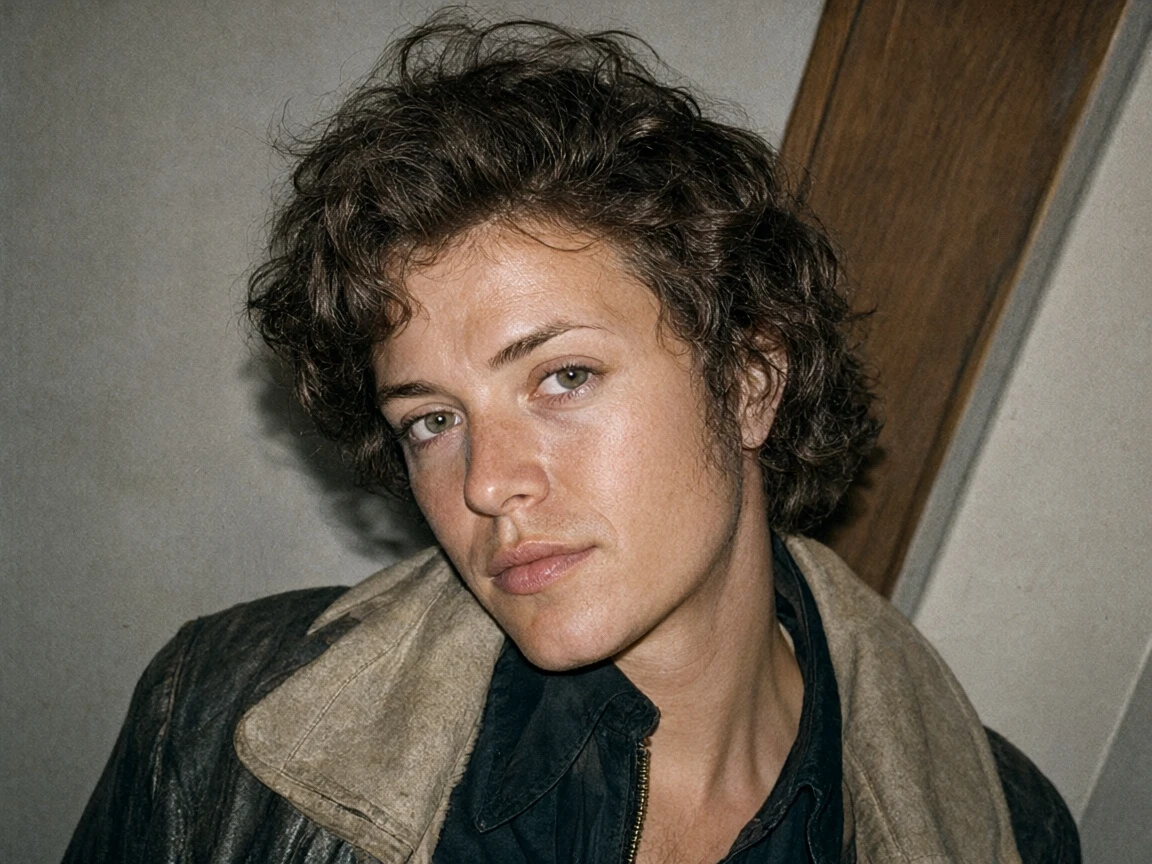
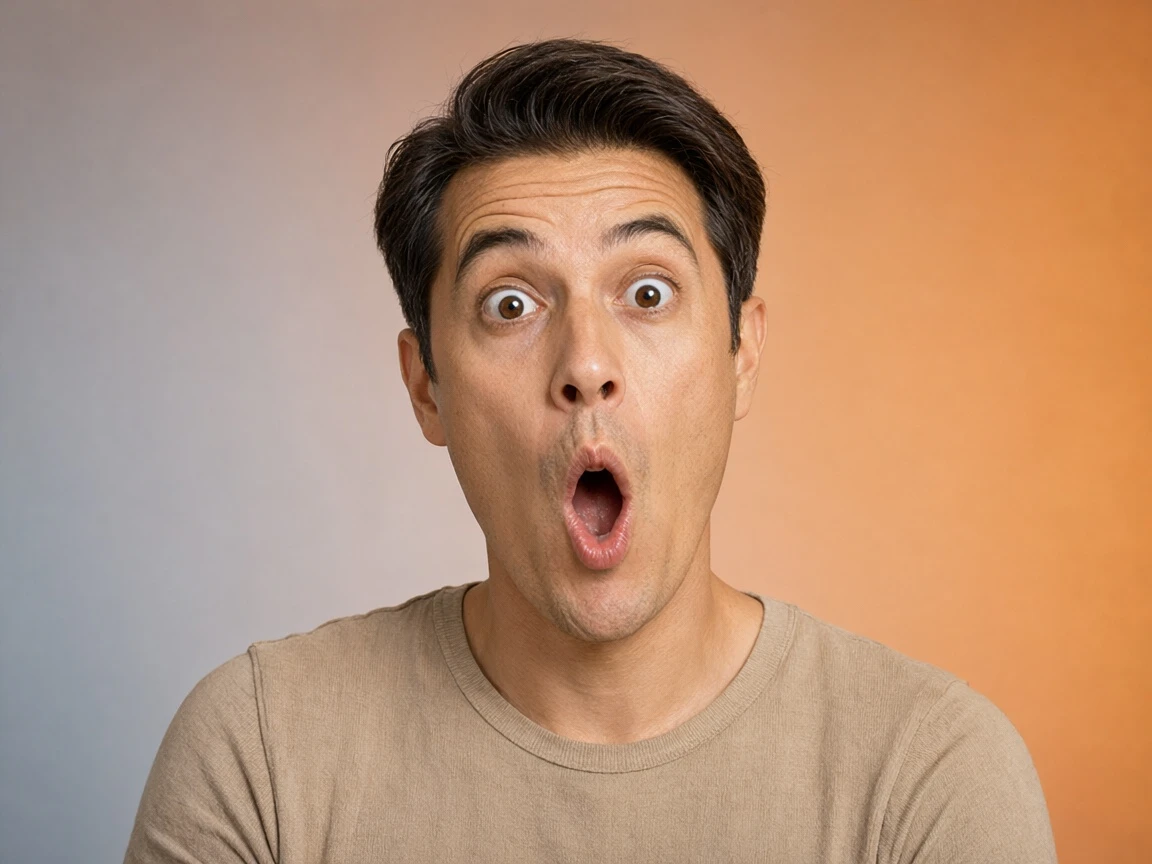
10 reference images for AI face swaps

Reference to Video for Moving Face Swaps

Add a facial reference and a source clip through Reference to Video. Magiclight AI uses the uploaded media to guide the person’s appearance and movement. Generate a new video featuring the referenced face and review the result.

Create Now
Reference to Video for moving AI face swaps

20MB Photos for Clearer Faces

Each reference photo can be 20MB in Magiclight AI. A clear JPEG, PNG, or WEBP image gives the model more facial information to work with, especially around the eyes and mouth.

Create Now
20MB reference photos for clearer AI face swaps

20 AI Video Models for Face Swap Clips

Explore 20 video models in Magiclight AI, including options from the Seedance family. Choose a compatible model for reference-based video creation and generate clips up to 30 seconds, depending on the selected model.

Create Now
20 AI video models for face swap clips
Who Can Use Magiclight AI Face Swap
Magiclight AI face swap helps creators experiment with different faces in photos and videos. Friends, social media creators, and costume enthusiasts can explore personalized visuals.
AI face swaps for friends and groups
For Friends and Groups
Upload up to 10 reference images to create funny face swaps in group photos.
Use Reference to Video to create playful clips featuring familiar faces.
Compare different results and share edited content with everyone’s permission.
AI face swap videos for social media creators
For Social Media Creators
Create vertical 9:16 face swap videos for Reels, TikTok, or Shorts.
Explore 20 AI video models for different facial movements and expressions.
Use facial reference images to guide recognizable characters in short clips.
AI face swap costume and character tests
For Costume and Character Tests
Upload a portrait and describe costume looks within 500-character prompts.
Use Reference Image to Image to preview your face in different settings.
Try Reference to Video to create moving character scenes from facial references.
Personalized AI face swap gifts
For Personal Gifts
Generate square 1:1 face swap portraits for personalized gifts.
Create short video greetings featuring consenting friends or family.
Download your favorite photo or video to share during special celebrations.

 How to Use Magiclight AI Face Swap

Magiclight AI face swap gives you a way to experiment with familiar faces in different settings. These 4 steps take you from choosing the photos or videos to saving your favorite result.

1.

Step 1. Choose the Photo or Video Mode

Open Toolbox in Magiclight AI, go for Reference Image to Image in Image section for photo face swaps. To create a face swap video, look for Reference to Video mode in Video.

2.

Step 2. Upload Your Face References

For photos, upload the main picture as Image 1 and the replacement as Image 2. Video creators can upload a clear facial image and reference clip.

3.

Step 3. Describe the Face Swap

In Image mode, use up to 500 characters to identify the face you want to change. For video, describe how the referenced person should appear and move in 1500-characters.

4.

Step 4. Generate and Check the Result

Choose the appropriate model and output settings, then generate the photo or video. Check facial details, lighting, and expressions carefully.

What Users Say About Magiclight AI Face Swap

Elara Whitcomb

Portrait Photographer

I had a family photo where one person blinked at the wrong moment. Using another picture as a reference across Magiclight AI gave me a result worth showing the family before printing.

Kieran Vale

Content Creator

I wanted to turn a funny face swap into a short video. I uploaded a friend's photo and a reference clip in Magiclight AI. Seeing the familiar face move made the idea much more entertaining.

Nadia Calder

Graphic Designer

A client wanted to see their face in a vintage movie poster concept. I tried different reference photos until the expression felt right. Magiclight AI made the initial design discussion easier.

Soren Bellamy

Social Media Manager

Our team needed a playful character video for a social campaign. We used a facial reference to create a new clip and compared the results across video models of Magiclight AI.

FAQs on AI Face Swap

Can I swap faces in a video with Magiclight AI?

Yes. Magiclight AI offers Reference to Video for creating personalized videos using facial references. Upload a clear face image and a source clip, then describe the desired result.

When is swapping someone's face acceptable?

Ask the person for permission before using their face. A funny edit between friends is fine when everyone understands it's altered. Never present the result as a real event.

Can I use a celebrity's face in my picture?

Famous faces can raise privacy and publicity rights concerns. Magiclight AI may reject certain requests involving real people. Use your own photos with the person's consent.

Do photo and video face swaps use the same tool?

No. Photo face swaps use Reference Image to Image in the Image tab. For videos, open Reference to Video in the Video tab. Both workflows use reference images, but video generation also involves motion, duration, and video models.

Will the replacement face look natural?

Results depend on photo quality and how closely the face angles match. Similar lighting helps too. Check the eyes and jawline carefully before deciding whether to keep the result.

Can I create face swaps for social media?

Yes. Magiclight AI supports 1:1 images for profile pictures and 9:16 videos for mobile social platforms. Create a photo face swap or generate a short personalized clip using facial references.

Create a Perfect Swap of Faces With Magiclight AI

Give familiar faces a different look in photos or bring them into personalized videos. Give the idea a try with Magiclight AI face swap and see how it turns out.