Hero background

AI Face Generator

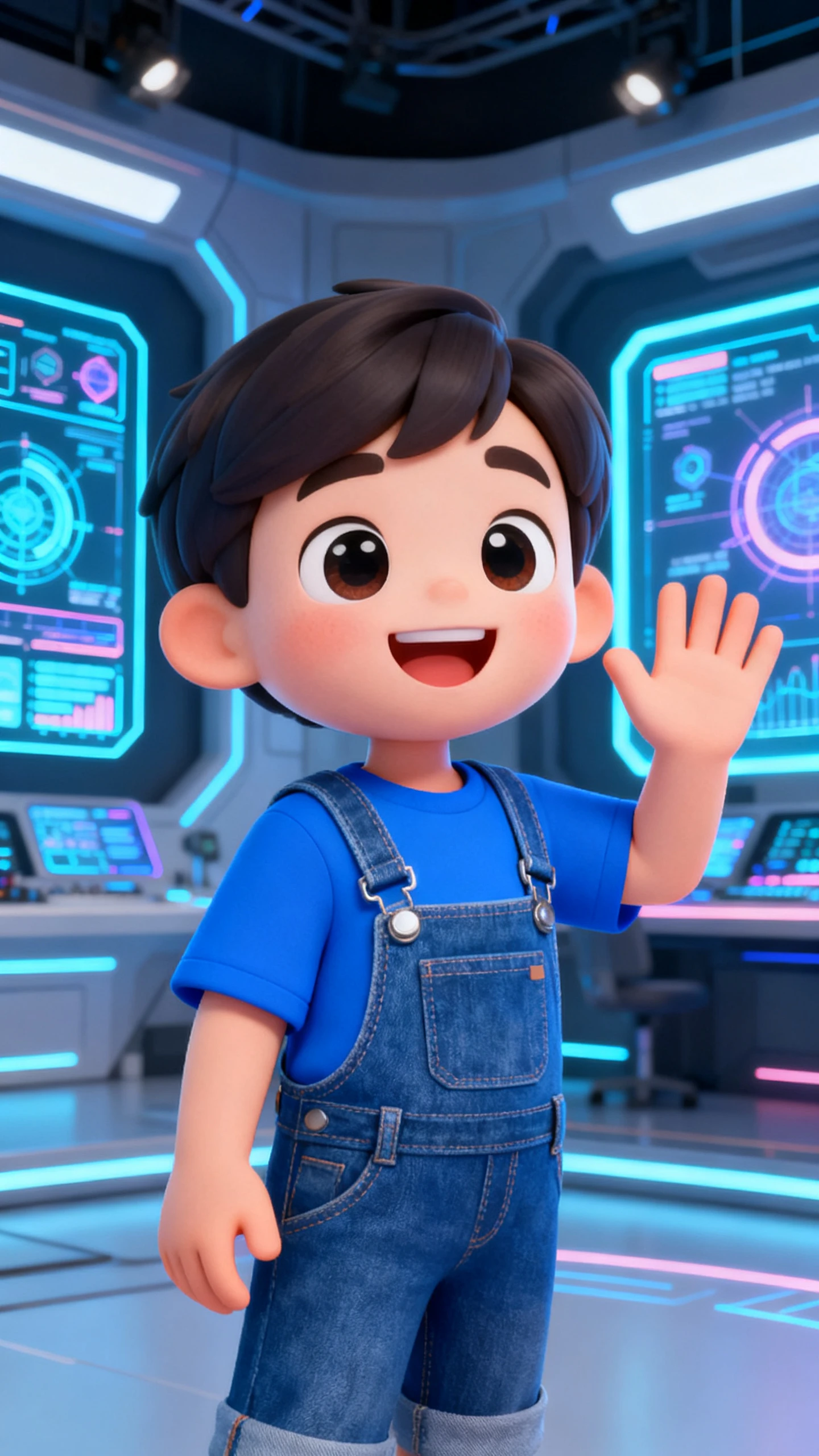
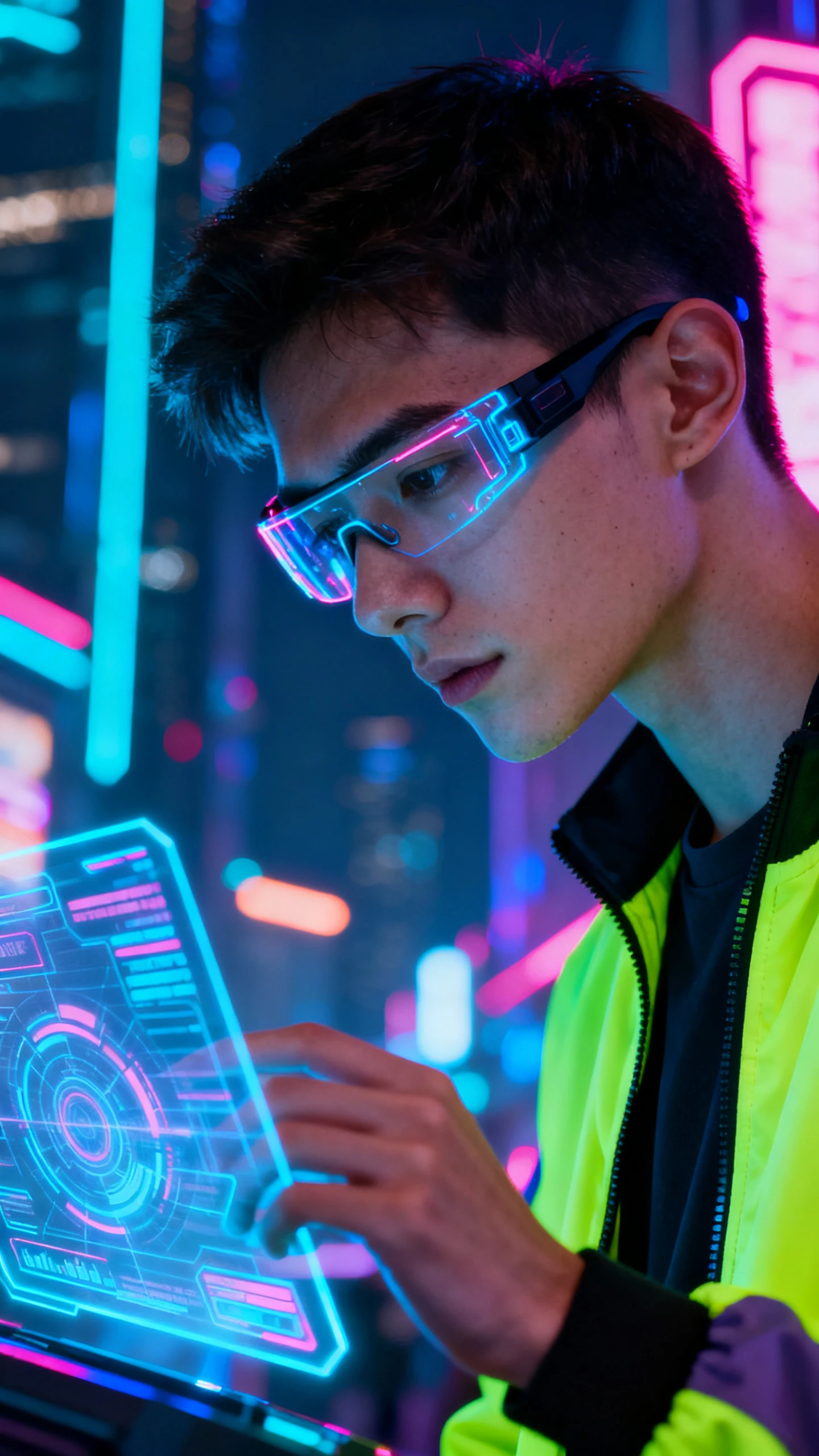
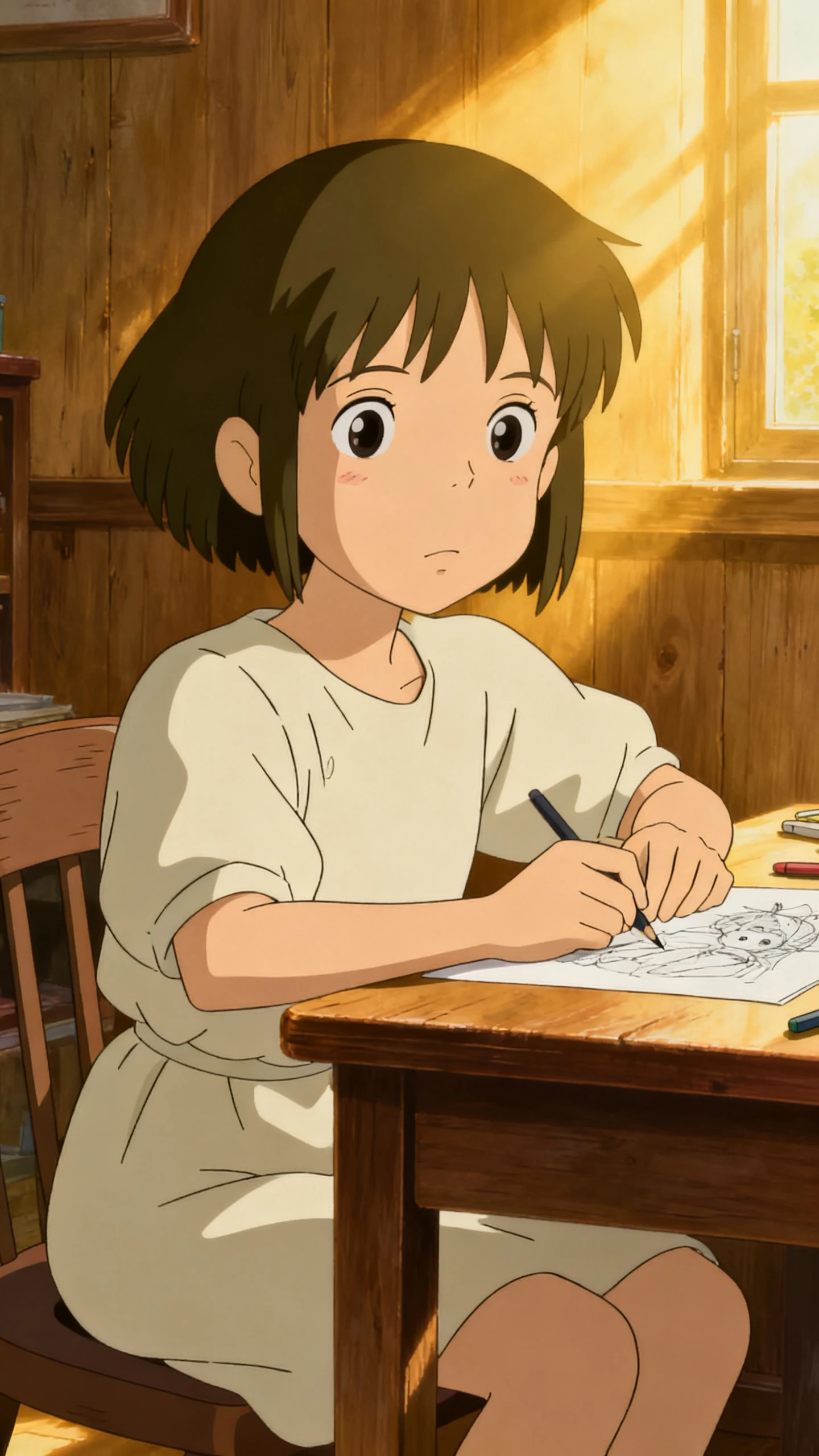
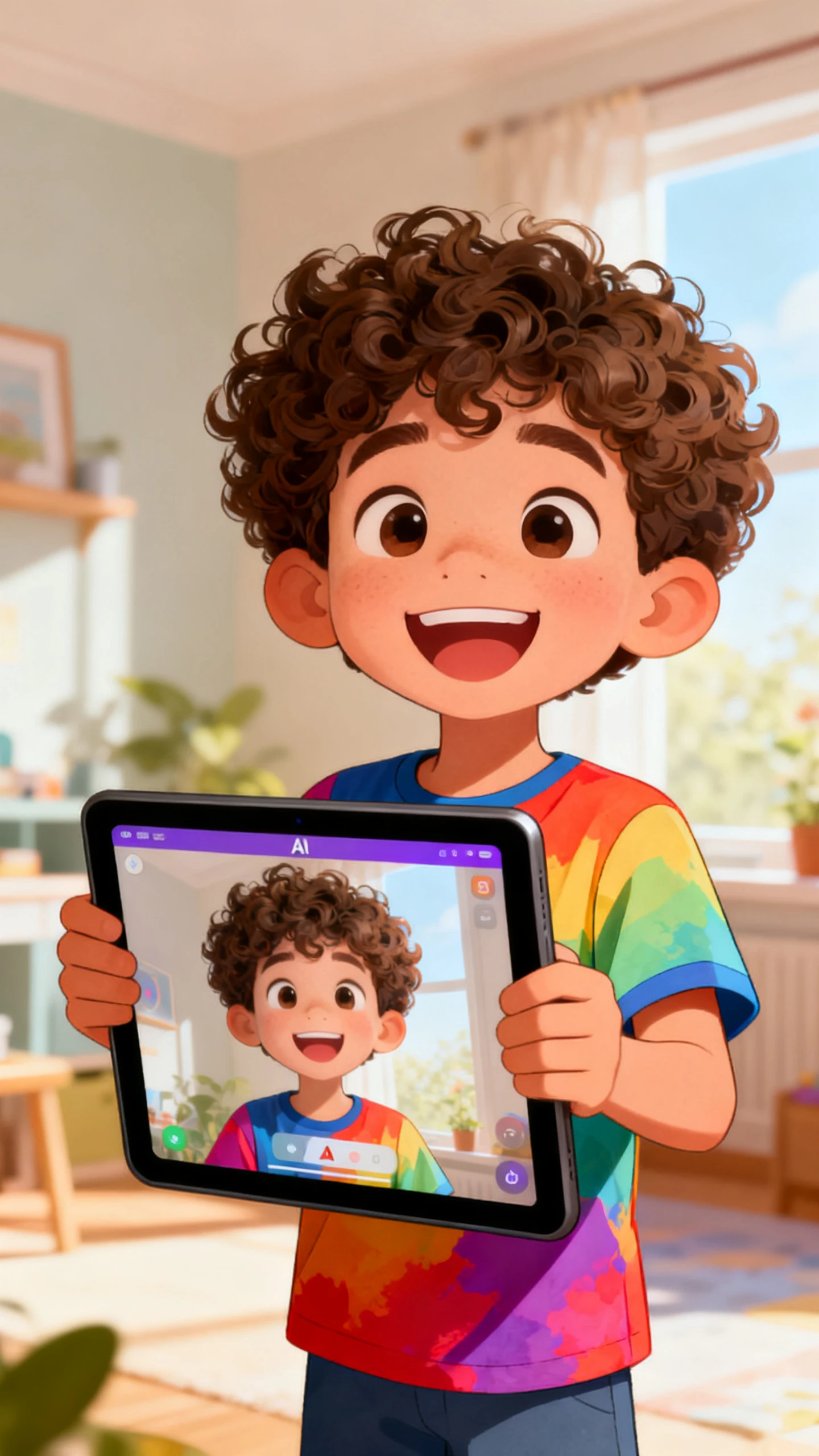
Magiclight AI helps creators, brands, designers, and educators turn prompts or photos into styled faces that can become reusable video characters.

Create AI Face For Free
 AI Face Generator
AI face generator from photo
free AI face generator
 AI Face Generator
AI face generator from photo
free AI face generator
 AI Face Generator
AI face generator from photo
free AI face generator

Explore Features of Magiclight AI’s Face Creation Workflow

A face needs more than a static image. Magiclight face AI generator builds styled, reusable faces from prompts or photos, then prepares them for video.

Explore the video generator
3D decoration

Create Faces From Photos

Upload a clear photo and guide the look with a short prompt. The AI face generator from photo workflow builds a styled face while keeping the creative direction flexible.

Write Faces From Scratch

Describe age, mood, expression, hair, and character style. The AI face generator free workflow shapes a new face without needing a starting image.

Match Styles to Content

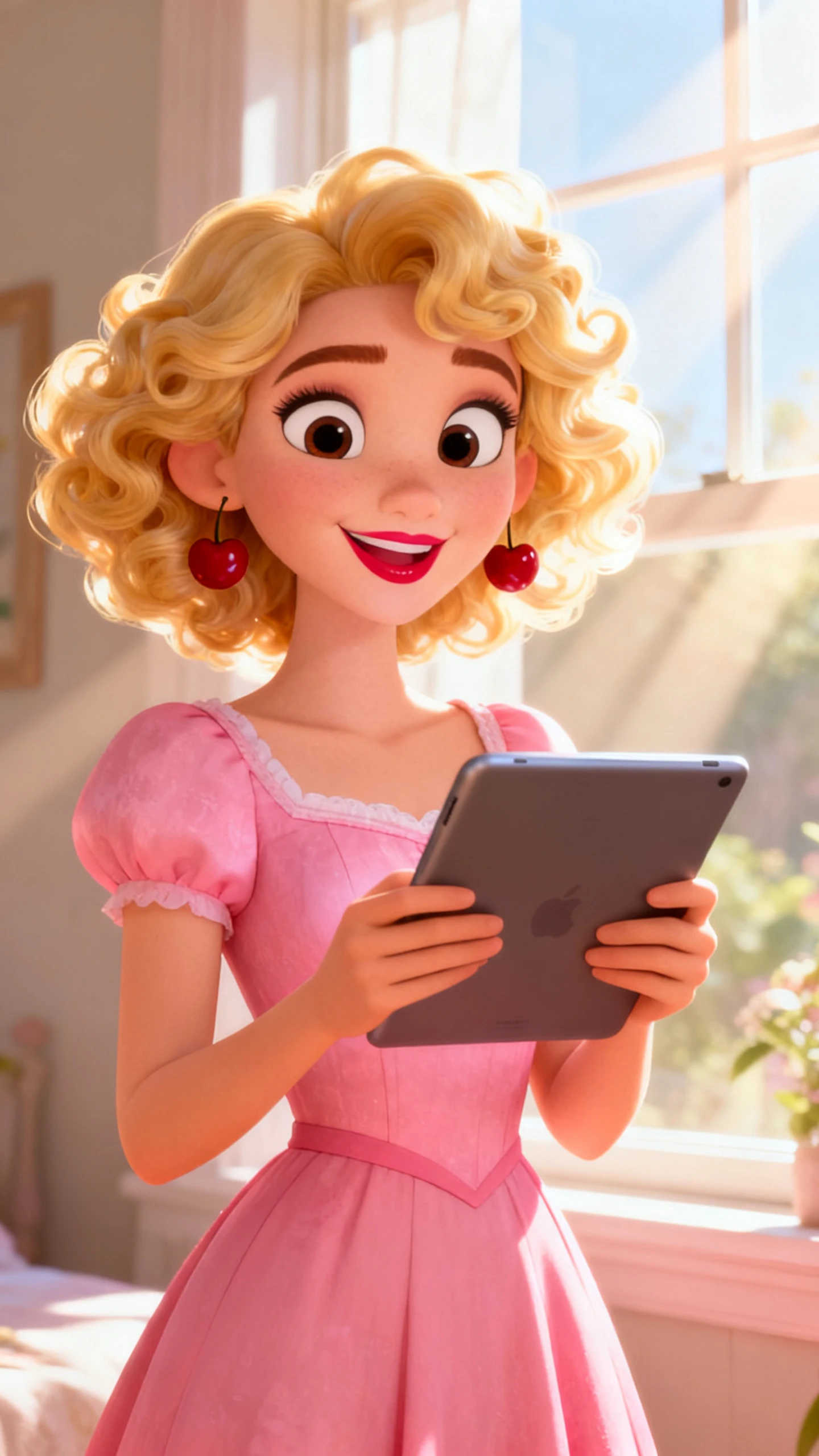
Choose realistic, cinematic, anime, illustration, or Pixar-style 3D looks. Each style keeps the face polished and consistent across future uses.

Animate Faces Into Clips

Move the generated face into image-to-video, add motion guidance, and create a face generator video for posts, demos, or character content.

Who Gets the Most Out of an AI Face Generator App
Magiclight AI face generator app supports creators who need faces for channels, brands, games, or lessons. Each group turns the result into a different output.
Content Creators and Faceless Channels
For Content Creators and Faceless Channels
Generate a reusable face for YouTube, TikTok, or Shorts.
Animate the face without showing your own identity online.
Keep one recognizable character across a content series.
 Brands and Marketing Teams
For Brands and Marketing Teams
Create campaign faces for spokesperson videos and explainers.
Match the face style to brand tone and audience.
Use voice, music, and subtitles for campaign delivery.
Game Developers and Character Designers
For Game Developers and Character Designers
Draft character faces for pitches, demos, and game worlds.
Test anime, cinematic, or stylized looks quickly.
Keep a clear face direction before production begins.
Researchers and Educators
For Researchers and Educators
Build presenter faces for lessons and visual demos.
Use generated faces without arranging a photo shoot.
Turn classroom ideas into short character-led videos.
Why Magiclight AI
Is the Best AI Face Generator
A static free AI face generator ends with a picture. Magiclight AI moves further by saving the face, adding voice, shaping scenes, and creating video.
Keep One Face Across Scenes
The same face can stay stable across expressions, outfits, and shots. Your character feels continuous instead of changing with every generation.
Build Videos in More Languages
With 11 language options, one face can deliver content for different audiences. Subtitles and voice-overs help the same character travel further.
Control Expressions Before Rendering
Nano Storyboard lets you adjust pose, camera angle, and expression before export. Important close-ups feel directed, not randomly framed.
Skip Studio and Model Setup
Start from a prompt or uploaded photo without booking talent, lights, or photography. Magiclight AI handles production inside one workspace.
Add a Voice to the Face
Choose from 37 voices or clone your own for narrated face videos. The AI face video generator workflow turns a still portrait into a speaking asset.
Prepare Face Videos for Platforms
Export options help the result work for social posts, teaching clips, thumbnails, or brand demos. The face moves from concept to usable asset faster.

How to Use Magiclight AI’s  AI Face Generator in 4 Steps

From photo or prompt to styled face and video, the workflow stays clear. The AI face generator from photos helps you start with existing images.

1.

Upload a Photo or Describe the Face

Start with a reference photo or write a detailed face description. Add age, expression, hair, mood, and style notes so Magiclight AI understands the direction.

2.

Choose a Visual Style

Select realistic, cinematic, anime, illustration, or Pixar-style 3D. The selected look guides the face design and keeps the output consistent.

3.

Animate and Refine the Face

Move the face into video generation, then adjust expression, pose, and camera angle in Nano Storyboard. This improves the final clip before rendering.

4.

Add Voice, Music, and Export

Pick a voice, add background music, choose subtitles, and export. With the AI face video generator, the result is ready for social, lessons, or presentations.

FAQ on AI Face Generator

What is an AI face generator, and how does Magiclight AI work as one?

An AI face generator creates styled faces from prompts or uploaded photos online. Magiclight AI also animates faces, adds audio, and prepares reusable video characters.

Is Magiclight AI’s face generator free to try?

You can explore Magiclight AI’s face generator workflow before upgrading. Check current plan details because limits, exports, and tools may change.

Can I generate an AI face from my own photo?

Yes, the AI face generator from the photo workflow starts with your upload. In Magiclight AI, style choices turn that reference into a polished character.

Can I use several photos for better face direction?

Use the AI Face Generator from the photos workflow when references need clearer direction. Magiclight AI uses your prompt and images to shape the final result.

Can the generated face become a video?

Yes, the Magiclight AI face generator video workflow can animate selected faces. Add voice, music, and subtitles to turn the face into content.

What makes it useful for brands and creators?

The face can stay consistent across different scenes, clips, and campaigns. With Magiclight AI, one character can support repeat content without reshoots.


Create AI Faces and Face Videos With Magiclight AI

Turn one prompt or photo into a styled character with voice, motion, and export. Magiclight AI helps bring the face into video without studio work.