Explore the Magiclight AI Jersey Generator Features
Pick the look you want for your club shirt and let the Magiclight AI jersey generator show it on a jersey. You can try a new pattern without drawing the design yourself.

A new season deserves a jersey everyone can get behind. Use Magiclight AI to try your club colors on a fresh design and see whether the look feels right for your players. No drawing skills needed.
Create an AI Jersey for Free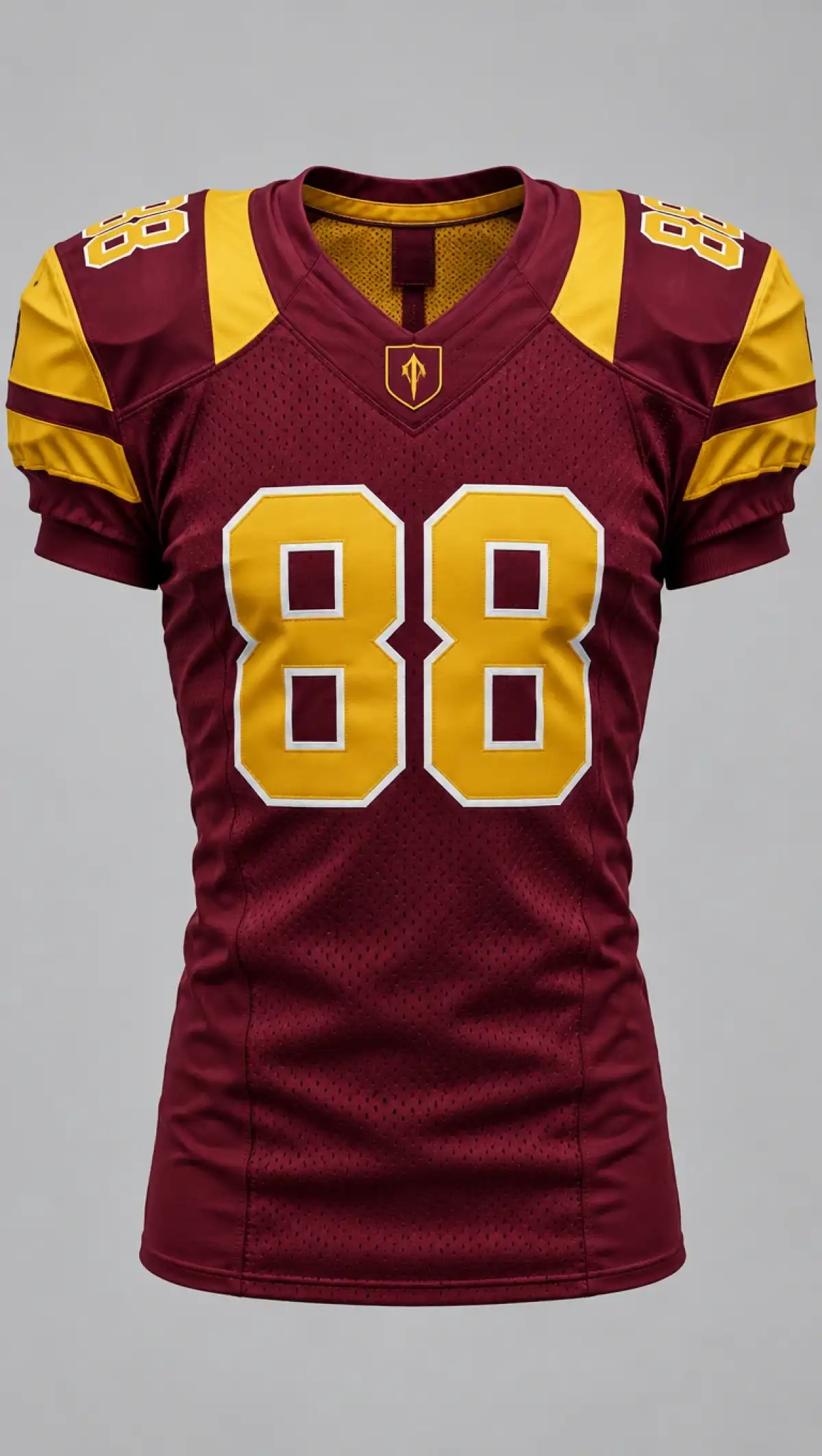
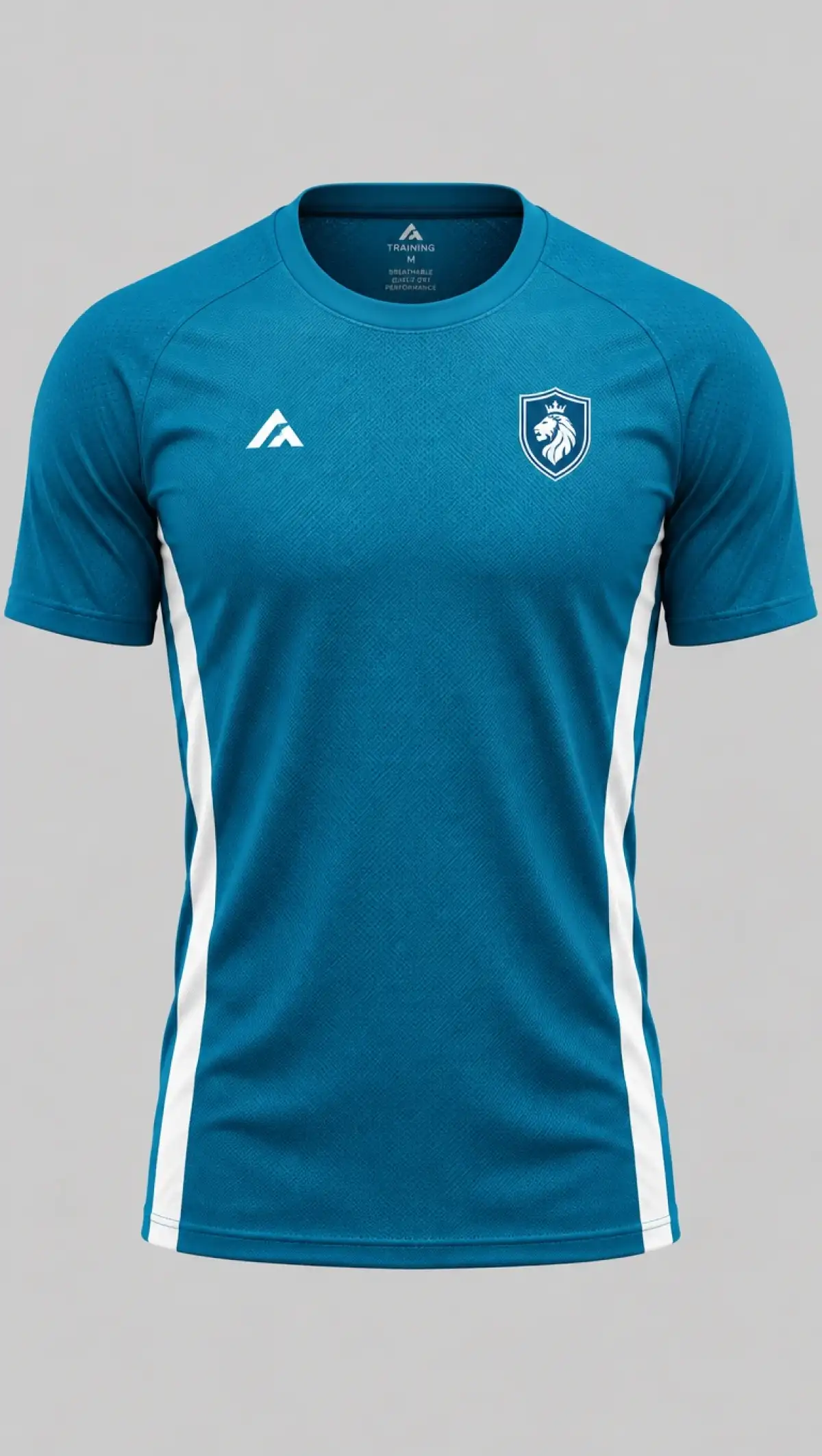
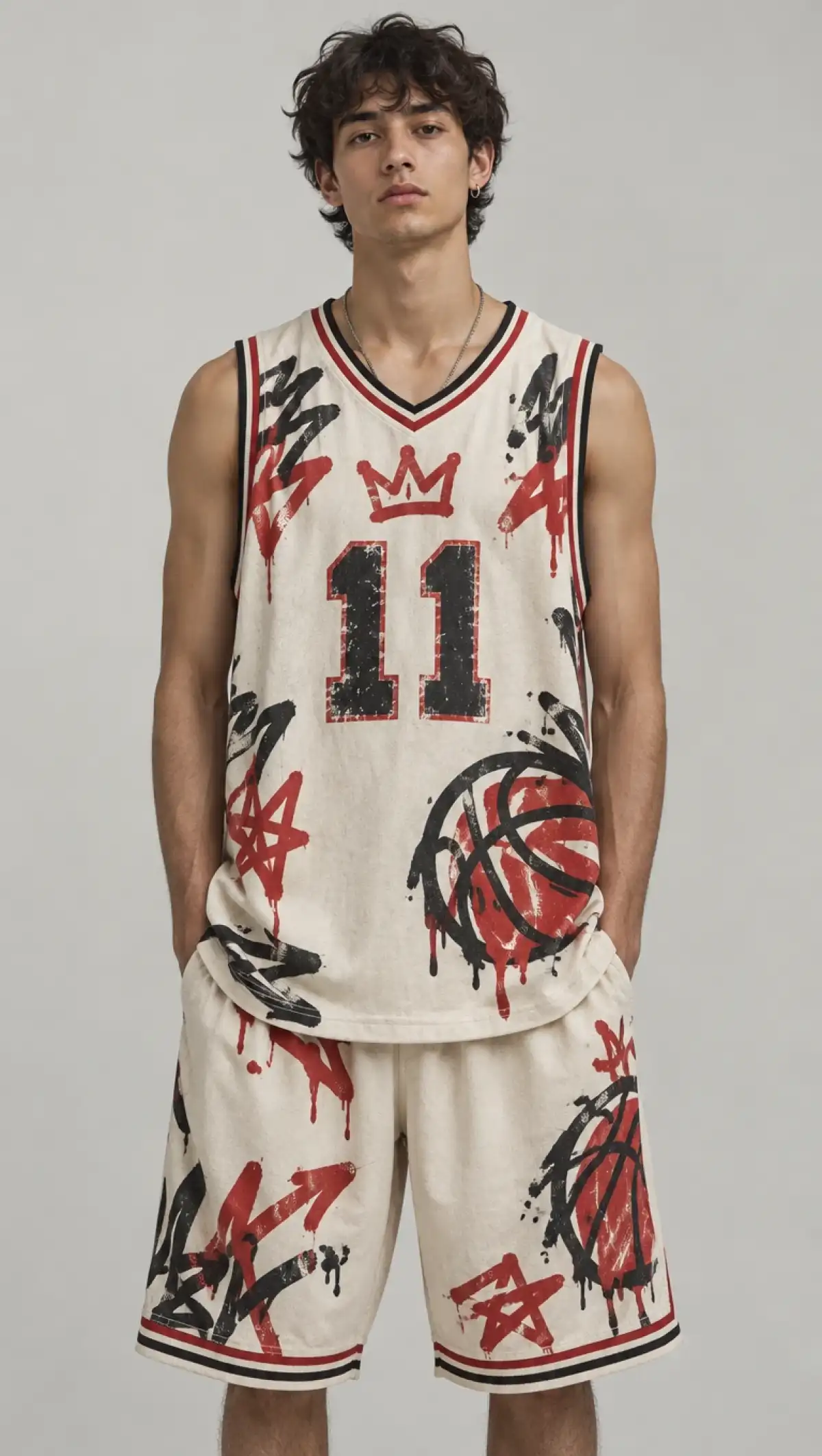
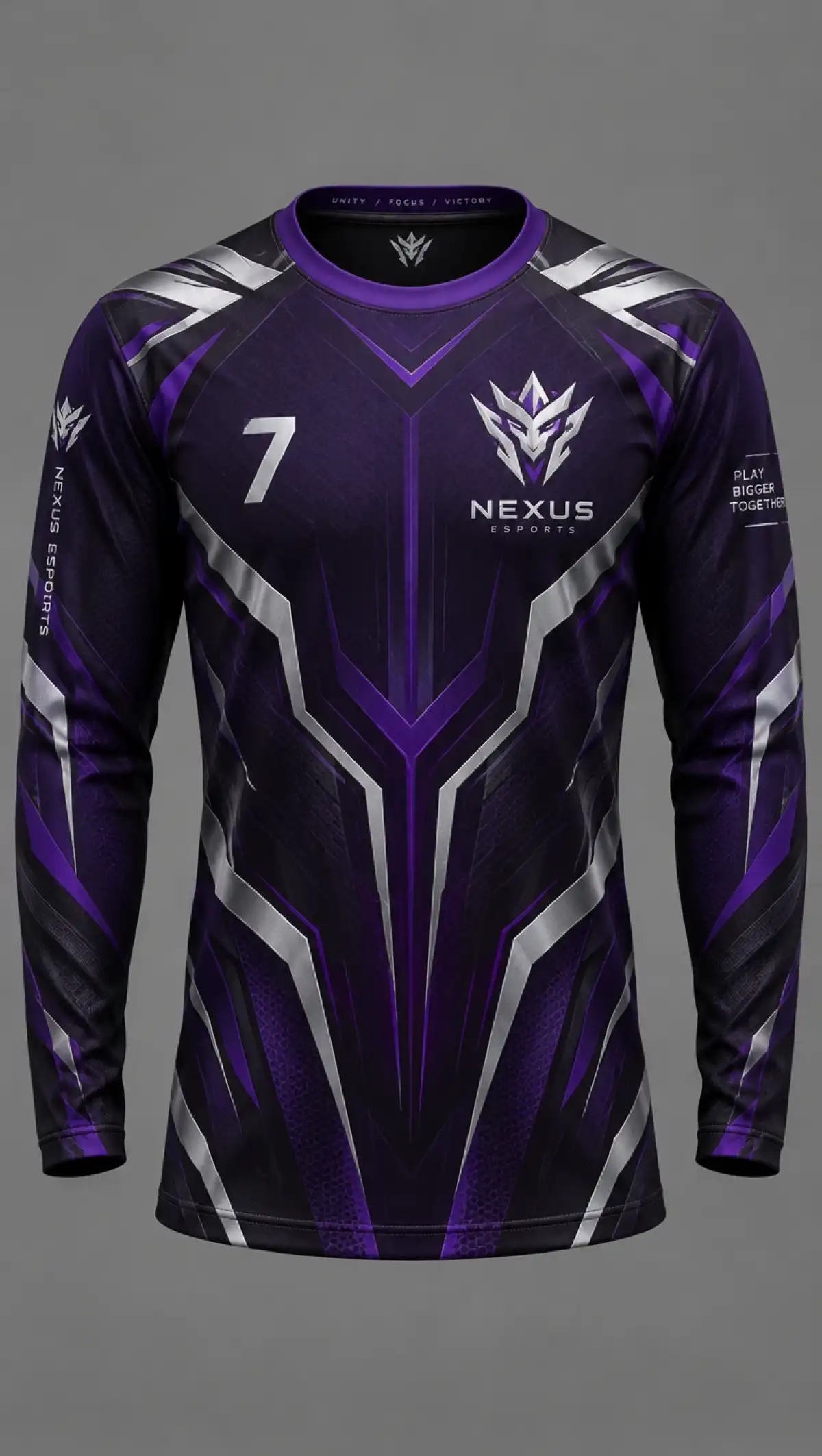
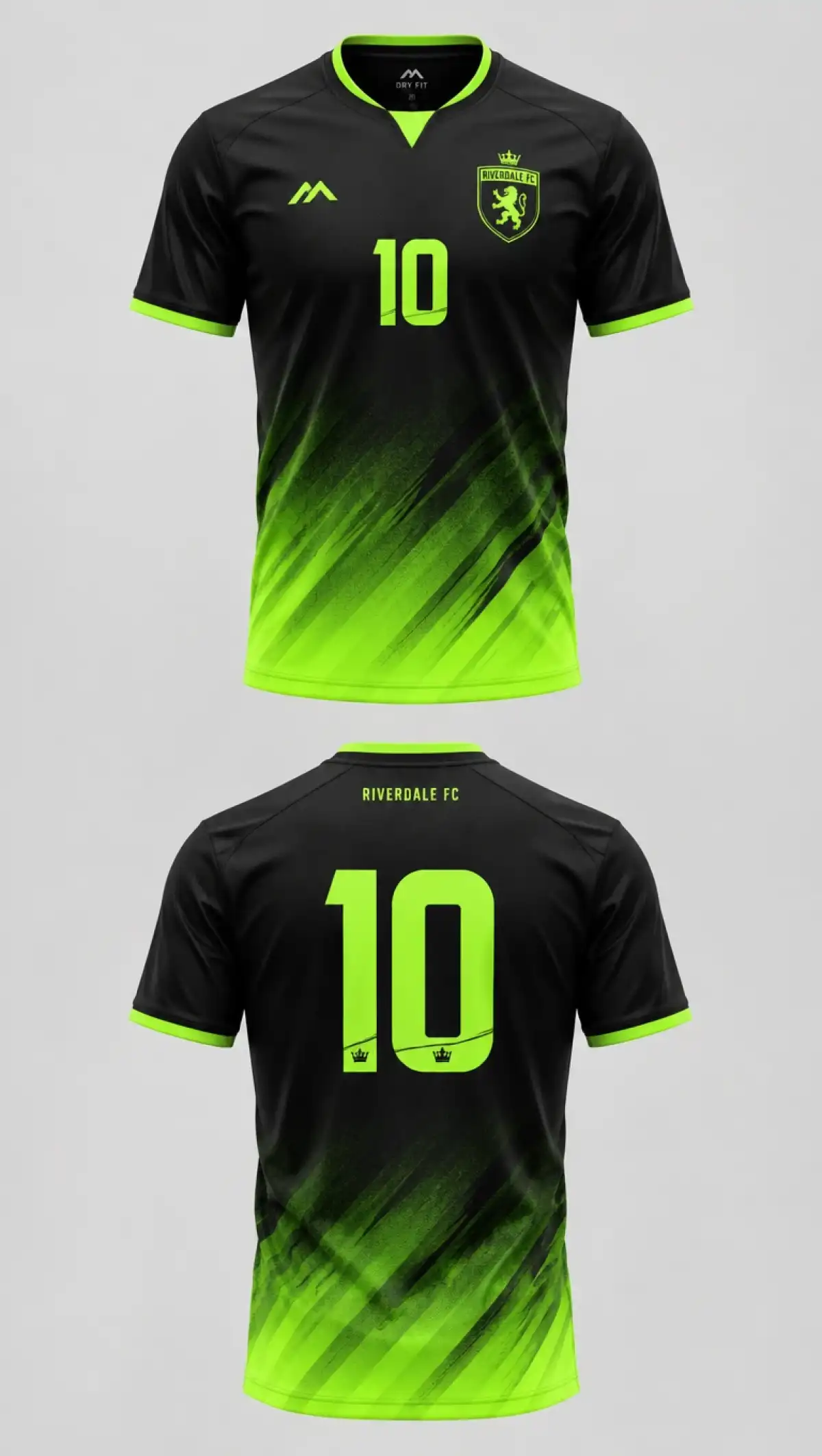
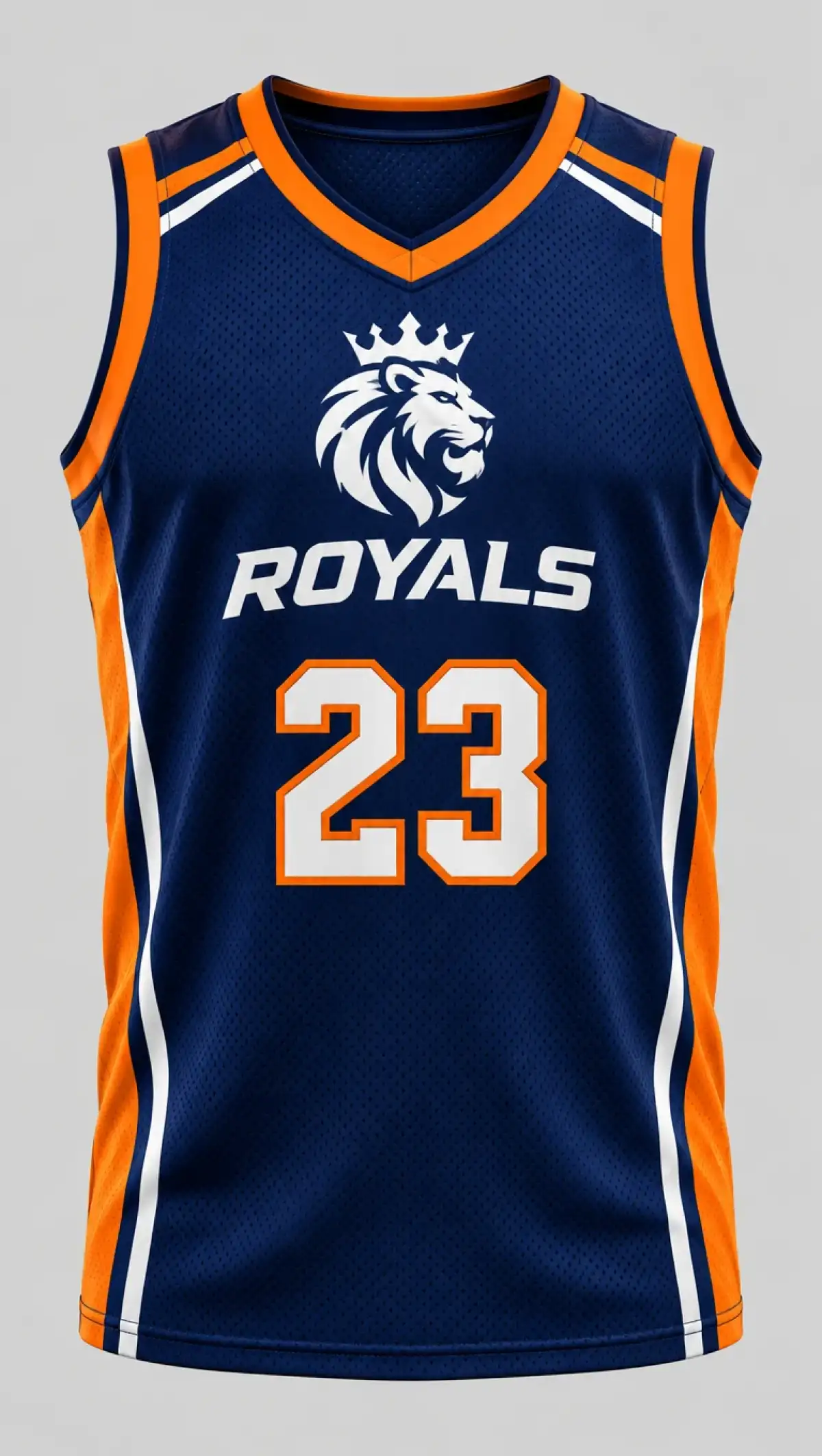
Pick the look you want for your club shirt and let the Magiclight AI jersey generator show it on a jersey. You can try a new pattern without drawing the design yourself.

Tell Magiclight AI how you want the jersey to look, from its main color to the sleeve trim. It turns your description into a shirt image that you can show your team before they choose.
Upload a picture of your club badge as a reference for the jersey. Magiclight AI uses it to guide the chest design, giving your team a way to see its familiar crest on a new shirt.
Add 10 reference images showing your club colors, sponsor artwork, and jerseys you like. Magiclight AI uses these pictures to guide the look of your shirt without a sketch.
Use 500 characters to describe the jersey you have in mind. Mention the collar shape and shirt number you prefer. Magiclight AI turns your notes into a design that your club can review.


A fresh jersey can give your team something to look forward to next season. With Magiclight AI jersey generator, you can create your design in 4 steps without drawing it.
Enter the Image section in Magiclight AI and select Text to Image to start with a description. You can also use Reference Image to Image to upload a reference image of your club badge.
Use the 500-character field to describe the shirt you want. Include your club colors and the collar style. You can also mention the player's name and number for the back.
Choose from 10 image models and select a picture size that suits your jersey. Use 1:1 for a square design or 4:3 for a wider view of your team kit.
Start image creation and wait for your jersey designs to appear. Check the club badge and shirt number on each result. Save your favorite design to share with the team.
Magiclight AI jersey generator can add player names and shirt numbers to your design. Check the lettering carefully, as AI image models may not always reproduce text correctly.
Professional club badges and kit designs may be protected by copyright. Create your own jersey style and use sponsor logos only when you have permission from their owners.
The Sports Logo Maker helps you create a badge for your club. You can then use that badge as a reference in the jersey generator to see how it looks on the team's shirt.
Magiclight AI accepts 10 reference images for a jersey project. You can include pictures of existing shirts and club badges to help the design follow your team's identity.
A 1:1 image works well for showing a jersey in an online shop. Choose 4:3 when presenting the design to your club committee, as it gives the shirt a wider frame.
Commercial use depends on your Magiclight AI plan. Check your plan's terms before selling jerseys, and make sure your club has permission to use any logos in the design.



Put your team's identity on a new shirt with the Magiclight AI jersey generator. See the design before placing an order.