
Hero background

Soccer Logo Maker

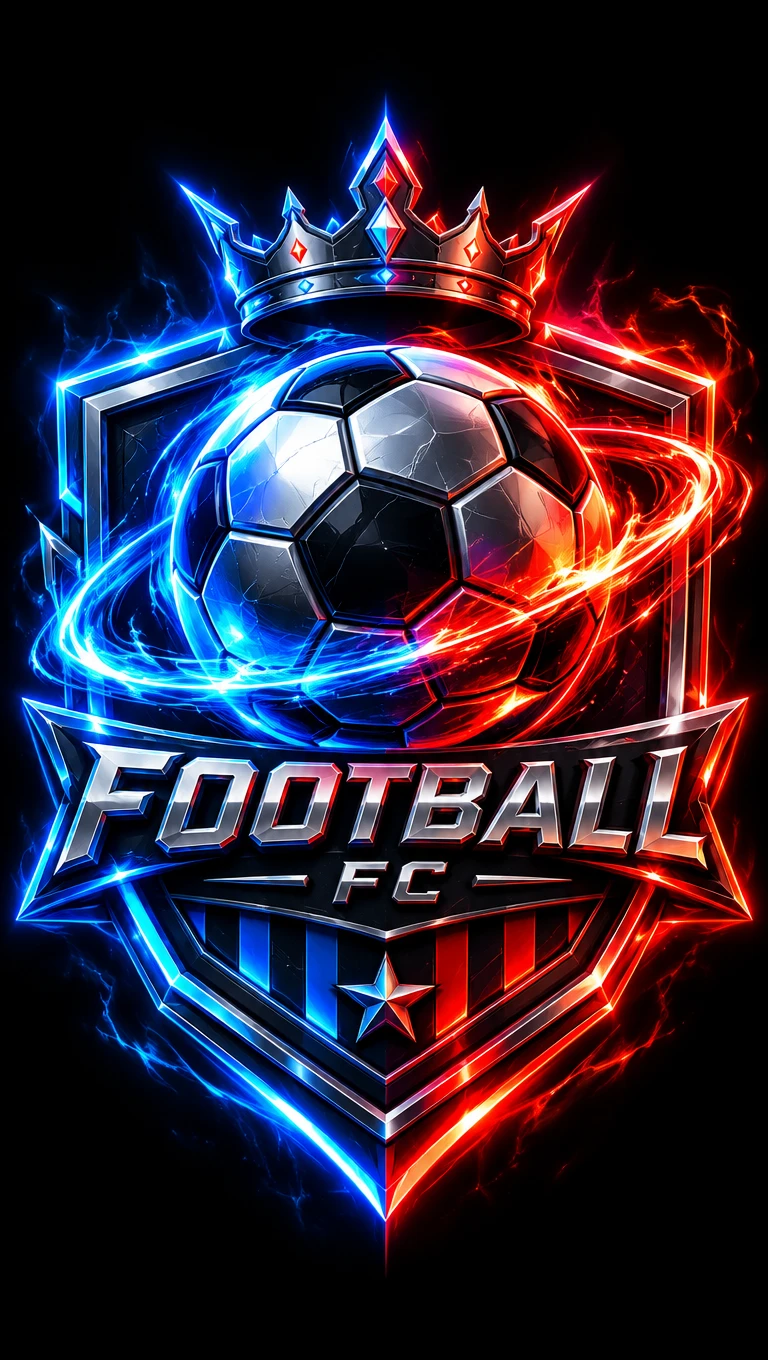
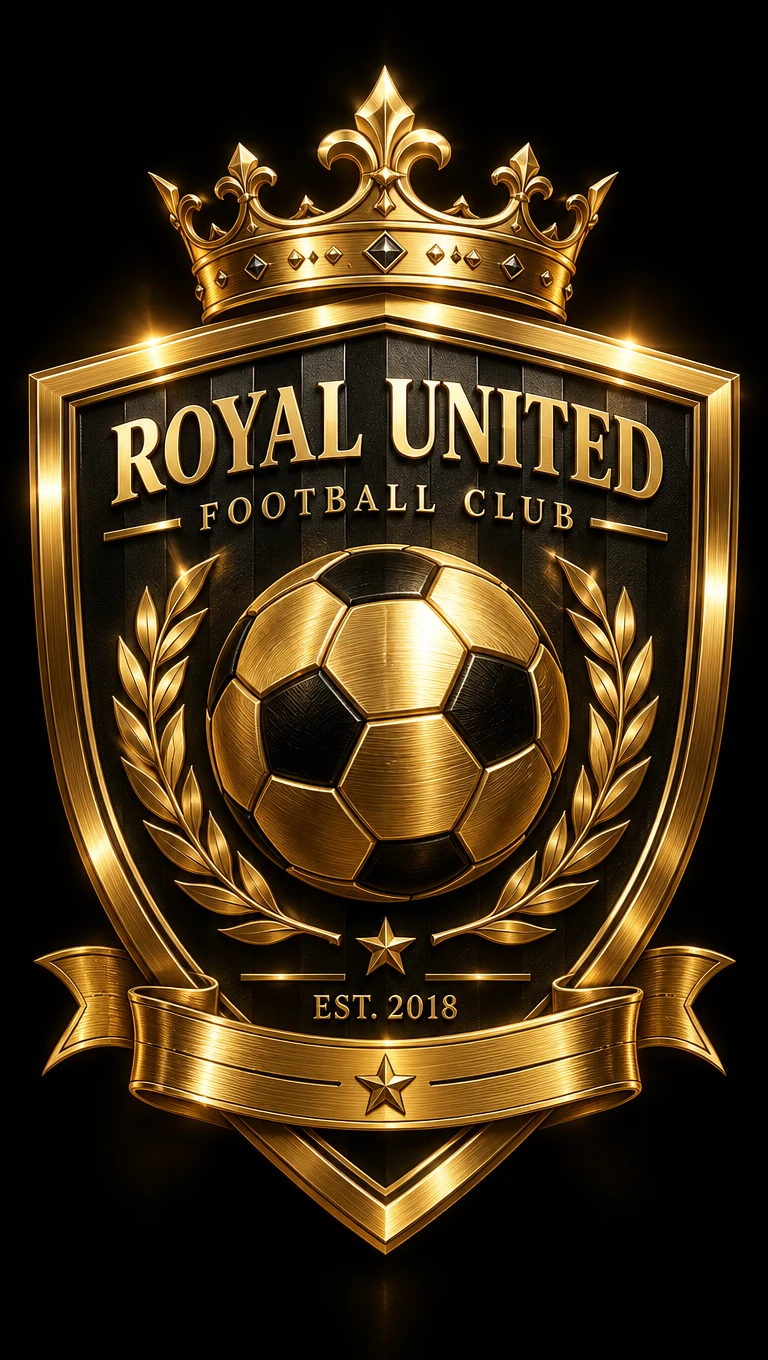
Create a personalized soccer logo with Magiclight AI Soccer Logo Maker. Enter your club's name, describe your preferred colors, and turn your ideas into a custom team crest. No design skills needed.

Create a Soccer Logo for Free
AI Soccer Logo Maker Team Crest Design 1
Custom Soccer Club Badge Design 2
Personalized Soccer Team Crest Design
AI Generated Soccer Logo Inspiration
Custom Football Club Logo Example 5
Personalized Soccer Crest Example 6
AI Soccer Logo Maker Team Crest Design 1
Custom Soccer Club Badge Design 2
Personalized Soccer Team Crest Design
AI Generated Soccer Logo Inspiration
Custom Football Club Logo Example 5
Personalized Soccer Crest Example 6

Top Features of Magiclight AI Soccer Logo Maker

A soccer crest brings a team's identity to life on jerseys, banners, and club merchandise. The Magiclight AI soccer logo maker creates personalized designs that reflect your club's name, colors, and symbols.

Create a Soccer Logo for Free
Soccer Logo Maker Decoration

Text to Image for Custom Soccer Crests

Enter your club's name and describe the badge you want to create. Include your team colors, mascot, or preferred shield shape to guide the design. Magiclight AI turns your description into a personalized soccer crest, even without an existing logo.

500 Characters to Describe Your Soccer Crest

Include your club's name, founding year, and preferred badge design in a prompt of 500 characters. Add details like team colors, shield shapes, animal mascots, or football symbols to create a soccer logo that reflects your club's identity.

Reference Images for Personalized Club Badges

Upload your existing soccer crest or a badge design you admire to guide your new logo. Use your preferred colors, shield shape, or team symbols as visual references. Magiclight AI creates a fresh crest while following the style of your image.

20MB Reference Images in 3 Formats

Upload JPG, PNG, or WEBP reference images up to 20MB each to guide your soccer logo design. Add an existing club badge, a mascot illustration, or a favorite shield pattern. These references help maintain your preferred visual style across different designs.

Who Can Use the Magiclight AI Soccer Logo Maker
From junior squads to fantasy leagues, each team can choose a badge that feels like theirs. Magiclight AI soccer logo maker gives local clubs a way to create their own crests.
Youth Soccer Academies
For Youth Academies
Sketch out a friendly animal mascot using the Text to Image feature.
Compare badge designs from 10 image models before choosing a favorite.
Present several crest ideas to parents using multiple image outputs.
Amateur League Soccer Teams
For Amateur League Teams
Describe your club badge using the 500 character prompt in Magiclight AI.
Match your kit colors using 10 reference images from previous seasons.
Select a 1:1 ratio for a square crest that fits your club profile picture.
Soccer Fan Clubs
For Fan Clubs
Personalize a fan club crest with symbols from your team's hometown.
Produce a terrace chant using Suno through the Magiclight AI Audio tab.
Check your plan's commercial rights before selling scarves with your crest.
Fantasy Soccer Managers
For Fantasy Soccer Managers
Invent a fantasy club identity with a mascot that suits your team name.
Revise an old badge through the Reference Image to Image feature.
Pick a 9:16 ratio to share your new logo as a vertical league announcement.
Why Choose Magiclight AI Soccer Logo Maker
A soccer crest should reflect your team's identity across jerseys, banners, and club merchandise. Magiclight AI soccer logo maker offers creative tools to design, customize, and share your club badge.
10 Reference Images for Club Crests
Upload up to 10 reference images, including your team's jersey, existing badge, or a local landmark. Magiclight AI uses these pictures to guide the colors, symbols, and overall style of your new soccer crest.
Frame to Video for a Club Crest Reveal
Reveal your club's new crest with Magiclight AI Frame to Video. Upload the old badge as the first frame and the new design as the last. Create an animated transition for team announcements and social media.
10 Image Models for Soccer Badge Designs
Magiclight AI offers 10 image models, including Seedream and Nano Banana models, for creating soccer crests. Try different models to compare lettering, shield shapes, and colors before choosing your favorite badge design.
Suno for Your Soccer Club Anthem
Create a custom soccer anthem for your club with Suno in Magiclight AI. Open the Audio tab, enter your team name, lyrics, and preferred music style. Generate a song for match days and team celebrations.
4 Aspect Ratios for Soccer Logos
Choose from 4 aspect ratios to create soccer logos for different uses. Pick 1:1 for club profile pictures, 9:16 for phone wallpapers, 4:3 for team posters, or 16:9 for website banners and match-day announcements.
Commercial Rights for Soccer Merchandise
Magiclight AI offers commercial usage rights with paid plans. Check the license terms before using your generated badge on products you sell.

How to Make a Soccer Logo With Magiclight AI

A soccer crest doesn't need to start with a drawing. Your club name and a few words are enough. Try the Magiclight AI soccer logo maker with these 4 steps.

1.

Step 1. Start Your Club Crest

Open the Image tab in the Magiclight AI Toolbox. Select Text to Image to create a new soccer crest from words, or choose Reference Image to Image to upload an existing badge.

2.

Step 2. Write Your Team Badge Prompt

Describe your soccer crest within 500 characters. Include the club name inside quotes and explain which symbol should appear on the badge. Add your team colors to guide the design.

3.

Step 3. Pick the Crest Settings

Magiclight AI has 10 image models, including Seedream 5.0 Pro. Choose the 1:1 aspect ratio for a square soccer badge.

4.

Step 4. Check Your Crest and Download

Select Create Image to see your soccer logo options. Look at the club name and founding year on each badge. Save the version your team prefers once everything looks right.

FAQs on Soccer Logo Maker

Does the soccer logo maker provide vector files?

The Magiclight AI soccer logo maker creates image files rather than editable vectors. Your shirt printer may need to convert the final crest into a vector before printing.

What makes a good soccer club crest?

A good crest has a clear symbol that fans can recognize from a distance. Choose colors that match your kit and keep the club name large enough to read on a shirt.

Will my club name appear correctly on the crest?

Magiclight AI can include your club name in the design, but spelling mistakes can happen. Put the name in quotes and check every letter before using the badge on shirts.

Can I animate my soccer team logo?

Yes, Magiclight AI has Image to Video for turning a finished crest into a short animation. You can make the shield appear gradually and share the result on your club page.

How is this different from the Sports Logo Maker?

Both use the Magiclight AI Image tab. This page focuses on traditional soccer crests with club names and founding years. The Sports Logo Maker also covers mascots for other sports.

Can I redesign my existing soccer club badge?

Yes, select Reference Image to Image and upload your current crest. Describe the changes you want and use the original badge as a guide for the new version.

Give Your Club a Logo With Magiclight AI

Your team deserves a crest that feels like theirs. Turn your idea into a badge your players will be proud to wear.


