10 Image Models for Different Meme Styles
Magiclight AI offers 10 image models for creating original memes. Try Nano Banana 2 for a funny cartoon scene or GPT Image 2.6 Flare for a realistic reaction to an awkward situation.
Create Now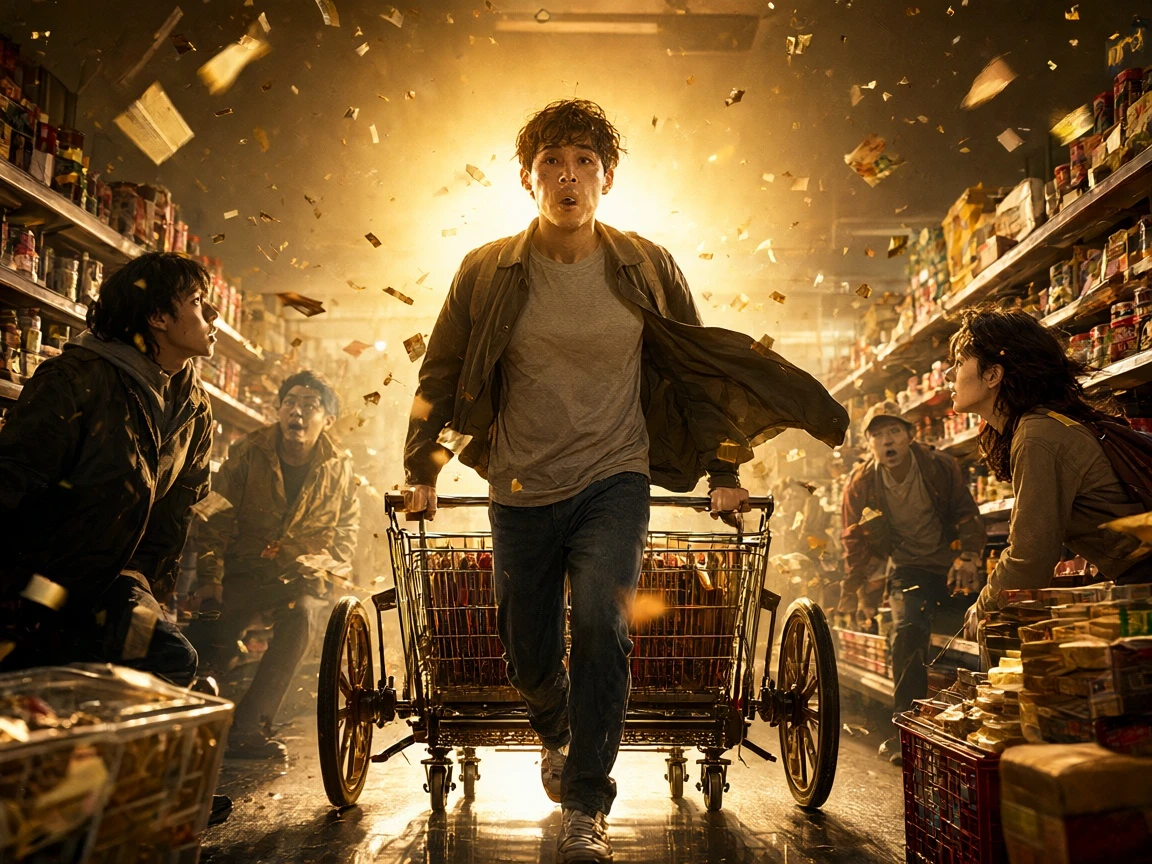

Turn your funny ideas into memes with MagicLight AI. Create custom meme images and videos to bring your jokes to life. No design or editing skills needed.
Create an AI Meme for Free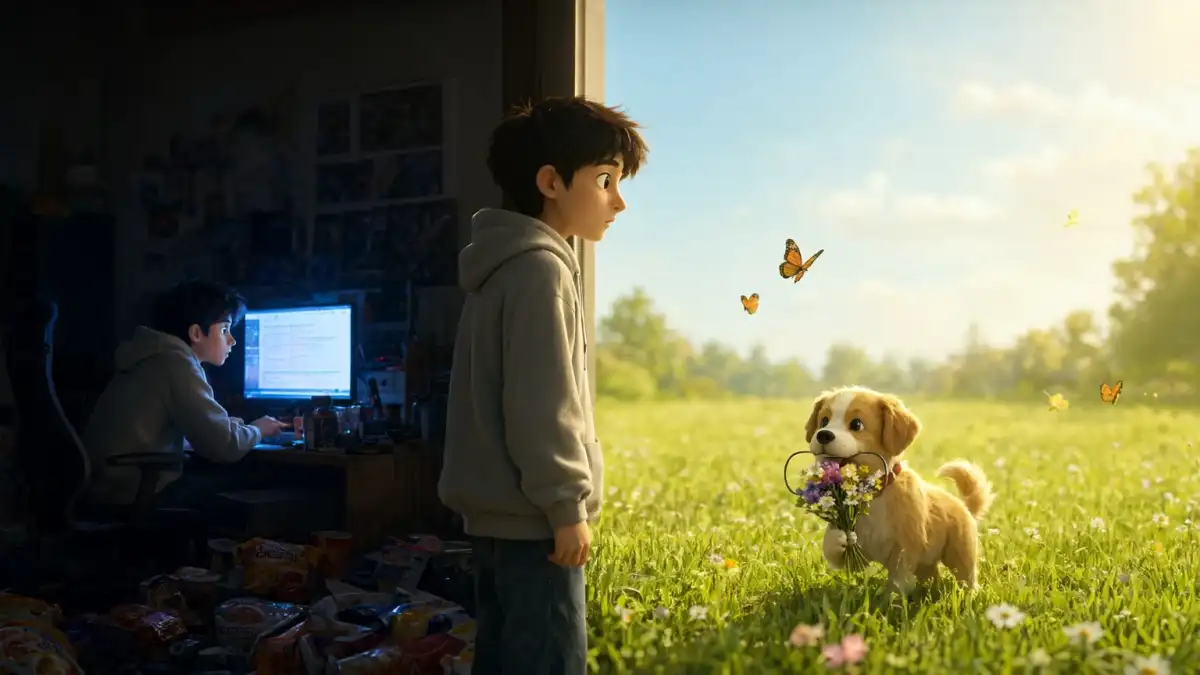










Imagine your cat sitting through a Monday morning meeting. The Magiclight AI meme generator lets you create that scene with a caption that completes the joke.
Magiclight AI offers 10 image models for creating original memes. Try Nano Banana 2 for a funny cartoon scene or GPT Image 2.6 Flare for a realistic reaction to an awkward situation.
Create NowTurn funny ideas, jokes, and scenarios into entertaining meme videos. Bring humorous characters, unexpected moments, and relatable situations to life with AI.
Create Meme Videos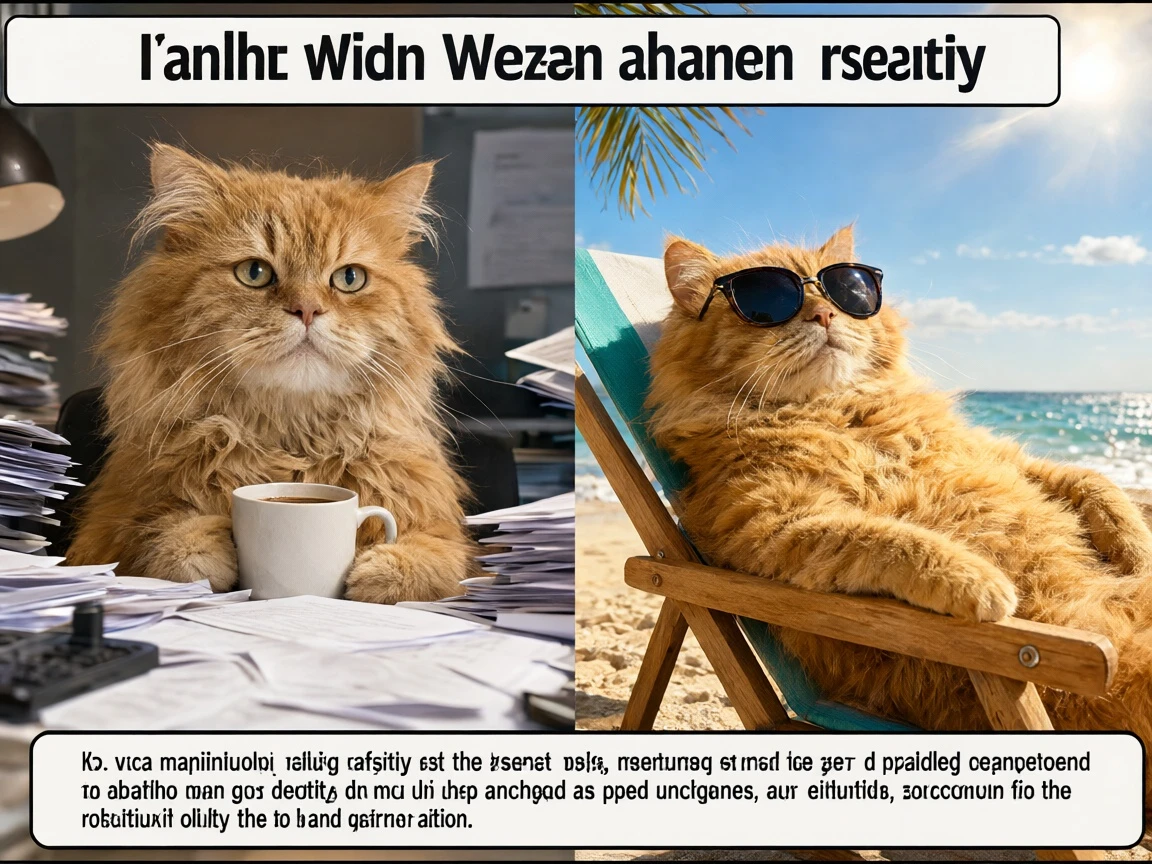
Add pictures of your pet, favorite objects, or familiar places through Reference Image to Image. Put your sleepy dog behind an office desk for a joke your friends will understand.
Create Personal Memes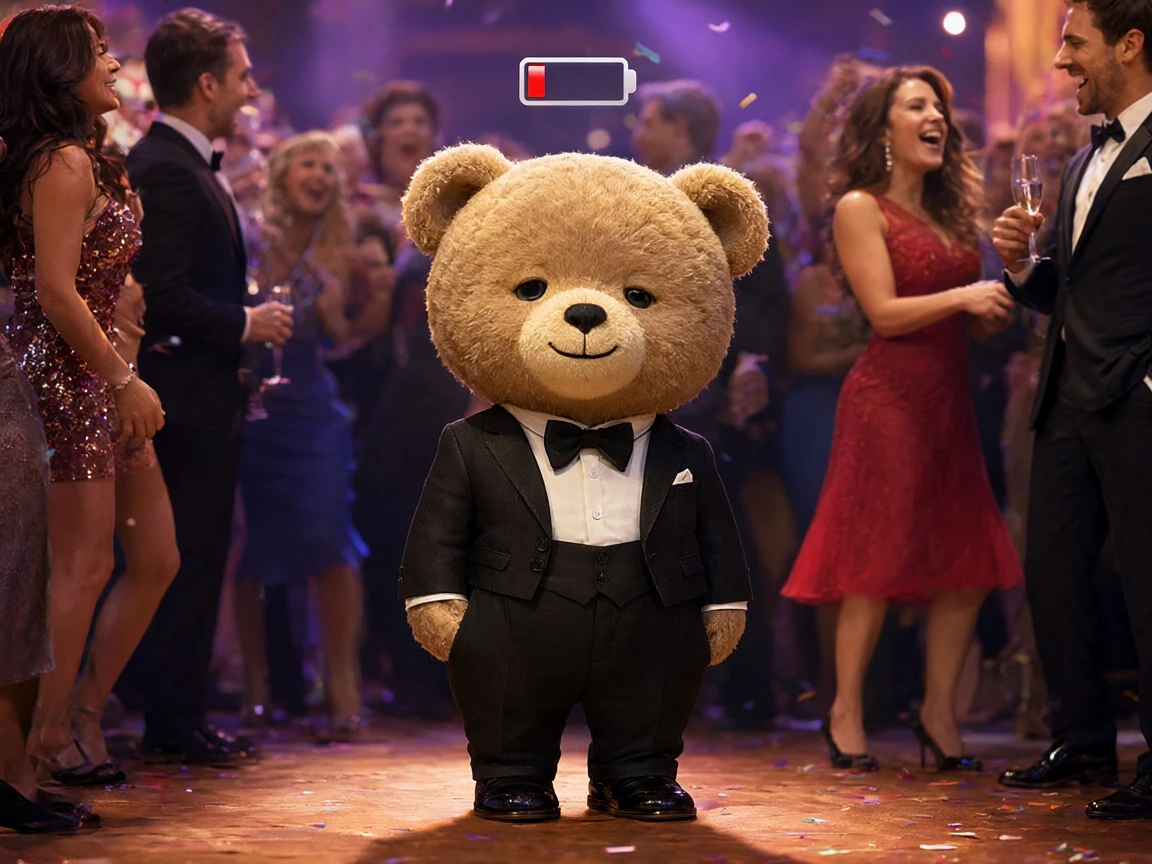
Use the 500-character prompt to describe a funny situation and the caption that goes with it. Mention an exaggerated facial expression or an unexpected background to help Magiclight AI capture the joke.
Start Creating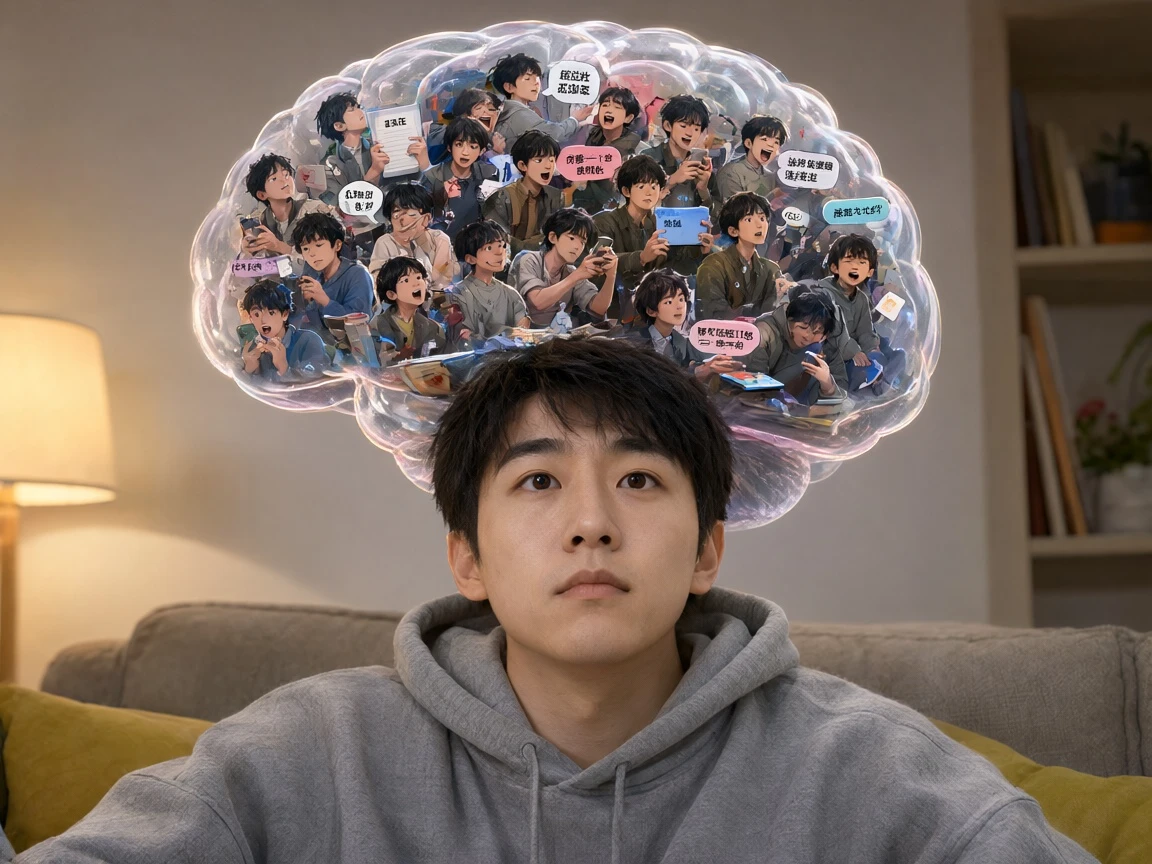


Start with a funny situation you want to share with friends. Magiclight AI meme generator helps you turn that idea into an original meme through 3 simple steps.
Head to Toolbox and open the Image tab in Magiclight AI. Select Text to Image for an original meme or Reference Image to Image when using a familiar photo.
Enter your meme idea within 500 characters. Describe the funny situation, character expressions, and caption placement. Include the exact words you want to appear in the picture.
Choose from 10 image models, then select an aspect ratio that suits your meme. Click Create Image and check the caption for spelling errors before downloading your picture.
Social Media Manager
I put the caption in quotes and asked for two versions from Magiclight AI. One had cleaner lettering, so I kept it and posted it in the 1:1 shape for our feed.
Community Manager
I saved a mascot as a character, and now every reaction meme for our server features the same raccoon. Members started asking for the next one from Magiclight AI.
Teacher
I made a meme for the class slides with a short caption and the 16:9 shape across Magiclight AI. The students laughed and remembered the rule I wanted them to learn.
Marketing Specialist
I checked every letter of the caption at full size before posting. Then I turned the best meme into a short clip with sound for our Story using Magiclight AI.
Yes. You can include dialogue, punchlines, and captions in your prompts to create meme videos that match your humor and creative ideas.
Run the joke again since each run draws the lettering a little differently. History keeps the earlier versions so you can compare them. You can also generate the picture with no caption and add the words in any photo editor.
Yes, because the finished picture can go into Image to Video or Reference to Video in the Video tab. Pick a model such as Veo 3.1 and turn on its Sound Effects switch for a laugh. Use Lip Sync or a stock voice when a character should speak.
Yes. You can create reaction memes, funny skits, parody videos, and relatable everyday moments. Describe your idea and let MagicLight AI turn it into an entertaining meme video.
Yes. Upload your own photo, describe a funny scene or situation, and turn it into a custom meme image or video with MagicLight AI.
A relatable situation and an unexpected punchline can make a meme memorable. Keep the caption short and give your characters expressions that suit the joke across Magiclight AI.



The right picture for your joke does not exist yet, so make it. Type the scene and caption into the Magiclight AI meme generator, then post the best draft.