
MagicLight Agent For Movie Generation
Add a few lines about your movie idea, and Magiclight Agent creates a complete format for you instantly. Get options like Short Drama or Kids Story from the agent for approval.
Create Now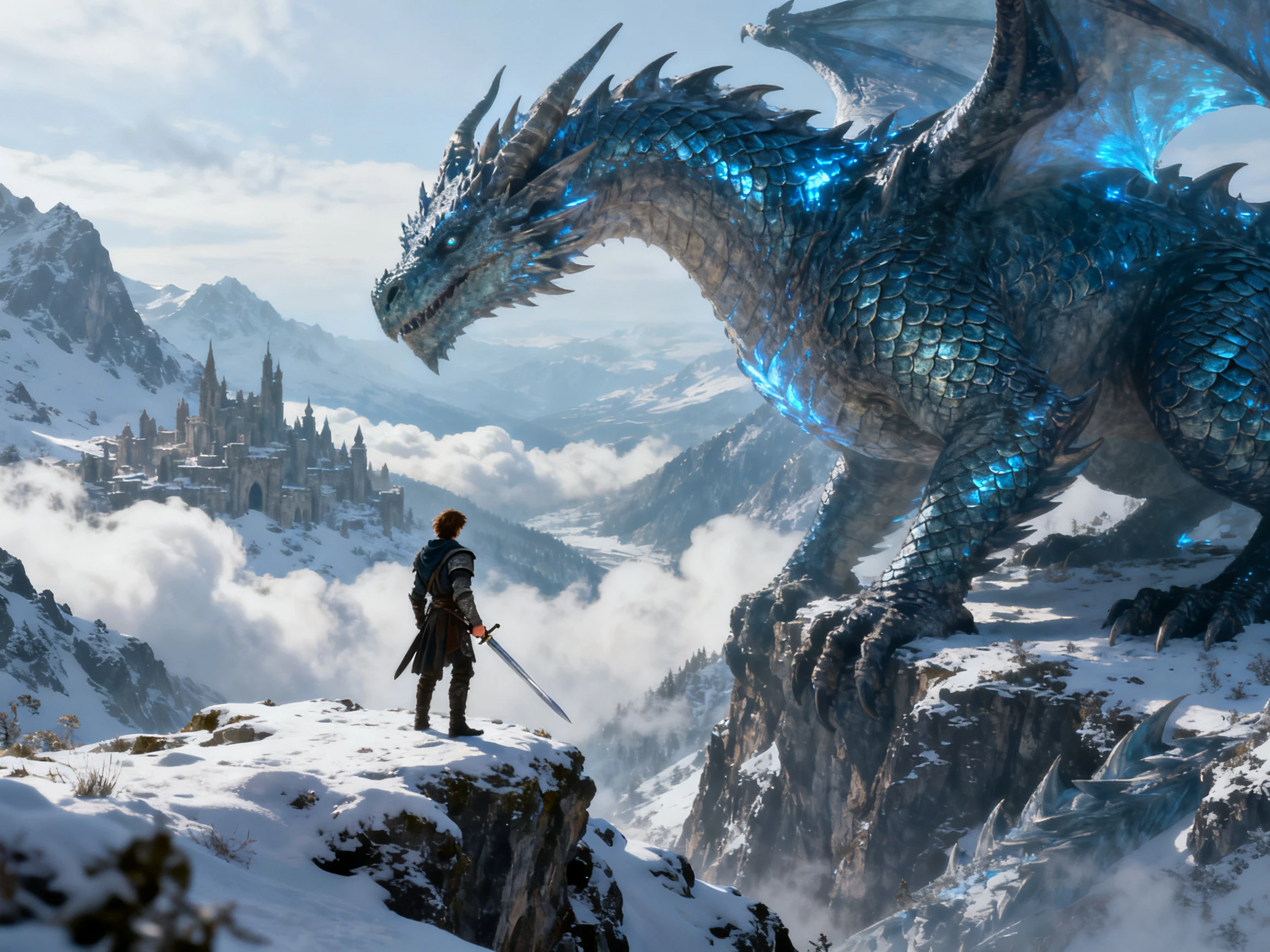

Turn a short story idea or script into a movie with MagicLight AI. Create scenes with matching visual styles, character voices, and music to fit your story. No filmmaking skills required.
Create a Movie For Free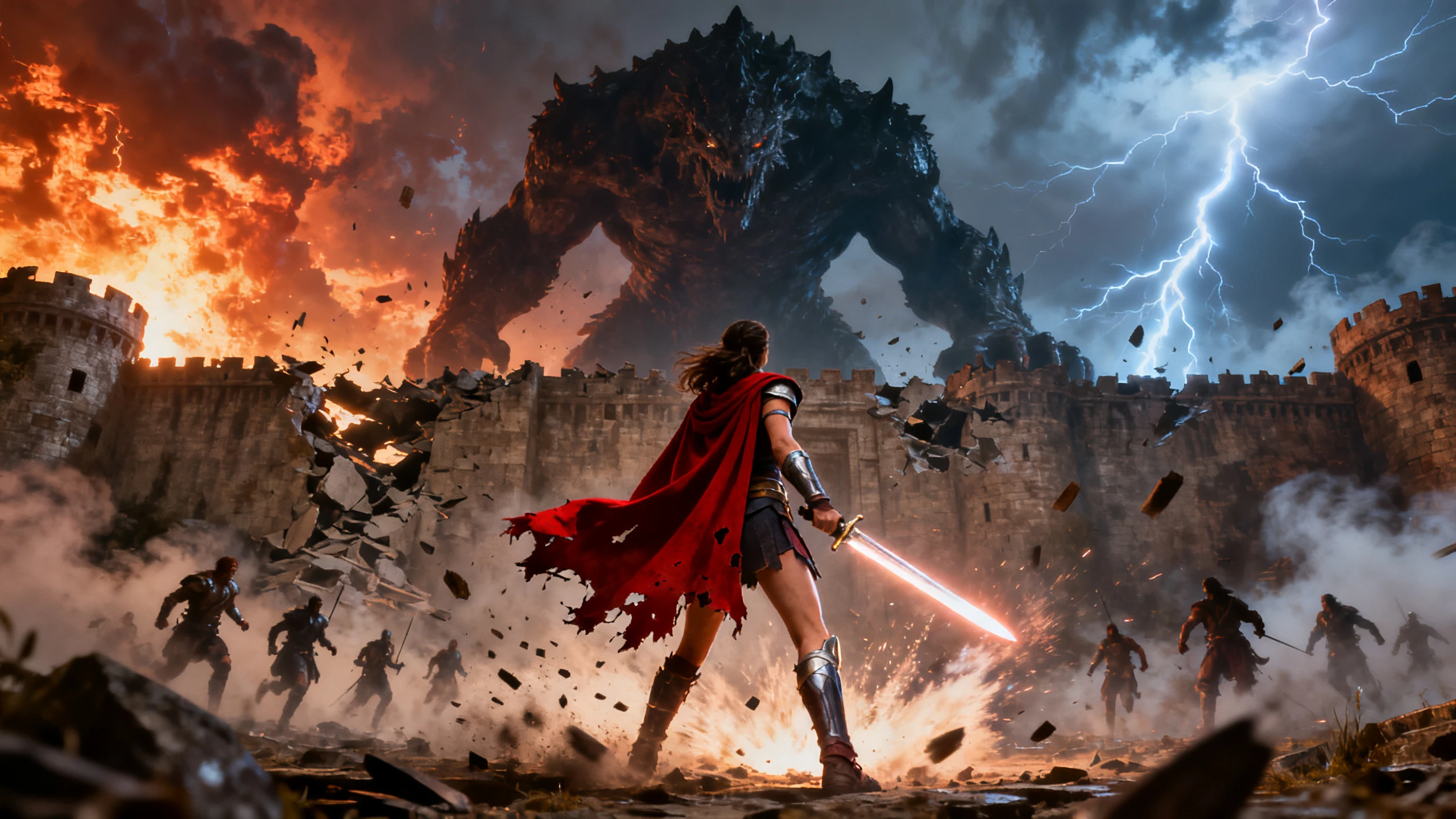










Bring the idea to the screen with proper visuals and voices with AI. Magiclight AI movie generator makes it possible by shaping each scene, character, and sound.
Add a few lines about your movie idea, and Magiclight Agent creates a complete format for you instantly. Get options like Short Drama or Kids Story from the agent for approval.
Create NowGenerate the dialogue within the movie in any of the 11 supported languages in Magiclight AI. This tool helps you make movies for viewers of different cultures with ease, and no errors.
Create Characters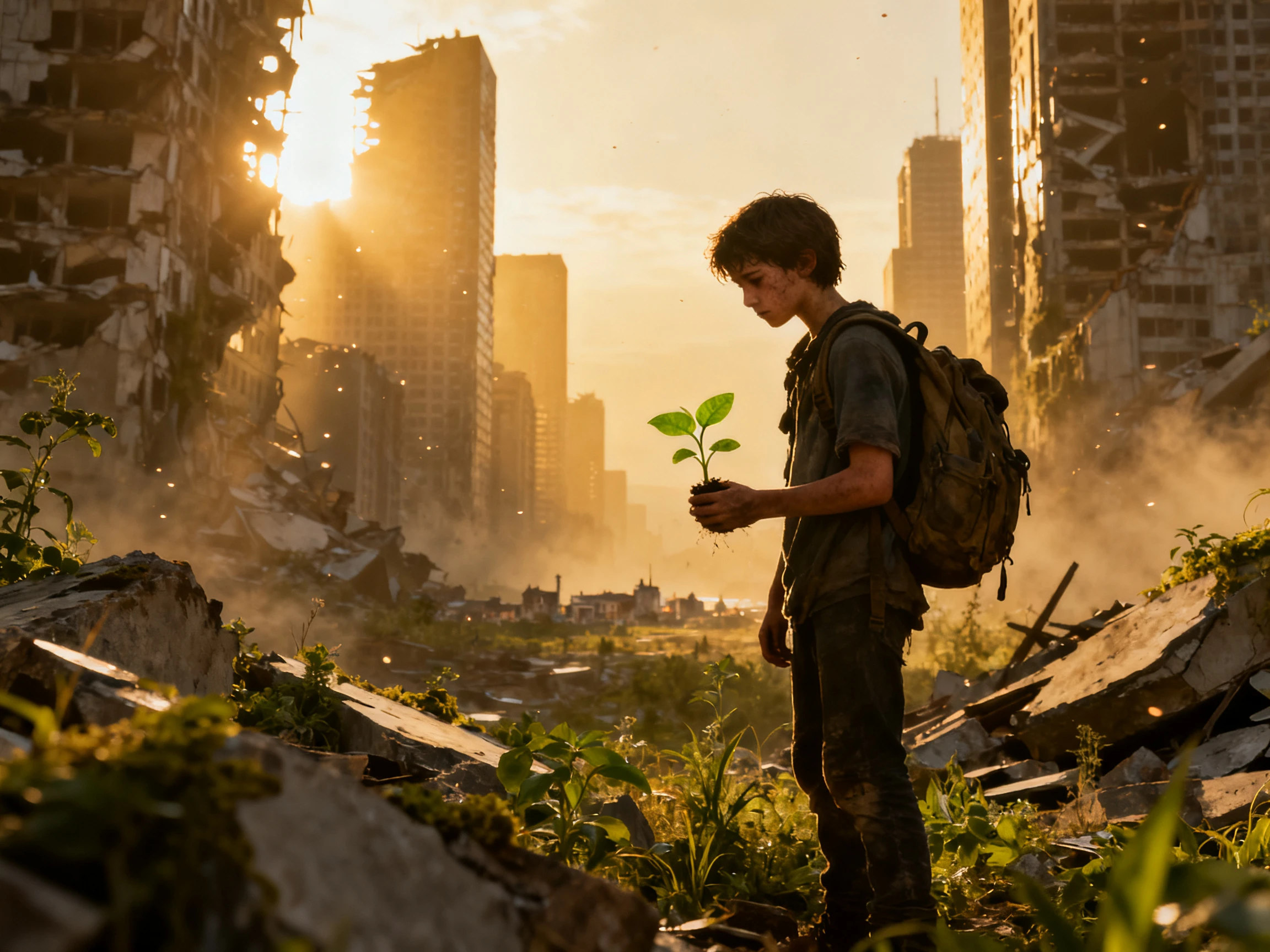
Use the available story models for turning a short movie idea into a proper script with scenes and dialogues. Get options like GPT-6 Astra to improve the plot by adding unique touches and scenes.
Generate a Video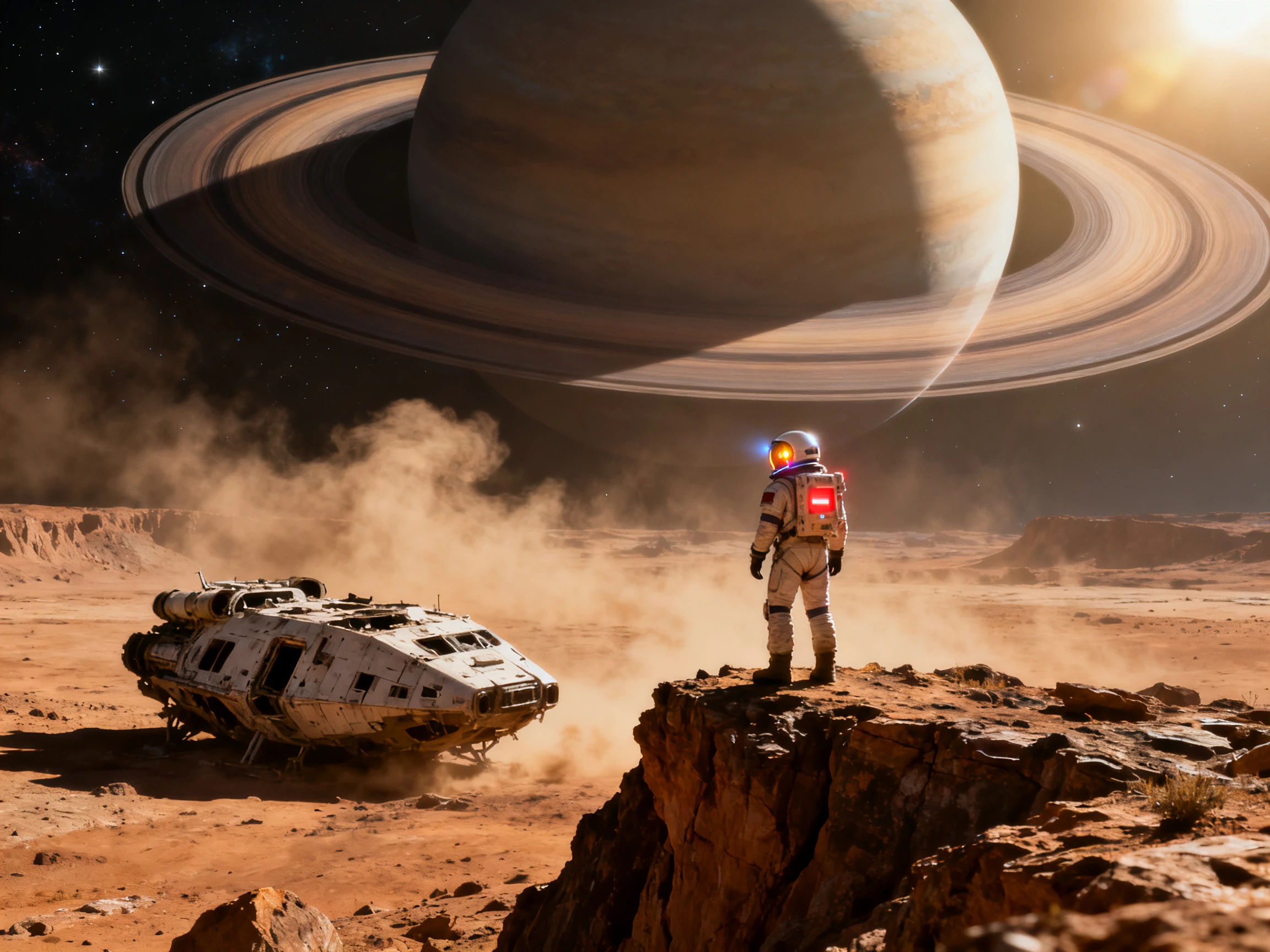
Add voices from the 37 options provided for every role landed in the movie and let Magiclight AI automatically synchronize the words with the lips. A space captain and a village elder will each sound like themselves. 
Start Creating


Turn a simple text idea into a complete movie in just 4 steps. This movie generator AI takes you through the script, characters, storyboard, animation, voices, and final sound.
Start with a short movie idea or paste a script of up to 12,000 characters. Add the genre, then let MagicLight Agent suggest a suitable format and prepare the script for your review.
Use the visual styles out of the provided options and add the characters from the suggested options or create yourself using 1000 characters.
Lead into the Nano Storyboard to check every scene frame-by-frame. Adjust camera angles, poses, and framing according to your choice.
Use the available music tracks and subtitle options for finalizing the video. Generate the movie, select a cover template, and export in 1080p.
Author
Readers of my cozy mysteries kept asking what the town looks like, so I made a short film of chapter one. Magiclight AI matched the small-town look I described, bakery and all.
Science Teacher
My students made a 6-minute film about the water cycle in Magiclight AI. We narrated it in English and Spanish, so every family at the open house could follow along.
Software Engineer
For my daughter's birthday, I turned her bedtime story about a brave snail into a movie. Magiclight AI cast our whole family from photos, and she has watched it twenty times since.
Video Editor
I gave Magiclight AI one paragraph about a heist. MagicLight Agent turned it into a Short Drama script with scenes, while saved characters kept my crew looking the same.
No, you need to give Magiclight AI a few lines of your idea, which is improved with the story models. It turns it into a complete script; however, you can always add your own finished script.
Magiclight AI offers free credits at sign-up for trying its movie tools. You can test a short project first, then choose a paid plan if you need more credits or commercial use.
Magiclight AI Story to Video can support movies up to 50 minutes, depending on your plan. Some formats, including Kids Story, Explainer, and Religious Story, have shorter limits.
Fotor focuses on turning text or images into video clips with different styles. Magiclight AI combines script creation, reusable characters, voices, music, and scenes for longer story-based videos.
Yes. Magiclight AI lets you review and change scenes, dialogue, characters, and visuals before generating the final movie, giving you more control over how each part appears.
Yes. With Magiclight AI, you can save important characters and reuse them across different scenes. This helps keep their face, clothing, and overall appearance consistent throughout the movie.



Provide a storyline and see it turn into a complete movie. Try Magiclight AI movie generator for free to add complete characters, scenes, and voices to your movie.