
Discover the Features of Magiclight AI’s AI Video Generator App
Turn text, photos and ideas into complete videos with voice, music and subtitles. Create professional clips easily on any mobile device.

Magiclight AI video generator app features an easy-to-use interface with diversifying AI models to create the best videos with no expert knowledge.
Create AI Videos Now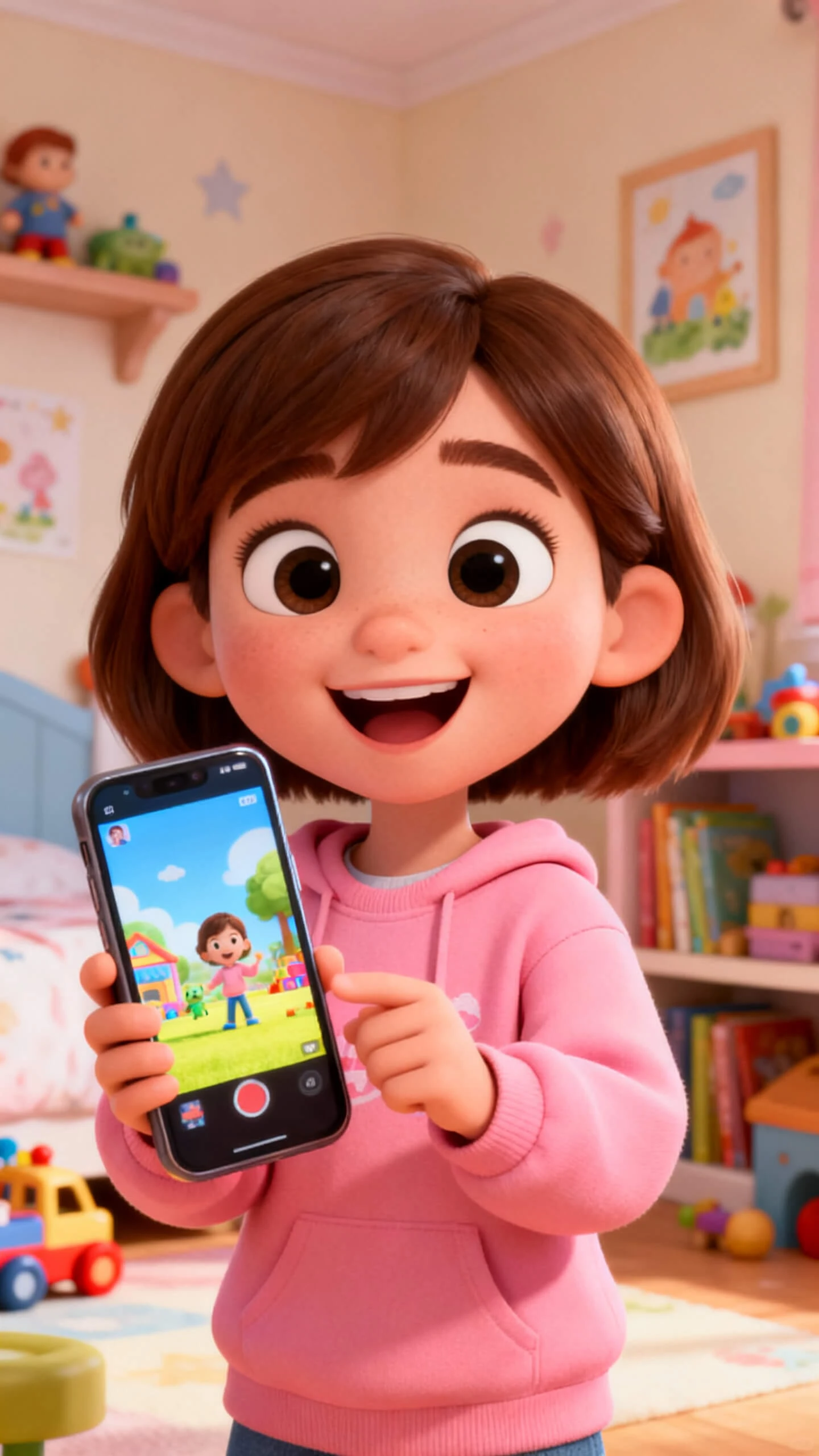
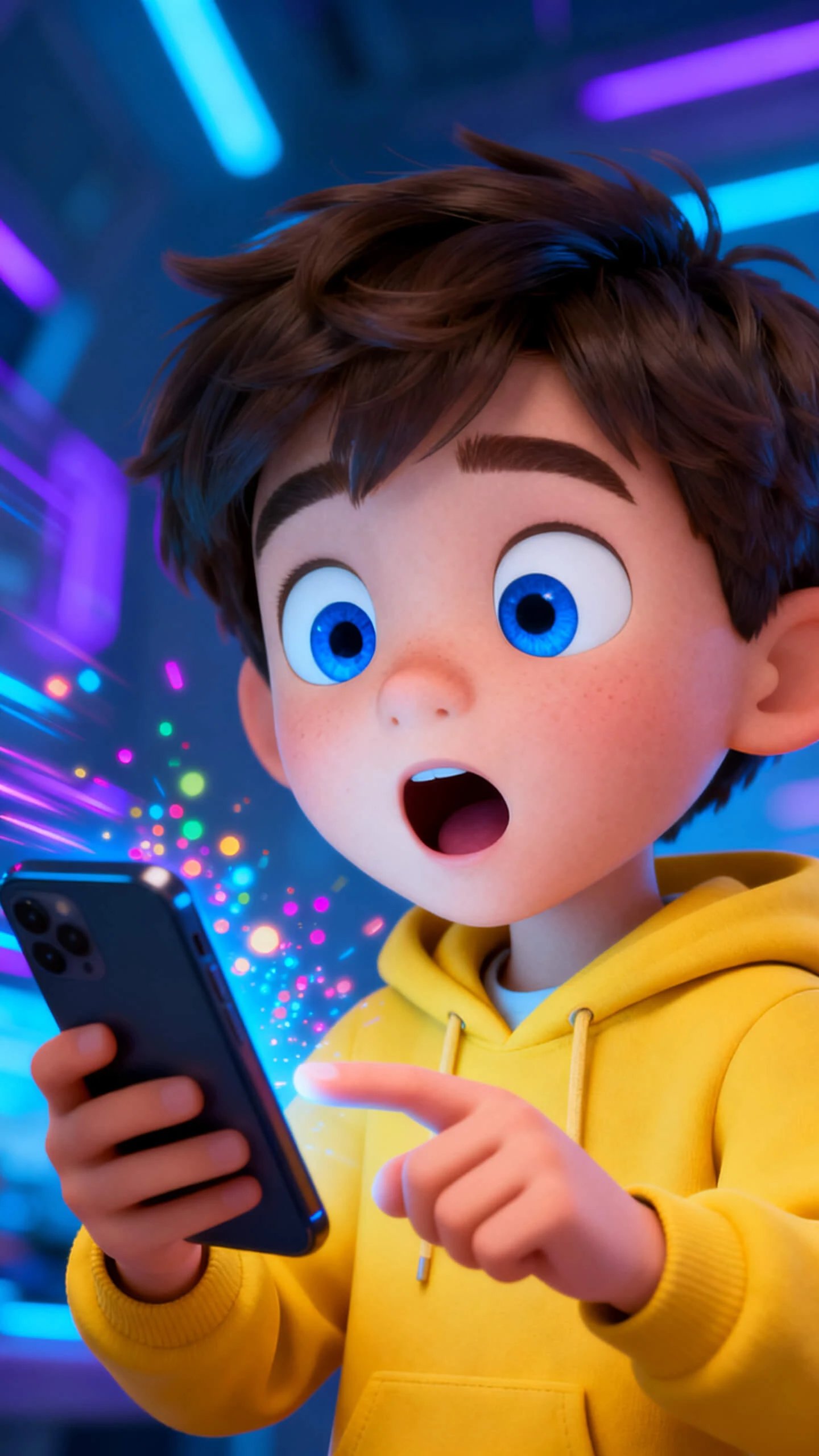
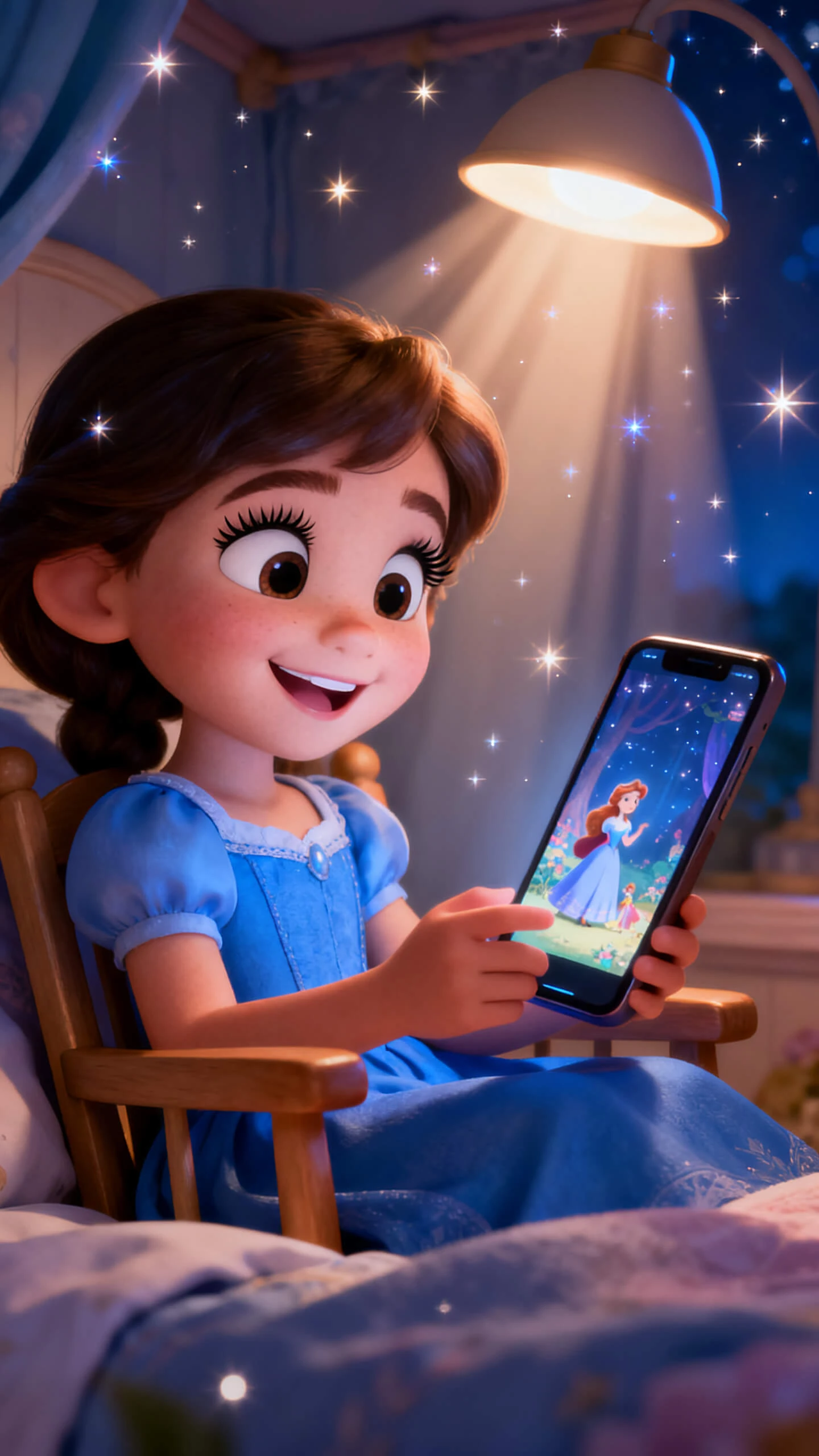

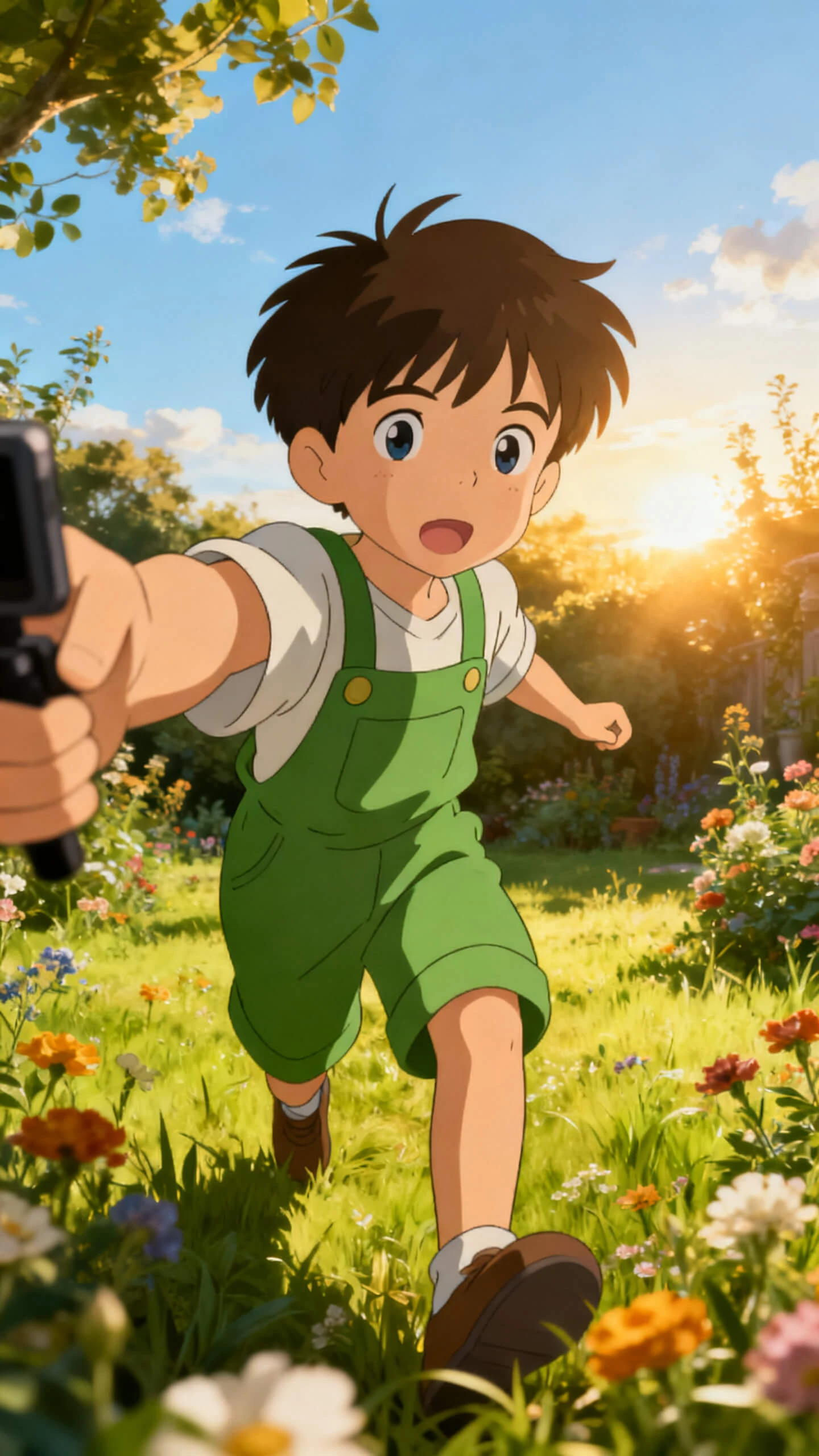
Turn text, photos and ideas into complete videos with voice, music and subtitles. Create professional clips easily on any mobile device.

Paste a script up to 12,000 characters, then let Magiclight AI shape scenes, visuals, and narration within mobile workflow.
Upload an image, add a prompt up to 1,500 characters, and produce 10 or 15-second animated clips for social posting.
Choose from Seedance 2.0, Kling 3.0, Veo 3.1 and more to fit social clips, lessons, product teasers and travel footage.
Select from 37 voices and 40 music tracks, plus 16 subtitle styles to make fully polished mobile videos.


Your phone can move from idea to finished clip in four guided steps. Magiclight AI supports scene setup, audio, captions, and export.
Share a topic, paste a script up to 12,000 characters, or upload a photo. Add tone, audience, and platform details before generation starts.
Select from 19 motion models, then pick styles like cinematic, illustration or Pixar for a unified visual effect.
Adjust poses, camera movement, and expressions before rendering. Choose from 50 pose options to match your creative intent.
Pick a voice, music track, and subtitle style. Export in 720p or 1080p and share your video instantly.
An AI video generator app turns text or photos into videos without editing. With Magiclight AI, scripting, motion, audio, and export stay in one workflow online.
Magiclight AI’s free ai video generator app runs in mobile browsers on devices. Open magiclight.ai on Android or iOS, no native app download required.
Upload a photo, add motion notes, then choose a model in Magiclight AI. Your image can become a 10 or 15-second animated clip for posting online.
Short photo clips usually run 10 or 15 seconds from a single image. Longer story videos in Magiclight AI can reach 50 minutes per session online.
From your phone, Magiclight AI lets you add voices, music, and subtitles easily. The same workflow includes 37 voices, 40 tracks, and 16 subtitle styles today.
No desktop is needed, because the browser workflow guides each step clearly online. Magiclight AI handles scenes, audio, captions, and exports without timeline editing skills required.



Convert your script, photo or idea into engaging videos and boost your content reach easily on mobile.