
3 Audio Formats for Your Track
Input a WAV music file exported from another software, or use an existing MP4 or M4A music file for starters. Magiclight AI then plans each scene change around the music.
Create Now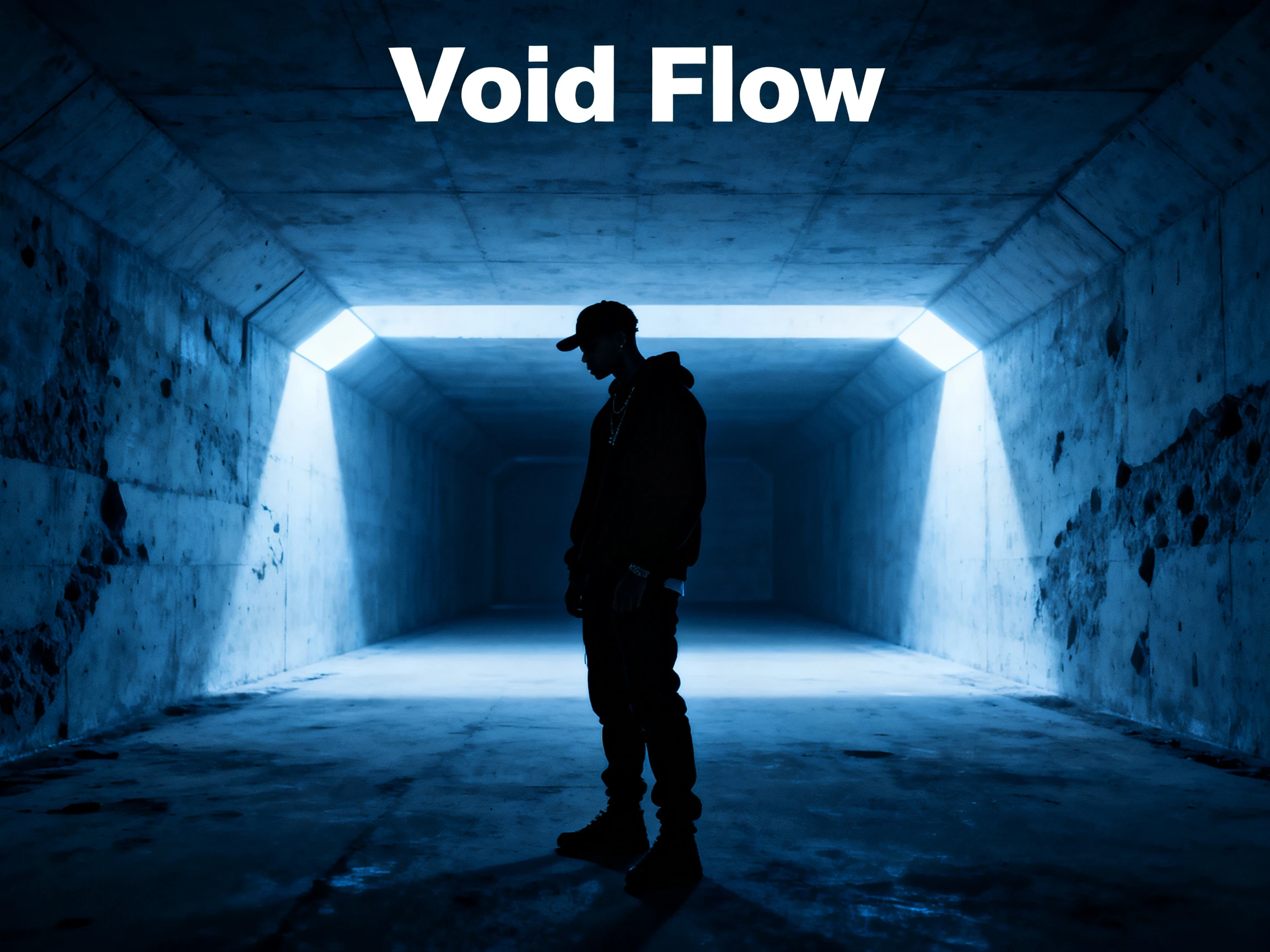

Add any song, full or half, and create a complete video of it. Magiclight AI plans the scenes around its beat and mood within its AI ecosystem. No video editing skills needed.
Turn Audio to Video For Free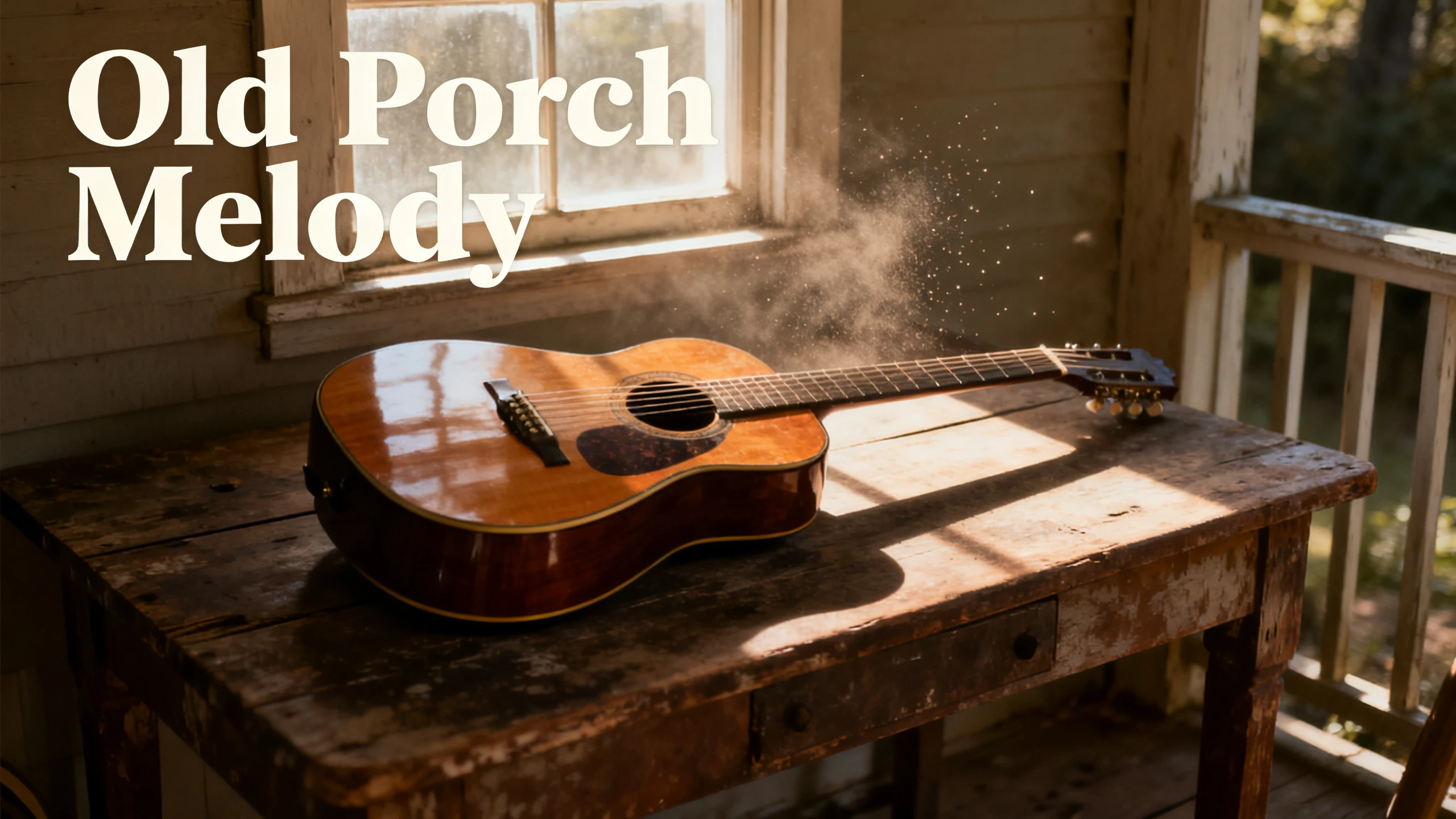










Every scene here is planned around one track. Magiclight AI can convert audio into video according to every chorus or beat drop.
Input a WAV music file exported from another software, or use an existing MP4 or M4A music file for starters. Magiclight AI then plans each scene change around the music.
Create NowYou don’t need to upload your own music to create a video with MagicLight AI. Choose from 15 prebuilt tracks in the music library to find a soundtrack that fits your story, mood, or visual style, and make your video more engaging with just a few clicks.
Create Character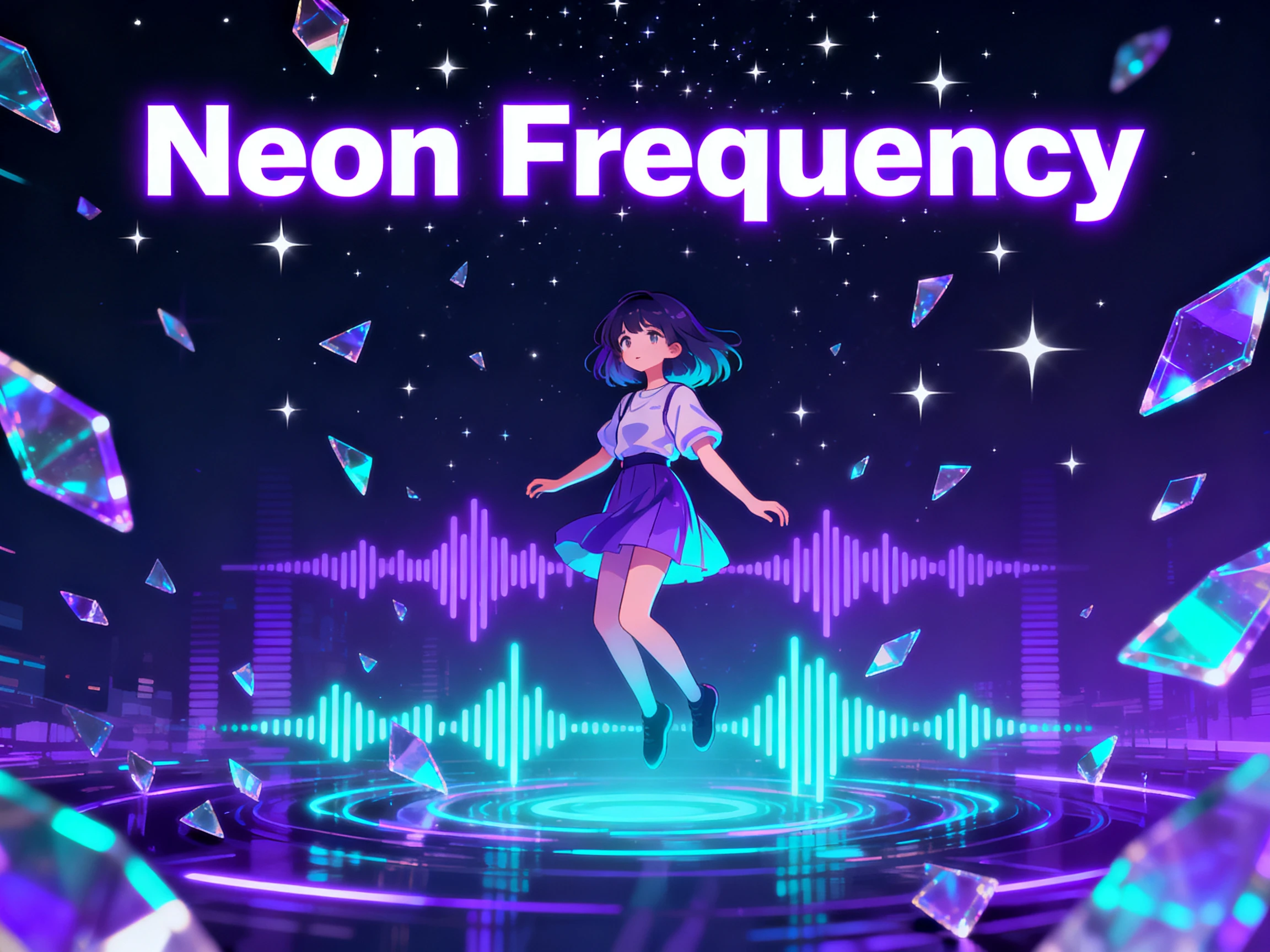
Cover a variety of audience with your music videos using Magiclight AI. Find a support of 11 languages, allowing you to create the vocals in a particular language, not simply translate it.
Pick Voice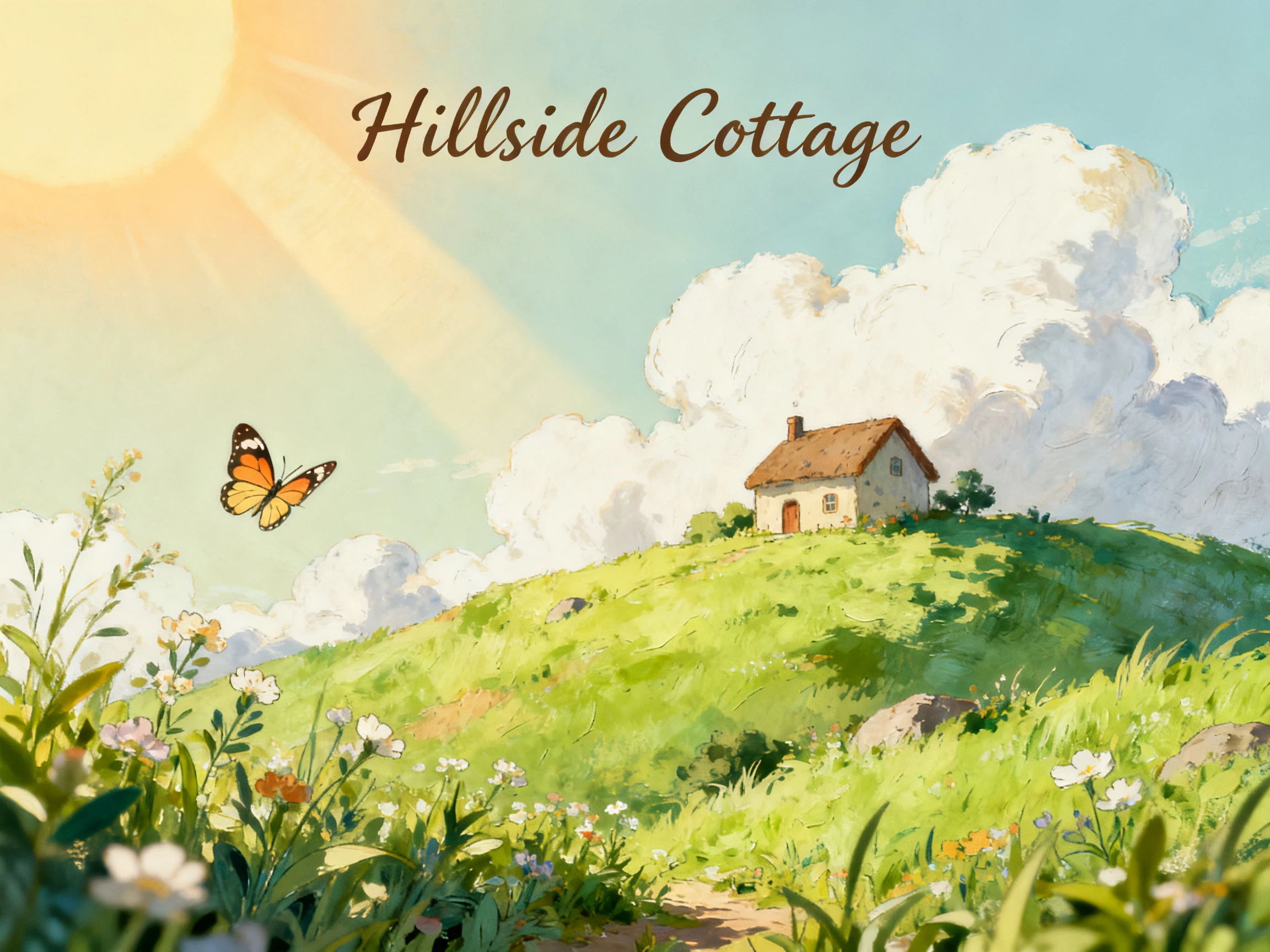
You might still need to enhance your music video script, which can be done using the 14 story models offered in Magiclight AI. Use options like GPT-6 Astra or GLM-5, and plan the perfect music video instantly.
Start Creating


Going from an audio file to video is a 4-step job in Magiclight AI. Steps 2 and 3 are where the video gets its look and its cast.
A finished recording in MP3, WAV, or M4A goes straight in. Without one, open Create Music and write a line or two about the song you want. The new Suno-powered track saves to My Songs, ready to select.
Pick the frame first, wide for YouTube or vertical for phones, then the visual style, with more than 20 to choose from. The story model and language come next, with 14 models and 11 languages available.
Make a new character or pick a saved one, then look over every scene in Nano Storyboard. Change a pose, an outfit, or the camera angle anywhere a scene feels wrong.
Turn the lyrics on with a subtitle style you like and choose one of the 21 cover designs. After generating, download the video in 720p or 1080p.
Singer
I already had the song finished, but it needed a visual side. Magiclight AI turned my track into scenes that followed the music without changing the audio I recorded.
Music Producer
Instrumentals can feel plain when I upload them alone. I use Magiclight AI to give each beat its own characters and scenes, even when there are no lyrics to show.
Content Creator
I had a hook in my head for weeks but no way to record it. Magiclight AI made the track from my description, and I turned it into a video without leaving the project.
Social Media Manager
Most of our music posts need to fit a phone screen. I set the video to 9:16 in Magiclight AI, add the track, and get a vertical clip ready for our social feeds.
Yes, you can use your own song within the Magiclight AI audio-to-video operation. No narrator or extra music is added in it, so anything heard in it is yours.
MP3, WAV, and M4A work in Magiclight AI. A FLAC or AIFF file out of your DAW needs converting to WAV first, which keeps the full quality.
Scenes can be changed in Nano Storyboard before anything is animated. There are 50 poses to pick from, and outfits, expressions, and camera angles can all change per scene in Magiclight AI.
Wide 16:9 is the one for a YouTube upload, and 9:16 fills a phone screen top to bottom. Both come out of Magiclight AI in 720p or 1080p.
Write a short description, 200 characters at most, choose a genre, and Magiclight AI creates a Suno-powered track. You can convert audio into video from there, in the same project.
Yes. Tracks you create inside Magiclight AI are royalty-free. A song you upload is different, so you need the rights to it, especially for covers or samples.



If you have a track ready, upload it and turn audio into video with scenes that follow every change in the music. If not, start with a 200-character idea instead.