MagicLight Agent Plans Trailer Scenes
Give MagicLight Agent the opening conflict from your movie synopsis. It can arrange the story into trailer scenes with narration, letting you change any moment that reveals too much.
Create Now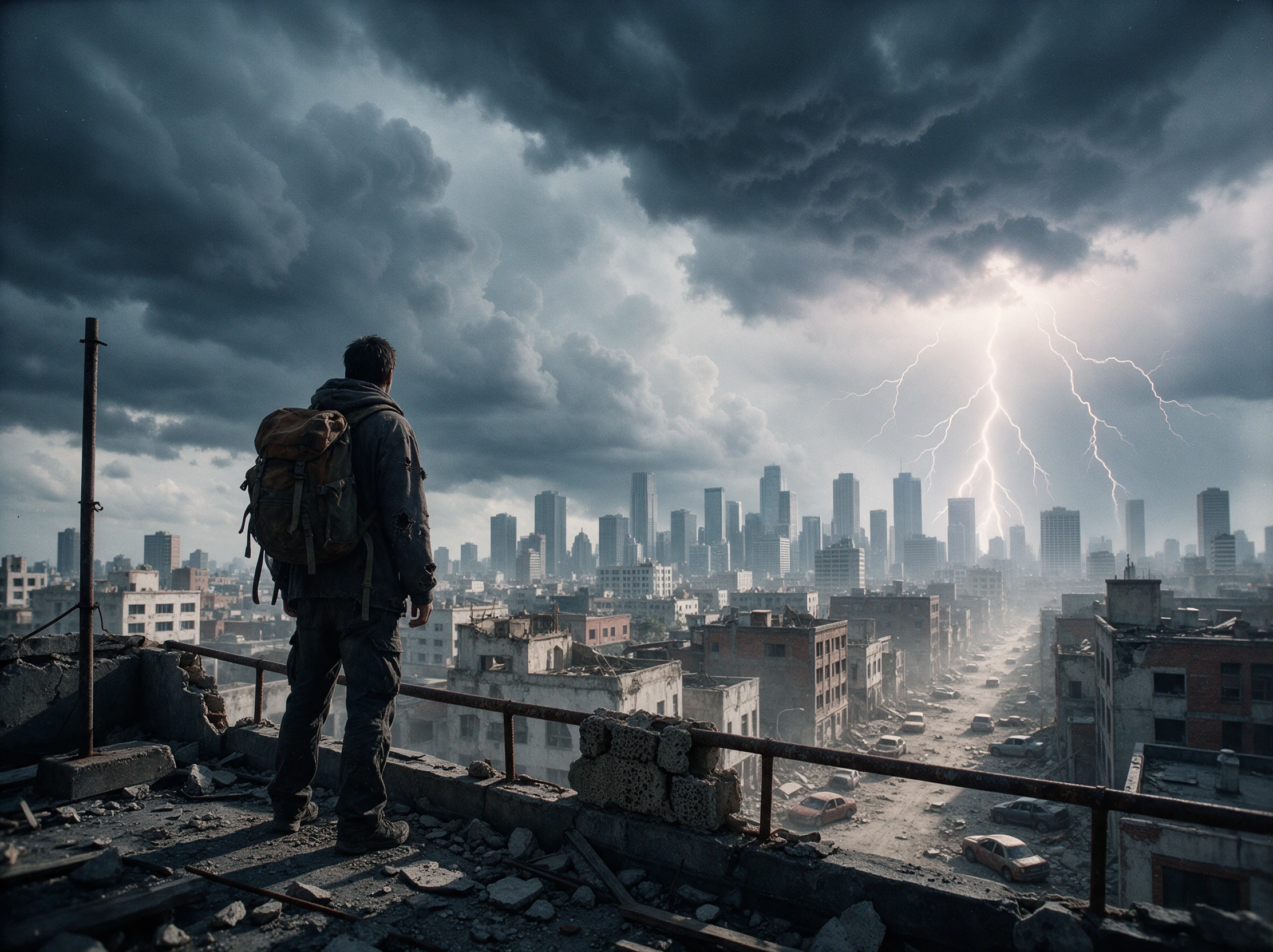
Turn your movie ideas into cinematic trailers with MagicLight. Describe your story, highlight its most exciting moments, and create a trailer that builds anticipation. No video editing skills needed.
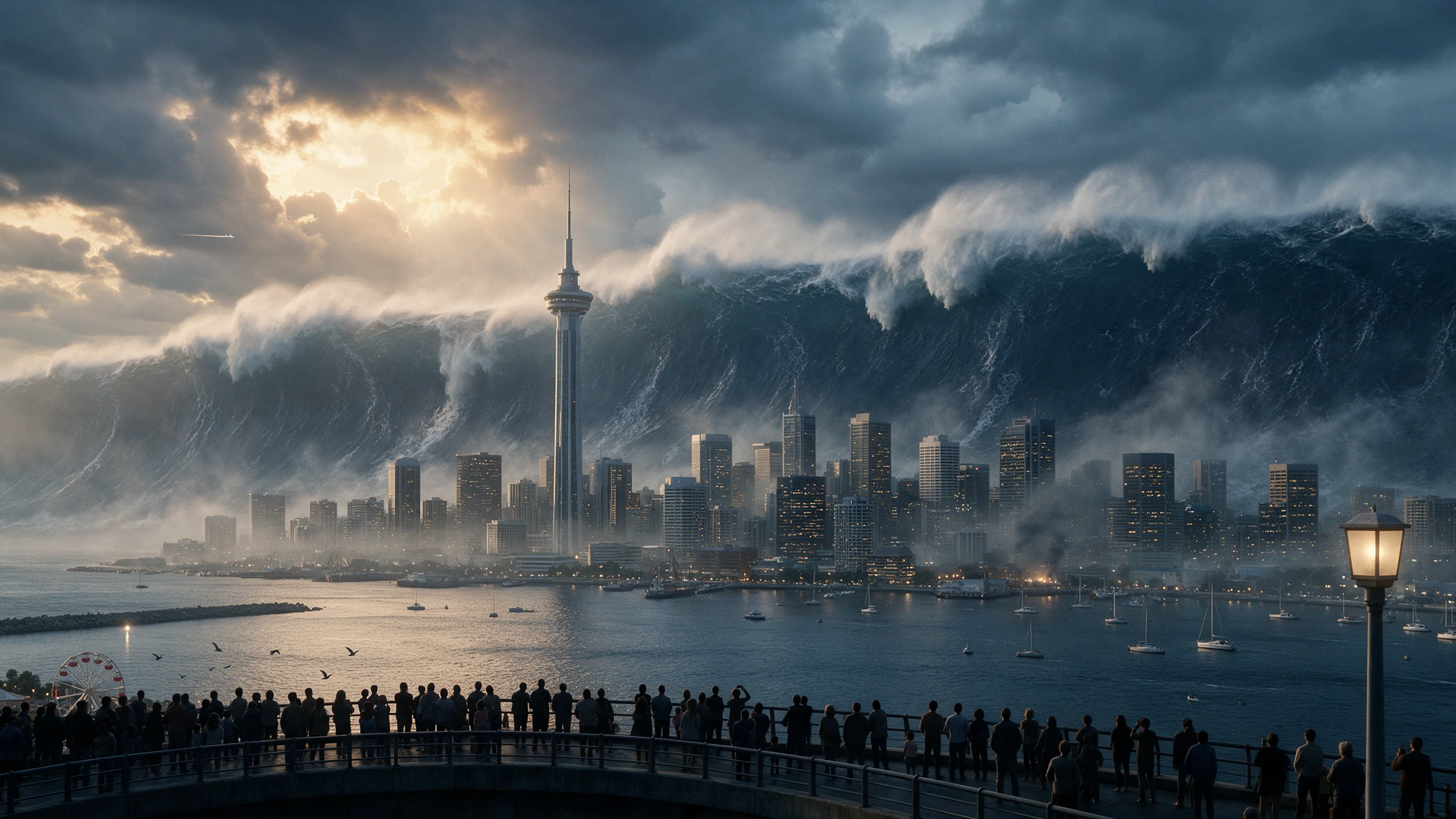










Your film might begin with a strange discovery that changes everything. Magiclight AI trailer generator helps you show that moment and leave the rest of the story untold.
Give MagicLight Agent the opening conflict from your movie synopsis. It can arrange the story into trailer scenes with narration, letting you change any moment that reveals too much.
Create NowMagiclight AI offers 16 animation models at the storyboard stage. Try a different model for the chase scene if the movement feels too calm for the tension your trailer needs.
Explore Animation Models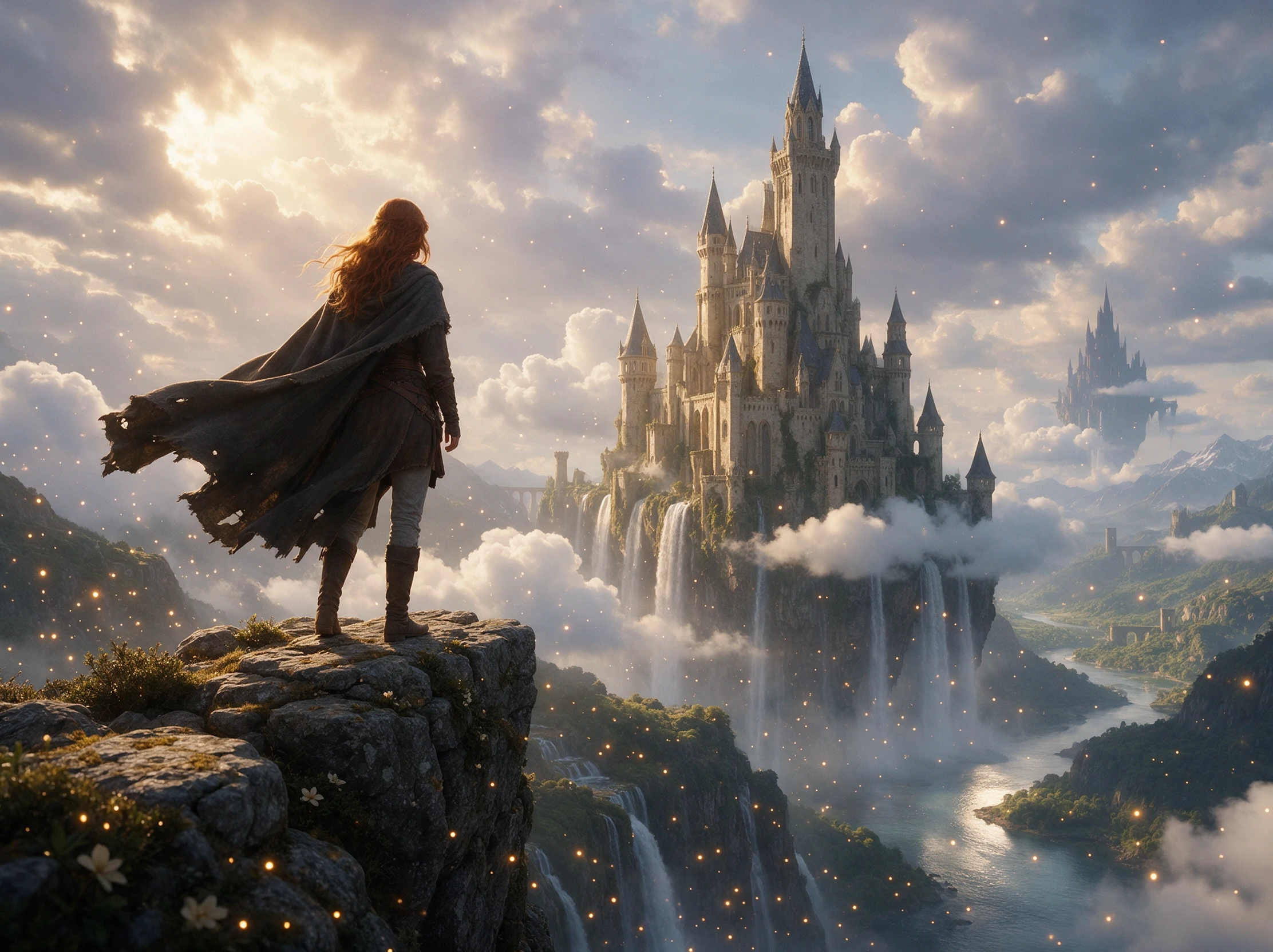
Your film trailer can reach viewers who speak different languages. Magiclight AI supports 11 languages for narration, helping you prepare a version that suits your intended audience.
Create a Video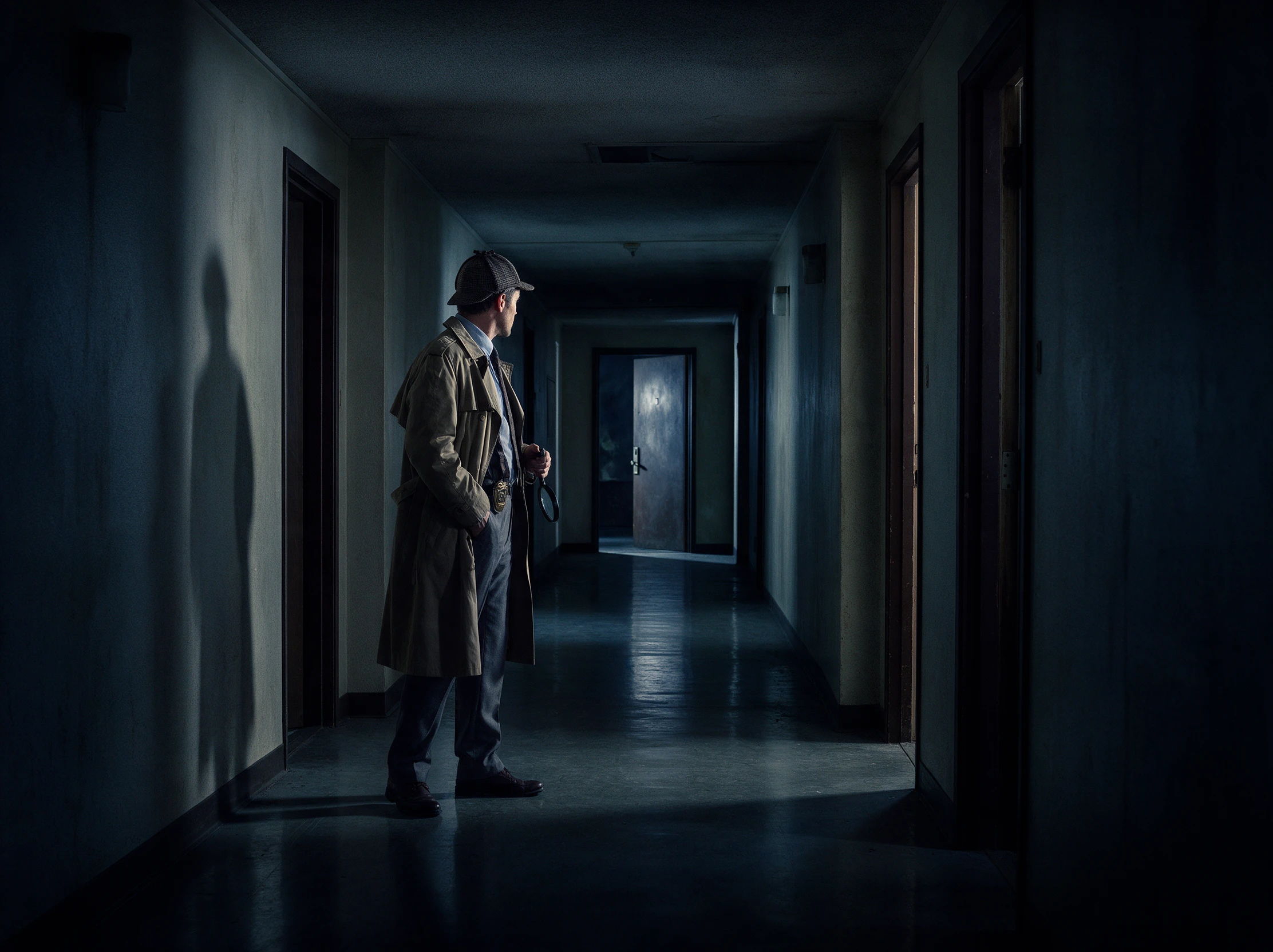
Magiclight AI lets paid users export a trailer in 1080p with a 16:9 frame. This wide format suits festival screeners, giving viewers a clearer look at the scenes you want them to remember.
Start Creating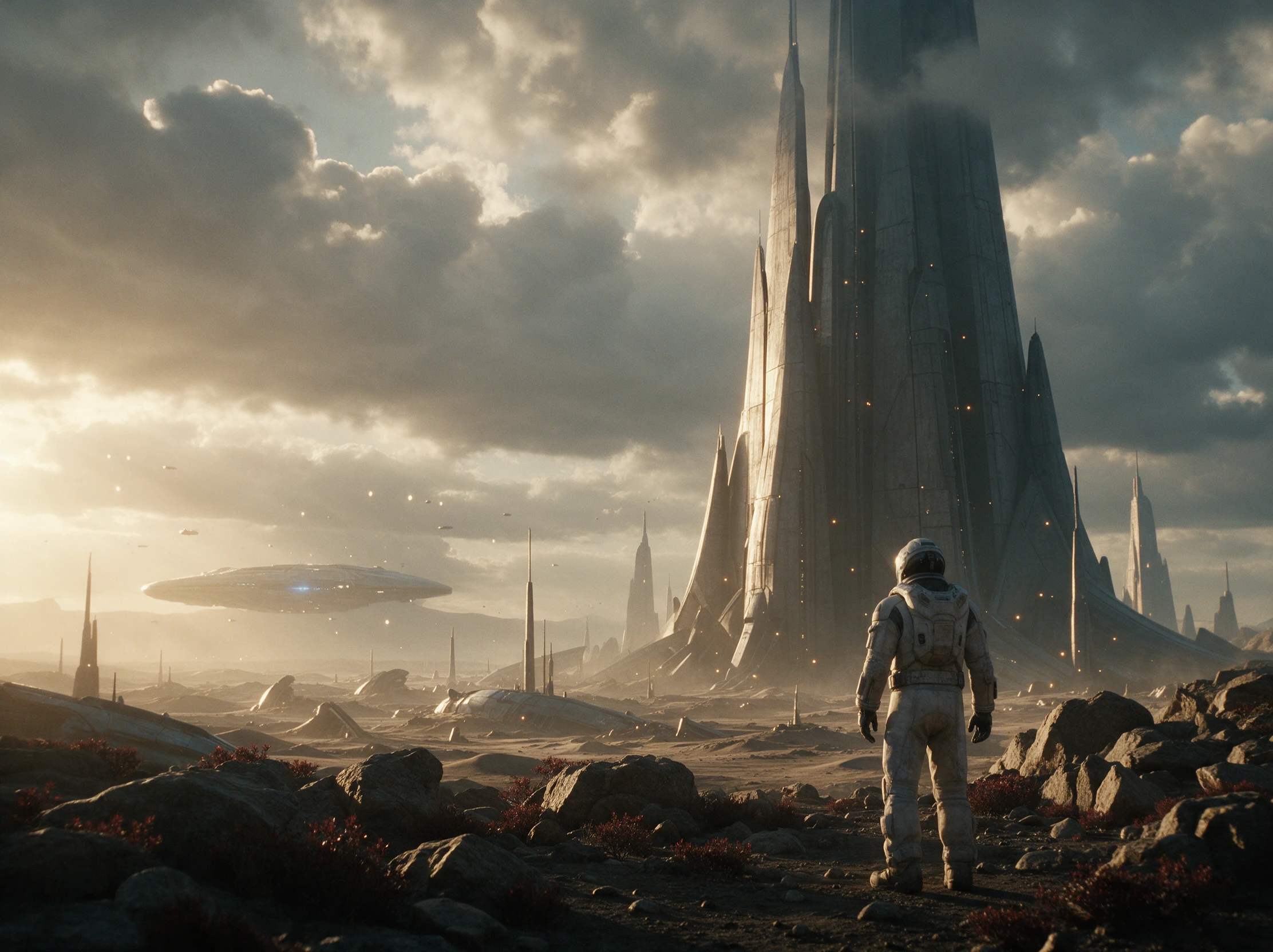


Think about the first scene that would make someone curious about your film. With the Magiclight AI trailer generator, that moment can become the start of your trailer in 4 steps.
Head to Video or Series in Magiclight AI. Give the Agent a script within 12,000 characters, browse 16 story models, and settle on a niche that fits the film's opening.
Decide how the film should look before casting its leads. Each character gets a description within 1000 characters, with suggested faces available when you need a starting point.
Nano Storyboard lays out the trailer shot by shot. Remove anything that spoils the reveal, adjust the images that feel off, and let MagicLight Agent handle the animation.
Listen through the 37 voice options until one fits your trailer's mood. Put music beneath the narration, watch the finished cut, and download the video when it feels right.
Fiction Author
I used MagicLight to create a trailer for my mystery novel. It captured the atmosphere I had imagined and left the big reveal untouched, giving readers a taste of the story without spoiling it.
Indie Game Developer
Our game was still in development, but we needed something to show potential players. MagicLight helped us create a trailer that introduced the game world before we had gameplay footage ready.
Independent Filmmaker
I had a script and a clear picture of the opening scene, but nothing filmed yet. With MagicLight, I could turn those ideas into a trailer and make my pitch much easier to explain.
YouTube Creator
I had a script and a clear picture of the opening scene, but nothing filmed yet. With MagicLight, I could turn those ideas into a trailer and make my pitch much easier to explain.
Only if you include the ending in your script. Leave out the final twist and focus on the conflict that starts the story. A sudden cliffhanger can give viewers a reason to watch more.
A teaser is usually shorter and gives viewers a quick sense of the story's mood. A trailer reveals more about the characters and conflict, without needing to explain how it all ends.
Yes. Magiclight AI trailer generator offers free credits for new users. You can try a short teaser before paying, although free exports may include a watermark on the video.
Famous characters and protected film material can raise copyright concerns. An original story with your own characters is a safer choice, especially if you plan to publish the trailer.
Yes. Paid Magiclight AI memberships include commercial rights for eligible creations. Your book trailer should feature original material that you have permission to use commercially.
Most movie trailers run around 2 minutes, but a shorter preview can work just as well. Magiclight AI supports videos lasting 50 minutes, though a trailer rarely needs that much time.



Your next audience is waiting to discover your story. Give them a glimpse of its most exciting moments with Magiclight AI.