
12,000 Characters of Horror Story
Start with a complete story with a direct touch of horror. Expand the story up to 12,000 characters, while using 14 different story models to enhance the story to perfection for professional results.
Create Now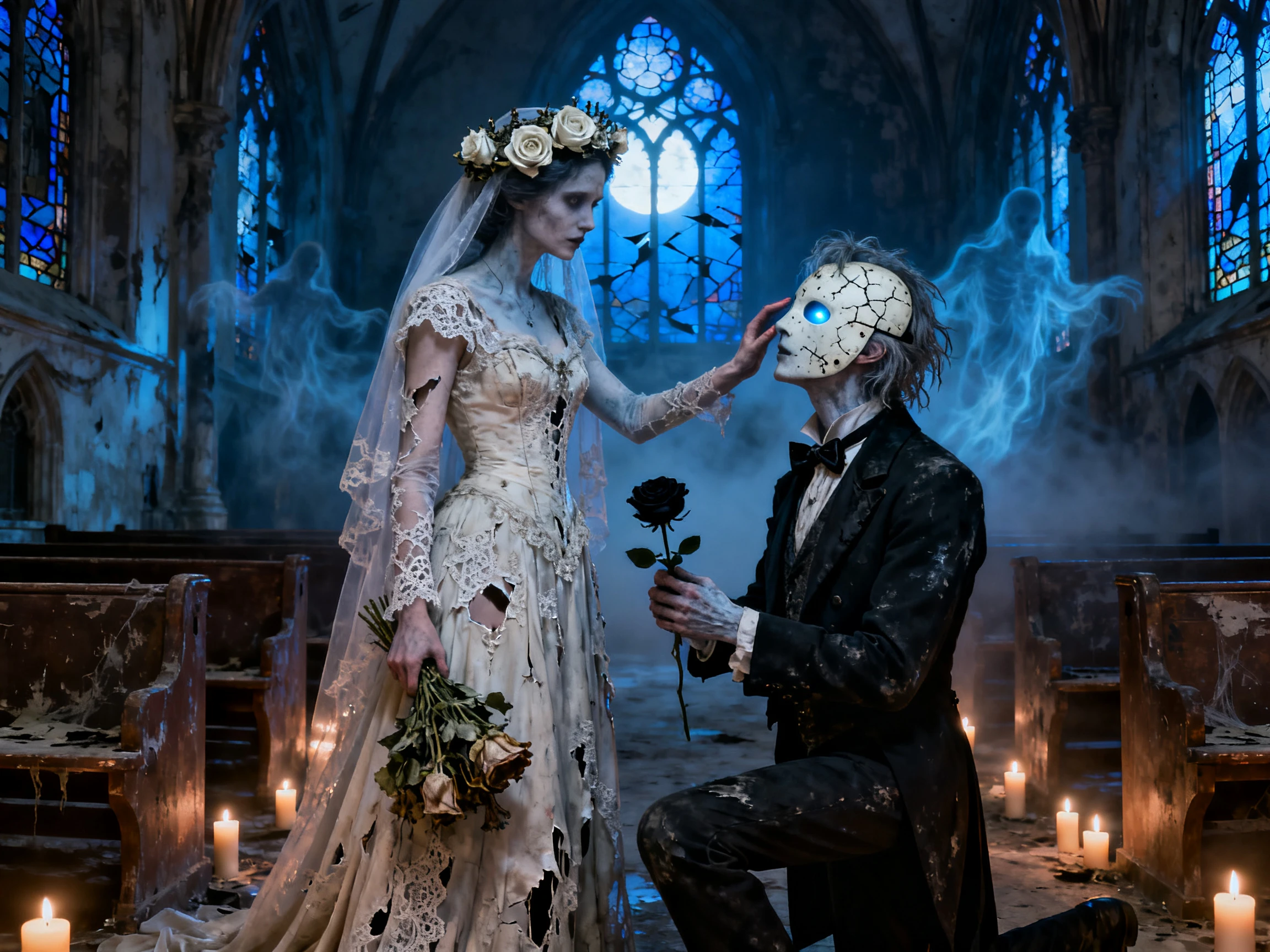

Turn your horror ideas into cinematic videos with MagicLight AI. Create chilling scenes, suspenseful chases, and terrifying stories with AI-generated visuals and narration. No filming or editing experience needed.
Create a Horror Movie For Free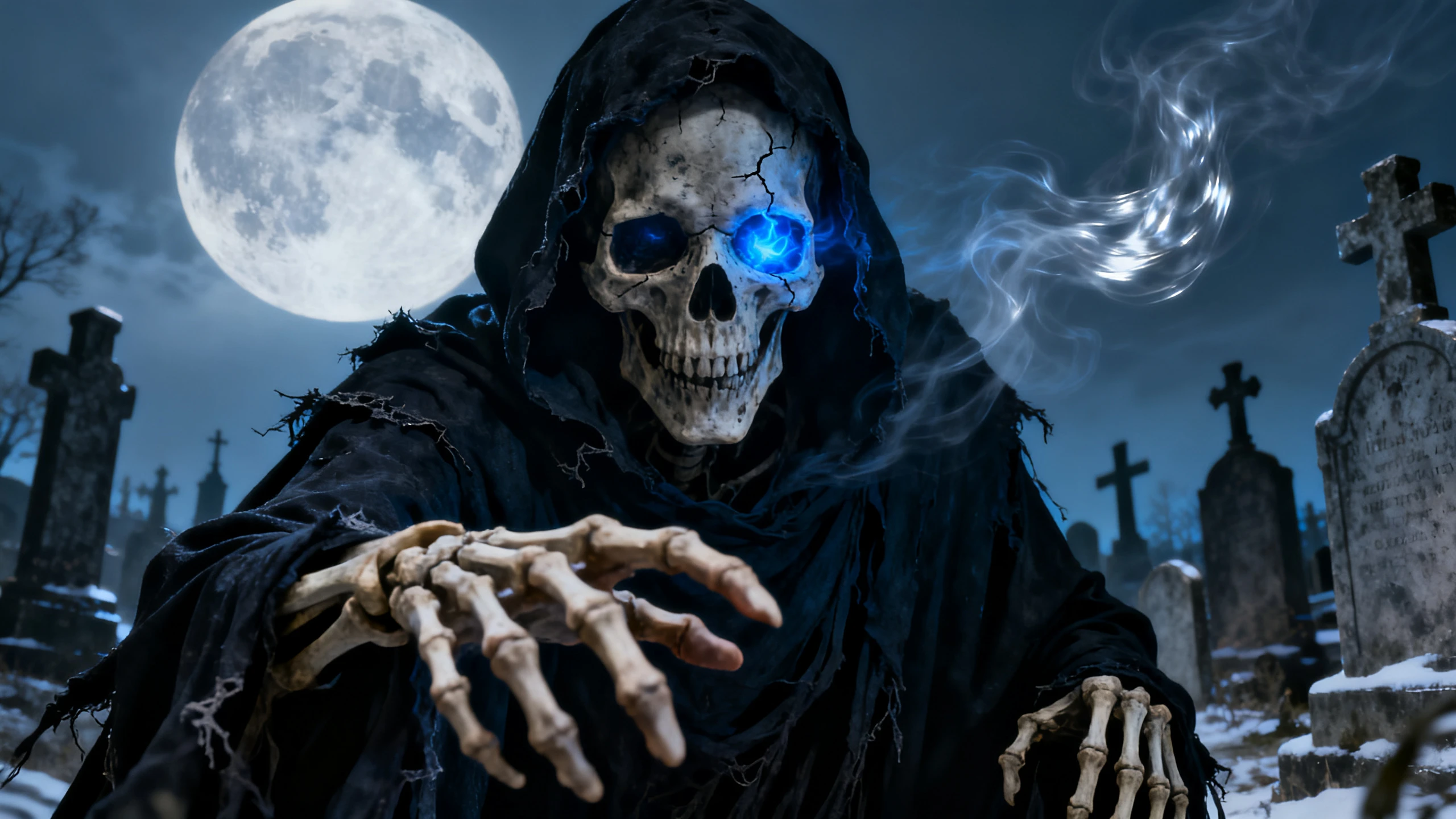










The Magiclight AI horror movie generator brings your horror idea to the screen. Set the budget, create your villain, and keep the same dark mood through every scene.
Start with a complete story with a direct touch of horror. Expand the story up to 12,000 characters, while using 14 different story models to enhance the story to perfection for professional results.
Create NowEasily create horror movies up to 50 minutes with Magiclight AI. The platform provides a complete system to allow users to present their entire horror movie ideas and even compete in short film categories.
Create a Horror Movie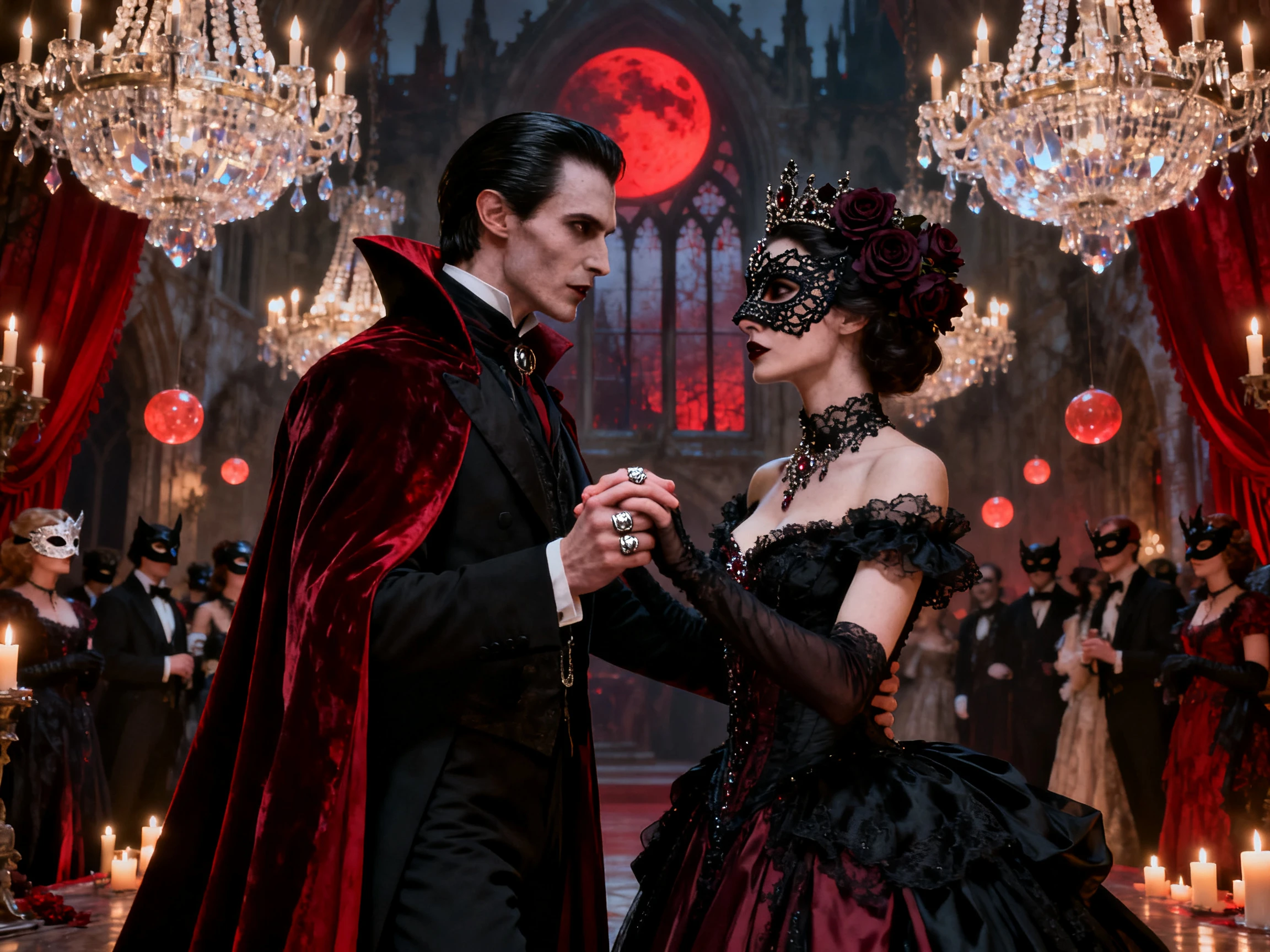
Create the perfect horror villain, ghost, or movie character using a basic prompt of 1000 characters and a reference image. Save the character and have it reused in later scenes for a consistent look in the horror movie.
Create Horror Characters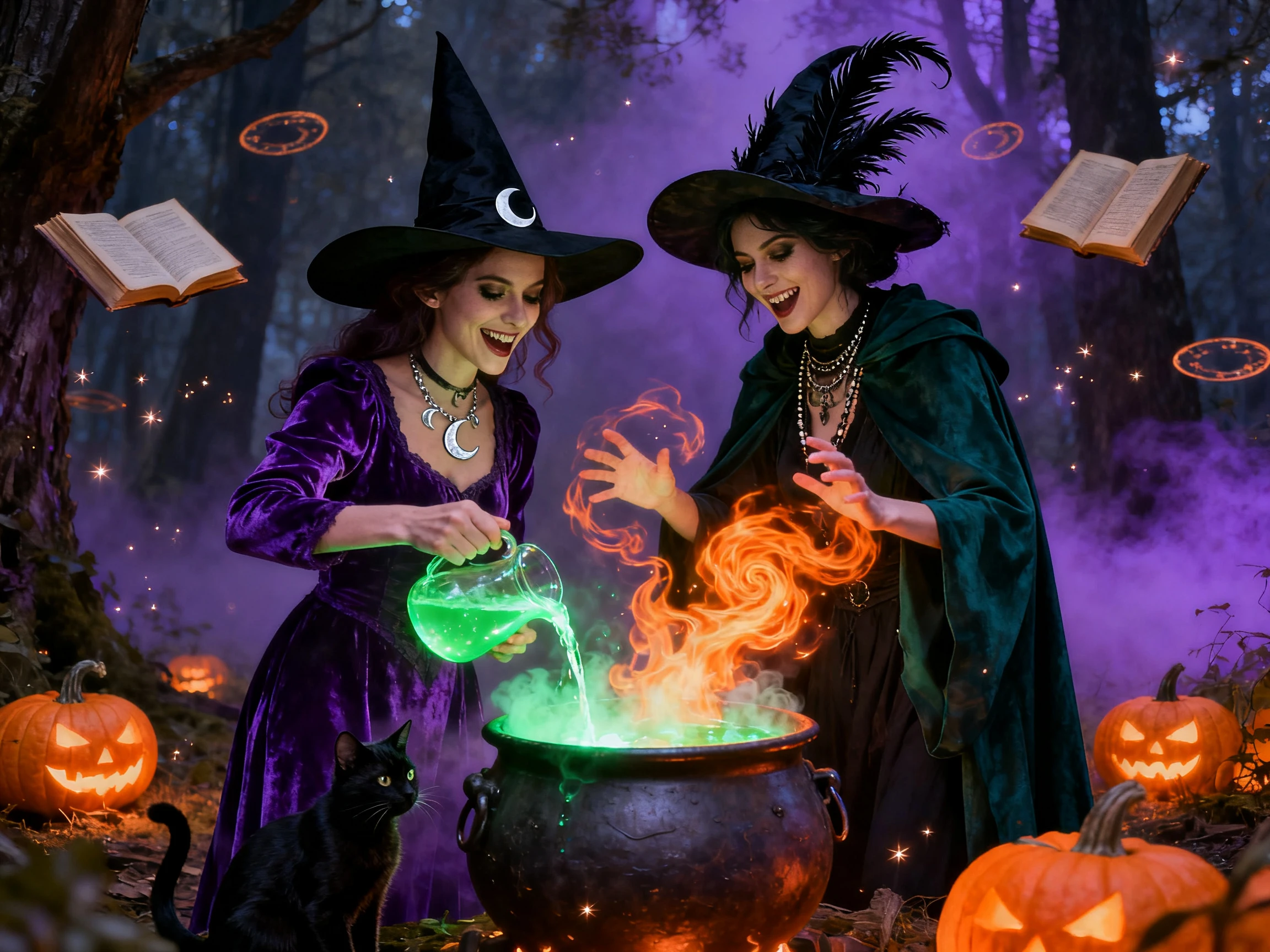
Generate horror movies in animation using the 16 animation models for finding motion that fits each scene. Use motion to present ghosts or monsters, allowing the film to develop the element it can be known for.
Generate a Horror Movie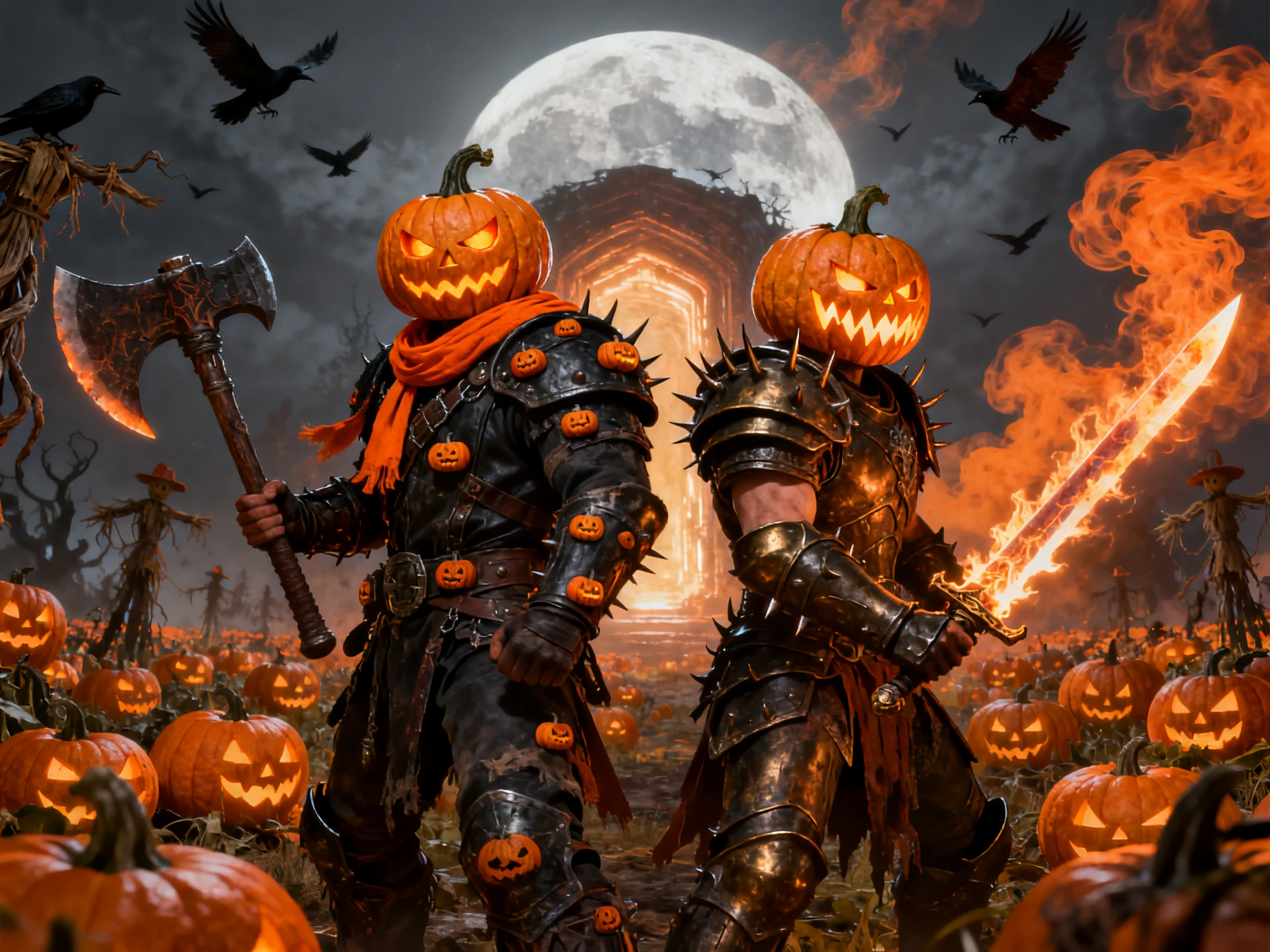


Set up the finest version of a horror movie in 4 simple steps. Magiclight AI horror movie generator helps you add your story, set the scenes and characters, add audio, and create the final video.
Enter a horror idea or paste a script of up to 12,000 characters. MagicLight Agent suggests a format and budget level, then lets you review and approve the script.
Continue by choosing a style for the horror movie along with the characters. Either use the suggested options or create your own victim and villains in up to 1,000 characters.
Verify each horror scene in Nano Storyboard and adjust poses, expressions, and camera angles across 50+ options.
Add music from 40 tracks and turn on subtitles from the 16 available options. Generate the movie, then export it directly or upload it to YouTube.
YouTuber
My channel is mostly narrated horror, so I keep most videos on the static setting and let the voice do the work. Magiclight AI saves me credits for the big finale episodes.
Filmmaker
The creature in my short shows up in 6 scenes, and it looks the same in every one. I used higher-quality generation in Magiclight AI for the chase, and it finally felt like a film.
Animator
I tried three animation models on the same storyboard before picking one. In Magiclight AI, the ghost glides instead of walking, which made the hallway scene far creepier.
Content Creator
Every Sunday I post a new part of my horror series in 9:16. Magiclight AI keeps the same family and the same house in every part, so viewers can easily follow along.
Magiclight AI offers Static, Balanced, and higher-quality options. Static works well for simple narrated scenes, while the other levels add more motion for chases, scares, and reveals.
With Magiclight AI, you can save your villain as a character and reuse it across scenes. This helps keep the same face, clothes, and overall look throughout your horror movie.
Unlike Magiclight AI, which can turn a story into a longer movie with saved characters, Dreamina is useful for creating individual video scenes and short horror clips.
Story to Video in Magiclight AI can create horror movies up to 50 minutes long, depending on your plan. This gives longer stories more time for scenes, characters, and scares.
Movies made using Magiclight AI may be used on YouTube if your plan allows commercial use. Your content should also meet YouTube's rules, including its requirements for original content.
Inside Magiclight AI, you can give characters voices, add background music, and include subtitles. These options help you finish the audio before generating your horror movie.



Start with the scariest idea you have, and let the Magiclight AI horror movie generator build the full film at the motion and budget level you pick.