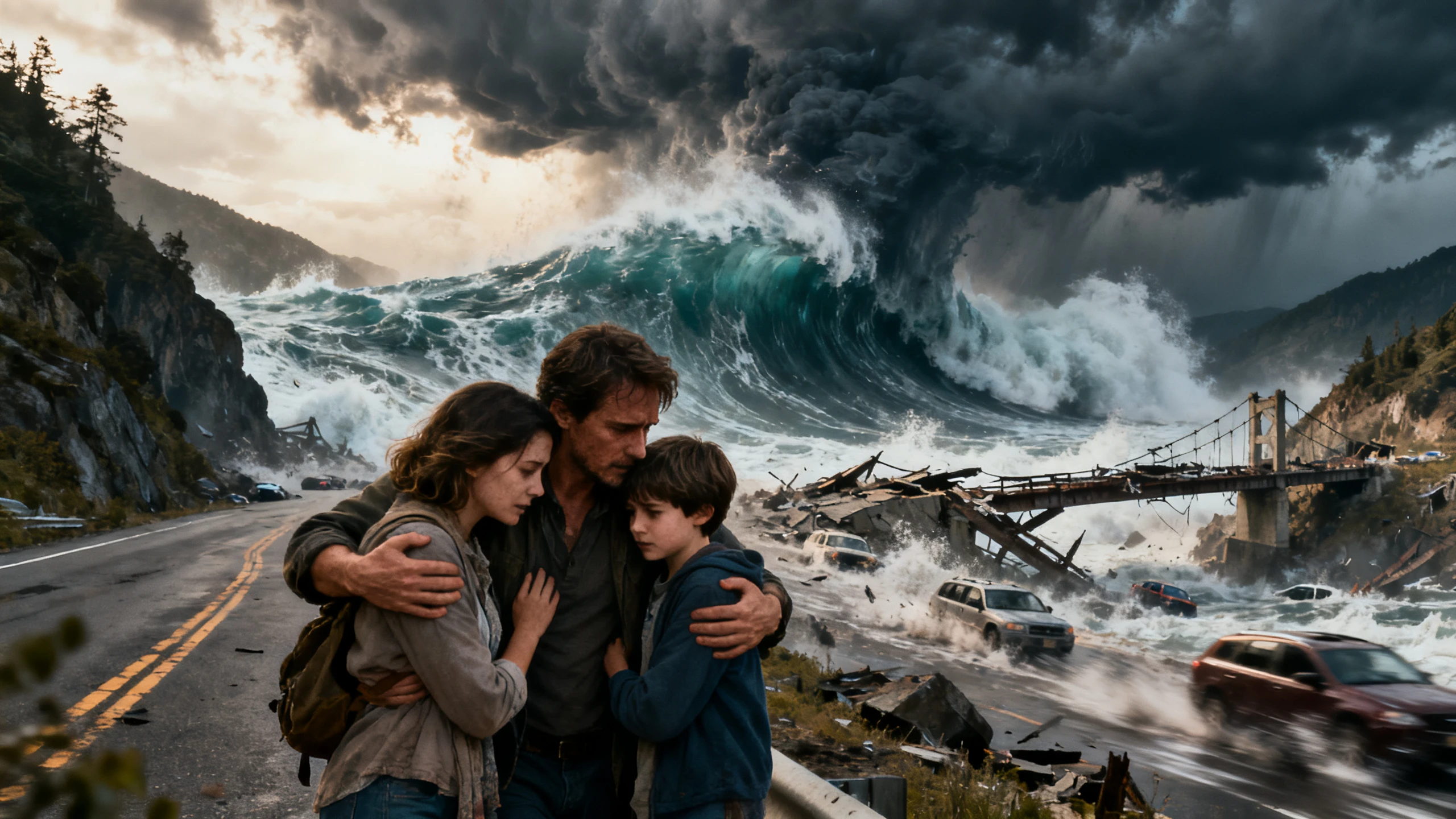
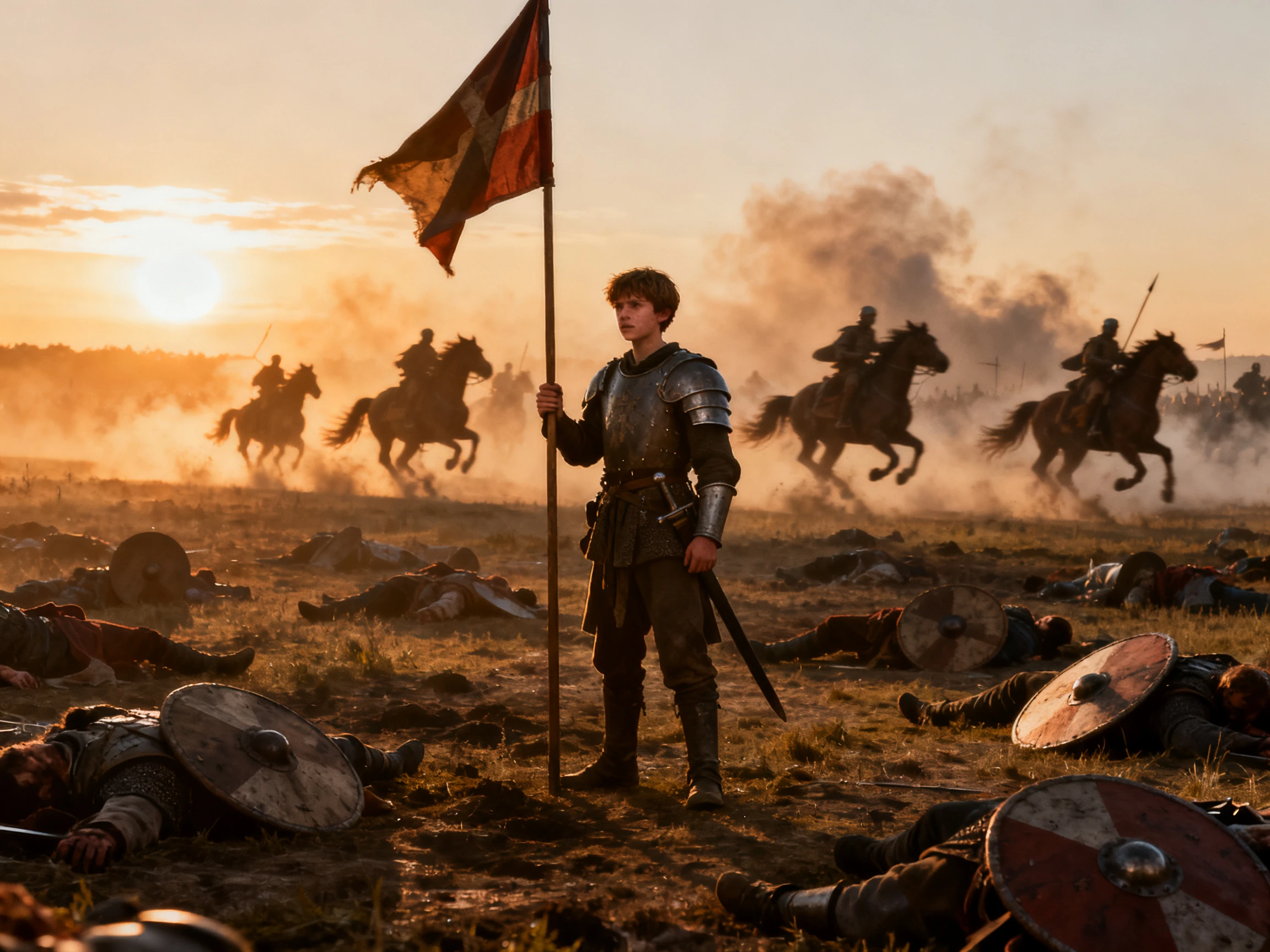
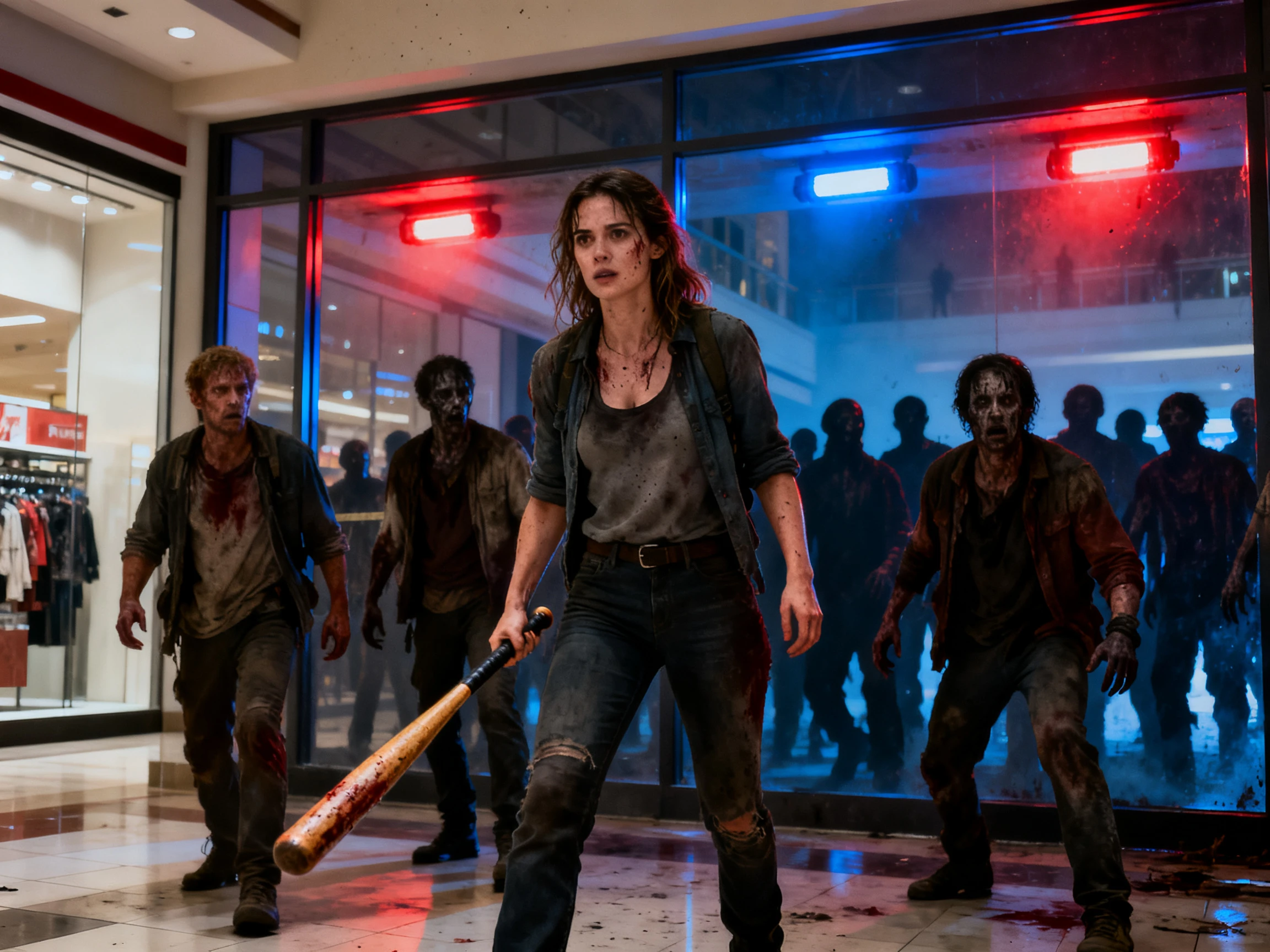
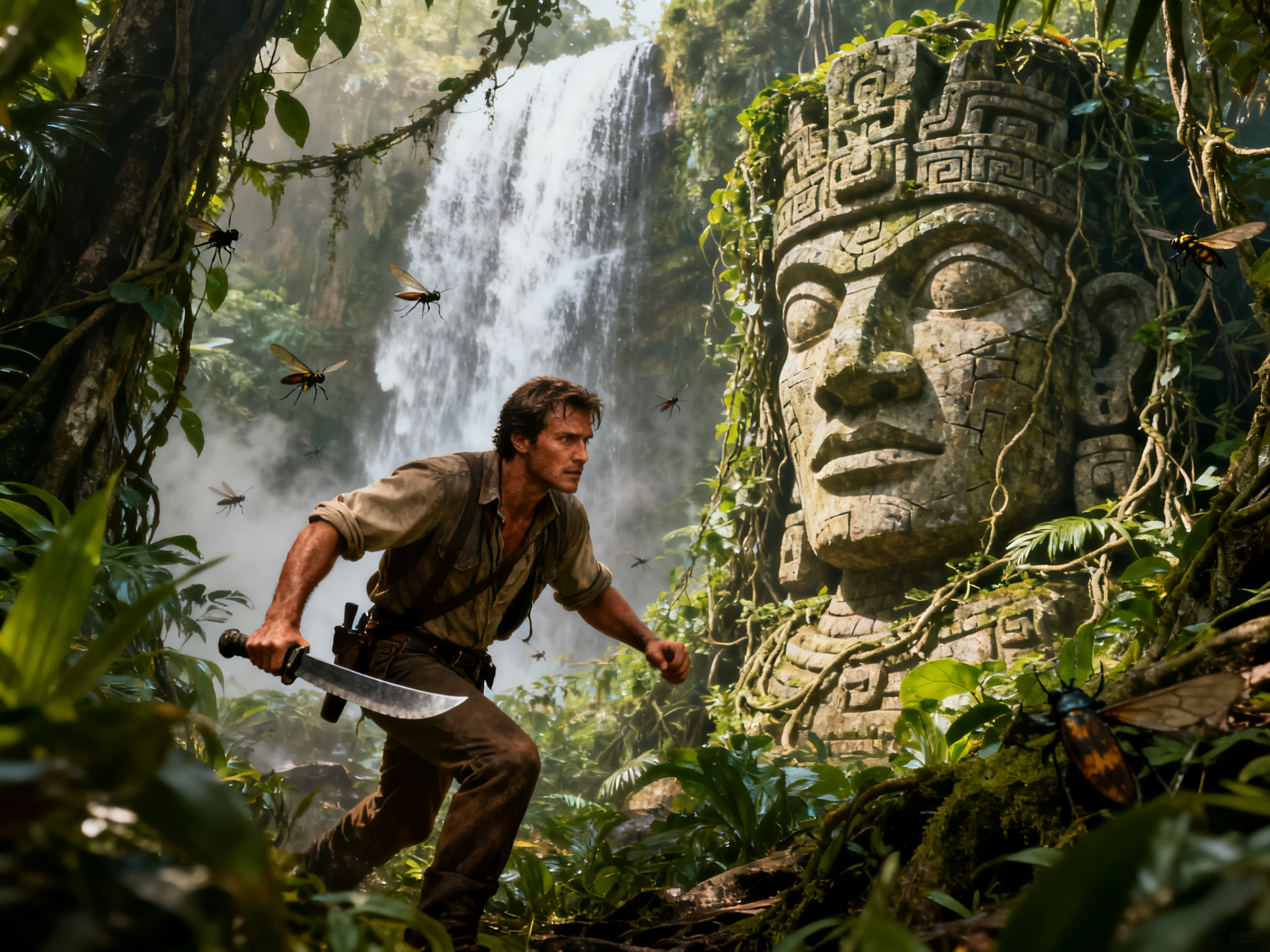
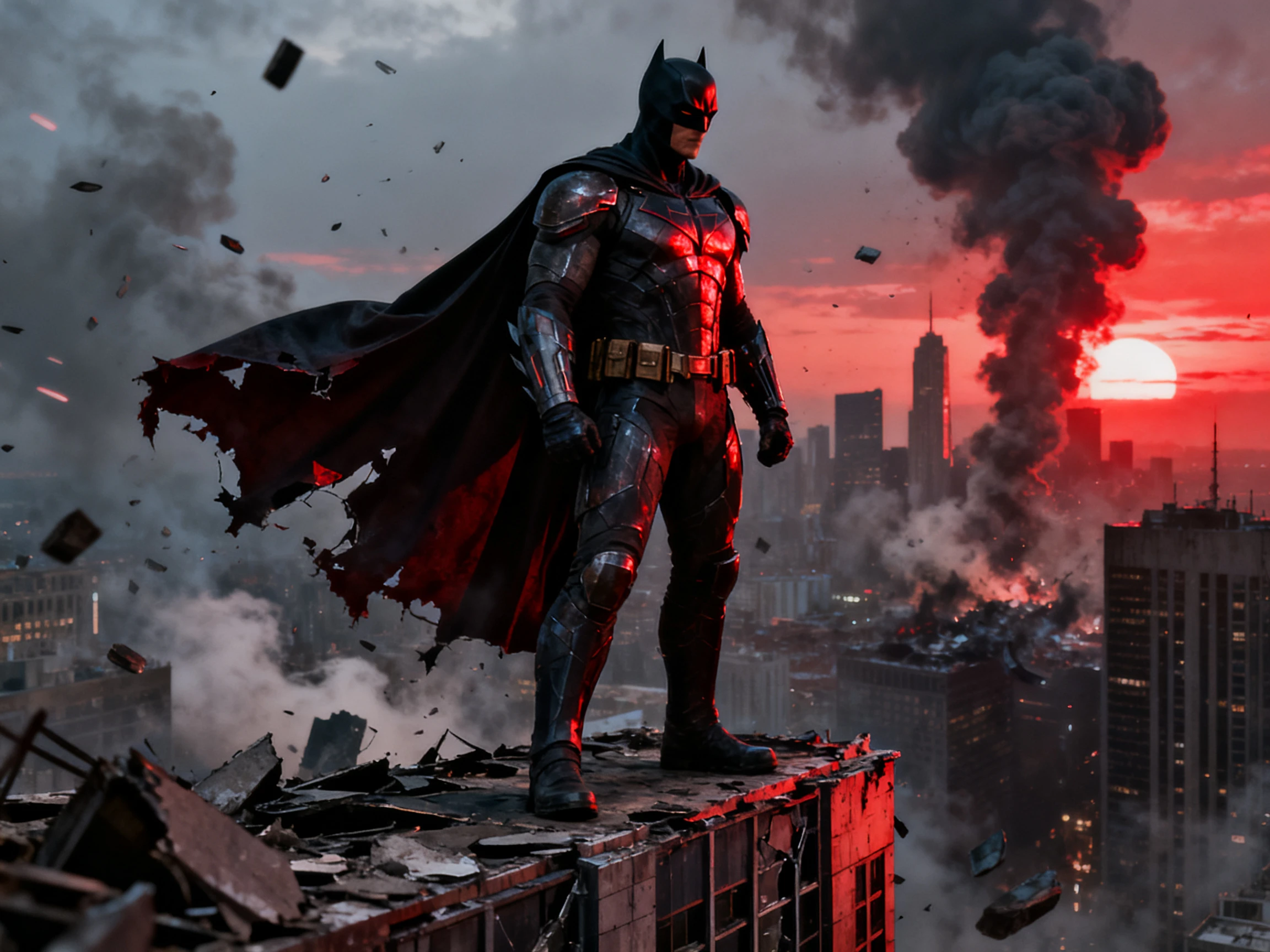
Turn your story idea into cinematic scenes with MagicLight AI. Create connected scenes with matching characters and visual styles, without filming or editing skills.
Explore the Magiclight AI Movie Scene Generator Features
See your story idea come alive with proper scenes. Try Magiclight AI move scene generator for free while controlling all scenes in every part of your story.
12,000 Characters for Movie Direction
Provide a basic movie idea or paste a complete script of up to 12,000 characters. Magiclight Agent assess the text, prepares a script, and organizes it properly into scenes upon confirmation.
Use the 14 story models available for developing the idea into a proper movie script. With options like Gemini Flash 3.1 and GPT-5.6, try different versions and compare the best story result.
Verify all scenes in the Nano Storyboard before proceeding with finalization. Make your shots clear by changing poses, camera angles, or expressions from the options available.
Give your characters and narrator voices from 37 available options. Add dialogue, narration, subtitles, and background music so every scene has the sound and emotion your story needs.
Who Can Use the Magiclight AI Movie Scene Generator
From short films to class projects, the AI movie scene generator turns stories into connected scenes. Add your script, set the cast, review each shot, and create your video.
Here are some of the use cases for Magiclight AI Movie Scene Generator:
For Short Film Creators
Create story films up to 50 minutes on supported plans.
Export finished movie scenes in up to 1080p quality.
Customize the character with 1000 characters prompt.
For YouTube Story Channels
Make episodes in any of 11 supported languages.
Add background sound from 40 available music tracks.
Pick from 21 cover templates for your video thumbnail.
For Social Videos
Generate vertical story scenes in a 9:16 video format.
Explore 50+ visual styles for different story themes.
Use 3 video budget levels for simple or detailed scenes.
For Film Projects
Compare story results across 14 available story models.
Add opening titles using any of 16 available title styles.
Export class projects from 720p up to full 1080p quality.
How to Create a Movie Scene With Magiclight AI
Create connected movie scenes in 4 simple steps with the Magiclight AI movie scene generator. Add your story, set the cast, review each scene, then add sound and generate.
1.
Step 1. Add Your Story Idea
Start with a movie idea or a script ranging up to 12,000 characters. Let Magiclight Agent assess it, select a format, and finalize the script.
2.
Step 2. Set the Style and Cast
Go for a visual style from the provided options and add characters from the suggestions. You can also create new characters with a 1000-character prompt and reference image.
3.
Step 3. Review Your Scenes
Check all scenes across the Nano Storyboard and change the pose, expressions or camera angles out of the 50+ options provided.
4.
Step 4. Add Sound and Generate
Go for a proper music track, and include subtitles out of the 16 options. Generate the final movie, preview it and export it in up to 1080p.
What Users Say About Magiclight AI's Movie Scene Generator
Jonah Weller
Filmmaker
I gave Magiclight AI my short film idea, and it turned the script into connected scenes. I adjusted the shots in Nano Storyboard and had a clear video ready for my pitch meeting.
Priscilla Adams
Cinematographer
My script needed several scenes with the same cast. Magiclight AI kept the characters consistent, while I changed the framing and camera angles before generating my final video.
Kwame Asante
Content Creator
I wanted a short spy story for my channel. After adding my script, Magiclight AI created the scenes, voices, and visuals, giving me a complete video without a film crew nearby.
Sophie Laurent
Film Student
Our class project needed a story with several camera angles. I used Nano Storyboard to adjust each shot, while Magiclight AI handled the characters, voices, and final class film.
Do I need a complete script to create movie scenes?
No. With Magiclight AI, you can start with a simple idea or paste an existing script. MagicLight Agent then prepares your story as connected scenes for the video.
Can I create several scenes from one story?
Yes. One story can become several connected scenes with Story to Video. Magiclight AI also lets you review those scenes before generating the finished video.
Can I keep the same characters across different scenes?
Yes. Save your main characters and reuse them as your story moves between scenes. This helps Magiclight AI keep their appearance more consistent throughout the video.
Can I control how each movie scene looks?
Yes. The AI movie scene generator includes Nano Storyboard for changing camera angles, framing, poses, and expressions. These controls are available inside Magiclight AI.
Can my movie scenes include dialogue and narration?
Yes. Pick from 37 voices for characters and narrators, then add subtitles and background music. Magiclight AI brings these elements together in your story video.
How long can my Story to Video project be?
On supported plans, Story to Video can create videos up to 50 minutes long. This makes Magiclight AI useful when your story needs several connected scenes.
Create Perfect Movie Scenes With Magiclight AI
Start with the story you want to see. The Magiclight AI movie scene generator turns your text into connected scenes with all elements.