4 Stages With Magiclight Agent
Your project moves from Script to Asset before reaching Storyboard and Compose. Magiclight Agent waits for your approval at each stage and lets you return to earlier work anytime.
Try AI Video Workflow for Free

Manage the entire video creation process with MagicLight. Develop your script, organize scenes, and review your story before turning it into a finished video. No editing skills needed.
Try AI Video Workflow for Free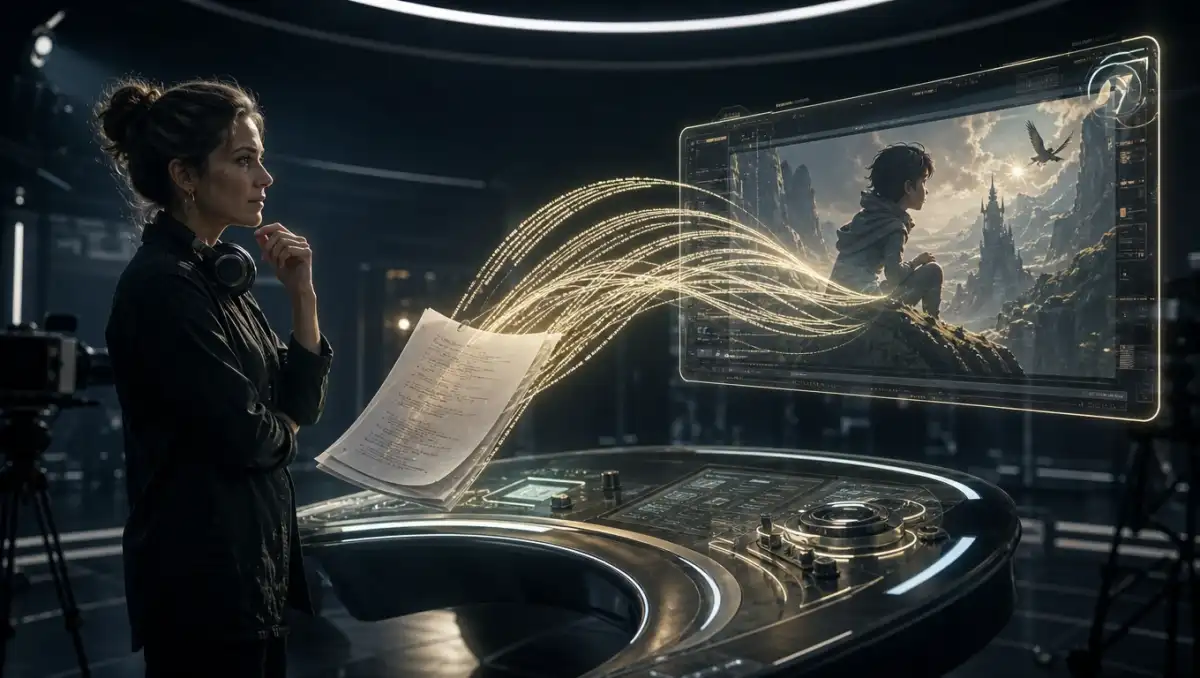










Magiclight AI video workflow gives you a chance to spot problems early in production. Check how your characters look and make sure each scene follows the story you imagined.
Your project moves from Script to Asset before reaching Storyboard and Compose. Magiclight Agent waits for your approval at each stage and lets you return to earlier work anytime.
Try AI Video Workflow for FreeA longer story needs room for dialogue and scene descriptions. Magiclight AI accepts scripts of 12,000 characters that you can review before working on the cast for your video.
Try AI Video Workflow for Free
Slides Video lets you watch your storyboard pictures with narration and check the story flow. Animate Video adds movement to those scenes when you are ready for the final cut.
Try AI Video Workflow for Free
Every shot has an image history that keeps earlier versions available. If a new picture changes the mood of your scene, you can bring back one you liked better before.
Try AI Video Workflow for Free


Take a short story you have always wanted to see on screen. The Magiclight AI video workflow takes you through 4 steps with a chance to review your work before each new stage.
Open a Video or Series project in Magiclight AI and enter your script within 12,000 characters. Choose one of the 16 story models before selecting a channel niche with Magiclight Agent.
Pick a visual style and choose or create characters for your story. Select Slides Video or Animate Video based on your needs and review the Production Estimate before continuing.
Look through the pictures Magiclight AI has prepared for your scenes. If a shot does not fit the story, request a new version or recover an earlier picture from its image history.
Give your scenes a voice with suitable narration and select a subtitle style. Add background music from the library or upload your own track before saving the finished video as MP4.
Video Producer
I sometimes change my mind about a scene after seeing the storyboard across Magiclight AI. Having the option to go back and fix things before animation saves me quite a bit of work.
Agency Owner
Client feedback used to come after we had finished most of the video. Now I share the storyboard first from Magiclight AI and wait for their approval before spending more time on production.
YouTuber
I make videos every week and prefer to keep the same characters across episodes. Magiclight AI makes that easier, especially when I have several stories planned for the coming month.
Training Manager
The slide videos in Magiclight AI work well for our internal training. I can check whether the instructions make sense before adding animation, which helps when our team requests changes to the material.
Yes. Magiclight AI lets you return to an earlier stage and revise your script without starting over. Any new content generated after the revision is charged at the usual rate.
You can review your script, scenes, and production plan before animation begins. This gives you a chance to make adjustments and ensure everything is ready for video creation.
An AI video workflow can cover most of your everyday production needs. However, you may still prefer a separate editing app for complex transitions and custom graphics for your brand.
MagicLight Agent helps you develop ideas, refine scripts, plan scenes, and create videos through conversation. You can describe what you want to make and let the agent guide you through the creative process.
A storyboard gives you an early look at how the scenes fit together. You can spot missing story details and fix visual problems before spending time and money on animating them.
The time depends on the length of your story and how many changes you make along the way. A short video with a few simple scenes generally takes less time than a full episode.



Try a short story first and get comfortable with the process before taking on longer videos.