









Hero background

Talking Santa Claus

Create a personalized talking Santa video with MagicLight. Add a name, a special message, or details about the year to make Santa's greeting feel more personal. No video editing skills needed.

Create a Talking Santa Claus for Free
Talking Santa preview 1
Nano Banana
Google VEO 3
Sora 2
Gemini
Hailuo
Kling
Midjourney
Qwen
Seedance
Wan
Nano Banana
Google VEO 3
Sora 2
Gemini
Hailuo
Kling
Midjourney
Qwen
Seedance
Wan

Explore the Features ofa Talking Santa Claus in Magiclight AI

A child's first bike ride or a thoughtful act at school can make Santa's Christmas message feel personal. The Magiclight AI shapes them into a message that a Santa Claus says out loud.

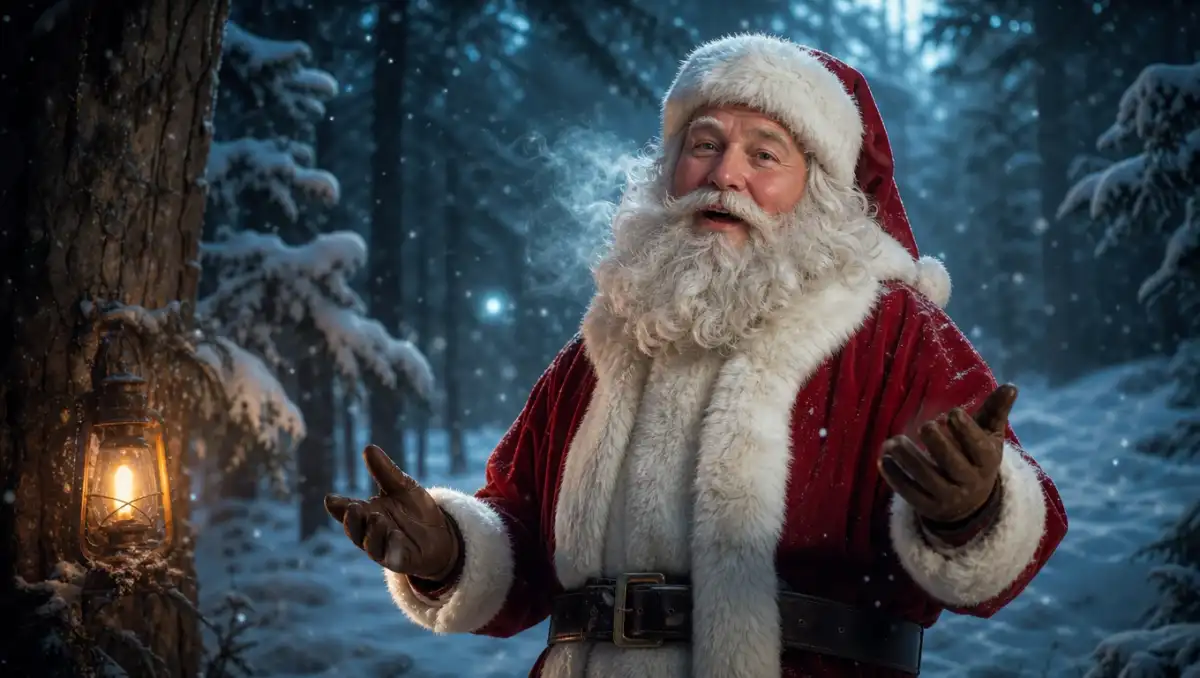
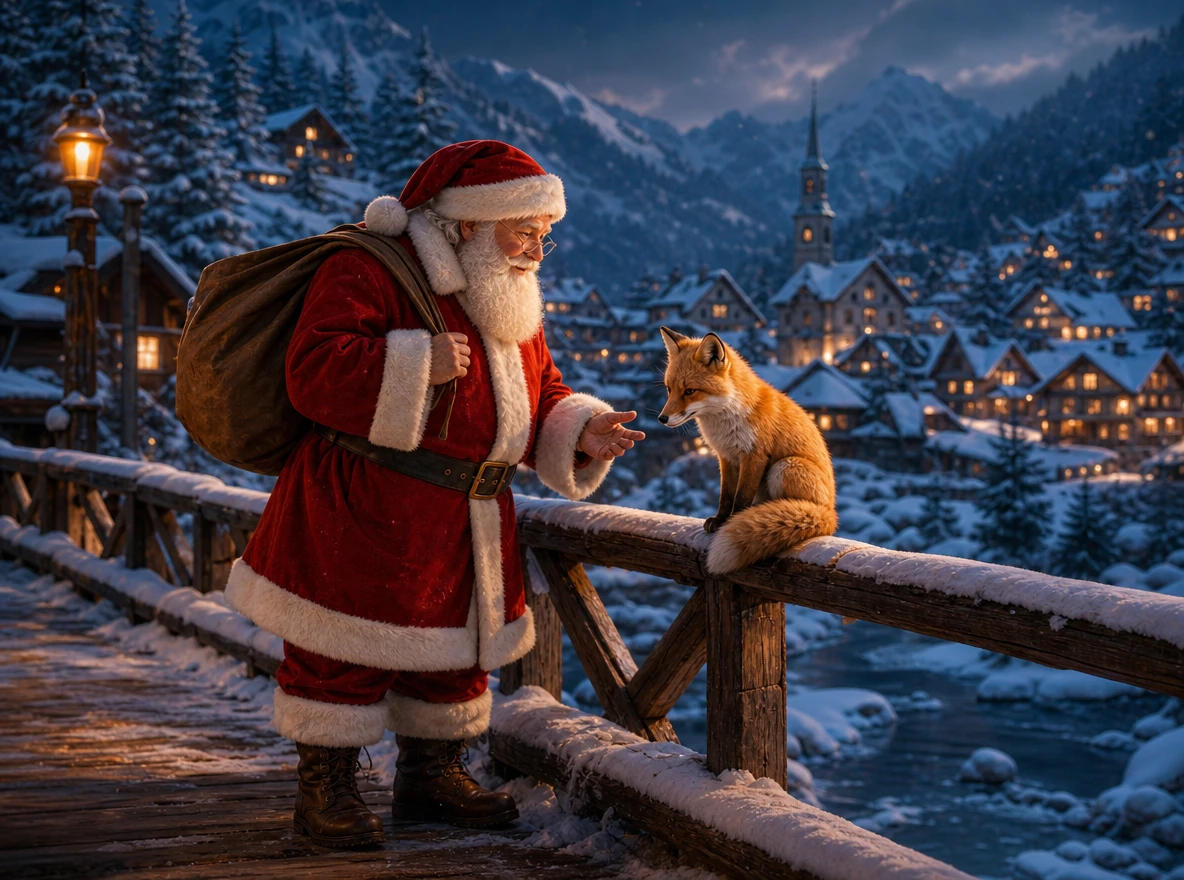
Turn a Santa Photo into a Talking Video

Upload a Santa Claus image and use MagicLight's Image-to-Video feature to bring it to life. Add a motion description to create a video of Santa speaking and moving naturally.

Create a Talking Santa Claus for Free

Upload Santa photo to create talking video

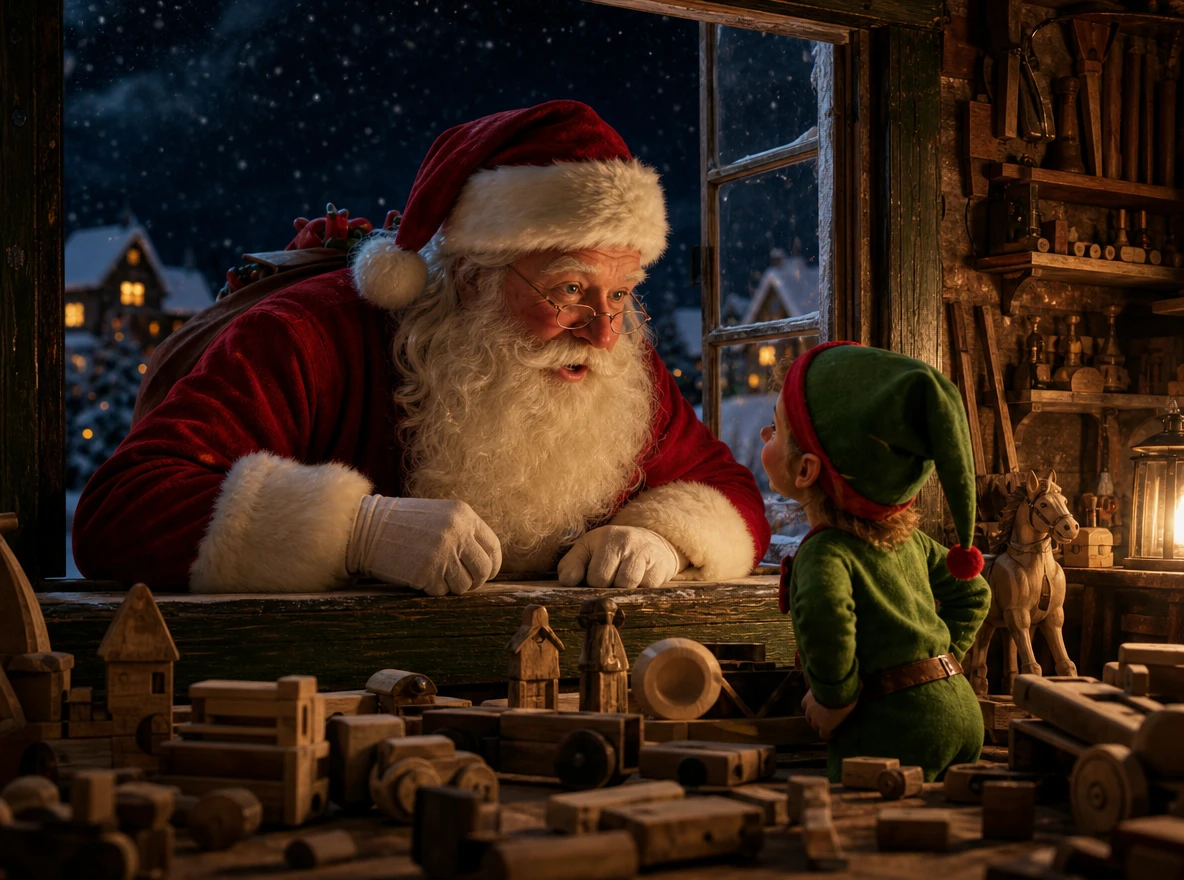
AI Script Writing for Personalized Santa Messages

Tell MagicLight Agent your child's name, a recent achievement, and a Christmas wish. Let the AI draft a Santa greeting, then review the script and adjust the wording before creating the video.

Create a Talking Santa Claus for Free
AI script writing for Santa greeting

40 Background Tracks for Festive Greetings

Select from 40 music tracks in Magiclight AI to give Santa's message a Christmas atmosphere. Add gentle bells or cheerful holiday music to complement the narration without distracting from the greeting.

Create a Talking Santa Claus for Free

Festive background music for Santa video

Multilingual Voices for Santa's Greetings

Create Christmas messages in 11 different languages using Magiclight AI. Choose an available language, such as English or Spanish, to help Santa deliver a personalized holiday greeting that your child understands.

Create a Talking Santa Claus for Free
Multilingual Santa voice options
Who Can Use Magiclight AI for a Talking Santa Claus
Magiclight AI handles a bike-ride congratulation, a class greeting, a reply to a North Pole letter, and a store offer. See how each group can use a talking Santa Claus.
Here are some of the use cases for Magiclight AI Talking Santa Claus:
Home personalized Santa messages
For Messages at Home
Add your child's name and favorite memory to Santa's AI-generated script.
Animate a child's Christmas drawing using Image to Video.
Use Suno to create a festive song for a personalized Santa greeting.
Multilingual Santa greetings
For Multilingual Users
Create separate Santa greetings in English and Spanish.
Choose from 37 AI voices to find a warm tone for each language.
Add one of 16 subtitle styles so family members can read along.
Santa video for classroom
For Classrooms and Daycares
Use MagicLight Agent to draft a Christmas greeting for the entire class.
Choose 16:9 for a Santa video shown on classroom screens.
Turn students' winter drawings into clips with Image to Video.
Santa holiday promotion video
For Holiday Sales
Generate a 9:16 Santa announcement for your holiday store promotion.
Use Lip Sync to match Santa's mouth to a spoken holiday offer.
Use Magiclight AI Video Clone to create a Santa-themed holiday product ad.

 How to Make a Talking Santa Claus Video in Magiclight AI

Add your child’s name, choose Santa's appearance and voice, and customize the message. Follow these 4 steps to create your talking Santa Claus video.

1.

Step 1. Describe Your Christmas Message

Open Magiclight AI and select the Video tab. Enter your child's first name, a recent achievement, and a Christmas wish in the prompt box. Ask MagicLight Agent to create a personalized Santa message.

2.

Step 2. Choose the Language and Video Settings

Select your preferred video language and set the duration. Choose 16:9 for a widescreen Christmas greeting or 9:16 for a vertical video. Continue to the next screen to customize your Santa character.

3.

Step 3. Customize Santa and Adjust the Storyboard

Choose your Santa from the Character Library or create one with a 1000-character prompt. Preview all frames across the Nano Storyboard and use 50+ poses and expressions to improve.

4.

Step 4. Finalize the Scenes and Export

Proceed further to select the background music and subtitle style before confirming the video aspects. Review the scenes and generate your Christmas talking video now.

What Users Say About a Talking Santa Claus on Magiclight AI

Emily Carter

Emily Carter

Parent

I typed my daughter’s name and her first bike ride into MagicLight Agent and had a script in seconds. The Senior voice sounded warm, and she watched it 3 times.

Maria Gonzalez

Maria Gonzalez

Grandparent

I set the video language to Spanish, and Santa greeted my grandson in the language we speak at home. The subtitles in Magiclight AI helped him read along. We sent the MP4 by text.

Jessica Miller

Jessica Miller

Preschool Teacher

I made one group greeting for my class with Magiclight AI and played it at 16:9 on the classroom TV. The subtitle style was easy for my first graders to follow.

Daniel Brooks

Daniel Brooks

Store Owner

I upgraded for commercial rights and made a 9:16 clip with our opening hours and one offer. Picking a festive background track in Magiclight AI took a minute. It ran on our store page.

FAQs on Talking Santa Claus

Will Santa say the child's name correctly?

Most names come out right, and Audition lets you hear each voice say it first. Hide subtitles in the settings so the phonetic spelling never shows. Pick from 37 voices if one pronounces it better.

Can I customize the Santa Claus character?

Yes. You can describe Santa's appearance, outfit, facial features, and other details to create a character that matches your idea. You can also choose a character from the Character Library.

Can a store use a talking Santa in its holiday ads?

Yes. You can use talking Santa videos in holiday promotions and social media ads. Choose a video format that fits your platform, and add festive background music to create a seasonal feel.

Can I create a talking Santa Claus video for multiple children?

Yes. Magiclight AI lets you include several children's names in one Santa greeting. Add their names and a shared Christmas message to the script. Review the pronunciation before generating the video.

Can I change Santa's appearance in Magiclight AI?

Choose a Santa character from the Character Library or create your own using a prompt of up to 1,000 characters. Describe his beard, outfit, glasses, or facial expressions to personalize the Christmas video.

Create a Talking Santa Claus With Magiclight AI

Brighten one child’s December with a message only Santa could know. Write it today with Magiclight AI, and your talking Santa Claus is ready to share before Christmas Eve.


