Hero background

Audio to Animation

Turn your audio into animated videos with MagicLight. Upload a song or audio track, describe the visuals you want, and create a video that matches its mood and rhythm. No animation skills needed.

Create Animation from Audio for Free
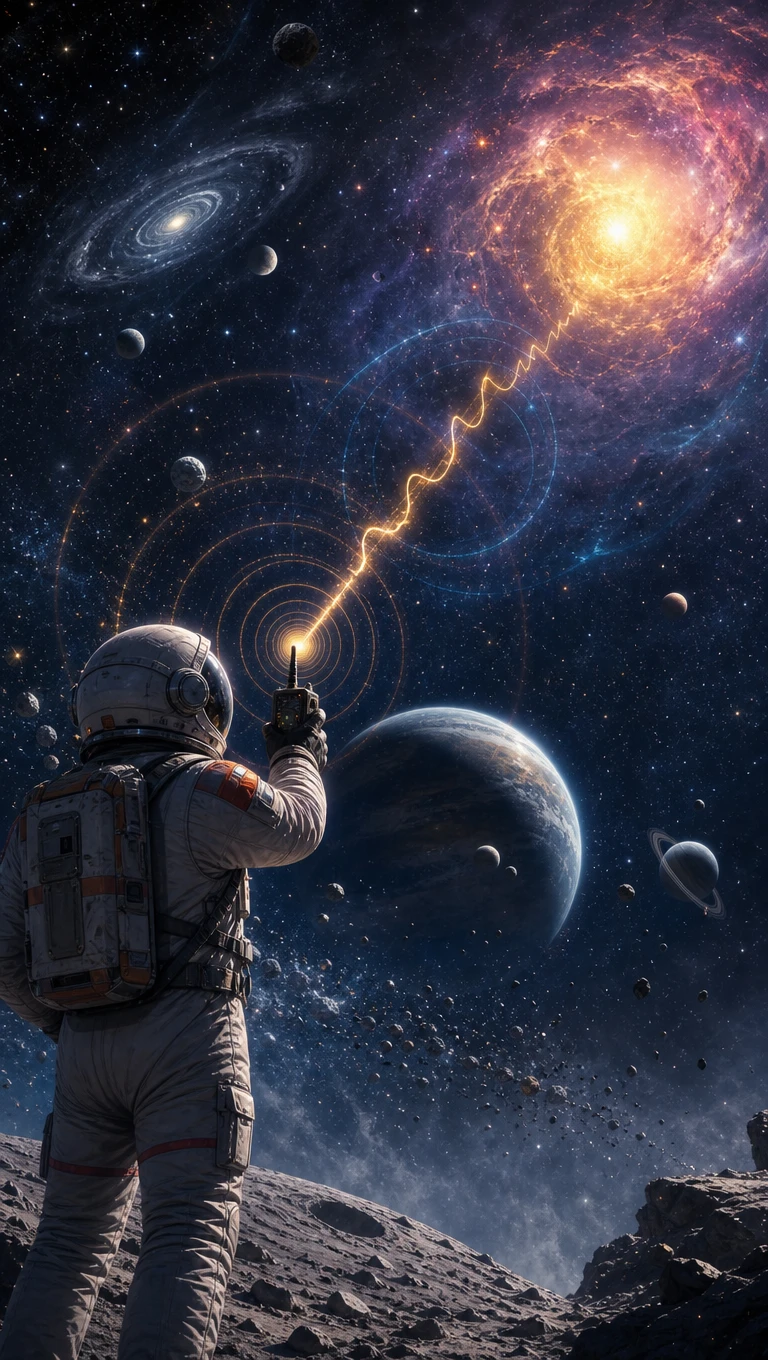
Audio to animation, animated scenes matching audio rhythm and mood
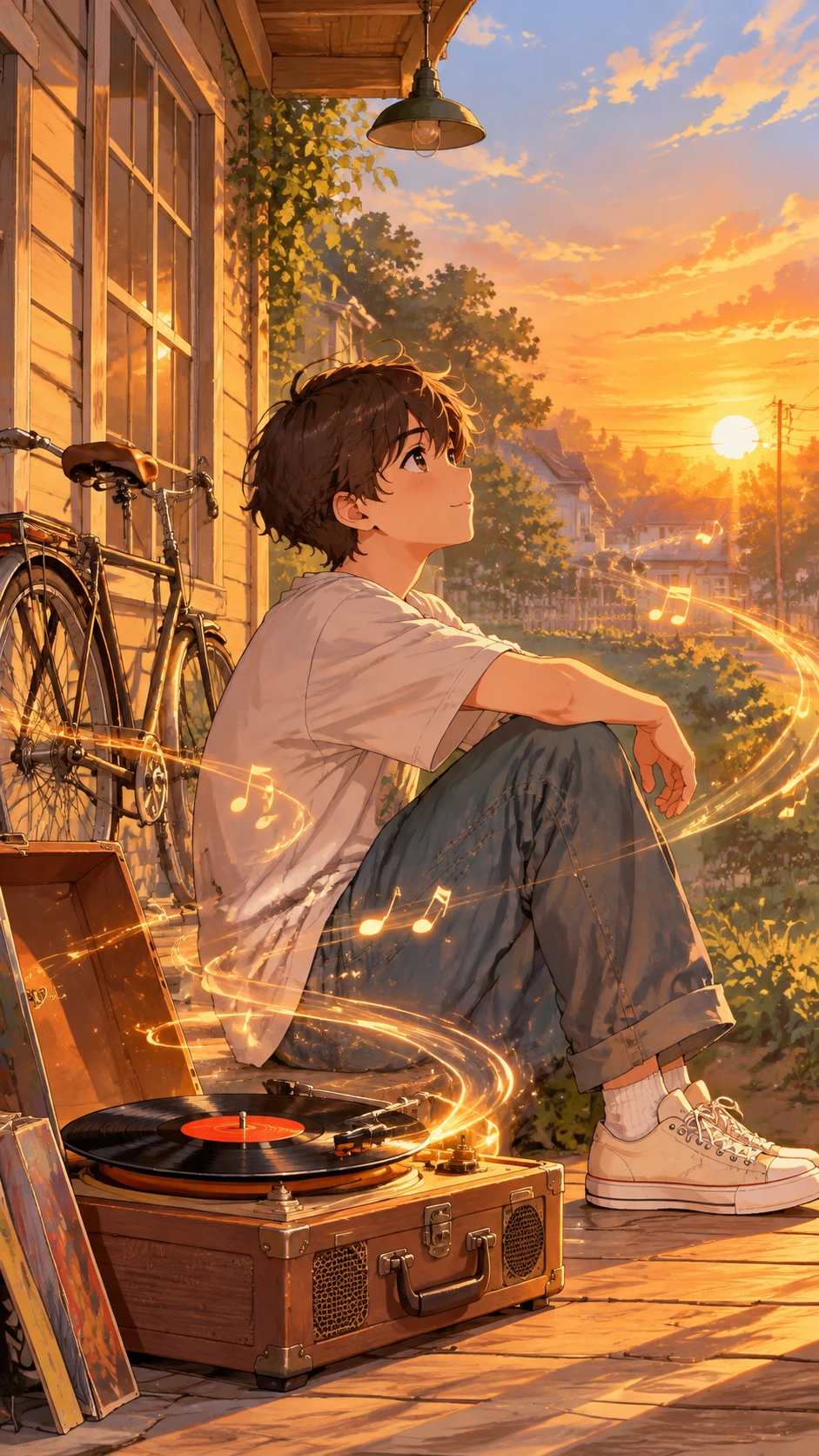
Animated characters and visuals generated from audio tracks
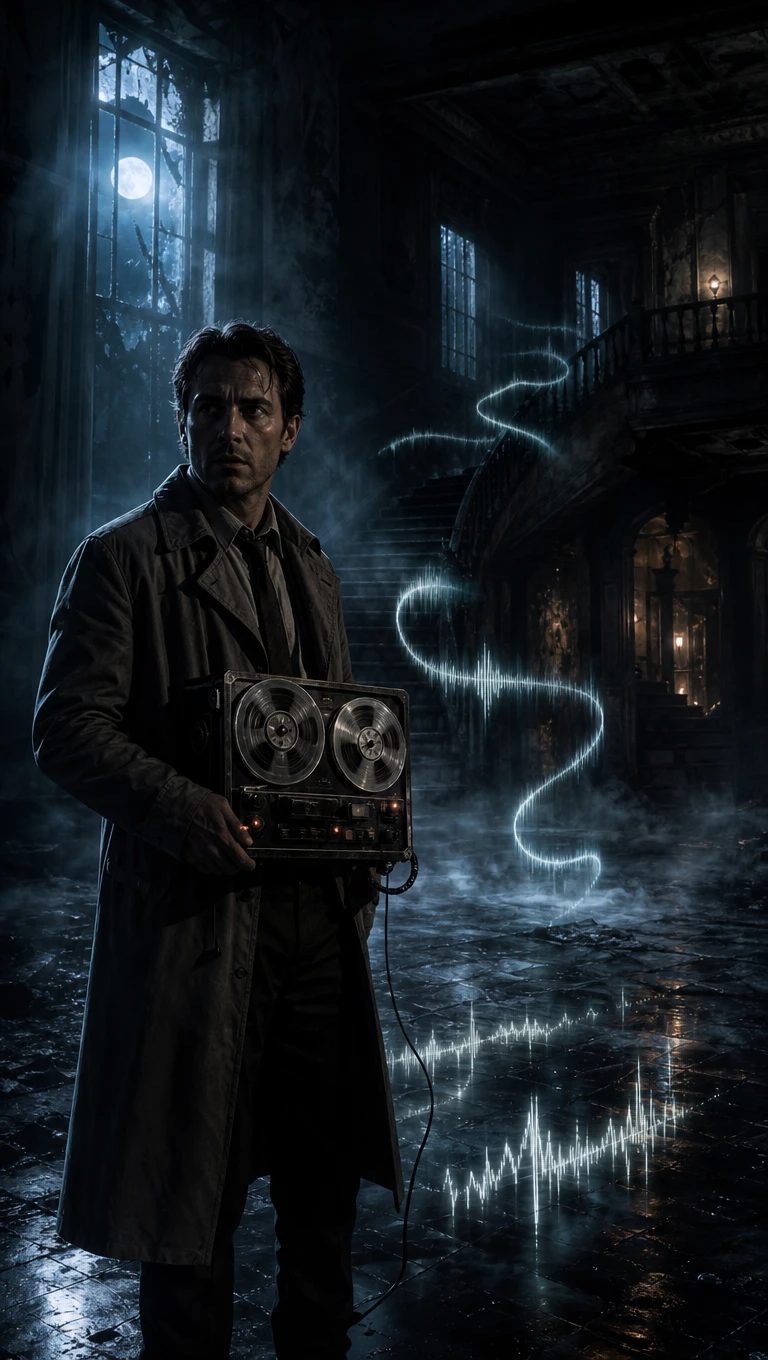
AI-generated animated scene from audio
Music animated storytelling example
Audio animation example 2
Audio animation example 3
Audio animation example 4
Audio animation example 5
Audio to animation, animated scenes matching audio rhythm and mood
Animated characters and visuals generated from audio tracks
AI-generated animated scene from audio
Music animated storytelling example
Audio animation example 2
Audio animation example 3
Audio animation example 4
Audio animation example 5

Explore the Magiclight AI Audio to Animation Features

A good song can suggest a whole scene before you even see it. Magiclight AI audio to animation gives you ways to turn those ideas into visuals that fit your music.
Create Animation from Audio for Free
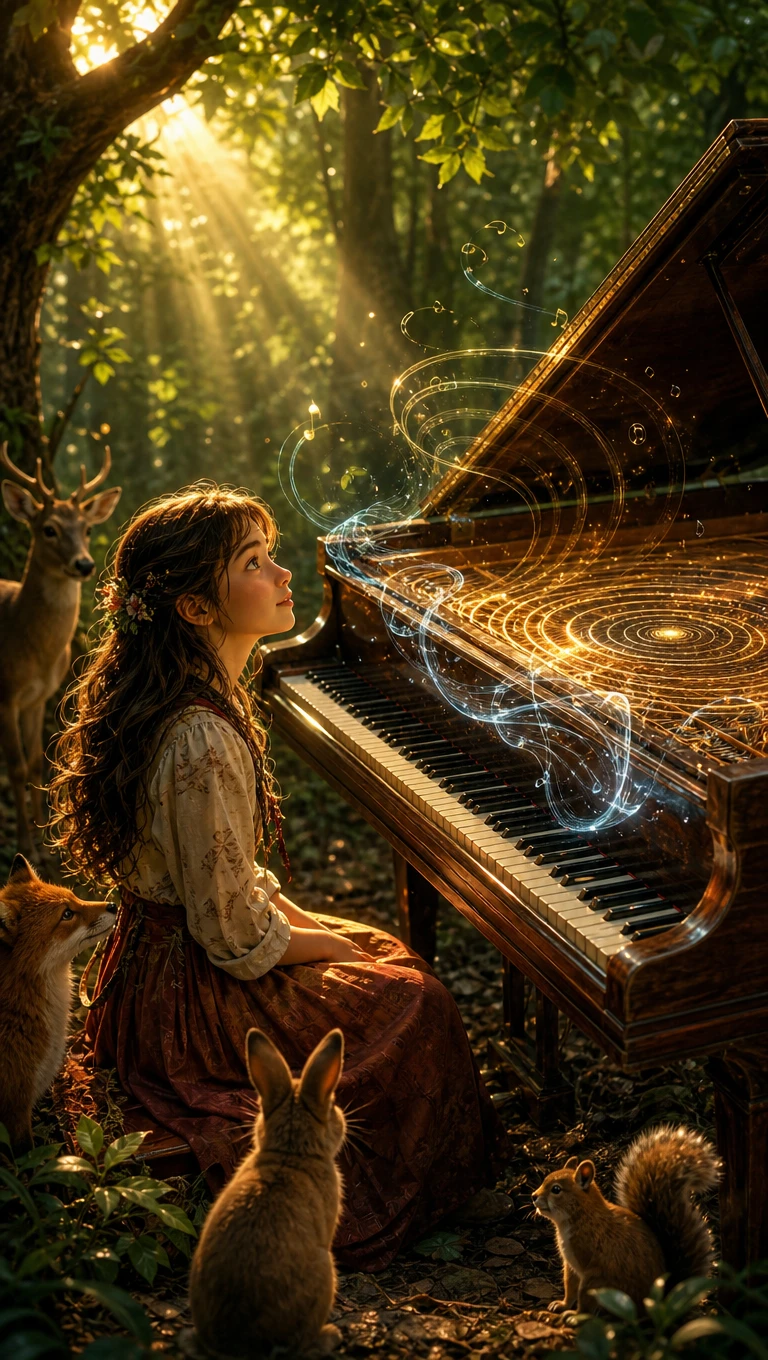
Audio to animation style decoration

3 Audio Formats for Your Recordings

Magiclight AI supports MP3, WAV, and M4A files, including songs recorded on your phone. Upload your track and turn it into an animated video with scenes that suit the music.

16 Story Models for Your Music Video

One song can inspire several different stories. Magiclight AI offers 16 story models to explore fresh visual ideas, giving the same recording a new direction each time.

15 Music Tracks to Choose From

Magiclight AI includes 15 music options for videos that need a soundtrack. Choose a track that suits your idea and create animated scenes that follow the music.

Seed 1.0 for Audio to Audio

Seed 1.0 gives an existing recording a different sound. Upload an MP3 or WAV file through the Audio tab and use the model to create a new version inspired by your track.

Who Can Use Magiclight AI Audio to Animation
Audio to animation opens fresh possibilities for music releases and spoken content. From podcast episodes to brand jingles, Magiclight AI helps give each recording its own visual identity.
For Independent Musicians
Give your latest single a fresh look using 16 story models.
Find a soundtrack among 15 ready music options for your next video.
Present your new release with one of 21 available cover templates.
For Podcasters
For Podcasters
Let AI Lip Sync match your animated host's mouth to spoken words.
Select from 37 voice options for a new character in your podcast.
Keep your familiar speaking style through voice cloning.
For Music Producers
For Music Producers
Describe your next music idea within 200 characters.
Feed Seed 1.0 an MP3 recording to explore a different sound.
See how 16 animation models change the atmosphere of your mix.
For Brands With Jingles
Give your brand mascot a look using a 1000 character description.
Set the mood for your jingle with animated scenes that suit its sound.
Use your existing brand tune for a short promotional animation.
Why Choose
Magiclight AI Audio to Animation
Music can tell a story long before anyone sees a picture. Magiclight AI audio to animation gives that story a visual setting, with room to shape how each scene feels.
Talking Characters That Follow Speech
A character can speak directly to your audience through AI Lip Sync. Match spoken dialogue with an animated face to make podcast introductions feel more personal.
Your Own Music Takes Center Stage
A finished recording deserves visuals that feel connected to it. Magiclight AI lets you use your own track as the foundation for a music video, keeping the original song at its heart.
Over 52 Visual Styles for Your Music
A soft acoustic song might suit watercolor, but an electronic track could look better in 3D. Explore over 52 visual styles to find an animated look that feels right for your recording.
Fresh Looks for Recorded Performances
That rehearsal clip sitting on your phone could become something more interesting. Video to Video lets you apply an animated appearance to existing footage without recording another performance.
Video Sizes That Suit Your Audience
Some music deserves a full screen, while shorter clips work better vertically. Select 16:9 for YouTube videos or 9:16 when sharing animated music content on TikTok.
New Music From Just 200 Characters
Sometimes the video idea comes before the song. Describe the music you have in mind within 200 characters and let Magiclight AI generate a track to accompany your animated scenes.

How to Turn Audio Into Animation With Magiclight AI

A good recording can spark an entire visual story. Magiclight AI audio to animation lets you shape that idea into a video through 4 steps, starting with your own audio file.

1.

Step 1. Add Your Audio

Start with an MP3, WAV, or M4A recording in Magiclight AI. Select the screen format that suits your audience, then upload the clearest version of your audio.

2.

Step 2. Choose Your Animation Style

Find a visual style that suits the mood of your recording. Explore 16 story models to decide how the animated scenes should unfold alongside your audio.

3.

Step 3. Pick Characters and Review Scenes

Describe your characters within 1000 characters or select existing ones. Open Nano Storyboard to adjust their clothes and expressions before generating your animation.

4.

Step 4. Set Lyric Style and Download

Choose a lyric style that fits your video and check how the words appear alongside the audio. Preview the animation, make any final changes, then download it for sharing.

FAQs on Audio to Animation

What audio formats does Magiclight AI support?

Magiclight AI accepts MP3, WAV, and M4A recordings. You can use a voice recording or an existing audio track, then choose a visual style that suits the sound.

Will the animation match my recording exactly?

Magiclight AI uses your recording to guide the visuals, but exact timing is not guaranteed. Review the Nano Storyboard and check the finished video before downloading.

Can I animate a podcast recording?

Yes, audio to animation can give podcast recordings a visual story. Choose a character for the speaker and use AI Lip Sync where supported to match spoken dialogue.

Is copyrighted audio allowed?

Only use recordings you own or have permission to use. Even a short copyrighted clip can cause problems when shared publicly, especially on platforms with automatic detection.

How much control do I have over the animation?

You can explore over 20 visual styles and choose from 16 animation models. Nano Storyboard also lets you review scenes and adjust character appearances before generating.

Does Magiclight AI offer a free trial?

Magiclight AI provides signup credits to try its video features. Free exports may include a watermark, so check your available credits and plan before starting a longer project.


Let Your Audio Come Alive With Magiclight AI

That recording already has a story to tell. Give it animated scenes that make every moment more memorable.