3 Audio Formats Accepted Just as Exported
Upload a studio WAV, the M4A that GarageBand on iPhone saves by default, or an MP3 from a beat store. No conversion is needed, and your file remains the video's full soundtrack.
Convert Audio to MP4 for Free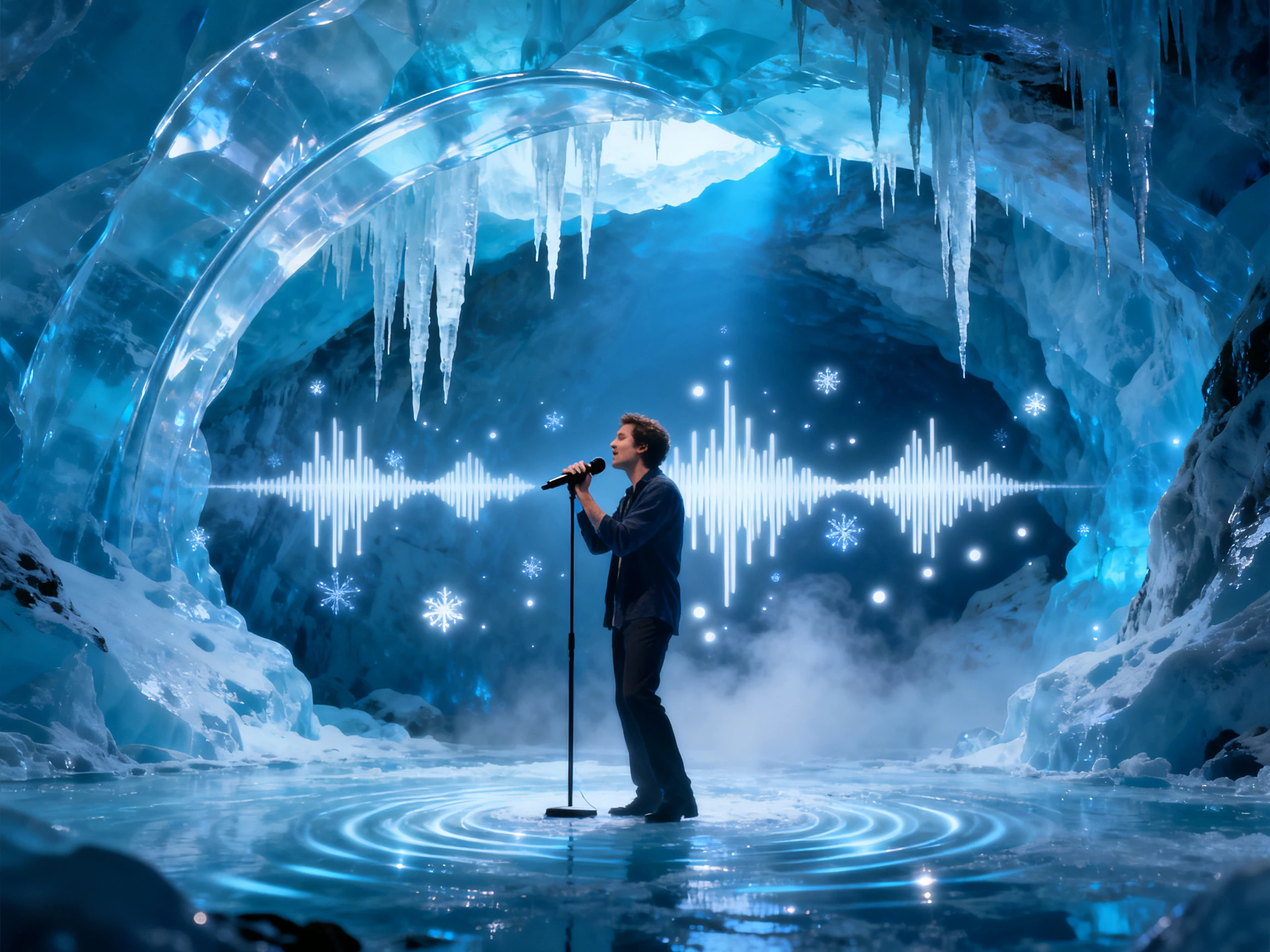

Upload an MP3, WAV, or M4A file and let MagicLight AI turn your audio into a video. Create visuals that match your music without editing everything by hand.
Convert Audio to MP4 for Free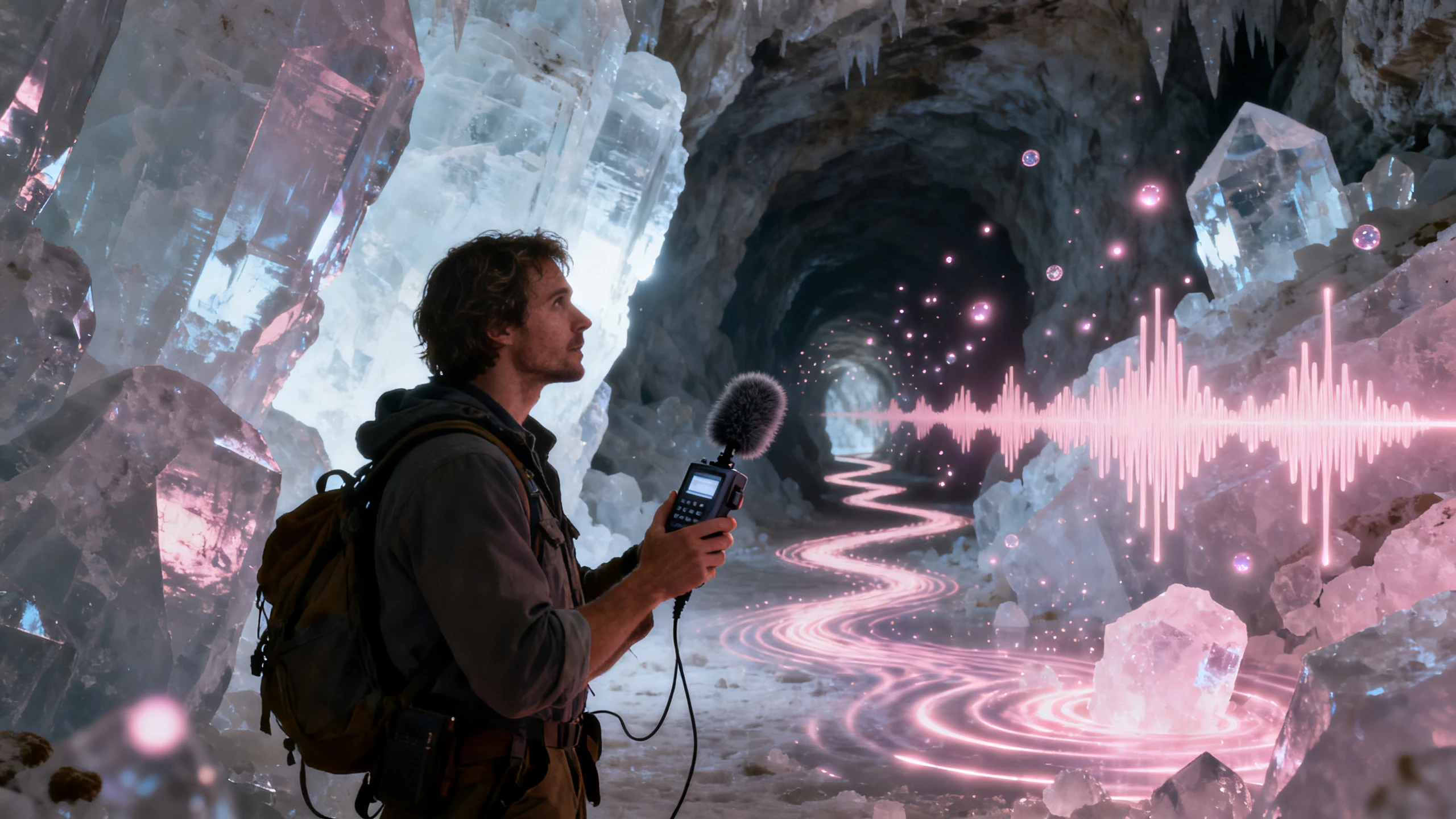










Bring the file in the format your app saved it in. To convert audio to MP4, Magiclight AI takes WAV, M4A, or MP3 as it is and creates the scenes, lyrics, and cover around it.
Upload a studio WAV, the M4A that GarageBand on iPhone saves by default, or an MP3 from a beat store. No conversion is needed, and your file remains the video's full soundtrack.
Convert Audio to MP4 for FreeSongs with vocals can show their words as animated text that moves with the beat. Choose how the text looks with the 16 subtitle settings, or leave the lyrics off for instrumentals.
Convert Audio to MP4 for Free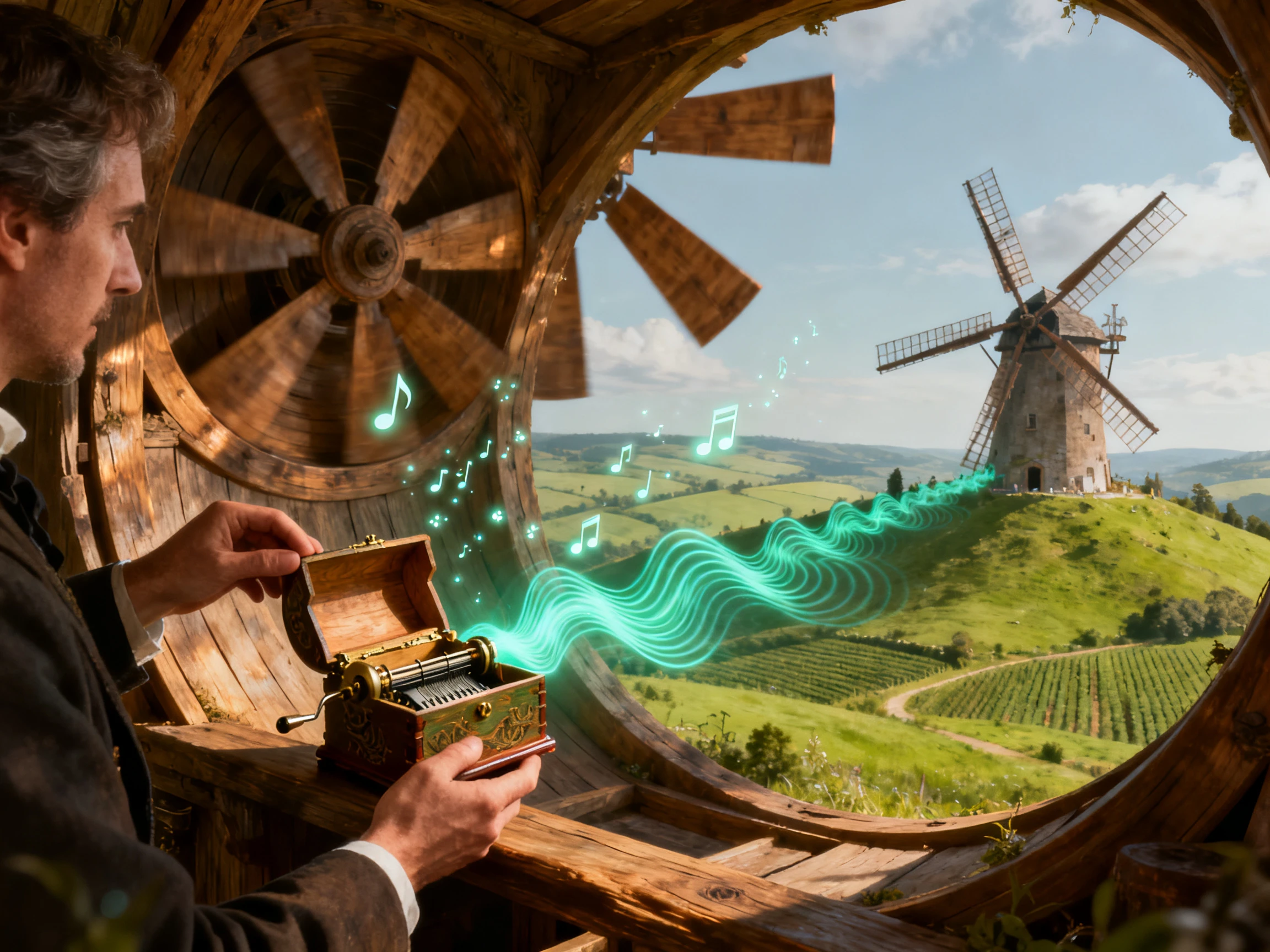
Pick Picture Book, Realistic, or another of the 50+ visual styles. Magiclight AI keeps that style, and every character's face the same from your audio's first second to its last.
Convert Audio to MP4 for Free
No audio file yet? In Create Music, type a few lines of lyrics or a description, 200 characters at most, and choose a genre preset. The song saves to My Songs, ready for the video.
Convert Audio to MP4 for Free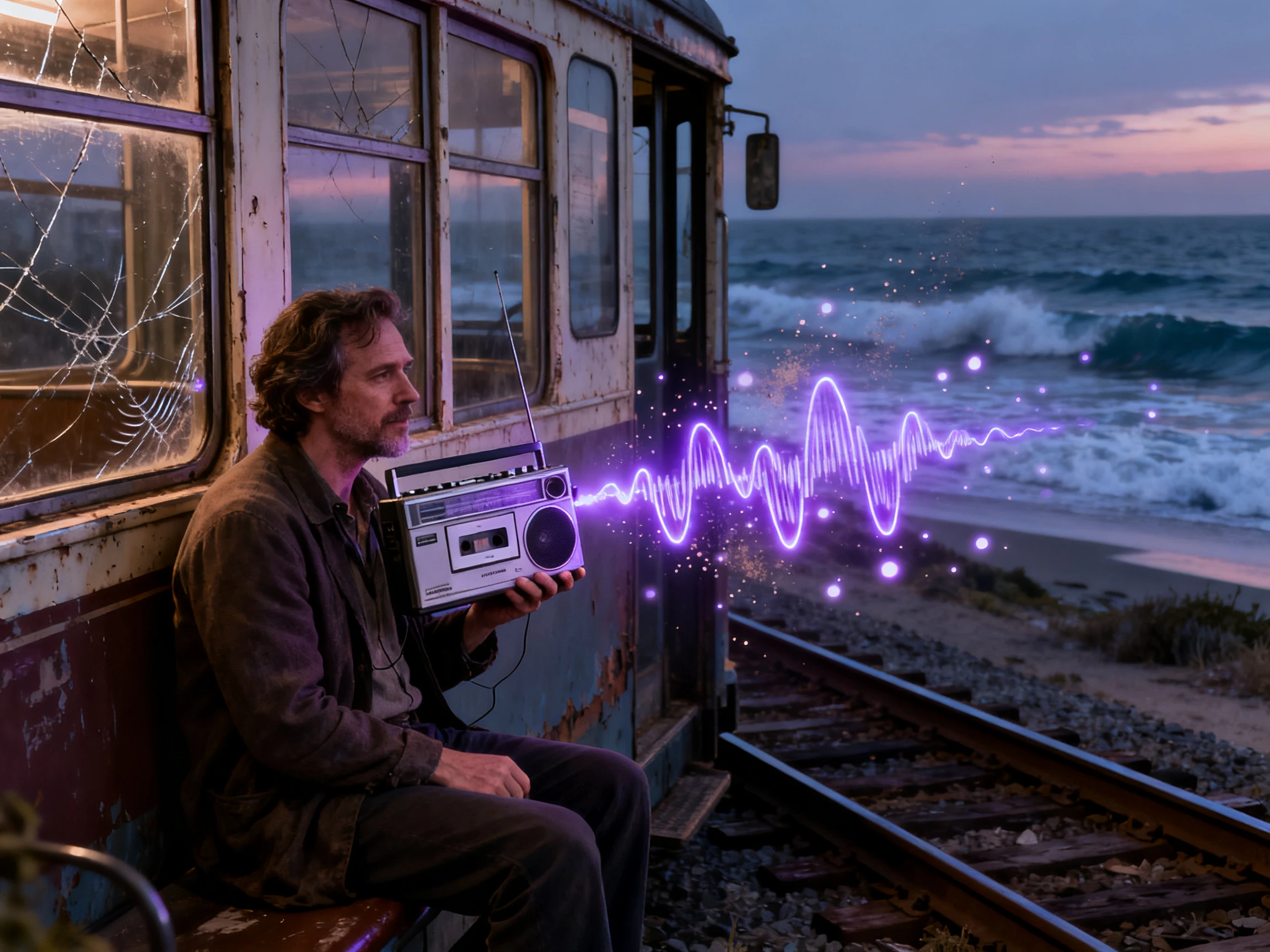


Learn how to convert audio files to MP4 in 4 steps, starting from the file upload, defining the cast, and creating a complete music video.
Start the process by uploading the audio file in Magiclight AI. It can either be a WAV, M4A, or an MP3 file.
While selecting the genre, choose an appropriate visual style along with an animation model before continuing with the generation.
Check the cast Magiclight AI suggested and confirm or use any of your character generations. Follow ahead to adjust the poses and expressions in Nano Storyboard.
Include lyrics in the video by adding a subtitle style and pick a cover design. Once it's generated, export the MP4 at your requirement resolution.
Music Producer
My final mix was already finished when I opened Magiclight AI. I added the track, matched it with visuals, and turned the audio into a video ready for my next release.
Singer
I recorded my song on my phone and wanted a simple video for it. After adding the track, Magiclight AI helped me pair the music with visuals and prepare it for sharing.
Rap Artist
My beat was ready, but I still needed visuals for the release. I used Magiclight AI to turn the finished audio into a video I could post with the track on social media.
Content Creator
I started with lyrics and made my song inside Magiclight AI. Once the audio was ready, I could move from the track to visual content without switching between different tools.
Magiclight AI assists in adding visuals to the audio instead of making a blank video. For audio with no pictures, it's best to use a standard converter.
Yes, as long as it is in the WAV, M4A, or MP3 format, you can add it into Magiclight AI and continue with creating the video.
Check your beat license before using it. Magiclight AI can handle the video creation, but your lease determines whether you may publish or monetize the finished video.
Each track is handled as its own project in Magiclight AI. For an audio-to-MP4 conversion, add your audio, set up the visuals, and generate the video.
Yes. Review the available visual options and make your selections before generating. With Magiclight AI, you can adjust the video direction to better match your audio.
You can use videos made with Magiclight AI on supported social platforms, provided you have the necessary rights to the audio, images, and other included content.



Add your WAV, M4A, or MP3 file, and create a music video instantly. Let Magiclight AI add scenes by turning the audio file into MP4.