Hero background

AI Business Card Generator

Create custom business cards with MagicLight AI. Upload your logo, describe the design you want, and generate a card that fits your brand. No design experience needed.

Create an AI Business Card for Free
AI Business Card Generator preview
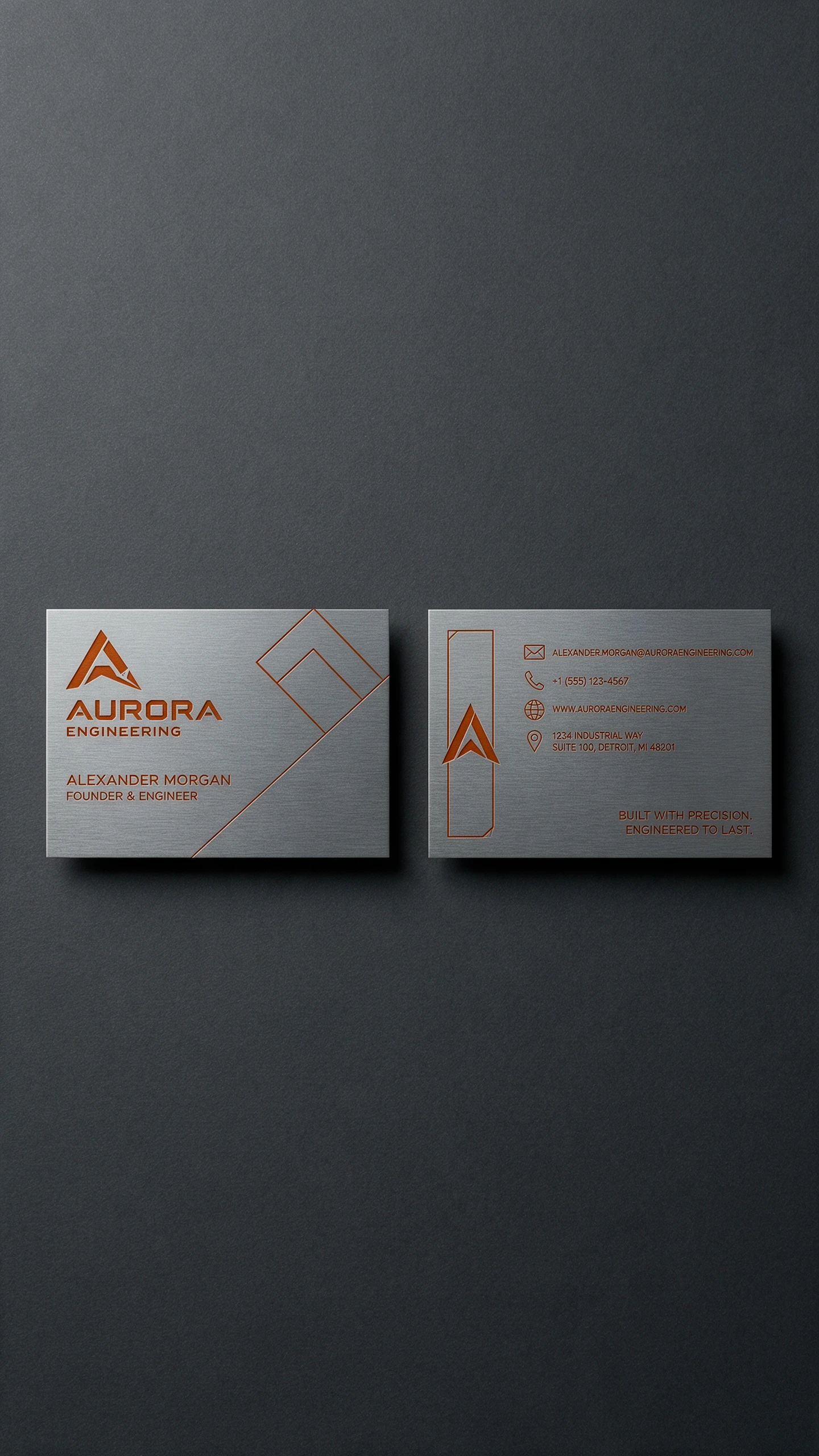
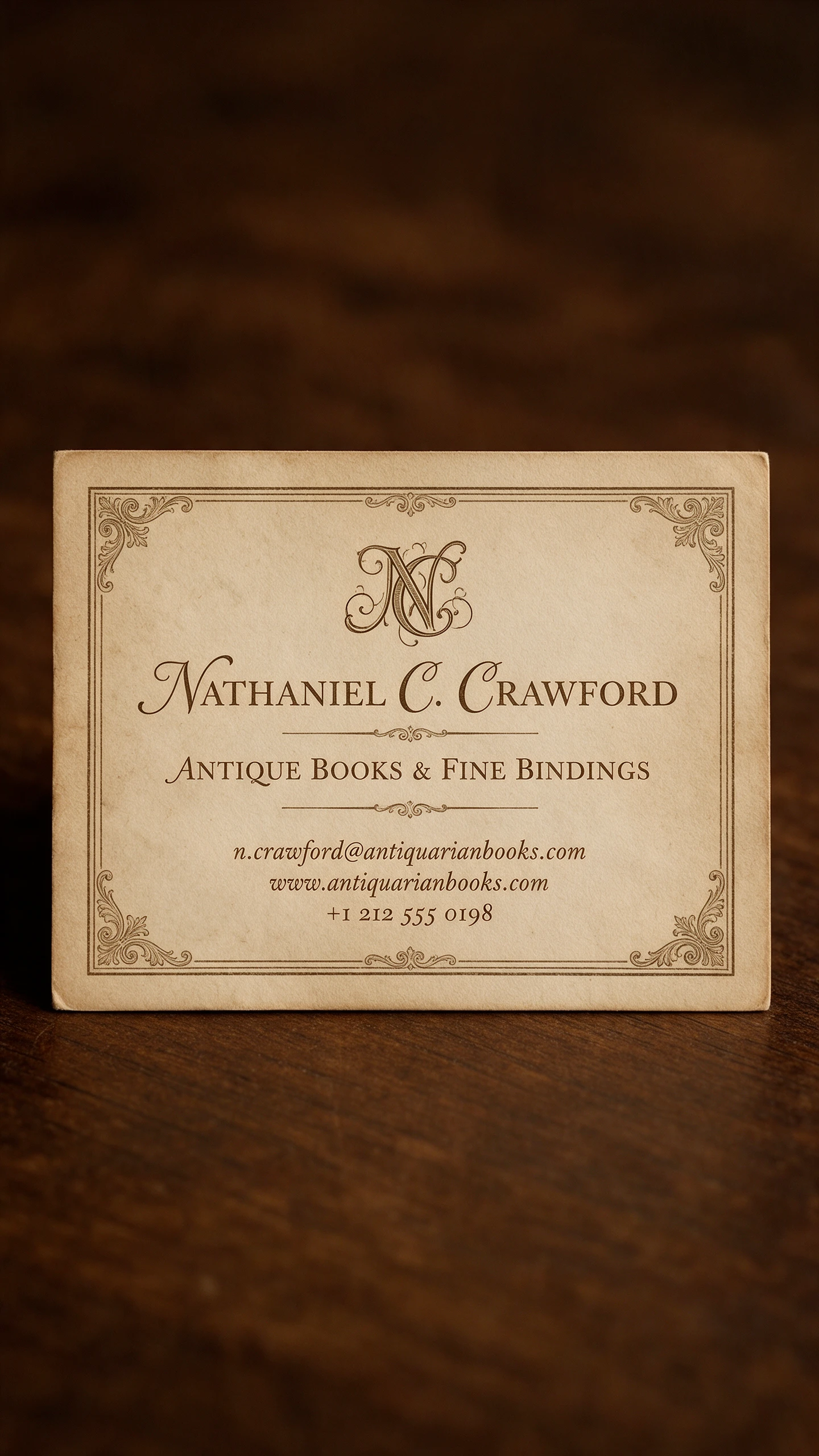
AI business card design preview
AI Business Card Generator preview
AI business card design preview

Explore the Magiclight AI Business Card Generator Features

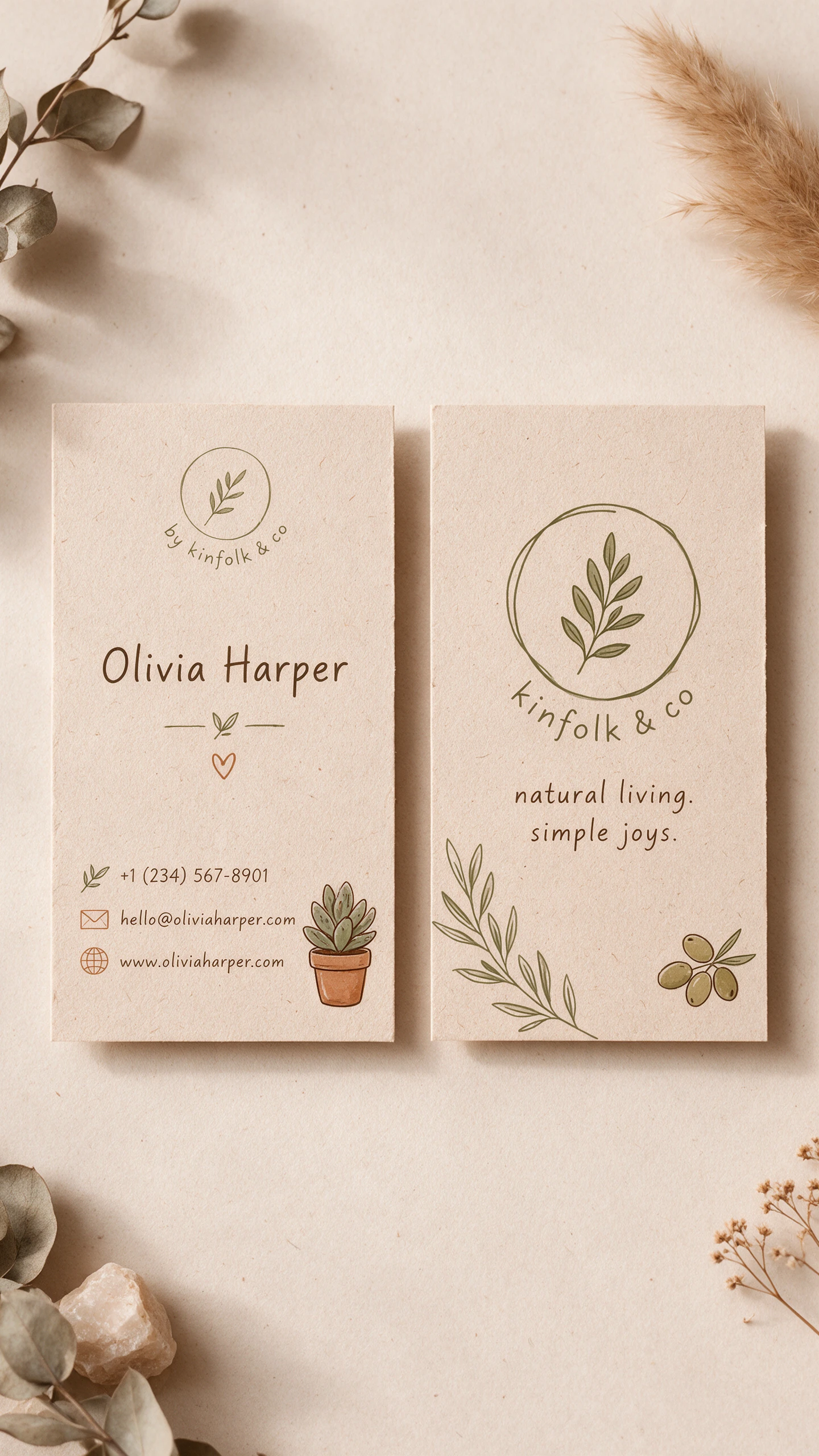
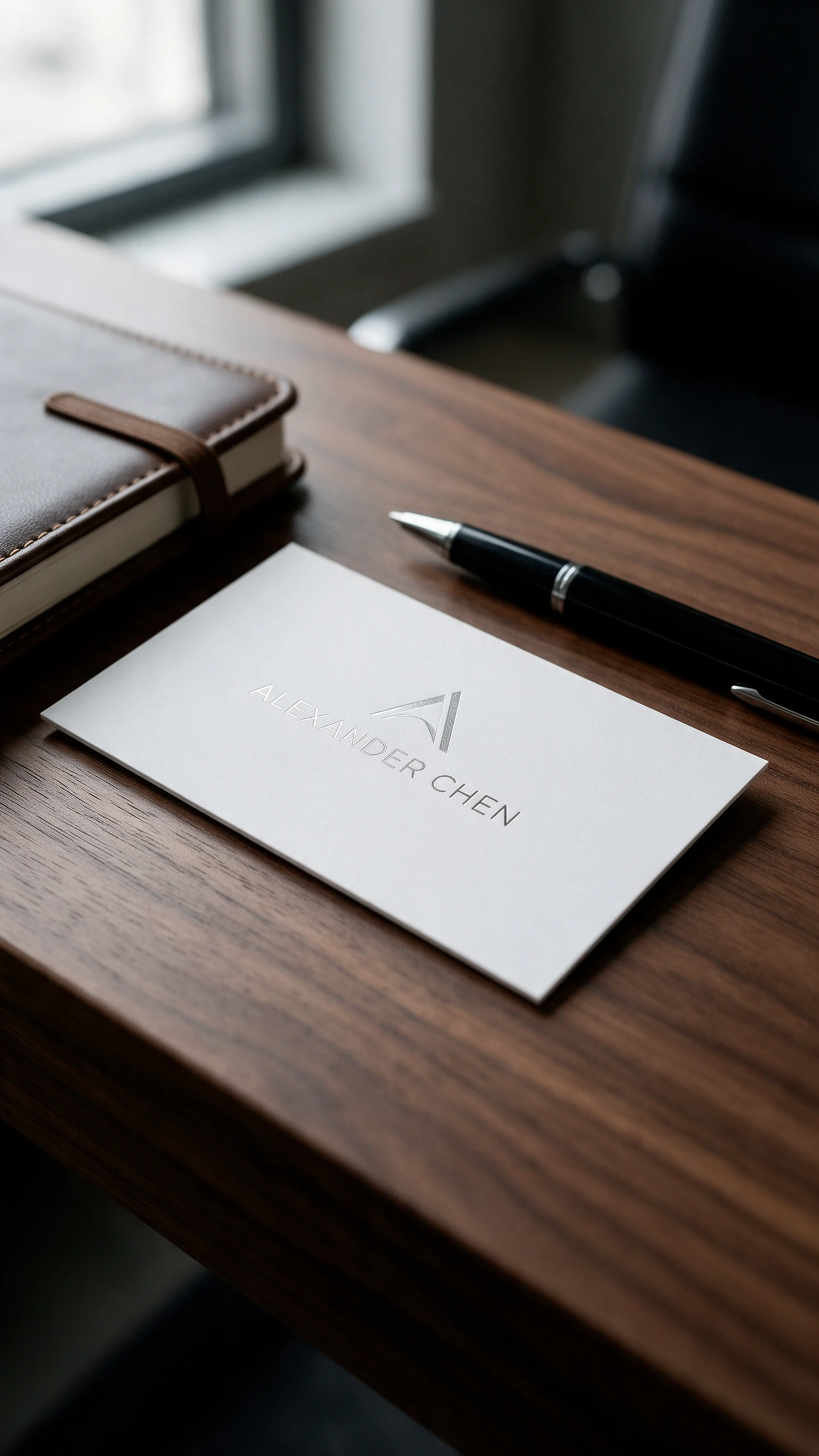
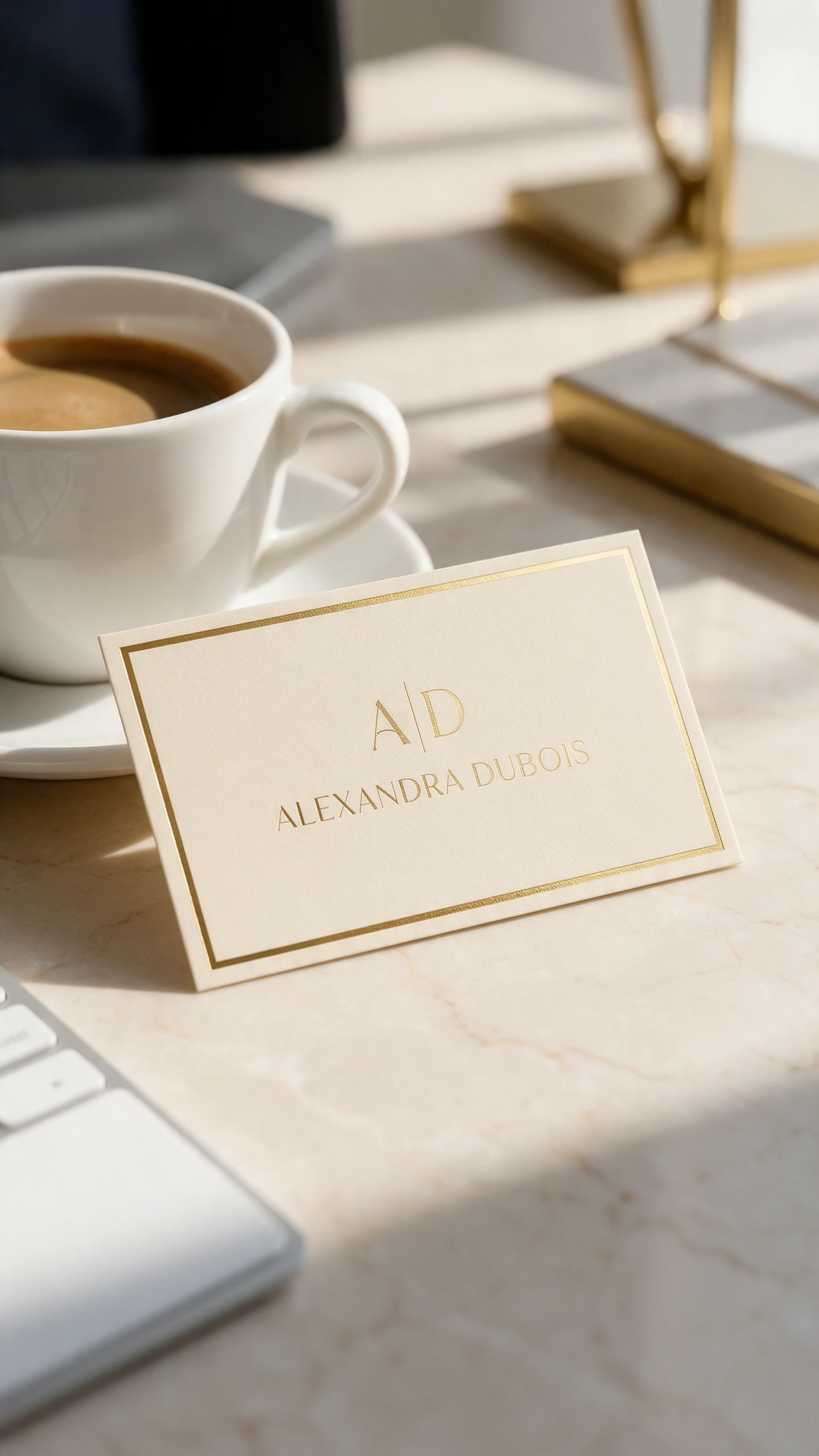
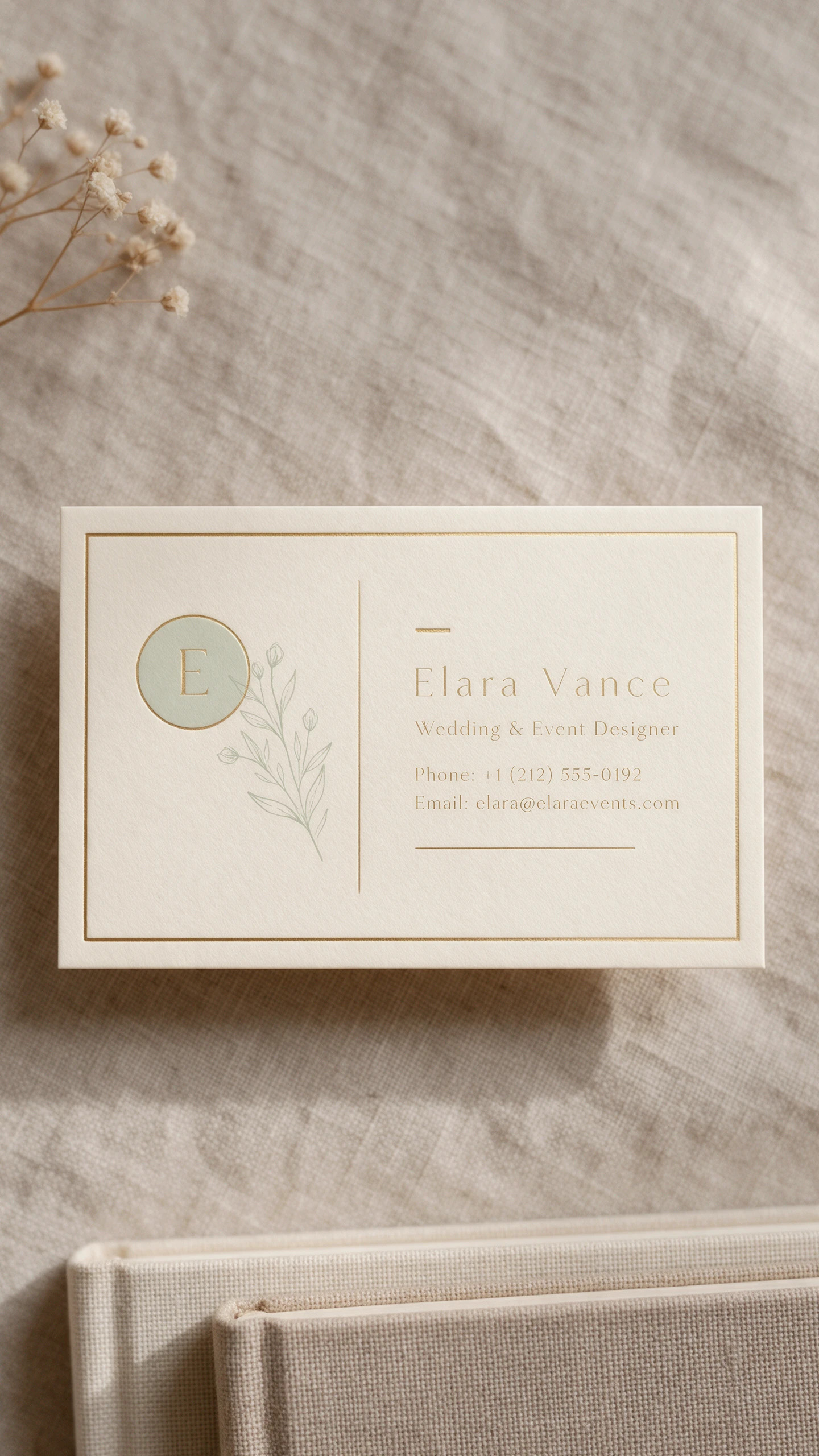
A business card is a small piece of paper that says a lot about your brand. Use the AI business card generator in Magiclight AI to preview design directions before anything goes to print.

Generate an AI Business Card Now
3D decoration

16:9 Frames Close to Card Proportions

A standard business card is a wide rectangle, and the 16:9 frame comes close to that shape. Your design ideas already look like real cards with Magiclight AI so you can judge each layout at a glance before you print.

10 References for Logos and Brand Colors

Upload your logo, a brand color sheet, and a few cards you admire. Add up to 10 files so that each layout follows your brand, so the result feels like yours and not like a template.

500 Characters for Layout Instructions

Describe the style and the colors and where the logo sits on the card. A 500-character short prompt guides the whole business card layout, so a clear brief goes a long way.

6 Image Models for Different Design Tastes

Pick GPT Image 2.5 for clean and corporate cards. Choose Nano Banana 2.1 for bolder and more creative ideas. One AI model brief can then return several distinct directions for you to compare.

Who Can Use the Magiclight AI Business Card Generator
First impressions often happen with a handshake and a card. Freelancers, real estate agents, small shops, and event teams can use the AI business card generator in Magiclight AI to plan theirs.
For Freelancers
For Freelancers
Preview a personal card in the 16:9 frame that is close to a card shape.
Upload your logo as a PNG reference so brand colors carry into the card.
Compare minimal and bold looks across 6 image models from one brief.
For Real Estate Agents
Add up to 10 references such as agency colors and a house photo.
Download the best layout and finish the phone number in your design tool.
Edit a few prompt words and run again to try a new color or finish.
For Small Shops
For Small Shops
Use Text to Image mode to imagine a loyalty card for a brand-new shop.
Describe your shop style in a 500-character prompt for the whole layout.
Try a warm and cozy look in 6 AI models and a bold look in another.
For Event Teams
For Event Teams
Ask for a short event name in the prompt and add the small text later.
Use 2 modes within Magiclight AI to influence the event card creation.
Draft card ideas in the iPhone app while you travel to the venue.
Why Choose Magiclight AI
Business Card Generator
Choosing a card design should not take days of back and forth. The AI business card generator in Magiclight AI turns your logo and a short brief into card ideas in one run.
Text to Image or Reference Mode
Use Text to Image to imagine a card for a brand-new venture. Switch to Reference Image to Image when the card must match a logo or an older card. Both modes are in the Image area of the Toolbox.
One Toolbox for Card and Clip
Open the Toolbox and start in the Image tab to design your card. Then use the Video tab to animate it and the Audio tab to add sound. Your card and your intro clip stay in one place.
1:1 and 9:16 Shapes for Social and Badges
Pick 1:1 for a social profile or 9:16 for a tall lanyard badge or Story. The same brand look carries across every place you share it. Set the shape before you run the prompt to skip cropping later.
Animate Your Business Card With AI
Turn your business card design into a short promotional video using Image to Video. Magiclight AI offers 20 video models to animate your card with motion effects and transitions.
Draft on Your Phone
Use the Magiclight AI app on iPhone to sketch card ideas on the go. Write a short brief between meetings or on the way to an event. Review the results on your phone before you share them with a client.
Create Video Introductions for Your Business
Introduce your business through Story to Video instead of relying on a static card. Enter a script of up to 12,000 characters and choose from 16 story models.

How to Make a Business Card Design with Magiclight AI 

Go from a logo file to card ideas in 3 steps. The Magiclight AI business card generator builds every layout around your brand assets.

1.

Step 1. Add Your Logo and Colors

Open the Toolbox and select the Image tab. Switch to the Reference Image to Image and add your logo and color sheet. Include old cards you like for up to 10 files per image.

2.

Step 2. Describe the Card Style

Describe the style, paper feel, and logo position in up to 500 characters. Try a minimal, cream paper with gold foil and the logo on the left. Name the front or the back of the card.

3.

Step 3. Set 16:9 and Create

Keep the 16:9 frame because it comes close to the card shape. Pick an AI model such as GPT Image 2.5 or Nano Banana 2.1 and click Create Image. Download your best layout and finish the contact details in a design tool.

FAQs on AI Business Card Generator

Is the design print-ready?

No, Magiclight AI business card generator creates a design image and not a print file with bleed and vector text. Download your best layout and use it as a guide in a design tool or with your printer.

Can I add my name, phone number, and email?

Short text such as a name can go in the 500-character prompt. Tiny lettering varies by model, such as GPT Image 2.5 and Nano Banana 2.1. Type the phone number and email yourself in a design tool to keep them sharp.

Which shape matches a business card?

The 16:9 frame is close to a standard business card shape. Crop the design to your print shop’s card size before you order. Use the 4:3 frame for matching postcards or flyers.

Can I match my existing logo and colors?

Yes, add your logo and color sheet in the Reference Image to Image with up to 9 files per image. JPG, PNG, and WEBP files work up to 20MB each. Magiclight AI then builds the layout around your brand.

Can I design both sides of the card?

Yes, create the front first and upload it as a reference. Ask for a matching back with a pattern, a large logo, or your contact layout. Name the front or the back in your prompt.

Is the AI business card generator free to try?

Yes, a new Magiclight AI account starts with free starter access and needs no card. Try a few layouts in the Image area of the Toolbox before you decide.


Create an AI Business Card With Magiclight AI

Your card is often the last thing a new contact holds. Describe the look you want and let the AI business card generator in Magiclight AI draft the layout. Add your logo and see your brand on a card today.