
Hero background

Celebrity AI Image Generator

Your favorite magazine has a glamorous cover, and you want to see yourself on one too. Upload your selfie to Magiclight AI and describe the look you have in mind. No photo studio needed.

Create an AI Celebrity Look for Free
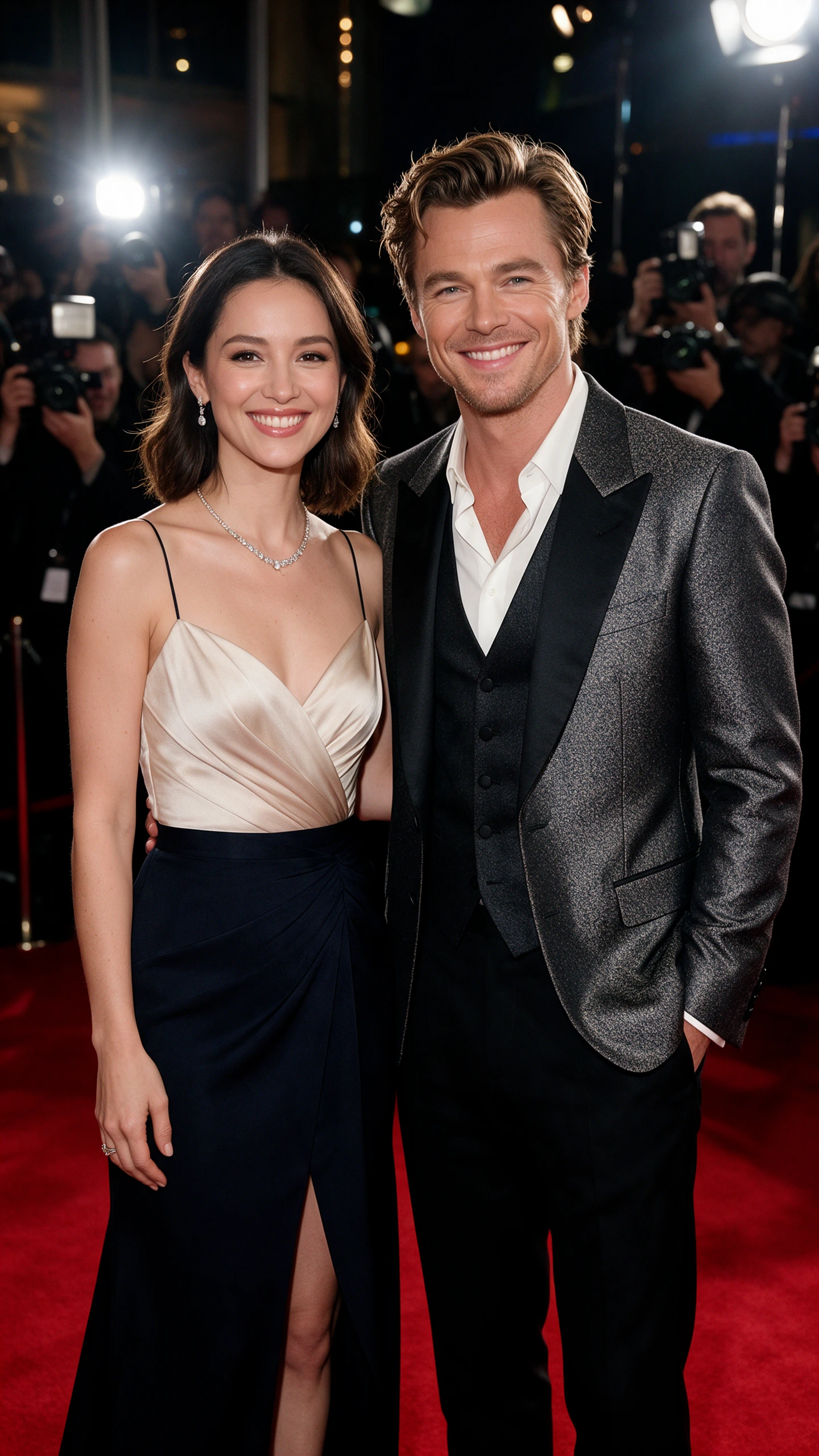
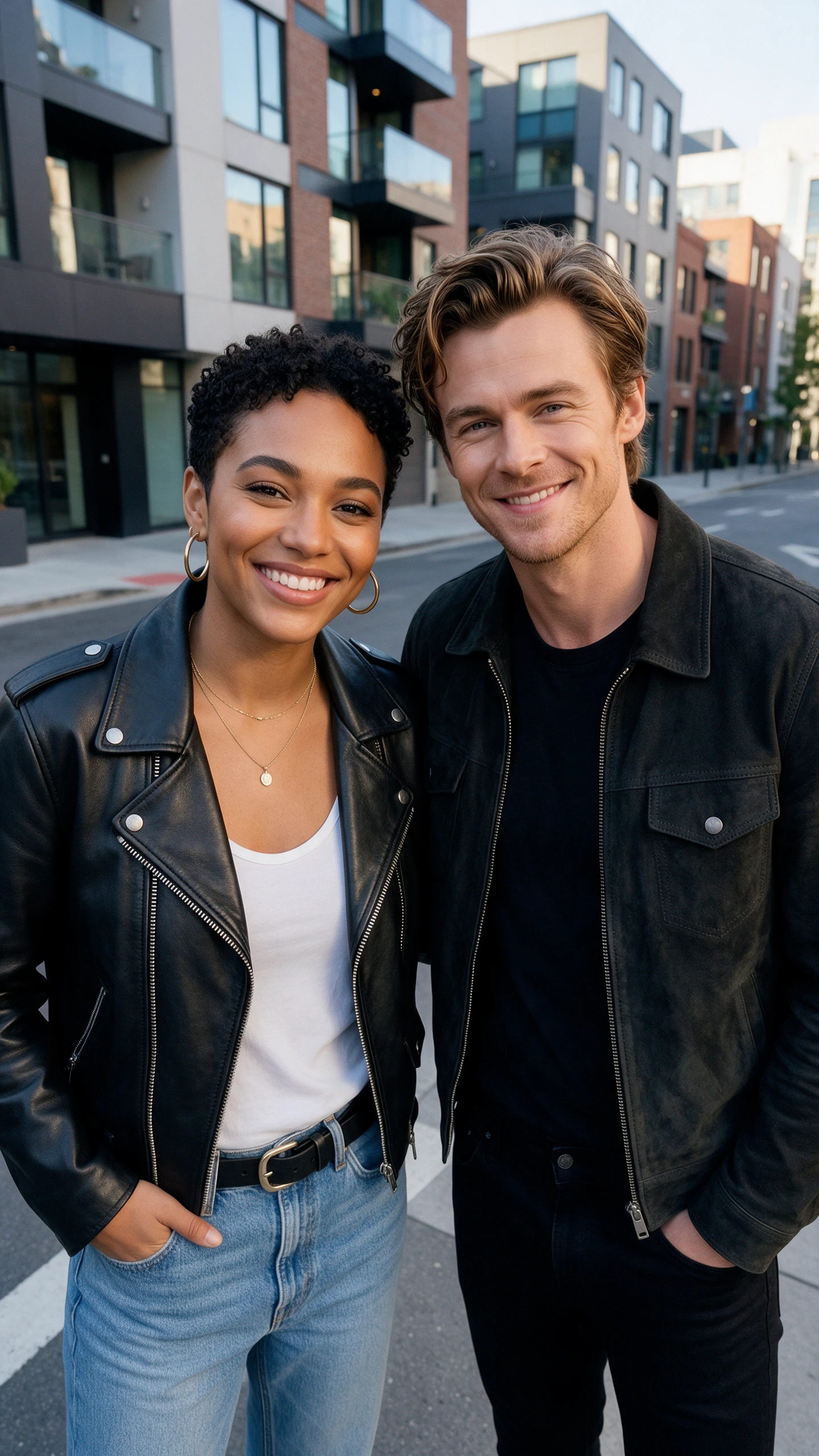
Celebrity AI Image Generator Glamorous Portrait Preview
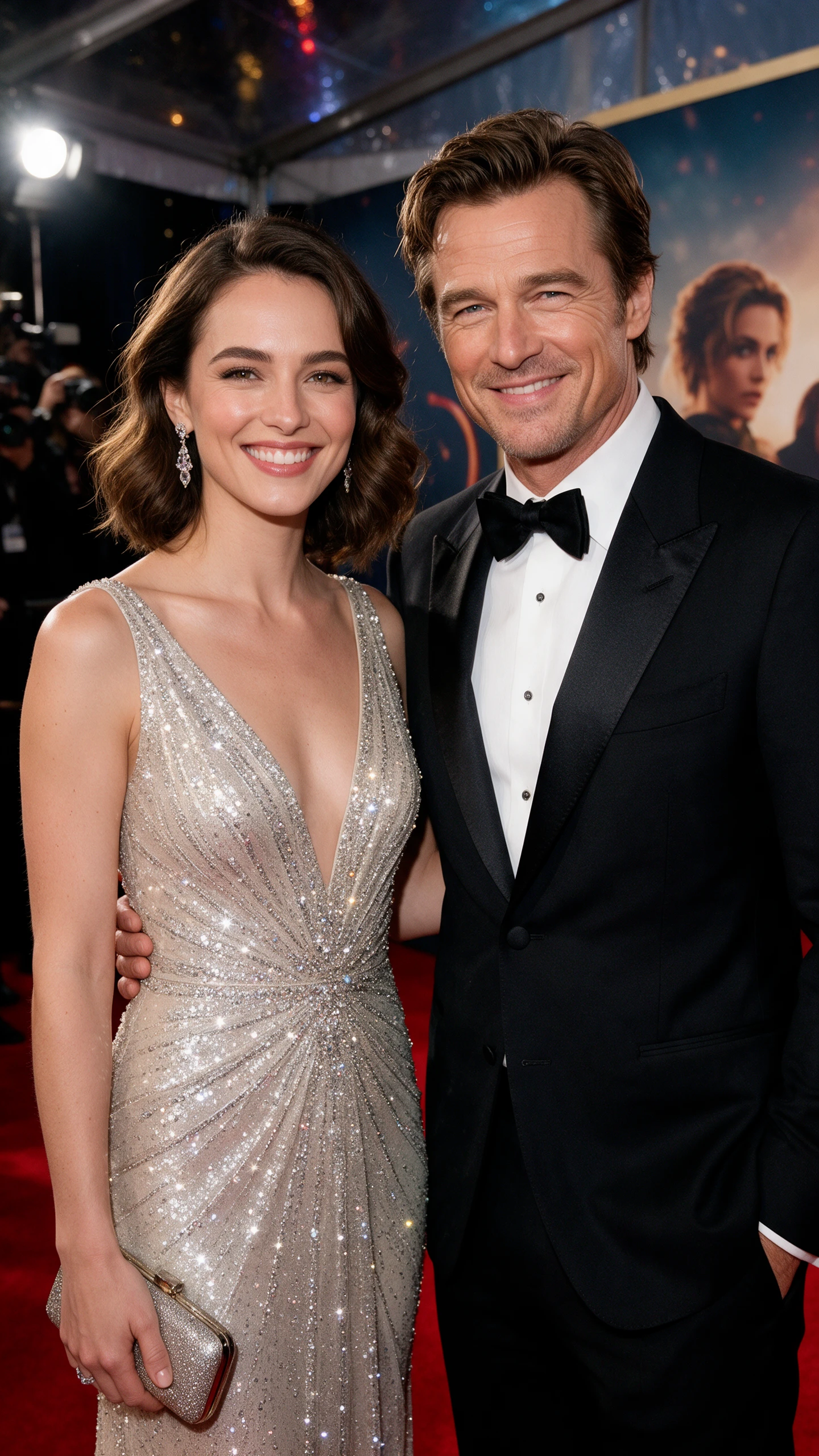
AI Generated Celebrity Red Carpet Portrait
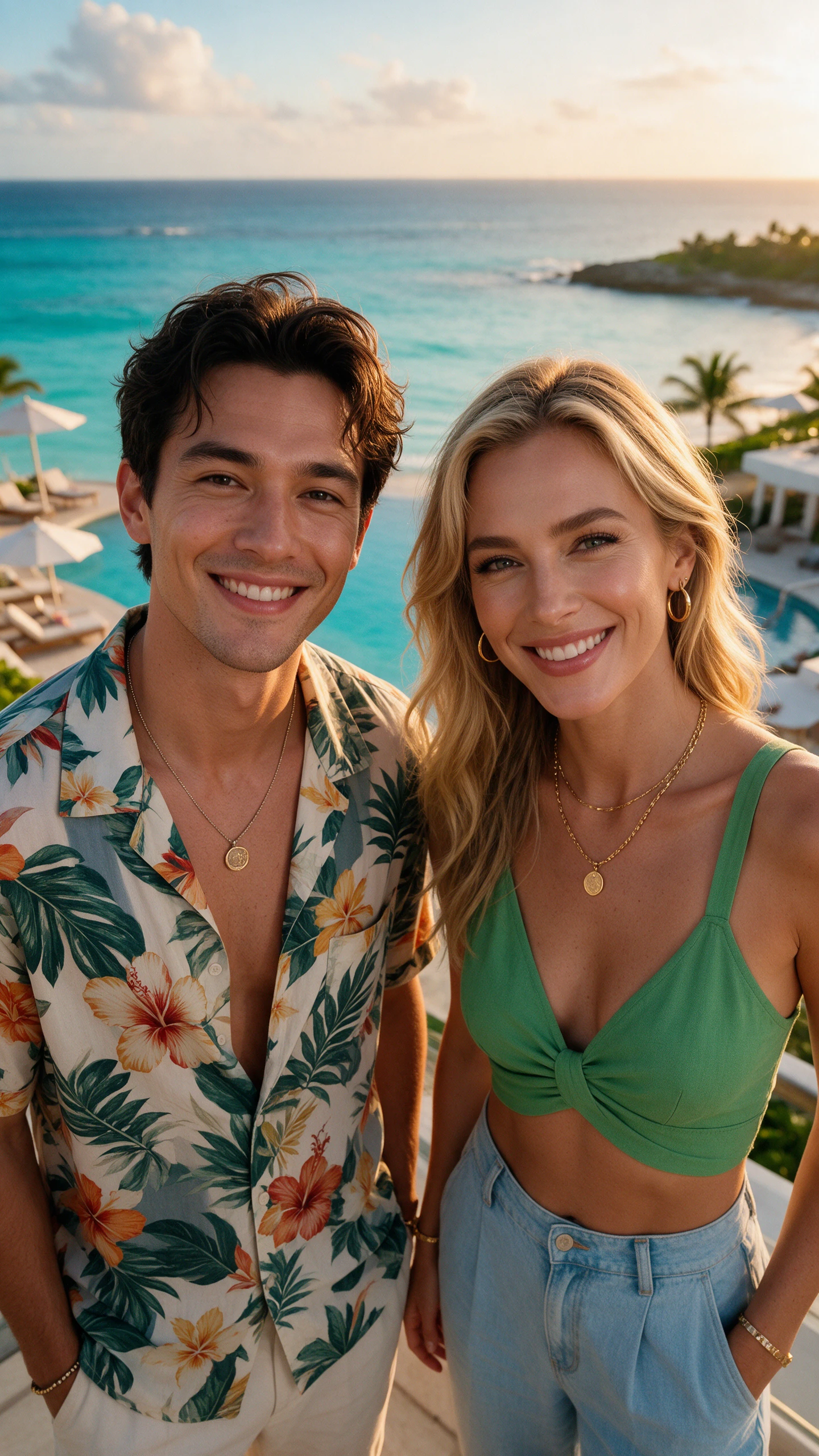
Celebrity Inspired Fashion and Portrait Style
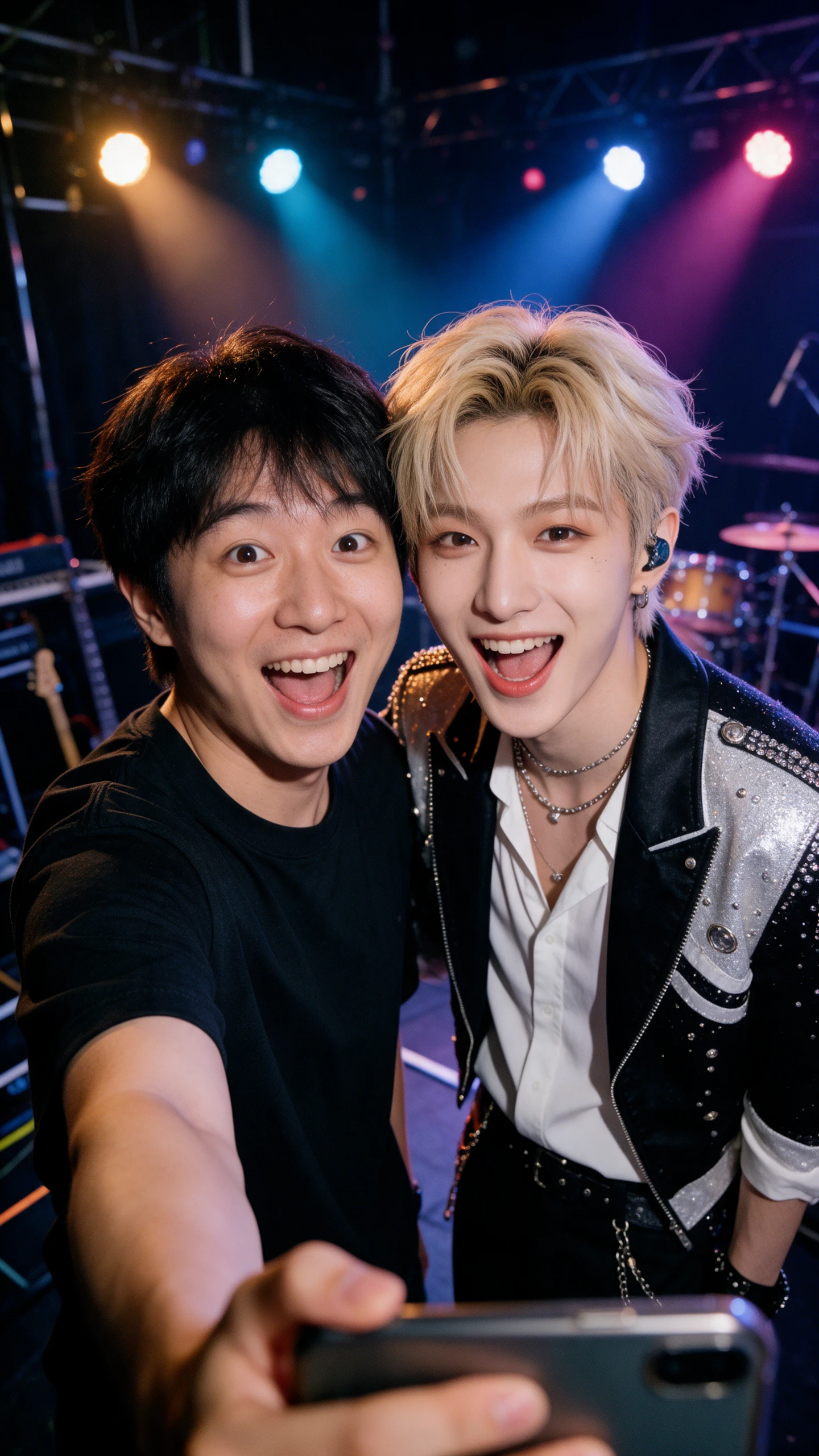
AI Celebrity Style Transformation Example
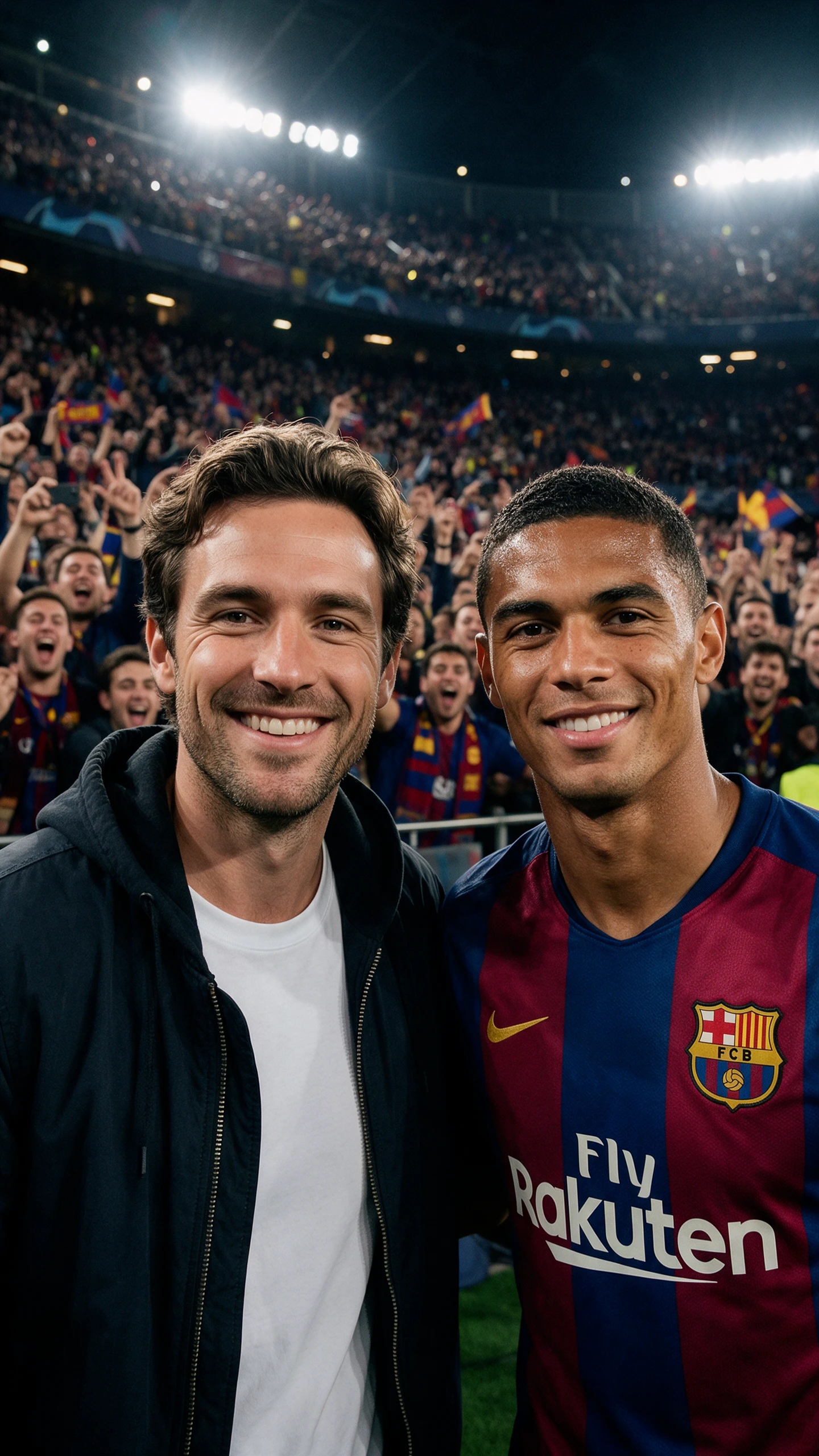
Glamorous AI Generated Star Portrait
Personalized Celebrity Inspired Portrait Example
Celebrity AI Image Generator Glamorous Portrait Preview
AI Generated Celebrity Red Carpet Portrait
Celebrity Inspired Fashion and Portrait Style
AI Celebrity Style Transformation Example
Glamorous AI Generated Star Portrait
Personalized Celebrity Inspired Portrait Example

Explore the Magiclight AI Celebrity Image Generator Features

A red-carpet entrance calls for a different look than a luxury photoshoot. The Magiclight AI celebrity AI image generator creates glamorous portraits with personalized outfits, backgrounds, and lighting.

Create an AI Celebrity Look for Free
Celebrity AI Image Generator Decoration

2 Image Modes for Celebrity Portraits

Create glamorous portraits using Text to Image by describing your desired celebrity look. For personalized results, use Reference Image to Image and upload your selfie to guide the facial appearance and overall style.

500 Characters to Describe Your Celebrity Look

Describe your dream portrait in up to 500 characters. Include details like an elegant evening gown, a stylish tuxedo, soft studio lighting, or a red-carpet background to guide your image.

10 Image Models for Glamorous Portraits

Explore 10 image models in Magiclight AI to create different celebrity-inspired looks. Compare results from GPT Image 2.6 Flare and Seedream 5.5 to find your preferred lighting, facial details, and portrait style.

10 Reference Images for Celebrity Styles

Upload up to 10 reference images to guide your celebrity portrait. Add photos of your favorite outfits, hairstyles, or luxury locations to help Magiclight AI create a look that matches your preferred style.

Who Can Use the Magiclight AI Celebrity Image Generator
The celebrity AI image generator lets you try the kind of photos usually seen in magazines. It's useful for social posts, themed parties, and fictional characters that need a face.
Social Media Creators Making Celebrity Inspired Portraits
For Social Media Creators
Capture a red carpet look using Reference Image to Image with your selfie.
Share a 9:16 celebrity portrait as a glamorous Instagram Story post.
Showcase several celebrity looks using multiple image outputs.
Birthday and Award Party Hosts Creating Hollywood Themed Portraits
For Birthday and Award Party Hosts
Transform party guests into movie stars using their own photos.
Include 10 reference images to match the party's Hollywood theme.
Display celebrity portraits in a 1:1 format on your party photo wall.
Writers and Game Creators Designing Fictional Celebrity Characters
For Writers and Game Creators
Imagine a fictional pop star using the 500-character prompt.
Maintain a familiar character look by reusing the same reference image.
Explore different character appearances with 10 image models.
Fashion and Beauty Brands Creating Glamorous Campaign Portraits
For Small Fashion and Beauty Brands
Feature your own clothing on a model in a glamorous magazine setting.
Experiment with makeup looks using Reference Image to Image.
Prepare celebrity-style portraits for a fashion campaign using 16:9.
Why Choose the Magiclight AI Celebrity Image Generator
Your celebrity portrait can look like a scene from a Hollywood premiere. The Magiclight AI celebrity AI image generator offers tools to create glamorous photos, videos, and fictional star characters.
Upload Celebrity References in 3 Image Formats
Magiclight AI accepts JPG, PNG, and WEBP reference images up to 20MB each. Upload your selfie alongside outfit or hairstyle references to guide your celebrity portrait's appearance.
Create Celebrity Characters With Generated Characters
Create a fictional celebrity using Magiclight AI Generated Characters. Enter a description of up to 1,000 characters or upload a reference image. Save the character to reuse in future videos.
Choose 9:16 and 16:9 for Celebrity Pictures
Magiclight AI offers different aspect ratios for celebrity portraits. Select 9:16 for vertical Instagram Stories or phone wallpapers and 16:9 for wide movie posters or cinematic portraits.
Use Reference to Video With Your Favorite Music
Bring your fictional celebrity into a music-inspired scene with Magiclight AI Reference to Video. Upload a character image, add a music reference, and describe the performance you want.
Try 20 AI Video Models for Celebrity Scenes
Magiclight AI offers 20 video models, including the Seedance, Veo, and Kling families. Compare their results for red-carpet entrances, stage performances, or other celebrity-inspired scenes.
Tell a Celebrity Story With Short Drama
Create a fictional celebrity story with Magiclight AI Short Drama. Describe an aspiring singer preparing for a big audition, and let the tool develop your idea into a longer video.

How to Use the Magiclight AI Celebrity Image Generator

A selfie taken at home can become something that looks like a magazine photoshoot. These 4 steps help you try the Magiclight AI celebrity AI image generator yourself.

1.

Step 1. Add Your Selfie

Access the Image tab in Magiclight AI and select Reference Image to Image. Upload a clear selfie that shows your face well, as this will guide the look of your celebrity portrait.

2.

Step 2. Describe Your Star Look

Use the 500-character prompt to explain your celebrity look. Describe the outfit you want to wear and the setting you have in mind, such as a glamorous Hollywood premiere.

3.

Step 3. Adjust Your Portrait Settings

Pick from 10 image models, including GPT Image 2.6 Flare. Select 9:16 for a tall celebrity portrait out of the 4 available options.

4.

Step 4. Save Your Favorite Portrait

Look through your celebrity portraits and find the one that resembles you best. Check your facial features and the scene before downloading the final image to your device.

FAQs on Celebrity AI Image Generator

Can I create images of real celebrities?

The celebrity AI image generator is best used for portraits of yourself and fictional stars. Avoid making misleading images of real celebrities without their permission.

Is it possible to appear beside a famous star?

Instead of making a fake photo with a real celebrity, create a fictional star to appear beside you. You can still get the glamorous look of a Hollywood premiere.

Are these celebrity portraits suitable for brand ads?

You can use portraits featuring yourself and fictional characters if your Magiclight AI plan includes commercial rights. Avoid implying endorsement from any real celebrity.

Will my celebrity portrait still resemble me?

A clear selfie helps Magiclight AI follow your facial features, although some changes may appear. Try another image model if the result looks too different from your original photo.

How do I add a magazine title to my portrait?

Write your magazine title inside quotes in the 500-character prompt. Keep the wording short and check every letter in the finished image before sharing it with others.

Can I animate my celebrity portrait?

Yes, Magiclight AI has Image to Video for turning a celebrity portrait into a moving scene. Describe a simple action, such as waving at photographers during a film premiere.

Create Glamor With Magiclight Celebrity AI Image Generator

Try the celebrity look you've always wanted with Magiclight AI. Turn a simple selfie into a glamorous portrait that looks straight out of a magazine.


