Hero background

AI Business Photo Generator

Create professional business photos with MagicLight AI. Describe the look you want and generate polished business portraits in seconds. No photo editing or design skills needed.

Create an AI Business Photo Generator for Free
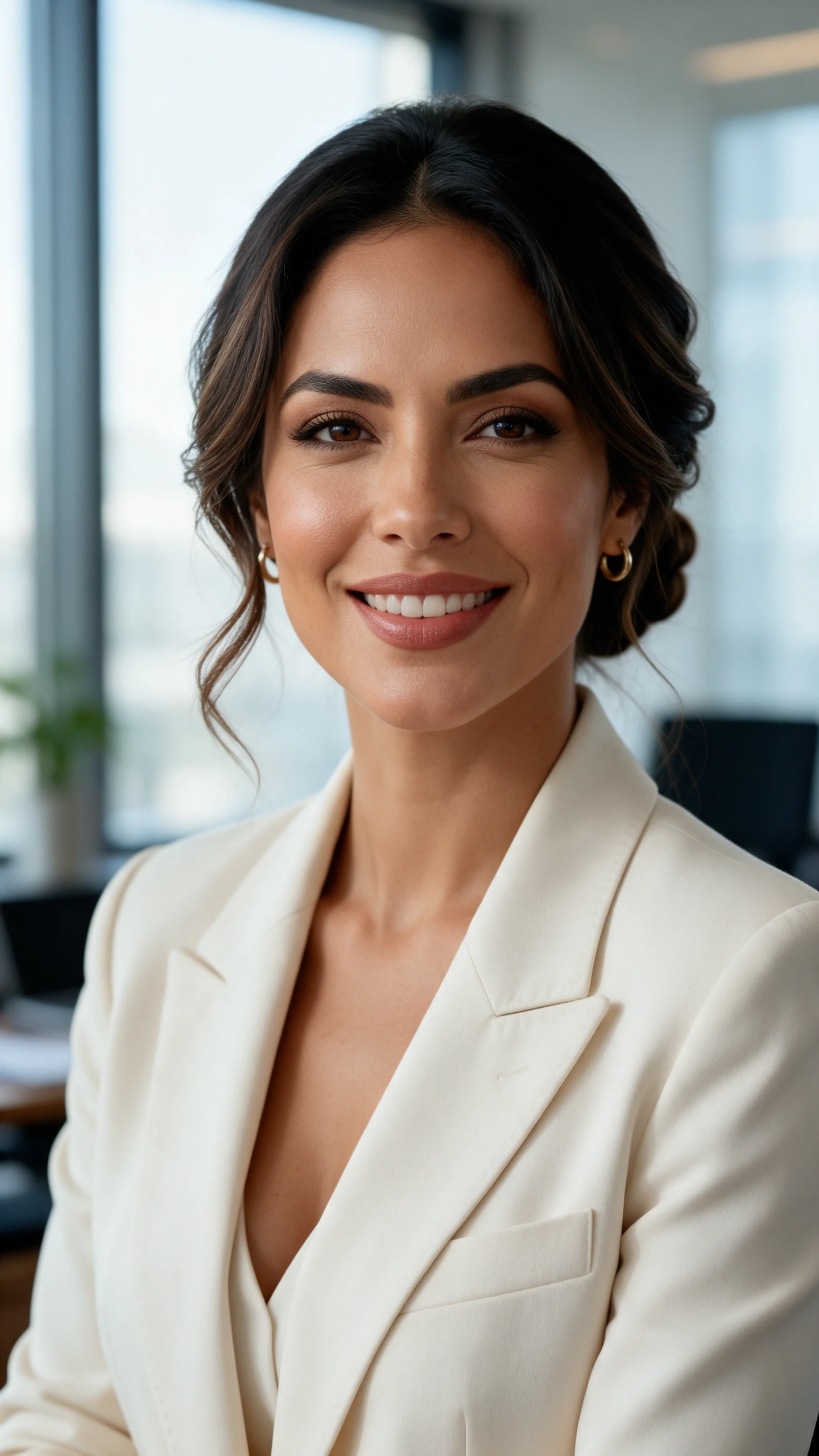
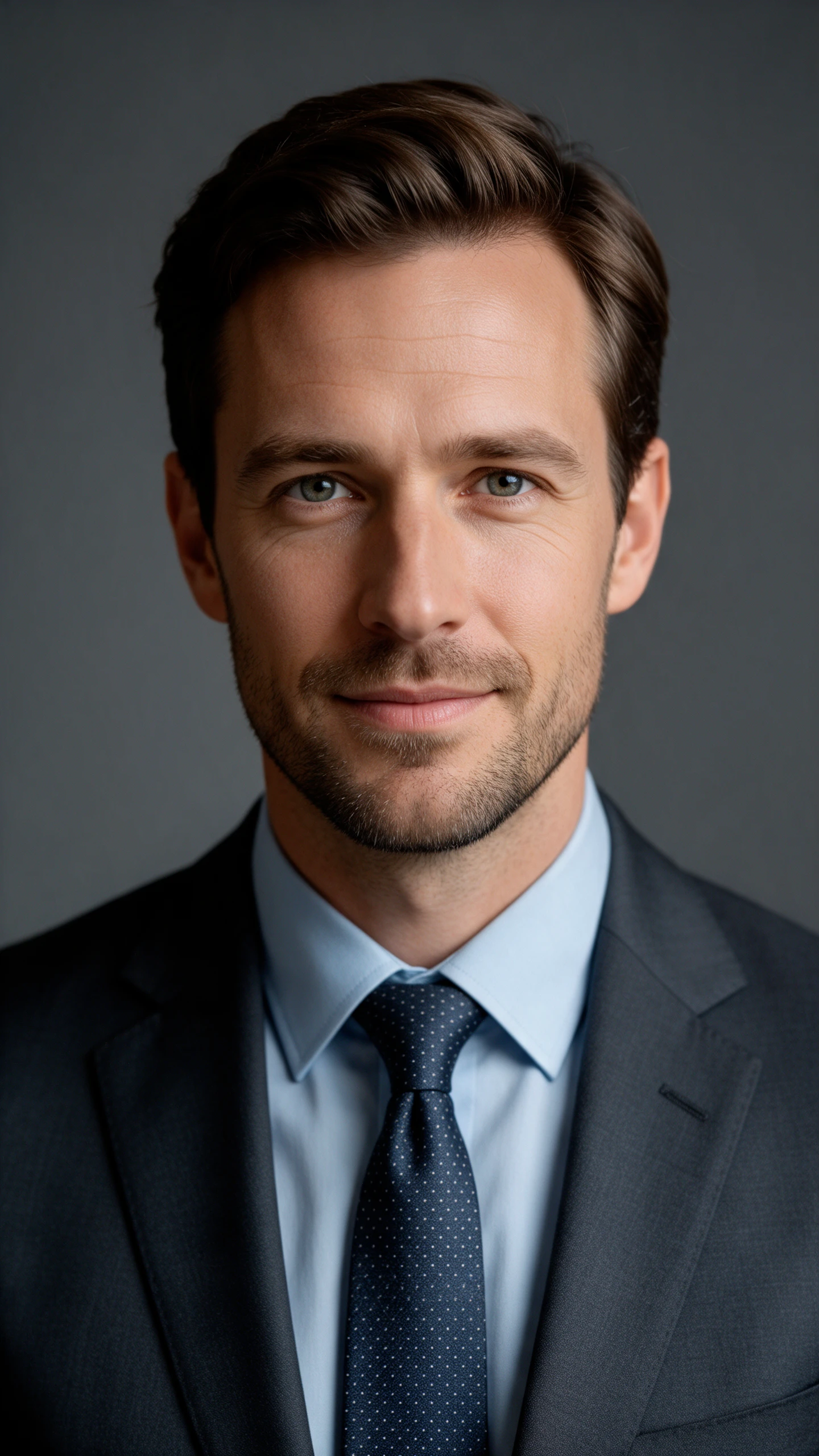
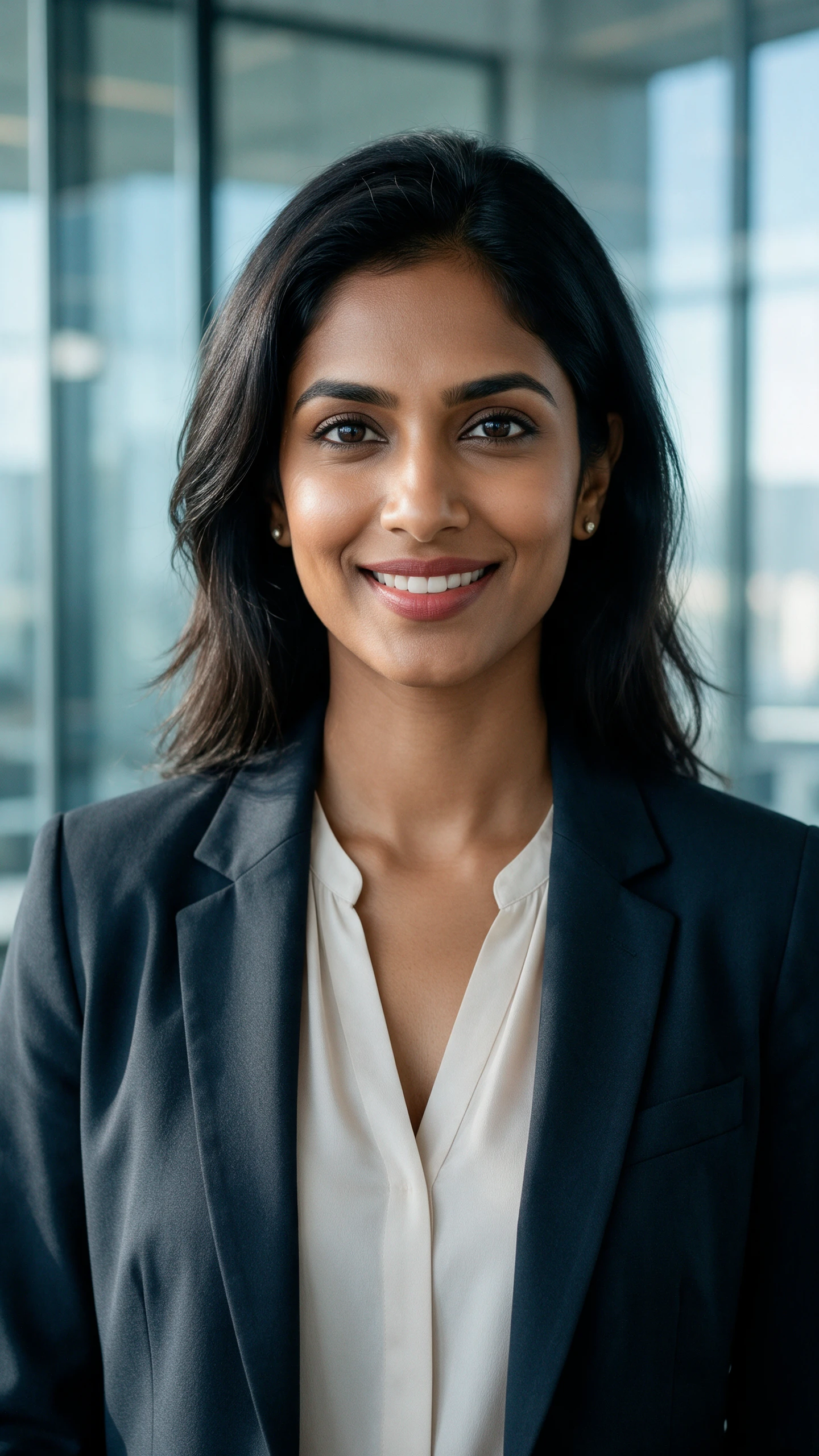
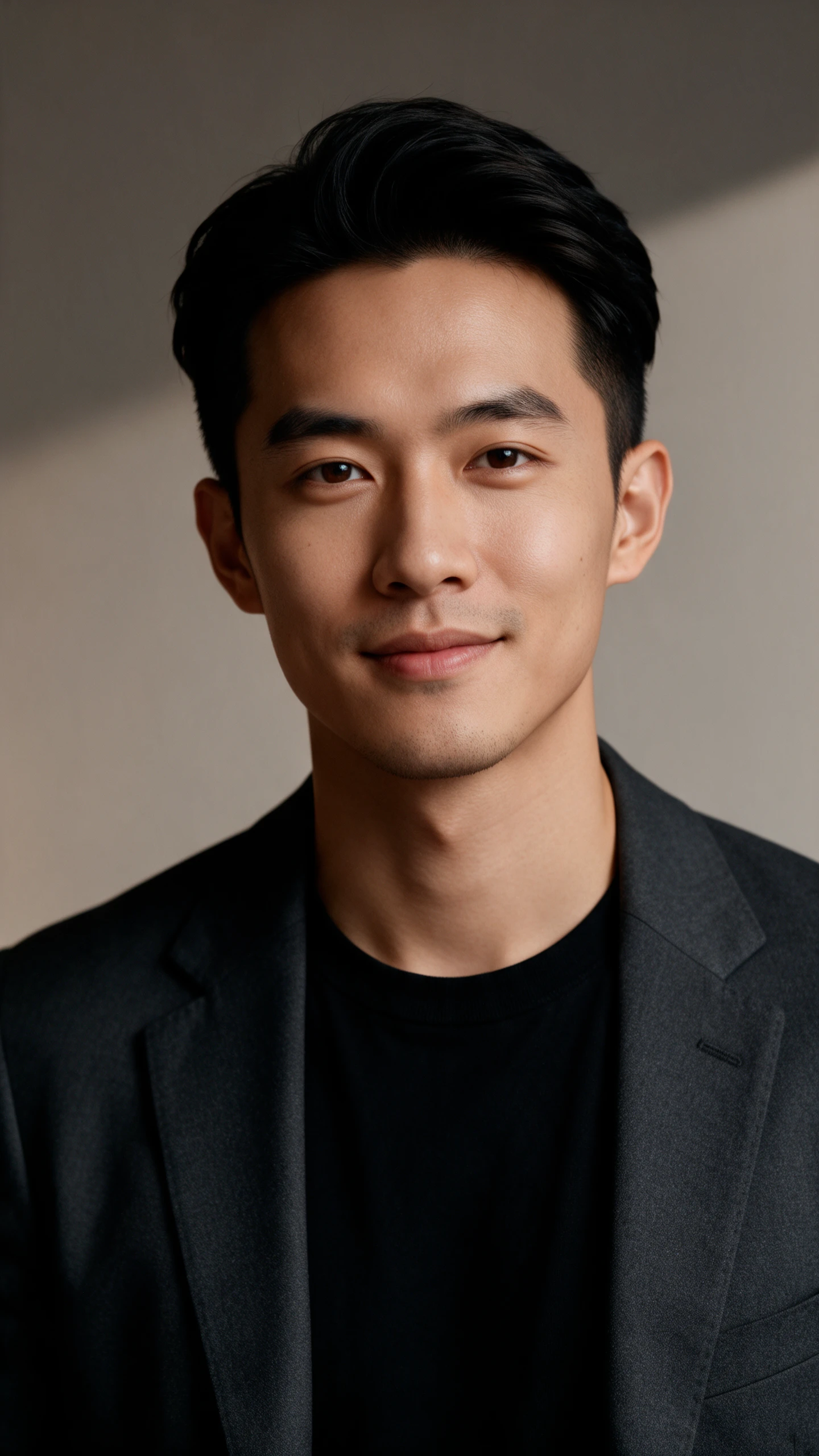
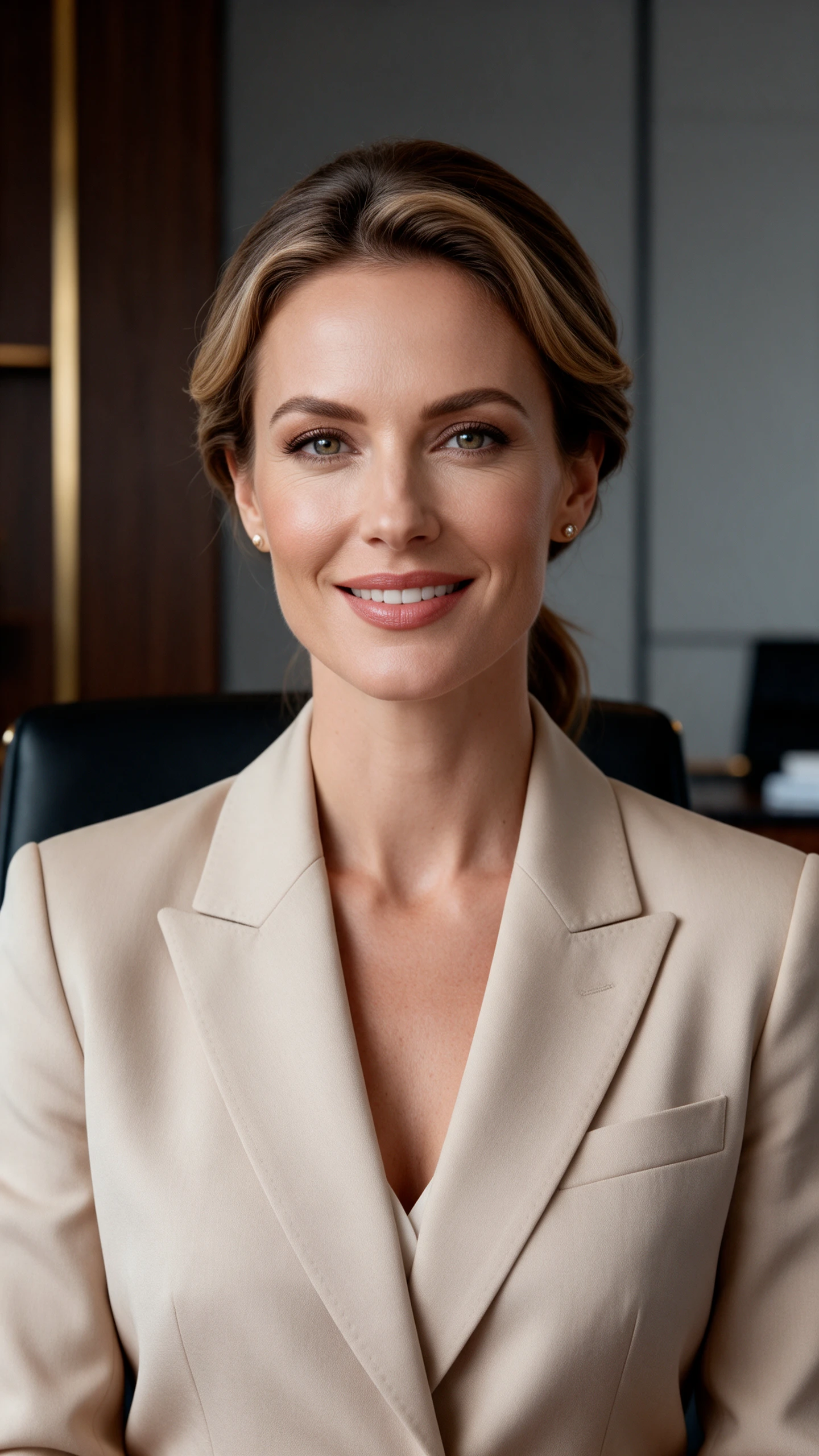
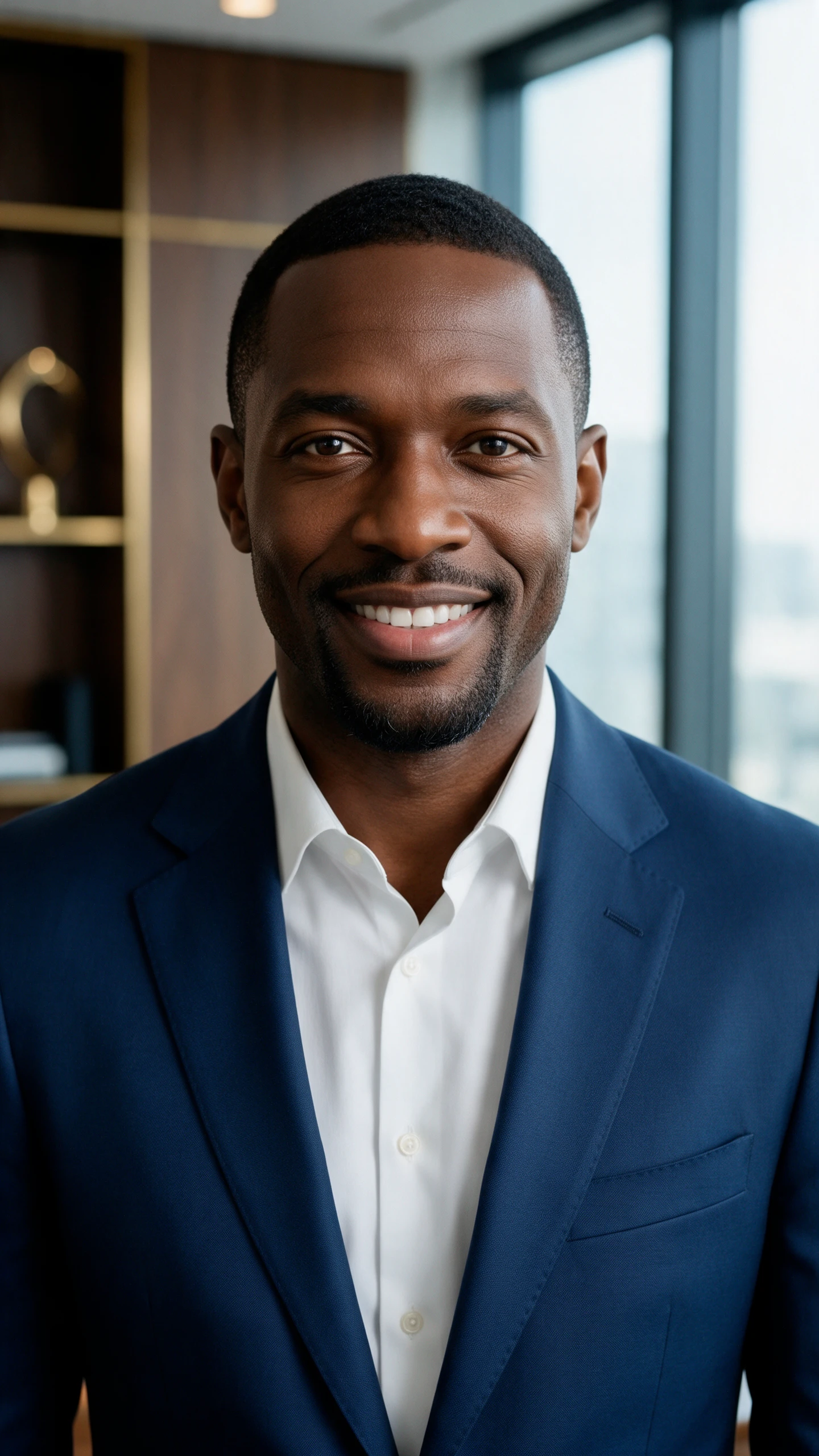
AI Generated Professional Business Photo Collection
AI Business Office and Team Photography
Professional AI Business Photo Examples
AI Generated Business Photography
AI Generated Business Photography example 5
AI Generated Professional Business Photo Collection
AI Business Office and Team Photography
Professional AI Business Photo Examples
AI Generated Business Photography
AI Generated Business Photography example 5

Explore the Magiclight AI Business Photo Generator Features

Business sites and decks need photos that look real and current, and on-brand. The Magiclight AI business photo generator creates them from a short scene brief.
Create Professional Business Photos
AI Business Photo Generator Decoration

2 Modes for New Scenes or Real Spaces

Text to Image creates a new scene from your words alone. The Reference Image to Image starts from a photo of your office or store. Pick the mode that fits your goal before each run.

6 Image Models for Photorealistic Results

Choose GPT Image 2.5 for sharp and professional office scenes. Choose Seedream 5.0 Pro for warm, natural light. Run different AI image models and keep the look that fits your brand.

500 Characters for Scene Direction

Describe the setting and the people, the action, the lighting, and the mood. A line like a small bakery owner checking orders on a tablet at dawn fits easily. Clear direction gives more believable results.

20MB Reference Photos in 3 Formats

Upload JPG, PNG, or WEBP files up to 20MB each across Magiclight AI. Your office photo keeps its full quality in the new scene with no resizing required.

Who Can Use the Magiclight AI Business Photo Generator
Every team needs images that look real and on-brand. The AI business photo generator in Magiclight AI gives each group its own way to get them.
AI Business Photo Generator for Startups
For Startups
Pick the 16:9 frame for a homepage hero that shows your product.
Compare between 6 AI image models for the most realistic look.
Request several versions per run and pick the best one for launch.
AI Business Photo Generator for Marketing Agencies
For Marketing Agencies
Add up to 10 references to match a client’s brand colors.
Start with a 500-character prompt to mock up a pitch visual.
Download the best result and re-edit it according to the client deck.
AI Business Photo Generator for Consultants
For Consultants
Write a client meeting scene within the 500-character prompt.
Edit a few prompt words and run again for each webinar topic.
Use Text to Image mode to make a scene when you have no photo.
AI Business Photo Generator for Local Businesses
For Local Businesses
Draft promo images in the iPhone app between customer visits.
Add up to 10 reference images to design a professional product display.
Animate a promo photo in the Video tab and add sound in Audio.
Why Choose
Magiclight AI Business Photo Generator
One photo rarely covers a website, a deck, and a feed. This AI business photo generator from Magiclight AI gives you the shapes and the controls to cover them all.
Your Real Space Restyled
Use Reference Image to Image with a photo of your office or store. The new image keeps your real space. Light, styling, and season can change around it.
500 Characters for Scene Direction
Write the setting, the people, the action, and the lighting in one prompt. A line like a bakery owner checking orders on a tablet at dawn fits easily. Naming the industry helps props and clothing fit.
16:9 and 4:3 for Heroes and Slides
Use 16:9 for homepage banners and landing page headers. Switch to 4:3 for pitch decks and reports. Both shapes leave room for a headline.
Video and Audio Tabs for Business Clips
Open the Video tab to animate a finished photo. Add sound in the Audio tab to create a short ad or intro clip. 30 seconds of footage works for ads and decks.
Several Versions per Run
Request a few takes of one scene in a single run. Each take can change the people, the angle, or the light. Your team can then vote on the image that fits the page best.
Turn Business Ideas Into Promotional Videos
Use Story to Video to create promotional videos from a written script. Magiclight AI supports scripts of up to 12,000 characters and offers 16 story models.

How to Make a Business Photo with Magiclight AI

Making a business photo takes 3 steps in the AI business photo generator from Magiclight AI. Your scene brief in step 2 shapes how believable the result looks.

1.

Step 1. Choose a Mode

Go to Image in the Toolbox and choose Text to Image to make a new scene from words. Use Reference Image to Image mode to start from your office or product, or from brand files.

2.

Step 2. Write the Scene Brief

Describe the people, setting, action, and the lighting in up to 500 characters. Name the industry so props and clothing fit. Try a bright modern office with two colleagues reviewing charts.

3.

Step 3. Match the Shape to the Channel

Pick 16:9 for websites, 4:3 for slides, 1:1 for feeds, and 9:16 for Stories. Choose any of the 6 AI image models for the look you want. Click Create Image and compare the results side by side.

FAQs on AI Business Photo Generator

How is this different from the AI Portrait Generator?

The portrait tool focuses on headshots of you from your selfies. The Magiclight AI business photo generator creates full scenes such as offices, teams, and products in use. Describe the scene in up to 500 characters.

Can I show my real office or product?

Yes, switch to Reference Image to Image mode and add up to 9 photos of your office or product in JPG, PNG, or WEBP (up to 20MB each). Magiclight AI keeps your real space or item inside the new scene.

Can I use AI business photos on my website?

Yes, on a paid plan with commercial rights. Do not present AI-generated people as your real staff or customers. Download the best 16:9 result and place it on your site.

Can I create photos of real employees?

Only with each person’s consent. Upload their photos as references and describe the business scene in your prompt. Magiclight AI then sets them in that scene.

Which sizes work for websites and decks?

Use 16:9 for website heroes and 4:3 for slides and 1:1 for social posts and 9:16 for Stories. Magiclight AI offers all 4 shapes in the Output setting. Pick the shape before you run the prompt.

Is the AI business photo generator free to try?

Yes, a new Magiclight AI account starts with free access and needs no card. Try a few scenes in the Image area of the Toolbox with GPT Image 2.5 or Seedream 5.0 Pro before you decide.

Create the Perfect AI Business Photo with Magiclight AI

Your website and your pitch deck deserve images that match your brand. The AI business photo generator from Magiclight AI makes the image for you.