









Hero background

Funny Video Maker

Turn your funny ideas into entertaining videos with MagicLight AI. Create hilarious scenes, amusing characters, and unexpected moments that make people laugh. No filming or editing skills needed.

Create a Funny Video for Free
Funny video preview 1
Nano Banana
Google VEO 3
Sora 2
Gemini
Hailuo
Kling
Midjourney
Qwen
Seedance
Wan
Nano Banana
Google VEO 3
Sora 2
Gemini
Hailuo
Kling
Midjourney
Qwen
Seedance
Wan

Explore the Magiclight AI Funny Video Maker Features

A simple misunderstanding can become a funny conversation between two characters. Magiclight AI funny video maker helps you develop the expressions, reactions, and actions behind the joke.

Image to Video for Physical Comedy

Upload a character image through Image to Video in Magiclight AI. Give a clumsy waiter an awkward movement or show a surprised character reacting to an unexpected situation. Describe the camera angle to highlight the joke.

Create a Funny Video for Free

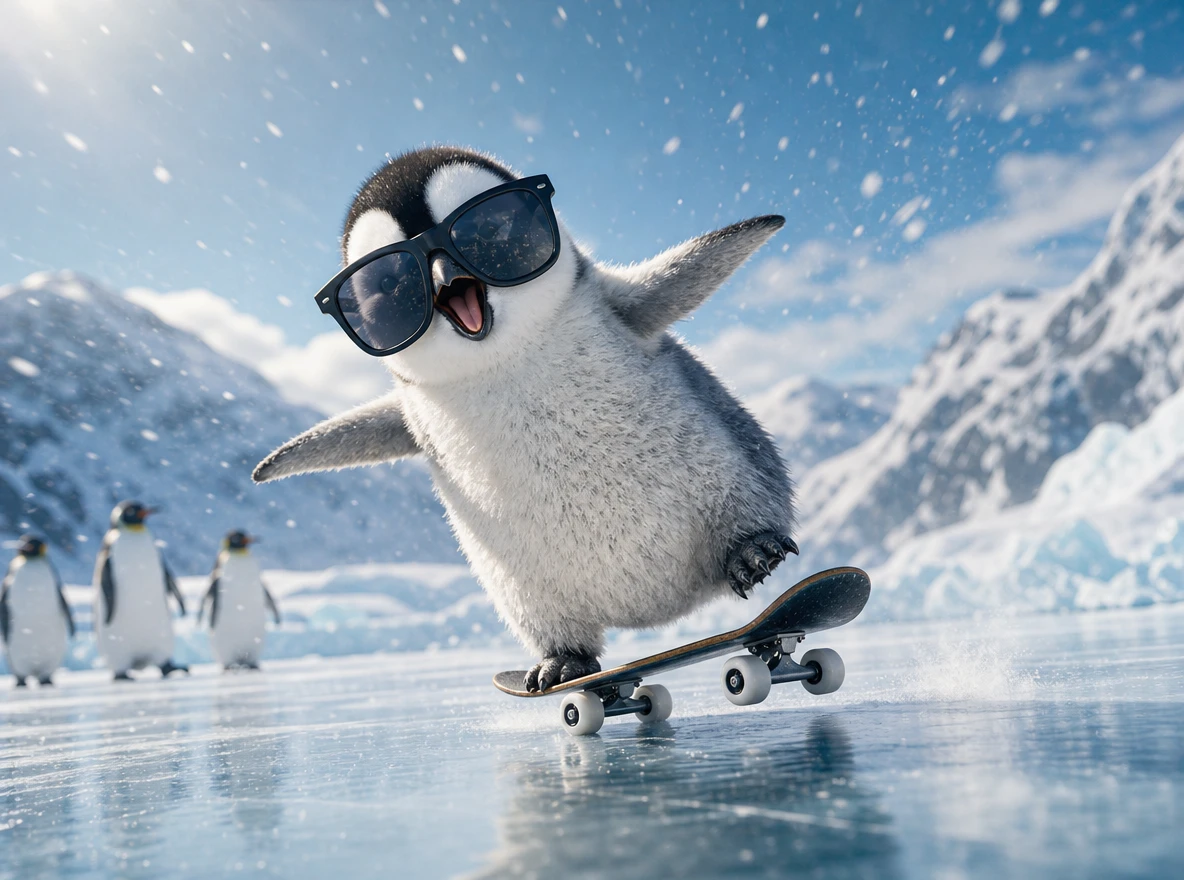
Image to Video for Physical Comedy

20 Video Models for Funny Characters

A serious expression can make a silly situation even funnier. Magiclight AI offers 20 video models to animate your comedy characters. Choose a model that suits their movements and role in the scene.

Create a Funny Video for Free

20 Video Models for Funny Characters

Reference to Video for Recurring Comedy Roles

Upload reference images of your funny characters when creating new videos. Describe their appearance and actions in the prompt. Bring back a familiar comedian or a mischievous mascot in your next sketch.

Create a Funny Video for Free

Reference to Video for Recurring Comedy Roles

Frame to Video for Unexpected Comedy Endings

Some jokes need a sudden change to deliver a funny ending. Add two images as the opening and closing frames in Magiclight AI. Create movement between them to show an unexpected reaction or a humorous reveal.

Create a Funny Video for Free

Frame to Video for Unexpected Comedy Endings
Who Can Use the Magiclight AI Funny Video Maker
A funny office moment could become a comedy sketch for the entire team. Magiclight AI funny video maker also helps comedians, marketers, and storytellers share their humor.
Here are some of the use cases for Magiclight AI Funny Video Maker:
Stand-up funny content creation
For Stand-Up Content
Use Talking Photo to deliver a funny line through your cartoon character.
Add sound effects to highlight unexpected moments in your comedy clips.
Choose a 9:16 frame for sharing short comedy sketches on social media.
Make parody commercial funny videos
For Parody Commercials
Describe an amusing product scene through a 1500-character video prompt.
Connect 2 product images through Frame to Video for a humorous reveal.
Explore 20 video models to animate exaggerated product demonstrations.
Funny office farewell video clips
For Office Farewell Parties
Animate familiar office photos through Image to Video for funny scenes.
Upload team photos through Reference to Video for a humorous farewell clip.
Save your funny workplace videos in 1080p for farewell party screens.
Kids funny cartoon shorts
For Kids' Cartoon Shorts
Create funny cartoon scenes from written ideas through Text to Video.
Animate playful cartoon adventures through clips of up to 30 seconds.
Use Frame to Video to create funny reactions between 2 character poses.

 How to Use the Magiclight AI Funny Video Maker

Every funny story starts with an idea worth sharing. The Magiclight AI funny video maker turns your jokes into animated comedy scenes through 3 simple steps.

1.

Step 1. Choose a Video Generation Mode

Open Toolbox in Magiclight AI and select the Video tab. Choose Image to Video to animate a funny character or photograph. Use Text to Video when you have a comedy idea without an existing image.

2.

Step 2. Describe Your Comedy Scene

Upload your character image and describe the funny situation within 1500 characters. Mention character expressions, exaggerated movements, and camera angles. Select a video model that suits your comedy.

3.

Step 3. Generate and Save Your Funny Video

Choose a suitable aspect ratio and video duration for your comedy scene. Enable Sound Effects on a supported model where they complement the joke, then click Create Video.

What Users Say About the Magiclight AI Funny Video Maker

Lena Brooks

Comedian

I used Image to Video in Magiclight AI to animate my comedy character. I described a surprised reaction before the punchline, and the expression made the scene much funnier.

Mateo Alvarez

Content Creator

I used 2 funny character images with Frame to Video in Magiclight AI. The sudden change in expression worked really well for the running joke in my video.

Priya Desai

Social Media Manager

I made a fake product ad with a sound effect on the price reveal in Magiclight AI. The team loved how an ordinary product became part of a funny scene.

Tom Becker

Office Manager

I turned a familiar office photo into a funny farewell clip with Magiclight AI. The exaggerated character movements made the video entertaining for the whole team.

FAQs on Funny Video Maker

Can AI turn a simple joke into a funny video?

Yes. Describe your funny situation through Text to Video in Magiclight AI. Include the character's reactions and the unexpected moment that completes the joke.

Can I make a funny video from a single photo?

Upload your photo through Image to Video in Magiclight AI and describe the movement you want. A surprised expression or an exaggerated head movement can turn a still picture into an entertaining clip.

Where do the sound effects come from?

Magiclight AI generates sound effects through supported video models that match sound to the visuals. Enable Sound Effects when a funny action needs sound. Leave it off when silence makes the joke funnier.

What types of funny videos can I create?

You can create parody commercials, funny reaction clips, and entertaining cartoon scenes with Magiclight AI. Turn a familiar workplace moment or an imagined character encounter into a comedy video.

Can I use the same funny characters in different comedy videos?

Yes. Upload your original comedy character images through Reference to Video in Magiclight AI. Reuse these references in new sketches to help maintain familiar character appearances.

How can I improve the timing of jokes in my funny videos?

Describe each action in the order you want it to happen. Specify a brief pause or a sudden facial reaction before the funny moment. Choose a clip duration that gives the joke enough time.

Create Your Next Funny Skit With Magiclight AI

A simple photo can become a funny clip that gets the whole group laughing. Open the funny video maker in Magiclight AI and describe the unexpected moment.