Magiclight Agent Helps Plan the Story
Choose a channel niche and tell Magiclight Agent what your Roblox movie is about. It gives you a story summary and a script to review before you start making movie scenes.
Create Now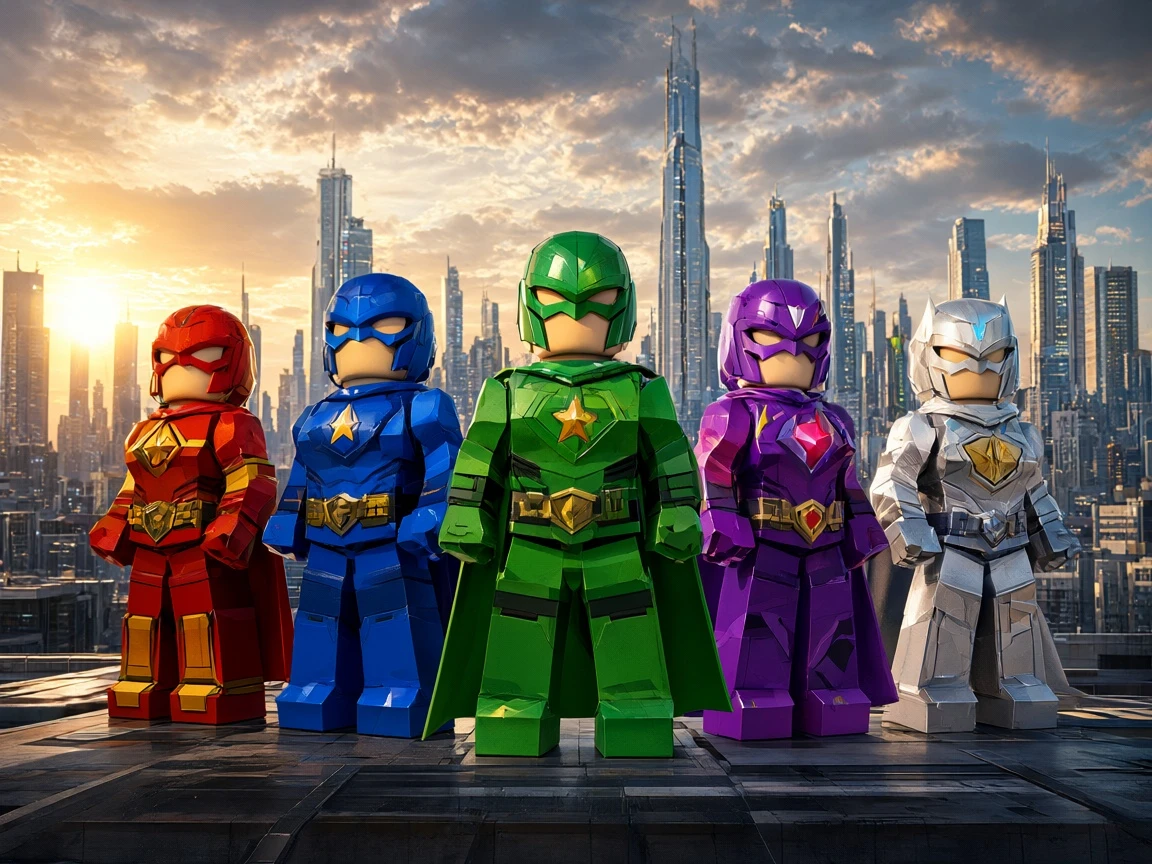

Turn your Roblox story into a movie with MagicLight. Create characters, add dialogue and voices, and build a story across multiple scenes. No filmmaking experience needed.
Create a Roblox Movie for Free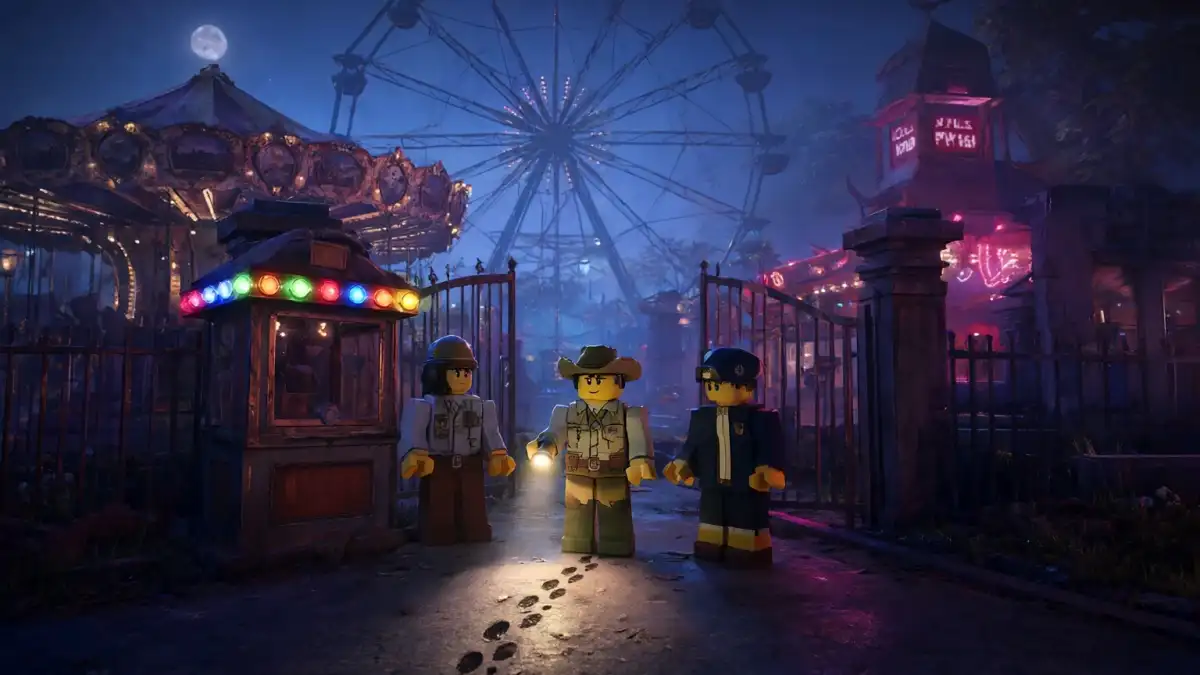










Write down how your Roblox adventure begins and where it should end. Magiclight AI Roblox movie maker helps you turn that story into separate parts that follow the same plot.
Choose a channel niche and tell Magiclight Agent what your Roblox movie is about. It gives you a story summary and a script to review before you start making movie scenes.
Create NowEach part gets its own space for 12,000 characters of story. You can write the full script there or leave a few notes for Magiclight Agent to turn into movie scenes later.
Create Characters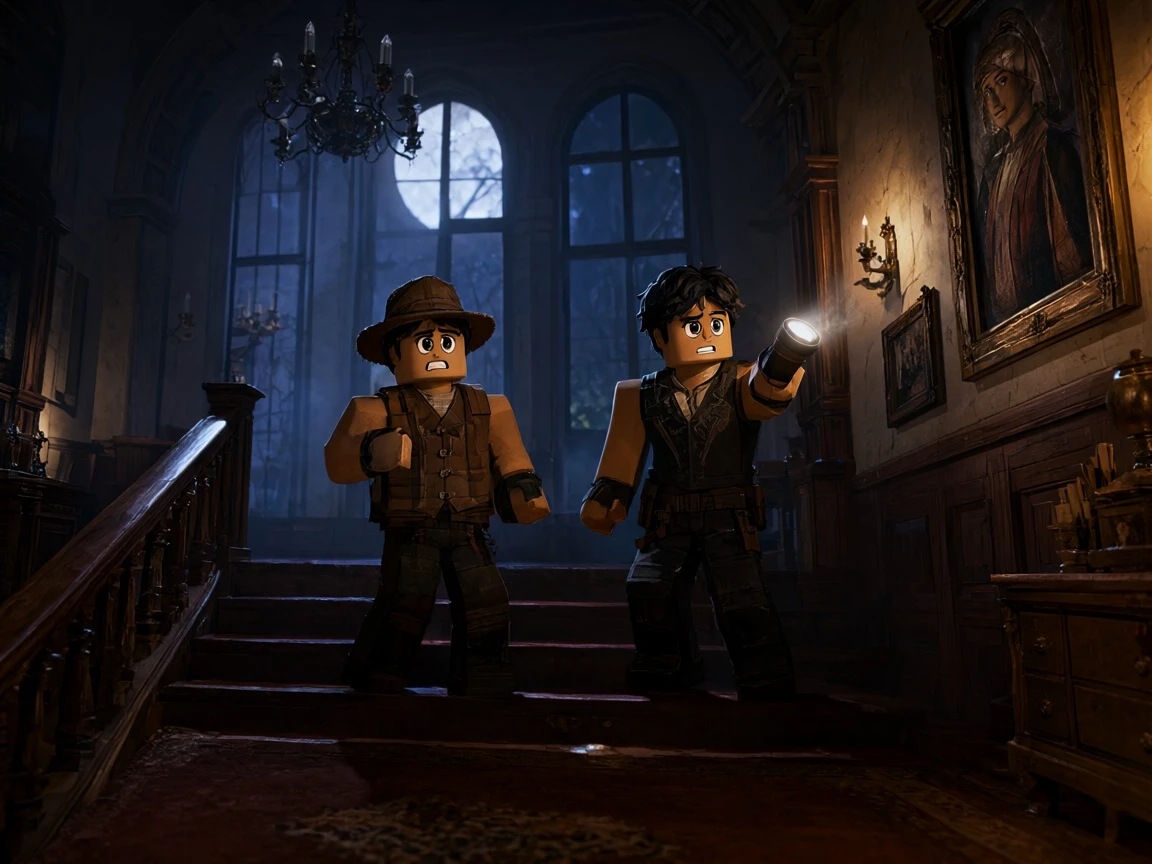
Magiclight AI lets you plan a Roblox movie as a series with separate episodes. You can generate one episode at a time or use Batch Generate to create the whole animated series.
Generate a Video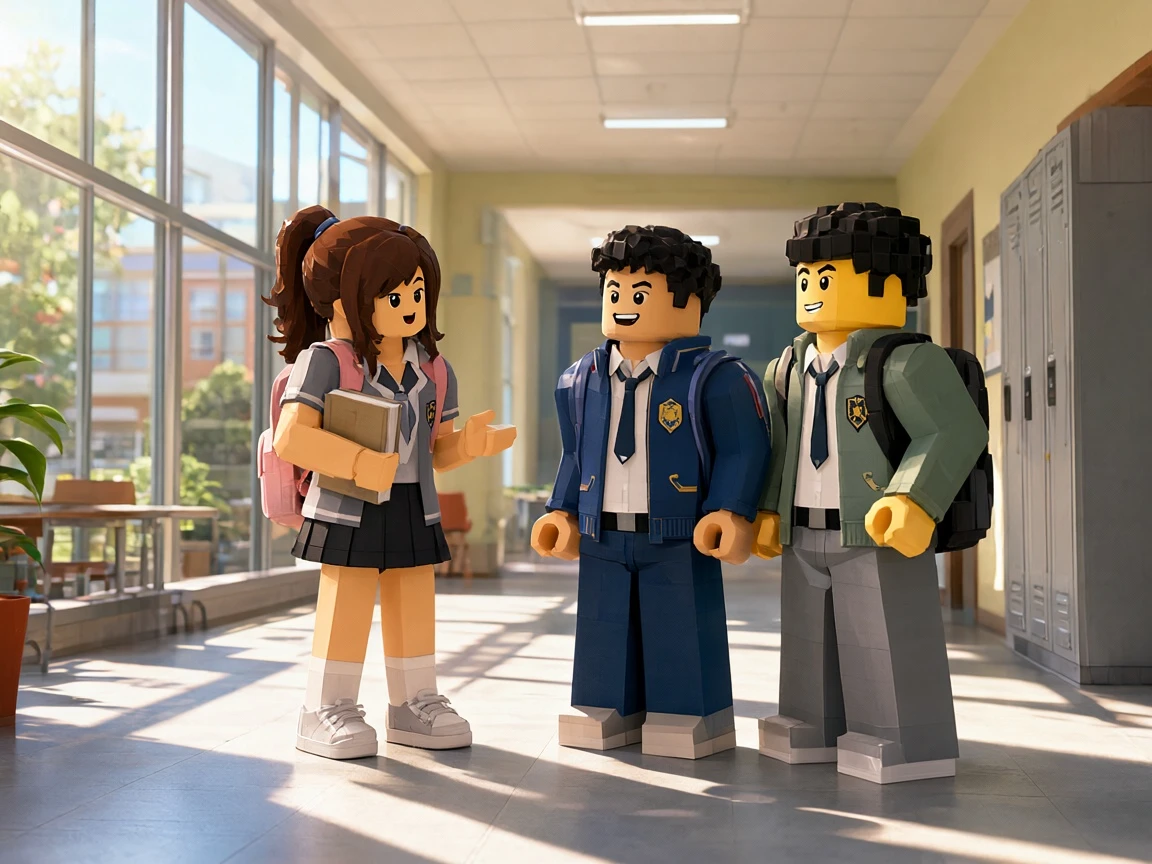
A Roblox adventure does not have to end after several scenes. Paid Magiclight AI plans let you set a custom video length of 50 minutes for a single part of your Roblox movie.
Start Creating


Start your Magiclight AI Roblox movie maker with a plot your friends would enjoy watching. It helps you plan the episodes and check each scene before downloading your movie in just 4 steps.
Open the Series tab and choose Story to Video. Enter your Roblox plot, enable Consistent Characters and pick a story model before moving on to the characters in your movie.
Add saved characters or create new ones for your Roblox movie. Give them voices or a voiceover, then let Magiclight Agent suggest episodes based on the story you first entered.
Generate one episode or use Batch Generate for the whole series. Magiclight Agent then provides a script for you to review and approve before choosing your movie's visual style.
Check the storyboard to see how your Roblox scenes flow. Make any changes you need, select a caption style that suits the dialogue, then download the finished video to share.
Animator
I had a Roblox story sitting in my notes for months. Magiclight AI gave me a way to turn it into scenes without spending hours animating every little movement.
Filmmaker
The Series feature in Magiclight AI caught my attention because I wanted to tell a longer story. I could work on one episode first and see how the characters looked before continuing.
Streamer
My viewers love Roblox stories, especially the funny ones. I tried making a short movie in Magiclight AI from one of our game sessions, and the result gave us something new to share.
Teacher
My students came up with a Roblox adventure for a class activity. Seeing their characters speak in the video from Magiclight AI made the story feel much more exciting to them.
Free accounts have limits on series length and exports. Longer episodes and additional series may require a paid plan, so check the current plan details before starting.
An hourly project limit can interrupt Batch Generate before every episode finishes. Wait until the limit resets, then return to your series plan to submit the remaining parts.
Yes. The Roblox movie maker in Magiclight AI lets you add another episode to your existing series plan. Earlier videos stay unchanged, giving you room to continue your story.
Ask your friends before using their usernames in a movie. Avoid sharing private details about anyone, especially younger players, even when the story is only for your friends.
Start with a simple plot that has a clear ending in mind. You can split it into episodes later, giving each part one moment that makes viewers curious about what happens next.
Keep the same character descriptions across episodes to help maintain a familiar look. Review each new scene before publishing because AI visuals may even change unexpectedly.



Your Roblox story deserves more than a written script. Use Magiclight AI to bring the opening episode to the screen.