1,500 Characters for Motion Details
A blink or a little movement in the background may be all your photo needs. Magiclight AI gives you 1,500 characters to explain what should move and what should stay still.
Create Now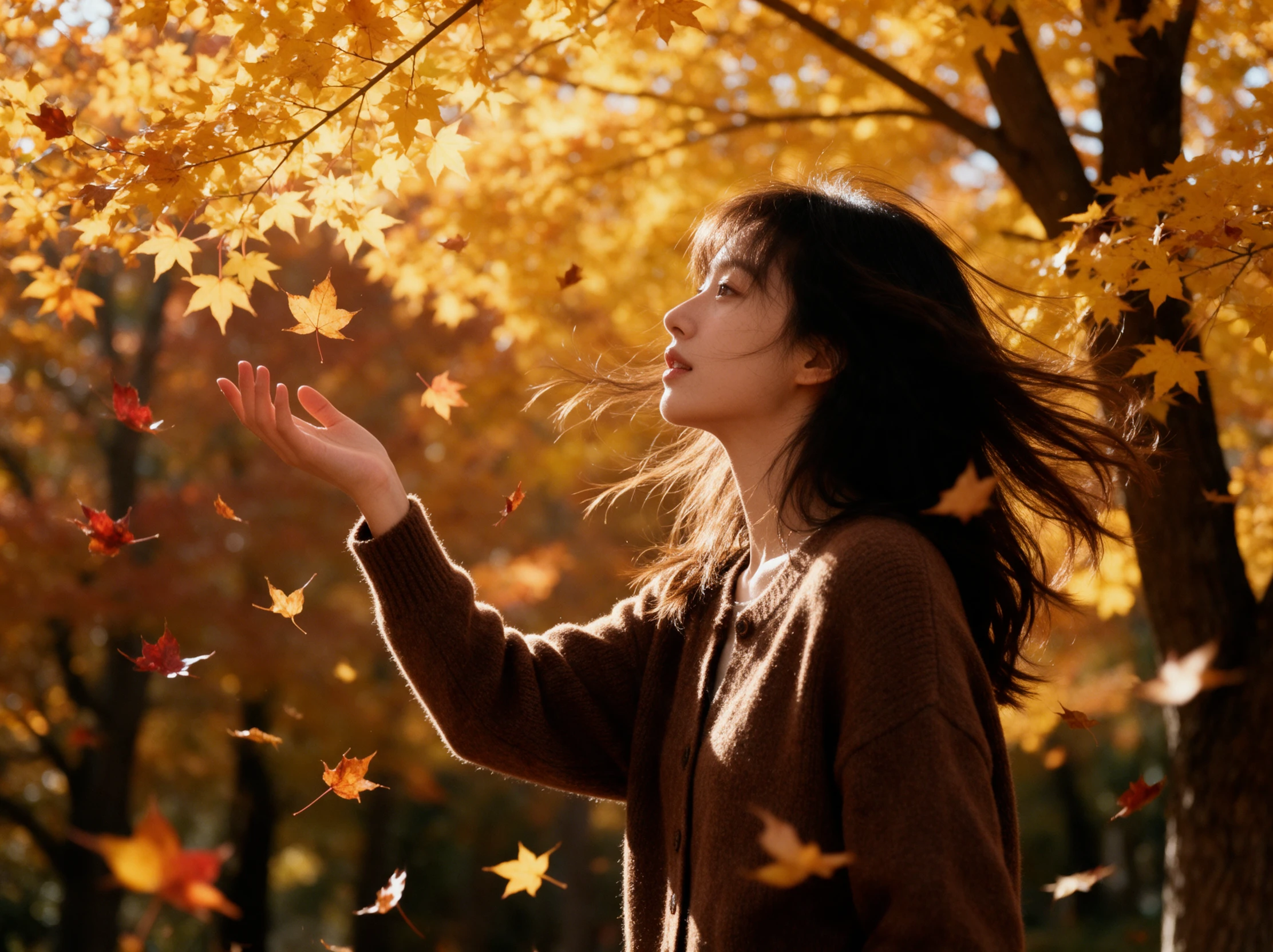

Upload a photo and describe how you want the subject to move. Magiclight AI turns your still image into a lively moment while preserving the original look. No animation skills needed.
Create a Live Photo for Free










Some pictures need only a blink to feel alive. The Magiclight AI live photo maker gives you room to explain that tiny movement and decide how the result fits your screen.
A blink or a little movement in the background may be all your photo needs. Magiclight AI gives you 1,500 characters to explain what should move and what should stay still.
Create NowYour portrait may look better with gentle movement rather than a sudden camera zoom. Magiclight AI has 20 video models to try if the first result moves more than you wanted.
Create Characters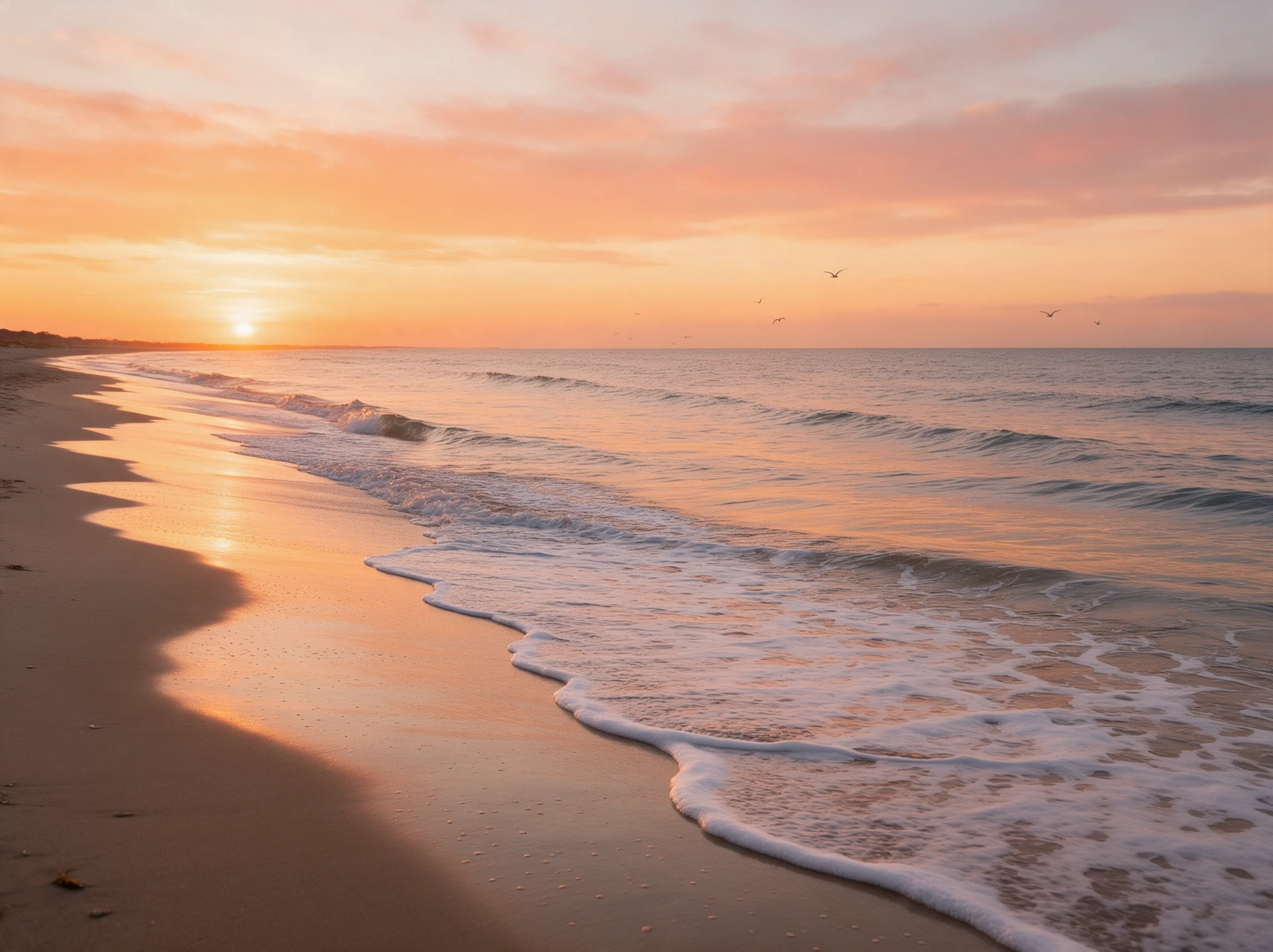
A tall photo looks better when it fits the phone screen. Choose 9:16 for a moving picture you plan to show in an Instagram Story, without leaving wide empty spaces along the sides.
Generate a Video
Choose 720p, 1080p or 4K for your moving photo. The resolution you can use depends on the video model you pick in Magiclight AI, as not every model offers the same quality settings.
Start Creating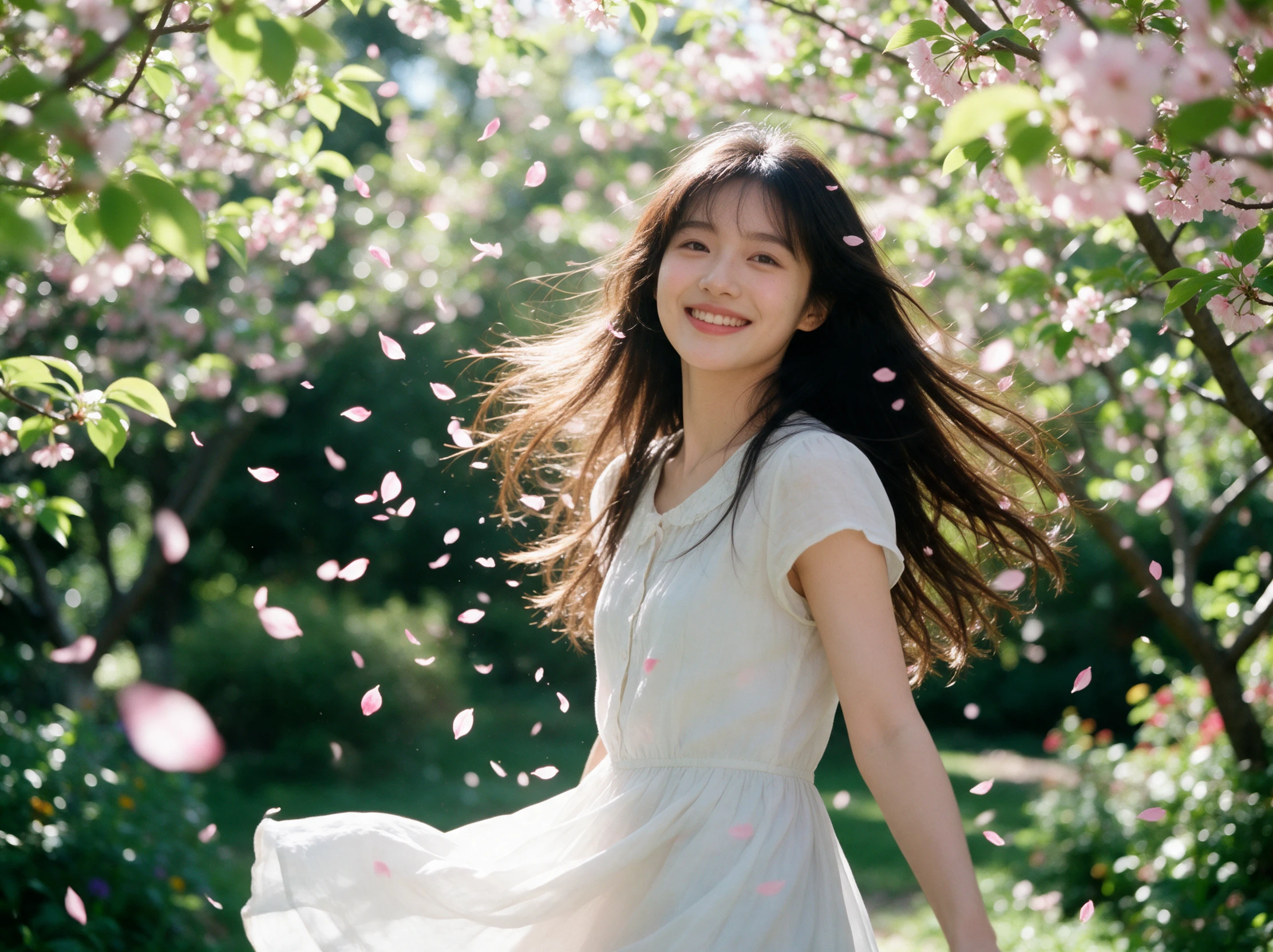


A still picture needs just 4 steps to become a moving clip. The live photo maker lets you upload an image, describe the action, set your video preferences and save the result.
Find a photo where the subject is easy to see. Magiclight AI accepts JPG, PNG and JPEG images within 10MB, so check the file size before adding your picture.
Your photo could show a child waving while the background stays still. Use the 1500 character description space to tell Magiclight AI exactly how you picture the movement.
There are 20 video models available in Magiclight AI. Choose one that suits your picture, then set the clip length and screen format based on where you want to use it.
Look closely at the moving parts once your clip is ready. Check that the face still resembles the original picture, then download the video to keep on your device.
Portrait Photographer
I tried it on a portrait from last month's shoot. The slight movement in the hair looked lovely, though I had to adjust the prompt twice to get the result I wanted.
Wedding Planner
One couple wanted something different for their wedding slideshow. We made their favorite photo move a little, and it looked really sweet on the screen at dinner.
Graphic Designer
Static pictures work fine for most of my projects, but sometimes a little motion helps. I used this for a cafe design and liked how the steam moved above the coffee.
Family Historian
My grandmother's old photograph had been sitting in an album for years. Seeing a little movement in it was quite touching. I kept the original beside the video.
An iPhone Live Photo captures about 3 seconds around the shutter press. Magiclight AI can make videos lasting 30 seconds, though shorter clips may feel closer to a Live Photo.
The Magiclight AI live photo maker starts with a still image and adds movement based on your instructions. For an existing video, you would need a separate conversion app.
Yes. Group photos can work, but simple movements are easier to manage. Try having one person wave while everyone else stays still, then check that the faces look natural.
Different video models may produce different kinds of movement. Magiclight AI offers 20 models to try, so you can change the model if your first result does not look right.
Yes. Describe the movement you want in the prompt, such as leaves moving behind someone. You can also ask Magiclight AI to keep the person still while the background moves.
A clear photo with good lighting gives the model more detail to work with. Avoid blurry faces and heavily cropped subjects, especially when you want small facial movements.



Give your favorite pictures a little movement with the Magiclight AI live photo maker. Upload a photo, describe what should move, and create a video worth sharing.