








Hero background

Product Video Maker

Turn simple ideas into bright AI story videos for kids. Write a line, pick a character, and let MagicLight create episodes, bedtime stories and learning clips your kids will want to replay.

Create a Product Video For Free
product image ai creator example 1
Nano Banana
Google VEO 3
Sora 2
Gemini
Hailuo
Kling
Midjourney
Qwen
Seedance
Wan
Nano Banana
Google VEO 3
Sora 2
Gemini
Hailuo
Kling
Midjourney
Qwen
Seedance
Wan
Nano Banana
Google VEO 3
Sora 2
Gemini
Hailuo
Kling
Midjourney
Qwen
Seedance
Wan

Top Features of theMagiclight Product Video Maker

Below is what the Magiclight AI product video maker does that a photograph cannot. Show the mechanism, pick a look, then cut it for each listing.

Keep the Real Product in Frame

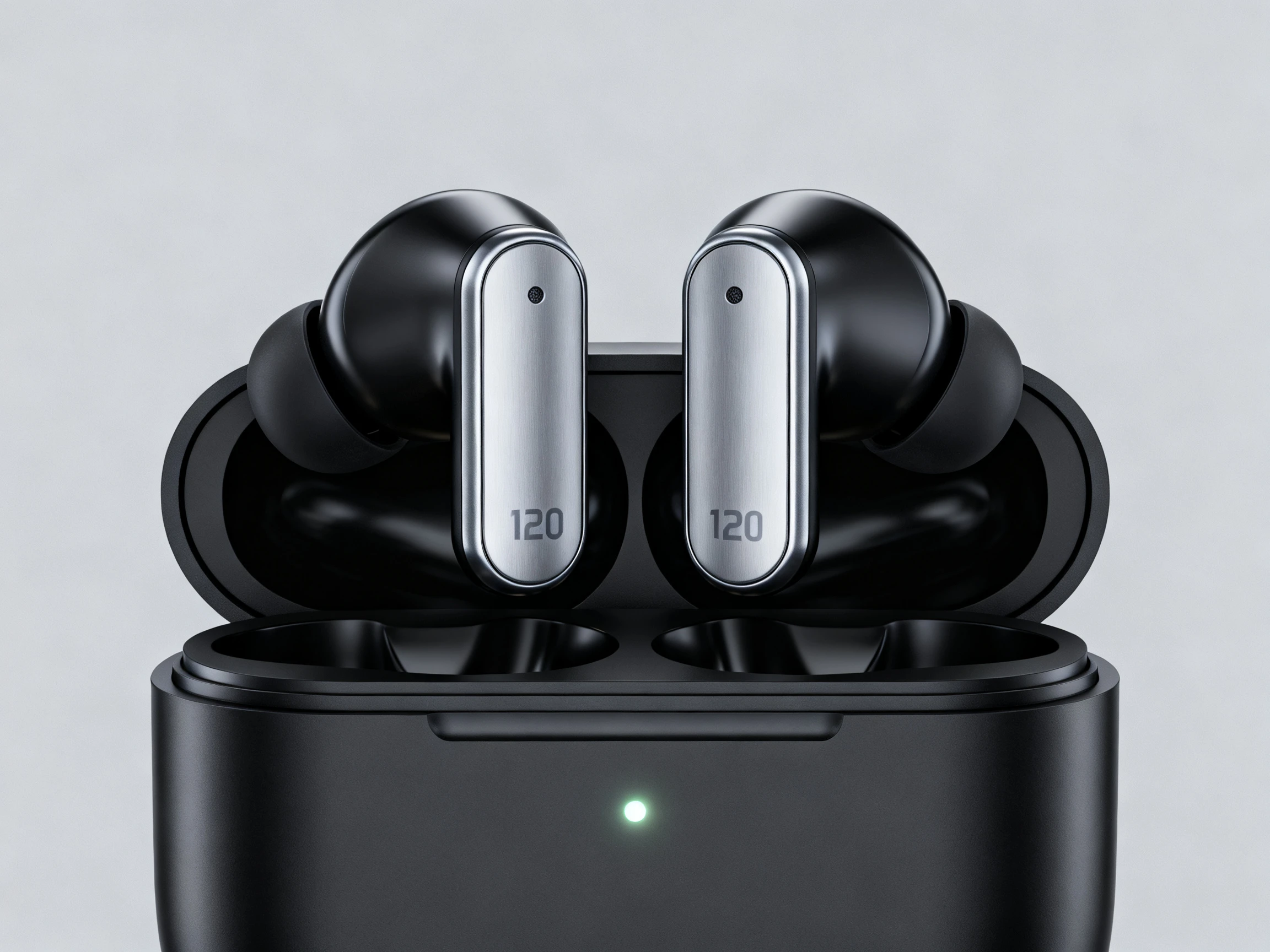
Upload product references in JPEG, JPG, PNG, or WEBP, with files up to 10 MB each. Magiclight AI uses the uploaded image as a visual reference, helping preserve the product’s shape, colors, packaging, and other recognizable details throughout the generated video.

Create Now


Magiclight image 1

Choose the Right Model for the Shot

Pick from 20 different AI models such as Seedance 2.5, Kling 3.0, and more. Each gives you a different way to shape product visuals, test creative directions, and prepare perfect product video.

Create videos
Magiclight image 2

Show the Product in 30 Seconds

Turn a product idea into a video lasting up to 30 seconds. Show the item working, highlight key features, demonstrate an action, or present how customers can use it in everyday situations.

Generate a Video
Magiclight image 3

Take One Product to 11 Languages

Reach shoppers in 11 supported languages with the same product message. Adapt your video for different regions, audiences, and campaigns without recreating the original product concept for every market.

Start Creating
Magiclight image 4
Who Can Use the Magiclight Product Video Maker
An e-commerce product video maker works best when buyers need more than a photo. It helps sellers and marketers show how a product works, moves, or fits into everyday use.
Anyone
For Ecommerce Companies
Use a 1,500-character prompt to describe unseen product action.
Try 20 AI models to find the right look for each product shot.
Upload references up to 10MB to keep product details visible.
Educators
For YouTube Creators
Choose from 52 visual styles to present product changes clearly.
Keep the transformation focused within a 30-second video.
Use 16 subtitle settings to explain results without relying on audio.
Creator
For New Setups
Use up to 12,000 script characters for detailed setup guidance.
Pick from 37 voices to narrate product steps and instructions.
Export at 1080p for clear demonstrations on product pages.
New learner
For Multi-Market Listings
Present the same product video in 11 supported languages.
Start from 21 ready-made cover templates for different listing needs.
Animate product videos in different perspectives using 20 AI models.

How to Use the Magiclight AI Product Video Maker

Use the AI video maker for products in 4 simple steps. Add your product image, describe the action, generate the video, and prepare it for the platform you need.

1.

Upload the Product Reference

Add the product image you want to animate. Use a clear JPEG, JPG, PNG, or WEBP file up to 10 MB so the product details stay easy to recognize.

2.

Describe the Motion

Write a prompt of up to 1,500 characters explaining what should move, open, rotate, pour, or change. Include camera direction, pace, lighting, and any details that should stay fixed.

3.

Choose the Model and Video Setup

Select from the available 20 video models, then set the duration and aspect ratio for the placement you need. Use 16:9 for wide product pages or 9:16 for vertical content.

4.

Review and Export the Result

Preview the generated product video and check the motion, framing, and product details. If everything looks right, export the finished clip for your listing, ad, or social post.

What Users Say About the Magiclight Product Video Maker

Sanne Bakker

Category Manager

Our filter does its whole job out of sight, which no photograph ever solved. With Magiclight AI, we can show what happens inside the product instead.

Omar Zaidi

Store Manager

Half our returns came from people not understanding how the product assembles. We now use Magiclight AI to show those setup steps directly on the listing page.

Fiona Traynor

Packaging Designer

Magiclight AI now helps us keep one visual direction across the whole range. Before that, every video for our 9 products felt like it came from a different brand.

Kenta Ogawa

Ecommerce Lead

Four marketplaces meant four voiceover quotes that we could never really justify. Magiclight AI now rebuilds the same video for each language.

FAQs on Product Video Maker

Do I need product photos to start?

They help but are not required. Magiclight AI can build the product from a written description, though starting from a real photo keeps the shape and the label closer to what you ship.

Is this a 3D product video maker?

Magiclight AI can apply styles that give a product a 3 dimensional look, but it does not create a rotatable 3D model or CAD file. A true 3D workflow still needs dedicated modeling software.

Can I turn one product photo into multiple video scenes?

Yes. Upload the same product image and change the prompt to test different actions, camera moves, or settings. Magiclight AI lets you reuse that visual reference across several product video ideas.

Can I use the product videos on marketplaces?

That requires a paid plan. The free credits let you judge one first, and the commercial license covering a listing comes with the paid Magiclight AI tiers.

What is the best product video maker?

Judge it on whether it shows the part a camera missed. Whether one look holds over a catalog in Magiclight AI or elsewhere, and whether a video rebuilds per market, decide the rest.

Does the free product video maker AI have limits?

Credits run out, and anything built from a single photo caps at 720p. Script-led work in Magiclight AI goes higher, which is worth checking before planning a launch around one.

Create Viral Product Videos With Magiclight AI

Product photos do not show the complete view. Magiclight AI video maker for products turns them into videos, covering the product in a more engaging way.