Hero background

Facebook Video Maker

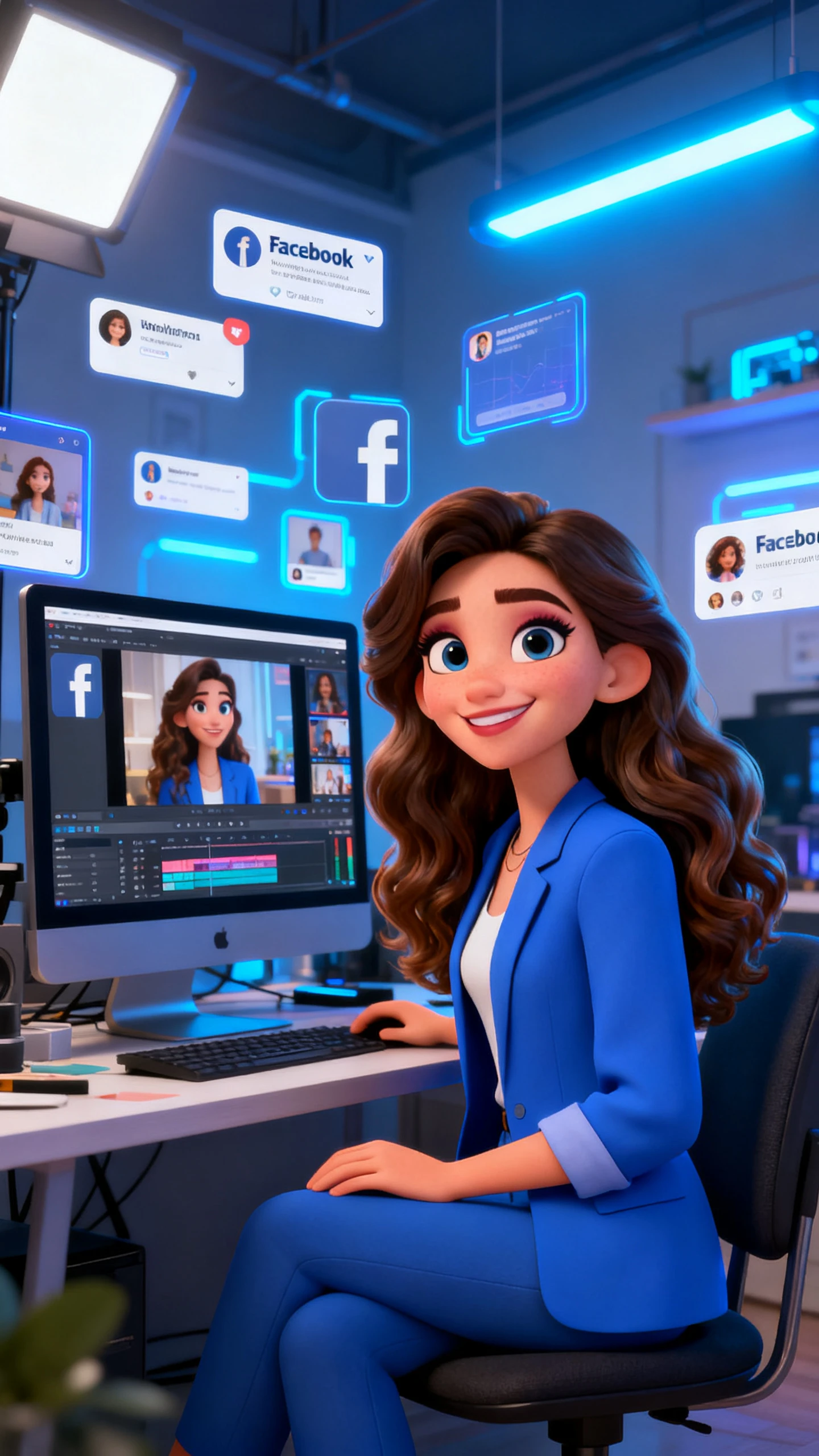
From the first line to the final cut, Magiclight AI keeps Facebook video creation smooth, stylish, and ready for busy social feeds with steady pacing.

Try Facebook Video Maker For Free
 facebook video maker
how to create a facebook video
facebook video maker
facebook video maker for multiple people
free facebook video maker app
facebook video maker
 facebook video maker
how to create a facebook video
facebook video maker
facebook video maker for multiple people
free facebook video maker app
facebook video maker
 facebook video maker
how to create a facebook video
facebook video maker
facebook video maker for multiple people
free facebook video maker app
facebook video maker

Discover Features of Magiclight AI’s Facebook Video Maker

Magiclight AI free Facebook video maker has a full production pipeline. Creators get motion, style, audio and captions with no app switching.

Explore the video generator
3D decoration

Convert Script to Facebook Video Workflow

Paste a script of up to 12,000 characters, and Magiclight AI generates scenes. The file exports at 1080p, ready to upload to Facebook.

Generate Facebook Videos with Advanced AI Models

MagicLight AI integrates top video models like Seedance 2.0 and Kling 3.0 to create smooth, engaging clips optimized for social platforms.

Apply Visual Styles for Facebook Format

Apply cinematic or Pixar-style to any Facebook video. Magiclight AI maintains a consistent style across scenes without manual adjustments.

Select Music Tracks and Subtitle Options

Choose 40 background tracks and 16 subtitles to make a Facebook video. This tool automatically times audio and captions to your scenes.

Who Gets the Most Out of a Free Facebook Video Maker
Video creation gets easier with MagicLight AI’s best Facebook video maker, turning ideas, scripts, and campaigns into ready-to-publish content.
text to brainrot generator
For Content Creators
Showcase products in a styled video without a film crew.
Create Facebook ad clips that match your brand identity.
Go from concept to published post the same day.
text to brainrot
For Nonprofits and Community Groups
Write a compelling story using a video.
Connect with a multi-lingual audience in 11 languages.
Create awareness videos without having a proper media team.
brainrot video generator
For Social Media Managers
Schedule Facebook videos in bulk.
Get 1080p files delivered on a tight time frame without outsourcing.
Maintain brand voice using voice cloning across every video.
text to brainrot video
For Small Businesses
Showcase products in a styled video without a film crew.
Create Facebook ad clips that match your brand identity.
Go from concept to published post the same day.
Why Magiclight AI
Is the Video Maker for Facebook
Unlike template tools, Magiclight AI Facebook video maker online free plans narrative, characters, and audio before the frame is rendered.
Produce at Volume Without Repeating
Reuse character settings, visual styles, and audio across Facebook videos with Magiclight AI, skipping setup and scaling workflows effortlessly every time.
Long Enough for Any Facebook Format
With Magiclight AI, you can build videos up to 50 minutes per session. Manage all content types in a single workflow without separate exports.
Characters Stay the Same In Every Scene
Characters stay visually consistent throughout the video with Magiclight AI. Appearance, outfits, and expressions are automatically aligned across scenes.
One Brand Voice Across Every Post
Voice cloning in Magiclight AI ensures the same tone and voice across videos. This helps brands build a strong, consistent audio identity effortlessly.
Shot-Level Control Before You Render
Creators can define poses, angles, and expressions using Magiclight AI’s Nano Storyboard. Once set, all changes are locked to prevent unexpected outputs.
Localized Languages Without Starting Over
Create multilingual Facebook videos with Magiclight AI using 11 language support. Hence, no separate workflows are needed for each localized version.

How to Make a Facebook Video Online  With Magiclight AI

With Magiclight AI Facebook video maker app, turn any script or idea into visuals and voice, export in 4 steps without experience.

1.

Enter Your Video Concept

Type a script of up to 12,000 characters, and include your target audience and tone to generate scenes and structures.

2.

Pick Your Visual Style and Characters

Pick Your Visual Style and Characters Choose from 20+ AI characters from the Magiclight AI library and set the look that fits your brand or message.

3.

Adjust Scenes With Nano Storyboard

Open the Nano editor, update character poses from 50 options, and adjust expressions before the video renders.

4.

Add Audio, Captions, and Export

Choose 37 voices or clone your own, add 40 music tracks, and apply 16 subtitle presets. Later, export in 720p or 1080p and upload to Facebook.

FAQs on Facebook Video Maker

What is a Facebook video maker?

A Facebook video maker helps creators and businesses produce videos for posting on Facebook. With Magiclight AI, script, generate scenes, and add voice and audio in a single workflow, with no editing needed.

Is the Facebook video maker online free in Magiclight AI?

Magiclight AI gives new users free access to the online Facebook video maker to try the workflow. Visit magiclight.ai to check current plan details and which features are available at each level.

Do I need video editing experience to use Magiclight Facebook video maker?

No editing experience is needed. Magiclight AI automatically manages scene structure, audio timing, and subtitle placement. The four-step interface guides any user from script to finished video without technical knowledge.

What video styles work best for Facebook content?

The Magiclight AI provides 20+ visual styles, such as cinematic, flat art, Pixar, illustration, and comic book. Creators can experiment with various styles for each project, and export at 720p or 1080p, depending on placement.

Can I create Facebook videos in multiple languages?

Yes, Magiclight AI is available in 11 languages, including Spanish, Arabic, French, Japanese, and Korean. Voiceovers and subtitles can be localized on various Facebook pages without any duplication of production within the same project.

How long can a Facebook video be in Magiclight AI?

Magiclight AI supports video production up to 50 minutes per session. Short Facebook Reels and longer watch videos both fit the same workflow, giving creators flexibility across different content formats.


Create Next Facebook Video with Magiclight AI

Magiclight AI handles script, visuals, voice, and export in one place. Build content that fits your page, your audience, and your timeline.