Hero background

AI Instagram Video Maker for Reels and Stories

Magiclight AI helps creators, brands, educators, and social teams turn prompts into Instagram Reels, Stories, and feed clips without editing.

Create AI Instagram Video For Free
instagram video maker The Morning Ritual
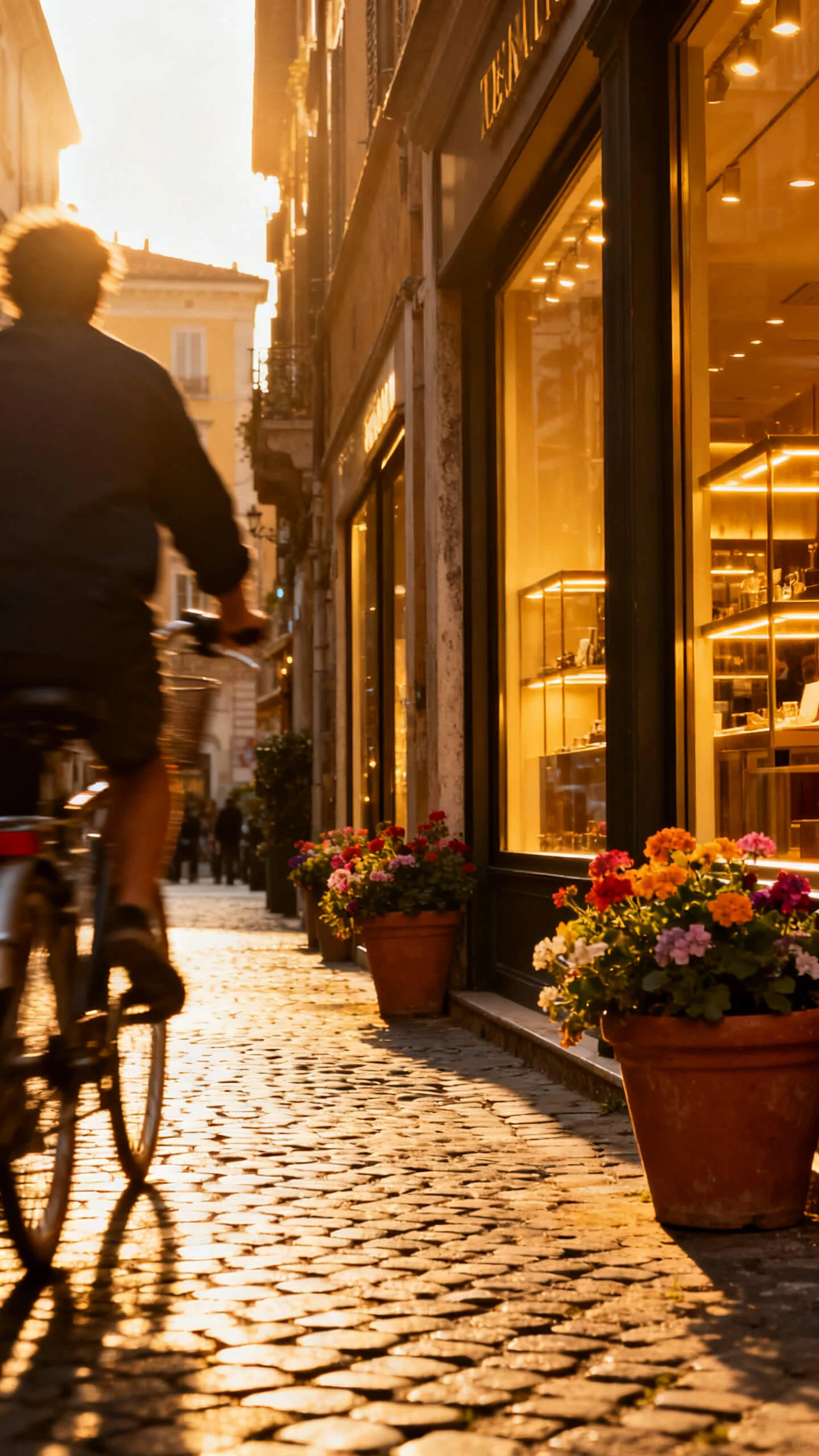
instagram video maker City Stroll
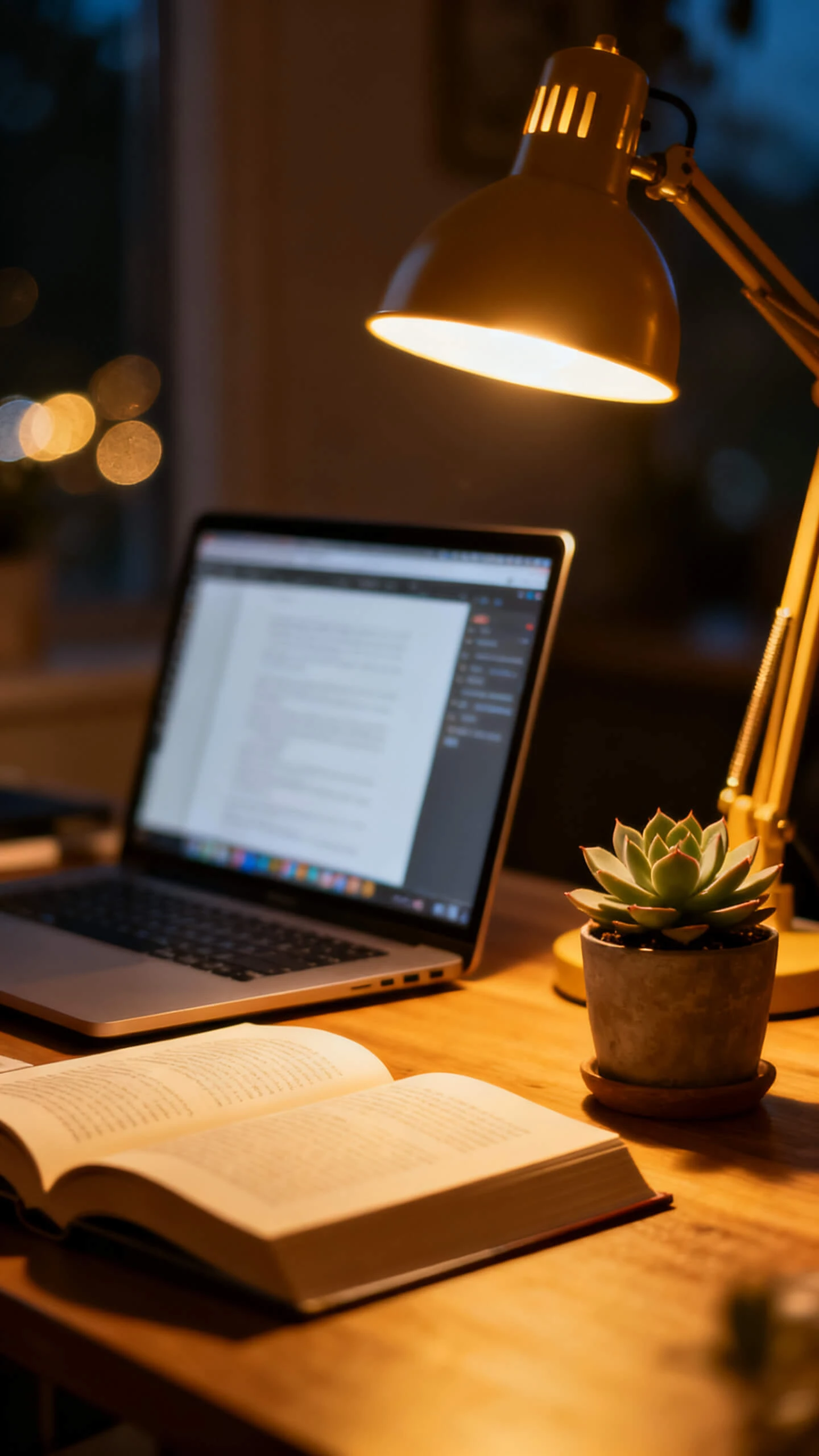
instagram video clip maker Deep Work Aesthetic
instagram video maker Home Cooking Vlog
instagram video clip maker Outfit of the Day
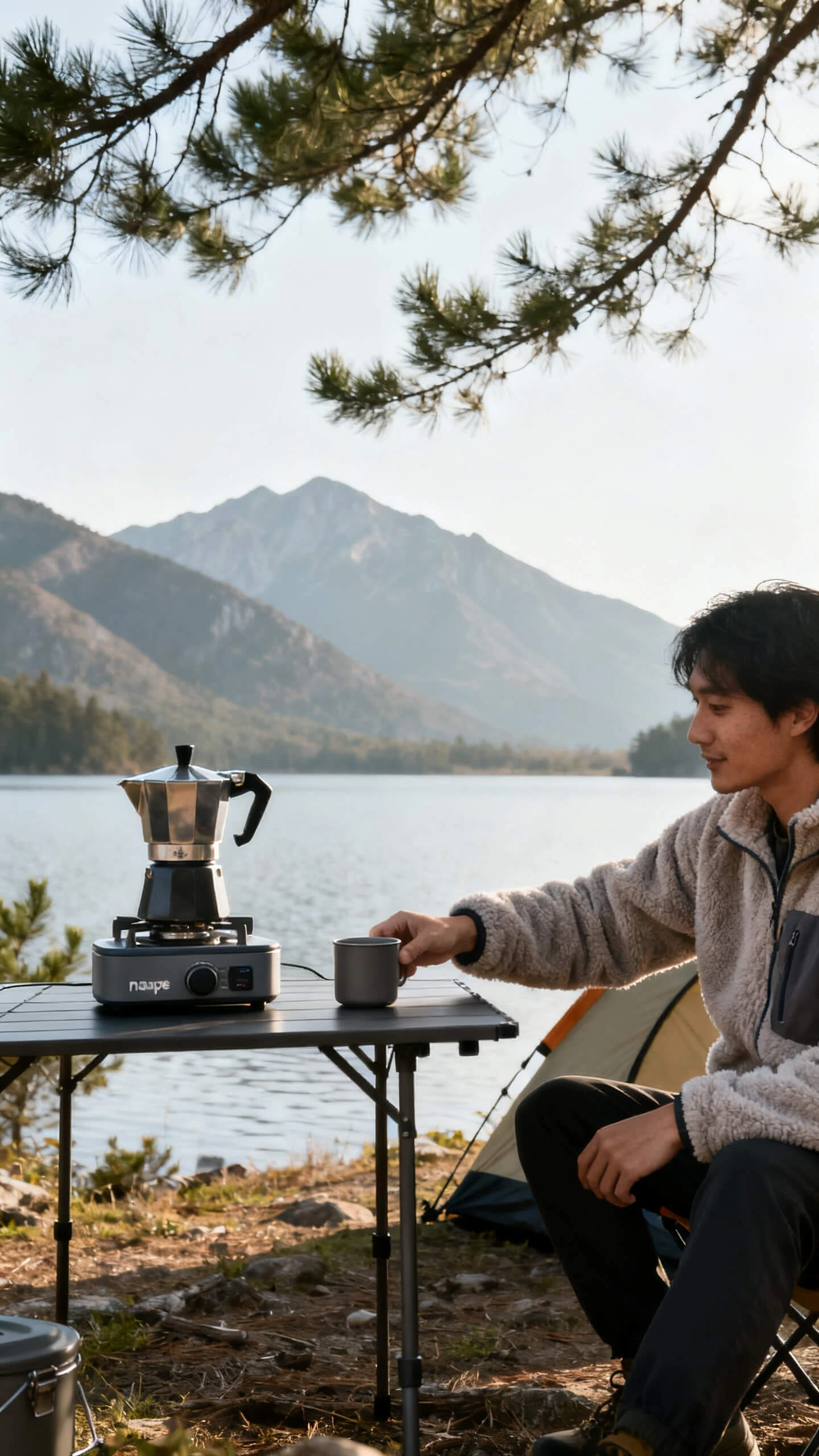
instagram video maker app Weekend Getaway
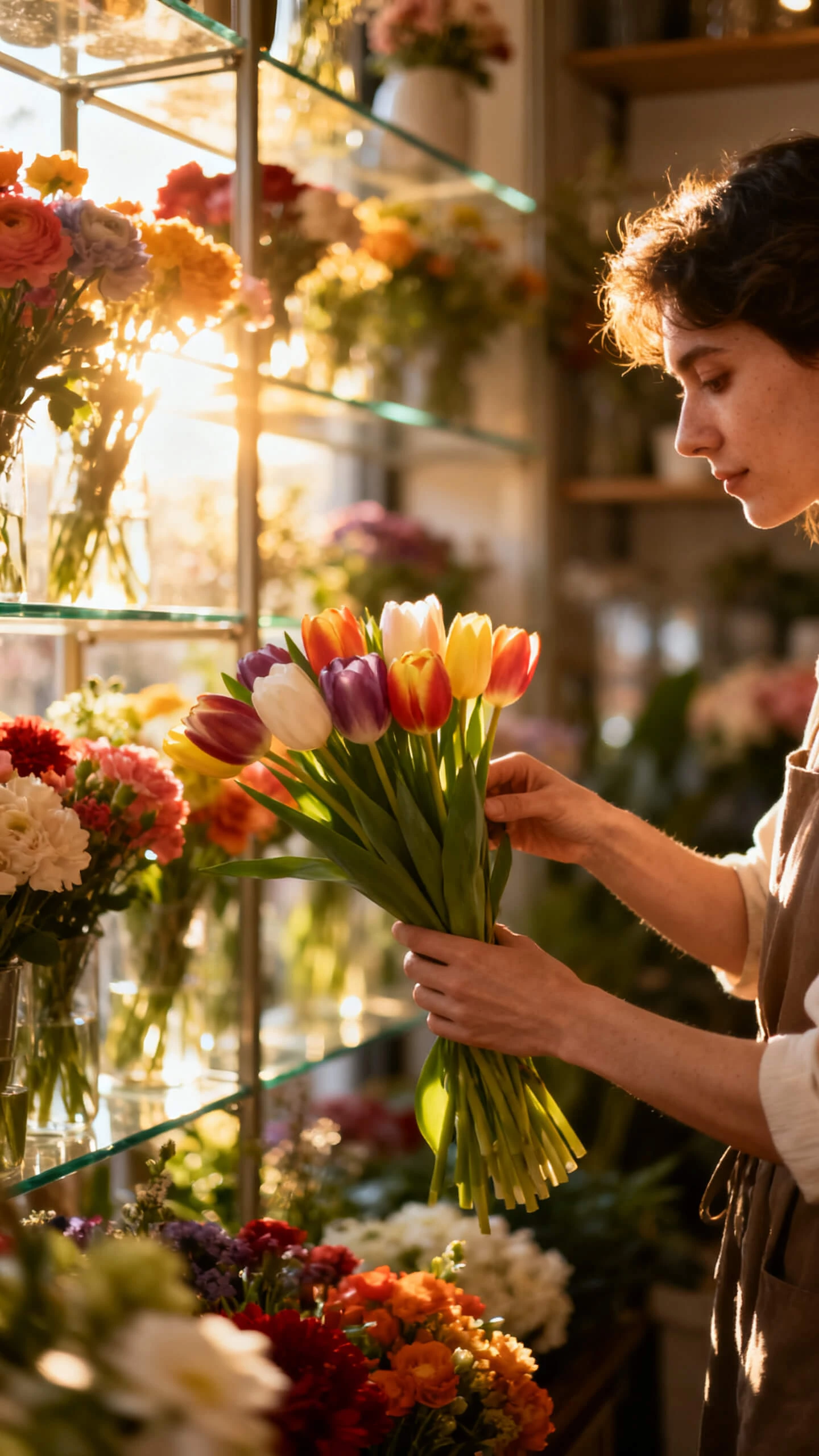
instagram story video maker Afternoon at the Florist
instagram video maker app Casual Reading Time
instagram video maker The Morning Ritual
instagram video maker City Stroll
instagram video clip maker Deep Work Aesthetic
instagram video maker Home Cooking Vlog
instagram video clip maker Outfit of the Day
instagram video maker app Weekend Getaway
instagram story video maker Afternoon at the Florist
instagram video maker app Casual Reading Time
instagram video maker The Morning Ritual
instagram video maker City Stroll
instagram video clip maker Deep Work Aesthetic
instagram video maker Home Cooking Vlog
instagram video clip maker Outfit of the Day
instagram video maker app Weekend Getaway
instagram story video maker Afternoon at the Florist
instagram video maker app Casual Reading Time

Features of the Magiclight AI Free Instagram Video Maker

Instagram content needs speed, format, and clear messaging. Magiclight AI Instagram story video maker brings story structure and vertical-ready visuals into one guided workspace.

Explore the video generator
3D decoration

Build Vertical Instagram Formats

Generate videos suited for Reels with the right social layout. The output feels prepared for Instagram instead of being resized after creation.

Add Branded Voiceovers Easily

Choose from 37 voices by age, accent, gender, or clone a voice for repeat content. Your clips can keep a stable sound across campaigns.

Match Any Feed Aesthetic

Pick realistic, Disney, Pixar, comic book, flat art, or other visual styles. Your Instagram video keeps one clear look from the first scene to the last.

Layer Music and Captions

Add one of 40 background tracks and choose from 16 subtitle styles. Clips stay understandable on muted feeds and are more engaging with sound on.

Who Gets the Most from an AI Video Maker for Instagram
Whether you post casually or weekly, the workflow adapts to how Instagram content is made. Each audience uses Magiclight AI video maker for Instagram for a different purpose.
For Influencers and Personal Brands
Turn caption ideas into story-led Reels without filming every clip.
Match visuals to your personal feed style through 20+ looks.
Keep a recurring character or voice across your content series.
For Small Business Owners
Promote products, offers, or events without hiring an editing team.
Add subtitles so product messages land during muted viewing.
Create polished Instagram clips directly from prompts or images.
For Social Media Managers
Build client Reels, Stories, and Shorts from one production flow.
Localize clips with 11 languages for regional campaign pages.
Batch similar creative directions without resetting every setting.
For Educators and Coaches
Turn quick tips into short, easy-to-watch Instagram lessons.
Use character vlogs to make advice feel more personal.
Add captions and voiceovers for clearer mobile learning moments.
Why Magiclight AI Instagram Video Maker
Stands Out
Most mobile video apps start with footage and expect editing. Magiclight AI video maker for Instagram starts with your idea, then builds the script and scenes in one place.
Skip Complex Editing Timelines
You describe the concept, and the tool builds the clip structure around it. No layers, trimming, keyframes, or timeline skills are needed to make your first video.
Keep Production in One Workspace
Script, storyboard, voiceover, music, subtitles, and export stay inside the same flow. You avoid switching between apps just to finish one Instagram video.
Keep Characters Consistent
Recurring characters can carry the same look, clothing, and expression across videos. Your Instagram feed feels connected instead of changing style with every post.
Publish and Review More Easily
Finished clips can move into scheduling and performance tracking through Magic Claw. This helps high-volume creators manage content beyond the generation stage.
Control Scenes Before Export
Nano Storyboard helps adjust expressions, outfits, camera angles, and 50 pose options before rendering. Important frames can be shaped before the final clip appears.
Reach More Instagram Audiences
Magiclight AI supports 11 languages with voice and subtitle options. One idea can become localized Instagram content without rebuilding every clip from scratch.

How to Create a Viral Instagram Video in 4 Steps 

Magiclight AI guides your idea through prompt writing, style selection, scene control, and export. No design background or editing experience is required to finish the clip.

1.

Describe Your Clip

Enter your topic, offer, hook, or caption idea. Add tone and audience details so Magiclight AI can shape the script and scene direction around the post goal.

2.

Pick Style and Format

Choose a visual style that matches your Instagram feed and set the format for Reels or Stories. The tool builds a storyboard around those creative choices.

3.

Adjust Scenes, Voice, and Music

Review the scene flow in Nano Storyboard, then update expressions, poses, captions, voice, and music. This keeps the final clip closer to your intended post.

4.

Export and Post Your Reel

Preview the clip, choose 720p or 1080p, then download for Instagram. You can also schedule through Magic Claw when the posting workflow is available.

FAQs on Instagram Video Maker

What is Magiclight AI's Instagram video maker?

With Magiclight AI Instagram video maker, prompts become Reels, Stories, and feed clips with structured scenes. Visuals, voices, music, captions, and export stay inside one simple creative workflow online.

Is the free online Instagram video maker actually free?

You can test core creation features through the free online Instagram video maker. Check the current Magiclight AI plan page for limits, exports, and tools availability.

Can I create Instagram story videos in multiple languages?

Yes, captions and voiceovers in Magiclight AI help reach multilingual Instagram audiences easily. You can prepare regional campaign versions without separate production or extra recording work.

How is this different from a standard Instagram video maker?

Standard tools often require footage, trimming, templates, and manual design work before posting. Magiclight AI builds scripts, scenes, audio, and captions from one prompt instead of automatically.

Do I need editing experience to create Instagram videos?

No editing background is needed when your first Instagram idea starts there today. With Magiclight AI, structure, visuals, and export feel guided from start to finish.

What export resolution does Magiclight AI support?

You can export standard 720p or high-quality 1080p videos for Instagram directly online. For Reels, Stories, and feeds, Magiclight AI keeps outputs platform-ready before posting online.


Start Your Next Instagram Clip With Magiclight AI

Shape one idea into a styled clip with voice, captions, music, and visuals in Magiclight AI Instagram video maker.