Top Features of DeepSeek Image Generator
Before using the DeepSeek image generator, it helps to know what Janus Pro offers. Here are 4 features covering picture creation, image understanding, and local setup today.

Janus Pro turns your written ideas into pictures. Use the DeepSeek image model through its public demo, or install it on a suitable GPU to try your own art prompts! No design skills needed.
Try DeepSeek Image Generator for Free
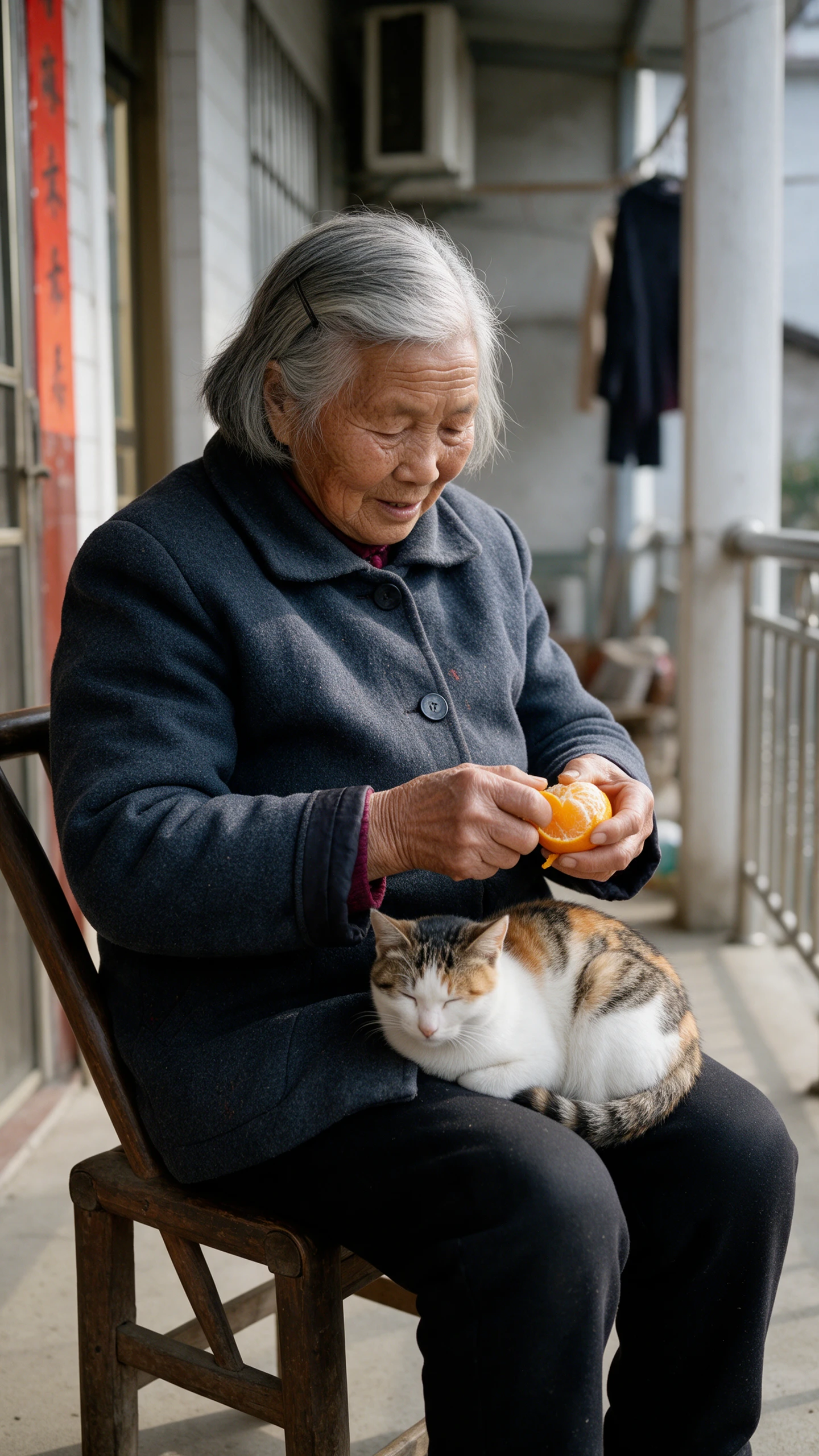
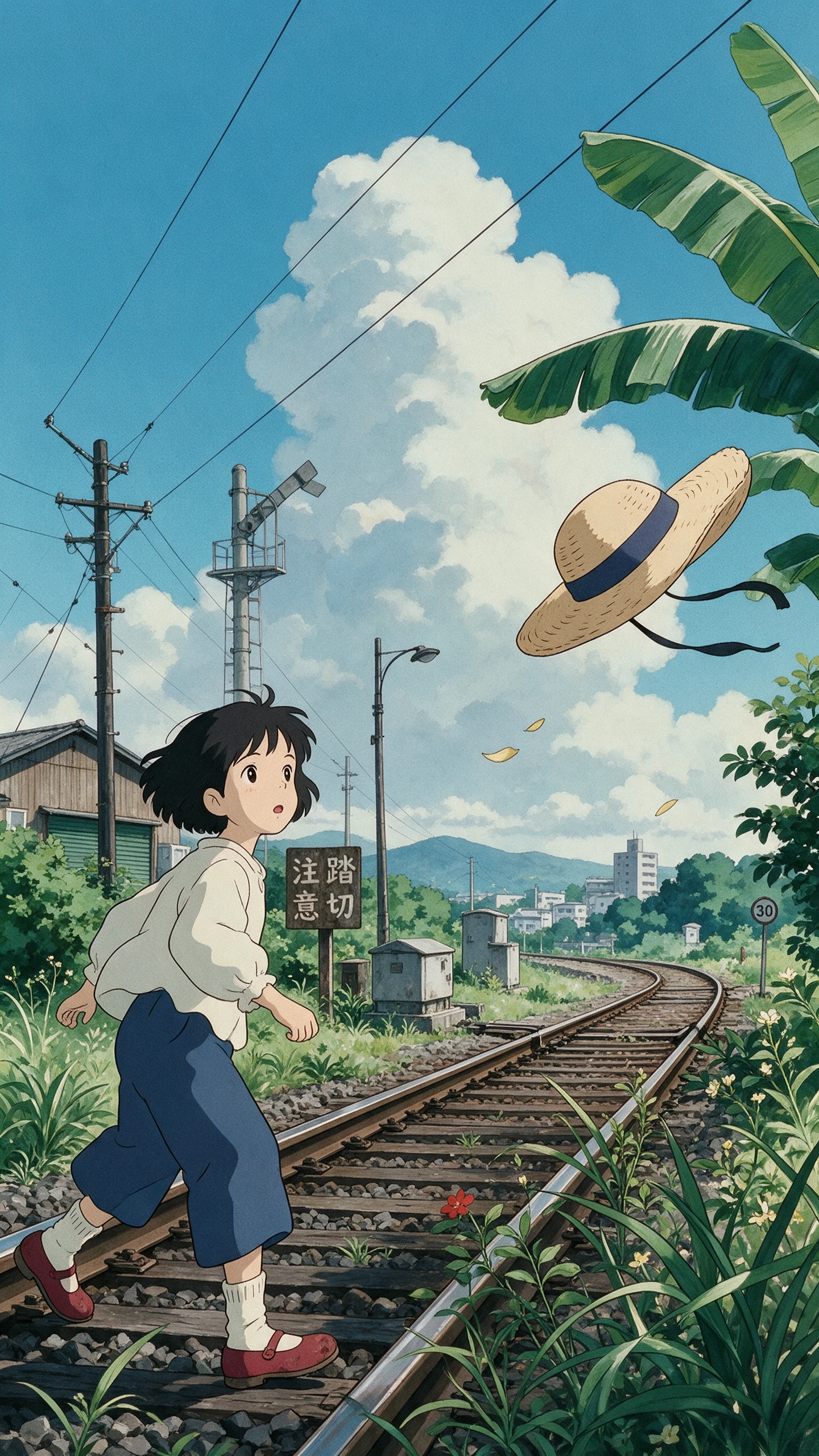
Before using the DeepSeek image generator, it helps to know what Janus Pro offers. Here are 4 features covering picture creation, image understanding, and local setup today.

Janus Pro turns written descriptions into small pictures using its image generation model. DeepSeek offers 1B and 7B versions for people exploring different hardware setups today. The results work best for early sketches rather than large, printed artwork projects.
Janus Pro can answer questions about pictures you upload to the model directly. It uses separate visual paths for reading images and creating new ones independently. This makes it useful for testing both tasks within the same model setup.
DeepSeek shares Janus Pro code publicly through its official repository on GitHub today. You can download model weights separately and run them on suitable hardware locally. A provided Gradio demo gives you a simple interface for trying prompts yourself.
Janus Pro generates square images measuring 384 pixels across on each side currently. That resolution is useful for testing ideas but limits fine details in pictures. A 1024-pixel default is not documented for the official Janus Pro models.
The DeepSeek image generator lets developers experiment with Janus Pro. These 3 advantages cover free access, prompt accuracy, and its ability to understand real pictures.
Both 1B and 7B model weights are available for free download online. DeepSeek also provides a Hugging Face demo for testing the 7B model. Its code uses MIT licensing, while model weights have separate license terms.
Try DeepSeek Image Generator for Free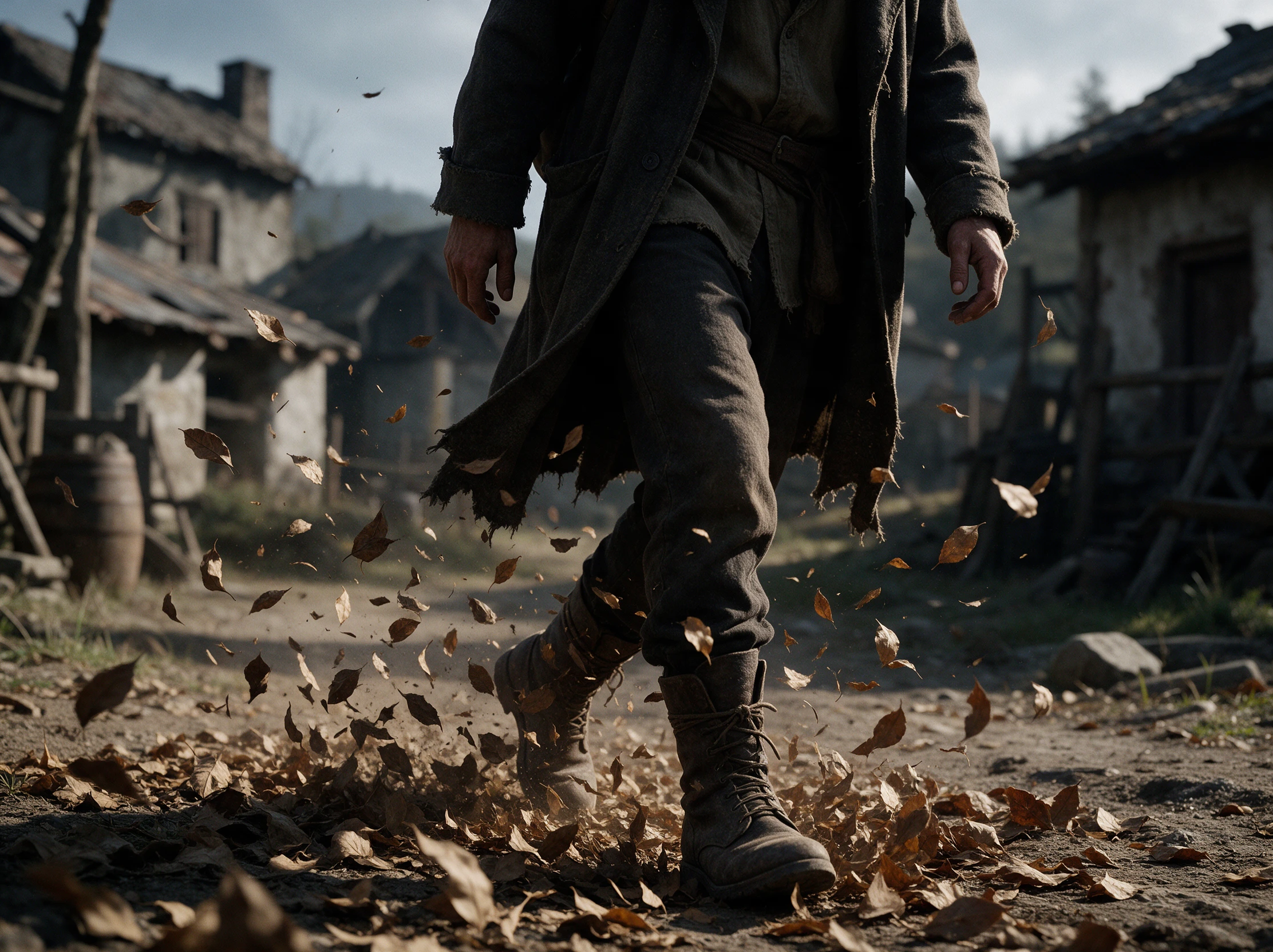
Detailed prompts help control object placement within pictures generated by the model. DeepSeek reported a 0.80 GenEval score for its Janus Pro 7B model. That beats reported scores for DALL-E 3 and SD3 Medium models.
Try DeepSeek Image Generator for Free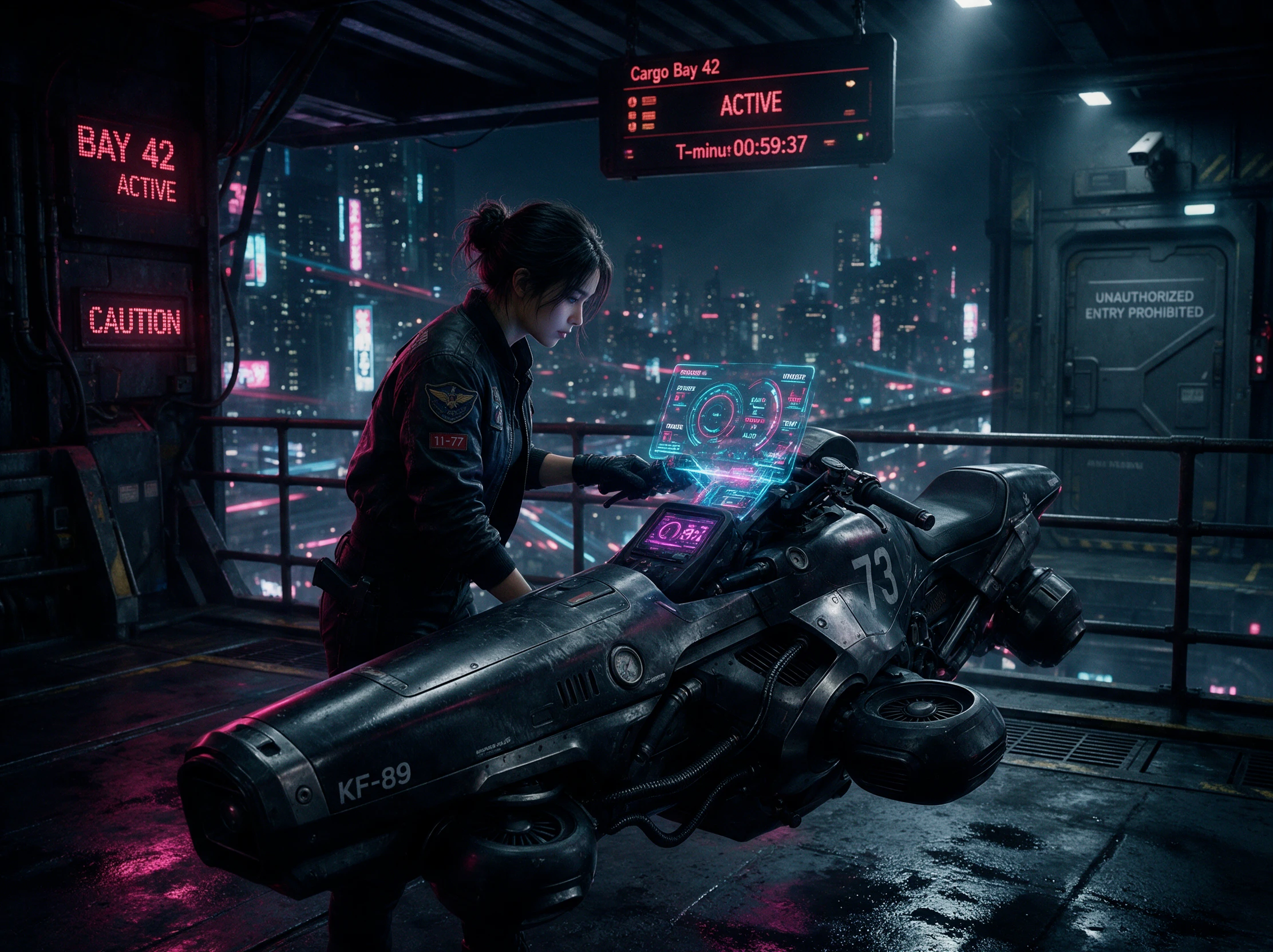
Uploaded pictures can be examined through Janus Pro's visual understanding features directly. DeepSeek reported a 79.2 MMBench score for its 7B model variant. This allows developers to test image questions alongside normal picture generation tasks.
Try DeepSeek Image Generator for Free
Not every image tool works the same way. This comparison shows where the DeepSeek image generator stands when it comes to image quality, cost, and ease of use.
| Platform | Image Models | Image Editing Features | Image to Video | Best For |
|---|---|---|---|---|
| DeepSeek (Janus Pro) | 2 models (1B, 7B) | Image understanding; limited editing | No built-in support | Developers exploring open-source AI images |
| MagicLight AI | 5 image models | AI editing and reference images | 20 video models | Image creation and animated storytelling |
| FLUX (Black Forest Labs) | Multiple FLUX models | Image editing and prompt-based changes | No built-in support | High-quality images and creative design |
| Gemini | Nano Banana models | Prompt-based editing and image blending | Veo video generation | AI images and infographics |
| ChatGPT | GPT Image models | Select, sketch, and prompt-based edits | Separate video tools | Conversational image creation |
Try the DeepSeek image generator in your browser without installing anything. These 4 steps show how to write a prompt, create a picture and save your favorite image now.
Visit the official Janus Pro 7B demo on Hugging Face. Wait for the page to load, then find the text prompt field. The demo may be unavailable when demand is high.
Type a description of the picture you want to create. Mention the main subject and how the scene should look. Clear instructions give the model a better starting point.
Submit your prompt and wait for Janus Pro to create the image. Review the result to see whether it matches your idea. Change the description if something looks wrong.
Once you're happy with the picture, use the available download option to save it. Janus Pro generates images at 384 × 384 pixels, so consider upscaling if you need a larger version.
Game Artist
I ran Janus Pro on my local GPU to sketch 6 character ideas for a game. The images were small, but they gave me enough to choose a direction before drawing.
Content Creator
Writing prompts in DeepSeek chat helped me explain the scene more clearly. I copied the best description into Janus Pro and got a useful starting sketch.
Graphic Designer
The Janus Pro demo on Hugging Face was an easy way to see what the model could do. My first landscape looked rough, but the next prompt worked much better.
AI Developer
Setting up Janus Pro locally took an evening of troubleshooting. Once it ran, I could test my own prompts without depending on a public demo being available.
The DeepSeek image generator uses Janus Pro, a separate model from DeepSeek Chat. You can test sample images through a public demo or run it locally on suitable hardware.
Janus Pro is free to download, but running it locally uses your own hardware. The code has an MIT license, while the model weights have their own terms you should review.
DeepSeek reported a GenEval score of 0.80 for Janus Pro 7B, compared with 0.67 for DALL E 3. This test measures how well images match prompts, not overall image quality.
Some websites use DeepSeek's name without being run by DeepSeek. Check the official GitHub repository or Hugging Face model page before downloading any model files there.
Janus Pro can answer questions about pictures, but it does not offer a normal photo editing tool. For changes to an existing image, you will need another photo editing app.
You can use Janus Pro outputs as early concepts, but check the model license before commercial use. Small images may also need more work before being used in printed ads.



Try Janus Pro in its browser demo and turn your prompt into a picture. Review the result, make changes to your description and save your favorite draft.