Explore the Features of GPT-6.1 Terra in Magiclight AI
GPT-6.1 Terra writes the story that Magiclight AI uses to create your video. You can select it as your story model and let the workspace handle the rest of the project.
Start with the kind of story you want to tell. GPT-6.1 Terra writes the script inside Magiclight AI and the workspace can turn it into a narrated video. No scripting needed.
Create With GPT-6.1 Terra for Free

GPT-6.1 Terra writes the story that Magiclight AI uses to create your video. You can select it as your story model and let the workspace handle the rest of the project.

Magiclight AI offers 16 story models for writing your video script. GPT-6.1 Terra and GPT-6 Astra are among the options you can select. Enter your story idea or paste a script into the prompt box and open the model menu to pick Terra. Gemini Flash 3.1 is selected by default until you change it.
A video series can continue across several episodes without starting over each time. Switch from Video to Series and give GPT-6.1 Terra a script of 12,000 characters. Magiclight AI keeps the characters and their voices consistent across episodes. The same visual style can carry through the entire series.
Describe each main character using 1,000 characters and save their appearance for future scenes. Magiclight AI keeps the same character design throughout your story. The Nano Storyboard gives you 50+ poses to choose from. You can also adjust clothing and facial expressions to match what happens in each scene.
Once you are happy with the script from GPT-6.1 Terra, Magiclight AI turns it into a storyboard with scenes you can edit individually. There are 16 animation models to choose from for your video. You can also try more than 52 visual styles to find one that suits the story you want to tell.
Documentary videos often need more than a good script. GPT-6.1 Terra works inside Magiclight AI alongside tools that help creators manage their stories and reach more viewers.
Magiclight Agent works like a chat assistant for your documentary project. Tell it what kind of video you want to make and explain the story you have in mind. It helps manage the script and the scenes through one conversation. You can also request changes without having to start the entire project again.
Create With GPT-6.1 Terra for Free
OpenAI describes Terra’s writing as clearer and more natural than before. In Magiclight AI, every line of that script is read aloud by one of 37 voices or a voice you clone. Lines that sound natural when spoken keep viewers listening through a long story video instead of noticing the script.
Create With GPT-6.1 Terra for Free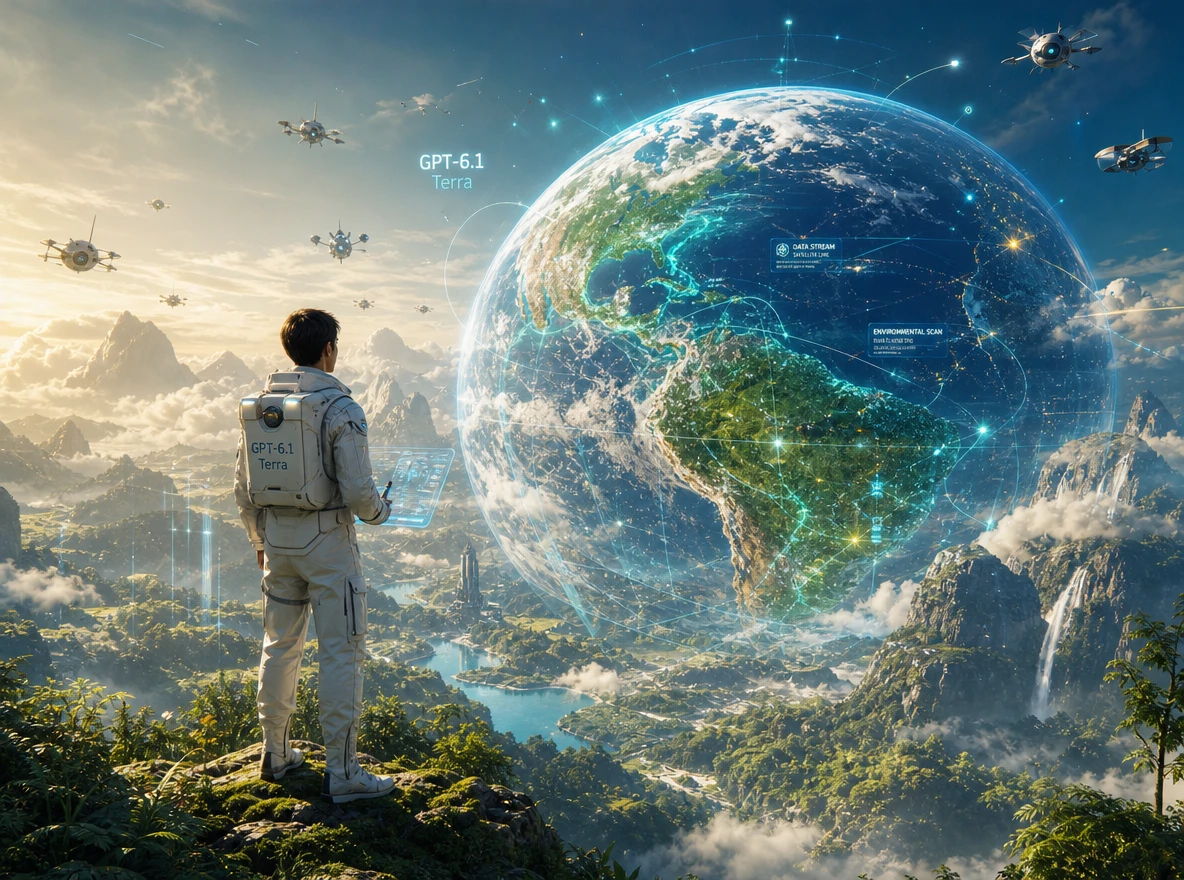
Magiclight AI supports 11 narration languages for your documentary videos. You can create a history story in English or select another supported language for a different audience. This gives documentary creators more ways to share their work with viewers who prefer to hear stories in their own language.
Create With GPT-6.1 Terra for Free
GPT-6.1 Terra writes your story inside Magiclight AI, but other tools handle scripts differently. This comparison shows what each option offers once your narration is ready:
| Platform | Writing Model Choice | Narration Voices | What You Export | Best For |
|---|---|---|---|---|
| Magiclight AI | 16 story models, including GPT-6.1 Terra* | 37 voices with voice cloning | Narrated story videos lasting up to 50 minutes | Long story videos and documentaries |
| ChatGPT | GPT-6.1 Terra in Work and Codex | No video narration track | Written scripts | Scriptwriters and content creators |
| VidRush | Deep Video v1 Mini and Pro | 100+ voices through ElevenLabs and Cartesia | Documentary videos lasting 6 to 40 minutes | YouTube documentary channels |
| Fliki | AI script writer from an idea or existing text | 2,000+ voices across 80+ languages | Narrated videos with AI or stock visuals | Educators and multilingual creators |
| Pictory | AI video agent with script generation | ElevenLabs AI voices | Videos from scripts, URLs or slides | Marketers and educators |
Magiclight AI lets you select GPT-6.1 Terra as your story model before creating a video. In 4 steps, you can go from a simple idea to a finished story with narration.
Choose Video for one story or Series for episodes. Give your script of up to 12,000 characters, select GPT-6.1 Terra from 16 story models, then pick a niche with Magiclight Agent.
Select a visual style that suits your video. For each main character, enter a description of 1,000 characters or pick a suggested character that matches your story.
The Nano Storyboard shows your scenes before animation. Make changes to any scene you want, then ask Magiclight Agent to animate the storyboard and put the video together.
Magiclight AI offers 37 voice options for your narration. Select a voice that suits the story, add background music if needed and generate the video. Download it once it is ready.
Documentary Creator
I used GPT-6.1 Terra in Magiclight AI for a biography video. The narration followed the timeline clearly, and I could review every scene before generating the video.
Video Storyteller
The narration from GPT-6.1 Terra sounded natural once I added a voice in Magiclight AI. Even the longer passages were easy to follow when I played the video.
Series Creator
Magiclight AI helped me manage my weekly series with GPT-6.1 Terra. I could review each episode's script and make changes without restarting the entire project.
Content Creator
I tried GPT-6.1 Terra and another story model in Magiclight AI. Terra gave me narration that felt more conversational, which suited the documentary I was making.
In Magiclight AI, choose GPT-6.1 Terra from 16 available story models. Enter your script of up to 12,000 characters, then select your video niche with Magiclight Agent.
No. Terra handles the writing, while Magiclight AI turns the script into scenes and a narrated video. You can review the storyboard and adjust individual scenes before generating.
Terra suits biographies, history videos and documentaries that need clear narration. It also helps with educational explainers where viewers need to follow the subject easily.
Magiclight AI supports videos up to 50 minutes. Choose a duration preset or use Custom for another length, depending on how much time your story needs to cover the subject fully.
GPT-6 Astra and Terra are two story models available in Magiclight AI. Try the same prompt with both, compare their scripts and select the version that fits your narration better.
Magiclight AI lets you describe each character in up to 1,000 characters. You can then review their appearance in Nano Storyboard and adjust scenes before animating the video.



Turn your ideas into natural scripts with GPT-6.1 Terra. Let Magiclight AI bring them to life with narration and visuals.