Explore the Features of ChatGPT AI Image Generator
The ChatGPT AI image generator works inside a regular chat. Give it the basic idea first. Once the image appears you can point out what is wrong and tell ChatGPT what to do.

Turn your ideas into images with ChatGPT. Describe what you want, then refine the result with simple prompts or sketches. No design skills required.
Try ChatGPT AI Image Generator For Free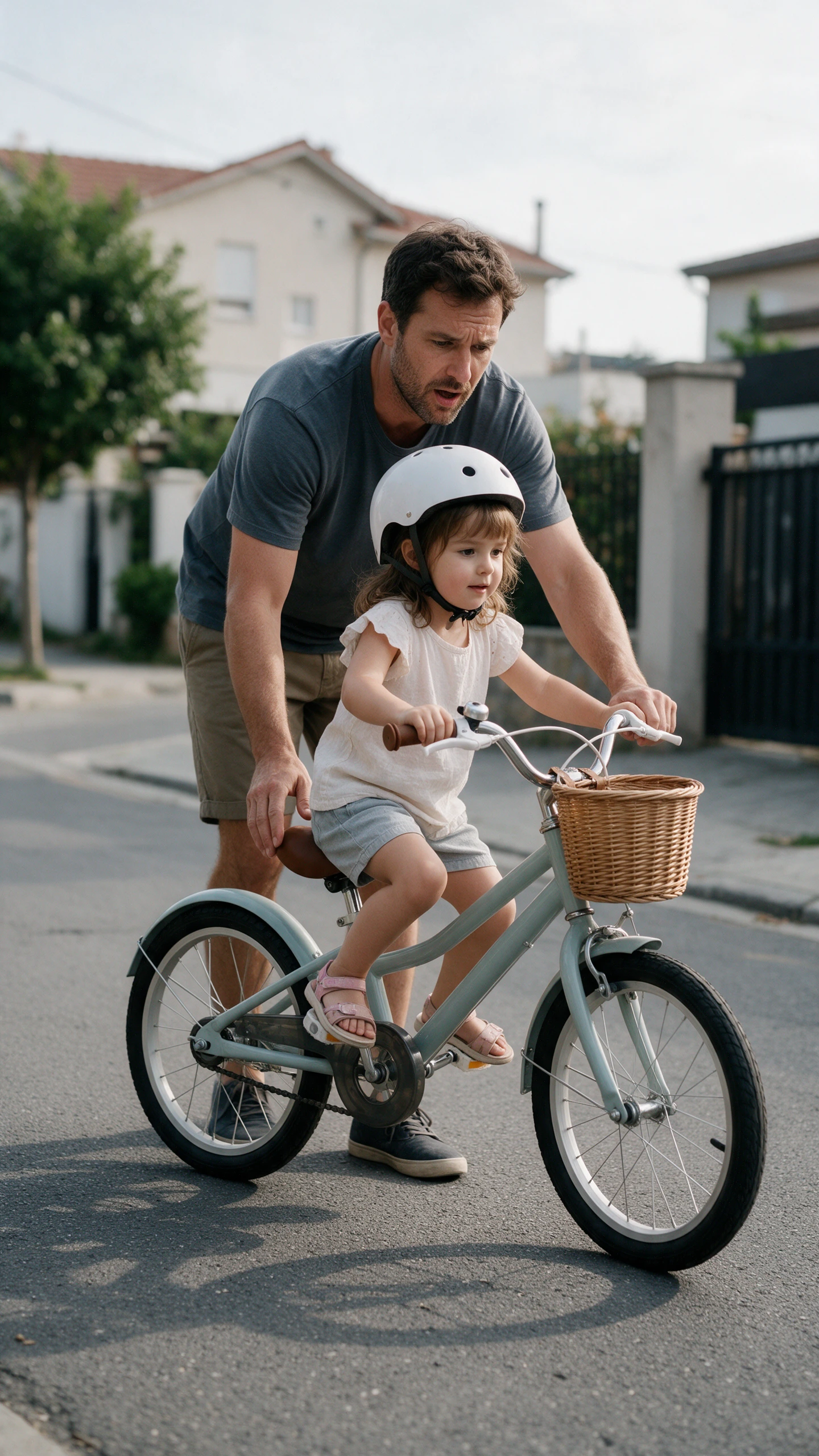
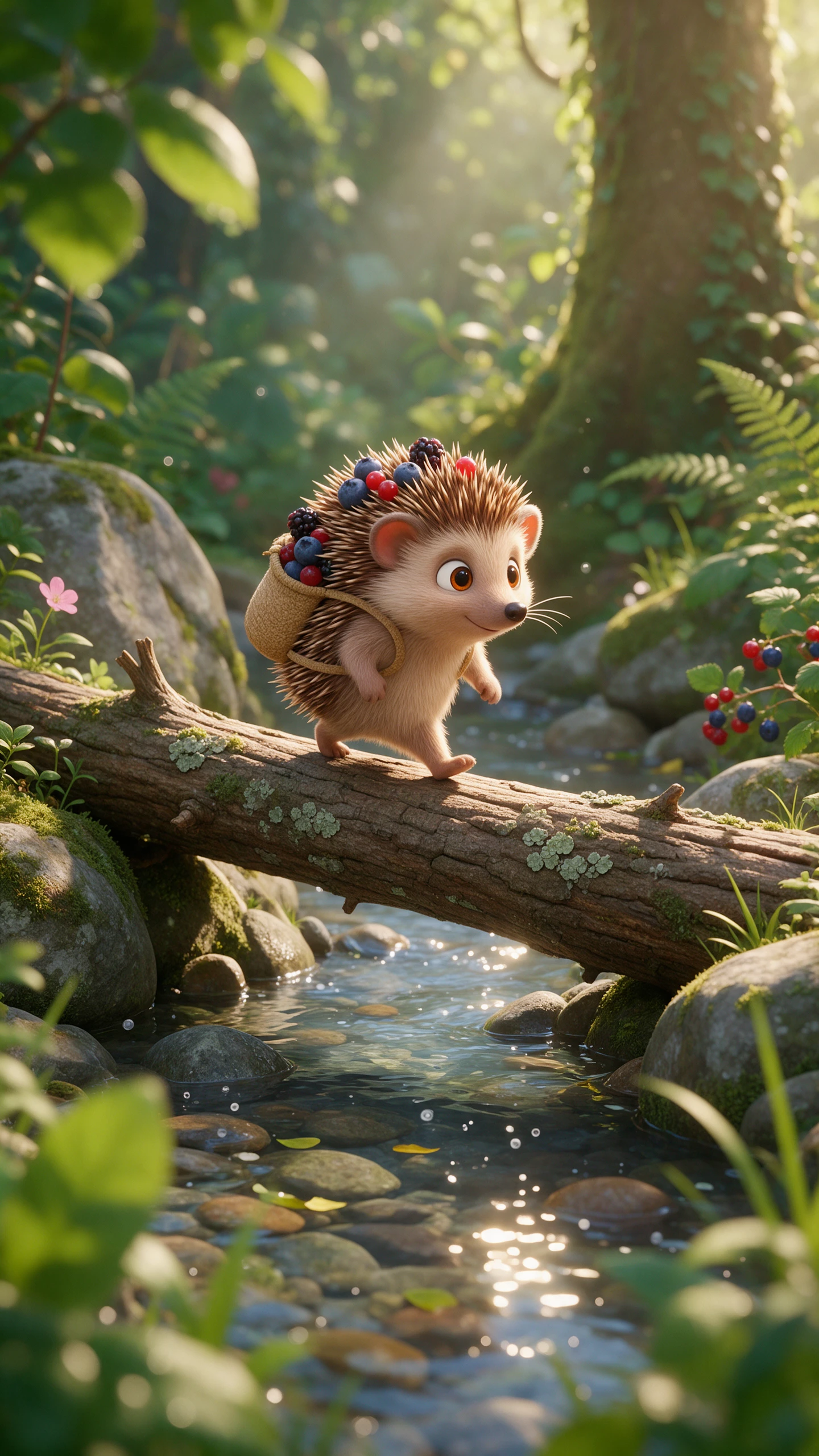
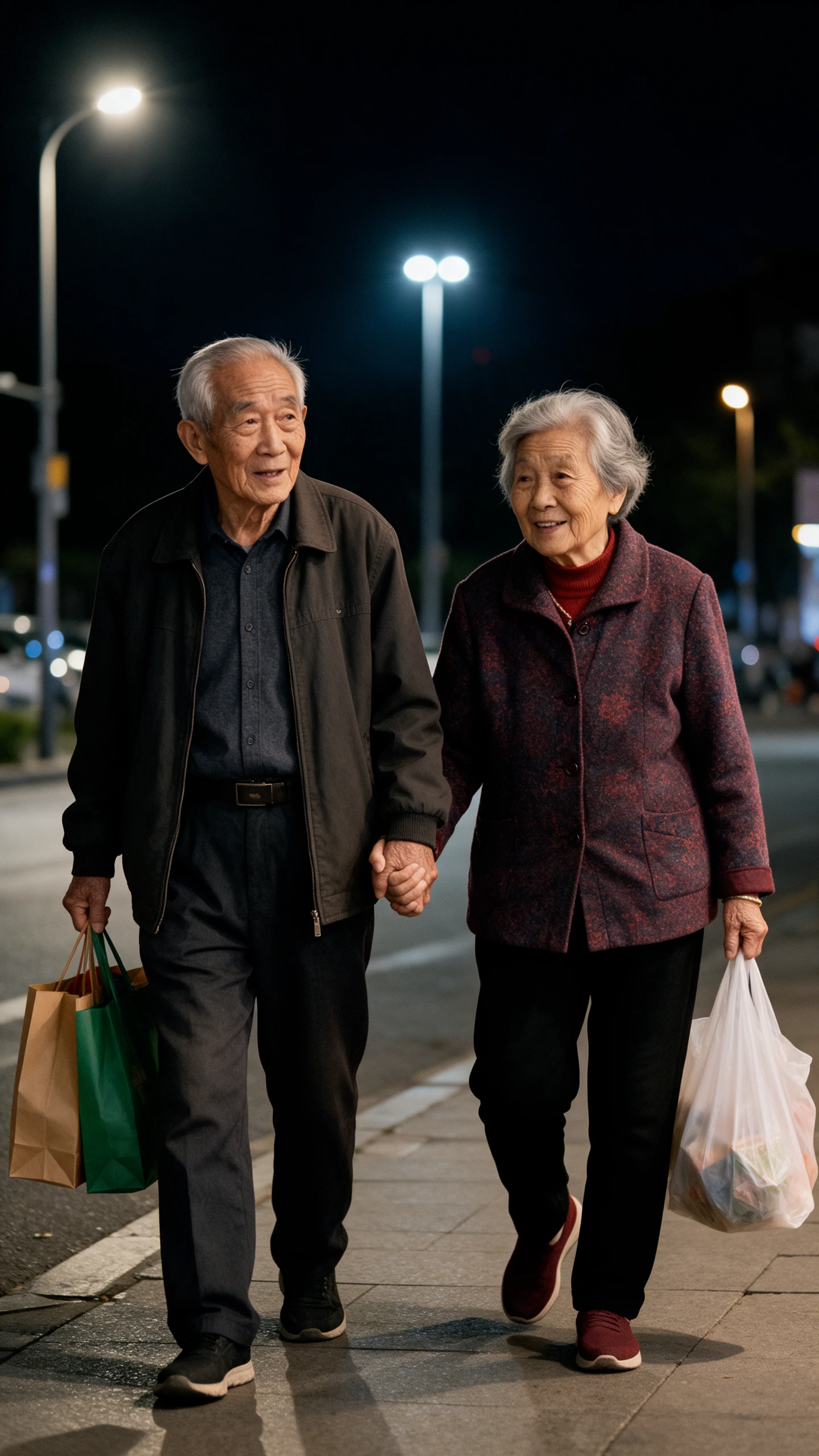
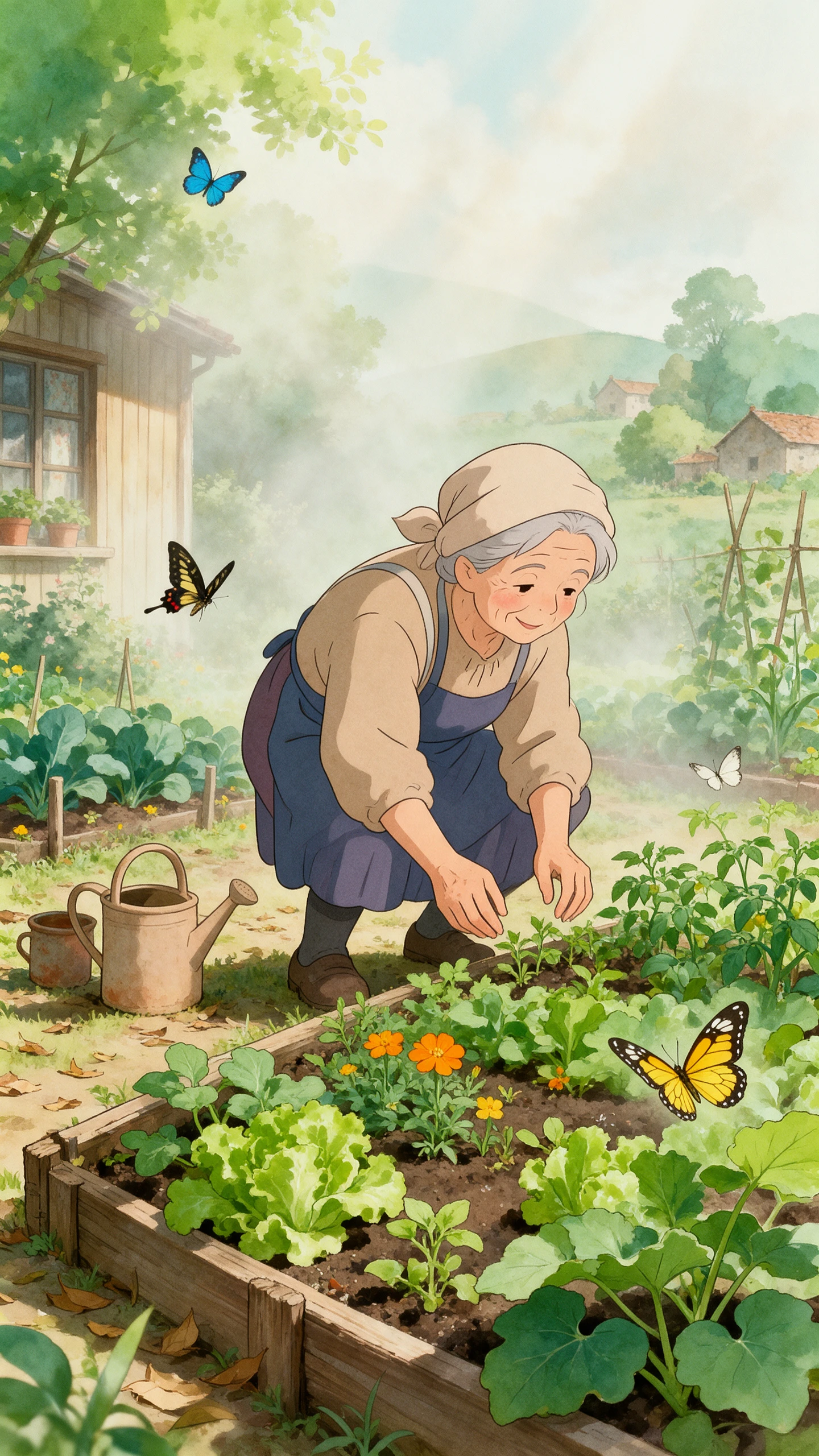
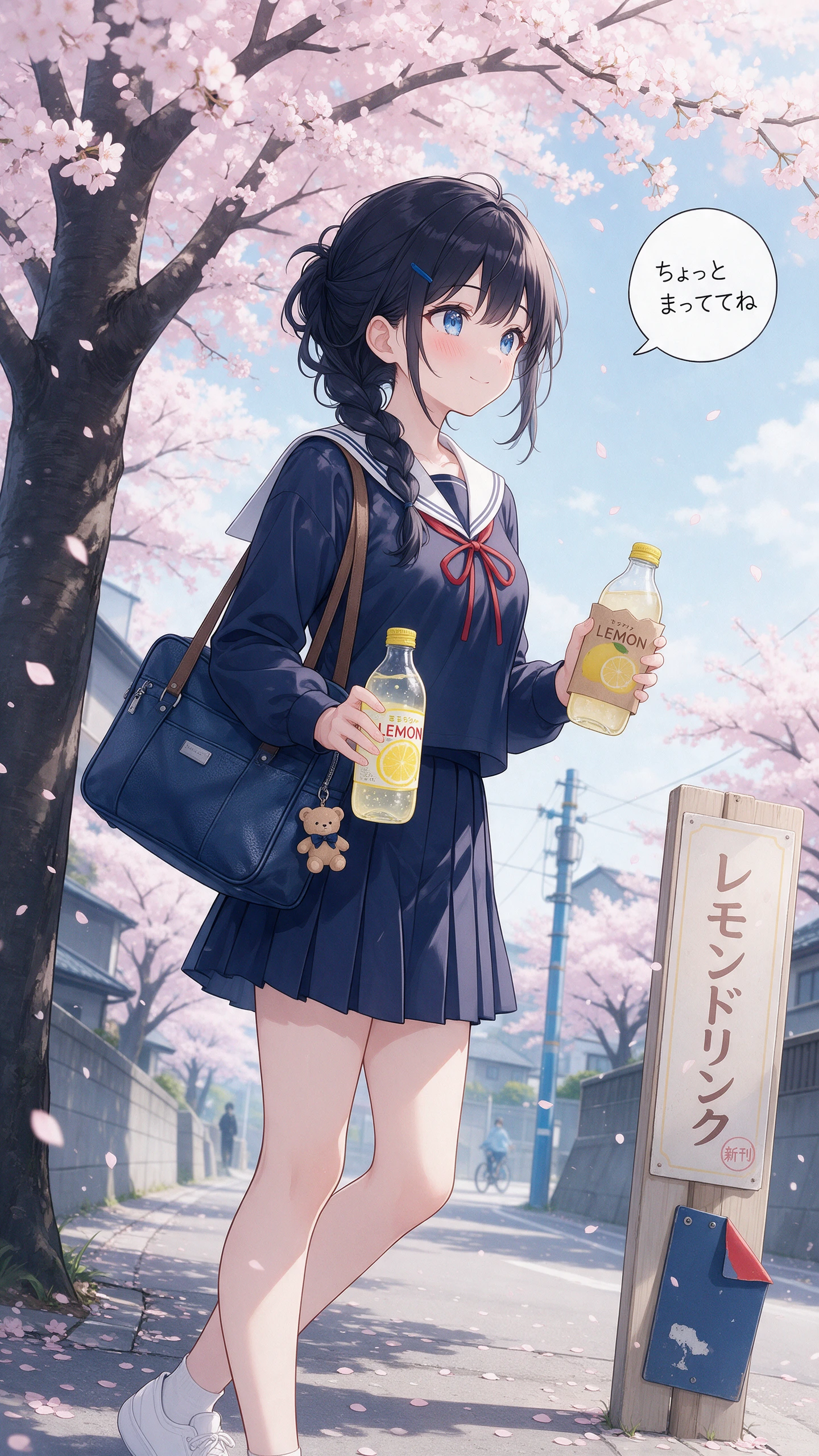
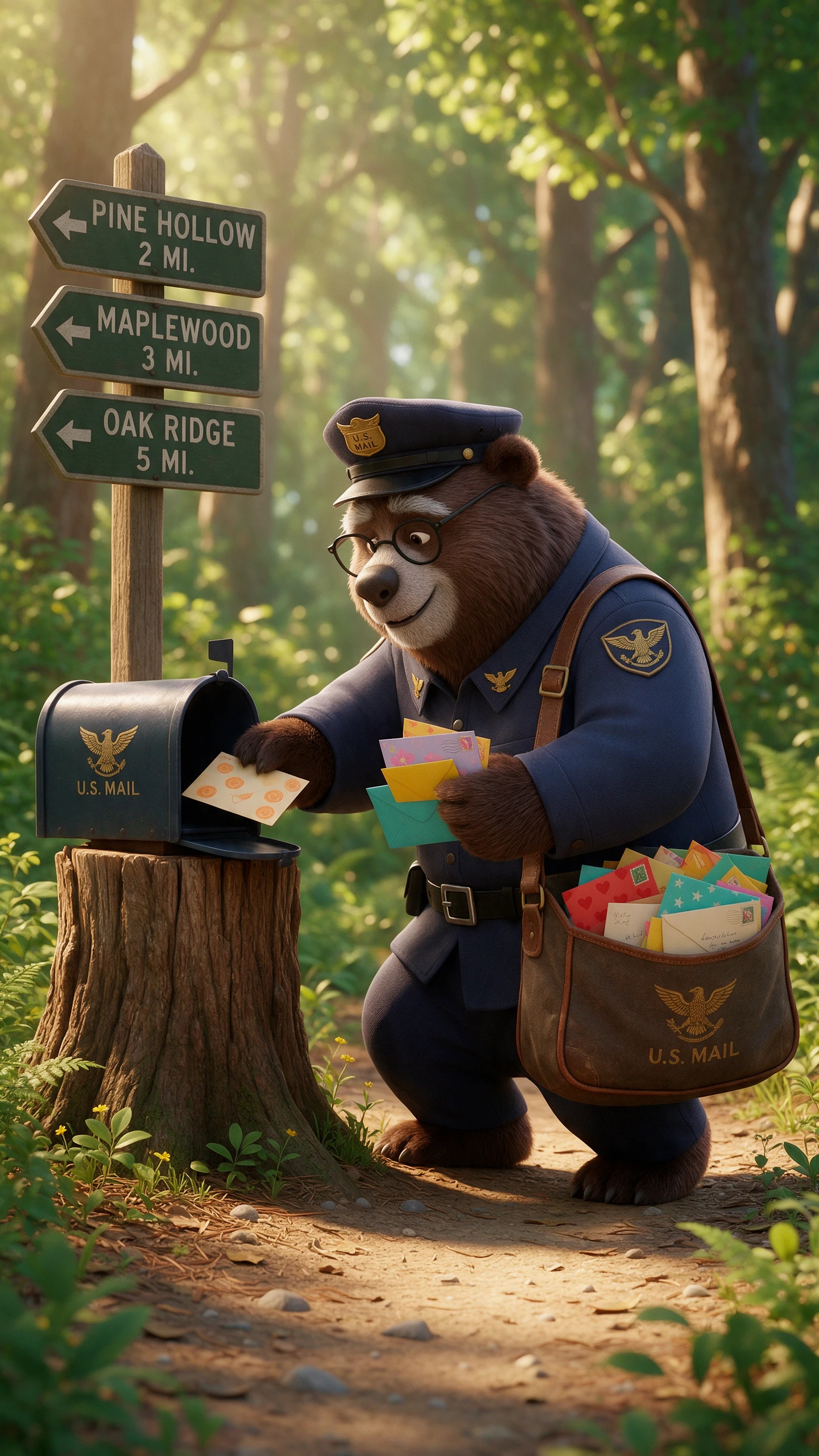
The ChatGPT AI image generator works inside a regular chat. Give it the basic idea first. Once the image appears you can point out what is wrong and tell ChatGPT what to do.
With Plus, Pro, and Business, ChatGPT can think through a more complex image request before making it. For current details, ChatGPT can check the web before making the image. It can also try the same prompt more than once. Working out the scene beforehand helps characters and objects look familiar in other frames.
Pick the spot that looks off and explain what you wanted instead. You can leave a comment on that part of the image too. With @Sketch, you can draw over the image when a rough visual explains the change better. The same chat stays open for the next round of edits.
ChatGPT has improved at placing text from scripts such as Japanese and Korean inside images. OpenAI also reports gains for Chinese, Hindi and Bengali. Small lettering comes out more clearly too. For the canvas, ratios stretch from 3:1 landscape to 1:3 portrait. Transparent backgrounds are also available.
The Images section has ready-made templates for formats such as posters and merch. Work you make there stays in your image library for later. You can return to an older image whenever you need it. Prompt sharing also gives another person a way to take the original idea and make their own version.
Keep the creative flow moving without jumping between apps. Ideas from your chat can go straight into the ChatGPT AI image generator, so you spend more time making.
You do not need a paid ChatGPT plan just to make an image. Images is available on Free as well as the paid tiers, and you can use it on the web or through the mobile app. Work and Codex also received the Images 2.5 update. Paid plans become more useful when a job needs deeper thinking or research before the image is made.
Try ChatGPT AI Image Generator For Free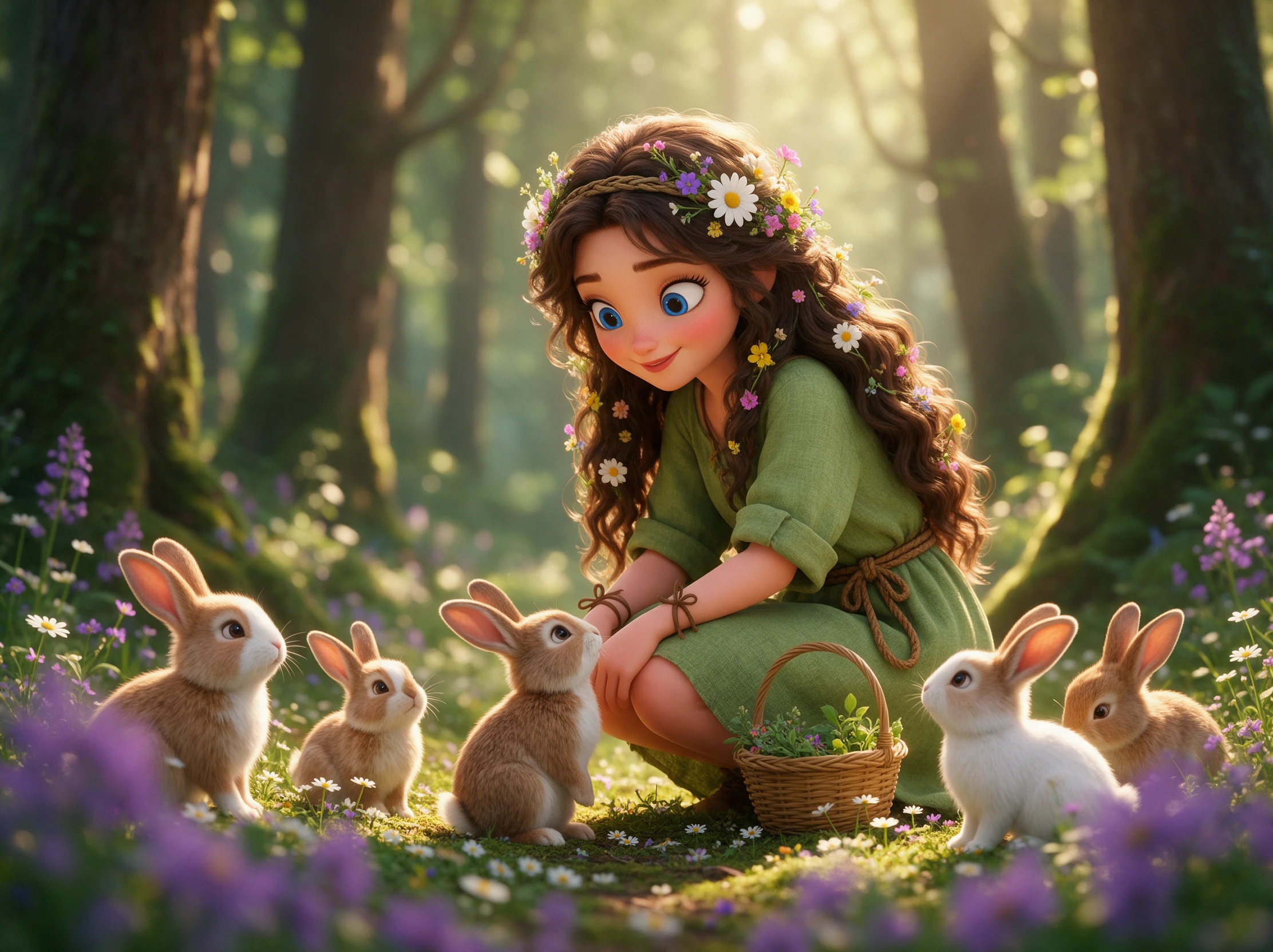
Image work can involve plenty of back and forth, so speed starts to matter after the first draft. OpenAI says Images 2.5 can cut generation time by as much as 50% compared with Images 2.0. It is also designed to hold onto earlier edits as the conversation gets longer, rather than losing progress after several changes.
Try ChatGPT AI Image Generator For Free
The image models are available to developers too. GPT-Image-2.5 Flare is the faster option and has 50% lower latency than GPT-Image-2. GPT-Image-2.5 Sunburst takes more time but gives developers tighter control over repeated edits. This gives teams a practical path from trying an idea in ChatGPT to using the image model in their own product.
Try ChatGPT AI Image Generator For Free
Run the same brief through each tool and see what holds up after a few changes. For the ChatGPT AI image generator, the real test is how well it handles edits and everyday use.
| Platform | Image Models | Image Editing Features | Image to Video | Best For |
|---|---|---|---|---|
| ChatGPT | GPT Image models | Select, sketch, and prompt-based edits | Separate video tools | Conversational image editing |
| MagicLight AI | 5 image models | AI image editing and reference images | 20 video models | Image editing and animated storytelling |
| Gemini | Nano Banana models | Prompt-based editing and image blending | Veo video generation | Photo editing and infographics |
| Bing Image Creator | Multiple AI models | Prompt-based editing | Not built in | Quick image creation and edits |
| Adobe Firefly | Adobe and partner models | Generative Fill, Expand, and Prompt to Edit | Adobe and partner video models | Professional image editing |
Start with a simple idea and see how ChatGPT turns it into a picture. The ChatGPT AI image generator makes it easy, with 4 steps from your first prompt to a saved image.
Sign in to ChatGPT and open a conversation. You can also visit the Images section to start creating. Free accounts can generate images, although usage limits apply.
Type your idea into the prompt field or choose an available template. Mention any words you want included in the picture. You can also request a specific image shape.
Send your prompt and wait for ChatGPT to create the picture. Check whether the result matches what you had in mind. If something looks wrong, ask for another version with clearer instructions.
Open the generated image and select the area you want to change. Describe the adjustment or request changes through the chat. Download the finished picture when you're happy with it.
Event Organizer
ChatGPT helped me put together a poster for our community event. I worked out the wording in the same chat, then made an image we could share with everyone.
Graphic Designer
The selection tool made fixing my ChatGPT image much easier. I marked the part of the sign that looked wrong and asked for a change without starting again.
University Student
I tried creating an image while using ChatGPT's thinking mode for a class project. It helped me work through the idea before I settled on the final picture.
Cafe Owner
Our cafe needed a poster with Japanese text, so I tried ChatGPT. The lettering looked good in the draft, but I still checked every character before printing.
Yes. ChatGPT offers image creation on its Free plan, though daily access is limited. Paid plans provide more room to create, but limits can change with demand or usage.
Older DALL E images may still appear in your past conversations. New pictures use ChatGPT's current image tools, so results can look different from those made years ago.
Selections are guides, not perfect borders. If a change affects the wrong area, try marking a smaller section and explain which details should stay exactly as they are.
ChatGPT images may include provenance signals such as C2PA metadata. You can try OpenAI's verification tool, but missing signals do not prove an image came from elsewhere
Yes. Upload a photo you own or have permission to use. Ask ChatGPT to change the setting or style, then check that important details still match your original picture.
Yes. Custom GPTs can make pictures when image generation is enabled. The ChatGPT AI image generator can then support a repeatable workflow for your team's visual tasks.



Describe the picture you want and let ChatGPT create it. Make changes through the chat, then save your favorite result for later.