Explore the Features of Grok AI Image Generator
Your first image is only a starting point. With Grok AI image generator, you can adjust what feels off, compare fresh versions, and get the picture closer to what you imagined.

Describe the picture you have in mind and let Grok AI image generator create a first version. Adjust the details until it suits your project, then save the image. No design experience needed.
Try Grok AI Image Generator for Free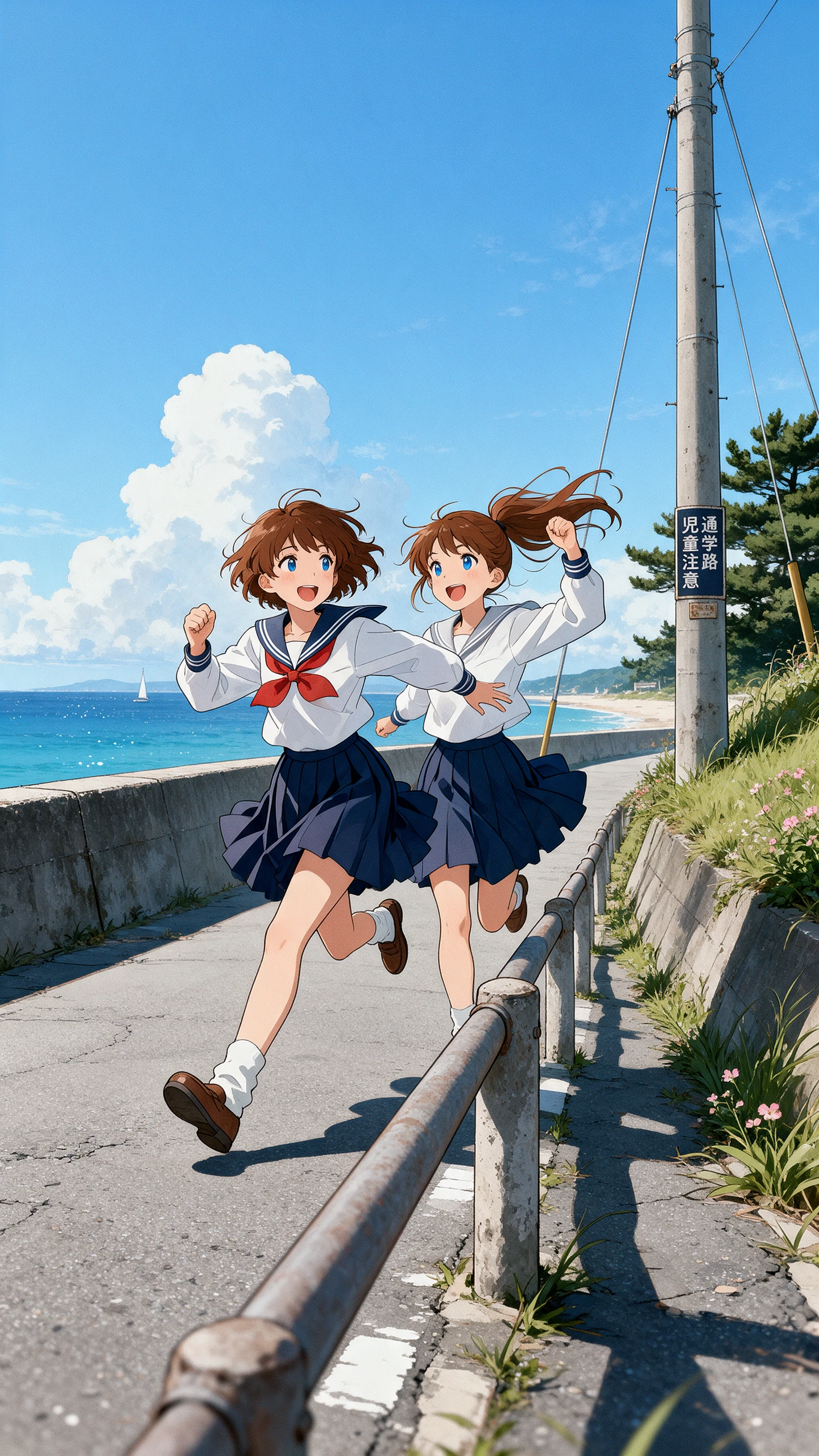
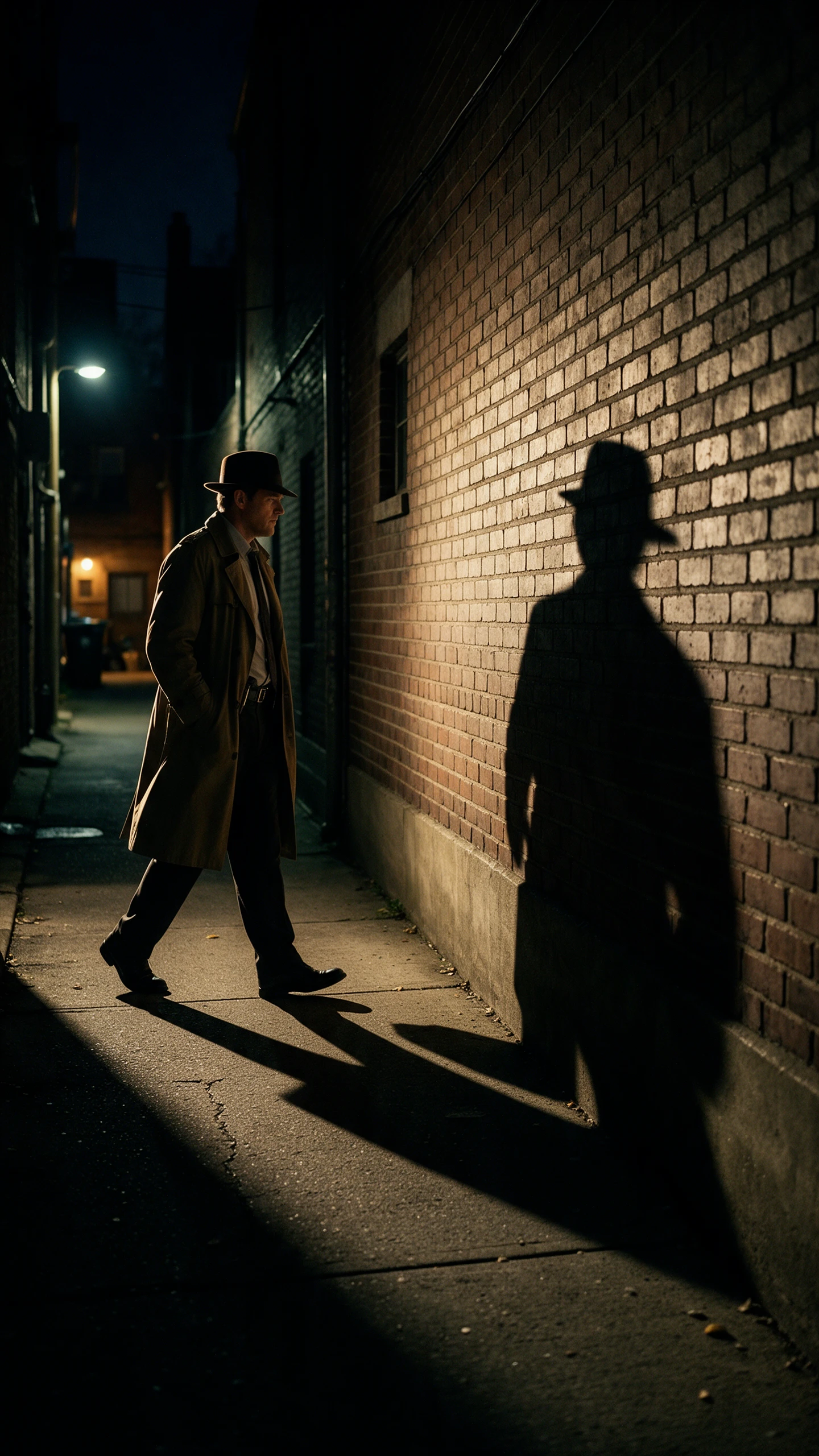
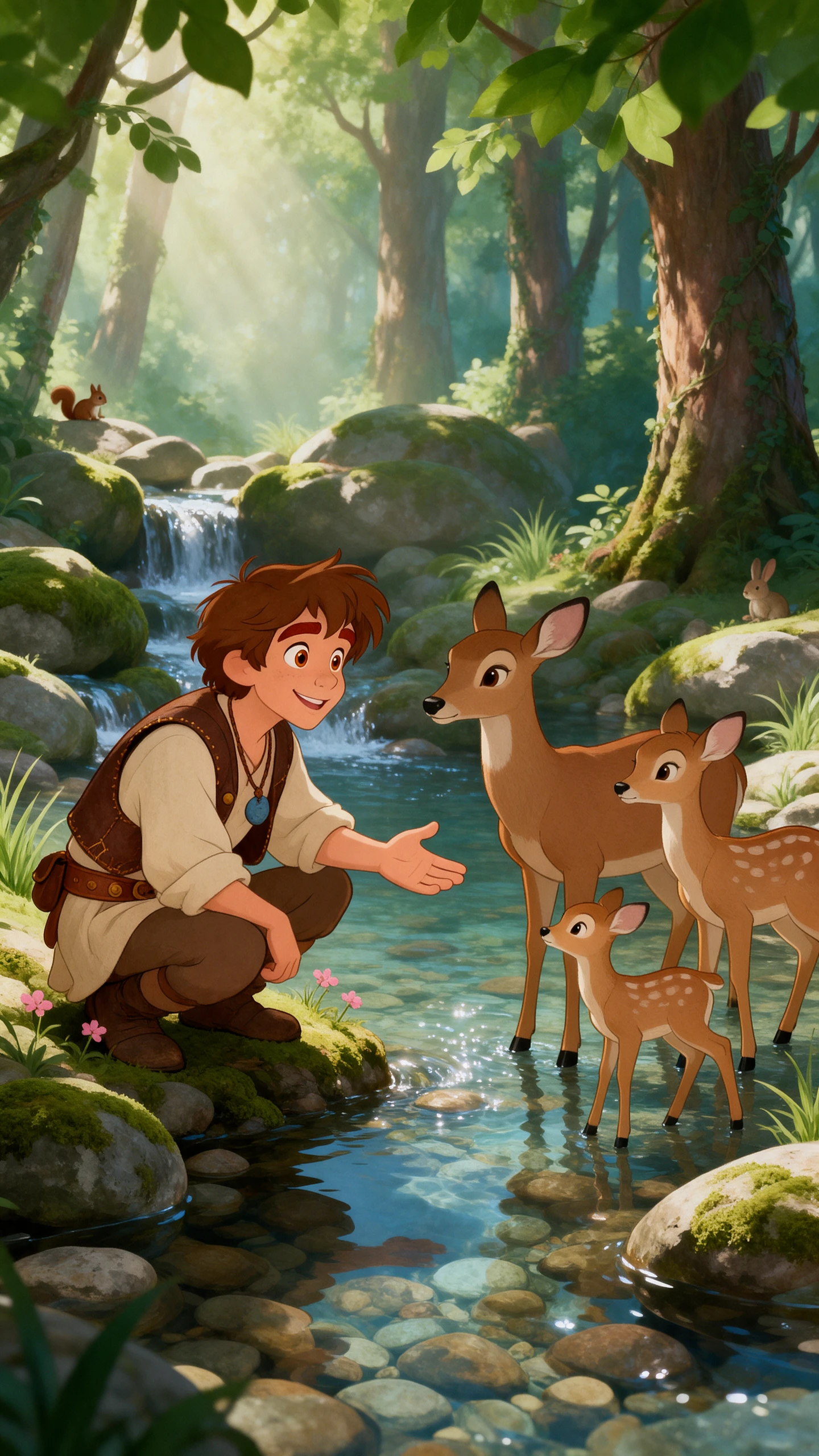
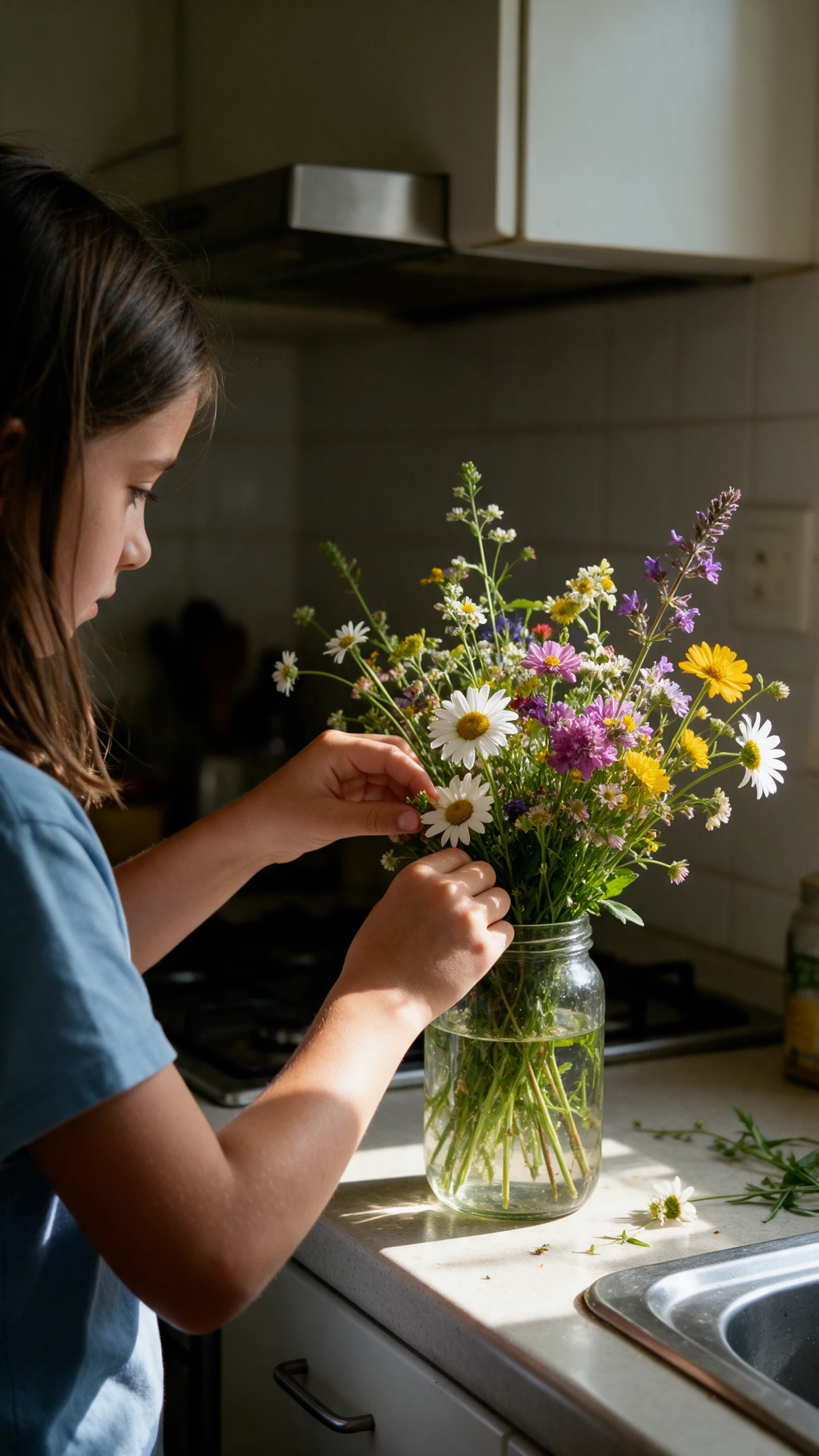
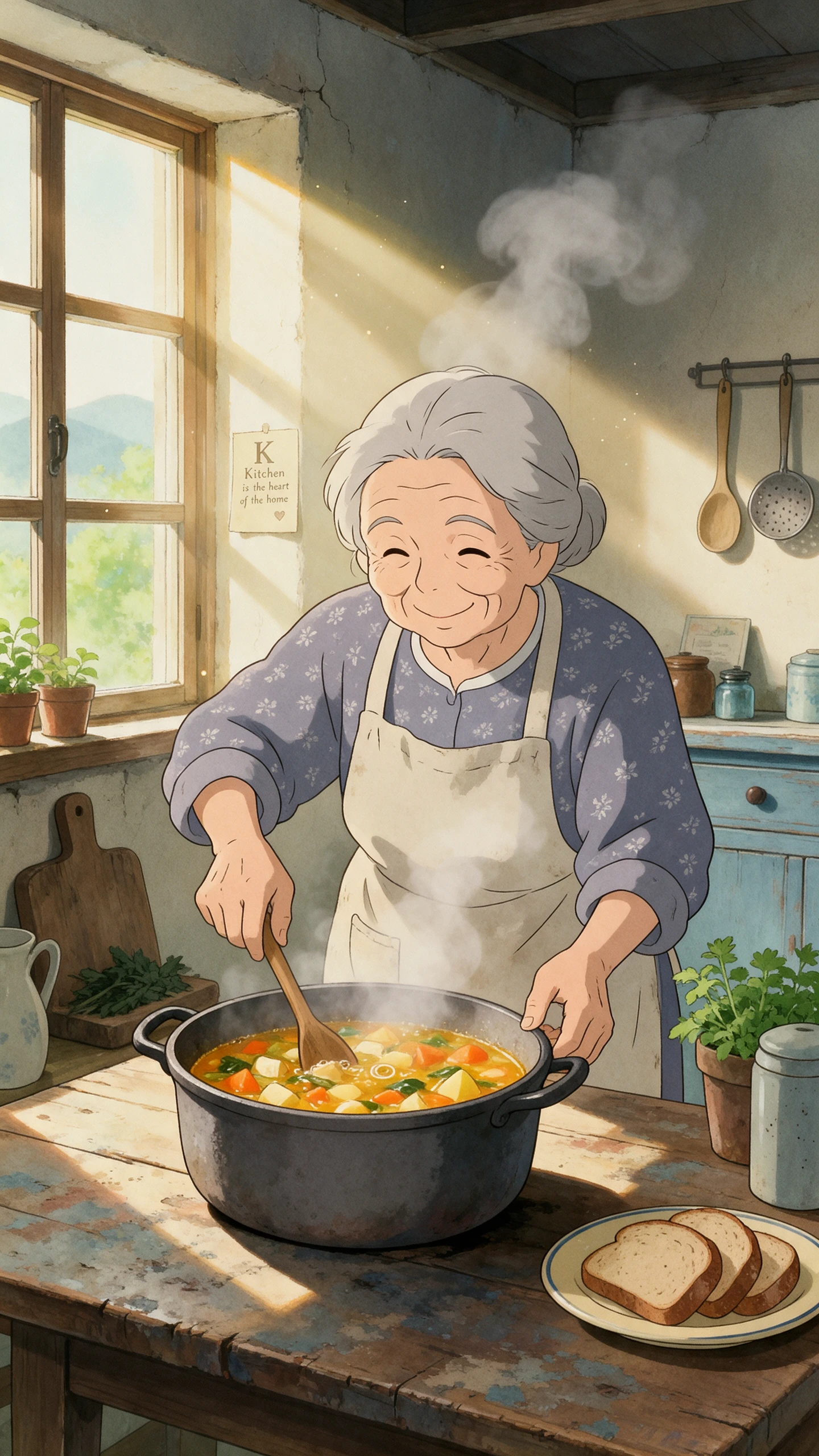
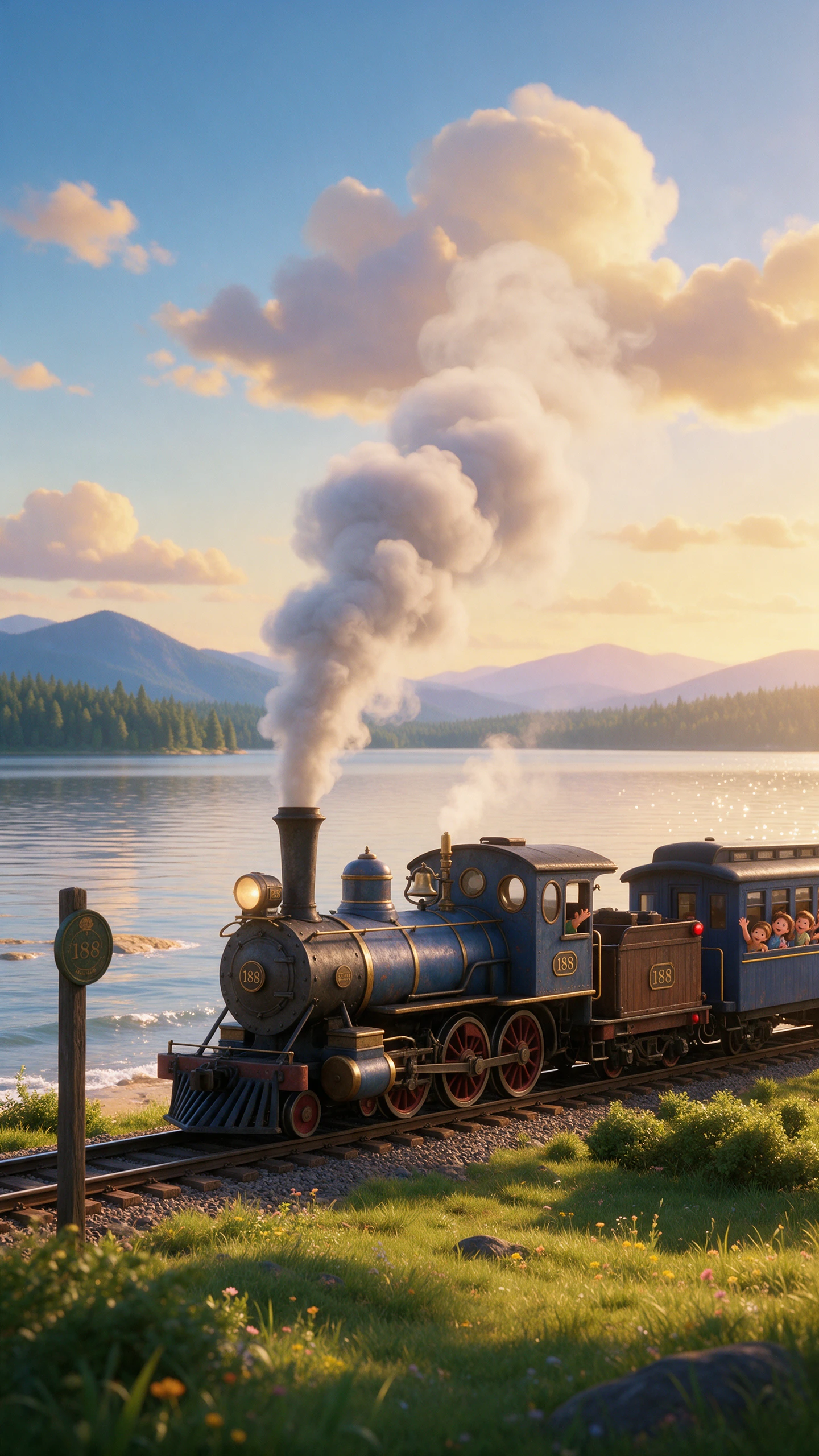
Your first image is only a starting point. With Grok AI image generator, you can adjust what feels off, compare fresh versions, and get the picture closer to what you imagined.
The magic wand lets you select specific areas that need changes within images. Grok adjusts the selected region while keeping surrounding details as consistent as possible. You can also combine 5 reference images when preparing a more complex edit.
Remove the background from a product photograph without tracing its edges by hand. Grok can export the isolated subject with transparency for use in other designs. A separate template also lets you replace the original background with another scene.
Grok AI image generator can produce multiple variations from a single text prompt. Its developer API supports generating 2 to 4 images together per request easily. Compare the results before choosing which version works best for your creative project.
Grok provides 15 creative templates for different projects without requiring detailed prompts beforehand. The Professional Headshot template helps create portraits suitable for staff profiles and websites. Other templates cover product posters and game character assets too.
Better visuals need a steady style and ideas worth sharing. Grok AI image generator helps with these tasks while leaving you room to review the final result.
Grok places text within posters without losing the overall design balance. Even smaller words can remain readable on packaging and product labels. Check the spelling before saving your image for its final use.
Try Grok AI Image Generator for Free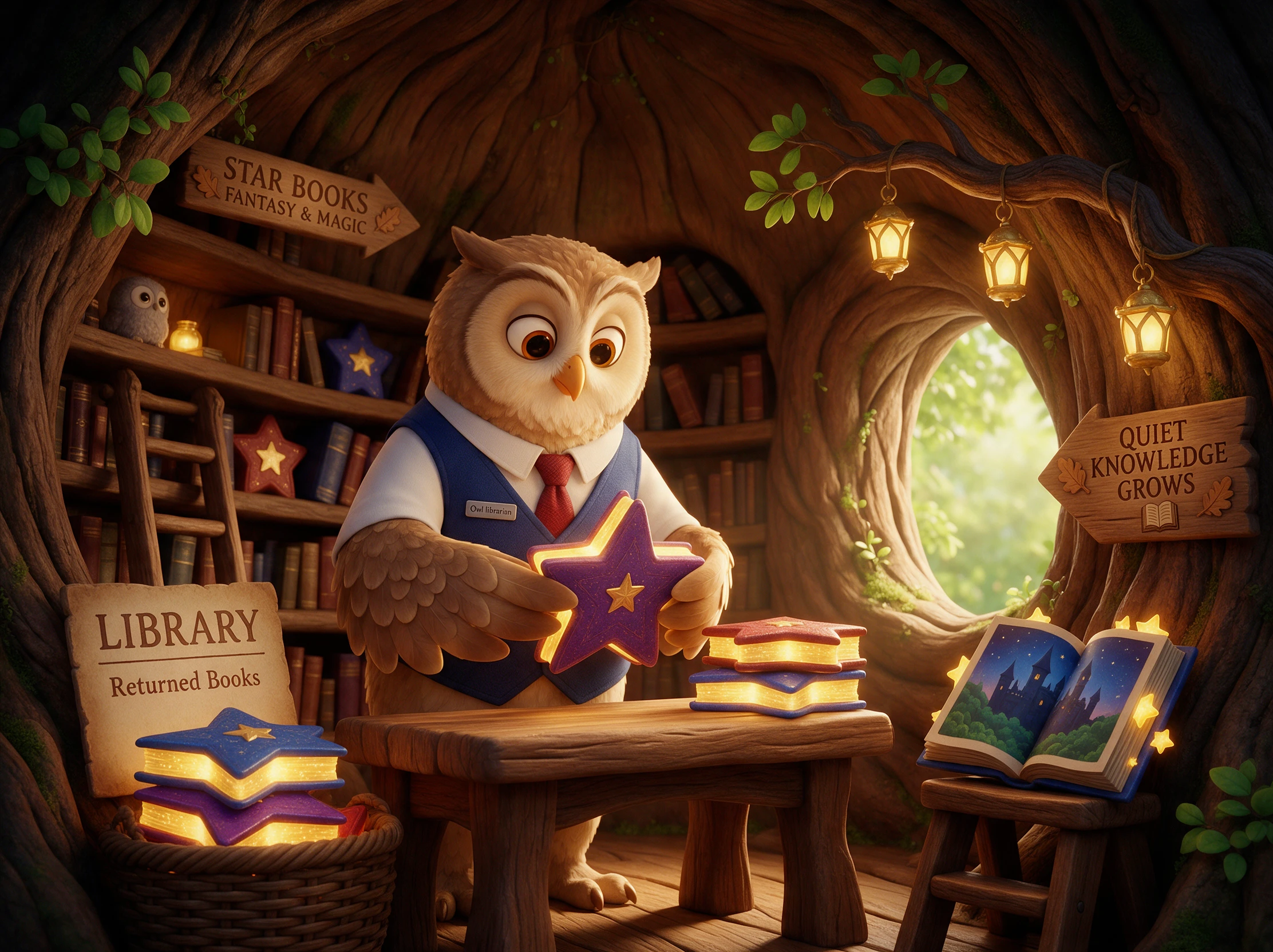
A game character should look familiar wherever the story takes place. Grok uses reference images to maintain its appearance across different scenes. This works for creators making connected worlds with recurring characters.
Try Grok AI Image Generator for Free
Grok can access current posts and trending conversations shared on X. These discussions offer fresh ideas for images about popular current topics. Check the original posts before turning trending claims into visual content.
Try Grok AI Image Generator for Free
See how Grok AI image generator compares with other design tools before choosing one for your project. The table highlights their main strengths and the type of work each handles best.
| Platform | Image Models | Image Editing | Image to Video | Best For |
|---|---|---|---|---|
| Grok AI | Grok Imagine models | Up to 5 reference images | Up to 15-second videos | Realistic images and social media graphics |
| MagicLight AI | 5 image models | AI image editing | 20 video models | AI images and animated storytelling |
| ChatGPT | GPT Image | Prompt-based editing | Separate video tools | Conversational image creation |
| Gemini | Nano Banana models | Prompt-based editing | Veo video generation | Infographics and image editing |
| Adobe Firefly | Adobe and partner models | Generative Fill, Expand | Adobe and partner video models | Professional graphics and design |
Creating images with the Grok AI image generator takes 4 steps, starting with your idea and ending with a saved design. Each stage gives you room to adjust the result.
Visit grok.com/imagine or open the Grok app on your phone. Sign in and select Quality Mode to create images with Imagine Image 2.0.
Choose a template that suits your project, such as Icon Maker or Professional Headshot. A written prompt also works, with reference images available when you need a particular look.
Select the part of your image that needs fixing with the magic wand. Describe the change you want, then check whether the new result matches your original idea.
Adjust the image dimensions for your intended use. Background removal is available when you need a transparent subject. Download the result once everything looks right.
Ecommerce Store Owner
I had 1 decent product photo and needed more for my store. Grok helped me try different backgrounds, and I ended up with a set of images that looked much better.
Graphic Designer
The magic wand came in handy when a product label looked wrong. I selected that area in Grok, described the fix, and kept the rest of the picture pretty close.
Game Designer
Making icons used to take up most of my afternoon. I tried Grok's Icon Maker template for a game project and got several ideas worth developing further.
Marketing Designer
Small text on AI posters has always been a headache for me. Grok gave me a poster with readable lettering, although I still checked the words before using it.
Yes, Grok offers limited free image generation. Daily allowances may vary, while paid subscriptions provide more access. Check your account for its current usage limits.
The Grok AI image generator turns written prompts into pictures through Grok Imagine. Quality Mode uses Image 2.0, while editing tools help refine existing pictures.
Grok supports ordinary photo edits but restricts certain changes involving real people, including revealing clothing. Local laws may also limit which edits are allowed.
Image 2.0 has earned strong results on Arena for creating and editing images. Rankings change over time, so current leaderboard results are more useful than older claims.
xAI states that images submitted through its API are not used to train models. This does not automatically describe the privacy settings for images created inside Grok apps.
SuperGrok benefits have been folded into X's subscription offerings, according to xAI's announcement. Existing subscribers should check their plan details before making changes.



Choose a template or start with a prompt. Refine specific details, adjust the image size and save your design for its intended use.