Explore Features of Magiclight AI Suno Music Video Generator
Suno creates the audio. Magiclight AI’s Suno music video generator creates the video. Together, they turn a generated track into a fully produced music release.

Magiclight AI’s Suno music video generator creates music videos powered by Suno AI. Animated scenes, on-screen artists, and cover art all come from one platform.
Create Suno Music Video For Free
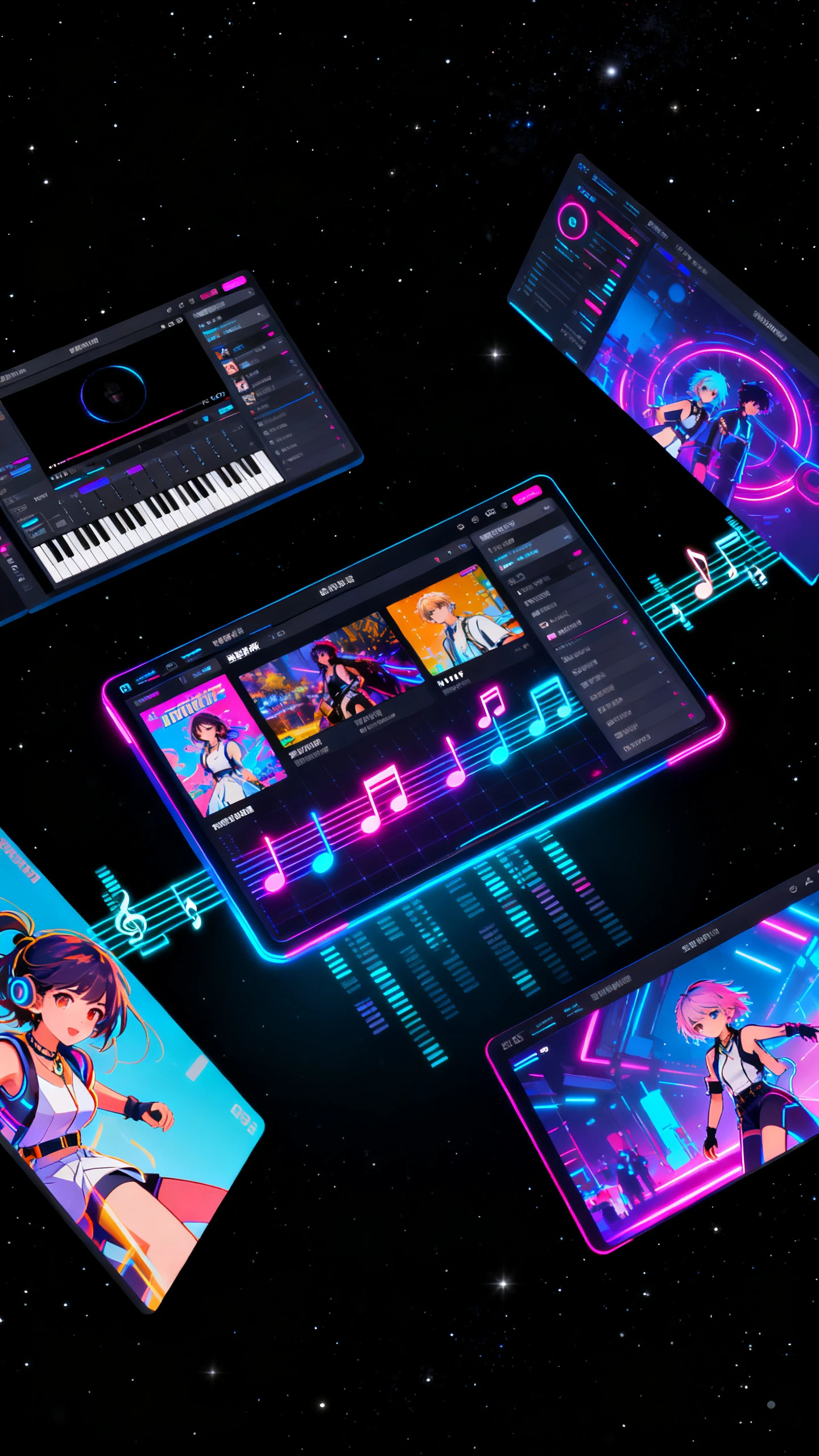
Suno creates the audio. Magiclight AI’s Suno music video generator creates the video. Together, they turn a generated track into a fully produced music release.

Upload a still image into Magiclight AI. Pair it with your Suno track, prompt up to 1,500 characters, then pick from 14 video models for animation.
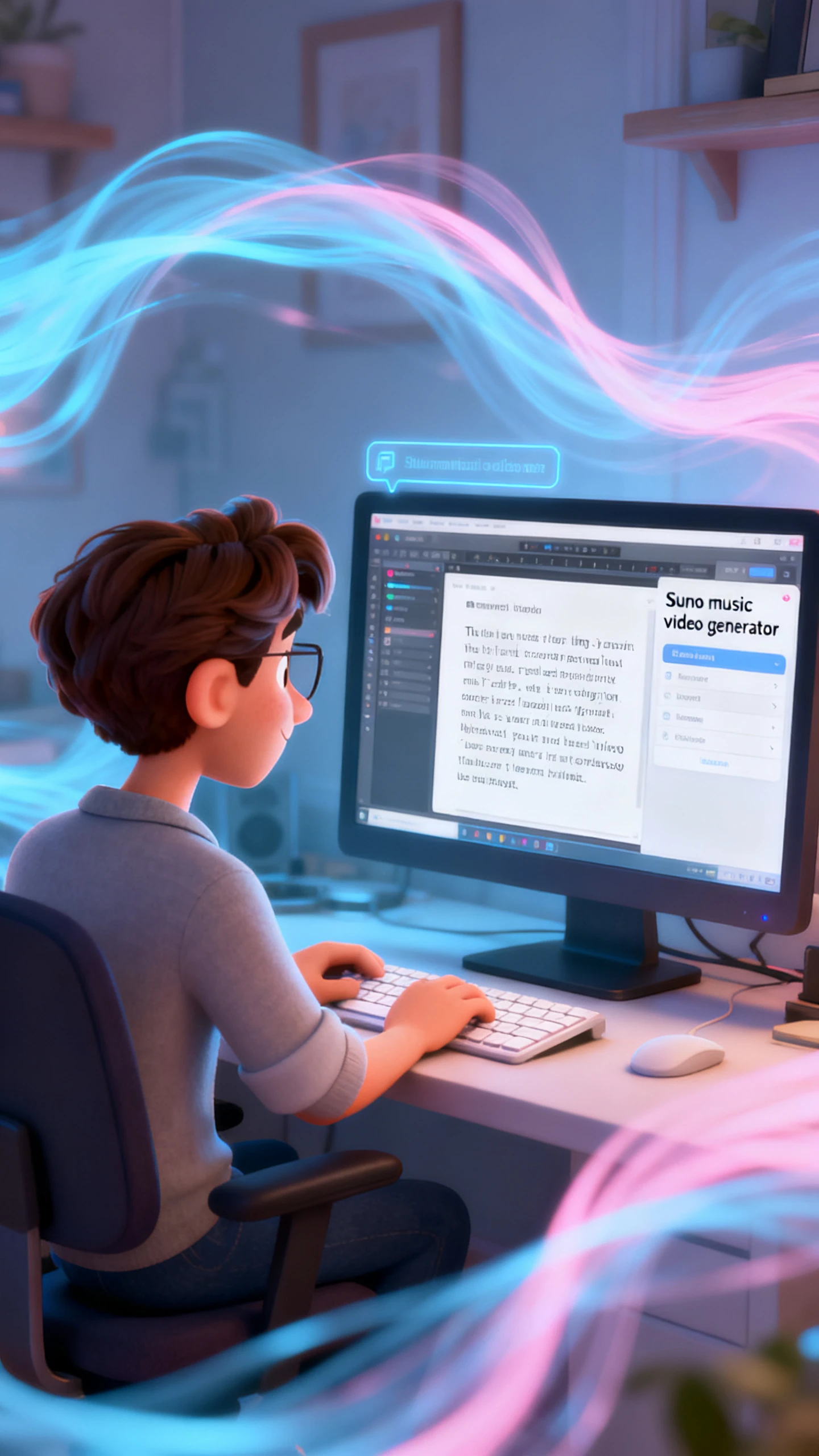
Turn your Suno song theme into a scene-based music video. Write up to 12,000 characters of narrative across 19 story AI models for the full track.
Build an animated artist persona in Magiclight AI. Use a topic prompt of up to 500 characters so the character performs and presents your Suno track.
Apply 21 built-in cover templates in Magiclight AI for your release artwork. Export the cover at 1080p alongside the Suno-linked music video.


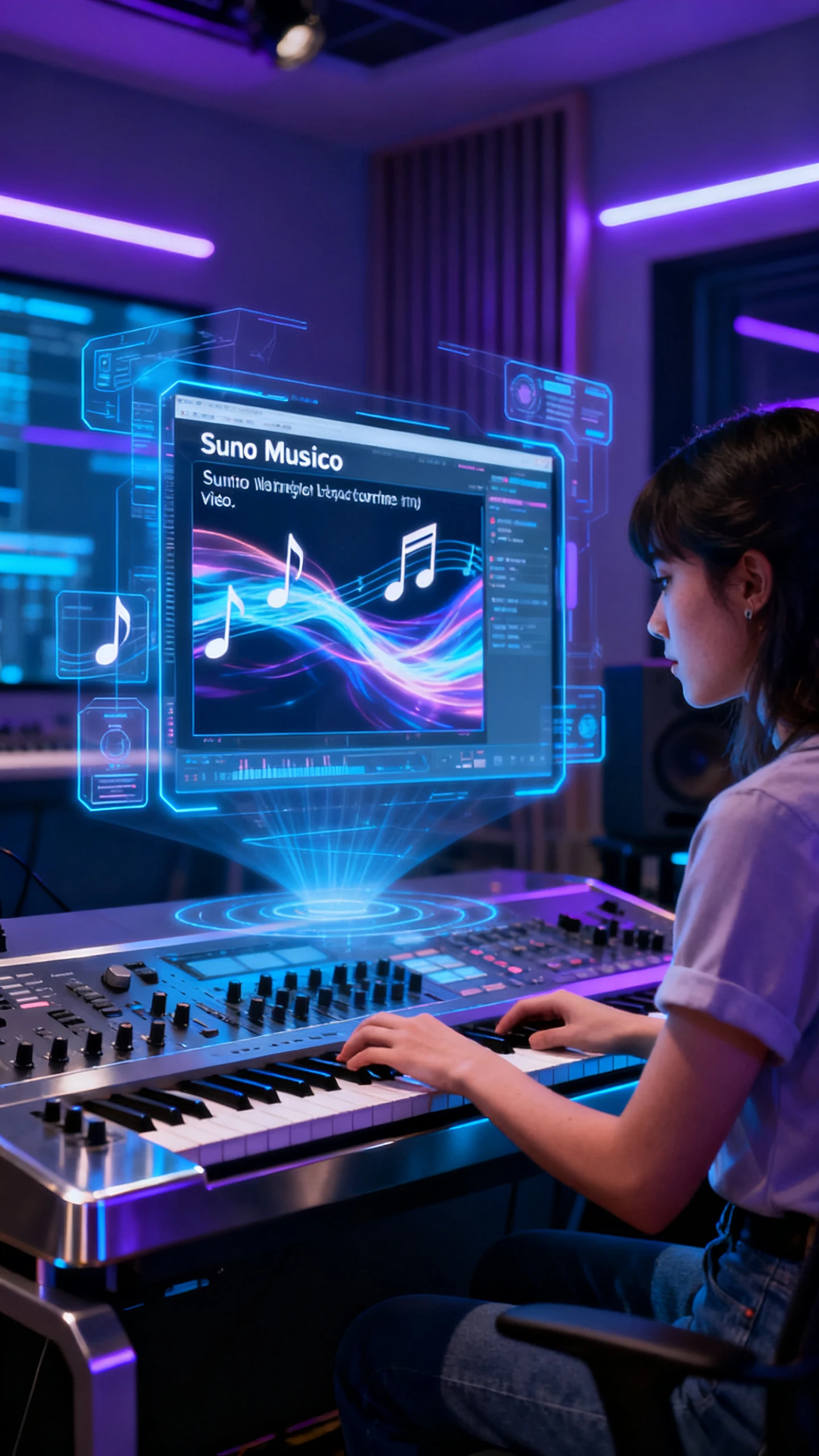
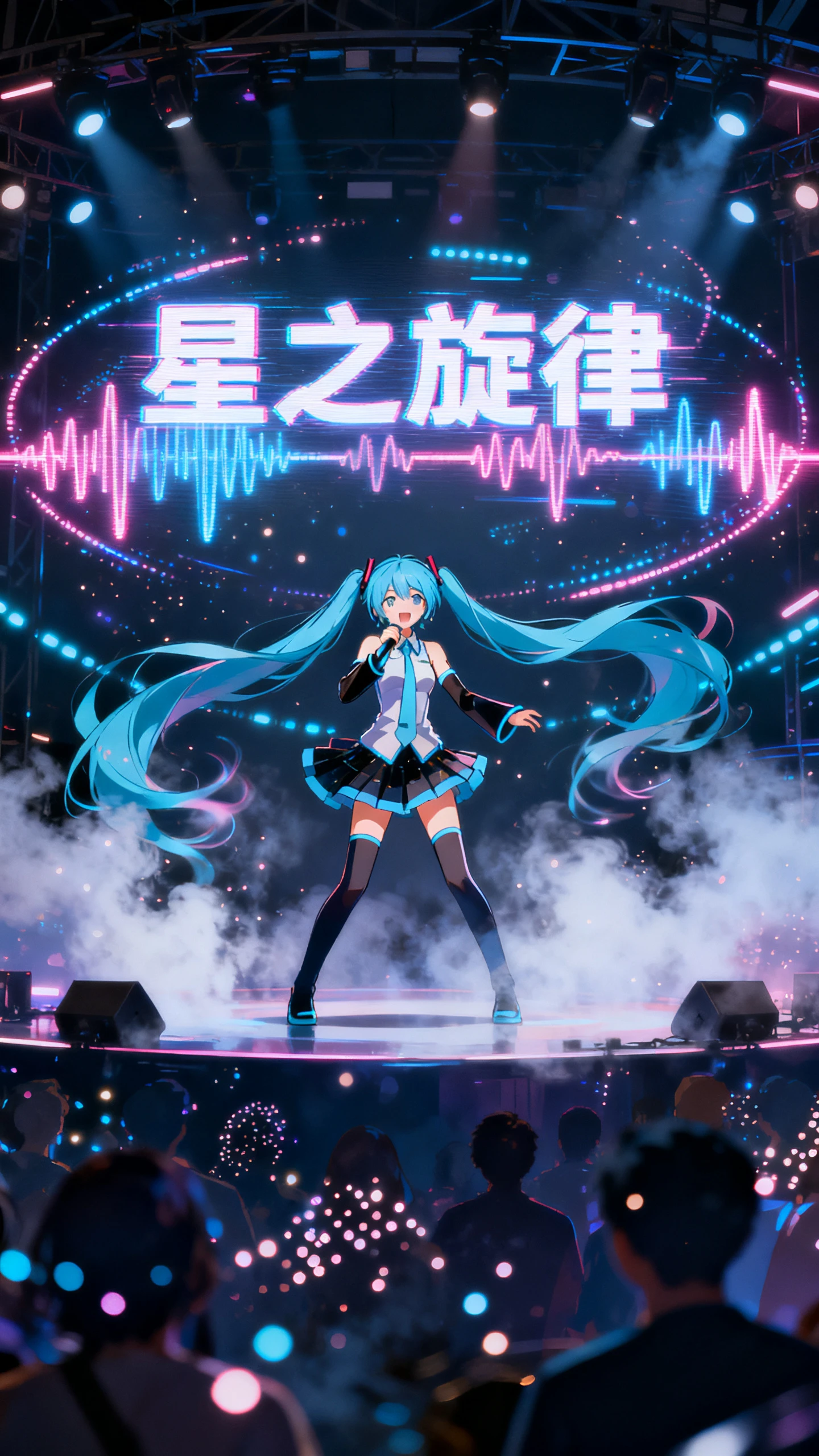
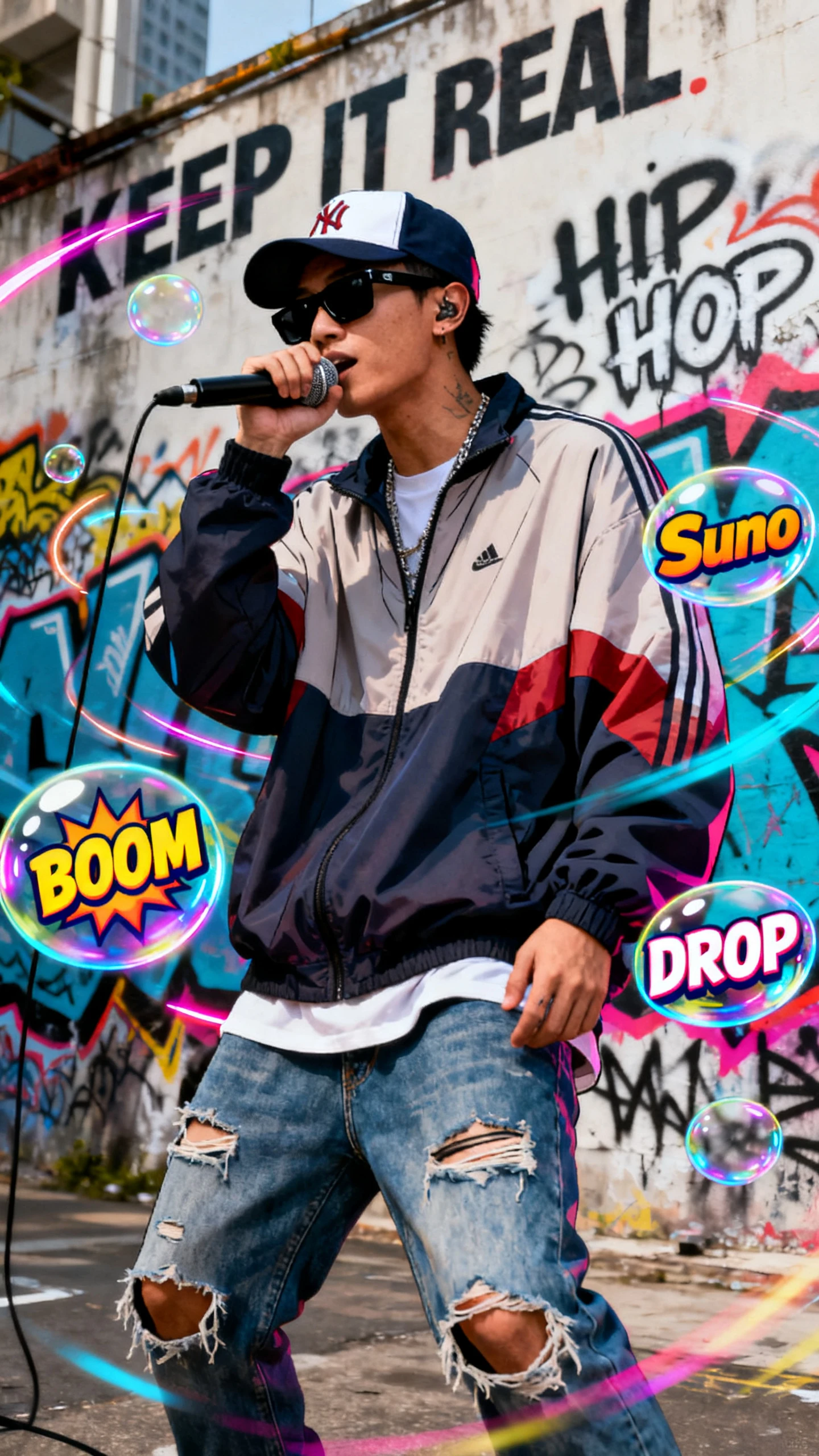
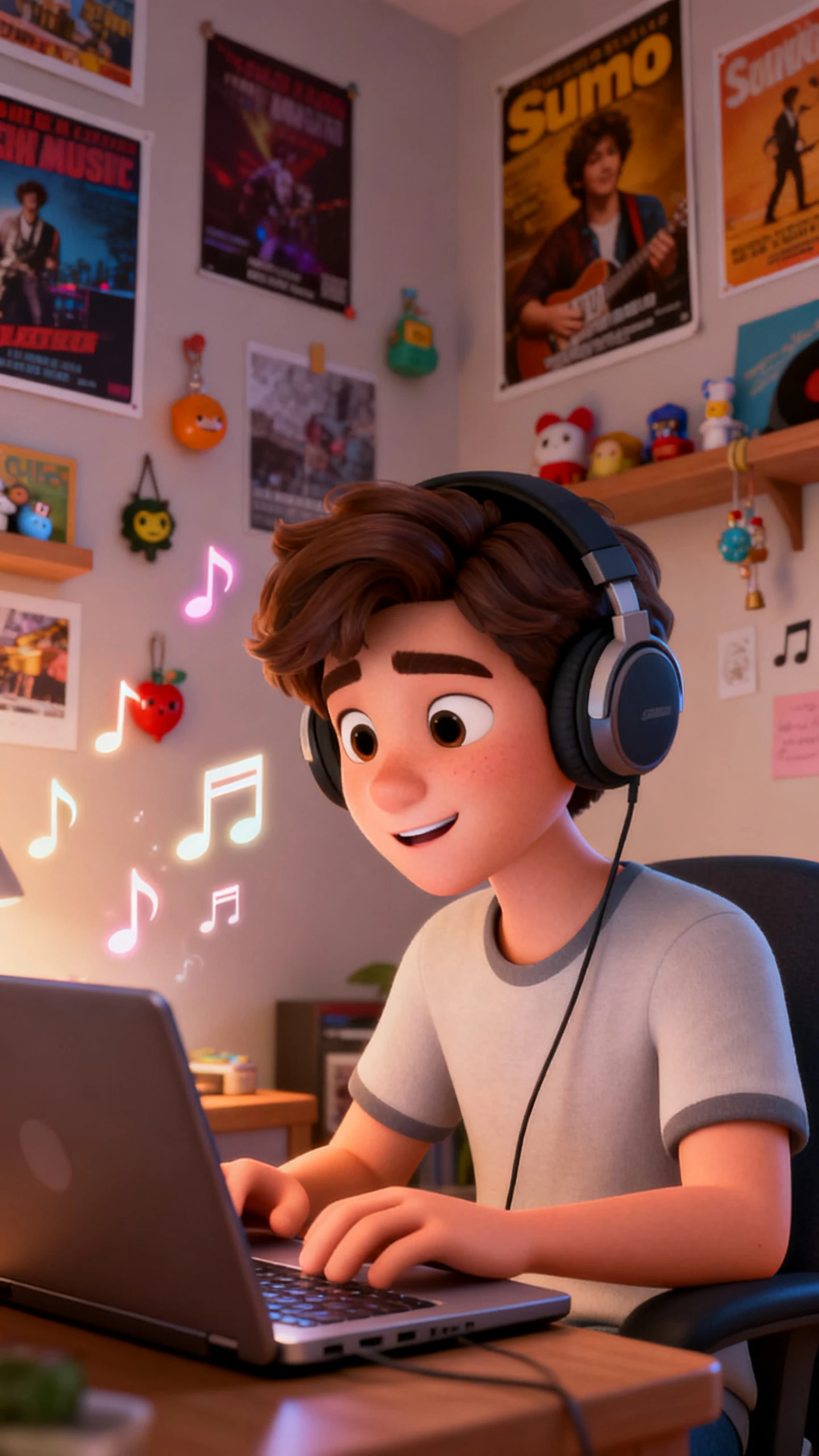
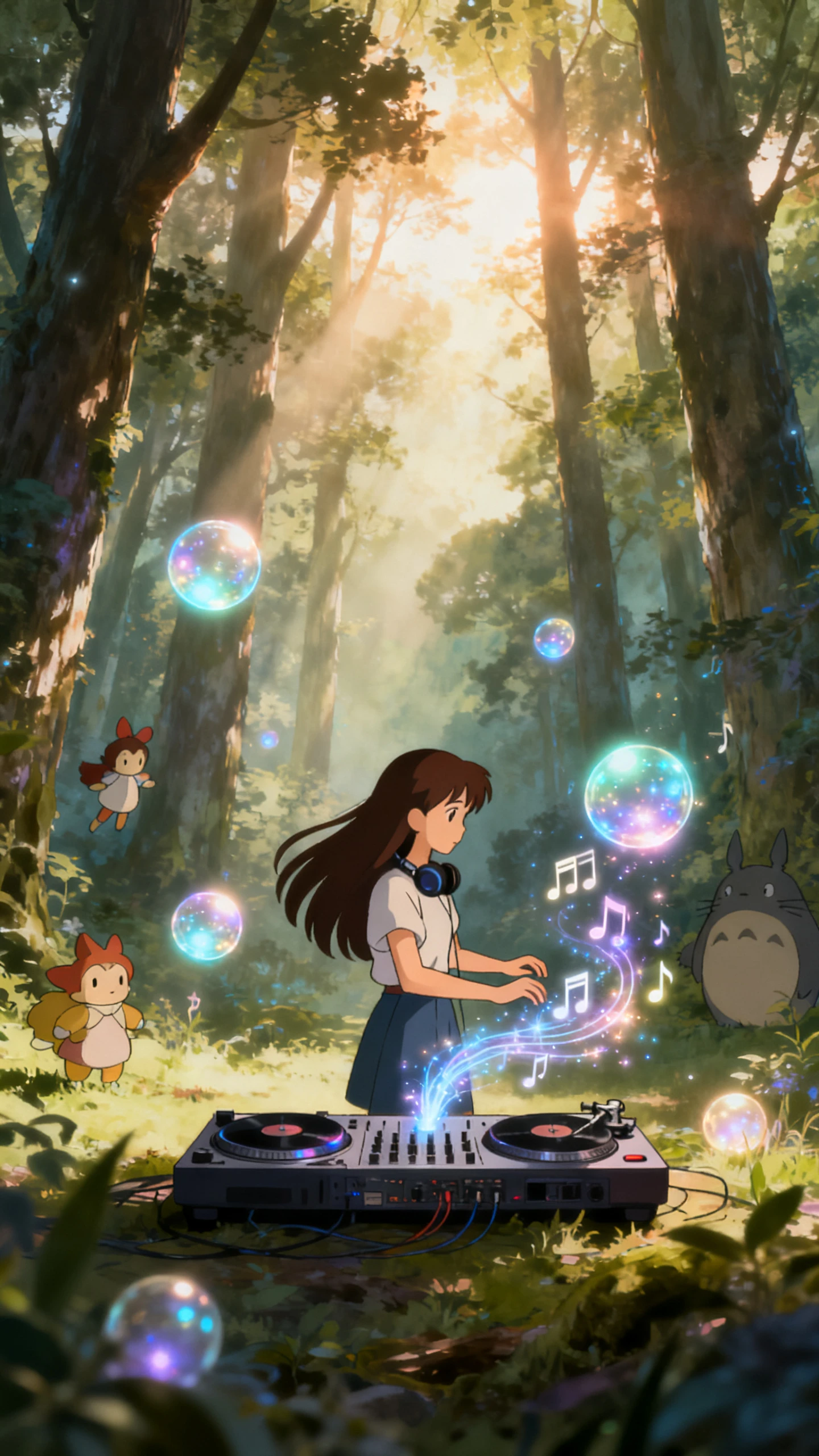
Generate AI music videos in minutes with simple prompts and customization with our Suno Music Video Generator.
Upload your track into Magiclight AI or pick one already saved. Set the aspect ratio and choose whether you want a storyboard pass or a full music video build.
Select a visual style that matches your Suno song’s genre and energy. Pick your story model and video model so movement, pacing, and look stay on‑brand.
Magiclight AI auto-builds a storyboard and aligns scenes to the track. You get a complete visual flow that stays locked to your music’s rhythm.
Review the video and tweak any scenes, details, or transitions you dislike. Export in your chosen format, then post the finished music video on socials.
Magiclight AI generates the audio layer, powered by Suno’s song engine underneath. After you describe the track concept, Magiclight AI builds matching scenes around that sound.
Yes. Magiclight AI has a free entry point for the Suno music video generator workflow. Check the website for plan details, export options, and model access.
Magiclight AI exports music videos at 720p or 1080p, ready for YouTube or TikTok without additional transcoding.
No. Magiclight AI generates scenes from a written description of the Suno track. Creators without video experience produce a finished music video from text alone.
Magiclight AI includes multiple styles across MagicLight 3.0 and Midjourney V7, from lo-fi and anime to cinematic and epic, covering every genre a Suno track might represent.
Yes. Magiclight AI’s Suno music video generator supports subtitles and narration for Suno music videos. Suno creators can apply one of 16 subtitle styles in a single pass.



Generate Suno-powered tracks and turn them into full visuals in one flow with Magiclight AI.