Hero background

3 Minute AI Video Generator

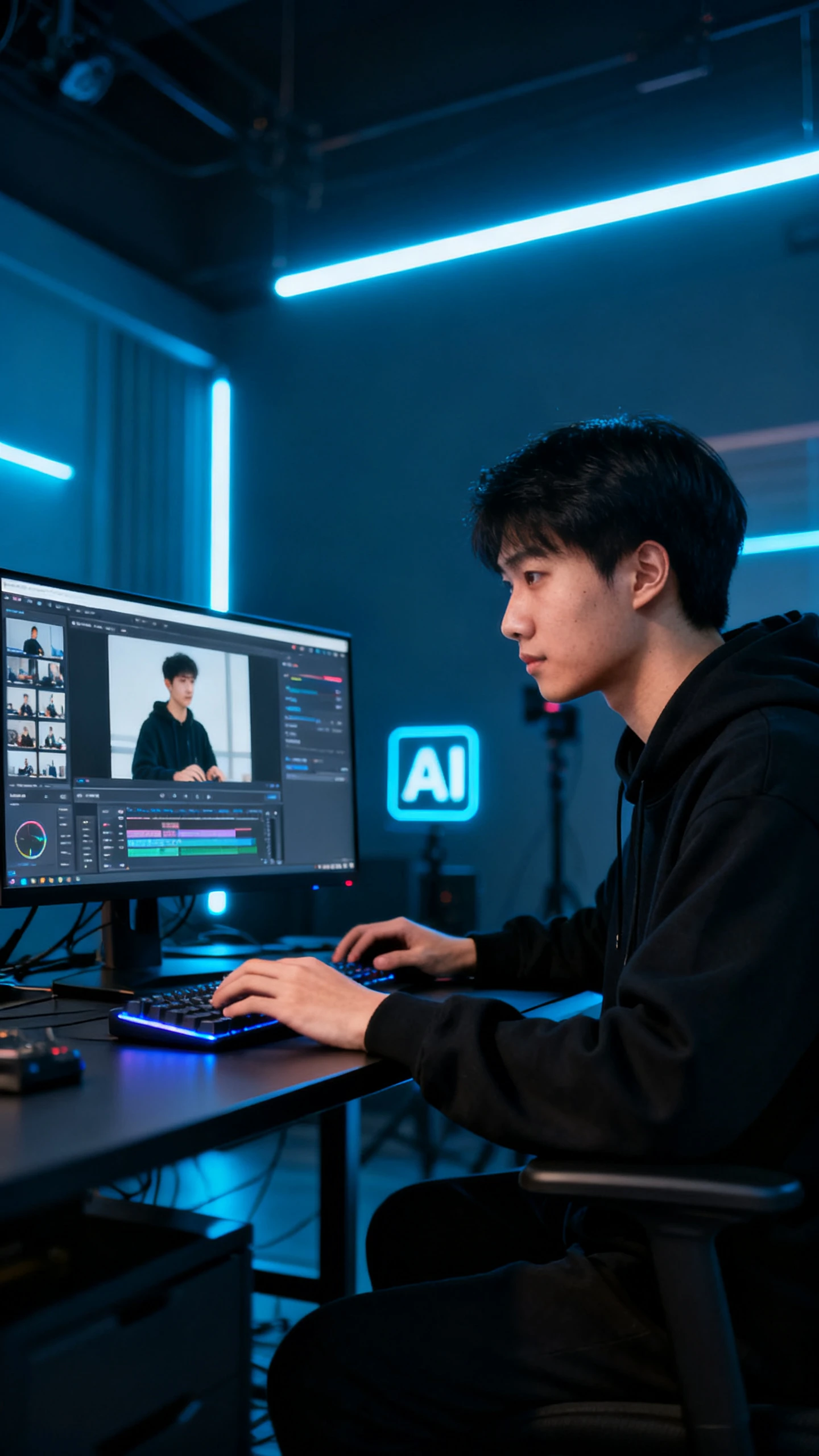
Magiclight AI helps creators, marketers, and educators turn scripts into structured 3-minute videos with scene planning, voices, captions, and music.

Try 3 Minute AI Video Generator For Free
3 minute ai video generator
AI video generator with a 3-minute
generate 3 minute ai video
AI video generator with a 3-minute
3-minute AI video generator free
3 minute ai video generator
AI video generator with a 3-minute
generate 3 minute ai video
AI video generator with a 3-minute
3-minute AI video generator free
3 minute ai video generator
AI video generator with a 3-minute
generate 3 minute ai video
AI video generator with a 3-minute
3-minute AI video generator free

Explore Features of Magiclight 3 Minute AI Video Generator

3-minute content needs structure, pace, and audio that carries the message. Magiclight AI uses an AI video generator with a 3-minute workflow to keep scenes aligned.

Explore the video generator
3D decoration

Control Script-Based Runtime

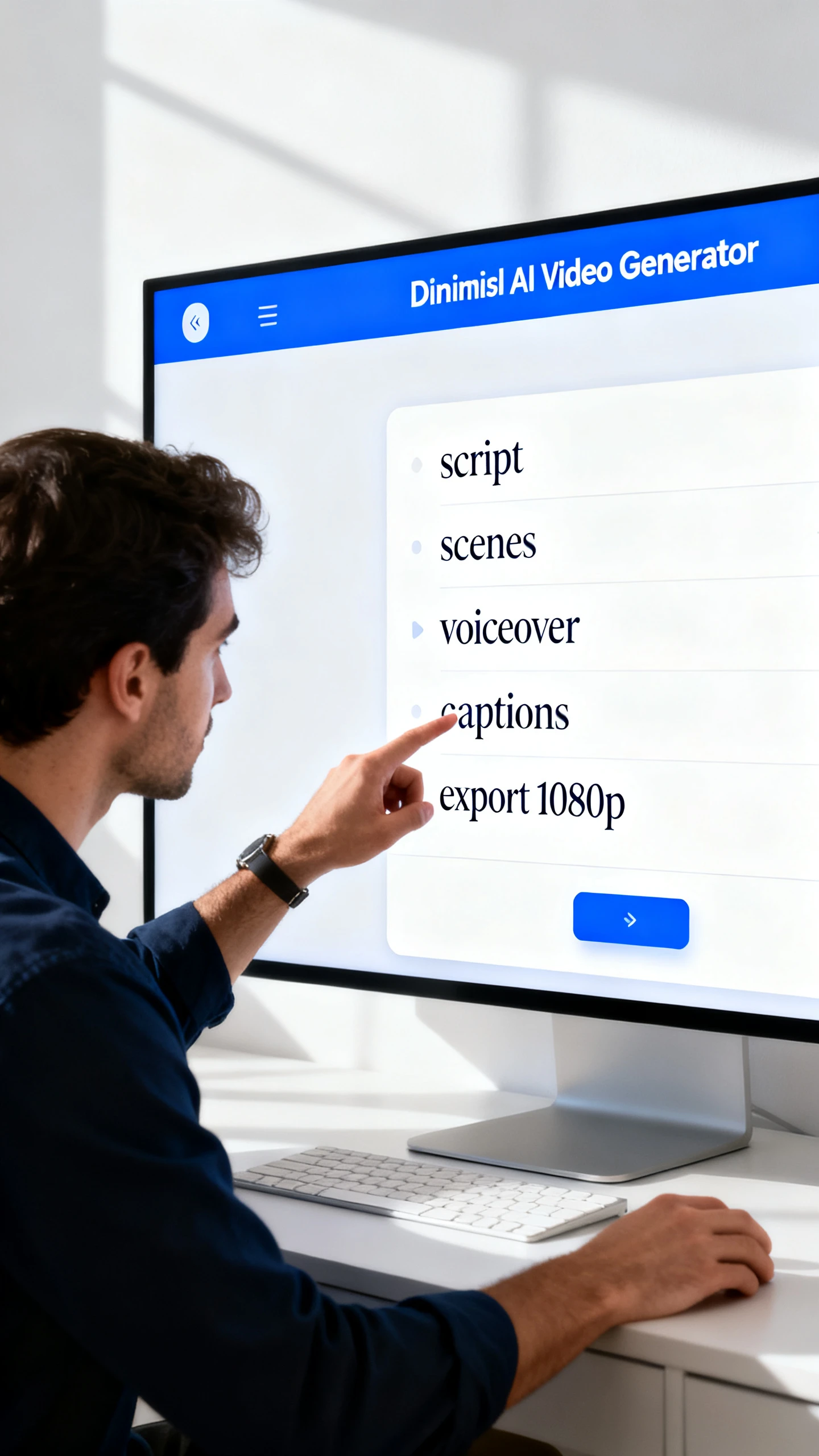
Paste a focused script or topic and let Magiclight AI divide it into scenes. A clear script helps the video hold attention without feeling padded.

Set Pacing With Director Modes

Choose from 8 director modes to shape rhythm, scene flow, and delivery style. Product demos, explainers, and stories can move at different speeds.

Add Voice Music and Captions

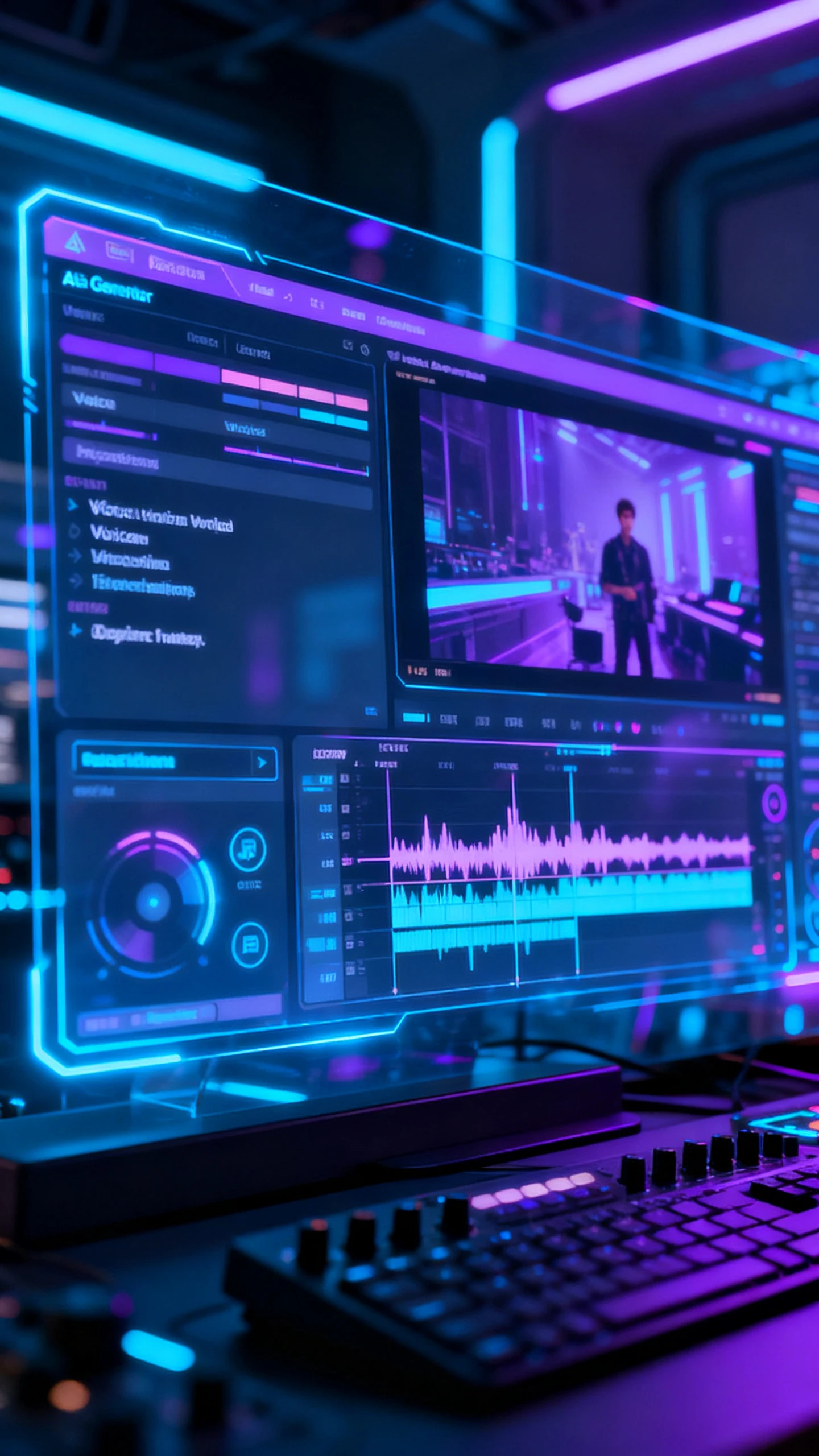
Use 37 voices, 40 music tracks, and 16 subtitle styles in the same session. The video feels complete before it reaches export.

Shape Visuals With Motion Models

Select from 19 video models, including Seedance 2.0, Kling 3.0, and Veo 4. Each model changes how scenes move and feel.

Who Gets the Most Out of Three-Minute AI Videos
A 3-minute AI video generator free workflow works best when the message needs more than a quick clip. Magiclight AI helps each format keep room for context.
Product Demo Videos
For Product Demo Videos
Show the problem, feature, benefit, and CTA in one compact video.
Use realistic or cinematic styles for product-focused scenes.
Publish demos on landing pages, YouTube, or LinkedIn campaigns.
Explainers and How-To Content
For Explainers and How-To Content
Break a complex idea into a clear opening, steps, and summary.
Add narration and subtitles so viewers can follow the lesson easily.
Use illustration or flat art styles for educational topics.
News and Opinion Videos
For News and Opinion Videos
Turn a written take into a short editorial-style video segment.
Choose a director mode that matches the tone of the update.
Post timely commentary while the topic still feels relevant.
Branded Story Content
For Branded Story Content
Tell a brand story with a beginning, turning point, and closing idea.
Keep character, voice, and visual style steady across scenes.
Score the story with background music that supports the mood.
Why Magiclight AI
Is Perfect for Three-Minute Videos
Short generators often end before the idea has room to develop. A free AI video generator for 3-minute videos needs scenes, narration, music, and export in one workflow.
Build a Complete Video Arc
Magiclight AI turns a script into a planned sequence with an opening, development, and a close. The result feels produced rather than stretched from scattered clips.
Match Audio to Pacing
Voice, music, and subtitles stay connected to the scene flow. A three-minute story can sound guided instead of patched together after rendering.
Direct Shots Before Rendering
Nano Storyboard lets you adjust camera angles, poses, expressions, and timing before generation. Important moments can be shaped before the final file appears.
Localize Longer Videos Easily
Magiclight AI supports 11 languages for voiceovers and subtitles. One three-minute idea can become regional versions without rebuilding the whole video.
Keep Characters Visually Stable
Recurring characters can keep the same face, clothing, and style through the full runtime. This prevents the visual drift that weakens longer AI videos.
Export Without Heavy Editing
Cloud rendering prepares 720p or 1080p files without local timeline work. The finished video is ready for platforms after one production session.

How to Generate a 3 Minute AI Video  With Magiclight AI

To generate 3 minute ai video content, start with a focused script and choose pacing early. Magiclight AI then turns scenes, audio, and visuals into one output.

1.

Write or Paste Your Script

Start with a topic, outline, or script of around 400 to 500 narrated words. Add audience, tone, and goal so the video has direction.

2.

Choose Director Mode and Style

Pick a director mode for pacing, then choose a visual style and video model. This sets the rhythm before scene generation begins.

3.

Review Scenes With Nano Storyboard

Check Nano Storyboard to adjust camera angle, pose, expression, and scene timing. Lock the important shots before the video renders.

4.

Add Audio and Export

Choose a voice, music track, and subtitle style. Export the finished video in 720p or 1080p for publishing anywhere.

FAQ on 3 Minute AI Video Generator

What is a 3 minute ai video generator?

A 3 minute ai video generator turns scripts into structured short videos. Magiclight AI adds scenes, voices, captions, music, and export together online.

Is Magiclight AI free to try for three-minute videos?

You can explore AI video generator 3 minutes free workflow before upgrading. Check current Magiclight AI plans for limits, exports, and available tools.

How do I make my AI video close to three minutes?

Script length, narration speed, and director mode affect the final runtime. In Magiclight AI, 400 to 500 words usually supports this format.

Can I add voice, music, and subtitles?

Yes, Magiclight AI includes voices, music tracks, and subtitle styles together. You can finish narration and sound without a separate editing tool.

Can three-minute videos be made in different languages?

Magiclight AI supports 11 languages for voiceovers and subtitles inside projects. One script can become regional versions without rebuilding every scene manually.

What styles work best for three-minute AI videos?

Cinematic and realistic styles suit demos, interviews, and branded stories well. Illustration and flat artwork work better for explainers, lessons, and concepts.


Turn Ideas Into 3-Minute Videos Ready to Share

Use Magiclight AI to generate a 3-minute AI video with scenes, voice, captions, and style. The finished file is ready for publishing the same day.