Hero background

Animate a Picture AI with More Creative Control

Magiclight AI turns an image into a stylized animated scene with better motion, mood, and visual energy. It creates anime-inspired clips for social posts, fandom edits, promos, and more.

Animate a Picture Now
how to animate a picture
how to animate a photo
how to animate pictures
how to create animated pictures
how to make animated pictures
how to animate a picture with ai
how to animated a picture
 how to animate pictures on iphone
how to animate a picture
how to animate a photo
how to animate pictures
how to create animated pictures
how to make animated pictures
how to animate a picture with ai
how to animated a picture
 how to animate pictures on iphone
how to animate a picture
how to animate a photo
how to animate pictures
how to create animated pictures
how to make animated pictures
how to animate a picture with ai
how to animated a picture
 how to animate pictures on iphone

Everything You Need to Animate a Picture With AI

Animate a picture AI should do more than add motion. Magiclight AI transforms simple visuals into anime-style scenes with emotion, story depth, and stronger creative control.

Explore the video generator
3D decoration

Turn Images into Quick Videos

Magiclight AI turns one image into an animated video. You can add motion and smooth transitions, so your picture feels more like a scene.

Write Simple Prompts That Do More:

Type your idea in plain words, up to around 1500 characters. Magiclight AI generates a short for 10–15 second clips.

Pick a Style For Your Story:

Choose from 19 video models to change the look of the generated video. MagicLight AI helps you test styles until the video feels right for your story.

Tune More or Share in One Go

Adjust your image video, update the prompt, or change the model multiple times. You can publish the final clip in just one click without extra tools.

Convert a Picture Into Anime for Different Creative Goals
Turn a picture into anime scenes with MagicLight AI that feel styled, emotional, and built for attention. Discover who can use this option to its fullest for achieving creative goals.
creators
Social Creators
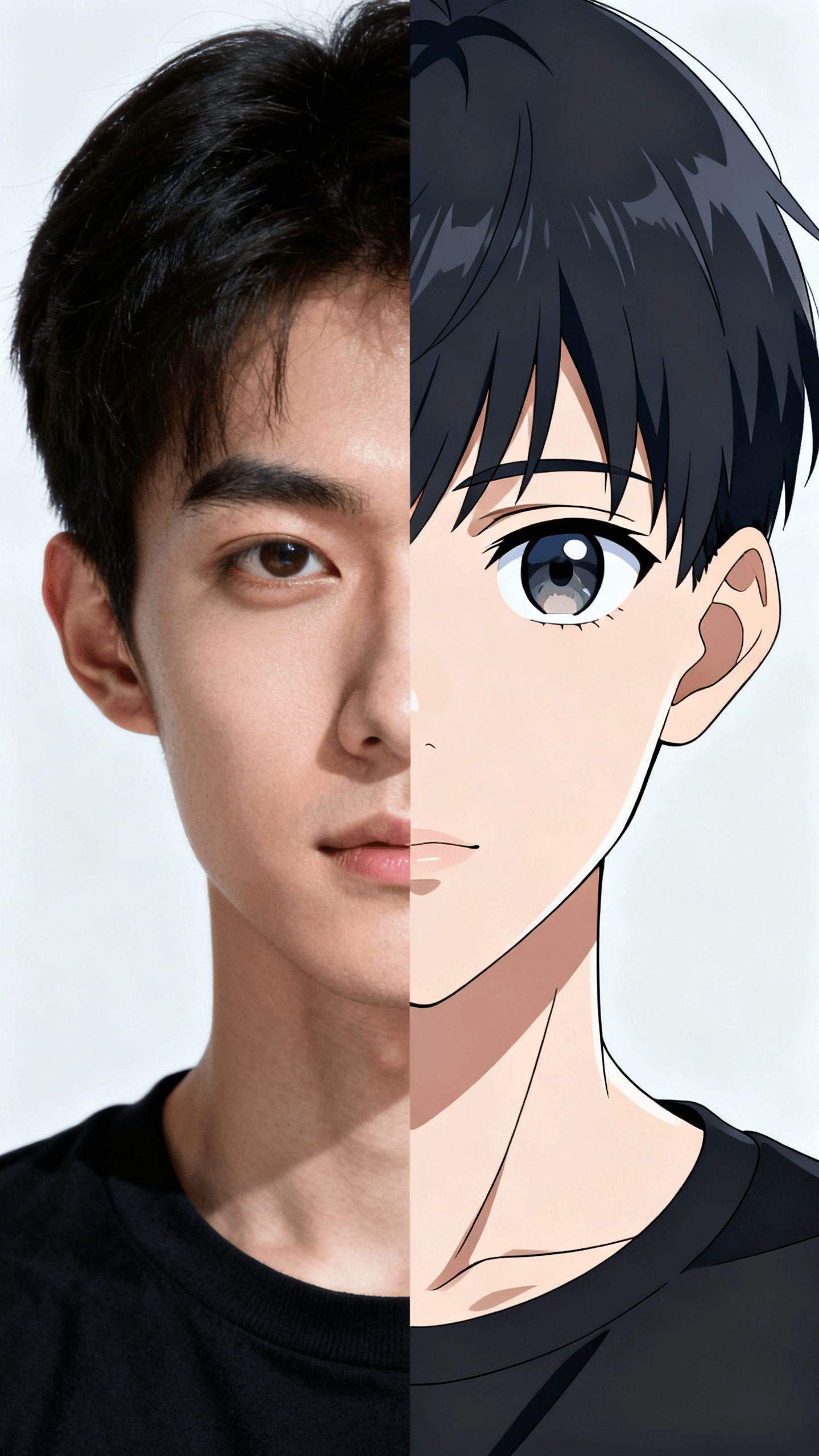
Turn selfies and portraits into anime-style motion posts.
Make still visuals feel fresher for reels and story content.
Create scroll-stopping content from one picture fast.
training
Artists and Hobbyists
Reimagine original art with animated anime-inspired flair.
Test different moods before choosing a final visual style.
Add motion to concepts without drawing every frame.
business owners
Fans and Fandom Pages
Transform favorite character-inspired shots into anime edits.
Make tribute visuals more dynamic and shareable online.
Give iconic image moments extra personality and movement.
advertisers
Brand and Promo Content
Animate product visuals with a more stylized hook.
Turn static campaign images into short branded scenes.
Refresh launch content without a full reshoot setup.
Why Choose
Magiclight AI for Animating a Picture Online
With animating a picture for free in MagicLight AI, convert simple images into expressive motion content that audiences watch. Understand what makes this tool special for animating pictures.
Test More Ideas, Way Faster
Magiclight AI makes it easier to explore different directions without starting over. You can test story models, styles, and scene changes faster in one smoother workflow.
Turn Images Into Scroll‑Stopping Visuals
Magiclight AI turns still images into motion-led scenes with more presence. Story, style, and scene control help each output feel richer and harder to ignore.
Hit Publish With Polished Output
Outputs feel more finished because Magiclight AI supports storyboard edits, subtitles, and export options. That makes content easier to publish with a cleaner final look.
Squeeze More Content From Every Image
One photo can become more than a single post with Magiclight AI. You can reshape it into anime visuals, short clips, or stylized content for different platforms.
Refresh Old Content in Minutes
Older images do not have to stay static when using Magiclight AI. You can give existing visuals a fresh animated format without planning a full reshoot.
Pack Every Scene With More Emotion
With tools like Magiclight AI, a simple picture feels more dramatic, playful, or expressive. Motion, music, and visual styling work together to give the scene more emotional force.

How to Animate a Picture with Magiclight AI in 4 Easy Steps

A strong workflow makes animating a picture result feel more intentional from the start. See how MagicLight AI excels in providing crisp results.

1.

Add Your Image Idea

Start with an image, concept, or scene that can drive motion. A strong base helps image-to-video results feel more natural and story-focused.

2.

Shape Style Model

Pick from Magiclight AI style models like 2.0, 2.2, or 3.0 to shape visuals. Then guide motion and mood so your image-to-video flow looks consistent.

3.

Refine the Storyboard

Use the storyboard preview to check pacing, expressions, and transitions. Magiclight AI image to video lets you fix weak parts early, before the final output.

4.

Export and Share

Select subtitles, format, and quality before final export. This step ensures your animated picture looks polished and ready for reels, posts, or promos.

FAQs on Animating a Picture

What does it mean to animate a picture?

Magiclight AI turns still images into moving visuals with expressive scene flow. It adds motion and style to make pictures feel more dynamic.

Can I use animated picture AI tools for social media content?

With Magiclight AI, animated visuals work well for reels, promos, and posts. They help create sharper content that grabs attention across social platforms.

How can I animate a picture without editing skills?

Animate picture projects feel easier with Magiclight AI for beginners. Upload your image, describe the style, and generate visuals without editing knowledge.

Can I turn a picture into an anime-style visual?

Using Magiclight AI, a still photo can become an anime-inspired scene. Add motion, mood, and stylized details for a more dramatic result.

Is animating a picture free good for testing ideas?

Magiclight AI helps you test visual ideas before committing more time. It supports quick style exploration for early concepts and creative direction.

Can I anime a picture for fandom or tribute content?

Creators use Magiclight AI for fan edits and tribute-style visual content. It adds motion and personality to make scenes feel more expressive.


Give Your Pictures a Story to Move With

Turn still images into anime-style motion with stronger emotion and smoother creative control across MagicLight AI.