Hero background

Create Charming Pet MomentsWith Pet Animator

With Magiclight AI's pet animator, you turn your pet’s photo into an expressive video greeting. Save time while making charming pet content .Animate your pet today.

Try Pet Animator For Free
pet animator
animate pet
talking pet video maker
pet photo animation generator
pet animated clip online
ai pet video creator
talking pet avatar maker
pet animation tool online
pet animator
animate pet
talking pet video maker
pet photo animation generator
pet animated clip online
ai pet video creator
talking pet avatar maker
pet animation tool online
pet animator
animate pet
talking pet video maker
pet photo animation generator
pet animated clip online
ai pet video creator
talking pet avatar maker
pet animation tool online

Explore Features of Magiclight AI’s Pet Animator

For those who enjoy bringing personality into their visuals, you can animate pets with Magiclight AI without editing skills. Get stylish, animated clips from a single pet photo .

Explore the video generator
3D decoration

Multiple Looks for Your Pet

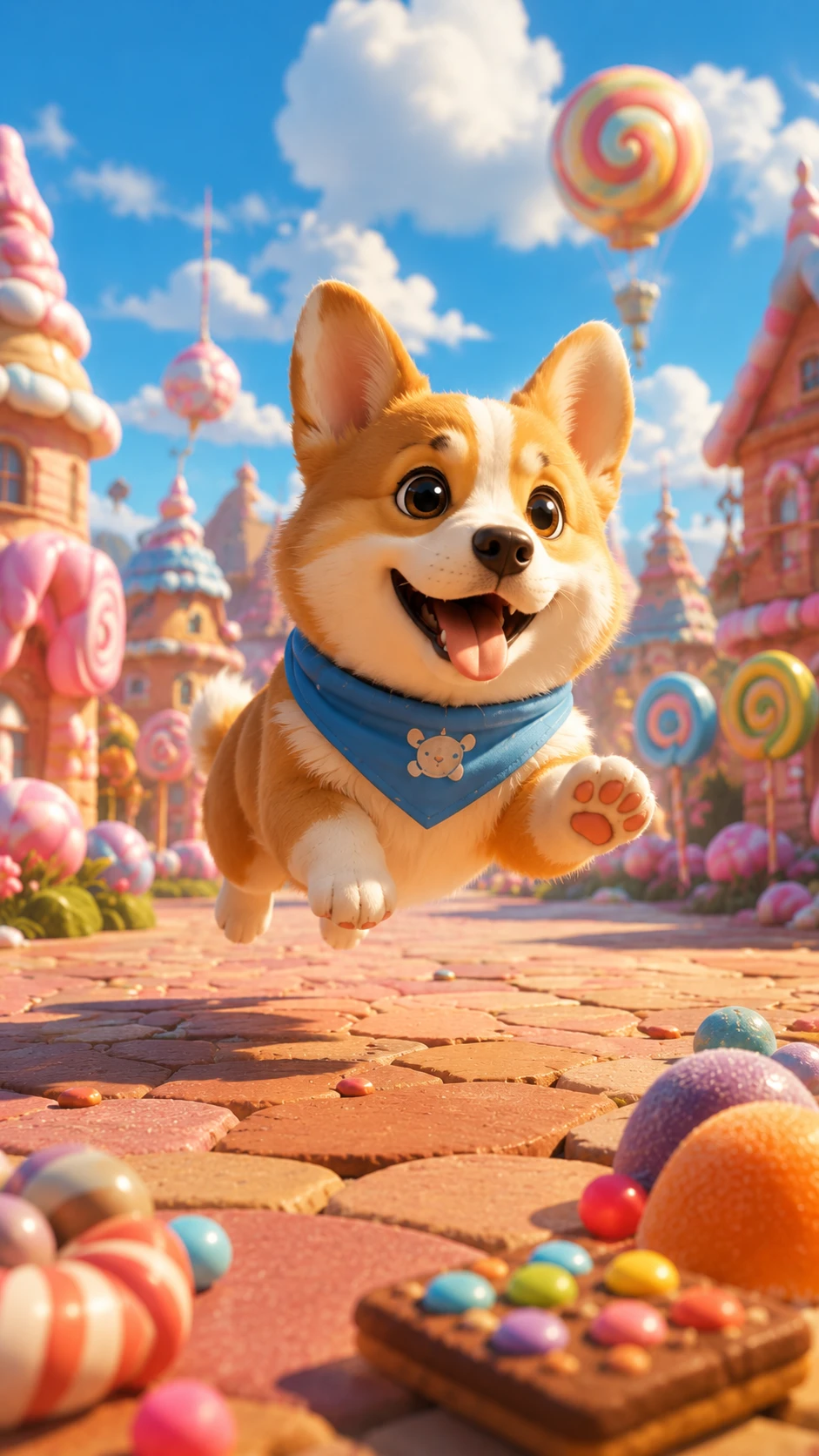
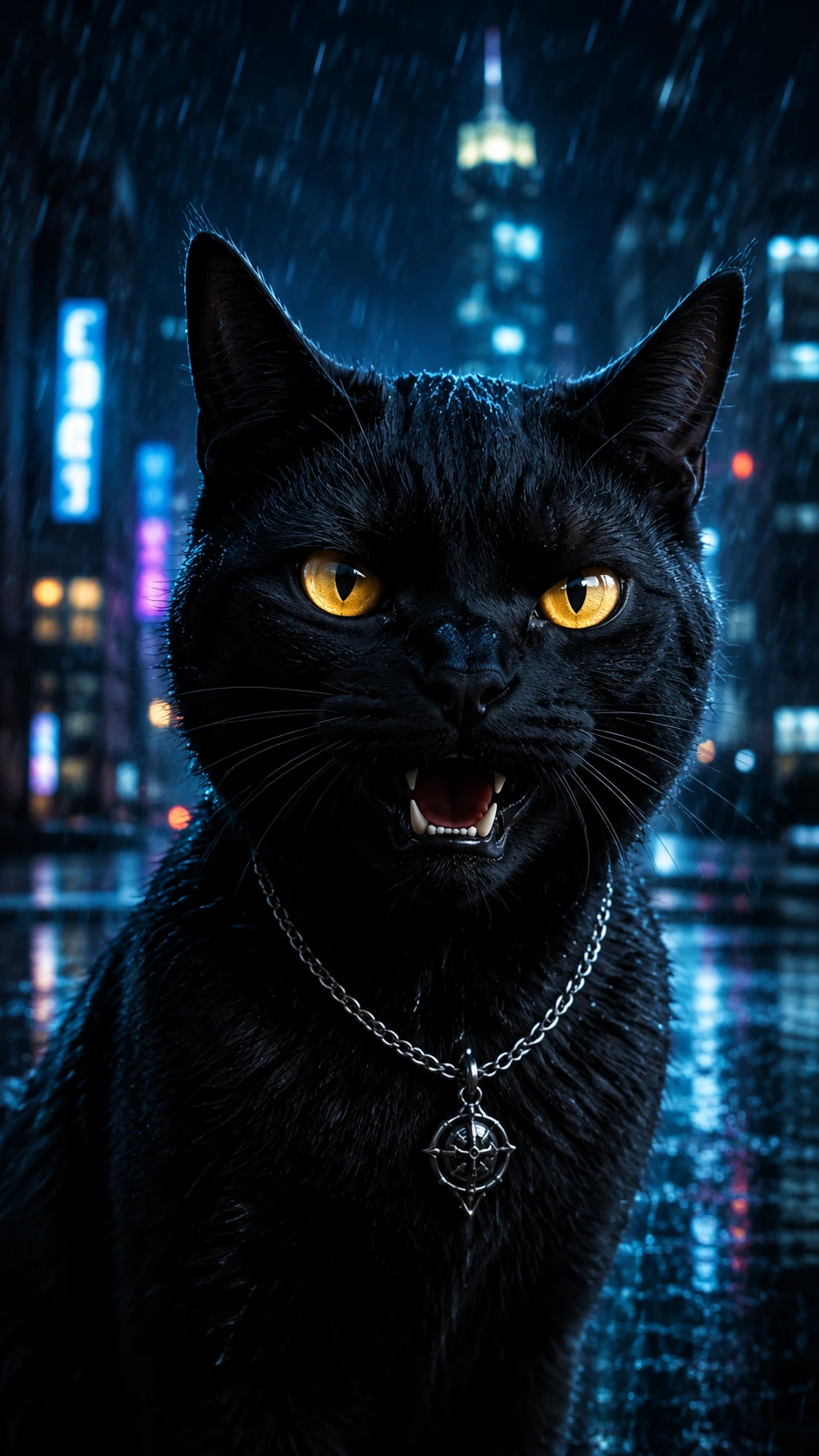
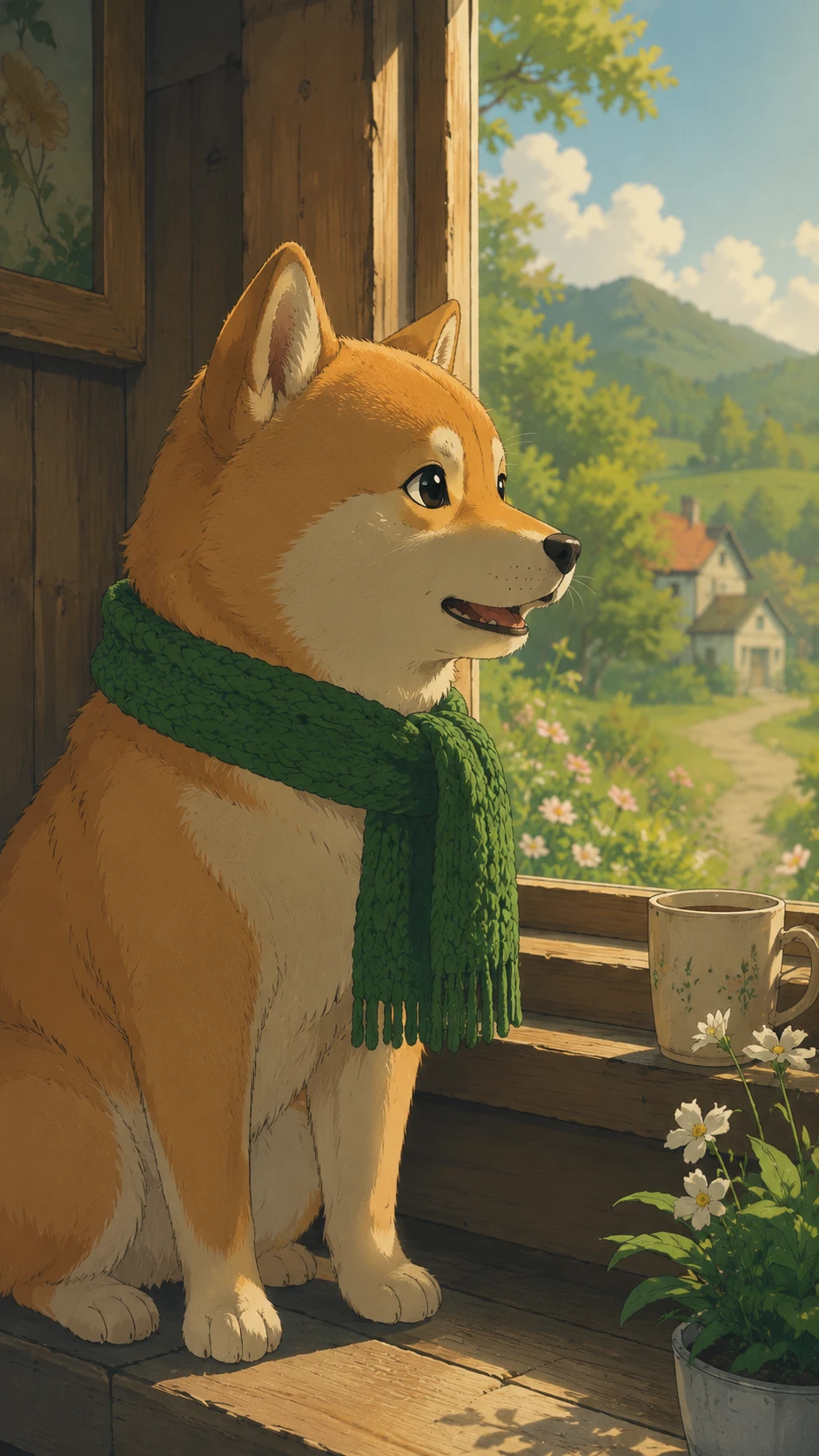
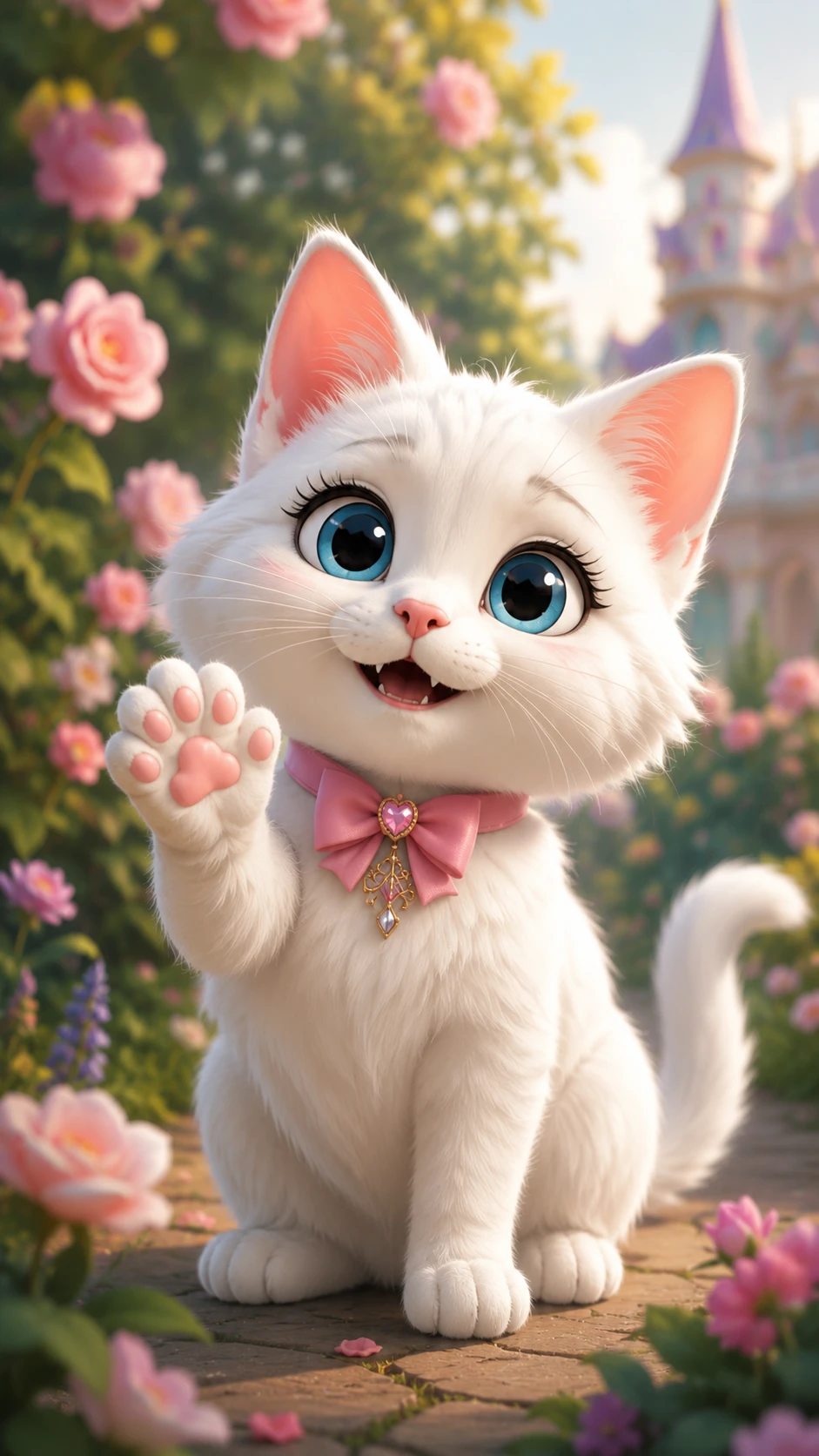
Explore different visual styles from a single pet image. Magiclight AI offers 20+ styles like Anime, Pixar, Wuxia, and Zootopia for instant variety.

Text‑Directed Pet Animations

Magiclight AI converts your 1500‑character prompts into dynamic pet stories. Describe movements, expressions, and angles with simple text instructions.

HD Clips With Easy Re-Edits

One image creates a 10-15-second clip, exported at 1080p. With Magiclight AI, you can adjust while rendering to quickly create flawless clips.

Rich Background AI Models

Choose from 19 video models and layered style families like Midjourney and MagicLight 2.0–3.0. Test backgrounds and looks with Magiclight AI.

Who Works Better With Magiclight AI's Pet Animator for?
Different teams can use Magiclight AI’s pet animator to make their visuals more playful, artistic, and memorable across platforms. It adds instant charm and motion to still pet images.
pet brands
Pet Brands
Produce product‑focused pet clips without hiring costly studios.
Test multiple creative angles quickly instead of expensive reshoots.
Repurpose catalog pet photos into fresh ads in just a few clicks.
pet influencers
Pet Influencers
Turn casual pet selfies into amusing, animated video clips.
Batch‑create story content fast instead of complex manual edits.
Experiment with pet styles and trends at a lower cost.
animal shelters
Animal Shelters
Generate talking pet intros that boost adoption interest fast.
Refresh adoption posts quickly without booking videographers.
Create emotional campaigns on tight budgets and timelines.
graphic designers
Graphic Designers
Prototype animal character ideas rapidly with less effort.
Offer animal motion add‑ons to clients without learning 3D tools.
Turn pet characters into narrators with less effort, time, and money.
Why Creators Prefer
Magiclight AI Pet Animator Over Others
Magiclight AI focuses on ease and consistent quality, so you can animate pets faster and with less complicated setup. The platform is built to be smoother than other AI tools.
Precise Lip‑Sync That Makes Pets Feel Alive
Sync every word to your pet’s lips so it feels like they’re really speaking. Magiclight AI automates the lip‑sync, removing manual keyframing and saving hours of polishing.
Build a Pet Character Library You Can Reuse Anytime
Keep a stable cast of pet characters ready for new stories using Magiclight AI. The tool lets you apply existing looks instantly, making regular posting easier and less tiring.
Reach Multiple Audiences With Multilingual Pet Videos
Magiclight AI makes your pet speak in Korean, Japanese, French, Dutch, Spanish, and more. It supports multilingual voice output, expanding your audience reach without extra tools.
Consistent Pet Designs Across All Your Animations
Avoid random changes in your pet’s face or style between shots. Magiclight AI maintains character consistency so all of your stories feel connected and professional.
Build Polished Pet Videos With Captions and Music
Highlight dialogue, add context, and set the mood with built‑in captions and tracks. With Magiclight AI, these add-ons are in one place, so you never juggle extra apps or tools.
Use Ready‑Made Templates For Stories
Jump into creation with templates for stories, music, vlogs, and more. Even if you’re new to editing, Magiclight AI guides you through each format so you can export faster.

Animate Pets With 4 Steps in Magiclight AI

You can follow simple steps to upload a photo, choose styles, and then animate your pet in Magiclight AI. Even beginners move smoothly from the first prompt to the final video.

1.

Upload Your Pet’s Photo

Drag and drop your pet’s image onto the interface. Pick a clear, non-blurry close-up view of your pet .

2.

Describe Your Idea

Type specific instructions on how you want the AI to animate the image. You can include blinking eyes, changing expressions, or wagging its tail, etc.

3.

Choose the Video Settings

Pick a visual style for the animated video clip. This will animate your photo with a certain look, such as Pixar or Zootopia. Afterward, choose a video duration and aspect ratio.

4.

Export the Animated Clip

Download the final clip after you have watched it. In case you do not like the result, you can regenerate the clip with a single click.

FAQs on Pet Animator

What is the pet animator in Magiclight AI?

Magiclight AI's pet animator is a tool that turns pet photos into short talking or moving clips. It automates animation so you can create fun videos without complex editing skills.

How many photos do I need to create a pet video?

You usually only need one clear pet photo to generate an animation. Magiclight AI uses that single image to create motion, expressions, and lip‑sync for your clip with your prompt.

Can I customize styles, voices, and backgrounds for my pet videos?

Yes, with Magiclight AI, you can choose from multiple visual styles, voices, and backgrounds. It lets you mix these options to match your brand, mood, or story.

Do I need prior experience with video or animation?

No prior editing or animation experience is required. Magiclight AI provides a step‑by‑step flow so beginners can go from upload to export with simple choices.

How long does it take to render a pet video with Magiclight AI?

Most short clips render in just a few minutes, depending on settings and styles. Everything is designed to keep processing fast so you can experiment often.

Can I animate existing pet photos I already have?

Yes, you can upload previous pet images from your gallery and animate pets with Magiclight AI. This feature lets you reuse favorite moments instead of planning new photos.


Bring Your Adorable Pet to Life Now

Try Magiclight AI now and turn an amusing pet photo into a playful animated clip within a few seconds with free online pet animation service.