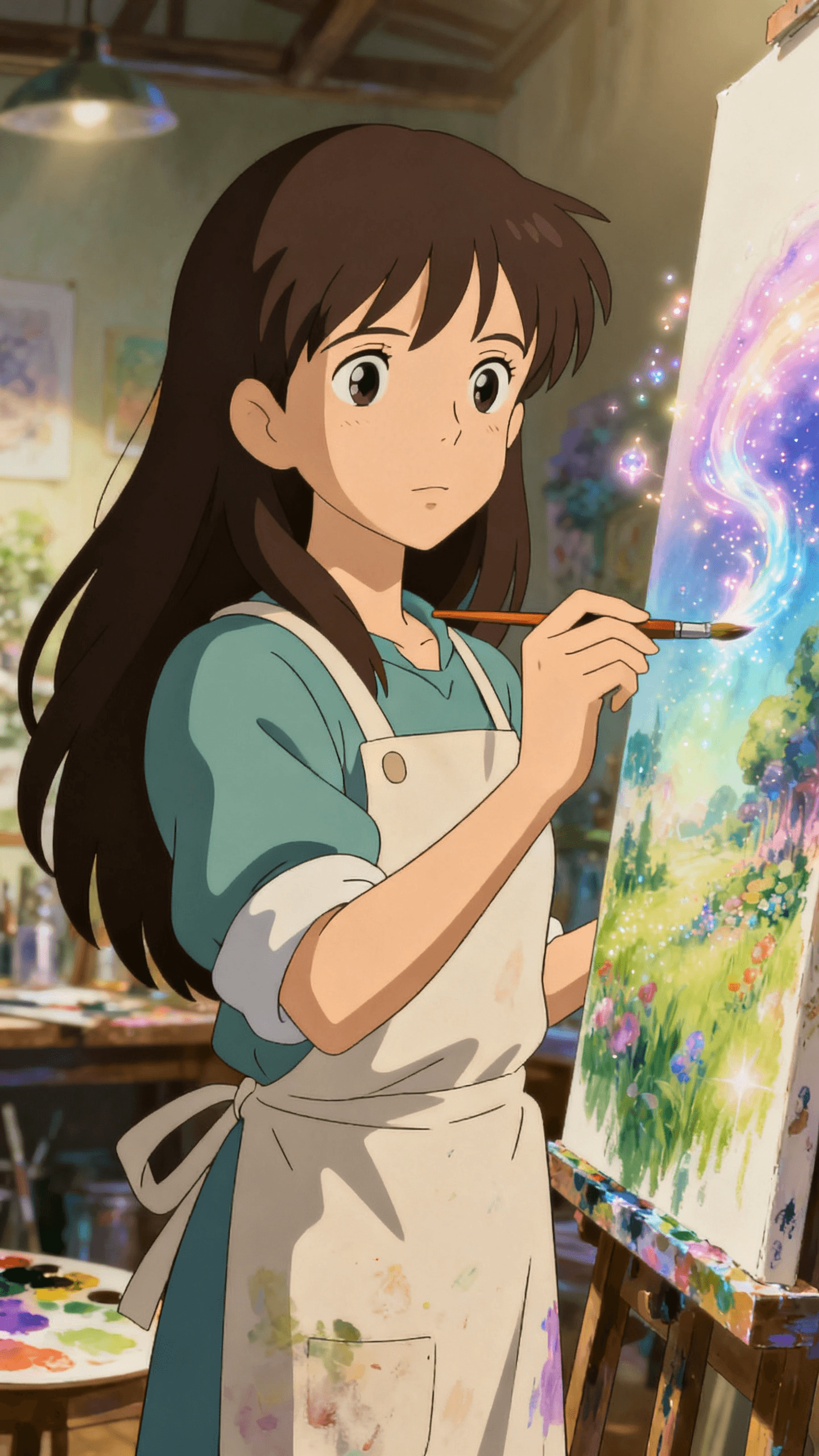
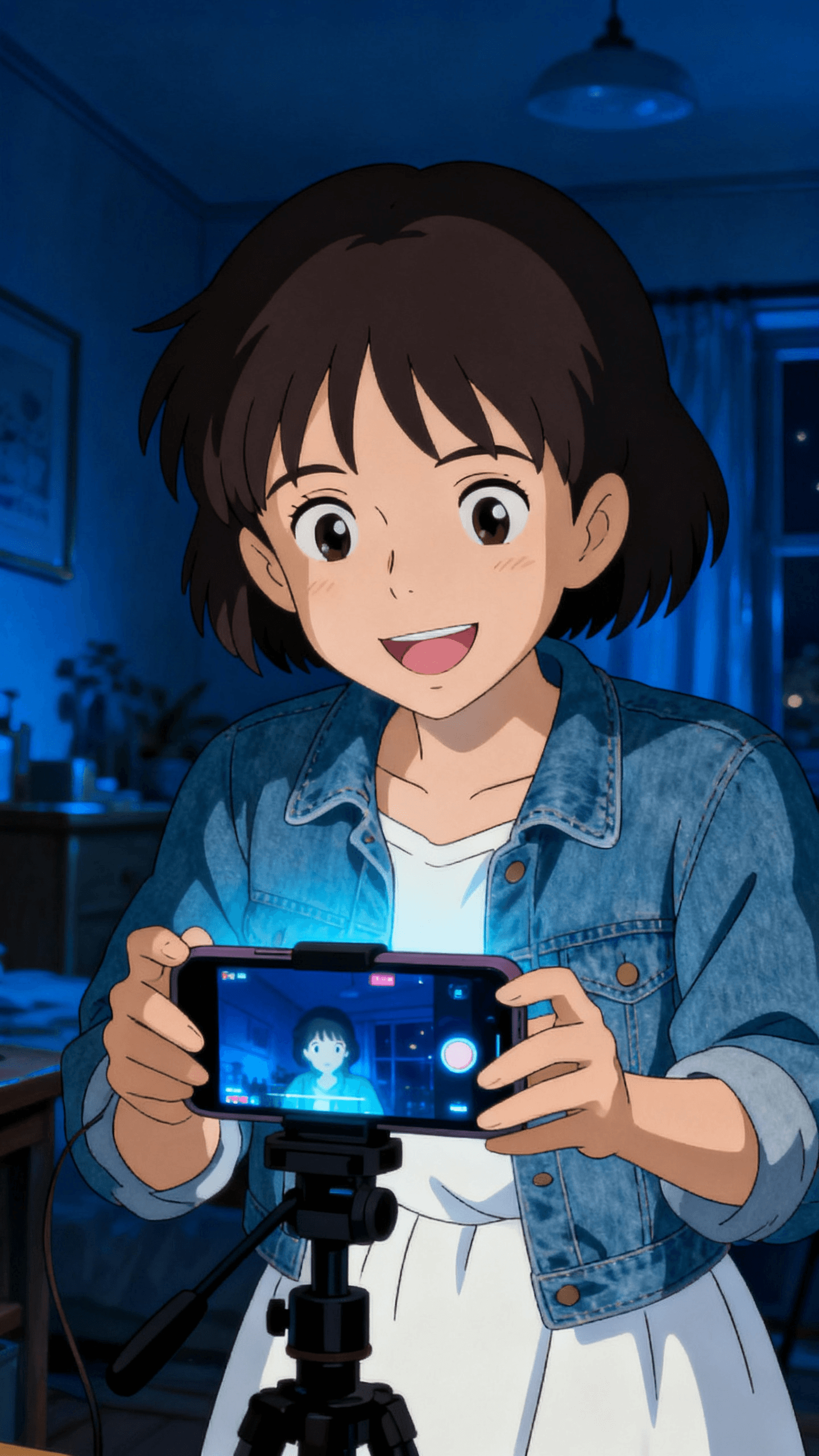
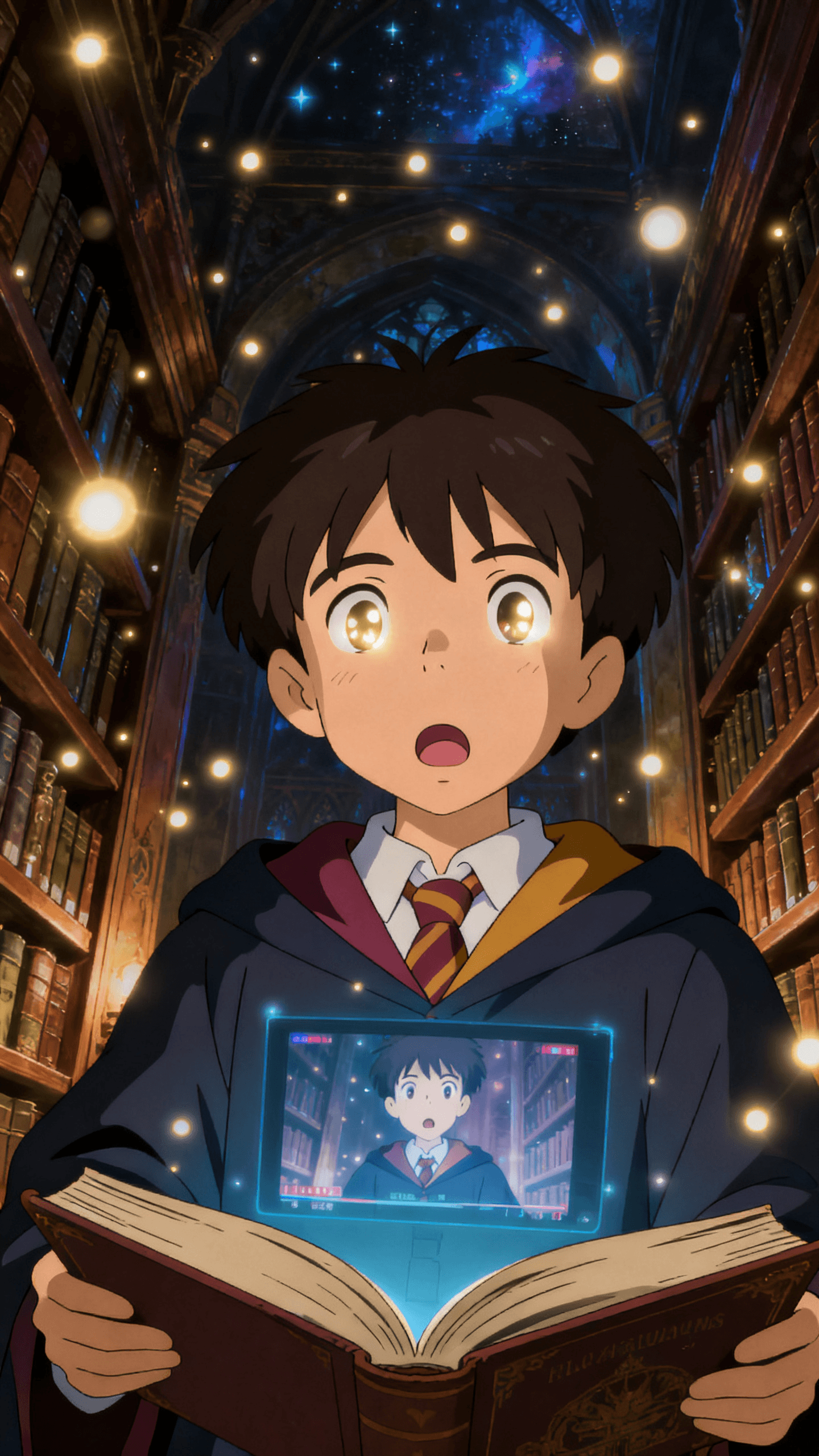
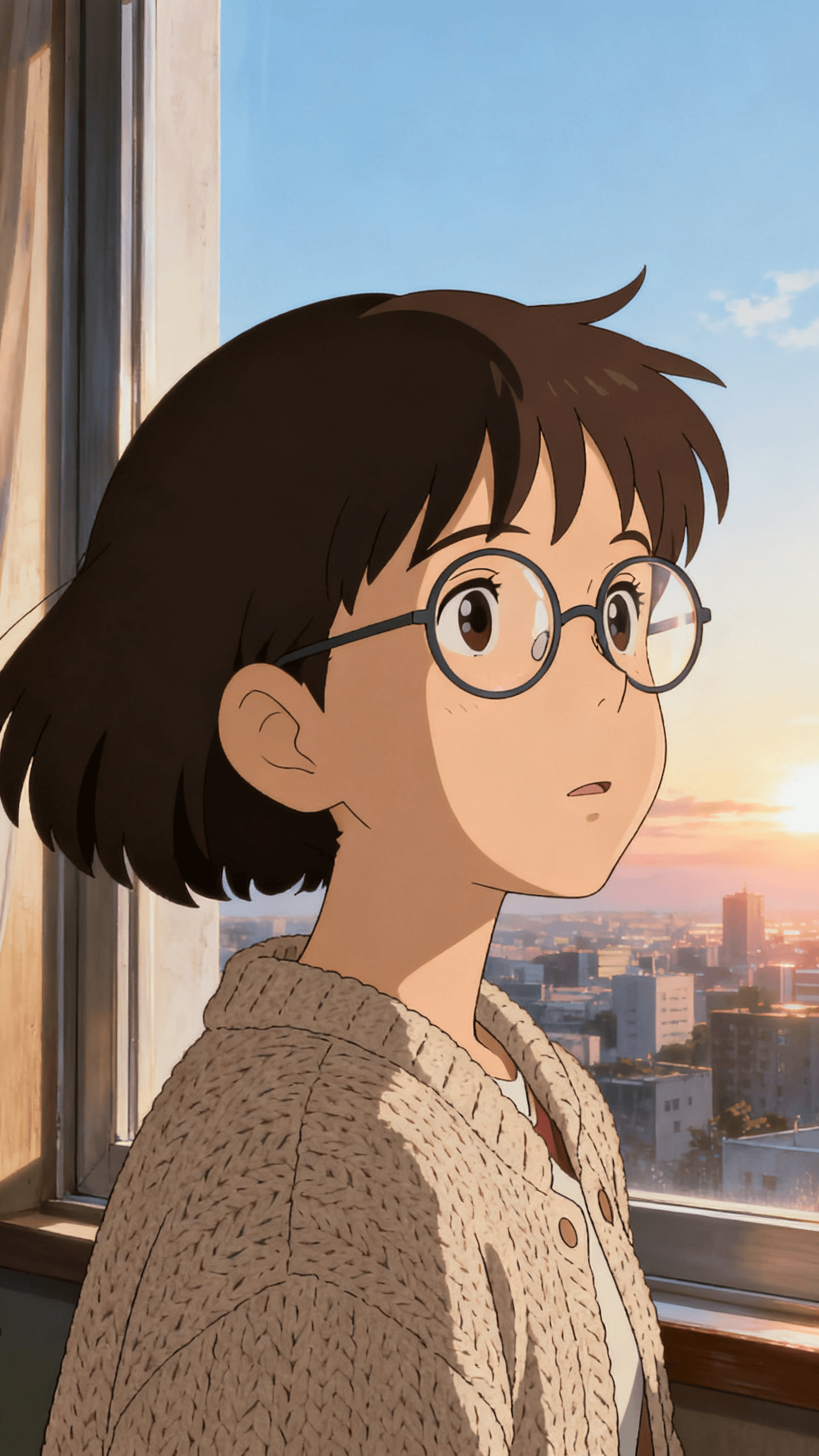
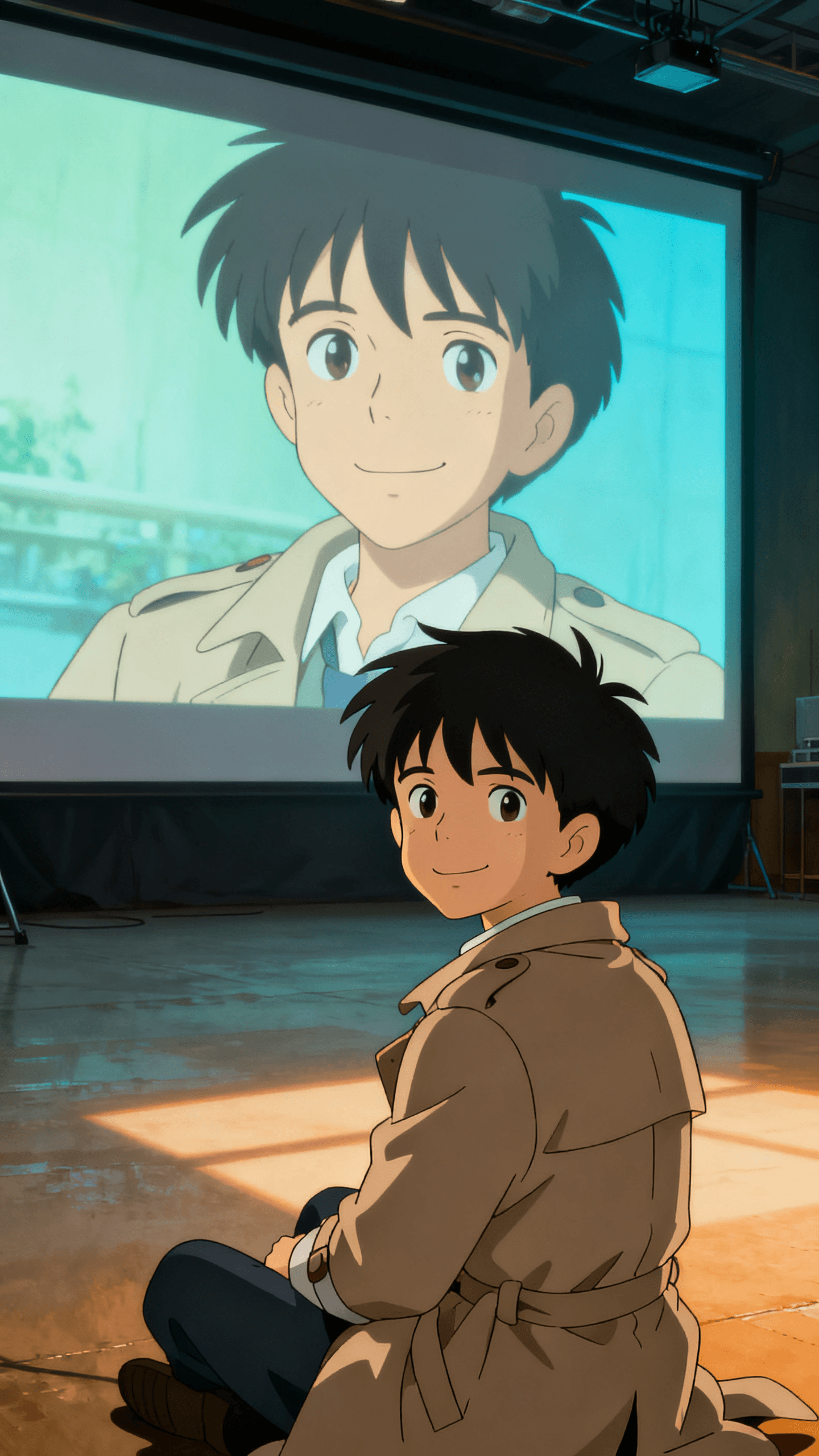
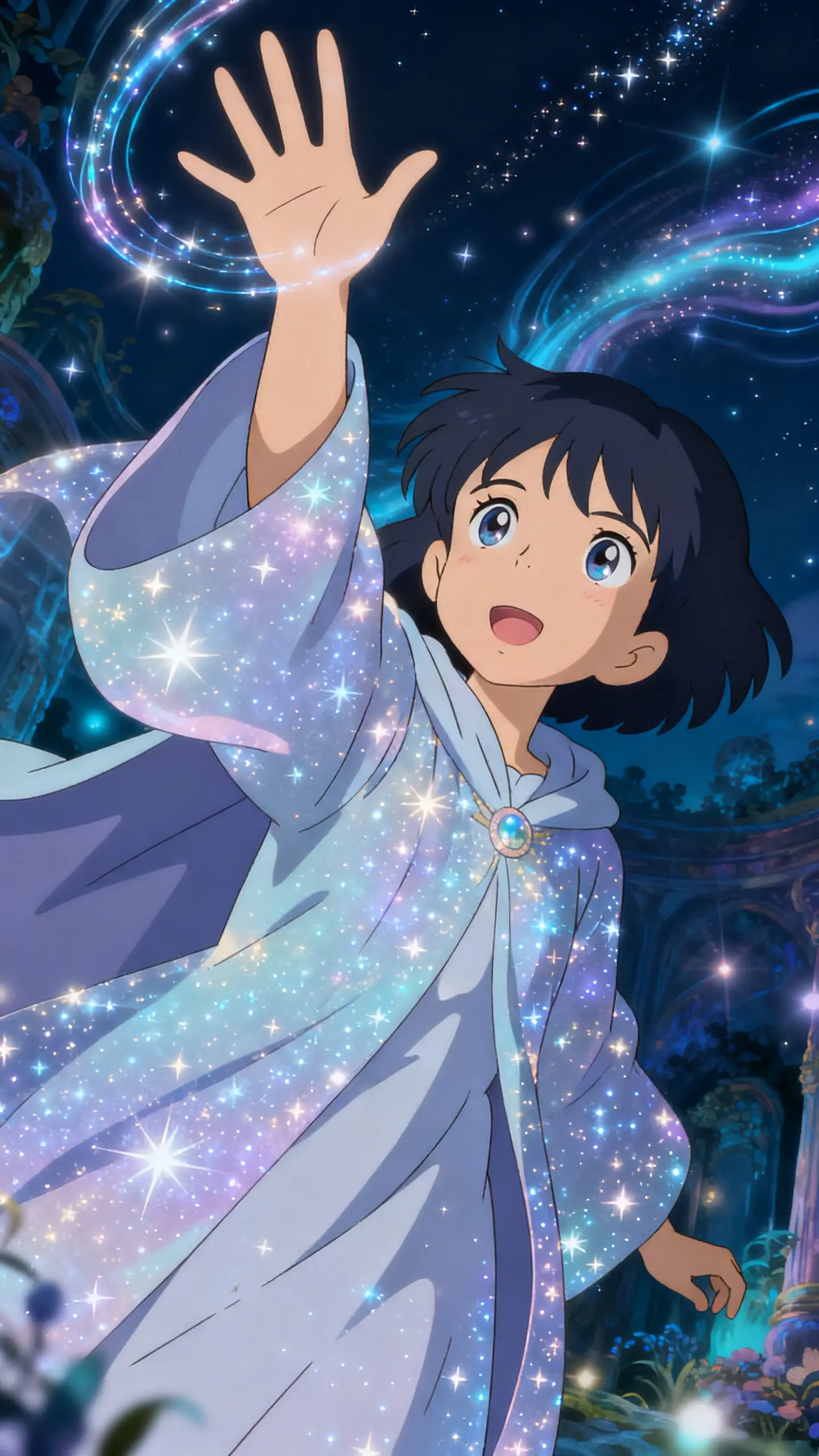
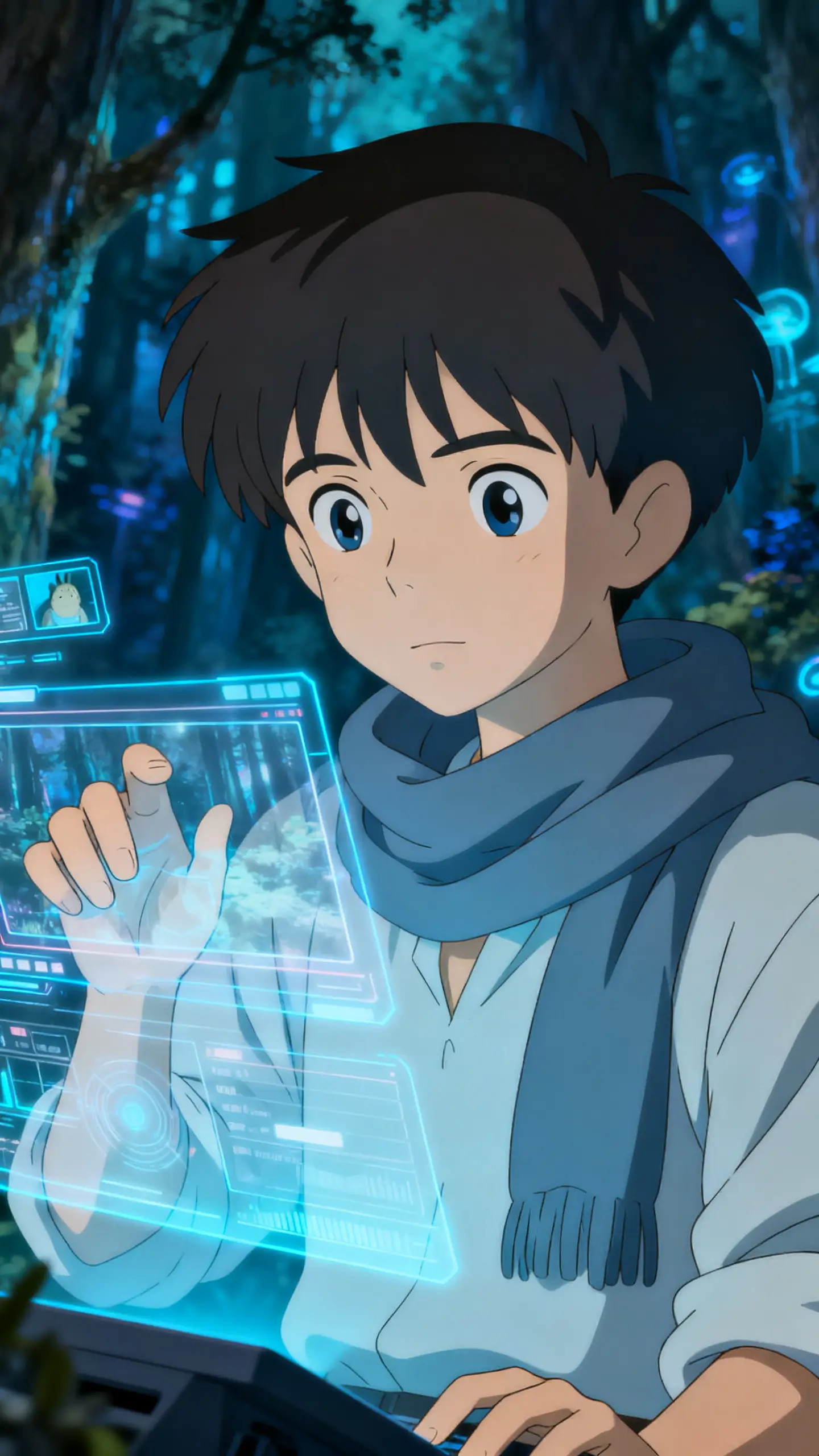
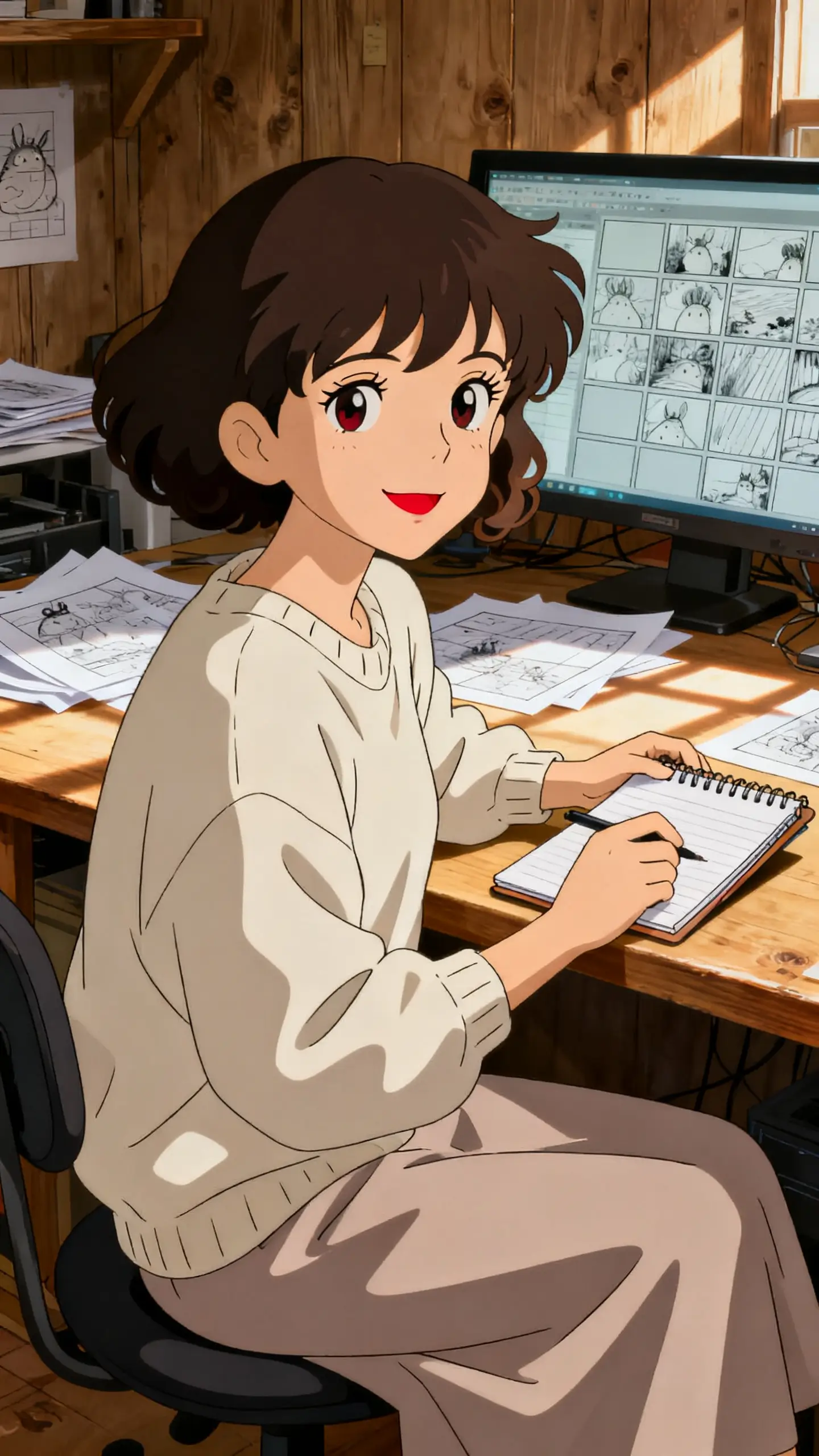
Hero background

Ghibli AI Video Generatorfor Stunning Story Reels

Convert simple ideas into dreamy visuals with smoother story flow and stronger mood. Magiclight Ghibli AI video generator helps your reels feel more polished.

Create Ghibli-Style Videos Now
ghibli ai video generator
Studio Ghibli style animation
Ghibli style reels
AI animation video maker
dreamy animation clips
Ghibli style short videos
AI cartoon animation generator
Ghibli style video creator
ghibli ai video generator
Studio Ghibli style animation
Ghibli style reels
AI animation video maker
dreamy animation clips
Ghibli style short videos
AI cartoon animation generator
Ghibli style video creator
ghibli ai video generator
Studio Ghibli style animation
Ghibli style reels
AI animation video maker
dreamy animation clips
Ghibli style short videos
AI cartoon animation generator
Ghibli style video creator

What Magiclight AI Ghibli AI Video Generator Offers

A strong Ghibli AI video generator should do more than style frames beautifully. Magiclight AI keeps scenes, mood, and story flow easier to shape from concept to post with style.

Explore the video generator
3D decoration

Build Dreamy Scenes Faster

Magiclight AI helps shape soft visuals, gentle motion, and a more cinematic story mood in one smooth flow.

Keep Characters Consistent

Hold faces, outfits, and expressions together across scenes, so each Ghibli-style video feels cleaner and easier to follow.

Switch Between Signature Styles

Pick MagicLight 2.0, 2.2, 3.0, Midjourney V7, or Sora to give your Ghibli AI video generator a softer or more cinematic look.

Manage Everything in One Workflow

Scripts, visuals, subtitles, music, and export stay connected in Magiclight AI, making video creation easier from idea to final post.

Who Is Magiclight AI Ghibli AI Video Generator Best For
Magiclight AI Ghibli AI video generator fits reels, promos, shorts, and dreamy story content. It keeps the visual mood and flow easier to shape for every creative goal.
creators
Social Media Creators
Make dreamy reels, TikToks, and short story videos faster.
Keep visuals soft, cinematic, and easier to watch throughout.
Shape Ghibli-style clips that feel more scroll-stopping and shareable.
marketers
Digital Marketers
Build promos that feel warmer, softer, and more story-led.
Give product videos a more charming and memorable visual mood.
Use Magiclight AI to create branded content with less editing pressure.
artists
Visual Artists
Turn still ideas into moving scenes with richer atmosphere.
Keep the artistic tone more consistent across multiple video moments.
Create Ghibli-inspired content for portfolios, concepts, and creative posts.
storytellers
Story Content Makers
Shape fantasy shorts, emotional clips, and dreamy visual stories.
Keep the mood, pacing, and scene flow easier to manage.
Use Magiclight AI Ghibli AI video generator for more cinematic stories.
Why Choose Magiclight
Ghibli AI Video Generator for Story Videos
Use Magiclight AI to build Ghibli-style story videos without switching between scattered tools. You keep characters steady, shape scenes faster, and publish with less delay.
Stretch Longer Story Ideas
Big ideas need more than a few rushed scenes to land well. With support for videos up to 50 minutes,Magiclight AI gives longer stories more room to breathe.
Switch Between Stronger Styles
A soft look should not lock you into one visual direction only. Magiclight AI supports MagicLight2.0, 2.2, 3.0, Midjourney V7, and other styles for a wider range.
Keep Character Identity Steady
Faces, outfits, and character presence should not drift across scenes. That makes Magiclight AI usefulwhen you want story videos to feel cleaner and easier to follow.
Move from Script to Export
Too many tools can break focus and slow the whole creative process. Storyboards, animation,subtitles, covers, and export stay more connected inside Magiclight AI.
Refine Motion with Nano Control
Nano storyboard adds micro-steps, detailed actions, and timeline control for each shot. In MagiclightAI, this gives scenes a more directed and deliberate screen feel.
Keep Content Working After Posting
Strong videos should still deliver value once the render is done. With Magic Claw, Magiclight AIhelps create, publish, schedule, and track content in one flow.

How to Make Videos With Magiclight Ghibli Video Generator

Each step keeps your Ghibli AI video generator flow clearer from the first idea to the final post.Magiclight AI helps you shape scenes, refine pacing, and export with less drag.

1.

Start with Your Story Idea

Add your script, pick the language, and choose the story model first. Set the style, aspect ratio, and overall direction before scenes begin forming.

2.

Build Your Characters and Voice

Create or select characters that fit the mood of your video. Add voiceover, character details, and storysetup so the video feels more complete early.

3.

Refine the Storyboard Flow

board FlowReview the auto-generated storyboard and fix weak prompts or flat moments. Use Nano adjustmentsto improve clothing, expressions, body type, poses, and scene actions.

4.

Render, Polish, and Export

Generate the video, choose animation, then add subtitles, music, cover, and resolution. Export thefinal video once the story flow looks clear and polished.

FAQs on Ghibli AI Video Generator

What is a Ghibli AI video generator?

Magiclight AI turns soft story ideas into Ghibli-style animated video scenes quickly. It helps creators shape gentle motion, mood, and fantasy without hard editing.

Can beginners use a Ghibli AI video generator?

Beginners can use Magiclight AI without learning complicated editing tools first. The workflow stays simple, so softer animated ideas feel easier to build.

How does a Ghibli AI video generator work?

Start with prompts, mood, and scene direction, then refine inside Magiclight AI. It then shapes visuals, movement and timing into a watchable animated flow.

Can I make social media content with it?

Yes, it can create short clips for reels, promos, and branded posts. Magiclight AI keeps the process smoother when quick Ghibli-inspired videos need posting.

Can it keep characters consistent across scenes?

Character consistency matters when scenes repeat the same face, outfit, and feeling. That becomes easier with Magiclight AI keeping looks steady across multiple scenes.

Is there a free way to test it first?

A Ghibli AI video generator can help test visual ideas before scaling. Free testing feels better whenpolished scene control comes through Magiclight AI.


Shape softer scenes, keep characters steady, and turn ideas into magical videos faster

Create Studio Ghibli-Style Animation with Magiclight AI today.