Features of the Magiclight AI GitHub Video Generator
You do not need an editing team to create high-quality videos about software projects. The free GitHub AI video generator handles your visuals and scenes perfectly.

Create videos from simple text with the Magiclight AI. Get smooth scenes, clear voices, and great visuals without professional editing skills.
Create Free AI Videos Now

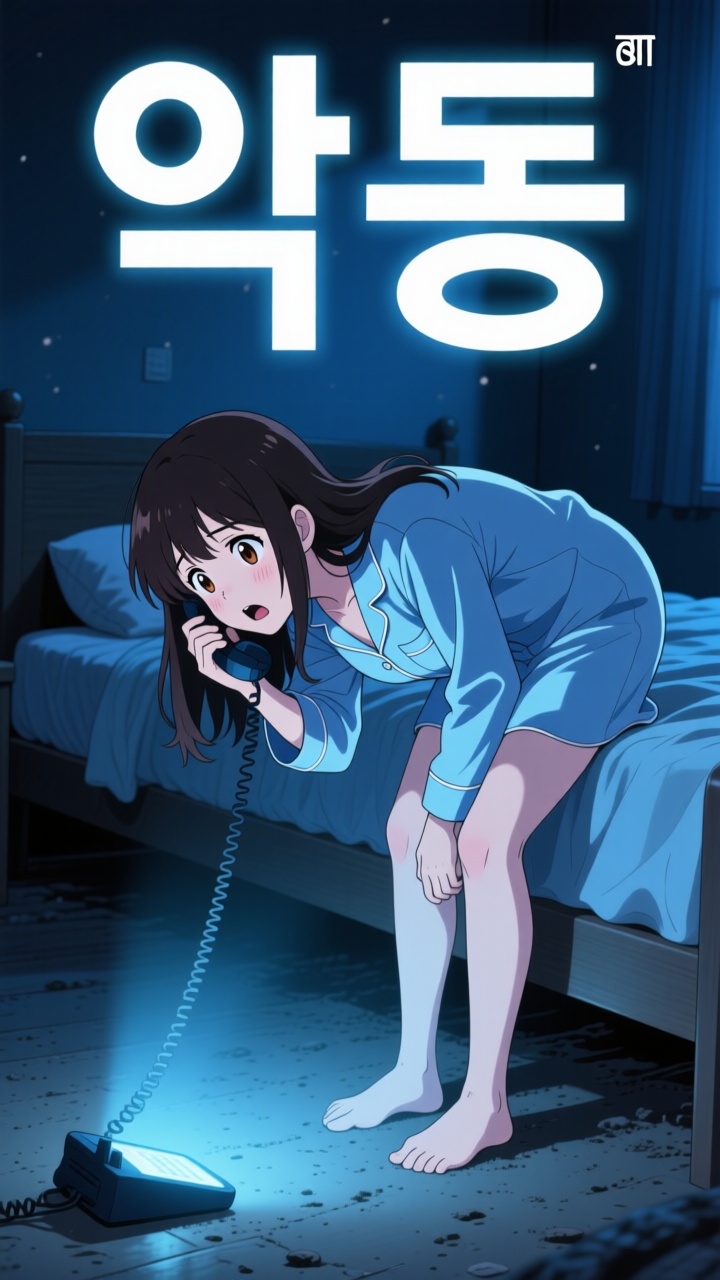
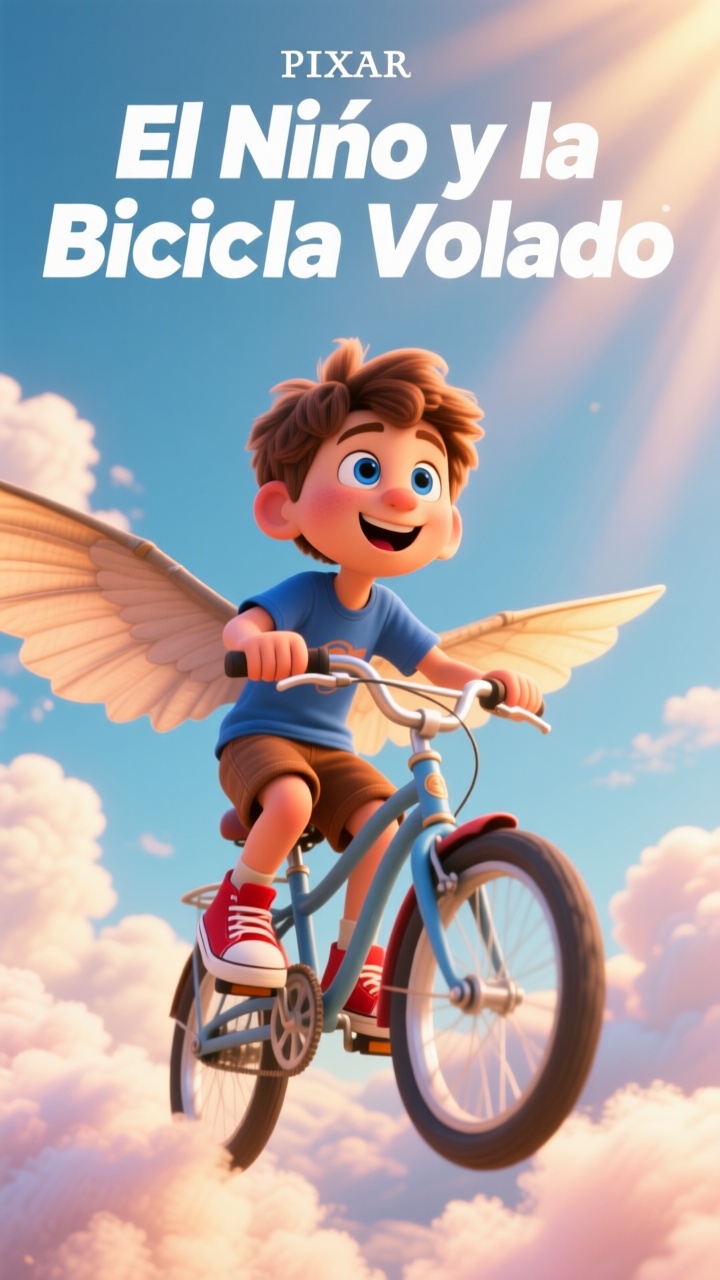
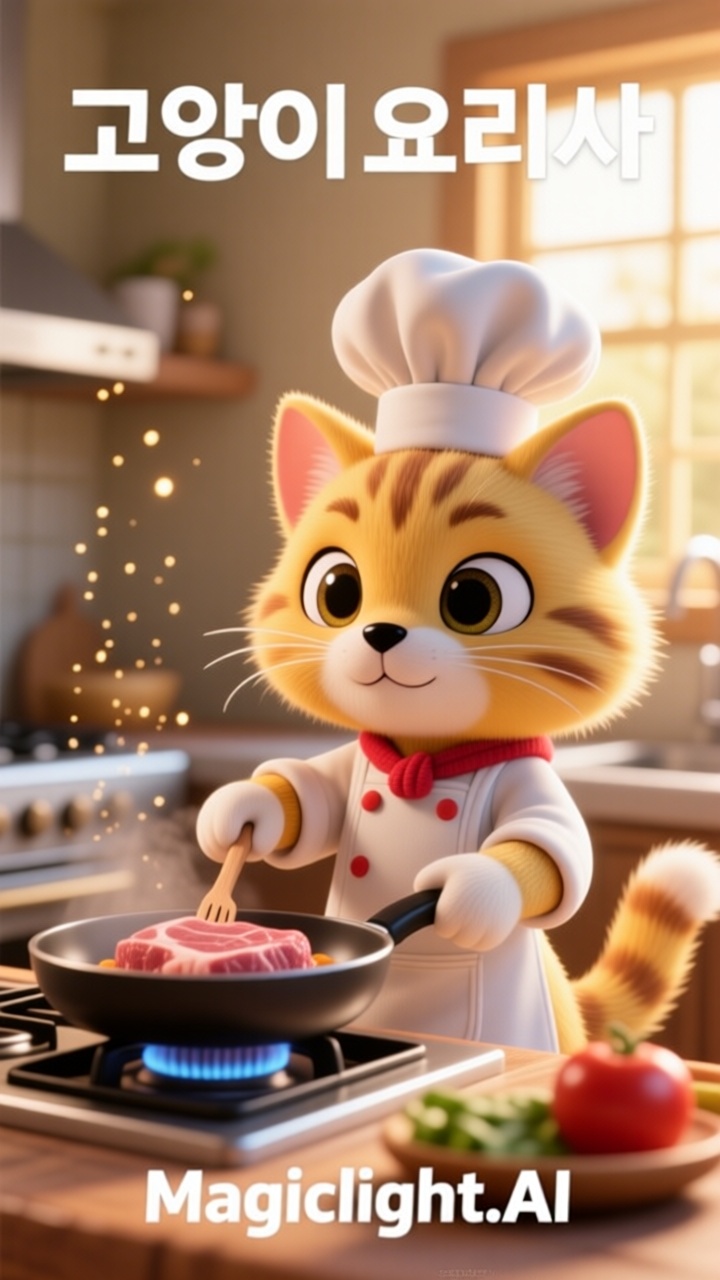
You do not need an editing team to create high-quality videos about software projects. The free GitHub AI video generator handles your visuals and scenes perfectly.

Forget cloning a GitHub repo for an AI video generator or running scripts. Magiclight AI turns one text prompt into a full video up to 50 minutes long.
Choose from 6 template types in Magiclight AI, including story clips and vlogs. Skip the blank screen and start the project with ready-made layouts.
Upload one photo and animate it with 20 AI video models, including Seedance and Veo. Create smooth, engaging videos from a single image in minutes.
Magiclight AI lets you create custom AI characters with names, voices, and styles. Choose from 37 voice options to keep projects clear and organized.


This free GitHub AI video generator makes it easy to create an attractive video in Magiclight AI. No editing background is needed to get a clean and presentable result.
Type your topic, idea, or script into Magiclight AI, and no GitHub repo is needed. Describe the scenes, tone, and message you want your video to show.
Choose an art style from realistic options to stylized graphics within Magiclight AI. The platform saves your visual preferences into a template for recurring project creation.
Review the automatically generated scene-by-scene storyboard structure inside Magiclight AI. Use Nano tools to fine-tune poses, angles, and timing before the clip finalizes.
Pick your resolution, add subtitles and music, then export the video in 1080p. The system creates the correct layout dimensions for YouTube widescreen formats or vertical shorts.
No, Magiclight AI needs no coding or software setup. Type your idea, choose your settings, and the platform creates a complete video with simple guided steps.
You can export videos in 9:16 and 16:9 with 720p or 1080p quality in Magiclight AI. Your finished videos are ready for Shorts and many other viewing platforms.
This GitHub AI video generator supports longer videos from scripts up to 12,000 characters. Create short clips or longer stories without splitting your project into parts.
You can review and edit every storyboard scene before exporting. Magiclight AI lets you adjust 50 poses, camera angles, and details to fine-tune each video.
Uploading images and turning them into moving clips is fully supported in Magiclight AI. Its one-click video generation features offer 14 AI models to generate smooth motion.
Yes, this GitHub image-to-video generator supports realistic, cartoon, cinematic, and other styles. Pick the look that matches your content and keep it consistent throughout.



Turn any idea into a finished video with Magiclight AI, no installation or coding skills needed.