
Features of MagicLight AI Google New Video Generator
All videos start with a single concept. MagicLight AI transforms your concept into scenes, voices, and motion, matching what users search for in the new Google AI video generator.

Go from thoughts to long clips in seconds using Magiclight AI’s new Google video generator tool. This lets you plan and create videos from your ideas.
Try Google AI Video Generator For Free
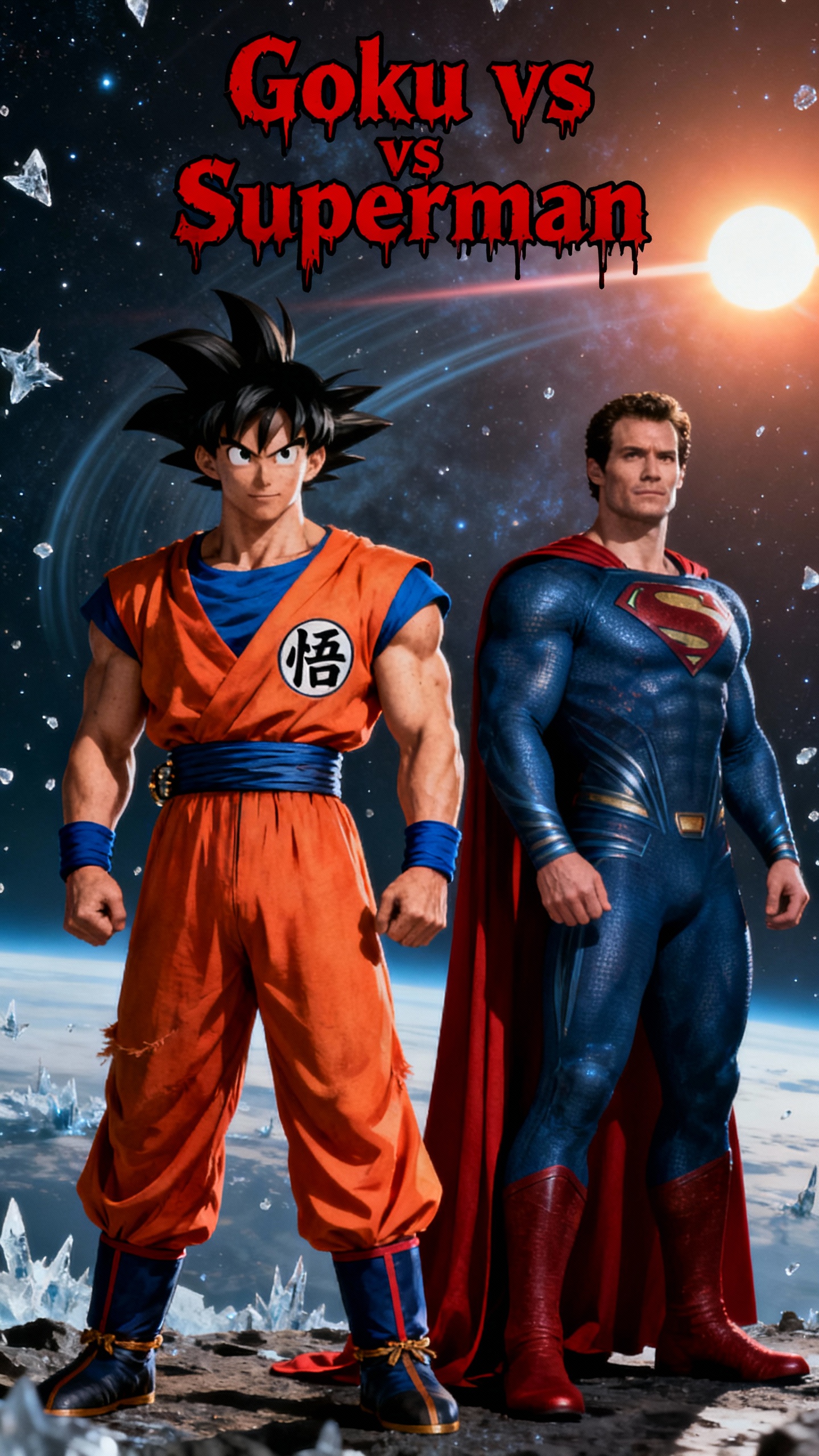
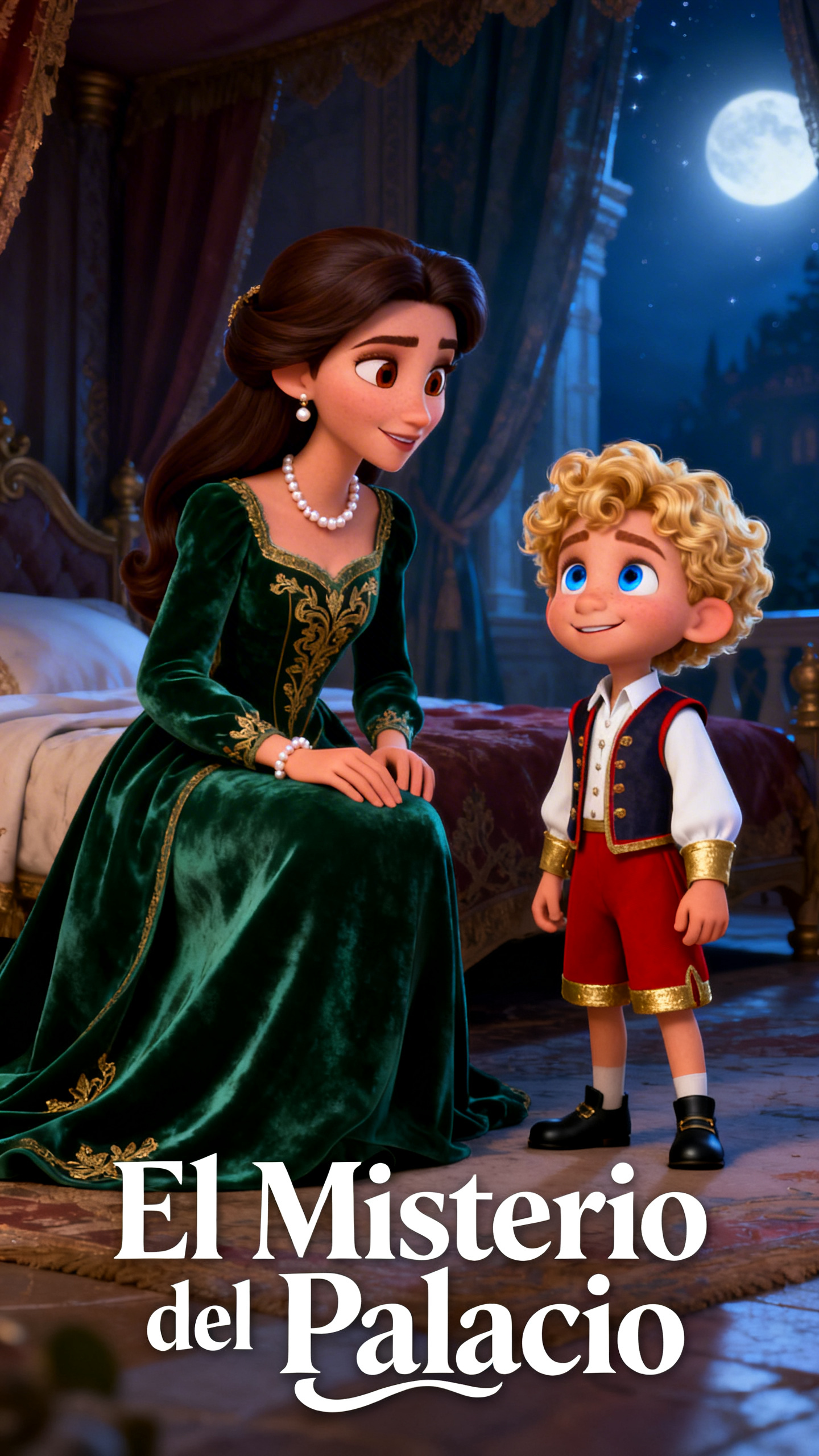

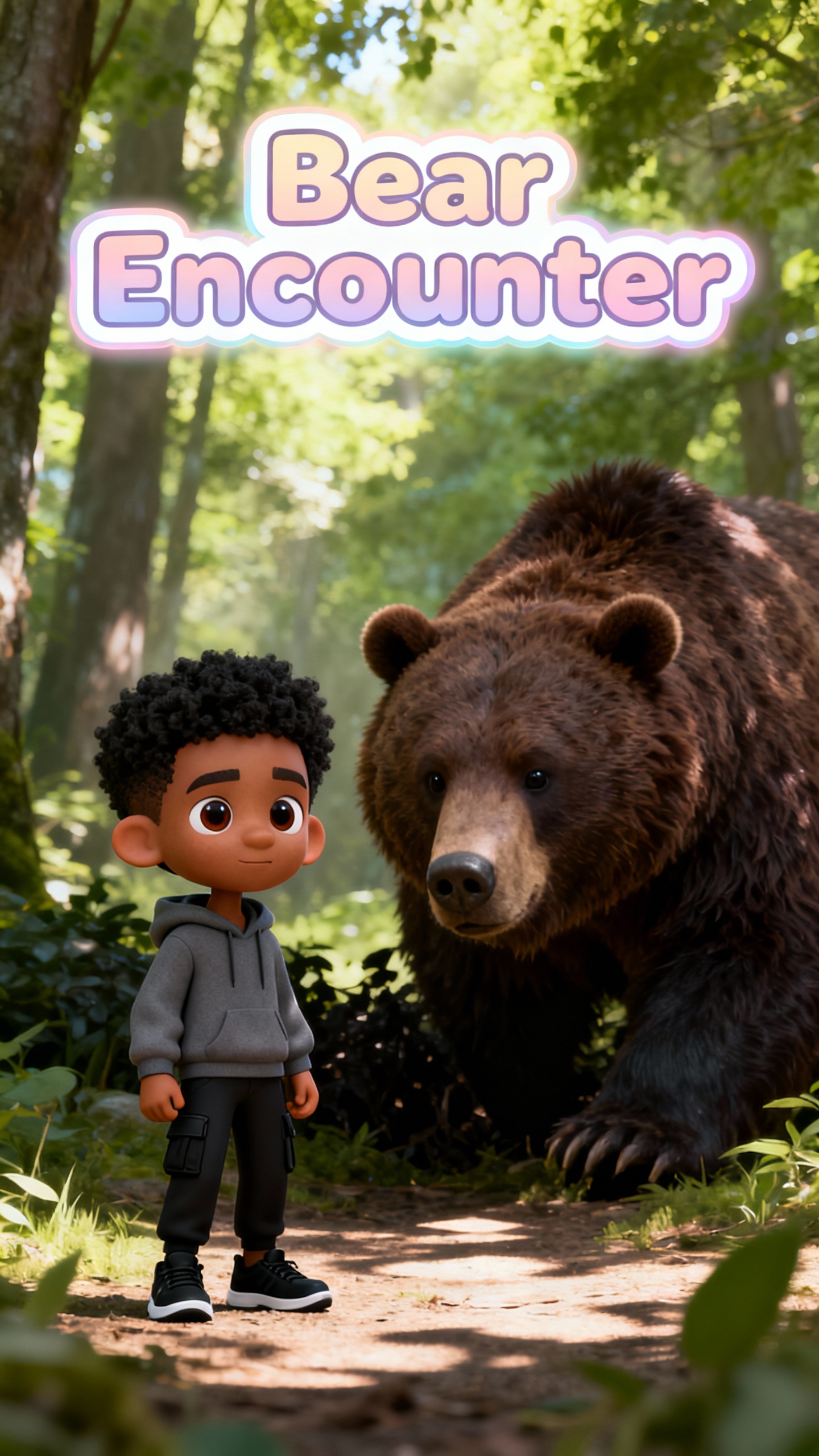
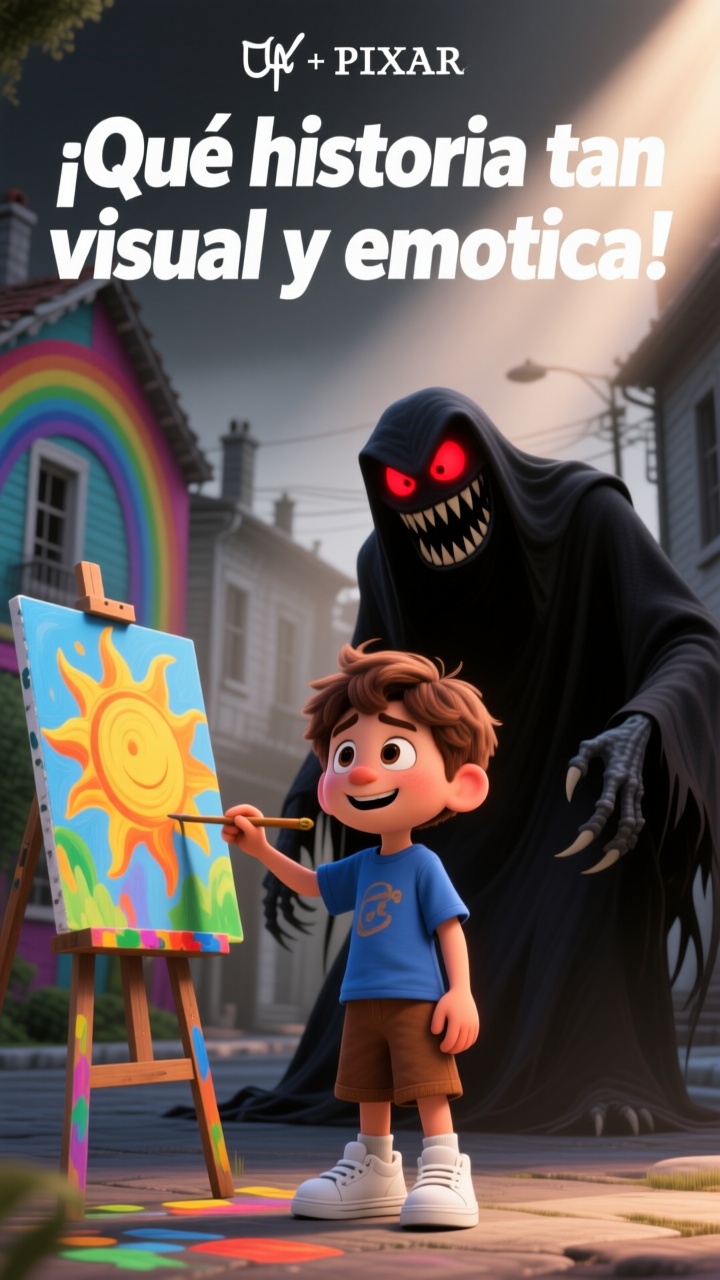
All videos start with a single concept. MagicLight AI transforms your concept into scenes, voices, and motion, matching what users search for in the new Google AI video generator.

Select from 9 MagicLight AI story models, including Google's Gemini 3, GPT-5.4, and more. Each one is built for a different tone and topics.
MagicLight AI turns your script into a Google AI video up to 50 minutes long, from short clips to full episodes.
With 16 subtitle styles, MagicLight AI makes your video dialogues look refined and easy to read on any screen.
Choose from 37 voice options or clone your own. MagicLight AI matches the music and sound, so it does not sound flat.


MagicLight AI’s new Google video generator transforms a single concept into a complete video within your browser in 4 simple steps.
Type your idea or paste a script of up to 12,000 characters. Include the subject, tone, and length that will be used to direct scenes.
Select the style you want for your story, and then choose a voice from 37 options, or create your own voice to use for the story’s host.
Before finalization of the video, open the Storyboard and adjust camera angles and facial expressions to match your concept for each scene.
Preview the finished video and download it in HD, ranging from 720p to 1080p. Publish the video to Reels or any other video platform you use.
MagicLight AI’s new Google video generator is a text-to-video tool that offers the same style, with its own sets of models, voices, and visual styles.
MagicLight AI exports in 9:16 or 16:9, so your video simply fits Reels, TikTok, and YouTube without resizing
No. MagicLight AI’s new Google video generator tool requires no special hardware and is compatible with any laptop or phone.
Yes. MagicLight AI preserves your character’s face, voice, and outfit so you can reuse them in new videos you create.
No. MagicLight AI guides you through simple steps, allowing even new users to create a video without prior experience.
Yes. MagicLight AI lets you create and download your first video without providing any payment information.



Share your script and watch MagicLight AI create a complete video for publishing today.