


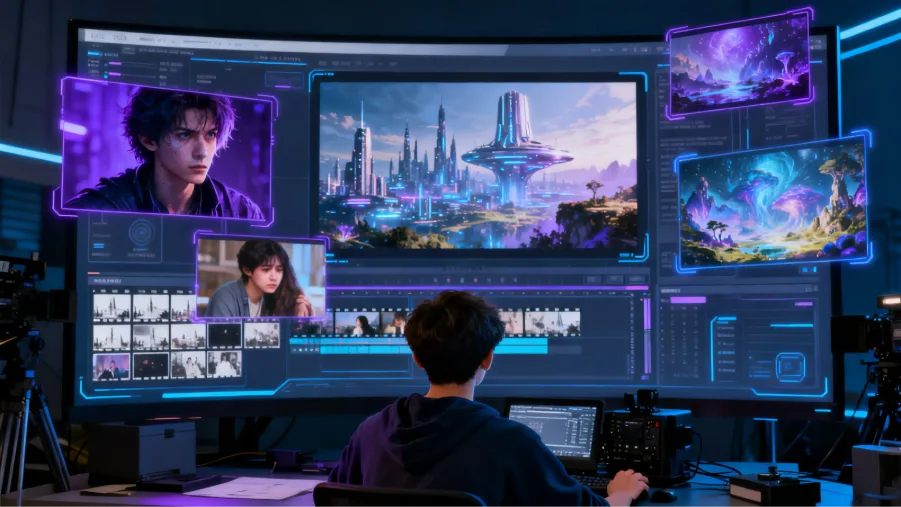
AI has made short-film creation more accessible, but the best tools should do more than generate visually impressive clips. Creators also need to consider storytelling, scene continuity, character consistency, editing flexibility, and how easily ideas can be developed into a finished film. This guide compares several options for finding the best AI short film generator free, with a focus on what each tool offers for different creative needs.In this article, we’ll introduce five useful AI short film generators and compare what each one can offer.
Part 1. 5 Best AI Short Film Generators to Try
1. MagicLight AI
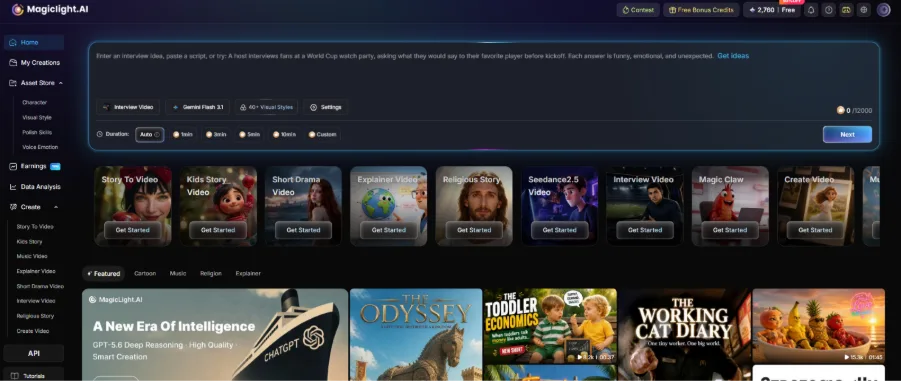
MagicLight AI is an AI video creation platform designed to turn ideas, scripts, and stories into complete, story-driven videos. For AI short films, it goes beyond generating individual clips by connecting story development, scene planning, character consistency, animation, and voice generation in one workflow. It also brings together advanced models such as Seedance 2.5, Kling 3.0, and Gemini Omni, giving creators more flexibility when developing scenes and visual styles. Creators can develop a story, organize multiple scenes, and refine the visual and narrative details before producing the final video. This makes MagicLight especially useful for short films that need a clear storyline and consistent characters from beginning to end.
Key Features
- Turns ideas and scripts into structured, multi-scene videos – Helps transform a simple concept or script into a connected short-film storyline with organized scenes.
- Maintains consistent characters and visual styles across scenes – Keeps recurring characters and the overall visual direction more consistent throughout the film.
- Combines storyboarding, animation, voice generation, and video creation – Brings key parts of the production process together, reducing the need to switch between different tools.
Best For: Creators who want to produce complete, story-driven AI short films.
Pros
- Supports the entire short-film creation workflow – Covers story development, scene creation, animation, voice, and final video production in one workflow.
- Helps maintain continuity between scenes and characters – Makes it easier to create longer stories where characters and visual styles need to remain consistent.
- Reduces the need to combine multiple production tools – Creators can handle more of the filmmaking process in one platform, making the overall workflow more efficient.
Cons
- Users looking for highly specialized shot-level controls may prefer dedicated video generators.
2. Runway
Runway is a creative AI video platform that combines video generation, editing, and visual effects for creators working on cinematic content. For AI short films, its main strength is giving filmmakers more control over individual shots, from camera movement and visual composition to atmosphere and special effects. Creators can generate scenes from text or images, refine the footage afterward, and use visual references to guide characters, locations, and objects. This makes Runway a strong choice for short films where visual quality and shot-level creative control are more important than having an all-in-one storytelling workflow.
Key Features
- Text-to-video and image-to-video generation for creating short-film scenes from prompts or visual references.
- AI-powered editing and visual effects to refine shots and add creative details.
- Visual references for maintaining characters, locations, and objects across scenes.
Best For: Filmmakers who want cinematic visuals and detailed control over individual shots.
Pros
- Strong creative control – Gives filmmakers more flexibility when shaping shots, compositions, and visual styles.
- Useful editing and visual effects tools – Helps refine generated footage and add visual details for a more polished result.
- Well suited to cinematic short films – Works particularly well for projects that focus on detailed visuals and individual scene quality.
Cons
- Longer films may require more manual scene assembly – Multiple generated shots often need to be arranged and connected manually.
- Some advanced features have a learning curve – New users may need some time to understand the available creative and editing controls.
3. Kling AI
Kling AI is an AI video generation platform known for its focus on realistic visuals, character movement, and dynamic scenes. These capabilities make it particularly useful for AI short films that rely on action, physical interaction, or expressive character performances. Creators can start with text or image references and generate scenes with detailed environments and natural-looking motion, which can then become individual shots within a larger film. However, creators may still need additional tools to organize those shots into a complete narrative.
Key Features
- Text-to-video and image-to-video generation – Create short-film scenes from prompts or reference images with flexible visual inputs.
- Realistic character movement and dynamic motion – Generate natural character actions and fluid movement for more engaging scenes.
- Detailed environments and cinematic scene generation – Build visually rich settings with detailed backgrounds and a cinematic atmosphere.
Best For: Action-driven short films and projects that require realistic motion.
Pros
- Strong motion generation – Produces fluid and realistic movement for characters and objects.
- Good for action and dynamic scenes – Works well for sequences that involve movement, interaction, or dramatic action.
- Supports visual references – Reference images can help guide the look and feel of generated scenes.
Cons
- More focused on individual scene generation – It is better suited to creating separate shots than building a complete film in one workflow.
- Complete films may require additional editing – Creators may need external tools to arrange scenes and build a cohesive final short film.
4. Pika
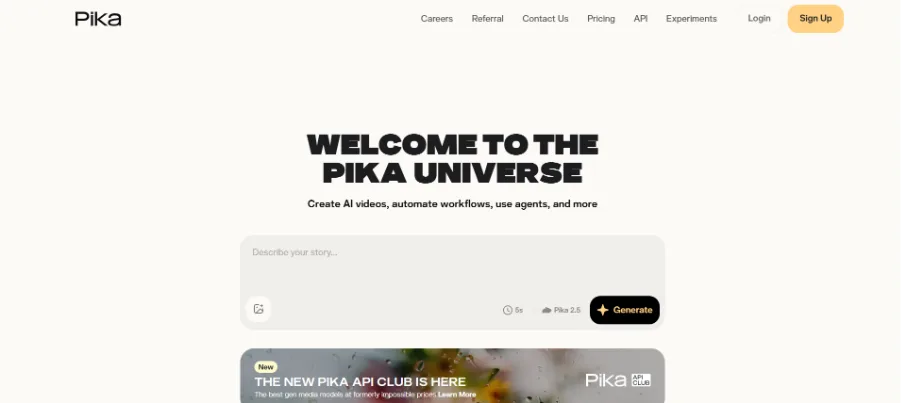
Pika is an accessible AI video creation platform designed for quickly turning creative ideas into short visual content. For AI short films, it works well when creators want to experiment with stylized scenes, visual effects, and imaginative concepts without spending too much time on a complicated production setup. Its straightforward approach makes it useful for beginners and social media creators who want to test different story ideas or create individual scenes. For longer or more narrative-focused short films, however, additional planning and editing may be needed to connect separate generations into a coherent story.
Key Features
- Creative AI effects and transformations – Apply stylized effects and transform generated visuals to give scenes a more distinctive look and feel.
- Creative AI effects and transformations – Apply stylized effects and transform generated visuals to give scenes a more distinctive look and feel.
- Simple tools for short-form video creation – Offers an accessible workflow for producing quick, engaging videos without a complicated production process.
Best For: Beginners and creators making short, stylized AI films or social media videos.
Pros
- Easy to get started – Its straightforward workflow makes it accessible for creators who are new to AI video generation.
- Good for creative experiments – A variety of effects and transformations allow users to test different visual concepts quickly.
- Suitable for social media content – Works well for short, eye-catching videos designed for platforms where quick visual storytelling matters.
Cons
- Less focused on long-form storytelling – The workflow is better suited to short clips and simple projects than longer narrative films.
- Complex narratives may require additional editing – More detailed stories can require extra work to connect scenes and refine the final video.
5. Luma Dream Machine
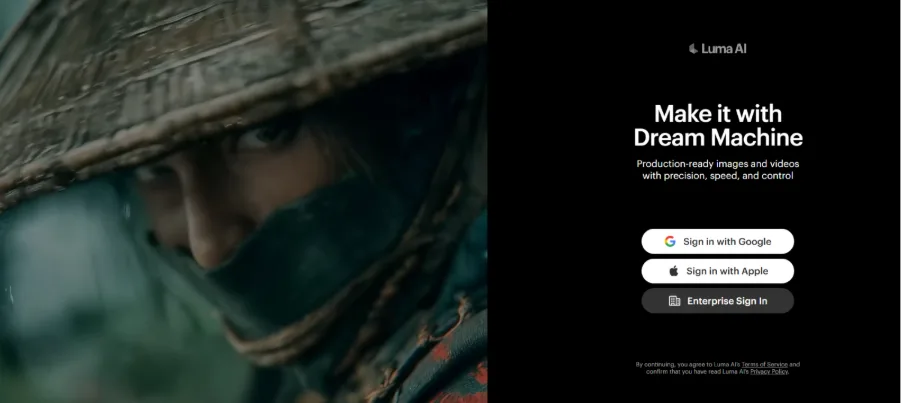
Luma Dream Machine is an AI video generation platform focused on creating cinematic visuals from text and image references. For AI short films, it is especially useful when the project depends on realistic environments, camera movement, and visually rich individual scenes. Creators can use features such as image-to-video generation, keyframes, and video extension to develop shots with more controlled visual progression. While these capabilities give filmmakers flexibility when building cinematic sequences, turning multiple generations into a complete short film still requires careful attention to story structure, pacing, and scene continuity.
Key Features
- Text-to-video and image-to-video generation – Create cinematic shots from written prompts or visual references, giving creators flexibility when developing different scenes.
- Keyframes and video extension – Build scenes around key moments and extend existing footage when a sequence needs more time or visual development.
- Cinematic camera movement and realistic motion – Add dynamic camera shots and natural movement to make individual scenes feel more polished and film-like.
- Best For: Creators focused on cinematic scenes and visual storytelling.
Pros
- Strong cinematic visuals – Produces detailed scenes with a polished, film-oriented visual style.
- Useful camera and keyframe controls – Gives creators more control over how shots develop and transition.
- Good for developing individual film sequences – Works well when creators want to focus on refining specific scenes or moments.
Cons
- Complete storytelling requires additional planning – Creators may need to organize individual shots separately to build a full narrative.
- Scene continuity may need manual refinement – Maintaining consistent characters, settings, and visual details across multiple scenes can require extra adjustments.
Part 2. How to Choose the Best AI Short Film Generator
Choosing an ai short film generator means looking beyond visual quality. The right tool should support storytelling, consistent characters, flexible editing, and a practical creation process.
- Visual Quality and Motion — Look for realistic visuals, natural movement, lighting, and cinematic camera effects.
- Story and Scene Creation — A good ai animated short film generator should turn ideas or scripts into connected scenes rather than isolated clips.
- Character Consistency — Recurring characters should maintain their appearance, style, and key details throughout the film.
- Editing Flexibility — Scene adjustments, visual customization, voice, and pacing controls can make the final result easier to refine.
- Free Access — If you're looking for a short film ai generator free, check credits, export limits, video length, and watermark restrictions before choosing.
| Tool | Visual Quality & Motion | Story & Scene Generation | Character Consistency | Creative Control & Editing | Free Access & Value |
| MagicLight AI | Strong for animated and story-driven visuals | Excellent — turns ideas and scripts into connected scenes | Strong across multiple scenes | Strong — supports scene, visual, voice, and pacing adjustments | Good for creators starting with AI short films |
| Runway | Excellent for cinematic visuals and camera effects | Good for developing individual film scenes | Strong with visual references | Excellent for shot-level editing and effects | Good, but advanced use may require paid credits |
| Kling AI | Excellent for realistic motion and dynamic shots | Moderate — mainly focused on scene generation | Strong for visual references | Good for controlling generated scenes | Good for testing AI video generation |
| Pika | Good for stylized and creative visuals | Basic — better suited to short scenes | Limited compared with story-focused tools | Good for creative effects and quick adjustments | Accessible for beginners and experimentation |
| Luma Dream Machine | Excellent for cinematic motion and environments | Moderate — stronger for individual sequences | Good with references and keyframes | Strong for visual and camera control | Suitable for visual experimentation |
FAQs on AI Short Film Generators
1. Can beginners make an AI short film?
Yes. MagicLight AI offers a beginner-friendly way to develop a film without requiring professional filmmaking experience, so new creators can focus on their ideas rather than complicated production techniques.
2. How can I make an AI short film feel more original?
Start with a distinctive premise, memorable characters, and a clear creative direction. MagicLight AI can help turn those creative choices into a more personalized visual story instead of relying on generic footage.
3. Can AI short films be made in different visual styles?
Yes. Creators can experiment with cartoon, anime, cinematic, or other artistic directions. MagicLight AI gives users room to explore different looks while developing their own visual identity.
4. What type of stories work well for AI short films?
Stories with a clear central idea, strong visual moments, and manageable character interactions tend to work well. With MagicLight AI, creators can explore everything from emotional narratives to fantasy and humorous short-film concepts.
5. Is AI suitable for making short films for social media?
Definitely. Short films can be adapted for platforms where viewers expect concise and visually engaging content. MagicLight AI can help creators turn a film concept into shareable video content without building a traditional production setup.


![How to Write a Script for a Short Film in 2026 [Beginner’s Guide]](https://magiclight.ai/wp-2/wp-content/uploads/short-film-screenplay-writing-guide-300x169.webp)


