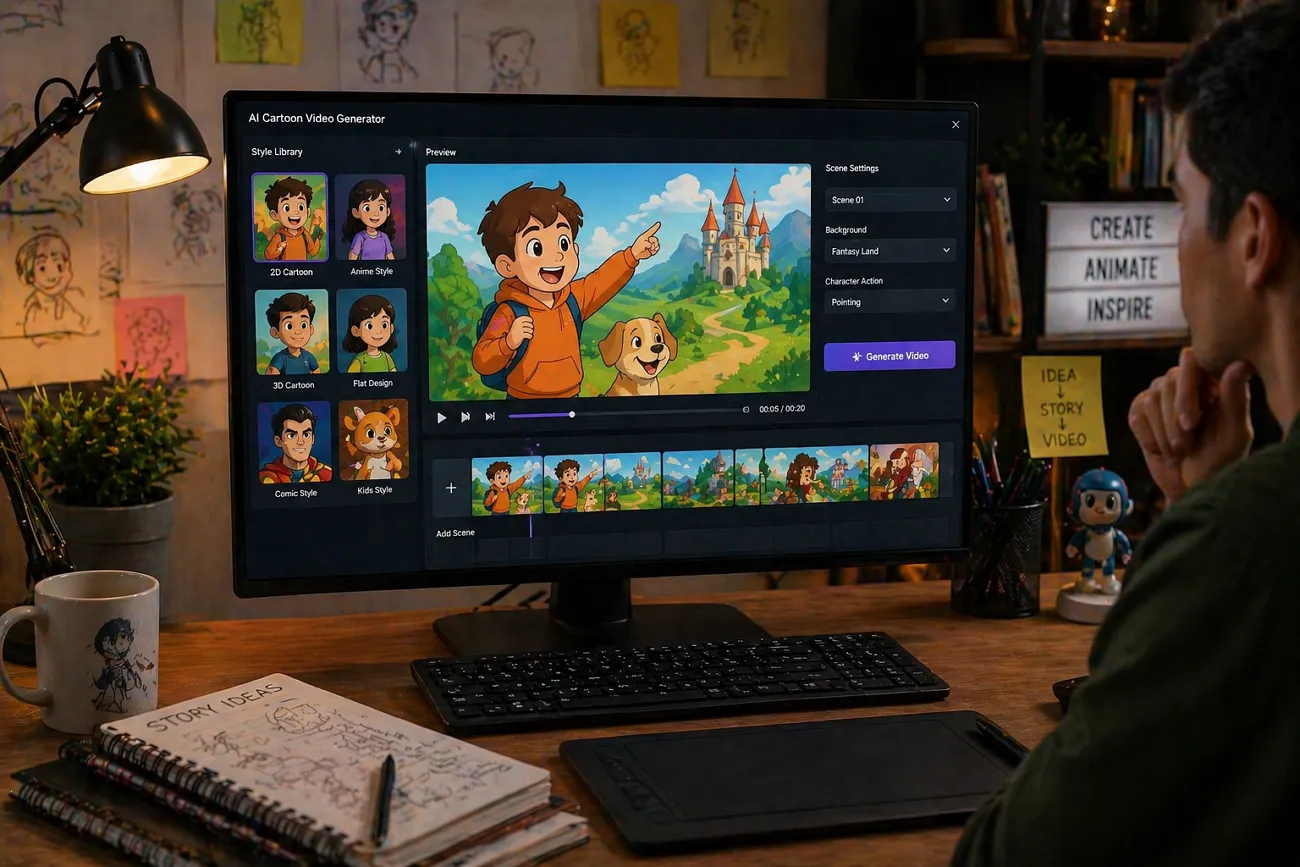
AI cartoon tools let anyone turn simple ideas into fun videos with less effort. You no longer need a studio or team, because smart AI handles many complex parts of production automatically. These tools support many cartoon styles, from cute and simple designs to dynamic looks. This guide explores the best AI cartoon video generator options with free tools and powerful paid platforms.
Part 1. 10 Best AI Cartoon Video Generators
The 2026 internet offers many AI tools for turning ideas into engaging cartoon videos. First, we will explore the best cartoon AI video generator options and then compare them in simple terms.
1. Magiclight.AI
This AI innovation helps you turn simple story ideas into complete animated videos with smooth scenes in just minutes. It keeps characters, lighting, and drawing style consistent across every scene, so your final video feels professional throughout. You can choose character looks similar to Disney, Pixar, and Ghibli using focused, high‑quality style settings.
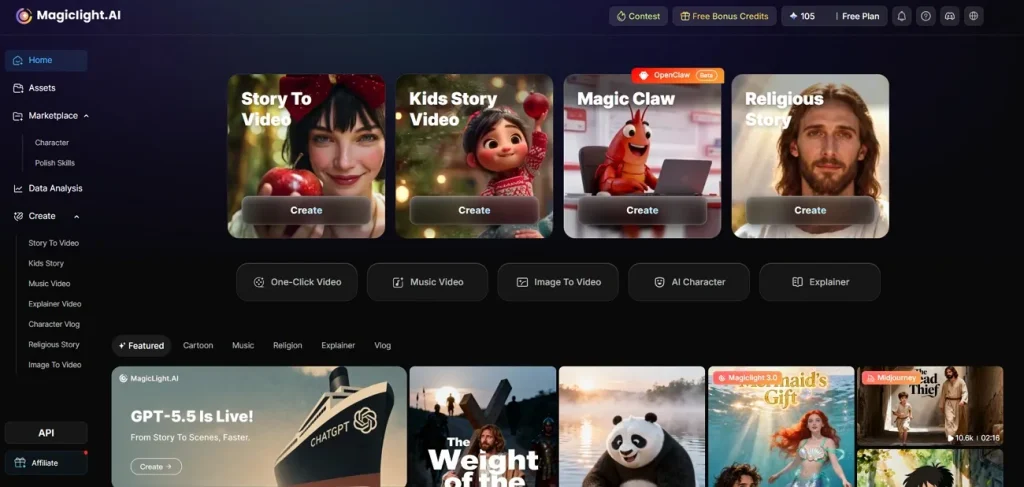
Magiclight.AI offers a friendly setup for children’s content, creating bright colors and playful stories that young viewers enjoy. There are 20 visual styles to pick from, plus 37 built‑in AI voices and instant voice cloning support.
Pros
- Magiclight.AI can turn a short text idea into complete scenes automatically.
- You can create videos on a browser, iPhone, or Android without installing.
- Simple step controls help you set character age, outfits, and drawing style.
- Brings together models like Seedance 2.0 and VEO 3 for stronger results.
Con
- Does not offer diverse output resolutions, with a maximum support of up to 1080p resolution.
2. Vyond
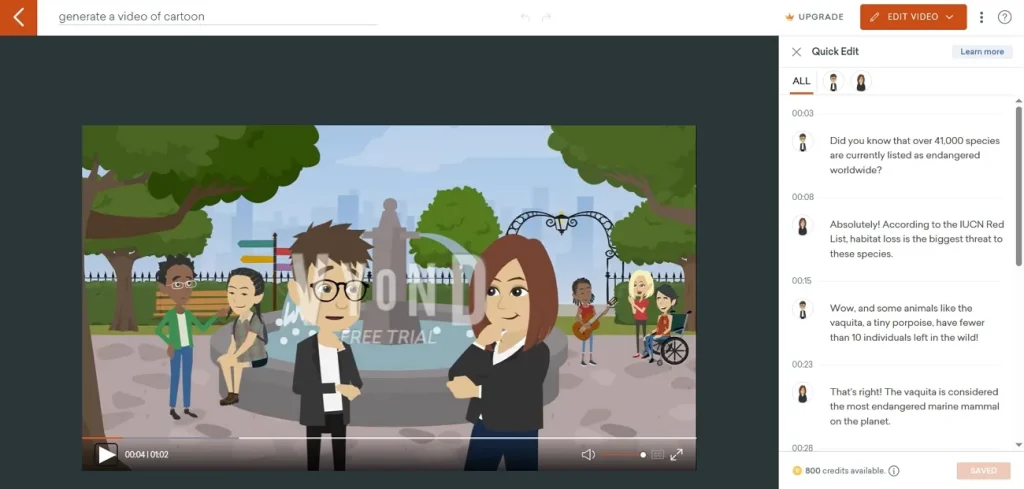
This is one of the best AI cartoon video generator free tools that lets you turn ideas or shared links into finished animated videos. It includes 12+ drag‑and‑drop tools, 1000+ templates, and customizable characters to speed up building each scene. Multiple animated styles, including AnyStyle and mixed media, help every video find a look that matches the message.
Pros
- Drag‑and‑drop editor makes building cartoon scenes fast, even for beginners.
- Works for everything from explainer‑style cartoon videos and presentation templates.
Cons
- Character actions and transitions feel templated or repetitive in animations.
- Less automation for full cartoons, and many scenes still need manual setup.
3. Animaker AI
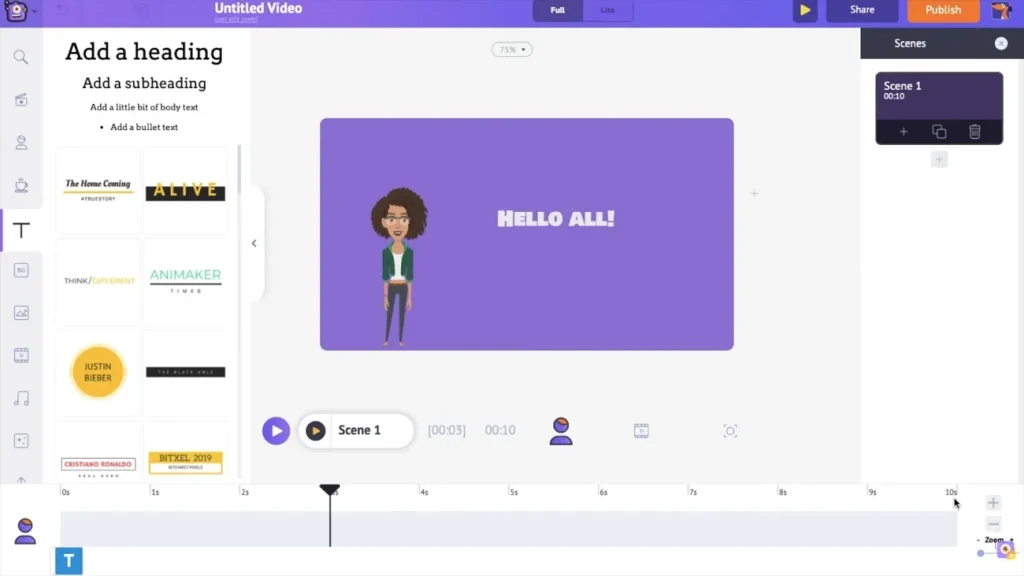
Animaker lets you build cartoon videos with characters that support 200+ actions and 20+ expressions. After generation, you can refine your project using 25+ video editing tools inside the same editor. Its AI voiceover turns text into natural-sounding speech to help characters talk smoothly without recording yourself.
Pros
- Character builder lets you fine-tune outfits, colors, and small design details.
- Timeline view makes arranging scenes and transitions easier for longer story videos.
Cons
- Its browser-based editor lags when projects have many animated elements.
- Exporting higher resolutions or longer videos may require upgrading to paid plans.
4. Runway (Gen-4)
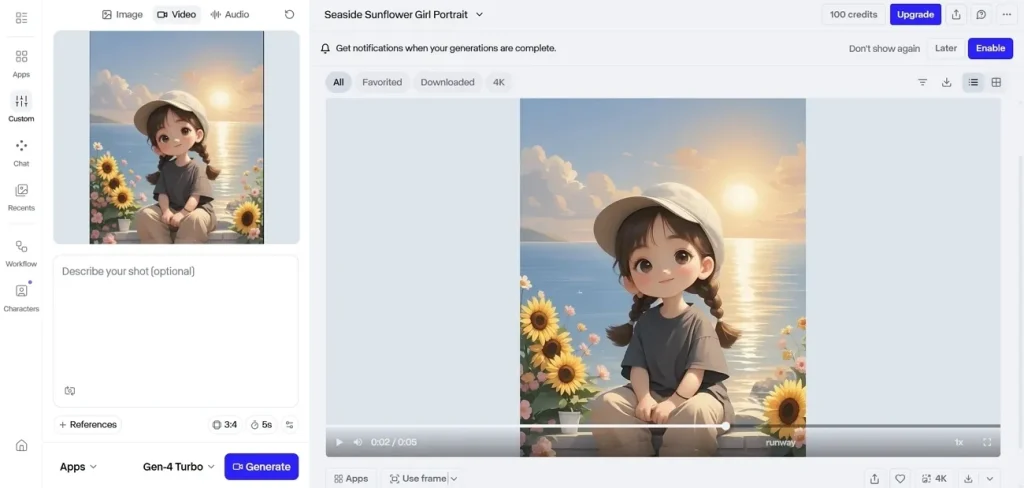
Runway’s AI video model offers controllable generations that can sit naturally beside traditional animated content. It supports crisp 1080p output and includes 4K upscaling to sharpen your final cartoon renders. Each prompt can create up to 10-second single video generations for short scenes and shots. These features together make it feel like the best cartoon video generator AI for polished clips.
Pros
- Handles camera motion and scene transitions smoothly for cinematic cartoon shots.
- Works well with reference images to match a chosen cartoon style.
Cons
- Training and tuning style often needs trial and error across prompts.
- Longer stories require stitching many short clips together manually.
5. Pika 2.5
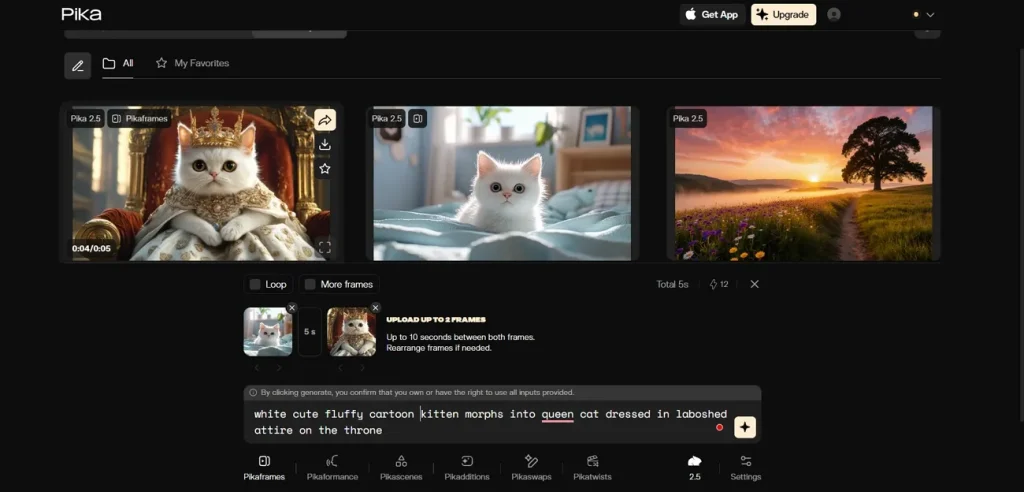
Pika converts short prompts and images into AI cartoon videos of 10 seconds. These short clips work well for TikTok and YouTube Shorts. Its modes let you tweak motion and how your starting images and text prompts are interpreted. This control helps you keep characters and cartoon look aligned with your original idea.
Pros
- Anime-style cartoon clips often look sharp, with clean lines and vivid color.
- Style controls let you shift visuals between light anime and realistic cartoons.
Cons
- Free exports are limited in resolution and branding, which restricts polished publishing.
- Hands, props, and tiny details can still warp during busy animated scenes.
6. Kling AI
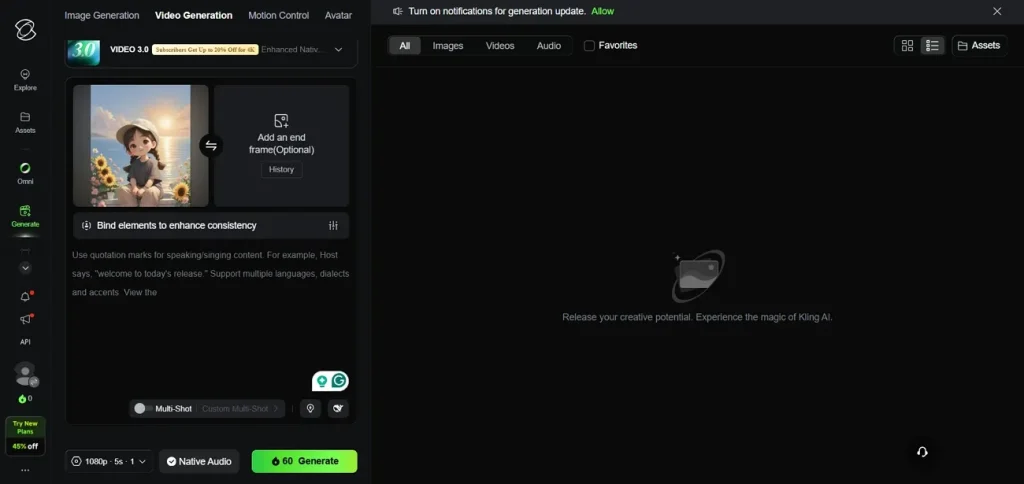
This model focuses on cinematic control, character consistency, and physics-aware motion. It can generate up to 15 seconds of multi-shot video, connecting several planned cartoon shots seamlessly. The engine outputs smooth 1080p clips, with motion tuned for natural character movement and camera changes. These strengths make the Kling 3.0 model a strong choice when you need the best cartoon video AI generator.
Pros
- The director-style timeline helps plan different cartoon shots in a single sequence.
- Responds well to lighting prompts, so cartoon scenes feel more cinematic.
Cons
- Small text in cartoon backgrounds can still look distorted.
- Fast pans bend thin lines on buildings, wires, or props.
7. Powtoon
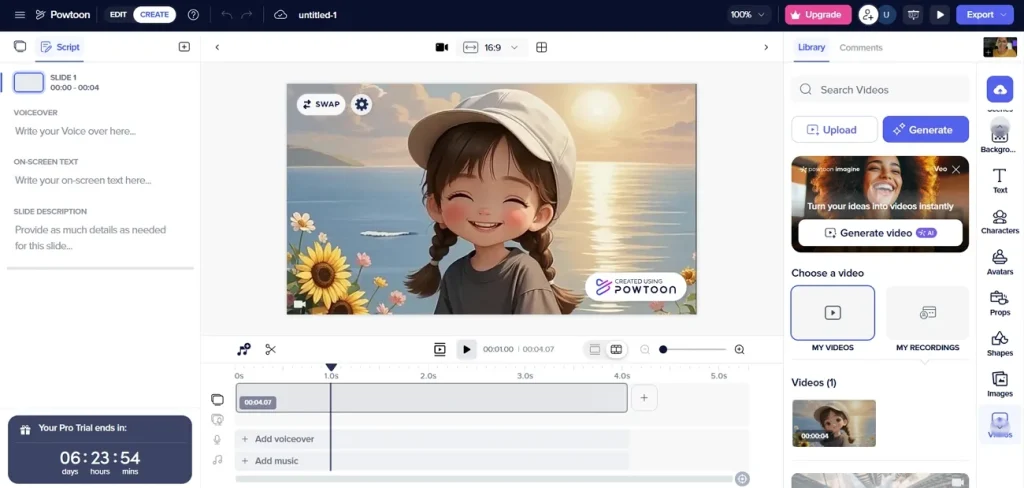
Powtoon’s cartoon creator helps you build your own cartoons for social media updates. You can start from a ready-made layout and design using built-in characters. The platform includes 100+ cartoon design templates, so you can jump into a structure that already works. From there, you can customize to match your message and visual style.
Pros
- Timeline controls make syncing cartoon character movements with voiceover and music easier.
- Cloud projects let teams review and tweak cartoon drafts from different locations.
Cons
- Free plan adds watermarks, which limit use for polished cartoon content.
- Token-based AI features can feel costly during frequent script or style changes.
8. VideoScribe
This best AI cartoon video generator free tool lets you create engaging videos using whiteboard-style animations. Its AI-driven script generation can turn your topic or bullet points into a ready-to-use video script. You can then pair that script with images, drawings, and voiceover inside the same workspace. Finished projects export in HD 1080p, with MP4 and GIF download options for sharing anywhere.
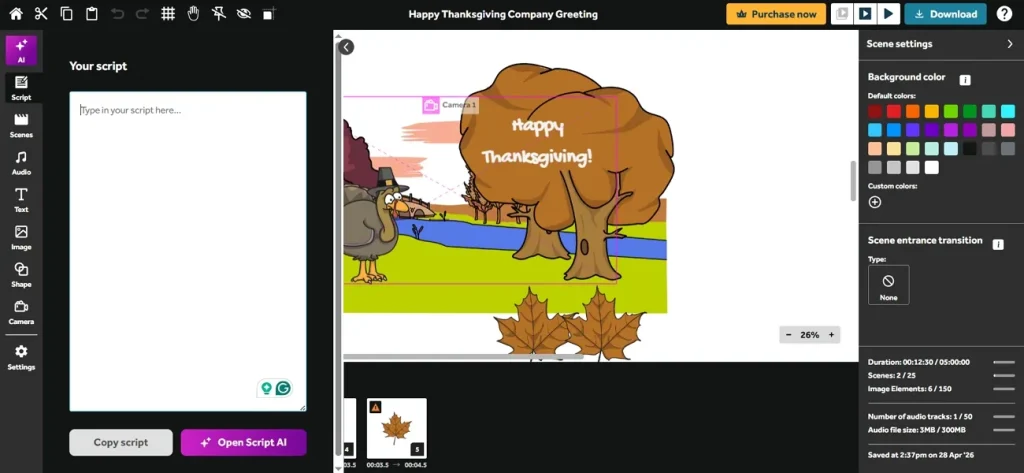
Pros
- Hand-drawn cartoon style keeps viewers watching through simple lessons.
- Built-in image library saves time finding graphics for each new cartoon.
Cons
- Limited to whiteboard-style cartoons, not ideal for every brand's look.
- Rendering high-quality exports sometimes takes much longer than similar animation tools.
9. D-ID Creative Reality
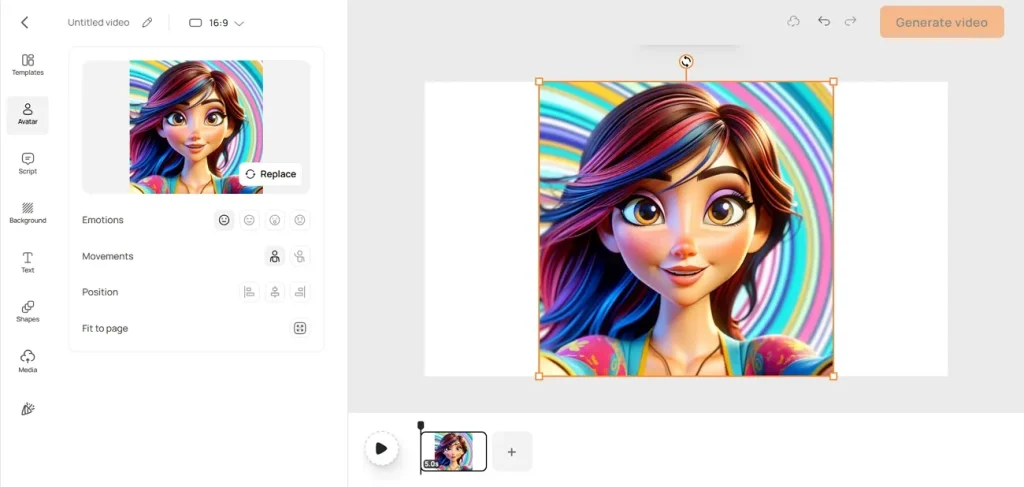
Reality Studio lets you choose from multiple generations of AI avatars designed for clarity. It’s built for businesses and individual creators who want avatars fronting training, marketing, or support videos. This image-to-video workflow makes creating speaking AI avatars as simple as pairing photos with scripts.
Pros
- Large avatar library helps you match presenters to different audiences easily.
- Supports many languages and accents, useful for global cartoon or explainer content.
Cons
- Credit-based pricing makes costs hard to predict for frequent avatar projects.
- Watermarks and failed exports can waste credits on unusable avatar clips.
10. Kaiber Superstudio
Kaiber stands among the best cartoon video generator AI for turning prompts, photos, and clips into animation. You can animate still images, restyle existing footage, and sync motion tightly with music or sound. These strengths make Superstudio appealing for stylized cartoon projects across social platforms and short-form content.
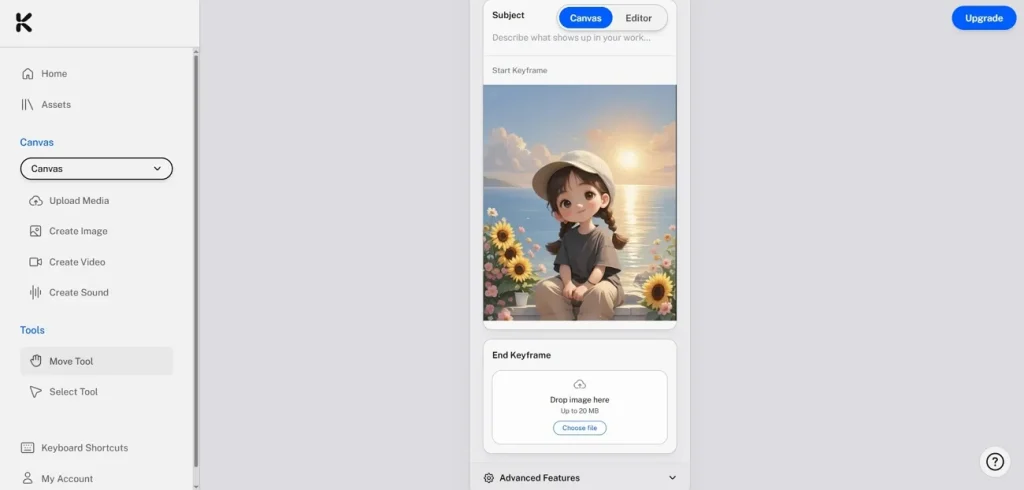
Pros
- Lets you mix 2D and 3D looks in one smooth project.
- Handles tricky camera moves and transitions that are hard to keyframe manually.
Cons
- Detailed character control is limited, so complex acting can feel slightly generic.
- Style-heavy outputs sometimes struggle to keep faces and bodies perfectly consistent.
Comparing All AI Cartoon Video Generators
Having explored many cartoon video platforms, many users think about which tool truly deserves their time and money. So, look at the table below to compare the best cartoon AI video generator options discussed above:
| Tool | Input Formats | Output Formats | Price (Starting From) | Resolution |
| Magiclight.AI | Text to video, image to video, script to video, story to video | MP4 video | $7.5/month | 1080p (long‑form focus) |
| Vyond | Text prompts, scripts, links, manual editing | MP4, web exports | ~$25/month | 1080p |
| Animaker AI | Text, images, manual scene editing | MP4, social presets | ~$12.50/month | 4K on higher plans |
| Runway (Gen‑4) | Text, image, video to video | MP4/web‑ready | $15/month | 1080p base, 4K upscaling |
| Pika 2.5 | Text, image, short video to video | MP4 social formats | $10–$35/month | 1080p |
| Kling AI | Text to video, image to video | MP4 with audio | $7/month, credit-based | Up to 4K (3840×2160) |
| Powtoon | Text, images, PowerPoint‑style editing | MP4, PPT, web player | ~$15/month | 1080p |
| VideoScribe | Text, images, audio, script prompts | MP4, MOV, GIF | ~$19/month | 1080p |
| D‑ID Creative Reality | Text, audio, image prompts | MP4 video | $5–$10/month | 1080p |
| Kaiber Superstudio | Text, image, video to video, audio‑reactive | MP4/web exports | $10–$15/month | 1080p (project dependent) |
Part 2. Why Magiclight.AI is the Best AI Cartoon Video Generator
Magiclight.AI stands out as the best AI cartoon video generator for fast, polished results. With one click AI generation, you can generate complete videos, then simply review and tweak small details. Following are some more reasons why users would prefer this tool as the perfect AI cartoon video generator:
Key Features
- Users can generate videos up to 50 minutes for longer stories and other extended cartoon content.
- Transforms full scripts or short prompt ideas into complete animated stories with scene‑by‑scene customization.
- Offers 9 dedicated story models to match different cartoon tones, pacing, and audiences.
- Supports editing, publishing, and downloading videos, so you control every stage of your cartoon projects.
Conclusion
To conclude, AI cartoon tools now make it simple to turn ideas into full videos without advanced skills. Whether you want quick shorts or longer stories, there is a tool that fits. Across all the options, Magiclight.AI is often viewed as the best AI cartoon video generator for story-focused workflows.
FAQs on AI Cartoon Video Generator
1. What is the best AI cartoon video generator?
Magiclight.AI is the best choice because it focuses on complete, polished cartoon story videos. It offers smart automation and helpful controls, so beginners and pros can both work faster.
2. Which AI cartoon video generator is free to use?
Many AI cartoon tools offer free plans with limits on duration and resolution. You can start testing features on free tiers and upgrade if you need more power afterward.
3. Can I create cartoon videos without editing skills?
Yes, AI cartoon generators handle scenes and voices via simple prompts. Magiclight.AI lets users type ideas, choose styles, and then get playful cartoon videos.
4. What is the best free cartoon AI video generator app?
The best AI cartoon video generator app usually offers templates, text-to-video, and basic exports without heavy limits. Magiclight.AI provides generous starter options to help you test cartoon workflows before paying.
5. Which AI tool makes the most realistic cartoon videos?
Some tools focus on smooth motion, rich lighting, and expressive faces for more realistic cartoons. Magiclight.AI combines strong models and clear style controls to deliver lifelike cartoon visuals.