
Remini has become a popular choice for sharpening blurry faces and bringing old photographs back. Its simple editing process makes photo improvement easy without needing much experience. However, the free version comes with ads and limits that can interrupt regular editing sessions. Choosing a suitable Remini alternative can give users greater control over their enhancement results. This guide explores 10 useful tools for restoring pictures and improving their quality.
Part 1. Top 10 Remini Alternatives to Try
Different alternatives to Remini offer useful features for improving image quality and restoring damaged photographs. Below, we explore 10 popular options to help you find a tool that fits:
Best For: Families creating animated stories from restored family photographs.
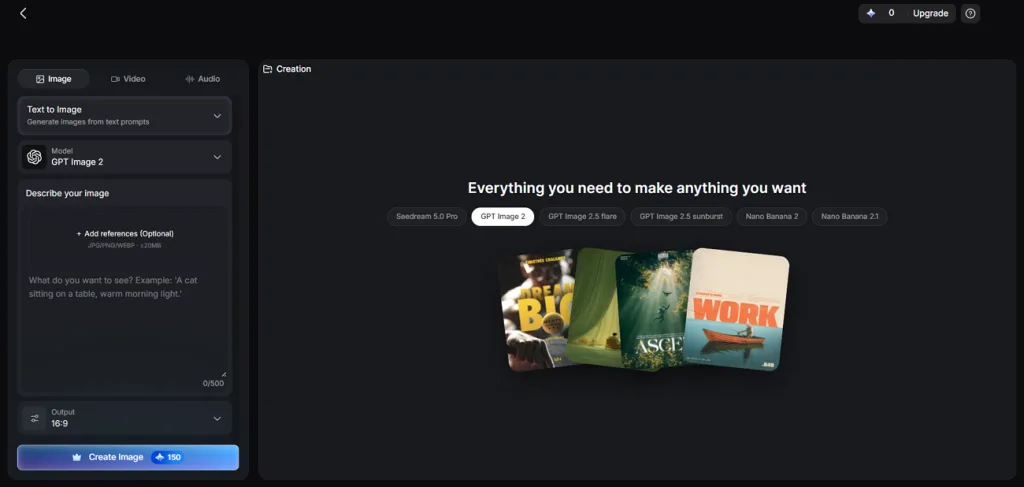
MagicLight AI helps users improve photos using simple prompts instead of automatic editing filters. Its Toolbox lets users upload pictures using the Reference Image to Image feature. You can request sharper details and natural colors without losing control over changes. New accounts receive free credits, making it a useful Remini AI free alternative. Users can also turn their finished pictures into animated clips using Image to Video.
Key Features
- Image Models: MagicLight AI provides 6 image models, including the Seedream 5.0 Pro model. Each model handles photo details differently to match your preferred visual results.
- Repair Instructions: Users can write prompts reaching 500 characters to describe necessary photo improvements. These instructions help improve damaged areas without changing important details within pictures.
- Photo to Video: Frame to Video turns restored portraits into animated clips with natural movement. AI Lip Sync can also match spoken dialogue with facial movements accurately.
- Aspect Ratios: MagicLight AI supports 4 aspect ratios for different photo enhancement projects. Users can select suitable dimensions before generating their preferred final image results.
- Reference Images: The platform lets users upload up to 10 reference images per project. These pictures help guide image generation toward more consistent visual details.
User Reviews
- Xuan Fang: “Character generation has improved with updates and looks more consistent across scenes.….”
- Lakshmi Buddhavarapu: “After a thorough research I found magiclight as a very user-friendly, high quality, intuitive generating….”
- Vivek: “Started using Magiclight AI two months ago and what I feel is that the app is awesome.….”
Pros
- Written prompts help preserve faces and clothing during repairs.
- Multiple image versions make comparing results easier before downloading.
- Paid plans include commercial rights for finished creative projects.
Con
- Photo enhancement requires prompts instead of automatic editing controls.
- Topaz Photo
Best For: Professional photographers preparing portraits for large prints.
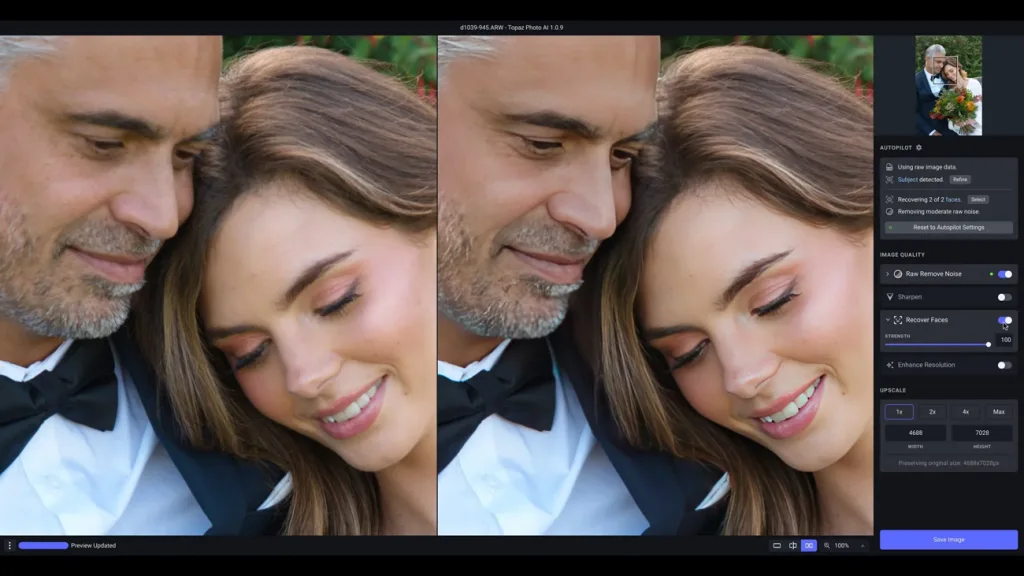
Topaz Photo AI gives photographers a Remini alternative with greater control over image quality. Now called Topaz Photo, it helps improve blurry pictures using powerful desktop editing tools. Its Autopilot feature checks each image and suggests suitable settings for better results.
Key Features
- Recover Faces provides 2 modes to improve facial details within blurry portrait photographs.
- Photo restoration tools remove visible dust marks and scratches from old scanned pictures.
- Users can process images locally for privacy with cloud processing also available.
User Reviews
- Tomasz Skoczylas: “Overall, I’m really happy with the product. The technology works surprisingly well, especially Wonder 3.5.”
- CSW: “I’ve been using Topaz Labs to improve the resolution on my old photos and it is amazing!”
- Kari Ballinger: “I wanted just a light face clean up and it make everything so terribly A.I.!”
Pros
- Photoshop plugins help photographers continue working inside familiar software.
- Super Focus improves details affected by camera movement blur.
Cons
- Older graphics cards may struggle with demanding enhancement models.
- Generative enhancement can introduce details missing from original photographs.
- VanceAI
Best For: Online sellers editing product photos using browsers.
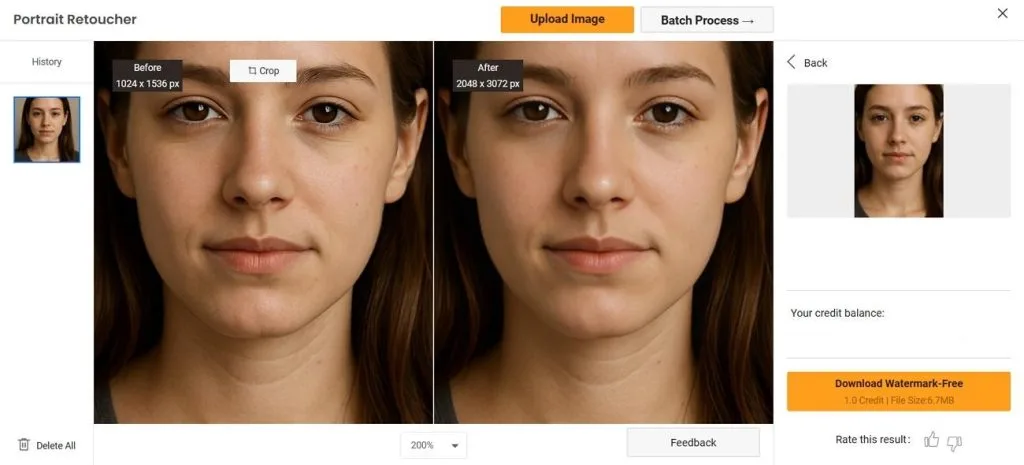
It provides a Remini web alternative for users who prefer editing photos directly online. VanceAI’s separate tools help improve blurry pictures and restore damaged photographs without complicated settings. The Image Studio workspace also supports batch editing for users handling multiple pictures.
Key Features
- VanceAI supports image enlargement up to 40x to improve resolution for larger pictures.
- Dedicated sharpening tools help correct motion blur and other common photo focus problems.
- Old photo restoration helps remove scratches and improve faded colors within damaged photographs.
User Reviews
- Tom Concolino: “Used the denoising and sharpening feature of Upscaler and it rendered a superb image.”
- Kata Takács: “Works perfectly even though my picture was dark and pixelated. Allows bigger files too!”
- T mortimer: “The results were worse than the original damaged photo. Outrageous.”
Pros
- Photo colorization can improve old pictures and video footage.
- API access supports automated editing tasks across different projects.
Cons
- Free credits limit how many photos users can enhance.
- Large image files may take longer to process.
- YouCam Enhance
Best For: Mobile users restoring photos without desktop software.
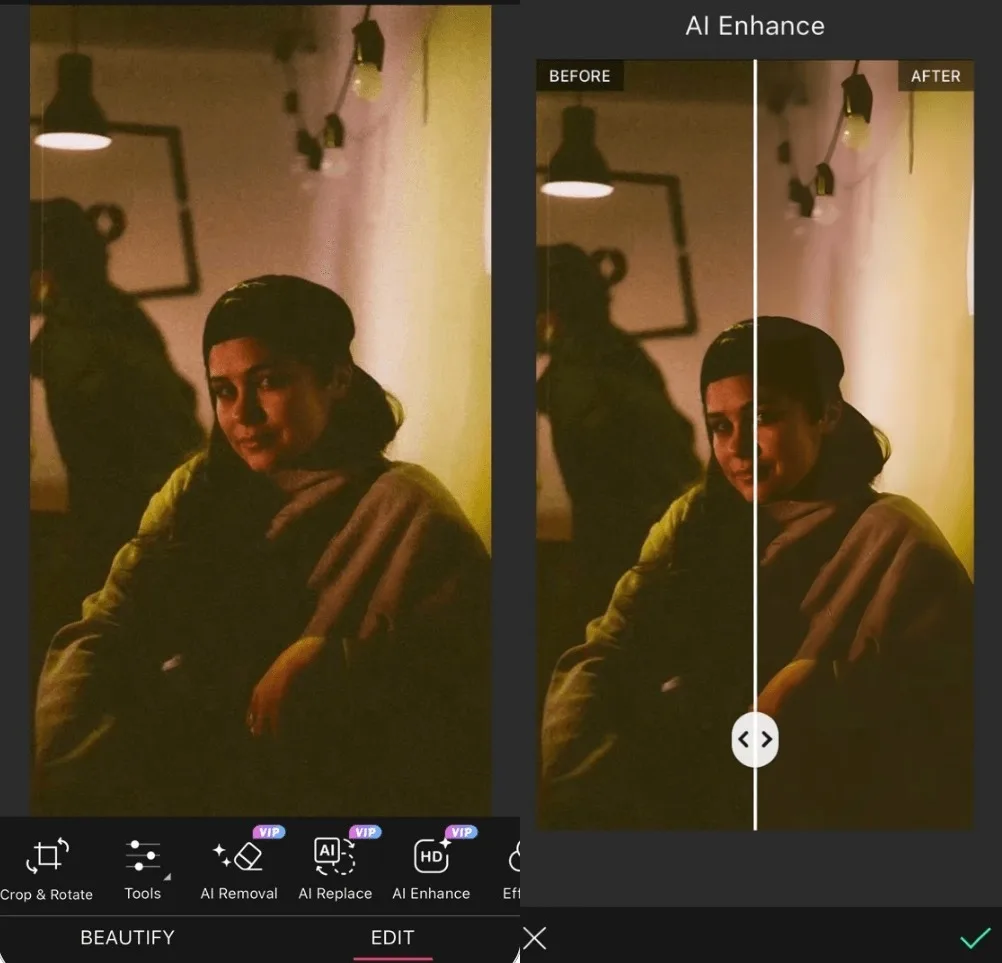
People who prefer editing photos on their phones can use YouCam Enhance for quick improvements. Its Scenario Mode checks each picture and selects suitable settings before enhancing image quality. The app also supports 4K upscaling to make blurry photographs look much clearer.
Key Features
- AI Photo Repair helps restore damaged photographs by reducing visible scratches and fading.
- Old black and white photographs can receive color using 3 different palette options.
- Video enhancement tools help sharpen blurry footage and increase its resolution to 4K.
User Reviews
- Mike M: “I subscribed to YouCam Plus specifically to restore, enhance, and colourise old family photos….”
- Kelly Ickes: “I've been testing this app for a few days. I am restoring several 1970s family photos for a very important presentation to the historical society. This app produced clear, colorful and sharp photos.”
Pros
- Batch processing helps enhance several photographs within a single session.
- Image to Video turns still portraits into animated clips.
Cons
- The iPhone app lacks dedicated support for iPad devices.
- Extra beauty tools make photo enhancement settings harder to find.
- Magnific AI
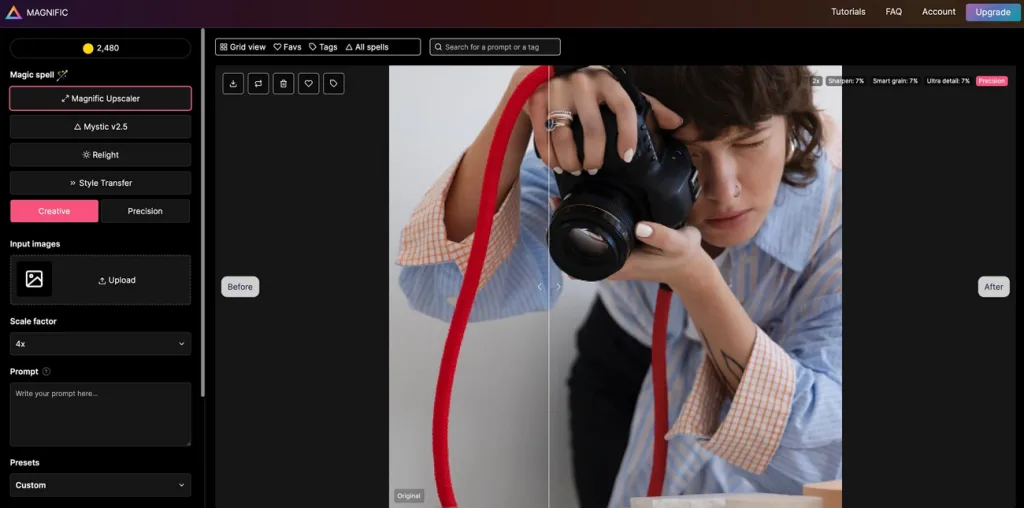
Designers working with detailed artwork can use Magnific AI to enlarge images without losing quality. Its creative settings add new textures and details that make finished images look richer. The Precision mode also makes it a best Remini alternative candidate for faithful upscaling.
Key Features
- Creativity and HDR sliders help users control how much generated details change images.
- Creative mode supports up to 4x enlargement, while Precision mode reaches 16x.
- Optional text prompts help explain unclear image details before starting the upscaling process.
User Reviews
- Malin unander-scharin: “I got help soon after I posted this review. THANK YOU! I’m so grateful for the help I received…”
- SK: “although this is definitely a paid AI generator, my free generation was insane”
- Zdenka Kralova: “What was once a reliable and impressive service has become a frustrating and disappointing experience.”
Pros
- Creative presets help adjust image textures for different projects.
- Precision mode preserves original details during professional image upscaling.
Cons
- High Creativity settings may change important facial details unexpectedly.
- Finding suitable slider settings requires repeated testing and adjustments.
- Upscayl
Best For: Privacy-conscious users enhancing photos without internet uploads.
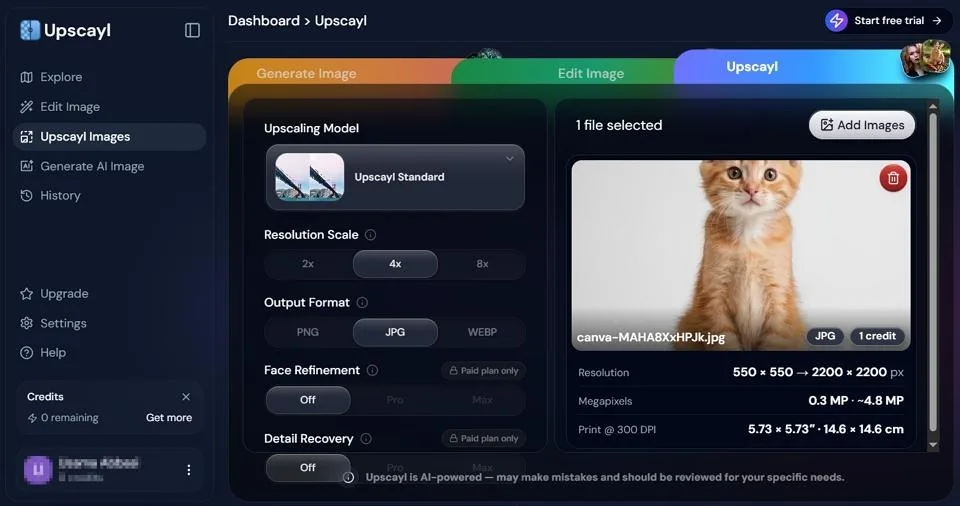
Users who prefer keeping their photos private can use Upscayl for offline image enhancement. This free desktop tool improves picture resolution without sending personal files to online servers. Its open source design also gives users access to different models for improving images.
Key Features
- Built-in models include High Fidelity and Ultrasharp for improving different types of images.
- Batch processing lets users upscale complete photo folders without editing each picture.
- Users can install additional community models to get different results from their images.
User Reviews
- Motivation You: “First time using the software, I am very happy with the results, very easy to use. Would definitely recommend it.”
- Izak Niemann: “Upscayl (free and open source) did a better job - no doubt about it.…...”
- Peter Woodward: “Dont ever use this software, it will mess up your whole photo collection……”
Pros
- Command line tools support repeated image upscaling tasks automatically.
- Public source code allows users to inspect software functionality.
Cons
- A compatible graphics card is necessary for local processing.
- The software cannot repair scratches from damaged old photographs.
- Pixlr
Best For: Content creators editing photos for online projects.
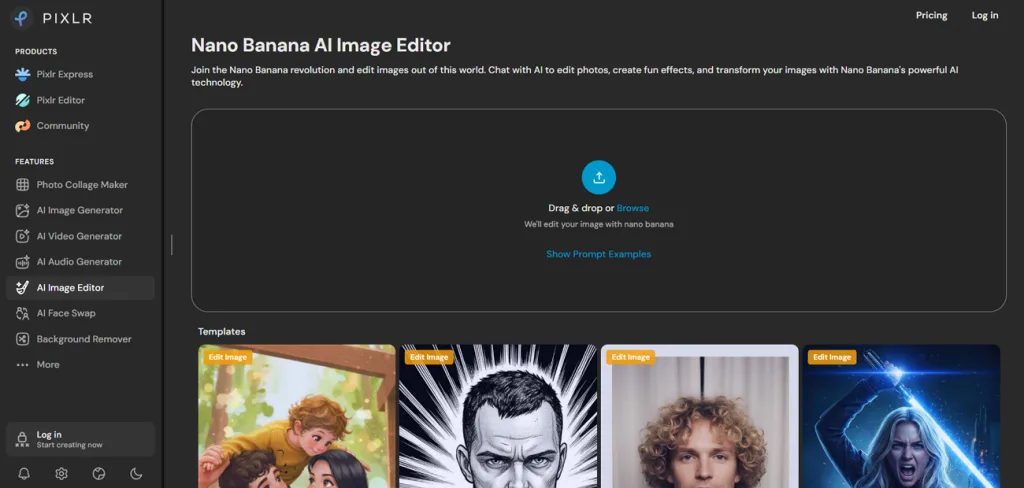
Pixlr gives users a free alternative to Remini with useful editing tools inside browsers. Its AI features help sharpen blurry photos and improve image quality without complicated settings. Users can also make further changes using the editor's built-in design tools.
Key Features
- Super Scale increases image resolution up to 8x for smaller pictures.
- Super Sharp helps improve blurry photographs by recovering missing details.
- Remove Noise reduces visible grain from pictures taken under poor lighting.
User Reviews
- Fab Immobilierpassion: “Nice tool, easy to use. Super friendly customer service, and they reply quickly (human beings, not bots!)”
- Todd Calhoun: “The app does exactly what you pay for. Their customer service is excellent and the app works beautifully!”
- Ronny Oosterling: “Sneaky auto renews, not used it for years and I still got billed everytime………”
Pros
- Generative Fill helps change unwanted objects using written prompts.
- Manual retouching tools provide greater control after automatic enhancements.
Cons
- Image enlargement has a 25-megapixel output limit for larger prints.
- The busy editing interface may confuse users needing quick fixes.
- Fotor
Best For: Casual users improving family photos for sharing.
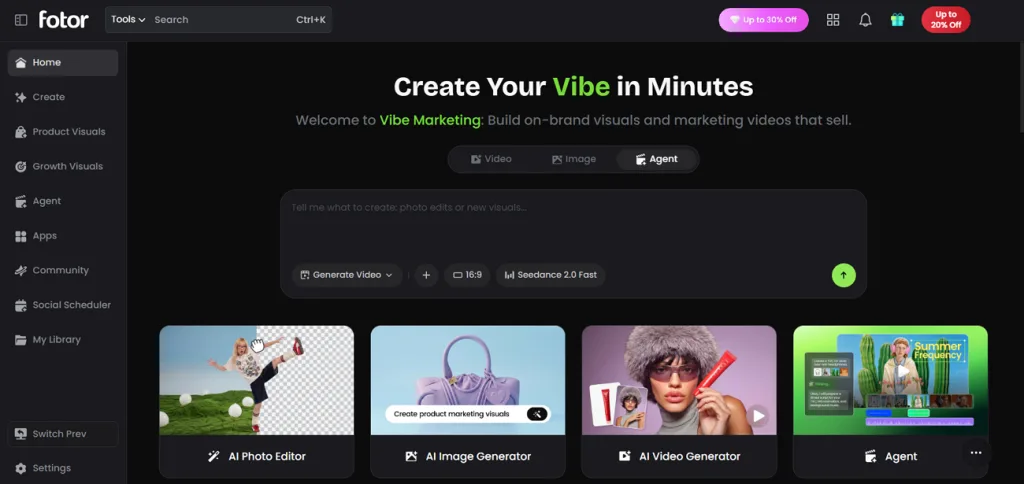
Casual photo editing becomes easier with Fotor thanks to its automatic AI enhancement tools. This Remini AI alternative helps improve blurry pictures and restore faded photographs with minimal effort. Its portrait enhancement feature also helps maintain natural facial details during the editing process.
Key Features
- AI restoration helps repair scratches and visible damage within old photographs.
- Black and white pictures can receive natural colors using automatic colorization.
- AI Enlarger improves image size with Object Remover available for further editing.
User Reviews
- Amy Kempf: “Fotor is a great app offering awesome and constantly evolving products….”
- Lyn: “Fotor is very user friendly. I am a hobbyist, new to photo editing and had a blast working with this.”
- Wen Wat: “Fotor you haven't done an update for awhile and my account options changed out of no where.….”
Pros
- Desktop and mobile access make photo editing more convenient.
- Ready-made templates help create designs using recently enhanced pictures.
Cons
- Automatic enhancement provides limited control over individual adjustments.
- Unclear enlargement limits make planning large photo prints difficult.
- MyHeritage
Best For: Historians restoring old photographs for relatives.
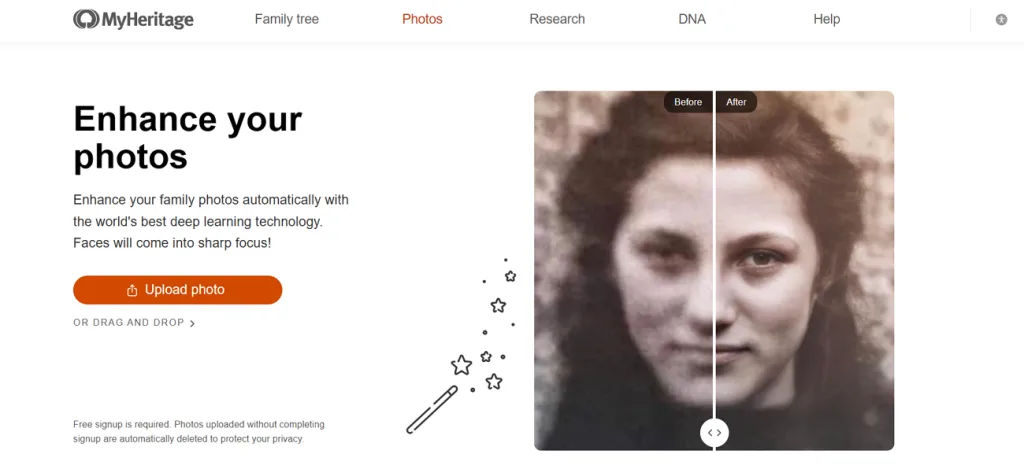
Family historians can use MyHeritage to bring faded ancestor photographs back into clearer view. Its Photo Enhancer improves blurry faces within historical pictures that have lost their detail. The platform also connects restored photographs with family trees for easier sharing among relatives.
Key Features
- MyHeritage In Color adds natural colors to old black and white family photographs.
- Photo Repair helps remove visible scratches and stains from damaged historical family pictures.
- Deep Nostalgia brings still portraits to life using gentle facial movements and animations.
User Reviews
- Monica Zacaria: “I was having a hard time in order to buy a subscripiton and Tohar called me…….”
- Greg: “I have found their interface very user friendly. I firstly downloaded their free software and then liked it so much I paid for a subscription.”
Pros
- Reimagine helps scan complete photo albums using phone cameras.
- Group photo enhancement improves multiple faces within individual pictures.
Cons
- Facial enhancement leaves surrounding background details mostly unchanged.
- Animated portraits may appear unnatural during certain facial movements.
- Cutout.pro
Best For: Online sellers enhancing product photos for stores.
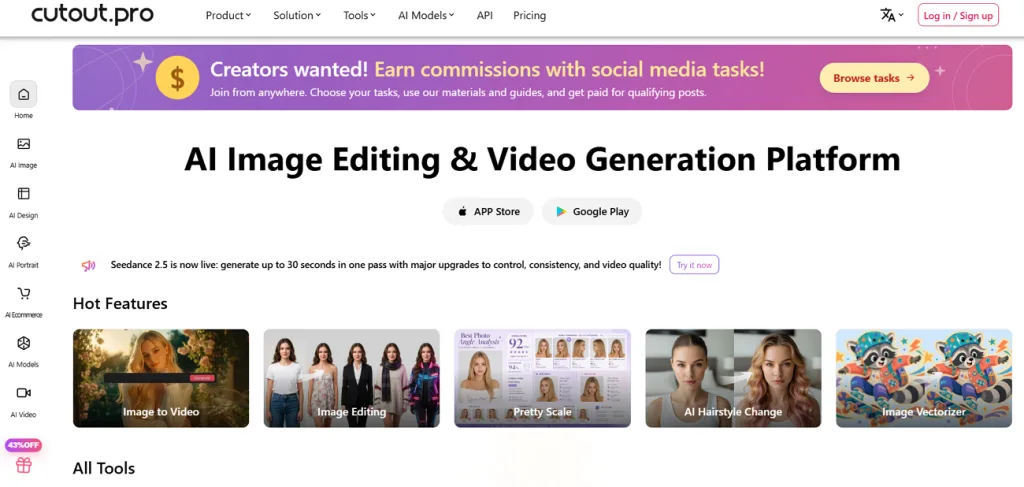
Online sellers can use Cutout.pro to improve product pictures without learning complicated editing techniques. This Remini alternative combine photo enhancement with background removal inside a simple online workspace. Its Photo Enhancer helps reduce blur and improve colors before images are ready for use.
Key Features
- Specialized face enhancement models improve blurry facial details while maintaining features.
- Written prompts let users guide the appearance of their photos during enhancement.
- Photo Animer brings old portraits to life by adding movement to still images.
User Reviews
- Usman Imran: “It is a good image-editing AI tool especially for removing background.”
- For People: “Its a best image upscaling website.”
- Ed Rincon: “When trying to use the photo enhancer tool, the system consumes my paid credits (5 points per image) but returns an exact duplicate of the original file.”
Pros
- The platform accepts JPG, PNG, WEBP files reaching 15MB.
- Inpainting tools help remove scratches from damaged old photographs.
Cons
- Large images may take longer during busy processing periods.
- Face enhancement may reduce natural skin texture in portraits.
Part 2. Quick Comparison of the Best Remini Alternatives
Picking a suitable Remini AI free alternative becomes easier when you compare different photo enhancement tools. Some tools focus on restoring old photographs, but others provide greater control over image quality. The table below compares 10 alternatives based on their main strengths and enhancement features:
| Tool | Main Strength | Photo Enhancement Features | Main Limitation |
| MagicLight AI | Prompt-based image improvements | Reference images, custom prompts, image animation | No dedicated 1-tap enhancement |
| Topaz Photo | Professional photo enhancement | Face recovery, sharpening, noise removal | Requires suitable computer hardware |
| VanceAI | Online photo restoration | 40x upscaling, deblurring, scratch removal | Limited manual editing control |
| YouCam Enhance | Quick photo repair | AI Photo Repair, colorization, 4K video upscaling | Limited advanced editing controls |
| Magnific AI | Detailed image enlargement | Creative upscaling up to 4x, Precision mode up to 16x | Creative settings can alter original details |
| Upscayl | Private offline upscaling | Batch enlargement, custom AI models | No scratch repair features |
| Pixlr | Photo enhancement with editing | 8x Super Scale, Super Sharp, Remove Noise | Limited maximum enlargement |
| Fotor | Automatic photo restoration | Scratch repair, colorization, AI Enlarger | Limited control over automatic corrections |
| MyHeritage | Historical photo restoration | Face enhancement, Photo Repair, Deep Nostalgia | Background enhancement remains limited |
| Cutout.pro | Product photo enhancement | Face enhancement, background removal, Photo Animer | Processing speed may vary |
Part 3. Why Choose MagicLight AI for AI Photo Enhancement?
Automatic photo enhancers sometimes change facial details and make old photographs look less natural. MagicLight AI works as a Remini AI alternative by letting users guide image changes with prompts. Below are some useful features that give users greater control over their creative projects:
- Reference Images: Users can upload reference images with each file supporting a maximum size of 20MB. These pictures help maintain familiar facial details when creating different versions of photographs.
- Color Variations: Written prompts let users request different color styles for their uploaded photographs. They can also create black and white versions to match the original appearance.
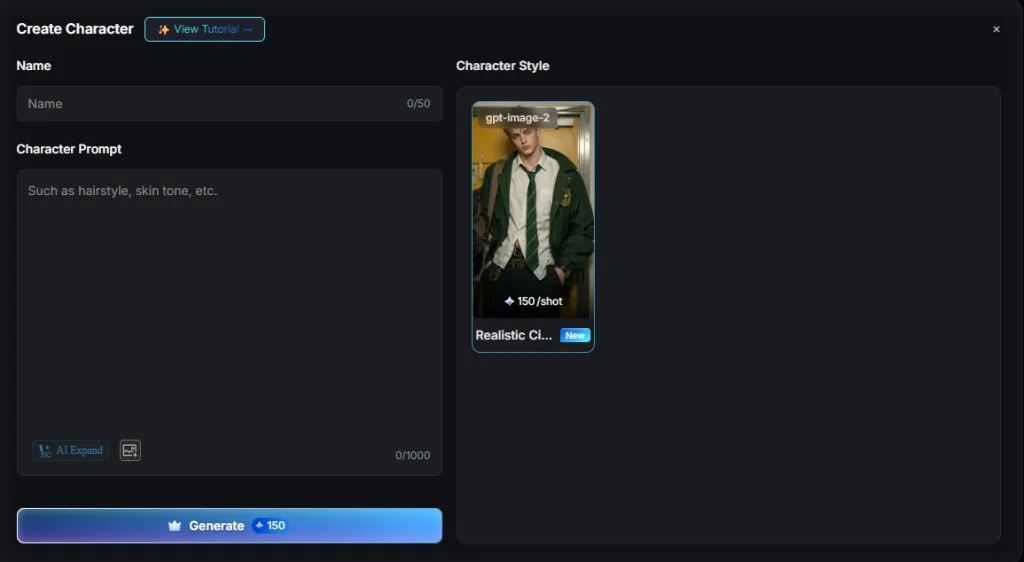
- Create Characters: MagicLight AI lets users create reusable characters using a 1000-character description. Users can also upload a reference image to guide their character's appearance.
Conclusion
Your photos deserve better results than blurry faces and faded details after years of storage. Finding the right Remini alternative depends on how much improvement each photograph actually needs. Some tools bring back old memories, with others giving you more control over details. MagicLight AI remains our recommended choice for improving images and exploring creative possibilities beyond enhancement.
FAQs on Remini Alternatives
- Which Remini alternative is best for restoring old photos?
MyHeritage works well for restoring family photographs with faded colors and damaged faces. Topaz Photo helps clean scanned pictures and recover details from blurry portraits. MagicLight AI also lets users guide image improvements using prompts and reference photographs.
- Are there any free apps similar to Remini?
Upscayl provides free image upscaling for users who prefer working on desktop computers. Among alternatives to Remini, Pixlr provides free editing tools with certain usage limits. MagicLight AI also gives new users free credits to explore its image tools.
- Can AI restore faces in extremely old or damaged photographs?
AI can improve damaged faces by rebuilding details from the remaining image information. However, badly damaged photographs may produce facial features that look different from reality. Checking restored pictures against original photographs helps identify changes that might seem unnatural.
- Are AI-enhanced photos suitable for printing in large formats?
AI-enhanced photos can produce clear large prints when their resolution is high enough. Topaz Photo AI and Upscayl help enlarge smaller images for better printing results. Always inspect enhanced photographs closely before printing to catch strange textures and details.
- Which Remini alternative offers more creative possibilities beyond photo enhancement?
MagicLight AI gives users creative tools that go beyond improving old photo quality. Its image models let users change visual styles using prompts and reference photographs. Users can also animate pictures and create narrated story videos with consistent characters.