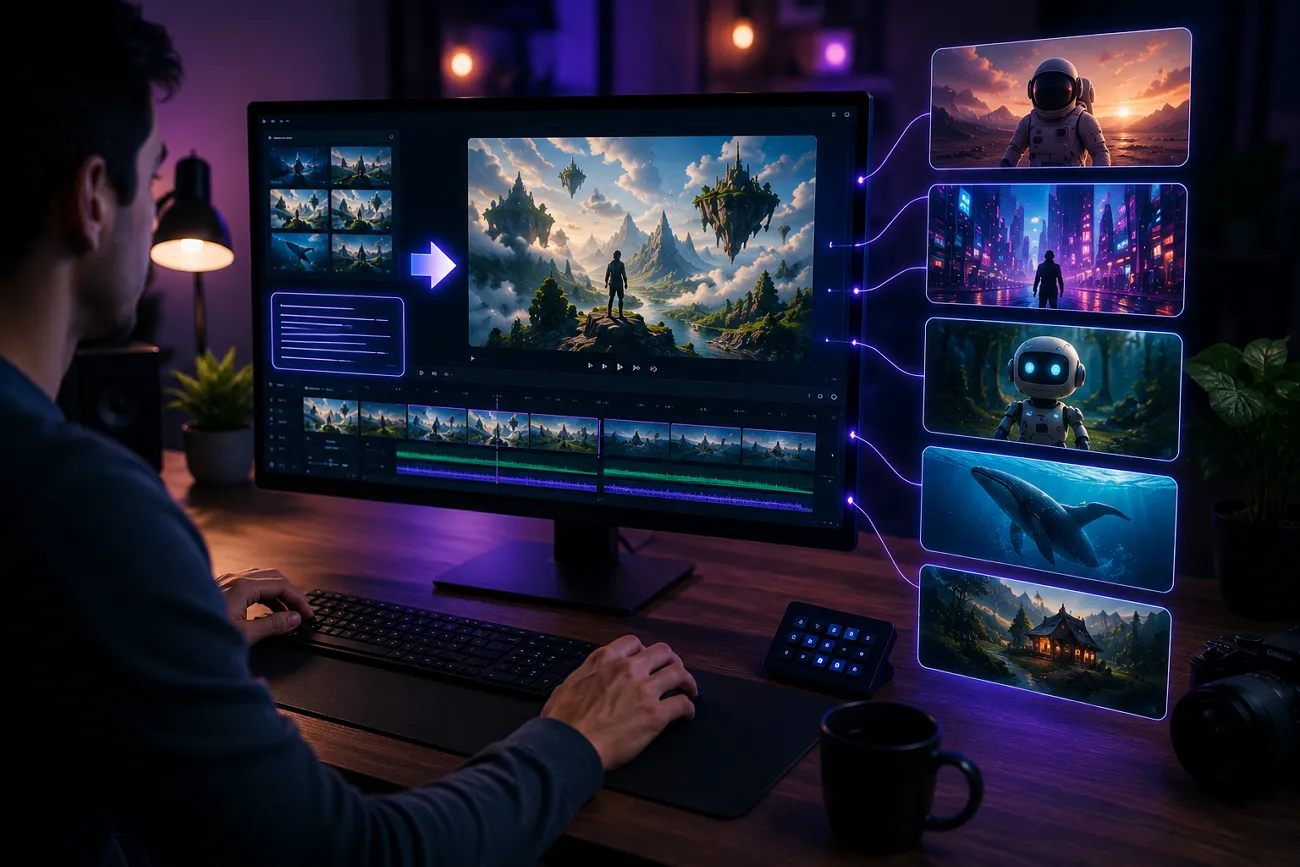
It can be challenging for busy creators to make time for extensive video production. Thanks to modern technology, such people can generate automated videos using just their text. AI-powered video generators have eased this process by requiring minimal human input and much less money.
Moreover, users can make films in their preferred style, be it animated or realistic. This article is a detailed overview of the top 10 best AI text to video generators for simple video making.
Part 1. 10 Best Free AI Text to Video Generators for Beginners and Creators
The video generators in the market cater to specific user needs. Look into the following section and explore the top 10 tools that offer unique features:
1. MagicLight AI
Designed for consistency, Magiclight AI delivers stability across all scenes in the video. This platform has Text-to-Video and Image-to-Video features to create a video. Furthermore, users can create a story video customized to their needs using the Story-to-Video utility. This best text-to-video AI generator maintains the original image details while adding motion to them.
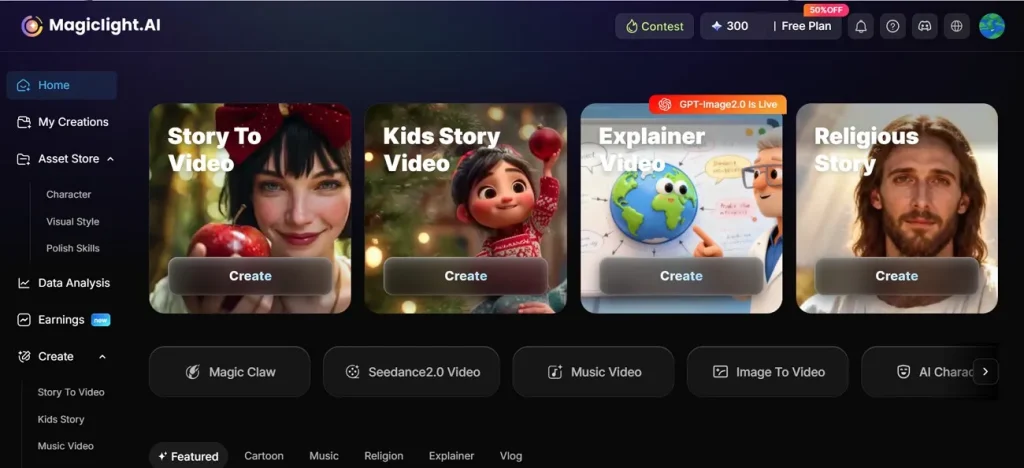
Users with an international audience can leverage the language support and generate a video in 11 languages. The video’s accessibility can be further enhanced by using the auto-subtitle feature offered by Magiclight AI. This feature generates captions for the AI video automatically and lets users select their style and appearance.
Pros and Con
| Pros | Con |
| Lets users customize characters' clothes, expressions, and poses. | Does not offer output resolutions greater than 1080p. |
| Offers 16 subtitle styles for better customization | |
| Provides a complete production pipeline till the end |
2. OpenArt
OpenArt is a renowned video generator that is recognized for high-quality media production. Advanced users can generate and export videos in 1080p. This best free AI text-to-video generator creates videos up to 12 seconds in length, making it suitable for short-form videos. It also comes with an Image-to-Prompt feature to aid users in creating prompts.
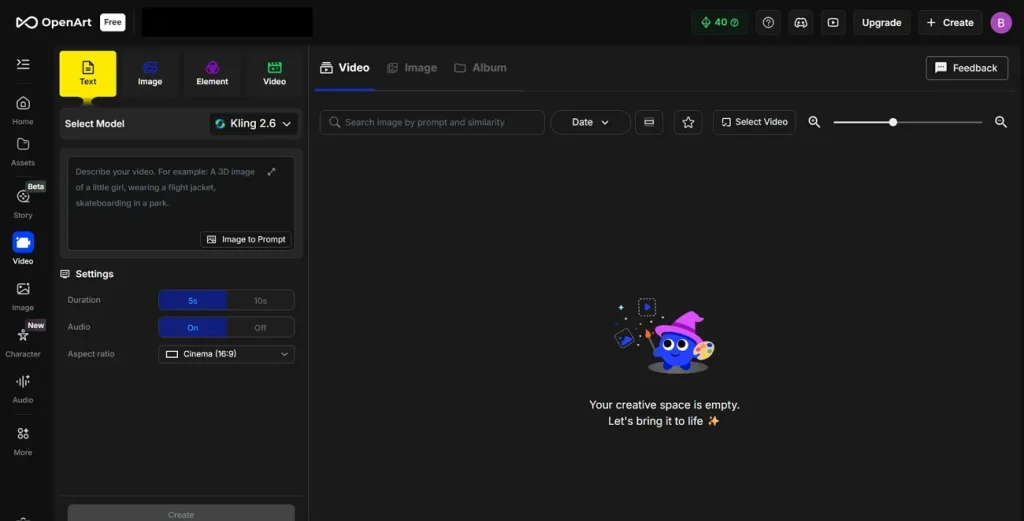
Pros and Cons
| Pros | Cons |
| Offers a both and fast and slow processing | Does not offer longer video generations |
| Accepts image references for better output | Limited editing and enhancement options |
3. Google Veo
Users looking for a tool with multiple input methods can generate videos from text, images, and even videos using Google Veo. This best AI text-to-video generator is effective for professionals, as it understands the prompts for zooms, pans, and aerial shots. Once the video is generated, it can be modified through text.
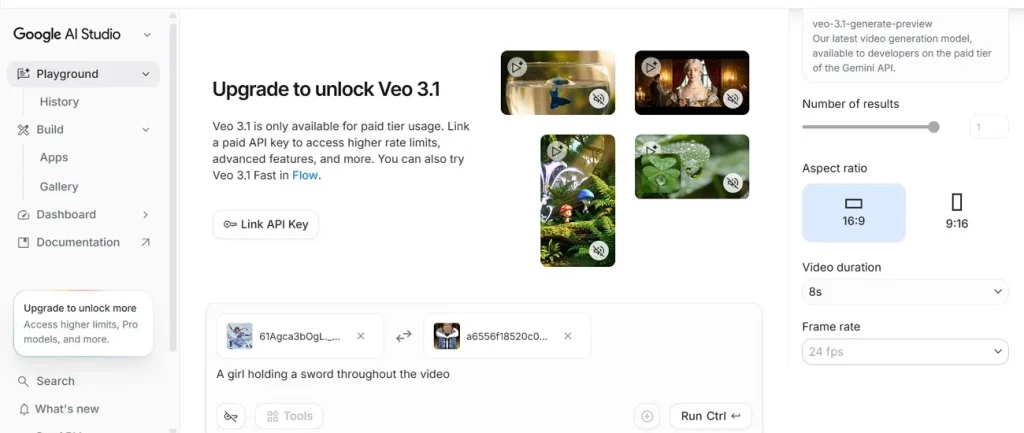
Pros and Cons
| Pros | Cons |
| Good prompt understanding | Supports 24 fps only |
| Detailed scene composition | Generates just an 8-second clip in 1080p |
4. Runway Gen-3 Alpha
If you are looking to create localized content, use Runway Gen-3 Alpha and generate videos dubbed in more than 30 languages. This best text-to-AI video generator is designed for deep storytelling and supports multi-scene videos, helping users create connected stories. Moreover, it supports text, image, and video inputs for users looking for precise video generation.
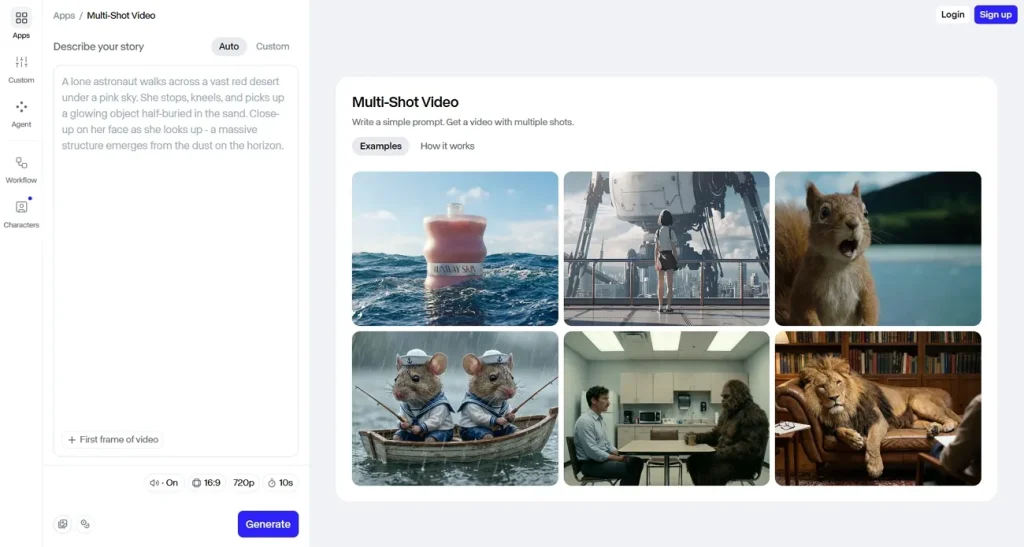
Pros and Cons
| Pros | Cons |
| Offers aspect ratio selection | Rendering may take time |
| Supports 1080p video production | Inconsistent long scenes |
5. Kling AI
Kling AI is an advanced tool for users who want to produce customized results. It allows users to generate a video in their desired quality, from 720p to 4K. This best free text-to-video AI generator also offers 3 aspect ratio presets, letting you generate social media-optimized videos. For fully tailored results, users can choose from 7 AI video generation models.
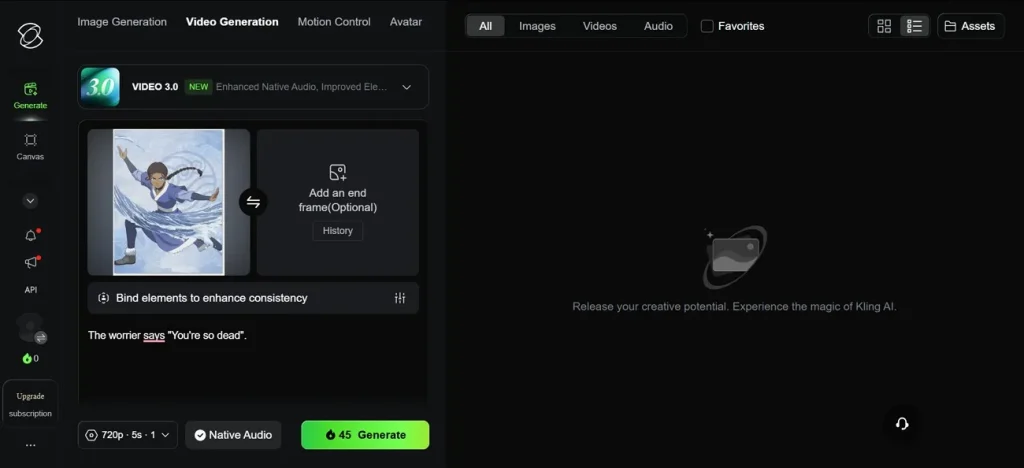
Pros and Cons
| Pros | Cons |
| Detailed visual quality | Interface can feel technical |
| Realistic human movement | Slower generation times |
6. Synthesia
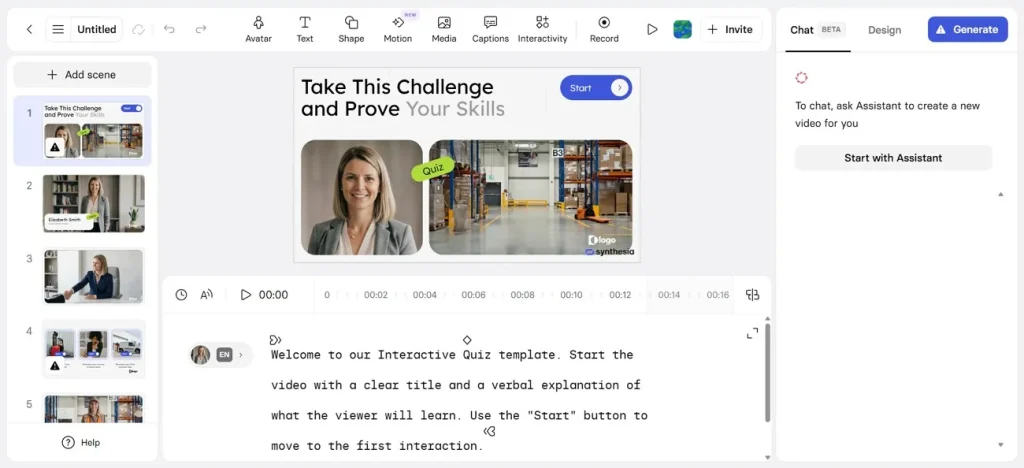
This best free text-to-AI video generator specializes in avatar-centric videos, making it suitable for tutorials and explainer videos. It offers a library of over 240 avatars to let you choose the right model for your content type. These AI video presenters speak more than 160 languages, catering to a wide audience. Users can generate multilingual subtitles to create a more accessible video.
Pros and Cons
| Pros | Cons |
| Strong voiceover support | Not cinematic-focused |
| Easy script-based workflow | Less useful for storytelling |
7. HeyGen
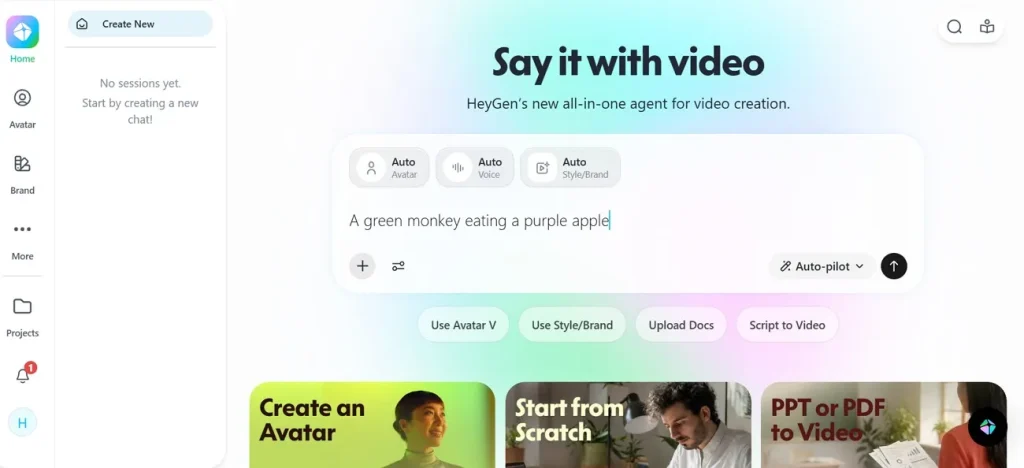
With a library of over 1,000 avatars, HeyGen is a suitable tool for presentations and tutorials. These avatars can be customized as per the user’s needs. The videos generated can be exported in HD quality, making HeyGen the best text-to-video AI generator for business branding. Moreover, the accent and language support create videos that are highly accessible to a global audience.
Pros and Cons
| Pros | Cons |
| Offers a Script Writer to polish prompts | Less creative flexibility |
| Easy avatar creation | Avatar-focused use case |
8. Luma AI (Dream Machine)
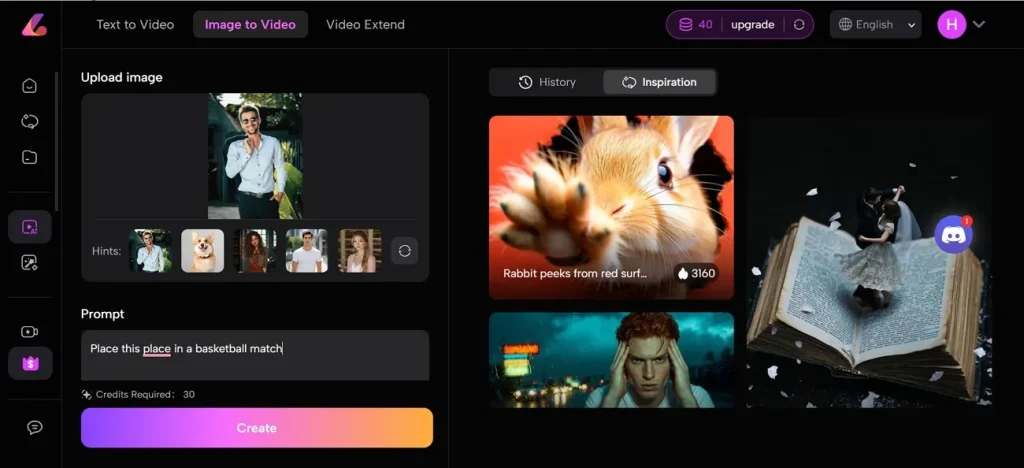
This best text-to-video AI generator lets you make videos using textual prompts or reference images. It takes your sample images and creates fluid motion in them to repurpose them into a film. Luma AI generates cinematic output by supporting pans, zooms, tracking shots, and dynamic perspectives. Moreover, this tool offers around 10 AI models to create high-quality visuals.
Pros and Cons
| Pros | Cons |
| Provides sample images for video generation | Less detailed outputs |
| Good camera movement effects | Inconsistent motion quality |
9. Pika (Pika 2.5)
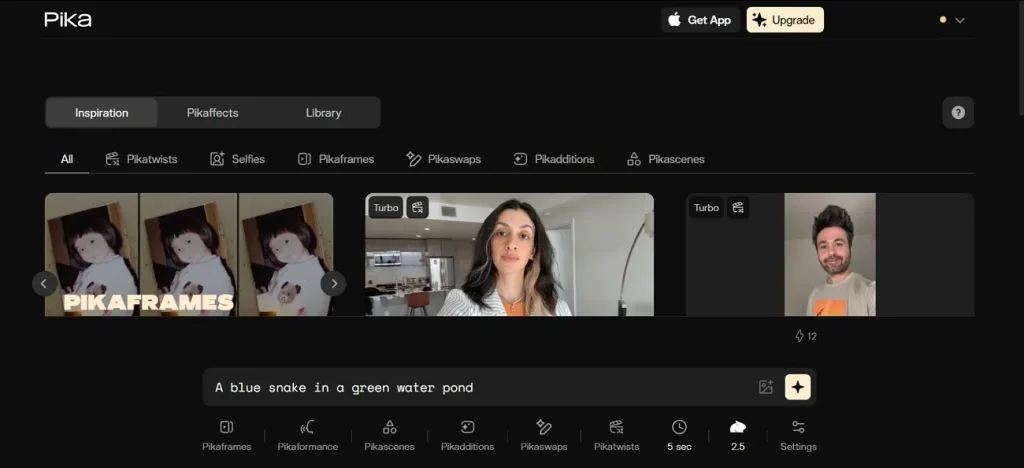
You can either choose a narration voice from the built-in options or upload an audio file from your device. The Creative and Precise toggles enable users to switch from creative to prompt-compliant videos in seconds. For making platform-specific videos, select the intended social media app, and the aspect ratio will be automatically adjusted.
Pros and Cons
| Pros | Cons |
| Good for short content | Advanced controls are limited |
| Has an Inspiration section for user-generated videos | The free version exports watermarked videos |
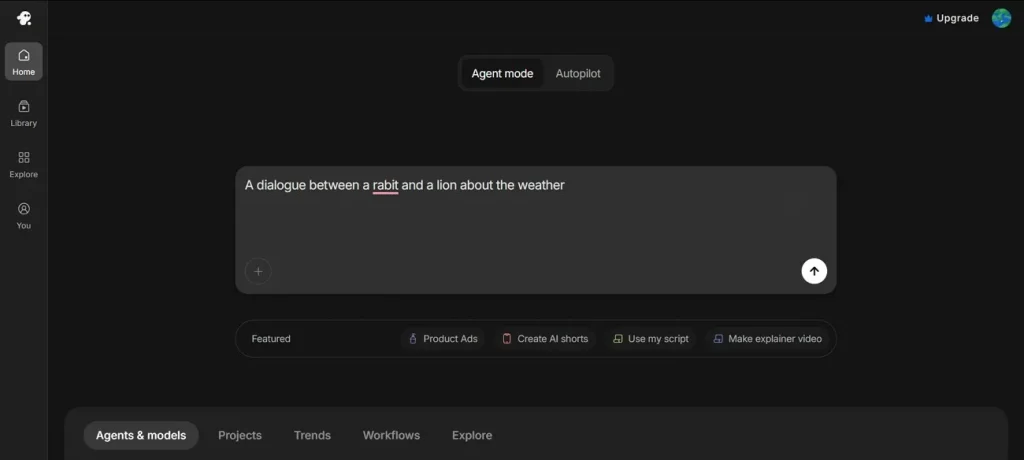
10. InVideo AI
With convenient video generation, InVideo AI transforms your raw ideas into engaging videos. Its AI Script Writer feature creates a detailed script out of your keywords to generate videos. This best free AI text-to-video generator generates voiceovers for higher accessibility. You can also generate auto captions for videos for further diversification of the audience.
Pros and Cons
| Pros | Cons |
| Built-in stock assets | Supports video generation for Instagram, TikTok, and YouTube only |
| Useful for YouTube content | Less control over unique scenes |
Part 2. Why Magiclight AI Is Better Than Any AI Text-to-Video Generator?
The above section reveals that Magiclight AI is a strong tool for generating AI videos. Go through the following points and explore the features that make this tool the best text-to-video AI generator:
- Video Generation Length: This tool is ideal for long videos, as it can make a film up to 50 minutes long.
- Voiceover Options: Magiclight AI supports video narration using the library of over 37 engaging speakers. You can also use the voice cloning feature to add a voiceover in your own voice.
- Storyboard Preview: You can preview the storyboard as it is created and edit it if needed to get tailored results. This tool allows users to change anything in the video, from the script to the characters’ appearance.
- Script Input: Users can input a story script that has a maximum length of 12,000 words. However, the Image-to-Video utility can take a 1,500-word prompt.
- Video Generation Models: Magiclight AI uses more than 5 advanced AI video generation models, like Gemini Omni and Seedance 2.0.
Comparing the Top 10 AI Video Generators
It will be easy to understand the pros and cons of each video generator with a side-by-side comparison. The following table gives a quick overview of these platforms:
| Tool | Best For | Input Method | Video Style Strength | Voiceover | Key Limitations |
| Magiclight AI | Beginners and quick content creation | Text prompts, scripts, images | Short-form and long-form videos, social content, cinematic visuals | Yes | Changes need to be made in the video in case of inaccuracies |
| OpenArt | Cinematic storytelling | Detailed text prompts | Realistic scenes and short cinematic clips | No | Basic editing and enhancement options |
| Google Veo | High-quality visual storytelling | Text prompts | Realistic motion and film-style scenes | No | Availability may be restricted |
| Runway Gen-3 Alpha | Creative video editing | Text, image, and video prompts | Stylized visuals and transitions | No | Learning curve for advanced tools |
| Kling AI | Realistic motion generation | Text and image prompts | Human motion and physics-heavy scenes | No | Slower generation during peak times |
| Synthesia | Training and business videos | Text scripts | Talking-head explainer videos | Yes | Less suited for cinematic storytelling |
| HeyGen | AI spokesperson videos | Text scripts | Marketing and presenter-style videos | Yes | Limited cinematic scene generation |
| LumaAI (Dream Machine) | Fast experimental visuals | Text prompts | Dynamic motion and dreamlike clips | No | Inconsistent scene control |
| Pika (Pika 2.5) | Social media clips and animations | Text and image prompts | Fun effects and stylized videos | Limited | Shorter clip durations |
| InVideo AI | Faceless YouTube and ads | Text prompts and scripts | Template-based explainer content | Yes | Less creative visual control |
Conclusion
AI video generation has evolved the process of video production by generating automated films. While there are a number of AI video generators in the market, Magiclight AI is the best AI text-to-video generator. Its long video generation and storyboard customization features make it a prominent name.
FAQs on Best AI Text to Video Generator
1. What is the best text-to-video AI generator?
MagicLight AI is one of the best text-to-video AI generators for beginners and creators who want fast, high-quality results. It offers an easy workflow for turning prompts into engaging AI videos without a steep learning curve.
2. Are there free text-to-video AI generators?
Yes, some AI text-to-video generators offer free plans or trial credits, including MagicLight AI. Free versions may have limitations, but they are useful for testing features before upgrading.
3. Which AI tool gives the highest video quality?
MagicLight AI delivers high-quality AI videos with detailed visuals and smooth output for creators. However, video quality can also depend on prompts, style settings, and export options.
4. Can beginners use text-to-video AI tools?
Yes, beginners can easily use text-to-video AI tools like MagicLight AI without editing experience. Most platforms simplify video creation through prompts, templates, and automated generation.
5. Is Kling AI better than Runway for text-to-video?
Kling AI is often preferred for realistic motion and physics-based scenes, while Runway is stronger for creative editing and stylized outputs. The better option depends on whether you prioritize realism or editing flexibility.