A user spends hours planning the perfect video for their social account. Despite all the efforts, editing often becomes the biggest challenge. That is why automated video generators are gaining so much attention. These tools simplify the entire process by turning text and images into polished videos within minutes. In this article, we will discuss the best AI video generator for Instagram Reels that users can try.
Part 1. 10 Best Free AI Video Generators for Instagram Reels Creators
Here are the top tools that will help you create and edit the best short videos for your Instagram page:
1. MagicLight AI
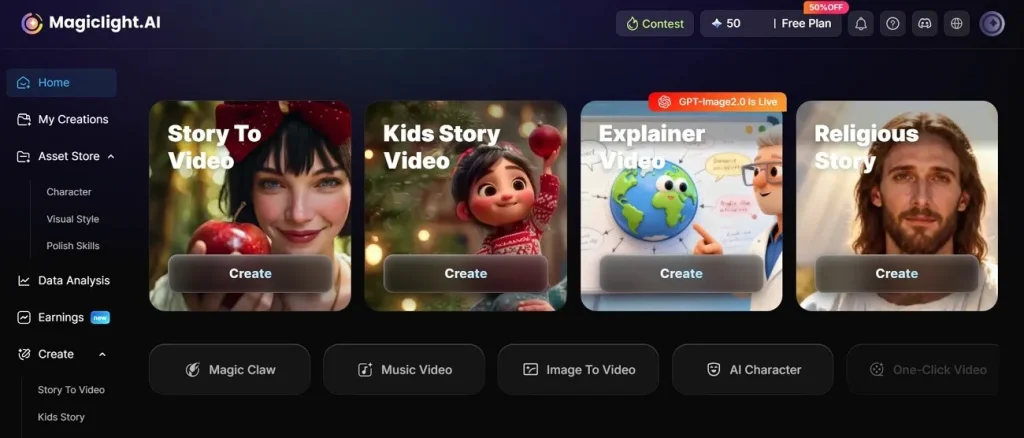
One of the most reliable options that lets you create and edit visual content without much effort is MagicLight AI. The tool is designed for creators who want fast video output without spending hours inside complicated editing software. What makes MagicLight AI stand out is how naturally it blends automation with creative control. It supports modern AI models and smart scene generation for its users.
This Instagram video AI generator lets you add captions to your videos to make them understandable for a wider audience. Moreover, it supports more than 11 languages. The tool also allows users to create long videos up to 50 minutes. This is one of the features that most tools do not offer.
Key Features
- Story to Video: Converts a written script or narrative prompt into a fully sequenced AI video with subjects.
- Lip Sync: It automatically matches mouth movements to your audio and creates natural talking animation.
- Image to Video: MagicLight AI animates photos into moving video scenes with cinematic effects.
- Background Music Generation: The platform adds fitting background music and sound effects with different tones.
Limitations
- Users do not get the ability to generate videos in 4K quality.
2. InVideo AI
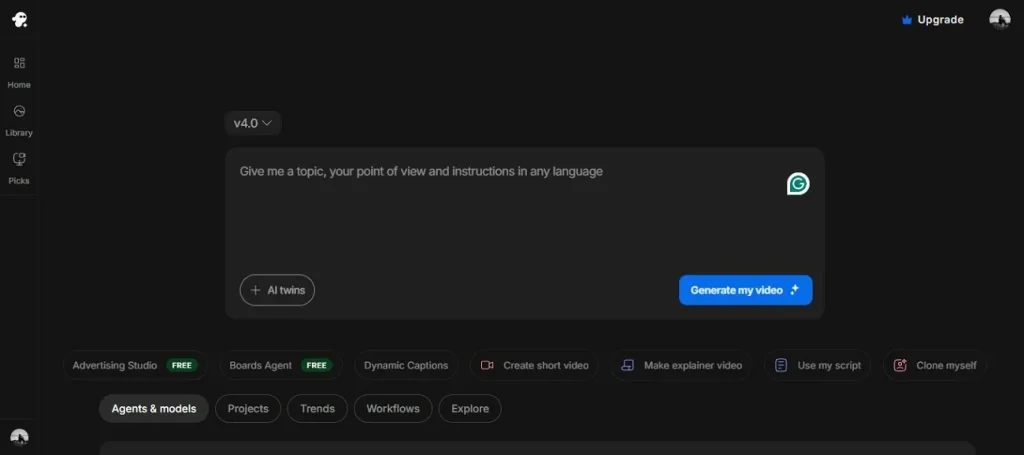
Turn any text prompt into a video with customization using InVideo. It automatically picks stock footage that matches your story and creates videos accordingly. The tool's technology remembers your style, so every video looks consistent. This best AI video generator for Instagram Reels works great for beginners who want professional-looking content without learning complex editing software.
Key Features
- It offers 5000+ video templates built for different social platforms.
- Lets you upload your own media or use a premium stock library.
- Exports HD video with auto-subtitles and no watermark on paid plans.
Limitations
- Limited creative flexibility for highly customized video production.
- Stock footage cannot be used to show your specific products in the script.
3. HeyGen
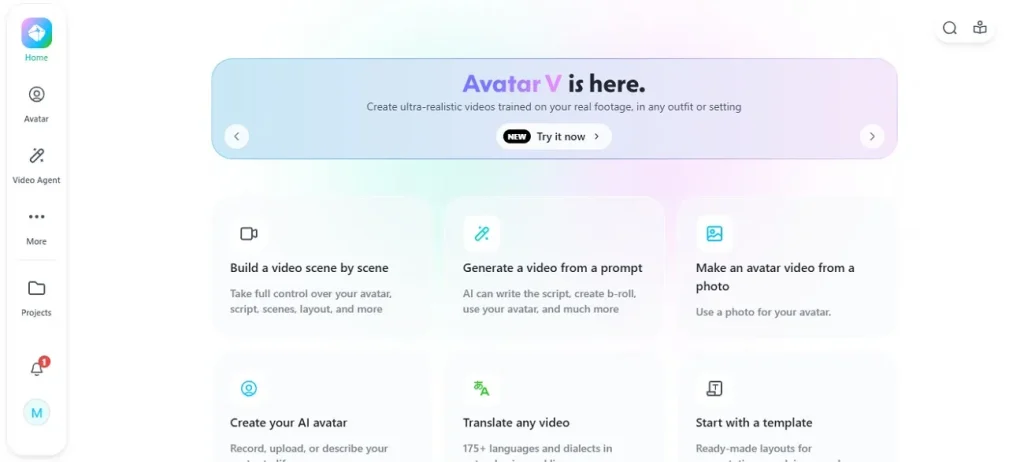
HeyGen creates realistic talking-head videos using avatars that lip-sync with your visuals. The platform adds automatic captions and smooth transitions. It offers a free plan with 3 videos per month. This makes it one of the free AI video generators for Instagram Reels for creators who want faceless content.
Key Features
- Translate videos while keeping your original voice tone and style.
- Generates multi-minute videos with consistent character appearance throughout.
- Offers 500+ avatar looks with different ages and outfits for your videos.
Limitations
- Pricing is expensive for freelancers and small businesses.
- The free plan is limited to evaluation with low resolution.
4. Opus Clip
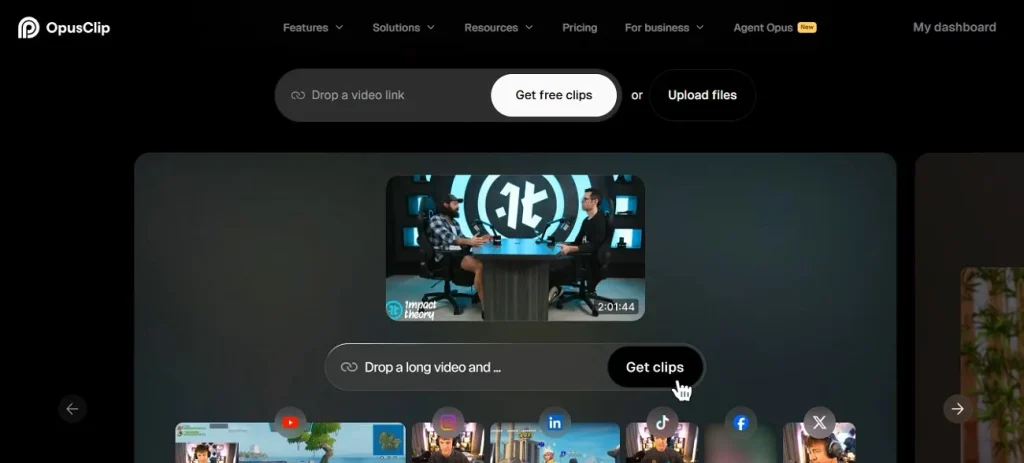
This tool scans your long videos and automatically finds the most engaging viral moments to turn into short clips. It adds animated captions and posts directly to social platforms with a single click. The AI rates each clip's viral potential so you know what will perform best. This Instagram video AI generator saves hours of manual editing and lets you repurpose a single video into dozens.
Key Features
- Adds animated captions that perfectly match trending social media styles.
- Reframes horizontal footage into vertical format for different social media platforms.
- Publishes directly to Instagram, and other accounts in one single click.
Limitations
- Processing times are slow for longer uploaded videos.
- The free plan has significant limitations, including watermarks.
5. CapCut
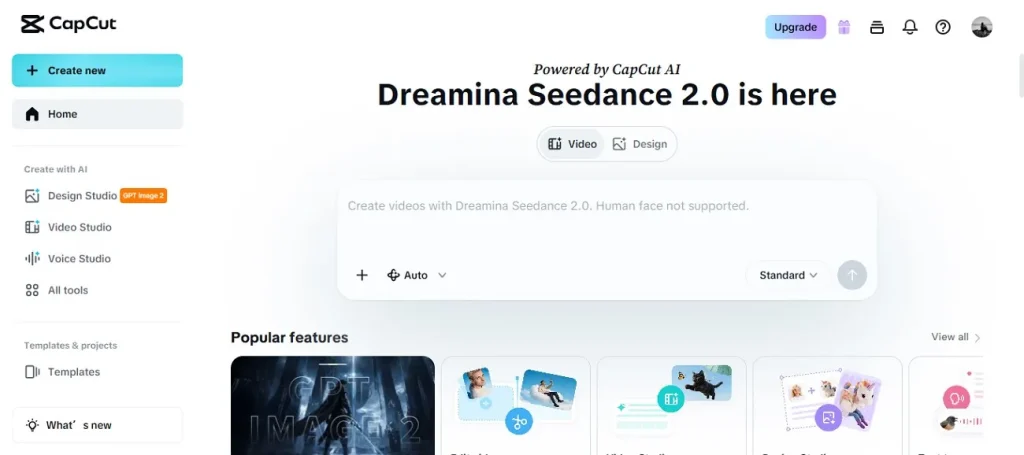
CapCut offers completely free video creation with avatars and automated storyboarding so anyone can create stunning videos in minutes. You type your idea, and it builds the whole video with music and effects. It is one of the AI video generators for Instagram Reels free that millions of creators trust for quick video generation.
Key Features
- Massive library of trending effects from which users can choose and apply to their videos.
- Syncs projects across devices so you can edit on phone or computer.
- Includes a background remover to remove unwanted background from videos.
Limitations
- Refining everything takes way too long for detailed projects.
- The generated videos sometimes lack emotional depth.
6. Google Veo 3
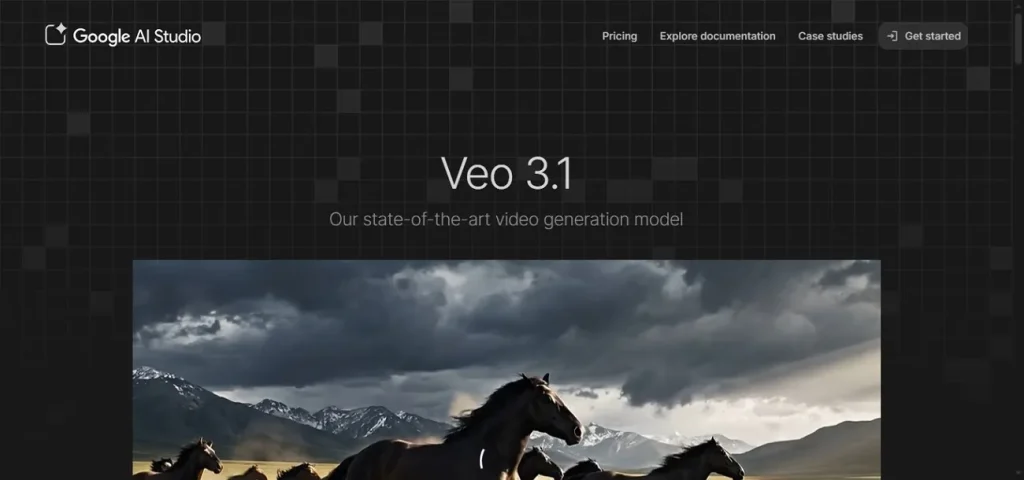
It generates cinematic videos up to a minute long from simple text prompts or uploaded images. The model understands complex cinematic terms like camera angles and lighting. This AI video generator for Instagram Reels is perfect for creators who want movie-like visuals with realistic motion.
Key Features
- Offers Veo 3.1 Fast for quicker generation when you need speed.
- Generates natural sound effects according to the scene and mood of the video.
- Keeps character and scene consistency throughout longer video sequences.
Limitations
- Cannot regenerate video of the same person or character consistently.
- Videos are capped at only 8 seconds in length.
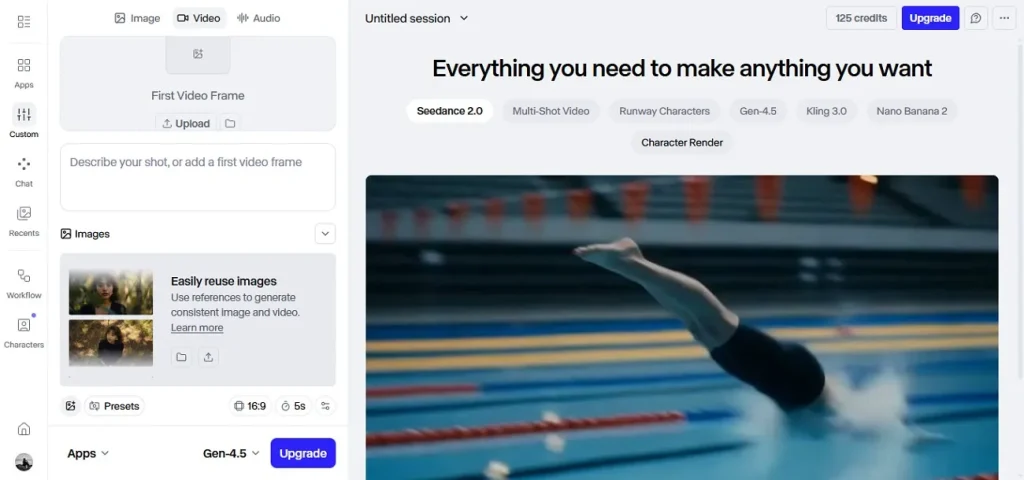
7. Runway (Gen-4.5)
This tool transforms any static image into a video with precise motion control and consistent character appearance across scenes. You can generate text-to-video or image-to-video content with full creative control over camera movement. This best AI video generator for Instagram is ideal for professional creators who need epic visual effects.
Key Features
- Gives full control over camera movement and zooming in and out.
- Lets you choose from different aspect ratio options according to the platform.
- Users can select video duration according to their choice and preferences.
Limitations
- Limited control over complex physics and realistic objects.
- Video rendering can be slow during peak usage times.
8. Canva
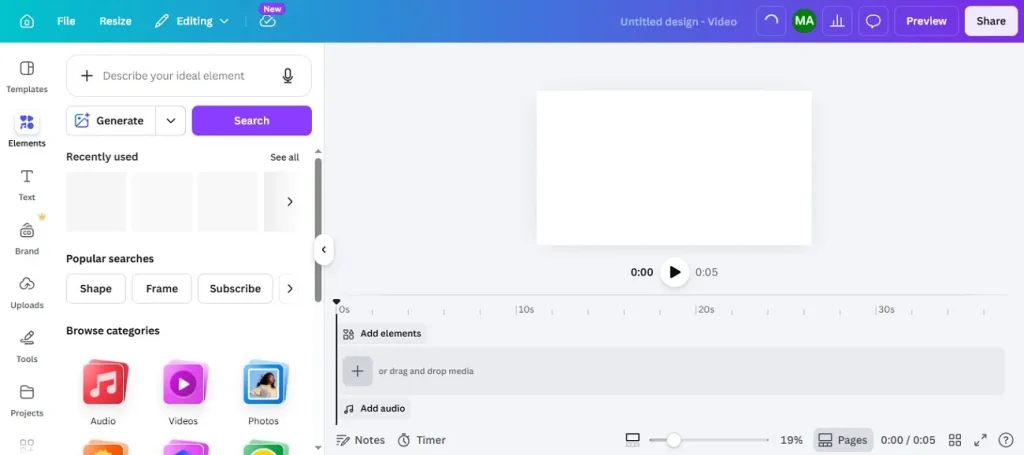
This tool lets you generate short-form videos from a text prompt, then customize everything with drag-and-drop editing before publishing. It includes Magic Beat Sync that automatically matches your cuts to music beats. This AI video generator for Instagram makes video generation easy for beginners who want polished content fast.
Key Features
- Magic Beat Sync matches video cuts to music beats automatically.
- The Auto Trim feature resizes videos quickly for different platforms.
- Unlimited premium stock clips and assets are available in the library.
Limitations
- Less direct creative control compared to specialist video tools.
- Struggles with realistic human subjects or specific product shots.
9. Veed.io
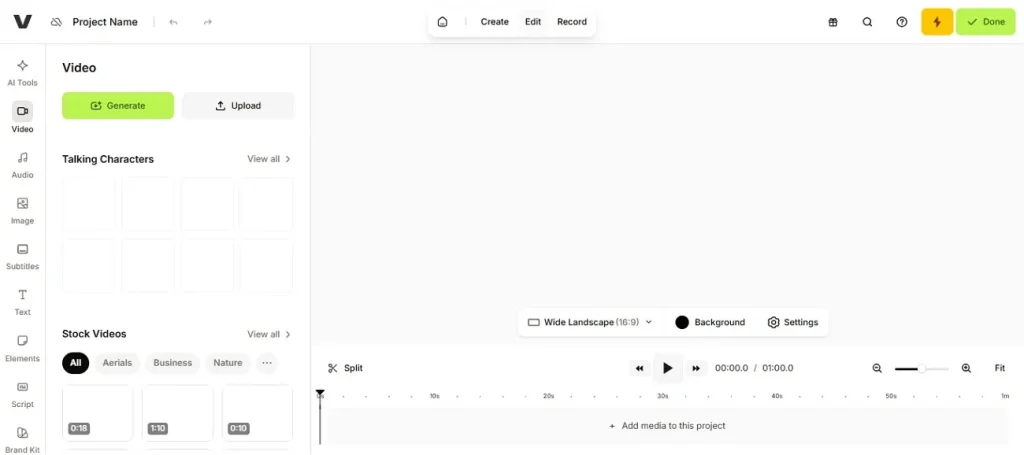
Veed.io is a powerful browser-based editor with features that auto-detect speech and realistic avatars for talking-head videos. It cleans up audio background noise automatically and dubs videos into multiple languages. The platform is an AI video generator Instagram tool for polishing existing footage and optimizing videos for social platforms.
Key Features
- The subtitles feature auto-detect speech with 98% accuracy in 100+ languages.
- Browser-based editing with no download required for the device.
- Dub videos into multiple languages while keeping the original voice tone.
Limitations
- Avatars look realistic-uncanny with a narrow emotional range.
- Cannot create a video from a text prompt at all without other tools.
10. Kling AI
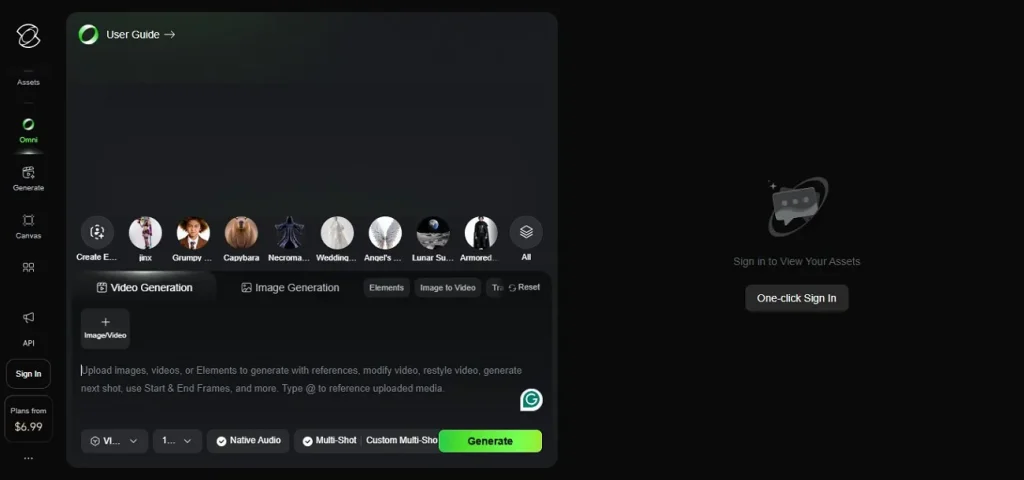
The platform generates lifelike videos up to 3 minutes long from text prompts or uploaded images with fluid motion. It creates synchronized background ambiance and sound effects instantly. As a free AI Instagram video generator, it gives creators high-quality content without spending money.
Key Features
- The Native Audio feature extends to character dialogue for complete audio.
- It produces a synchronized background for the videos in no time.
- The tool also lets you generate photos with text prompts in no time.
Limitations
- Limited to shorter video durations, usually only 5 seconds per clip.
- Standard generation speed has long queue times during busy periods.
Tabular Comparison Between AI Video Generators
Let us have a look at the side-by-side comparison of each tool after learning about it in detail:
| Tool | Video Length | Character Consistency | Max Resolution | Watermark |
| MagicLight AI | Up to 50 minutes | Full control across 50 min | 1080p HD | No watermark |
| InVideo AI | Short clips | Repetitive visuals | 1080p HD | On free plan |
| HeyGen | Multi-minute | Multi-minute | 720 free | On free plan |
| Opus Clip | Short clips only | No characters | 1080p | On free plan |
| CapCut | Short clips | Limited | 1080p | No watermark |
| Google Veo 3 | ~8 seconds max | Fails 90% | 1080p | On free plan |
| Runway Gen-4.5 | Medium clips | Consistent | 4K | On free plan |
| Canva | ~10 seconds | Limited | 1080p | On free plan |
| Veed.io | Short clips | No consistency | 1080p | On free plan |
| Kling AI | ~5 seconds | Consistent | 1080p | On free plan |
Part 2. Best Way to Create The Perfect Instagram Reel With MagicLight AI
After learning about all the tools in detail, it is evident that MagicLight AI offers complete customization with video length flexibility. Let's have a look at the step-by-step guide on how to use this platform for video generation:
Step 1. Start Your Project
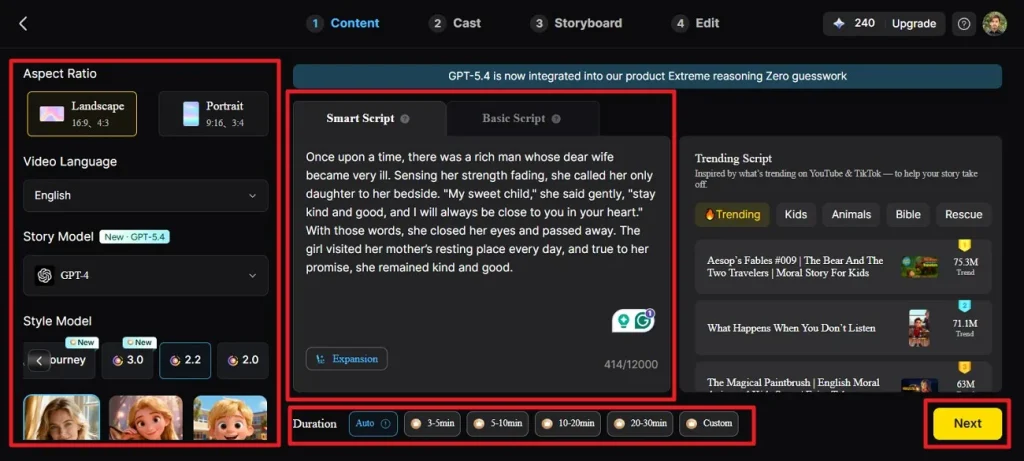
Open the Story to Video tool, pick your aspect ratio, and select how long you want the video to be. Choose your language and model from the options provided. Next, choose the style and paste the script or story in the designated field. Press the Next button from the bottom once the configuration is done.
Step 2. Check Your Scene Breakdown
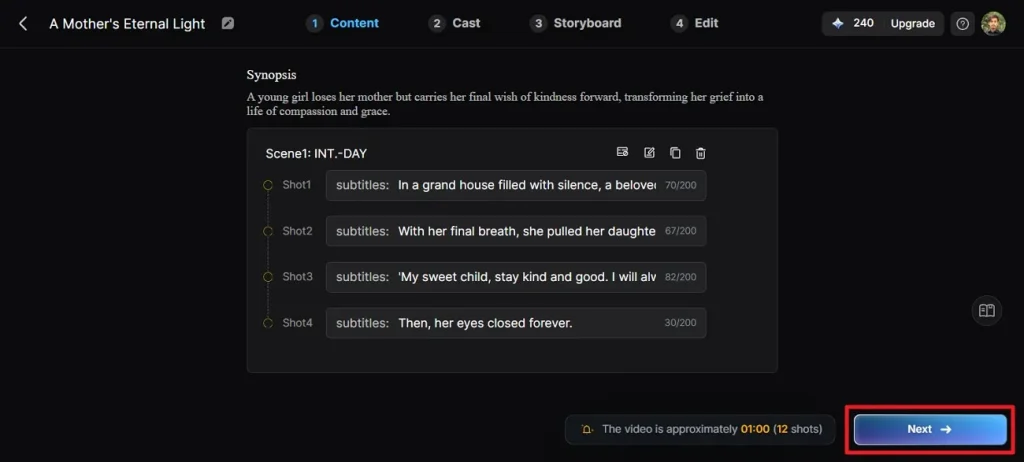
Look through the scene-by-scene summary to make sure it fits your story. Use the buttons at the top to tweak any scenes, then click Next when you are satisfied.
Step 3. Pick Your Characters
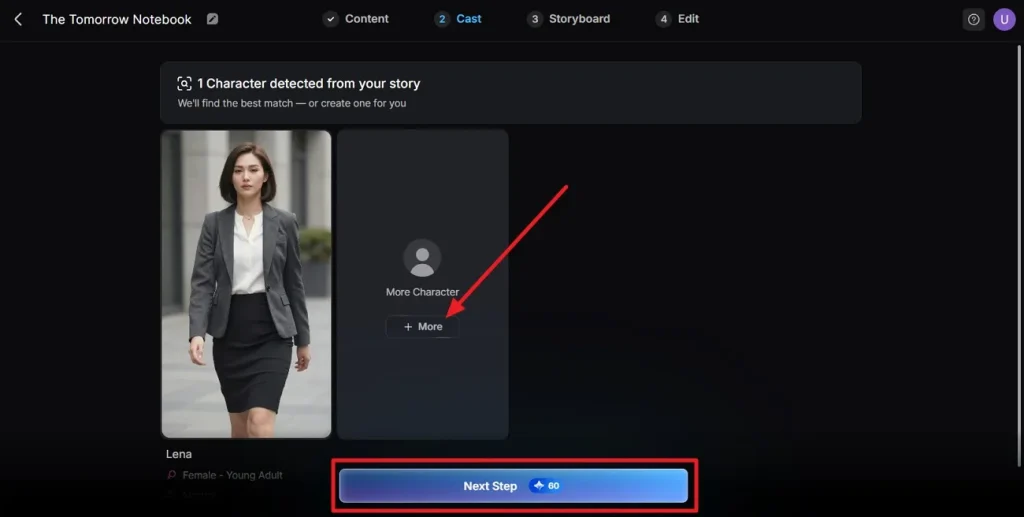
The tool will spot characters in your script and show you matching options. Choose the character of your choice and hit the Next Step button.
Step 4. Make Changes to Storyboard
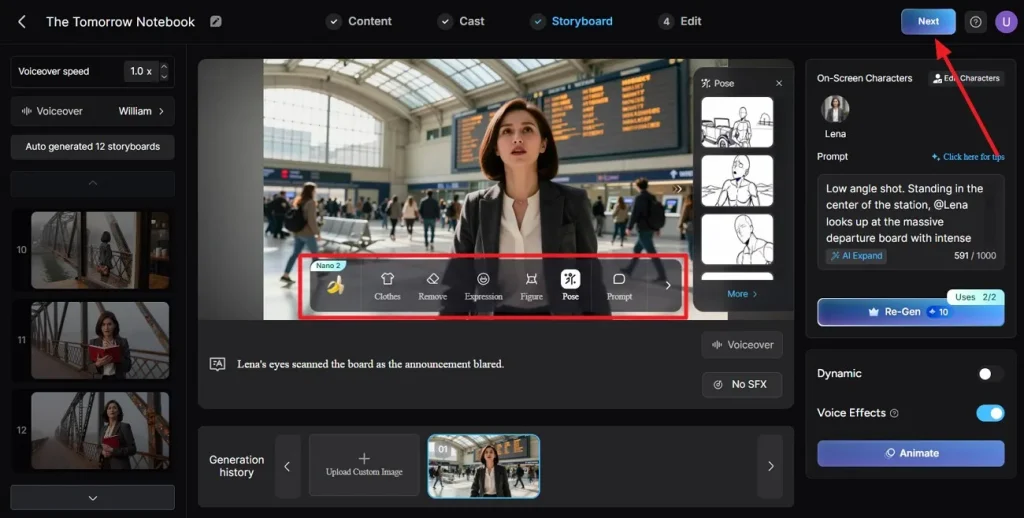
Go scene by scene through the storyboard and make sure the visuals flow well. Change outfits or poses using the tools, then click Next.
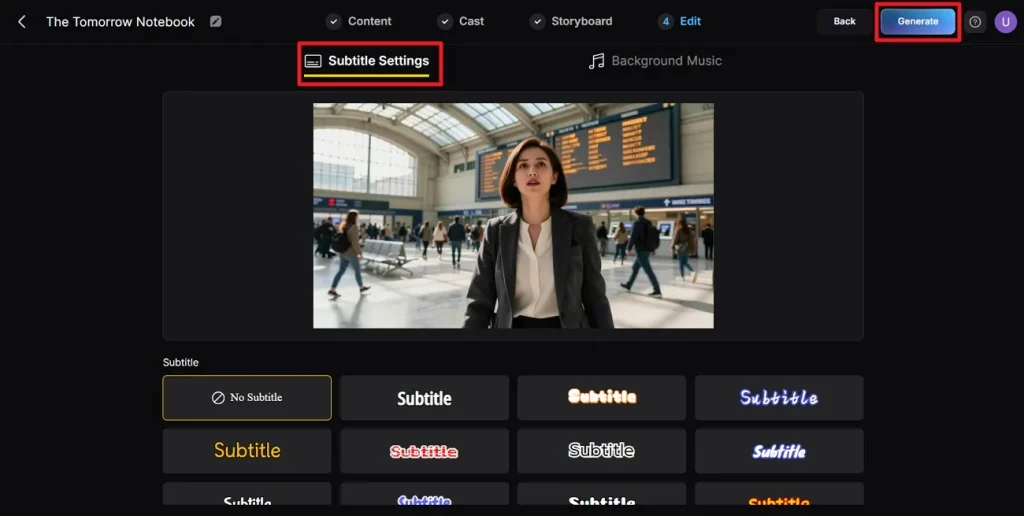
Step 5. Set Up Subtitles
If your video has dialogue or narration, pick a subtitle style that fits your look. When subtitles look good, click Generate to start making your video.
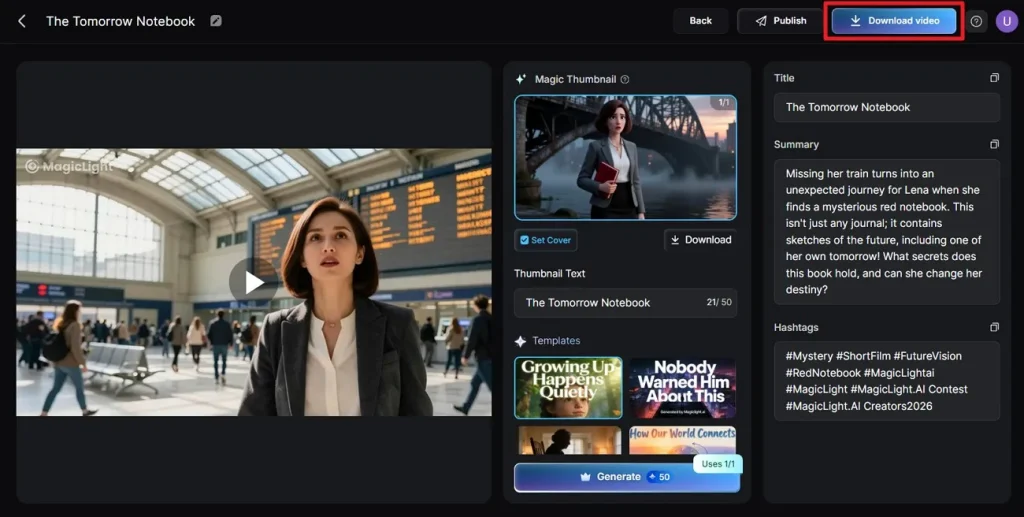
Step 6. Watch and Save Your Video
Once it's done, play through the video and check the cover image and thumbnail. When everything looks right, hit Download Video to save your final clip.
Conclusion
To sum it up, this article provided a complete review of the top 10 best AI video generators for Instagram Reels. The article discussed the features and limitations of each tool for users to make an informed decision. Once such a tool that offers flexibility in terms of duration and offers various video generation options is MagicLight AI. The platform uses advanced technology to create and edit content as per users' preferences.
FAQs on Best AI Video Generator for Instagram Reels
1. What is the best AI video generator for Instagram Reels?
One such tool is MagicLight AI that offers video creation up to 30–50 minute videos from one prompt. The tool generates results while keeping the characters consistent and lip movement synchronized.
2. Are there free AI tools for Instagram videos?
The tool that offers free 300 credits for users to generate videos is MagicLight AI. The tool lets you download without watermarks even on the free plan.
3. Do AI video tools work for the Reels format?
MagicLight AI supports vertical 9:16 aspect ratio specifically designed for Instagram Reels. You can select your preferred aspect ratio and duration when creating your project.
4. Can beginners use AI video generators for Instagram?
A tool that offers a simple interface with accessible features within its interface is MagicLight AI. Beginners get the ability to create videos with ease without dealing with a complex interface.
5. Do AI video generators add watermarks?
Most AI video tools add watermarks on their free plans. MagicLight AI stands out by offering no watermark downloads, even on the free plan.