


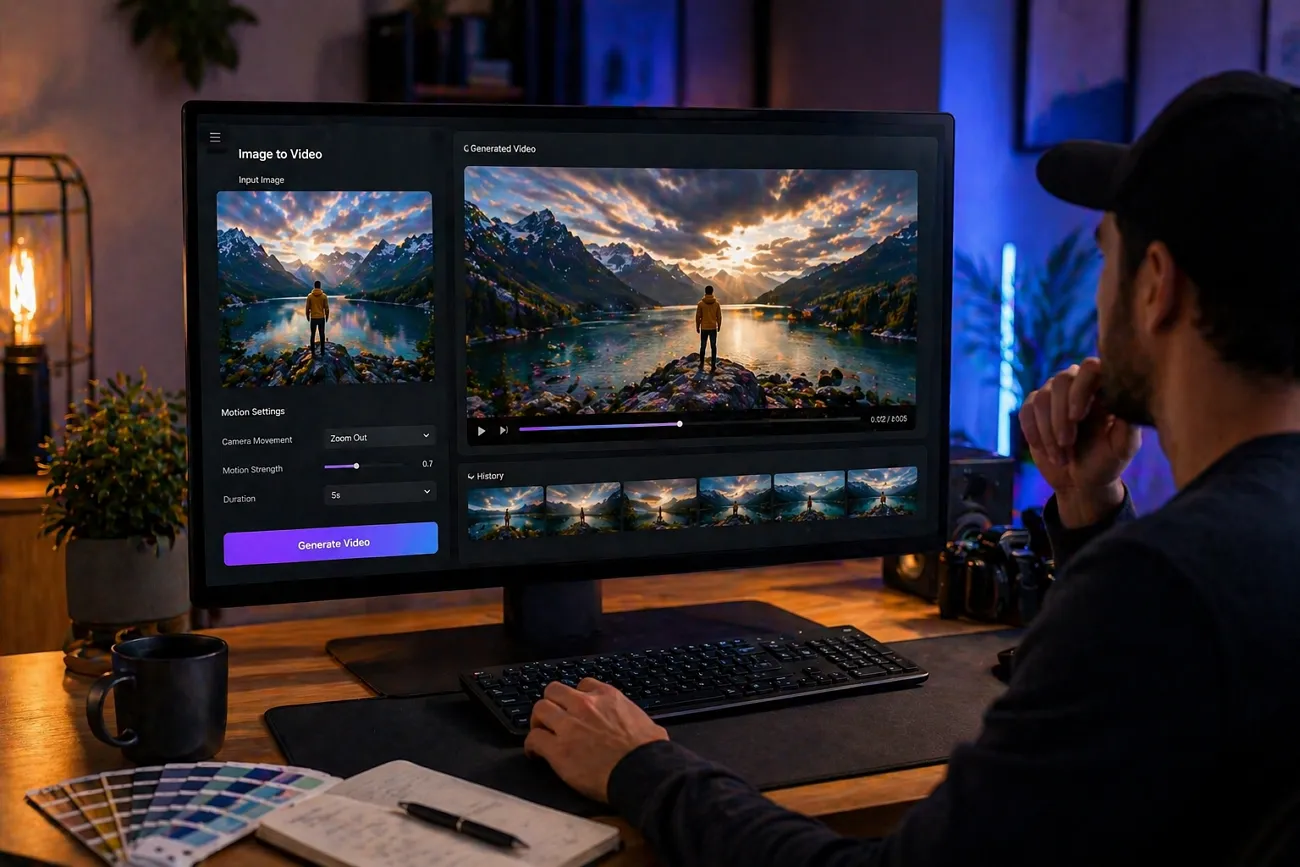
Static photos often feel a bit boring when you want to tell stories. Therefore, creating videos from images helps share memories in simple and fun ways online. This makes content more engaging for viewers and social media users everywhere. The best free AI image-to-video generator makes this process easier by converting photos into motion clips for social media and personal use.
Nowadays, tools like MagicLight AI offer a smart platform for creating videos from ideas. The diverse image to video generation facility, with simple buttons, helps beginners create professional-level videos instantly. To help you choose the right tool, read this guide to choose the right tool for your video needs.
Part 1. 10 Best Free AI Image to Video Generators Recommended
Every creator needs the best free image-to-video AI generator for better results. So, below are the leading 10 tools that convert images into engaging videos effortlessly:
1. MagicLight AI
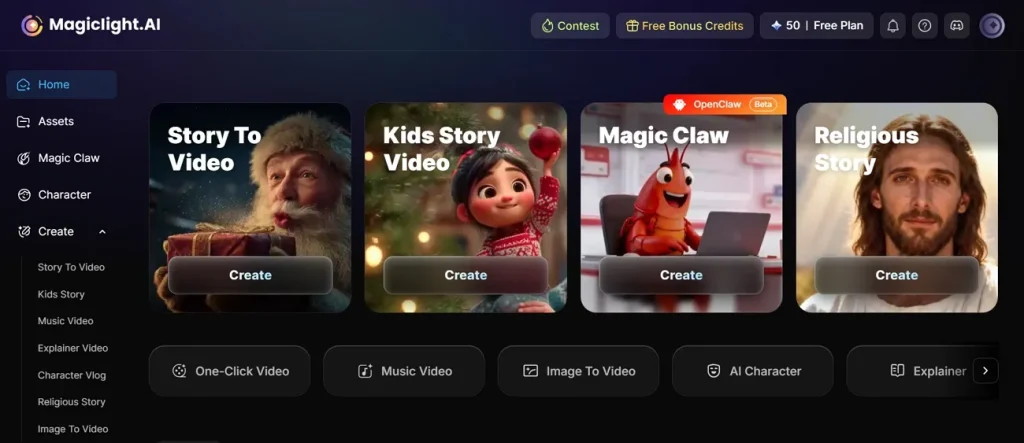
MagicLight AI is the best free image-to-ai video generator, as it uses physics-based motion prediction for the realistic animation of objects and scenes. The tool has 17 AI video models, including Veo, and Kling, that help you achieve your video goals.
While generating videos, it keeps the original image style clarity and textures while adding smooth motion effects. Before downloading the video in 720p or 1080p resolution, you can preview it for clarity. Along with this, it allows adding AI voiceovers in 37 languages within the same workflow for video after creating the video.
Key Features
- Multi-Scene Generation: Multi-scene generation enables combining several clips into longer, structured narrative videos.
- Scene Transition Control: Scene transition control allows smooth movement between different video segments, naturally and fluidly.
- Audio Sync Engine: Audio sync engine aligns sound timing accurately with generated video scenes perfectly.
Pros
- Upload JPG, PNG, JPEG up to 10MB to generate motion using text prompts.
- The Story-to-Video feature allows long-form video creation up to 50 minutes in duration.
- Build structured prompts up to 1500 characters for clearer and better video generation.
Con
- Some generated videos may need multiple attempts for better final results.
2. Kling AI (v2.6/3.0)
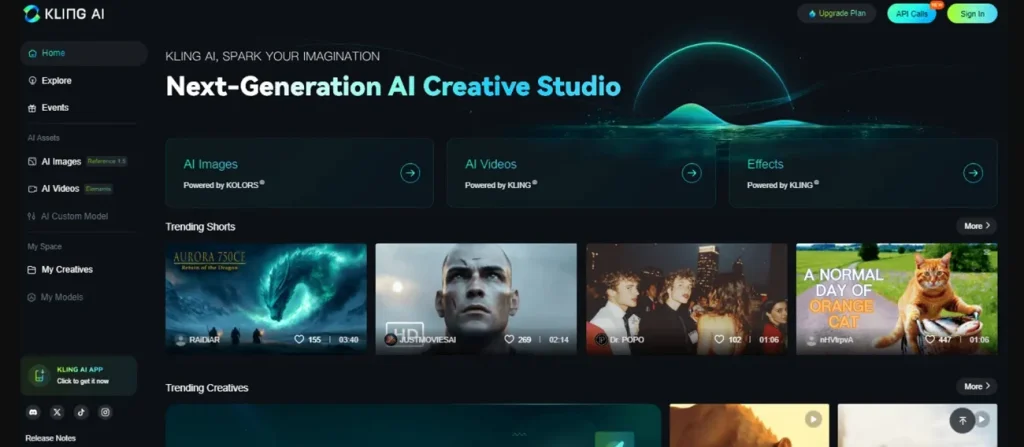
With this video generator, you can generate up to 6 shots in one run for short video storytelling. The tool also accepts a single reference image to generate animated video clips with a consistent style. As one of the best image-to-video AI generator free options, it supports 5 languages, including English, Chinese, and Korean, with accents for global users.
Key Features
- AI upscaling enhances lower resolution footage into sharper, high-quality visuals and output refinement.
- Frame control allows adjustment of timing and pacing within generated clips and precision editing.
- Auto subtitles generate synchronized captions for improved accessibility and a clearer viewer engagement experience.
Pros
- Preserves character identity and appearance across frames using reference image input.
- Delivers cinematic quality visuals with improved lighting and motion realism.
Cons
- Sometimes motion can look unnatural in complex scenes with multiple elements.
- Camera movements may not always follow prompts exactly in some generations.
3. Hailuo AI (MiniMax)
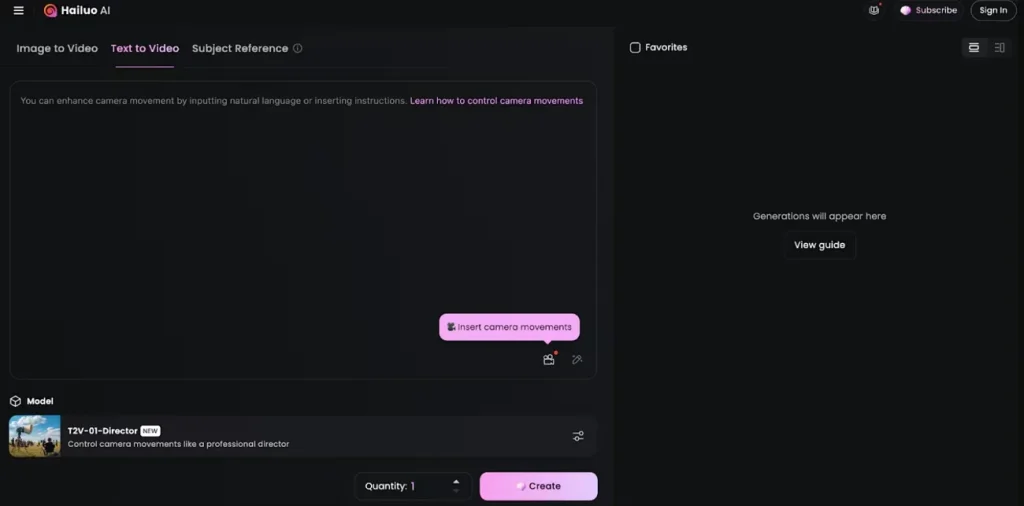
This is another best AI image-to-video generator free, as it produces realistic motion, including human expressions and water physics effects. While using it, the Hailuo AI allows detailed prompts to guide motion camera angles and visual storytelling. For short reels, it supports clips up to 6 to 10 seconds per generation output.
Key Features
- Model switching enables selection between different AI versions for varied output styles.
- Motion smoothing enhances the fluidity of movement between frames for more natural animation.
- Scene continuity maintains consistent visual flow across generated video segments and shots.
Pros
- Uses NCR architecture in Hailuo 02 for advanced cinematic visual realism.
- Provides high-quality 1080p output for creating professional-looking, cinematic video content.
Cons
- Needs clear and high-quality images to achieve realistic and accurate video results.
- Only creates short videos up to 10 seconds in length.
4. Luma Dream Machine (Ray3.14)
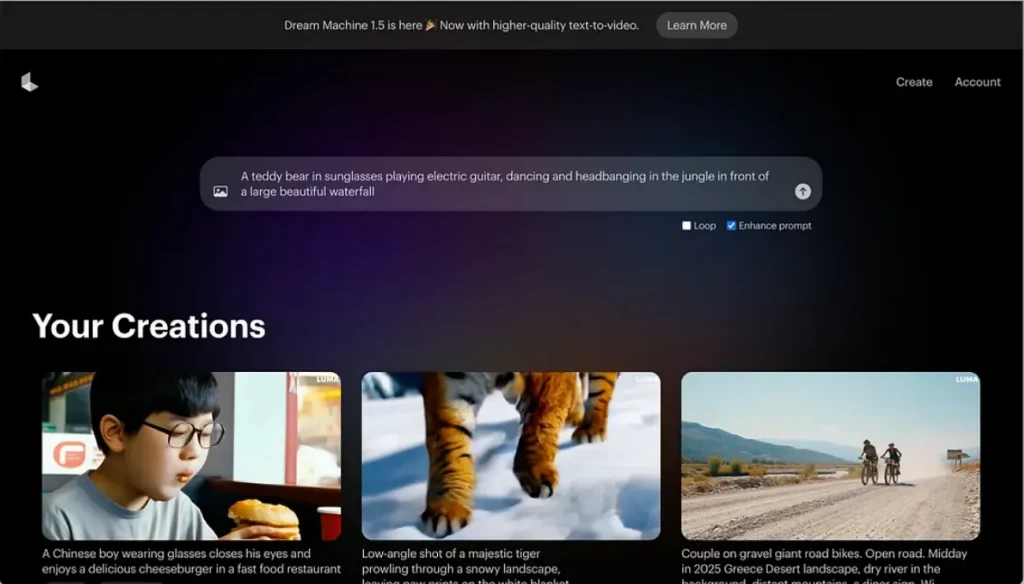
Luma Dream Machine is a professional-grade, next-generation AI video generation model released by Luma AI in January 2026. This is also considered among the best AI image-to-video generator free online for creating cinematic video clips. In addition, the tool supports 720p and 1080p video output based on the selected rendering mode. To control scenes, it allows setting scene duration, camera movement, and visual tone.
Key Features
- The “modify video” feature allows editing existing clips by regenerating specific visual segments.
- Loop generation creates seamless repeating animations for social media and creative storytelling.
- Motion engine calculates physics-based movement for realistic object and scene animation.
Pros
- Ray 3 or Ray 3.14 models support different video generation quality.
- Supports HDR and EXR formats for advanced lighting and cinematic visuals.
Cons
- Limited direct control over fine animation details in complex scenes.
- Requires high-quality images for the best cinematic and realistic results.
5. PixVerse (v5.6)
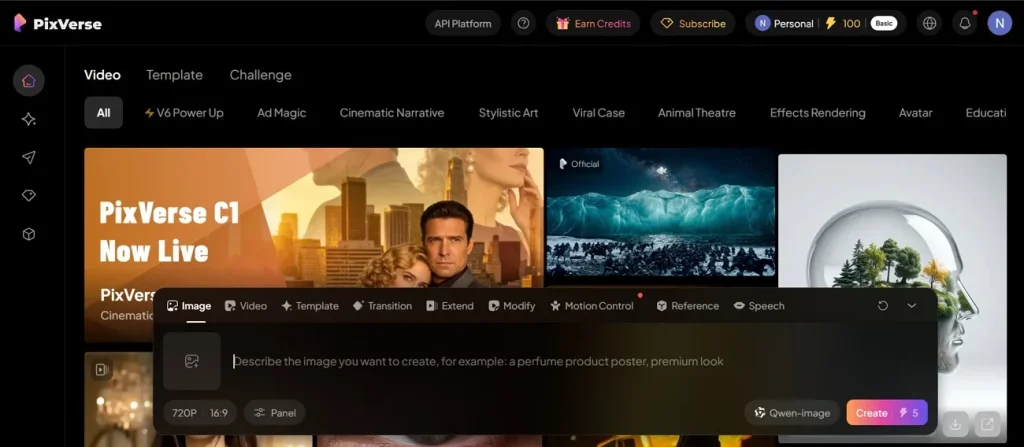
Creators can also use this tool to create cinematic motion using physics-based simulation for realistic animation effects. It even supports single-image upload up to 50MB for video generation processing, making it the best free AI image-to-video generator. While creating a video, PixVerse maintains facial and object consistency across all generated video frames.
Key Features
- Pro mode delivers enhanced quality rendering with improved cinematic detail and refinement.
- Resolution scaling adjusts output quality dynamically from low to high-definition formats.
- Model switching allows selection between different AI versions for varied output results.
Pros
- Ensures consistent frames with reduced flicker throughout the entire video.
- Supports cinematic, anime, photoreal, and artistic styles from the same input image.
Cons
- Limited video duration makes long storytelling difficult without stitching multiple clips.
- Rendering quality may vary depending on prompt clarity and input image.
6. Wan (2.6)
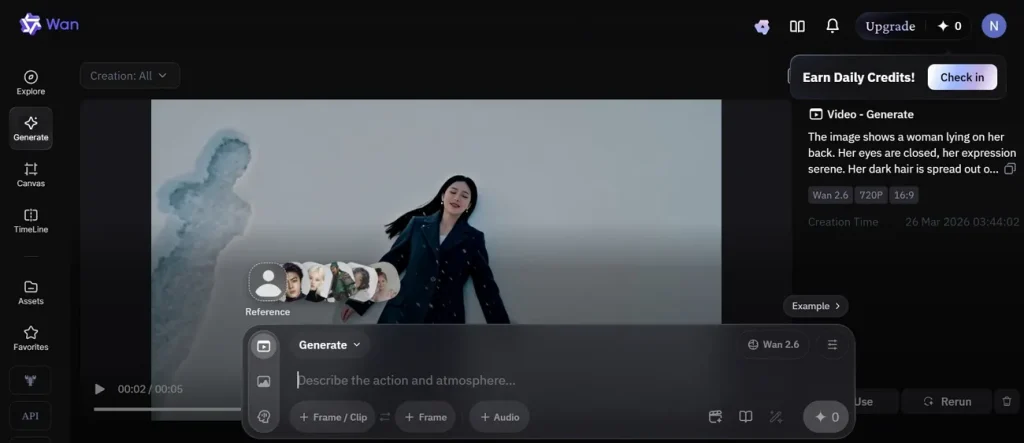
The video generator is also considered the best free image-to-video generator AI, creating multi-shot videos up to 15 seconds from one image. Not only this, it even produces cinematic 24 fps output for smooth and realistic motion quality. During the video generation, Wan 2.6 synchronizes accurate lips for talking characters generated from images.
Key Features
- The multi-shot engine constructs structured sequences from a single input for storytelling continuity.
- Frame smoothing improves transitions between frames for fluid motion and visual stability.
- Motion engine simulates physics-based movement for realistic animation behavior in scenes.
Pros
- Supports image uploads up to 2000px size and 100MB file limit.
- Maintains original image style and lighting throughout the video generation process.
Cons
- Requires detailed prompts to achieve precise cinematic camera and motion control.
- High-motion scenes sometimes lose fine facial details during animation.
7. Vidu AI (Q3)
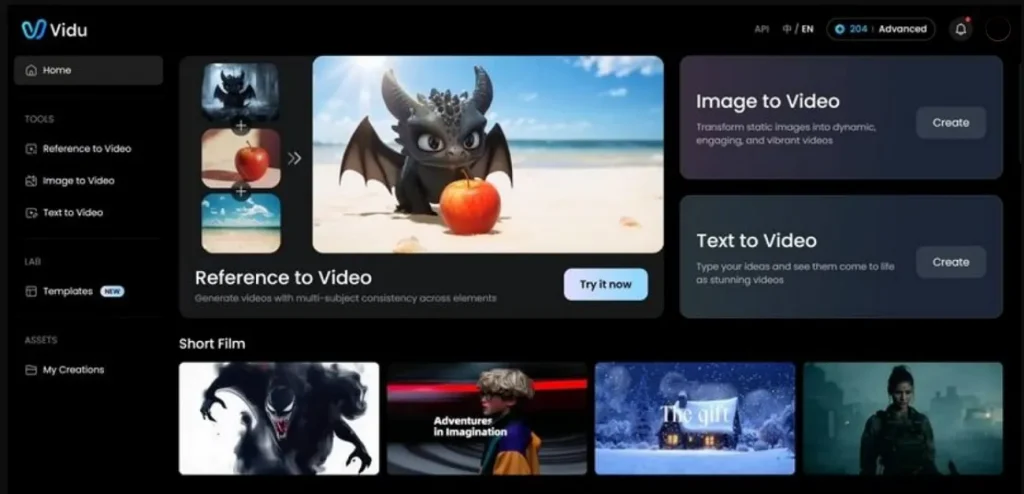
You can also use this video generator as the best free AI image-to-video generator to produce cinematic 24 fps videos with realistic motion. To create multi-shots, the system enables sequences from a single image using camera-movement transitions. Additionally, its latest Q3 models support around 16 seconds of video generation.
Key Features
- Scene blending merges visual segments smoothly for continuous storytelling and cinematic flow.
- Style preservation maintains a consistent artistic appearance across frames and generates video sequences.
- Frame control enables the adjustment of timing and sequencing within generated video clips.
Pros
- Supports a single image with a text prompt up to 2000 characters.
- Provides motion control levels for precise animation strength adjustment options
Cons
- Motion settings may require trial and error to achieve perfect output.
- Rendering time increases significantly at higher resolutions and complex prompts.
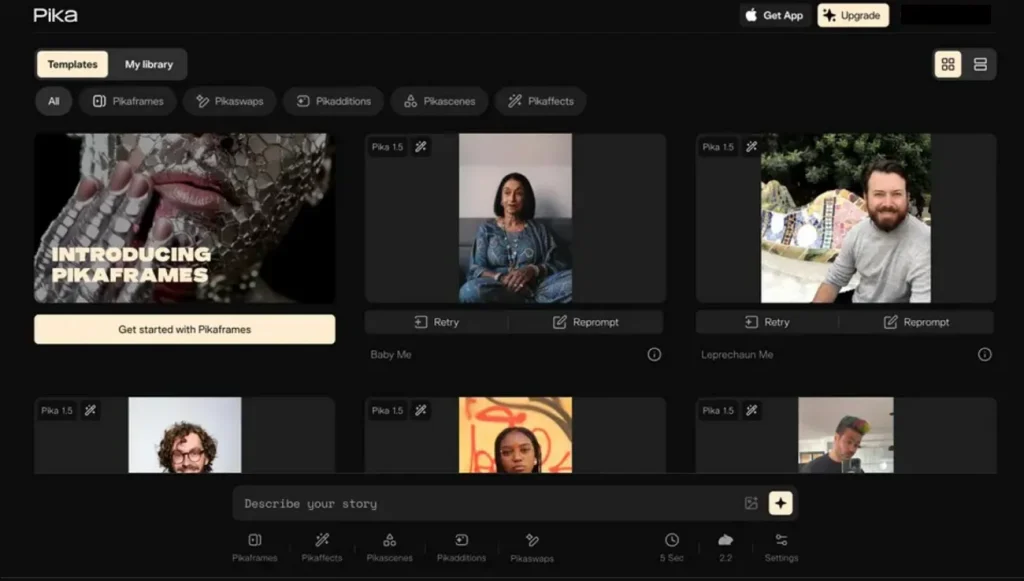
8. Pika Labs (Pika 2.5)
Another best image-to-video generator AI free is Pika 2.5, as it supports up to 15s clips, enabling short video generation output. It has the Pikascenes Mode that generates structured scenes from a single image with motion and transitions. The tool even maintains character identity consistency across frames with strong composition preservation techniques.
Key Features
- Audio sync aligns sound effects and speech accurately with visual motion timing.
- Model switching allows selection between AI versions for varied output styles.
- Scene builder structures multiple visual elements into coherent storytelling video sequences.
Pros
- Outputs cinematic 24fps video, ensuring smooth motion and realistic visual flow.
- Supports multiple aspect ratios, including 16:9, across all platforms.
Cons
- Fine facial details may distort during fast camera movement sequences.
- Realistic physics simulations still occasionally fail in water or cloth motion.
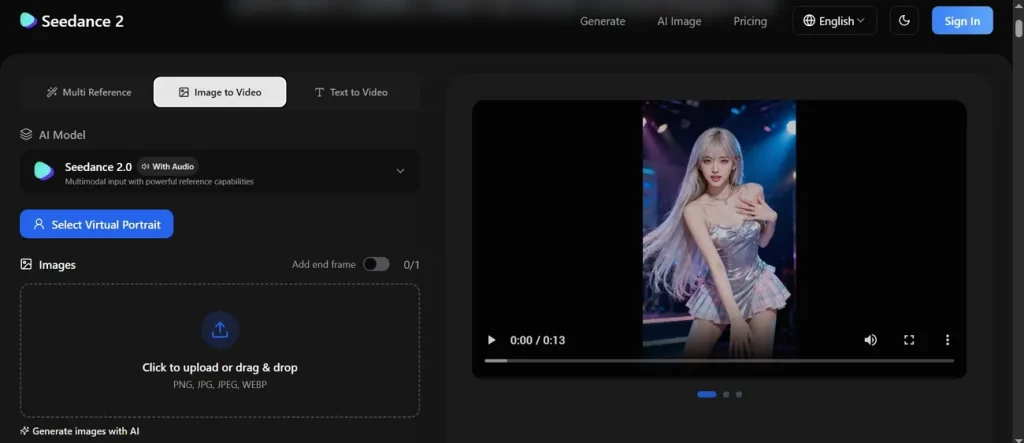
9. Seedance (2.0)
Seedance 2.0 also helps you generate visuals up to 15 seconds from an image. You can also use @ tags linking up to 9 images for structured scene control, making it the best image-to-AI video generator free. Moreover, it aligns visual motion precisely with generated audio beats and dialogue timing.
Key Features
- Output compression reduces file size while preserving acceptable cinematic visual quality levels.
- Audio sync aligns dialogue and sound effects precisely with generated visual motion.
- Style engine maintains a consistent artistic tone and visual aesthetics across generated frames.
Pros
- Maintains a character identity consistency across complex motion sequences effectively.
- Support JPG, PNG, and JPEG formats for easy image uploads.
Cons
- Sudden camera movements may cause visual flickering or instability issues.
- Multi-image inputs sometimes conflict and cause inconsistent scene blending artifacts.
10. Grok Imagine (xAI)
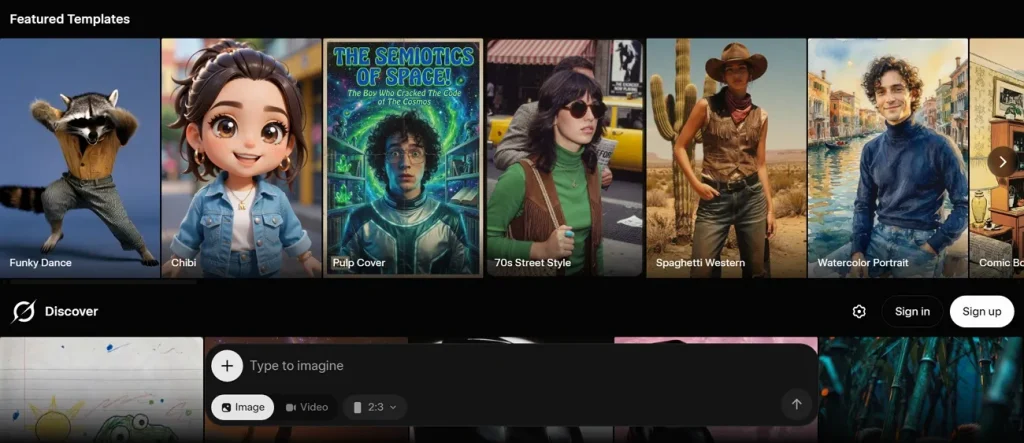
While exploring the best free image-to-video AI generator, this tool generates video clips from images in under 15 seconds. Grok Imagine has a Spicy Mode that enhances creativity beyond normal mode, yielding more dynamic outputs. In addition, you can use the Aurora MoE architecture to improve temporal consistency across generated video frame sequences.
Key Features
- Lip sync enables accurate mouth movement alignment with the generated dialogue speech audio.
- Reference blending merges multiple input images into a consistent video scene structure.
- Spicy mode enhances the creativity level, producing more dynamic and exaggerated visual outputs.
Pros
- Strong temporal consistency reduces flicker and improves animation stability significantly.
- Multiple aspect ratios ensure compatibility with all major social platforms.
Cons
- Limited cinematic control compared to professional multi-shot animation tools available.
- High creativity modes may produce unpredictable or inconsistent visual results.
Part 2. Why MagicLight AI Is the Best Choice for Image to Video Generation
In today’s market, MagicLight AI is considered the best free AI image-to-video generator. Thus, this part explains the major advantages that highlight its strong performance and usability features:
- Aspect Flexibility: MagicLight AI supports multiple aspect ratios like 16:9 and 9:16, making it ideal for YouTube, Instagram Reels, and TikTok. This flexibility ensures creators don’t need extra editing tools, which makes it a more efficient and all-in-one solution.
- Style Selection: The platform includes multiple style models like MagicLight 2.0 with up to 18 variations. It helps creators experiment with different artistic looks for diverse video outputs.
- Advanced Storytelling: It even supports script input up to 12,000 characters for deeply detailed video narratives. This function provides structured story models with 9 options for better storytelling control.
- Voice Filtering: The voiceover system allows filtering across 37 voices by age and accent. Users can improve dialogue realism by matching voice tone with character personality requirements.
- Rendering Models: MagicLight AI supports one-click video generation for faster production workflow efficiency. This feature allows conversion using 14 advanced AI models for smooth and dynamic visual output.
Upon knowing why MagicLight AI is an outstanding option for video creation, follow the guide below to generate an AI video with this tool:
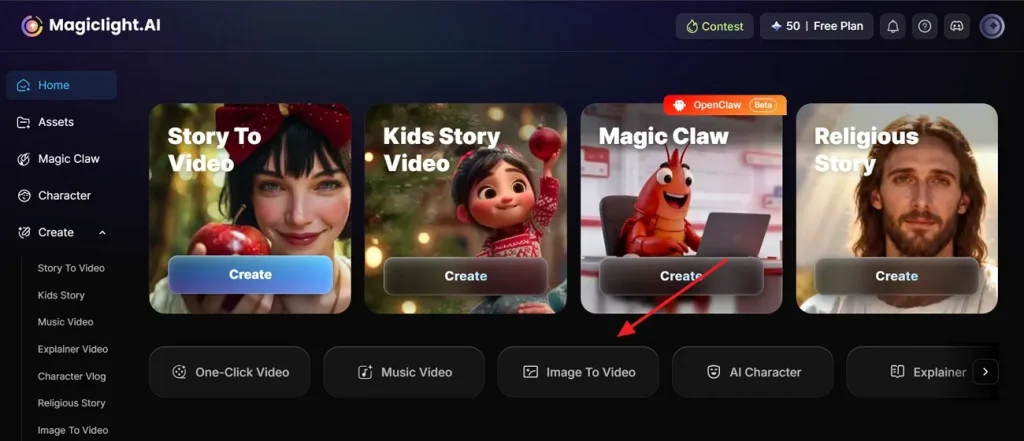
Step 1. Open the Tool to Create Video
To initiate, access the official webpage of MagicLight AI and go to the Image to Video feature from the main screen.
Step 2. Add Image or Generate Video
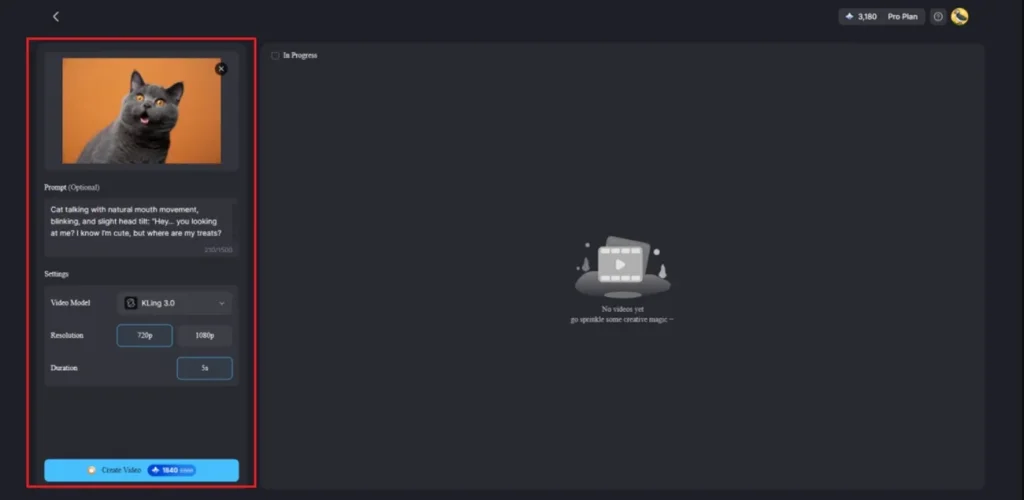
Upon getting it, press the Drag And Drop Images Here To Upload option to upload an image. After that, describe your idea in the provided Text Box and then select Video Model such as Kling 3.0. Next, select the video Resolution and set the Duration, then opt for Generate.
Step 3. Preview and Download Generated Video
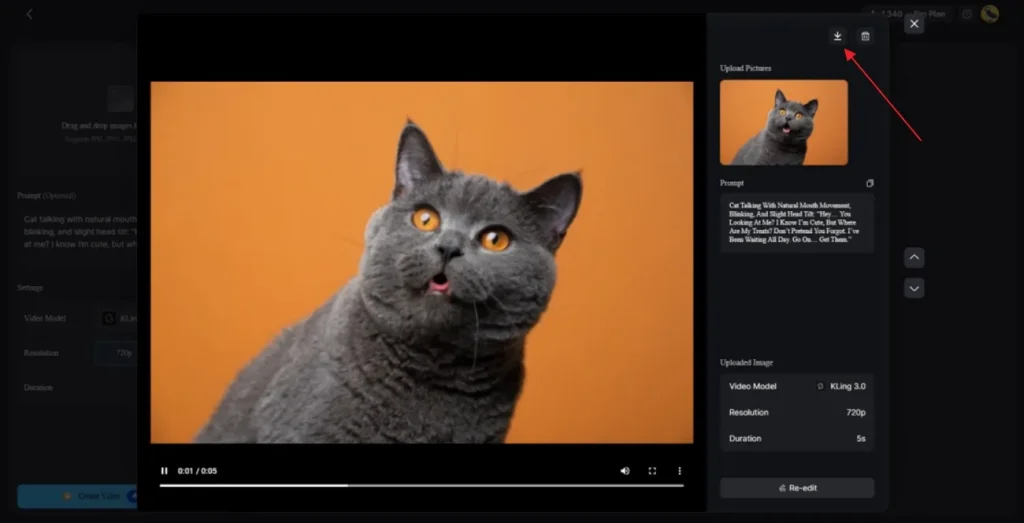
Once your AI video is ready, watch it to confirm all the things. When it is done, press the Download Icon to save the video.
Conclusion
In conclusion, turning images into engaging videos has become essential for modern content creation. With so many tools available, choosing the best free AI image-to-video generator helps simplify this process effectively. However, creators still need a reliable solution for consistent quality and control. Therefore, MagicLight AI stands out as a powerful option that meets both creative and practical video generation needs.
FAQs on Best Image to Video AI Generator
1. What is a free AI image-to-video generator?
A free AI image-to-video generator is an automated converter of static images to animated videos. It uses AI to provide motion, effects, and transitions without having to manually edit them. These tools help beginners and creators quickly make engaging video content from photos.
2. Which AI app turns images into videos for free?
MagicLight AI is a popular app that turns images into videos for free. It offers simple tools to animate photos using prompts and prebuilt AI models. Users can create videos easily without advanced editing skills or technical knowledge.
3. What is the best free image-to-video AI tool?
MagicLight AI is well-known as the best free image-to-video AI tool. It offers advanced options such as realistic movement, templates, and a simple workflow. Users will be able to create high-quality videos by using images without the use of complicated editing tools.





![How to Make a Marketing Video 2026 [Step-by-Step Guide]](https://magiclight.ai/wp-2/wp-content/uploads/marketing-goal-planning-guide-300x200.png)