


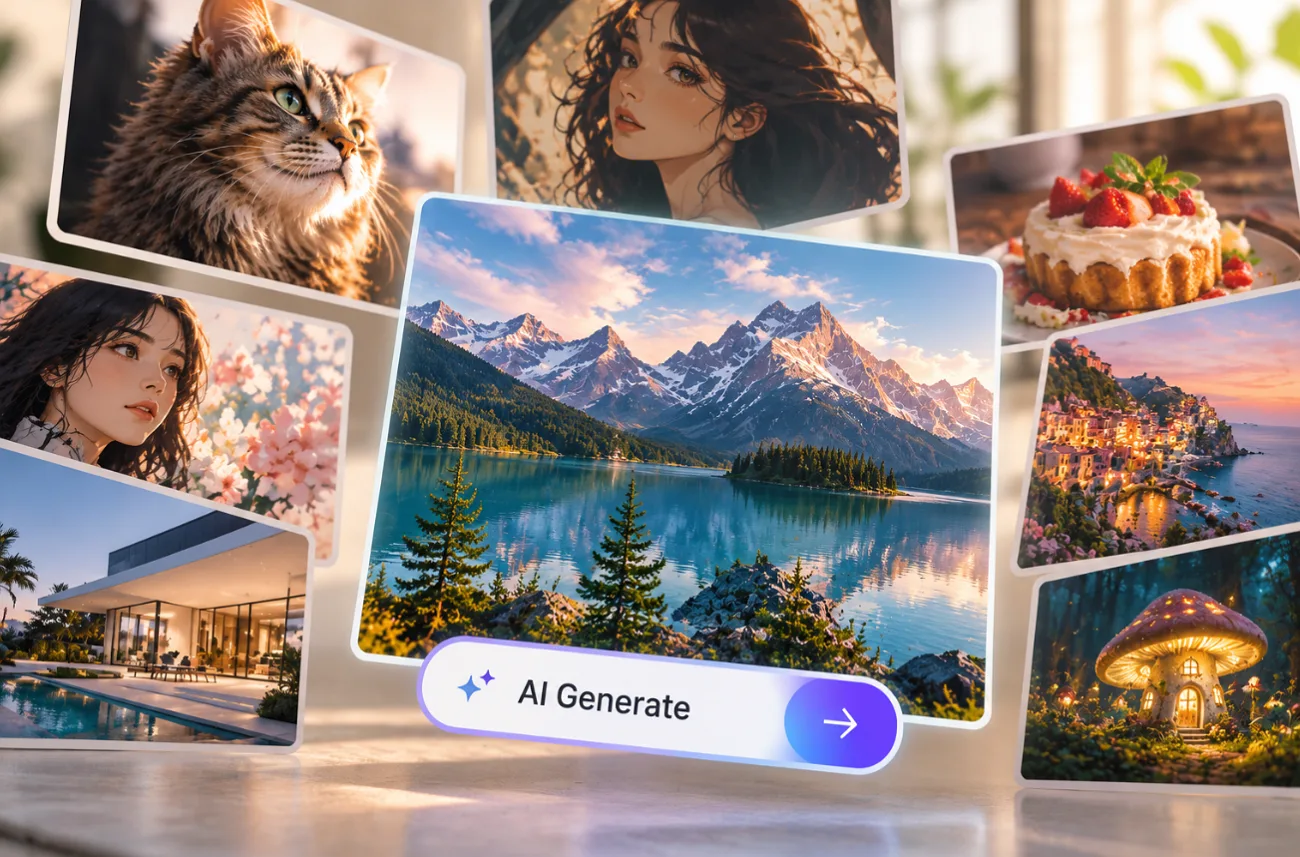
AI-generated photos are showing up everywhere, from product listings to social posts. A best realistic AI image generator should handle skin, lighting, textures, and prompt details without making the image feel artificial. Editing options, resolution, and free access also vary widely. Some tools can even animate finished images, which will be observed in this article.
Part 1. How to Choose the Best Realistic AI Image Generator
Small details often reveal whether an AI image looks convincing or obviously generated. When comparing the best AI realistic image generator, check the areas below before judging a tool by its first result:
- Photorealistic Image Quality: Look for natural skin, believable eyes, accurate hands, and realistic facial details.
- Prompt Following and Detail Accuracy: Check whether requested objects, accessories, text, and smaller details appear correctly.
- Natural Lighting and Material Texture: Shadows, reflections, fabric, skin, and surfaces should behave like real photography.
- Editing and Image Control: Reference uploads, inpainting, and upscaling help refine results without generating everything again.
- Free Usage and Output Limits: Compare available credits, image visibility, resolution limits, and other free-plan restrictions.
Part 2. 6 Best Realistic AI Image Generators to Try
The tools below take different approaches to realistic image creation, from multi-model workspaces to dedicated photo generators. Comparing them side by side makes it easier to see which best AI for realistic image generation fits your needs for realism, editing control, text accuracy, or commercial use.
1. MagicLight AI
Best For: Creators who want realistic images that can become talking or moving video.
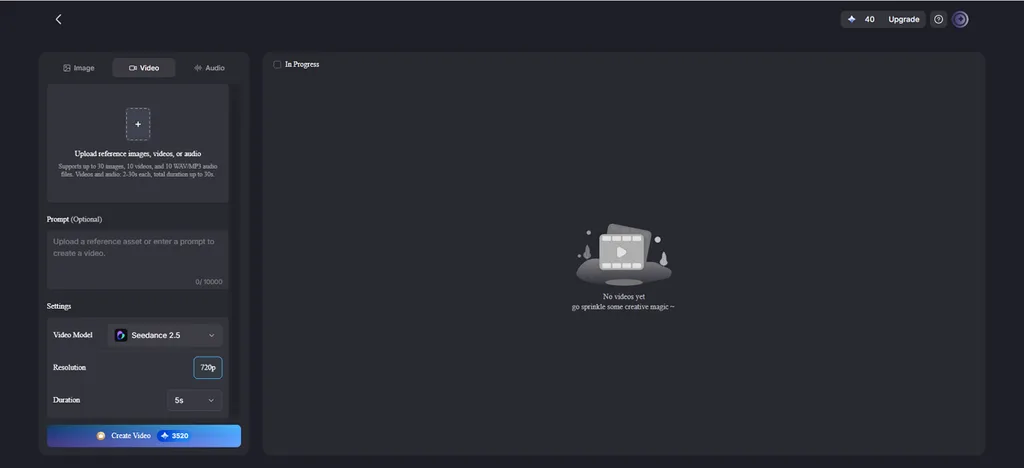
People who want realistic stills that can later move or speak can try MagicLight AI, which combines image generation with video tools. Its Image tab includes 5 models, including Nano Banana 2 and the GPT Image family, inside one prompt box.
Realistic portraits can also become video through Image to Video, whose lifelike portrait animation adds natural blinks and small head movements. Lip Sync then gives the portrait a voice using typed text or recorded audio.
Key Features
- Photographic Prompts: A prompt box of 500 characters leaves room for lens, lighting, texture, and mood details.
- Multi-Image References: Several reference photos, capped at 20MB apiece, tie faces, products, and settings to real sources.
- Batch Comparisons: One generation produces several versions, helping you compare skin, lighting, texture, and fine details.
- Photo Animation: Precision Camera Control brings still images to life with smooth pans, tilts, and zooms.
- Realistic Story Videos: Story to Video offers a realistic visual style among 52 options, with the same cast carried through every scene.
Pros
- 5 models make side-by-side image testing easier within one workspace.
- Official iOS and Android apps join the web version.
- Any paid plan adds 1080p video exports and a commercial license.
Con
- Official image documentation does not clearly state final output resolution.
2. Midjourney
Best For: Editorial photography where composition, atmosphere, and visual direction matter most.
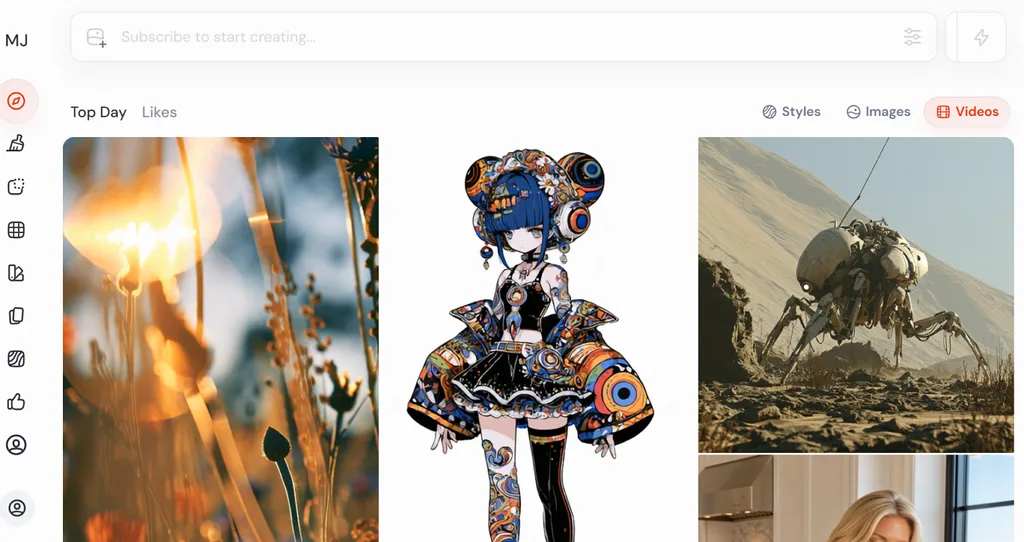
Midjourney focuses on polished visuals with strong composition and distinctive photographic atmosphere. Its V8.2 model supports native 2048-pixel HD images and stronger prompt control through Raw mode.
Key Features
- Lower --stylize settings reduce added styling and keep results closer to prompt wording.
- Draft Mode creates lower-resolution options quickly for testing composition before higher-quality generation. Midjourney
- The Edit Model changes existing images through written instructions and multiple reference images.
Pros
- Style References reliably preserve colors, textures, lighting, and visual consistency.
- Moodboards guide broader aesthetics across multiple images and creative directions.
Cons
- Paid subscriptions are required, with Basic starting at 10$.
- HD generation consumes more GPU time than standard image creation.
3. Leonardo AI
Best For: Photographers and marketers who want dedicated realism models and upscaling.
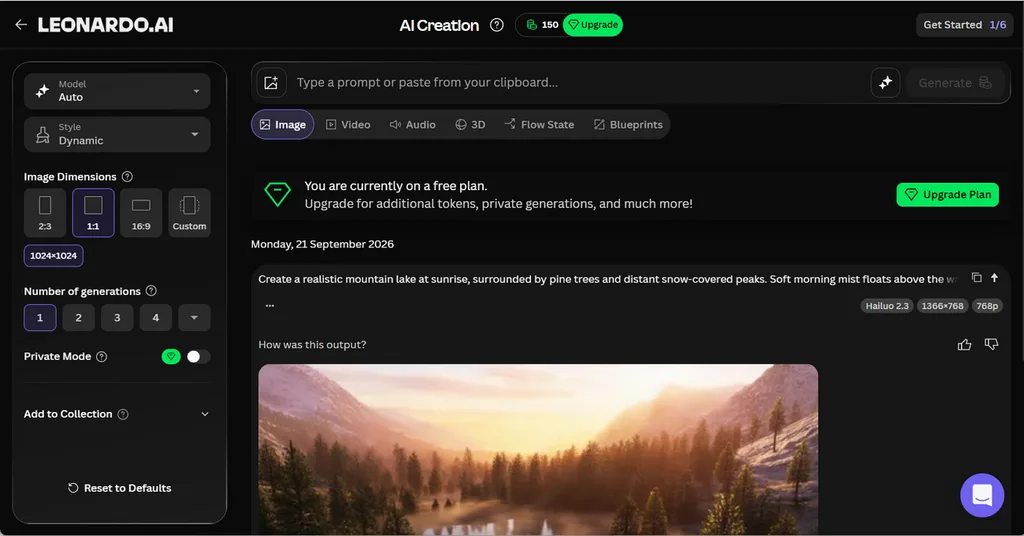
For anyone comparing the best AI for realistic image generation, Leonardo AI offers several photo-focused models. Lucid Realism targets natural lighting, skin detail, and cinematic photographic results across different subjects. Free users currently receive 150 daily tokens, although their generations remain public.
Key Features
- Lucid Origin generates Full HD images with strong prompt adherence.
- The Universal Upscaler offers a Realistic mode, reaching up to 20MP.
- Image Guidance adds depth, edge, and pose controls to references.
Pros
- Free accounts receive 150 daily tokens for regular image generation. Intercom
- Paid users can keep selected generations private from other users
Cons
- Free generations remain public and may be accessed by others. Intercom
- Higher-fidelity generation modes can consume more tokens per image.
4. FLUX
Best For: Developers and studios building realistic product imagery through an API.
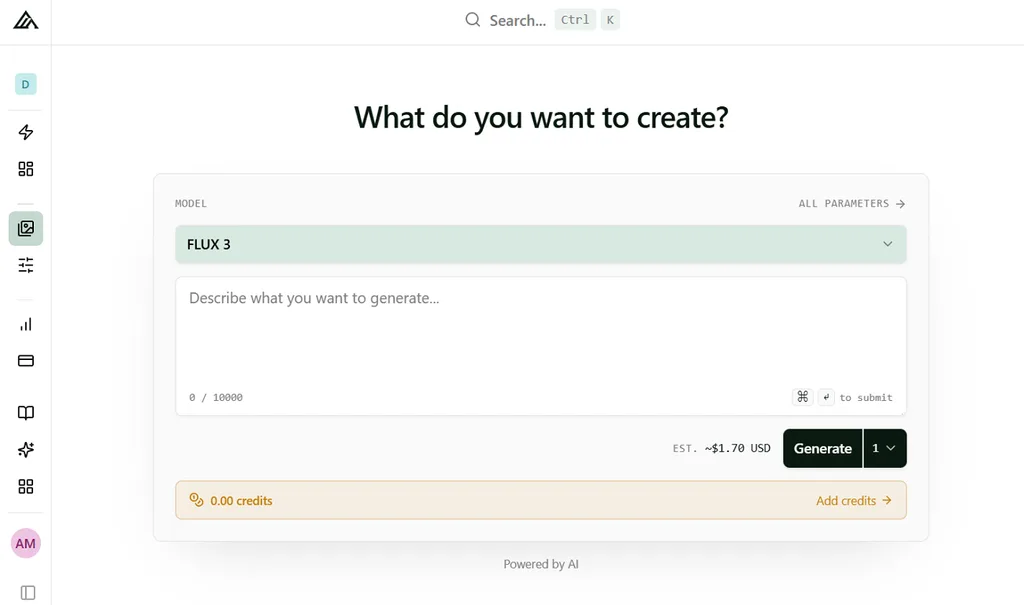
Teams needing more control over realistic image generation can use FLUX for technical workflows. FLUX.2 supports high-resolution output, multi-reference editing, and structured prompts for commercial image production.
Key Features
- Multi-reference support combines ten images while preserving characters, products, and visual styles.
- Hex color codes help maintain exact brand colors across generated commercial image scenes.
- JSON prompts control subjects, lighting, composition, positioning, and other structured scene details.
Pros
- FLUX.2 max targets high-quality output for demanding professional image workflows.
- Open-weight variants support local deployment and customized development environments.
Cons
- API usage requires credits, increasing costs as generation volume grows.
- Larger open models require substantial GPU memory and capable hardware.
5. Ideogram
Best For: Marketers creating realistic ads, posters, and mockups that include text.
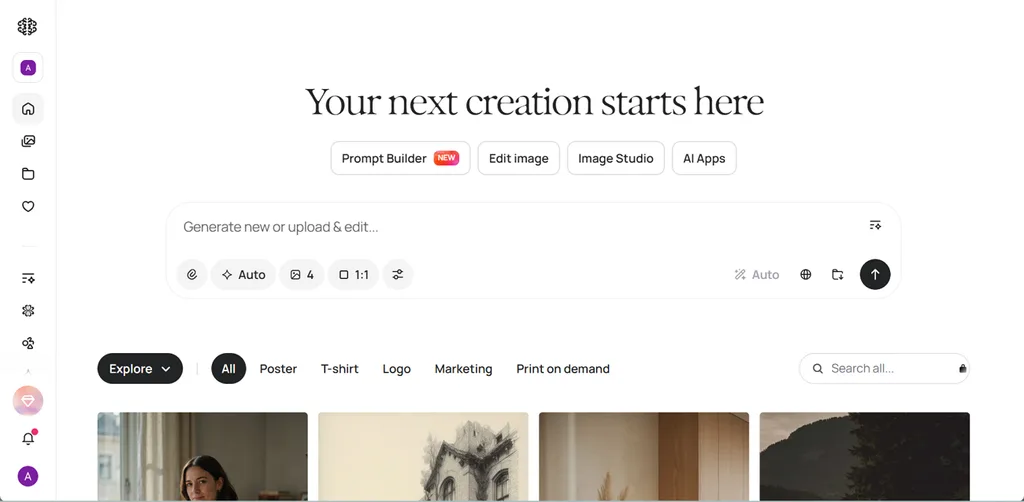
Anyone comparing the best realistic AI image generator for text-heavy visuals should consider Ideogram. Its 4.0 model combines 2K output with stronger typography, layout, and color controls. This makes it especially useful for realistic ads, posters, mockups, and branded graphics.
Key Features
- Magic Prompt expands short ideas into more detailed and descriptive image generation instructions.
- Character keeps one person visually consistent from a single uploaded reference image.
- Bounding boxes and hex palettes control subject placement, layout, and exact colors.
Pros
- Free images can be used commercially under Ideogram’s current terms.
- Text rendering remains a major strength for posters and advertisements.
Cons
- Free credits are limited to accounts using supported sign-in methods.
- Older Canvas and Editor workflows are shifting toward Image Studio.
6. Adobe Firefly
Best For: Brand teams needing commercially safer, Photoshop-ready realistic imagery for campaigns.
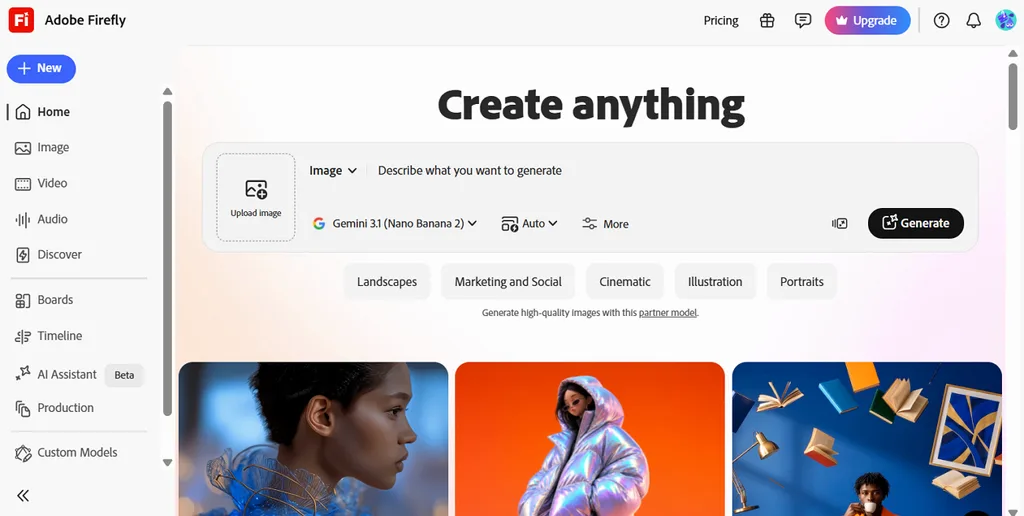
Adobe Firefly combines realistic image generation with editing tools built for established creative workflows. Its Image Model 5 produces native 4MP output with detailed lighting and textures. Firefly also includes partner models from Google, OpenAI, and Black Forest Labs.
Key Features
- Generative Fill and Generative Expand edit or extend any photo.
- Composition Reference matches the layout of an uploaded image.
- Prompt to Edit changes images through plain written instructions.
Pros
- Content Credentials attach automatically to show how an image was made.
- Paid plans remove caps on standard tools like Generative Fill and Expand.
Cons
- Free generation allowances are limited compared with paid Firefly plans.
- IP indemnification is offered to enterprise customers, not individual plans.
Compare the 6 Best Realistic AI Image Generators
The best realistic AI image generator depends on more than image quality alone. Editing tools, resolution, free access, and licensing can all affect the final choice. The table below compares these 6 tools side by side across the factors that matter most:
| Tool | Realism Strength | Editing Tools | Free Access |
| MagicLight AI | 5 photorealistic models plus animation | References and Image to Video | Free credits, no card |
| Midjourney | Moody, editorial lighting | Edit Model and Editor | No free plan |
| Leonardo AI | Lucid Realism skin detail | Upscalers and Image Guidance | 150 tokens a day |
| FLUX | 4MP textures and stable lighting | Multi-reference editing | Paid credits or open weights |
| Ideogram | 2K realism with accurate text | Magic Fill and Character | Weekly credits for eligible accounts |
| Adobe Firefly | Native 4MP from licensed training data | Generative Fill and Expand | Limited free generations |
Part 3. Why MagicLight AI Is a Strong Choice for Realistic AI Image Generation
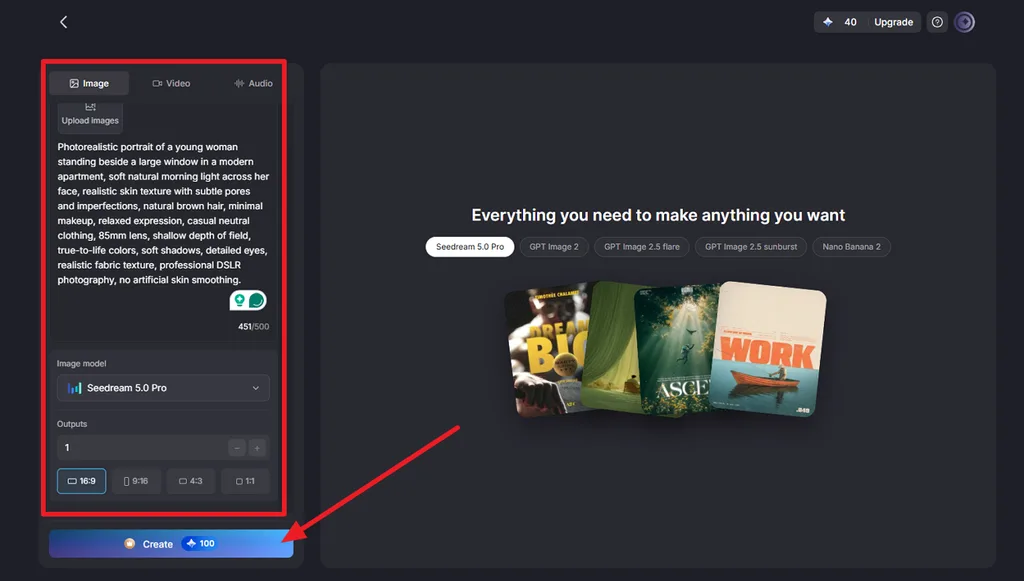
MagicLight AI gives you practical control over how each image is framed and described. The prompt box supports up to 500 characters, leaving room for details like lens type, lighting, texture, and mood. You can also choose from different aspect ratios and increase Outputs to generate several versions for comparison.
How to Create Realistic Images With MagicLight AI
Creating a realistic AI image starts with clear scene details and the right generation settings. The steps below show how to write the prompt, choose a model and aspect ratio, generate several versions, and download the strongest result:
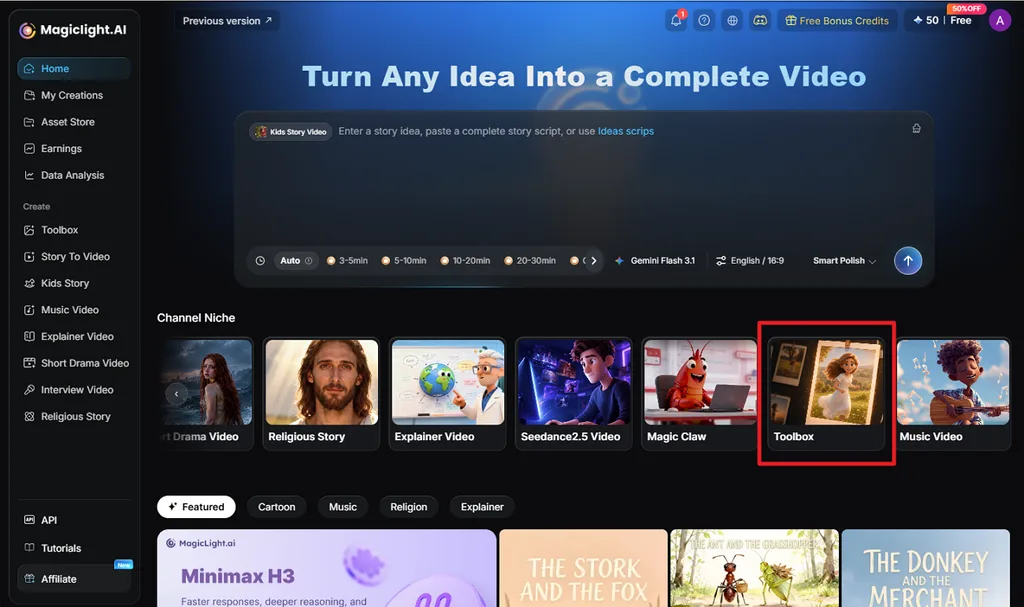
Step 1. Open the Image Tab
Go to Toolbox in MagicLight AI and choose Image, which gathers the prompt box, uploads, and model menu in one panel.
Step 2. Add the Prompt and Adjust Image Settings
Enter a detailed, realistic image prompt, then select an Image Model, Aspect Ratio, and Outputs. Upload reference images when needed, then click Create.
Step 3. Review and Download the Realistic Image
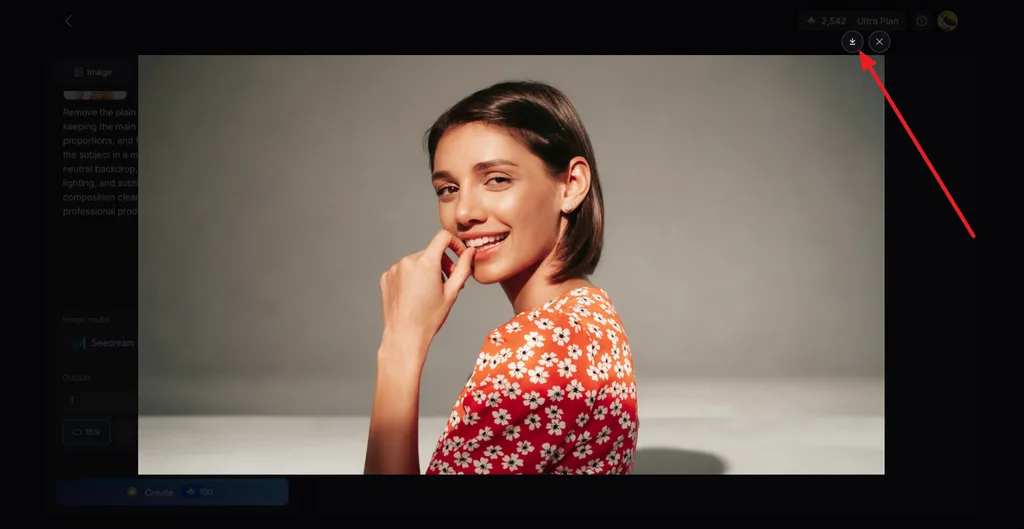
Open the generated options and inspect details that commonly reveal AI generation, including the eyes, hands, skin texture, lighting, shadows, and background edges. Compare the available versions and choose the image with the most natural details. Click the Download icon to save the final result.
Conclusion
The best realistic AI image generator should match your creative goals, whether you prioritize cinematic visuals, text accuracy, editing control, or commercial workflows. Midjourney, Leonardo AI, FLUX, Ideogram, and Adobe Firefly each bring different strengths. MagicLight AI stands out for creators who want flexible image generation plus built-in options to turn realistic stills into animated content.
FAQs About the Best Realistic AI Image Generators
1. How can I generate realistic images with AI?
Write a prompt that reads like a camera brief, naming the lens, light source, surface textures, and setting. Reference photos improve accuracy for real faces or products, and comparing several outputs helps catch errors in hands and eyes.
2. What is the best AI for realistic image generation?
MagicLight AI fits this need well, since it runs 5 realistic image models in one workspace and turns results into video. Midjourney and Adobe Firefly are also excellent for polished photorealism. Free credits let new users compare all five models before paying.
3. Can AI generate photorealistic images from text prompts?
Modern image models produce photorealistic results from text alone, especially when prompts describe lighting, lenses, and textures. People searching “best realistic image generator AI” can test this in MagicLight AI’s Image tab, which delivers several versions of each prompt.
![How to Turn Audio File Into Video in 2026 [Full Guide]](https://magiclight.ai/wp-2/wp-content/uploads/audio-to-video-conversion-guide.jpg-300x169.webp)
![How to Make an AI Movie in 2026 [Step-by-Step Guide]](https://magiclight.ai/wp-2/wp-content/uploads/ai-movie-creation-journey-posters.jpg-3-300x169.webp)


![How to Write a Script for a Short Film in 2026 [Beginner’s Guide]](https://magiclight.ai/wp-2/wp-content/uploads/short-film-screenplay-writing-guide-300x169.webp)