


PixVerse AI is an AI-powered video generator that transforms text prompts and static images into cinematic videos. Creator prefers it because it is quick and easy for everyday tasks. However, it has limited control options and may not fit every creative vision.
That is why creators search for a better PixVerse AI alternative for more flexibility. To address this limitation, the guide presents 10 of the best tools, both free and paid, so you can get a platform that fits your budget and creative goals.
Part 1. 10 AI Video Tools Like PixVerse (Free & Powerful Options)
Many video creators face challenges in making videos that explain ideas visually. So, this part highlights the top 10 PixVerse AI alternatives that match different user needs:
1. MagicLight AI
Best for: Creators needing long videos with stable characters and narration from idea to finished video.
MagicLight AI is a cutting-edge AI-powered video creation platform that helps creators and marketers make content. The platform offers 5+ advanced models, such as Gemini Omni and Seedance 2.0, making it the PixVerse AI alternative. During the video generation process, it keeps the original image style clarity and textures while adding smooth motion effects.
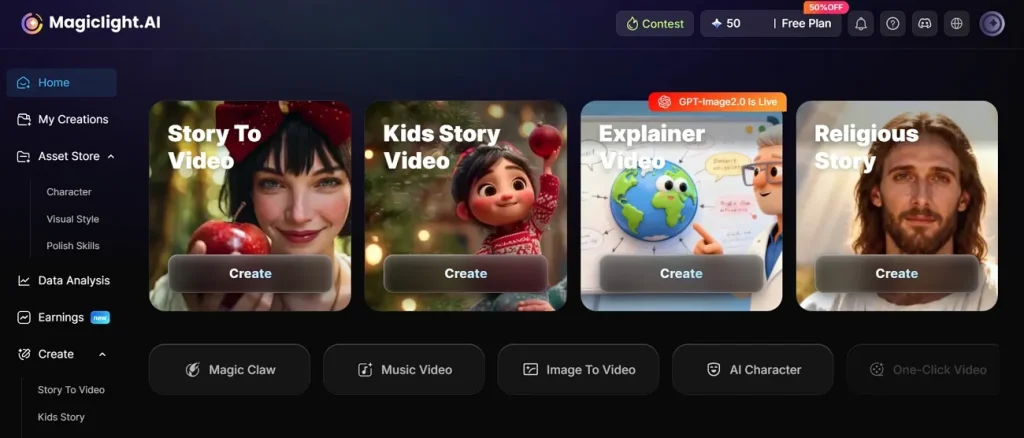
With features like story-to-video and AI character creation, the need for costly editing tools and large production teams is reduced. It can create videos up to 50 minutes long or detailed explainer videos. Additionally, the platform supports 11 languages with 12 AI models that help global creators reach wider audiences.
Pros
- It supports scripts up to 12,000 characters for creating longer storytelling videos.
- MagicLight AI offers customization of subtitles using 16 styles for better accessibility.
- Advanced lip sync technology gives AI characters natural and synchronized voiceovers.
Con
- Generated scenes may sometimes need changes for better storytelling.
2. Kling AI
Best for: Making short cinematic ads, trailers, and multi-shot visual storytelling videos easily.
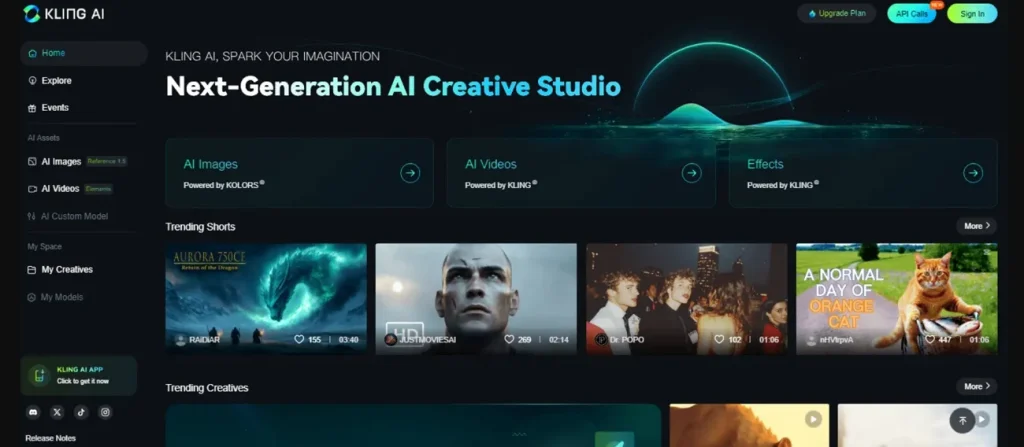
The platform transforms written prompts and static images into cinematic videos with smooth motion generation. It also supports 24 to 30 fps for smoother narrative video presentation motion. While using it, the tool maintains consistent characters across multiple scenes and different video shots. Its Storyboard Mode helps create structured multi-scene videos from single detailed prompts.
Pros
- Produces realistic cinematic camera movements like zoom, pan, and rotation effects.
- Supports 1080P resolution to ensure detailed and high-quality visuals.
Cons
- Limited to short video duration and not suitable for long content.
- Occasional inconsistencies in the generation of complex multi-character scenes.
3. Runway Gen-4 (ML)
Best for: Filmmakers and creators making short cinematic clips with advanced editing control tools.
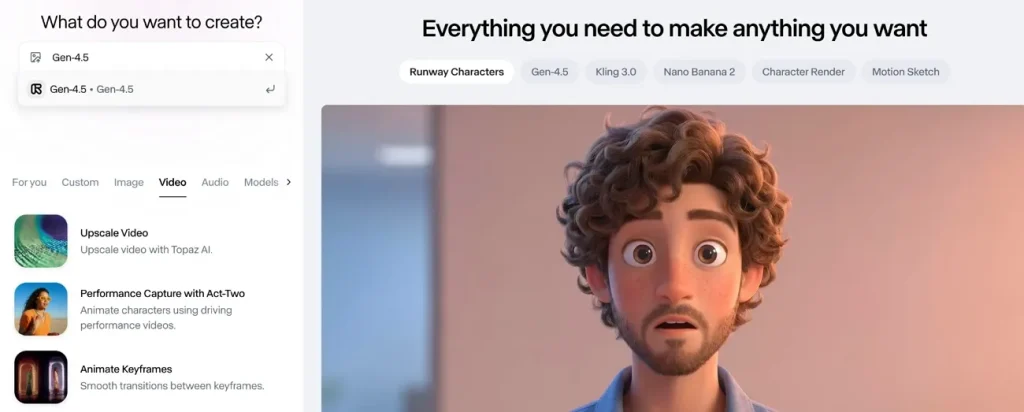
You can also use Runway Gen-4, which generates realistic videos up to 10 seconds from text prompts with strong realism. As a PixVerse AI free alternative, it ensures smooth frame-to-frame transitions for natural cinematic video flow. While using it, the tool removes or adds 3 objects in video scenes using AI editing tools.
Pros
- Realistic motion and facial expression strength for short cinematic clips.
- Strong character and world consistency across multiple frames and scenes.
Cons
- Some outputs may lack perfect prompt adherence in complex scenes.
- Results may require multiple iterations to achieve the desired cinematic quality.
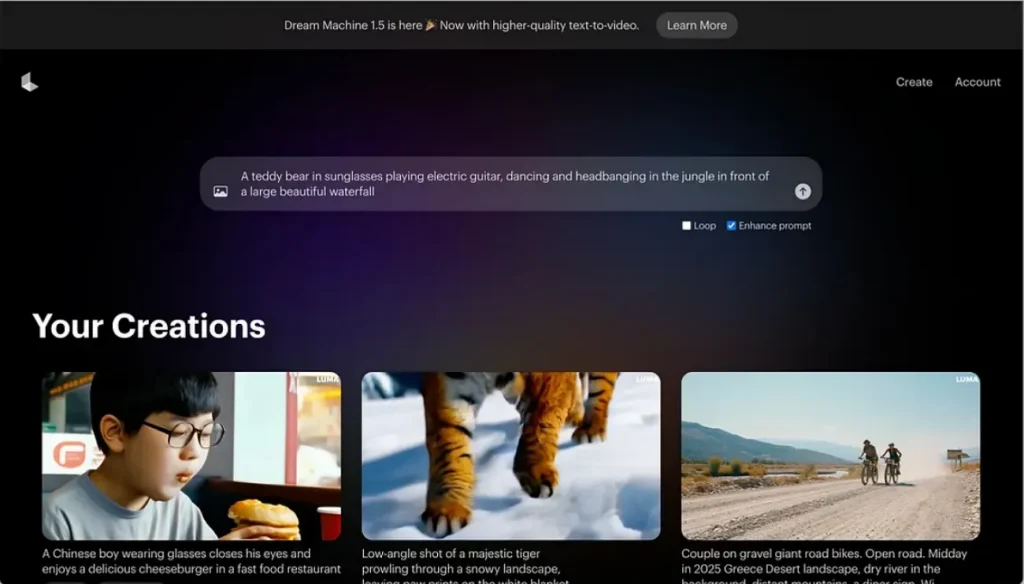
4. Luma Dream Machine
Best for: Rapid video ideation, storyboarding, and motion-focused creative experimentation projects.
This PixVerse AI alternative allows multiple reference images for better style and subject control. Plus, it ensures logical frame progression for smoother animated video output quality. Luma Dream Machine relies on the Ray3 system for realistic video generation with 3D physics across motion frames.
Pros
- Maintains visual continuity across frames for smoother storytelling clips.
- Simulates realistic object movement and natural environmental interactions in videos.
Cons
- Sometimes produces inconsistent motion or object morphing during complex scenes.
- Limited to short 5-second clips and restricted to long storytelling capabilities.
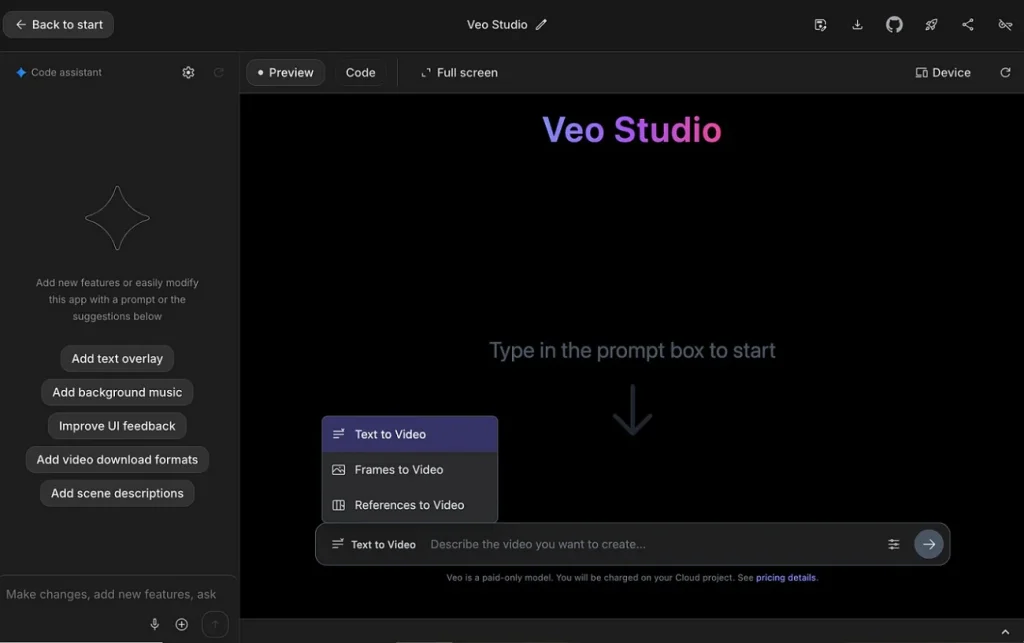
5. Google Veo 3
Best for: Studios and creators producing short cinematic scenes with synchronized audio output.
Google Veo 3 is Google DeepMind's flagship generative AI model that creates high-definition videos from text or images. While generating videos, it aligns the character's mouth movements perfectly with the generated spoken dialogue audio. The model uses up to 3 reference images for stable multi-shot video generation, making it the best PixVerse AI free alternative.
Pros
- Supports extending short clips up to 12 seconds for improved storytelling.
- Enables advanced camera control through Flow for professional storytelling workflows.
Cons
- On-screen text generation often appears distorted or unreliable in videos.
- Audio generation quality may vary depending on scene complexity and prompts.
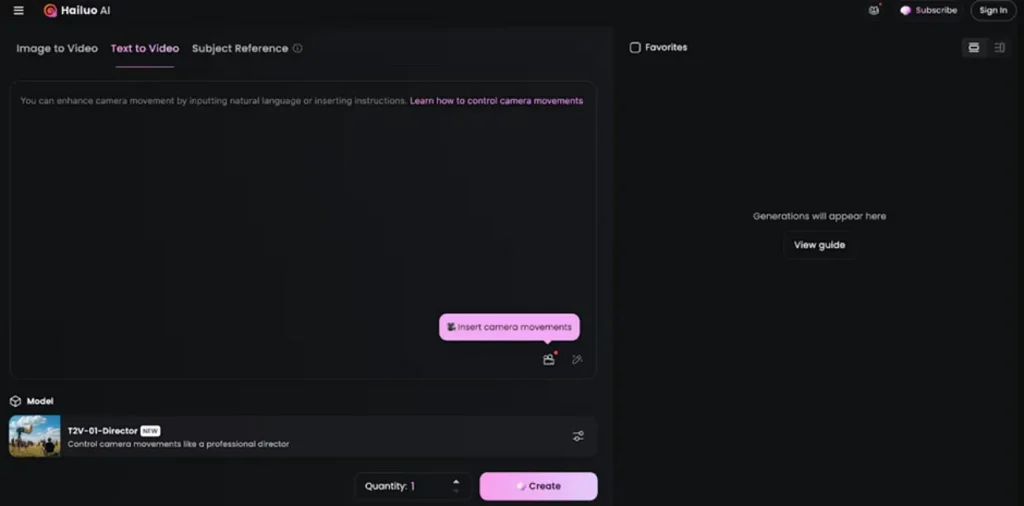
6. Hailuo AI/Minimax
Best for: Produces realistic character motion with accurate physics and natural human expressions.
It is a versatile PixVerse AI alternative that enables users to create videos effortlessly by uploading start and end frames. The tool supports both text-to-video (T2V) and image-to-video (I2V) generation. Hailuo AI uses cinematic camera movements like pan, tilt, zoom, and tracking. Furthermore, this tool enhances prompts automatically using AI to improve video generation results.
Pros
- Generates short videos in about 20 to 50 seconds for quick creative production cycles.
- Strong emotional expression with detailed facial micro-expression handling.
Cons
- Occasional prompt misunderstanding leads to unexpected or inaccurate video outputs.
- Sometimes produces visual artifacts or inconsistent character details in complex scenes.
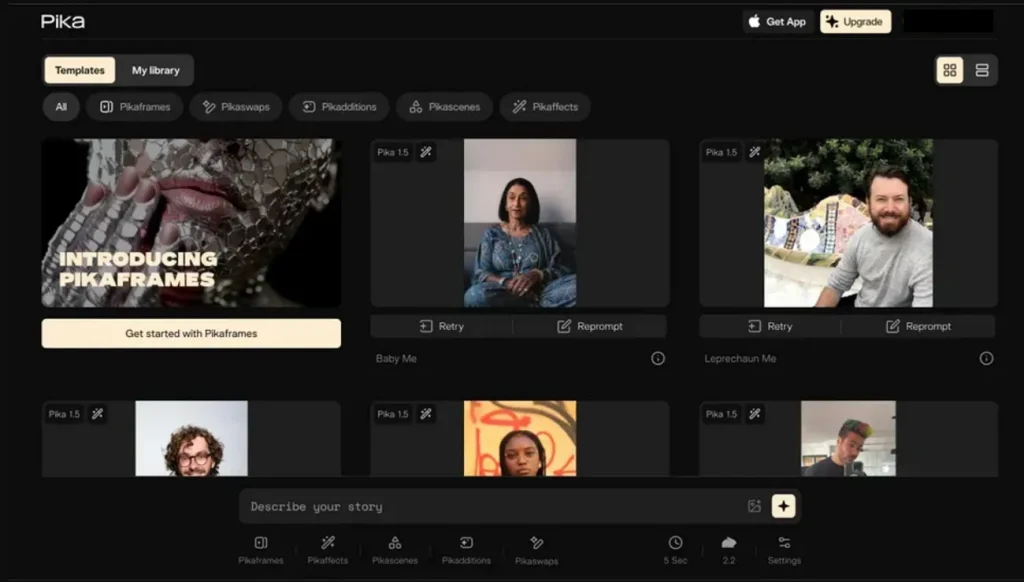
7. Pika Art (2.5/3)
Best for: Making artistic motion graphics with adjustable effects and engaging transitions.
Pika 2.5 is a vital upgrade to the Pika Art AI video generation platform, released in November 2025. Creators can also use this tool as a PixVerse AI free alternative, as it runs at a frame rate of 24 frames per second for cinematic motion. Moreover, it combines multiple shots into structured short video sequences for storytelling.
Pros
- Pikaframes supports extending videos up to 25 seconds in total length.
- Supports 16:9 and 9:16 formats for social video platforms.
Cons
- Some videos may show artifacts or unnatural motion distortions sometimes.
- Not suitable for long-form storytelling or professional cinematic video production.
8. Viggle AI
Best for: Social media creators making fast motion transfer videos and character swaps.
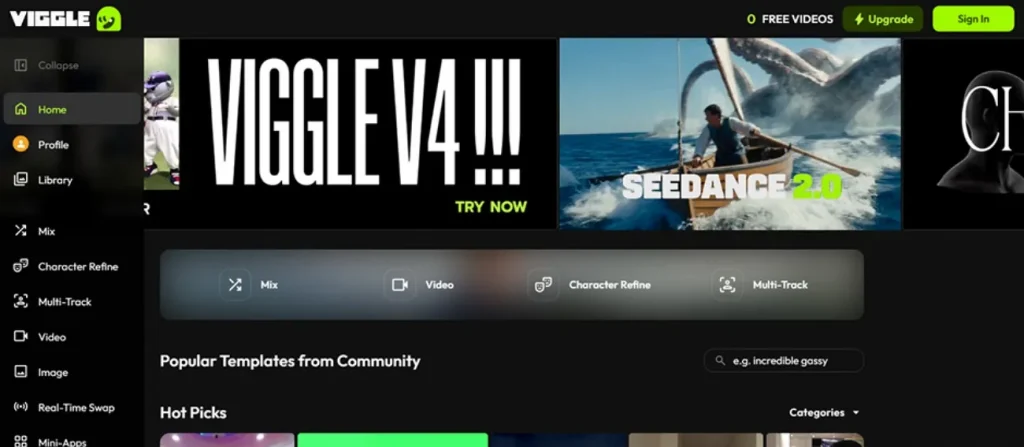
Another PixVerse AI alternative is Viggle AI, which uses the JST-1 system to better interpret body movement and physics. To animate images, it converts single photos into fully animated characters using 3D motion models. The tool even allows multiple characters to be replaced inside a single video scene easily.
Pros
- Matches character movement with reference dance or action video perfectly.
- Strong physics-based motion reduces shakiness and improves realism quality.
Cons
- Occasional visual artifacts appear in complex or high-motion scenes.
- Some outputs may look unnatural or uncanny in difficult poses.
9. Vidu AI
Best for: Generating fast 1080p short videos with synchronized audio and consistent characters.
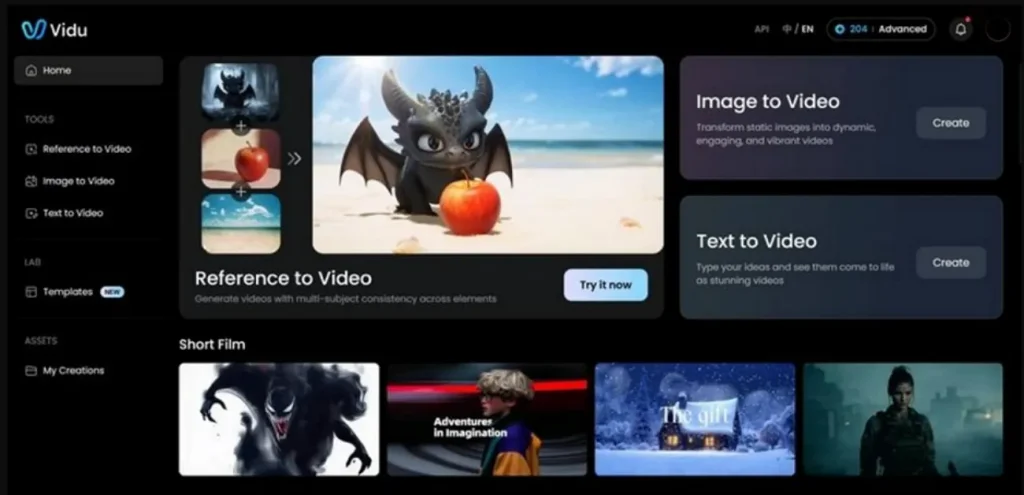
You can also use this tool, as it uses 3 to 7 reference images for stable multi-entity video creation. As a reliable PixVerse AI alternative free, Vidu AI adds cinematic camera control for dynamic storytelling and short video direction. For short videos, Vidu Q2 and Q3 models support around 16 seconds of video generation.
Pros
- Generates 48 kHz high-quality audio directly with video outputs.
- Keeps characters stable across scenes without visual morphing or distortion.
Cons
- Long-form storytelling requires stitching multiple clips manually outside the platform.
- Some reference features are restricted to specific lower-resolution models.
10. DomoAI
Best for: Creating anime-style videos, talking avatars, and stylized short content without needing drawing or animation skills.
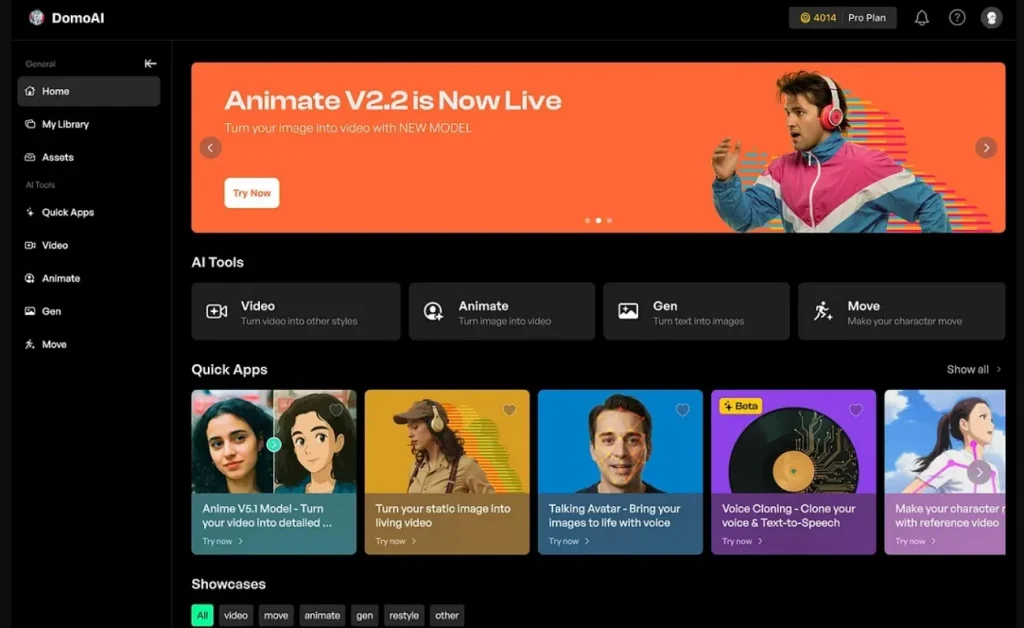
While exploring PixVerse AI alternatives, Domo AI accepts 3 inputs, including text, image, and video, for flexible creation. Moreover, the tool restyles existing videos while preserving original movement and timing. It even supports more than 30 styles, including anime, cartoon, and creative transformations. When generating videos, Domo AI aligns mouth movement accurately with generated speech and dialogue.
Pros
- Transfers character motion while maintaining movement accuracy and stability.
- Upscales generated videos to 4K resolution for sharper output.
Cons
- Creates videos with a maximum supported duration of 10 seconds.
- Some transformations may create imperfect motion or inconsistent alignment results.
Side-by-Side Comparison of PixVerse AI Alternatives and Core Features
Each PixVerse AI alternative provides different controls for video quality and creativity. To counter this, explore the comparison table below to find the tool matching your content goals:
| Tool | Video Length | Character Consistency | Audio / Lip Sync | Style Support | Workflow Features |
| MagicLight AI | Up to 50 minutes | Stable across videos | Natural AI lip sync | 5+ AI models | Script-to-video system |
| Kling AI | Short cinematic clips | Multi-scene consistency | Basic voice handling tools | Film-like visual output | Scene storyboard builder |
| Runway Gen-4 | Up to 10 seconds | Strong world consistency | Limited audio tools | Realistic cinematic style | AI video editing |
| Luma Dream Machine | Around 5 seconds | Reference image stability | No built-in audio | Realistic motion styles | Prompt-based animation |
| Google Veo 3 | Up to 12 seconds | Multi-shot stability | Synced native audio | Ultra-real cinematic visuals | Flow camera controls |
| Hailuo AI | Short-form generation | Facial emotion stability | Simple audio integration | Anime and realism mix | Prompt refinement system |
| Pika Art | Up to 25 seconds | Frame-to-frame alignment | Limited sound features | Trend-based visual effects | Frame transition control |
| Viggle AI | 1-minute motion clips | Motion-driven consistency | No native sound layer | Character swap visuals | Real-time motion capture |
| Vidu AI | Up to 16 seconds | Multi-entity stability | High-quality audio output | Anime plus cinematic style | Narrative camera control |
| Domo AI | Up to 10 seconds | Motion-stable outputs | Accurate lip sync | 30+ artistic transformations | Video restyling engine |
Part 2. Why Magiclight AI Is the Best PixVerse AI Alternative?
After exploring all the mentioned tools, many creators choose MagicLight AI as a strong PixVerse AI alternative. Thus, below are several reasons explaining why creators prefer it for video production:
- Story Automation: Built-in narrative engine structures complete stories from raw creative input efficiently. This automatic sequencing reduces manual editing effort during complex multi-scene video creation.
- Scene Stability: The advanced consistency system maintains visual alignment across changing environments and shots. Its character's appearance remains stable even during long-form or multi-episode storytelling workflows.
- Voice Options: Offers 37 voiceovers with cloning support for diverse character narration styles. So, creators can match voice tone precisely with different story emotions easily.
- Storyboard Control: Nano storyboard system breaks scenes into micro actions for detailed animation flow. This enables frame-level control before the final video generation starts the processing stage.
- Production Pipeline: The entire workflow connects idea creation, editing, publishing, and tracking in one system. Moreover, it removes dependency on multiple tools during the full video production process.
Conclusion
Every automated video creation tool in this detailed guide provides unique features for editors. However, casual creators face major challenges when trying to maintain consistent character styles across multiple scenes. This is why exploring a powerful PixVerse AI alternative helps you bypass these sudden technical boundaries. To generate long explainer videos with realistic voiceovers smoothly, tools such as MagicLight AI are highly recommended.
FAQs on PixVerse AI Alternatives
1. What are the best PixVerse AI alternatives?
MagicLight AI is a powerful alternative to PixVerse AI for generating AI videos. It supports long-form videos, stable characters, and a complete storytelling production workflow. The platform includes 37 voiceovers and advanced models suitable for educational projects.
2. Is there a free alternative to PixVerse AI?
Yes, MagicLight AI offers free access options for basic video creation features. New accounts receive free creation credits to test the advanced software. So, users can generate high-quality movie clips without paying any upfront subscription fees.
3. Do PixVerse alternatives have watermarks?
Some PixVerse alternatives add watermarks depending on free or paid plans. However, MagicLight AI allows users to create clear clips without these stamps. Paid plans usually remove branding for professional video usage needs.
4. Is Runway better than PixVerse?
Runway is better if you require highly advanced editing features for large projects. It provides superior cinematic camera movements and fast video rendering speeds for users. However, PixVerse remains ideal for simple everyday tasks and quick automated animation clips.
5. What is the easiest PixVerse alternative to use?
MagicLight AI is the easiest PixVerse AI alternative for beginners overall. It uses simple prompts and automated tools for fast video creation. Users can create full videos without needing advanced editing skills.


![How to Write a Script for a Short Film in 2026 [Beginner’s Guide]](https://magiclight.ai/wp-2/wp-content/uploads/short-film-screenplay-writing-guide-300x169.webp)


