Two Photos for one meme
Magiclight AI accepts JPG, PNG, JPEG and WEBP images of 20MB each. Upload the 2 pictures you want in your meme and explain which photo should appear first to keep the joke in the right order.
Create Now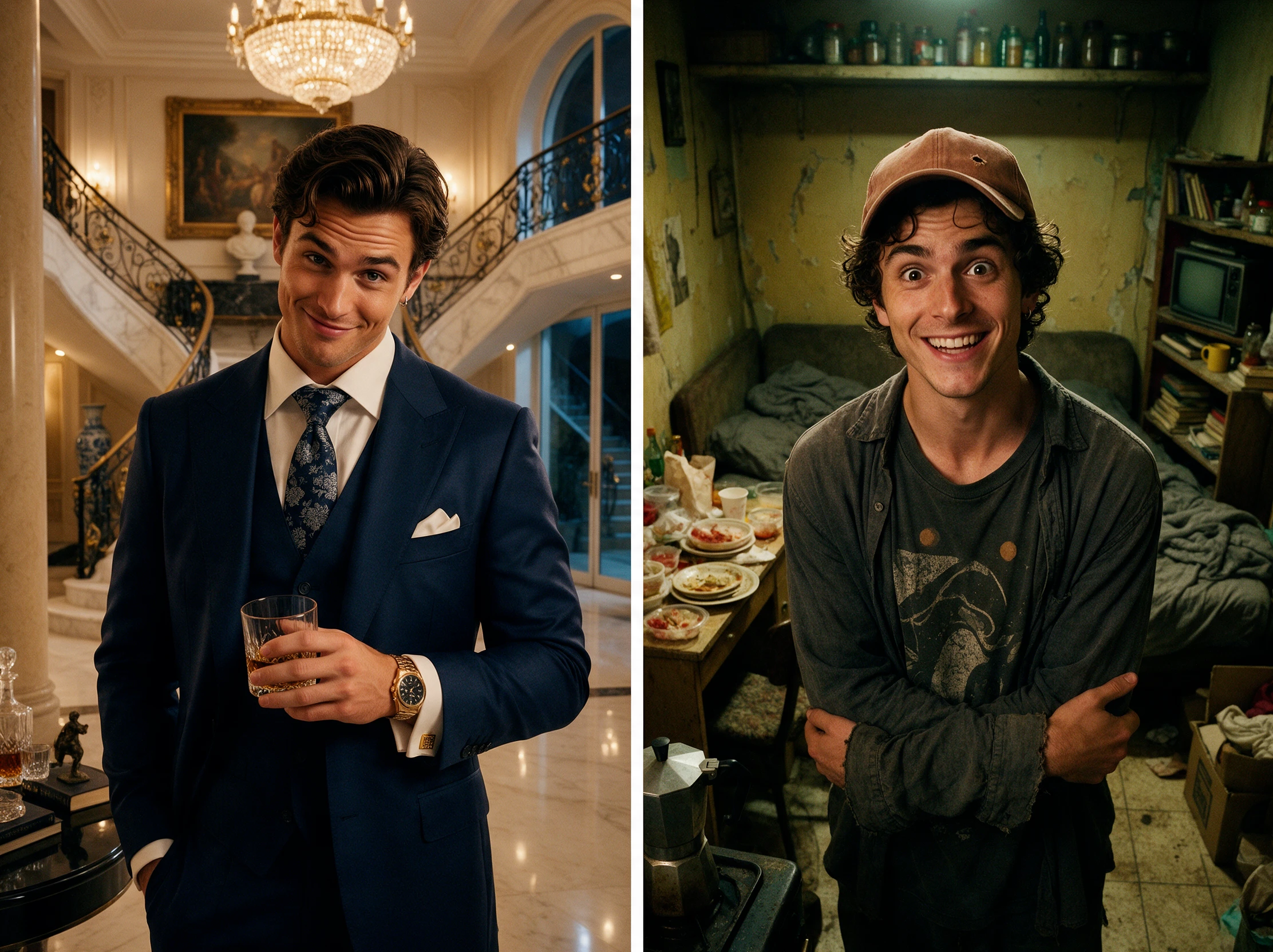
Upload two photos and let Magiclight AI turn them into a funny meme video. Add your idea and bring the joke to life. No editing skills needed.
Create a Two-Photo Meme for Free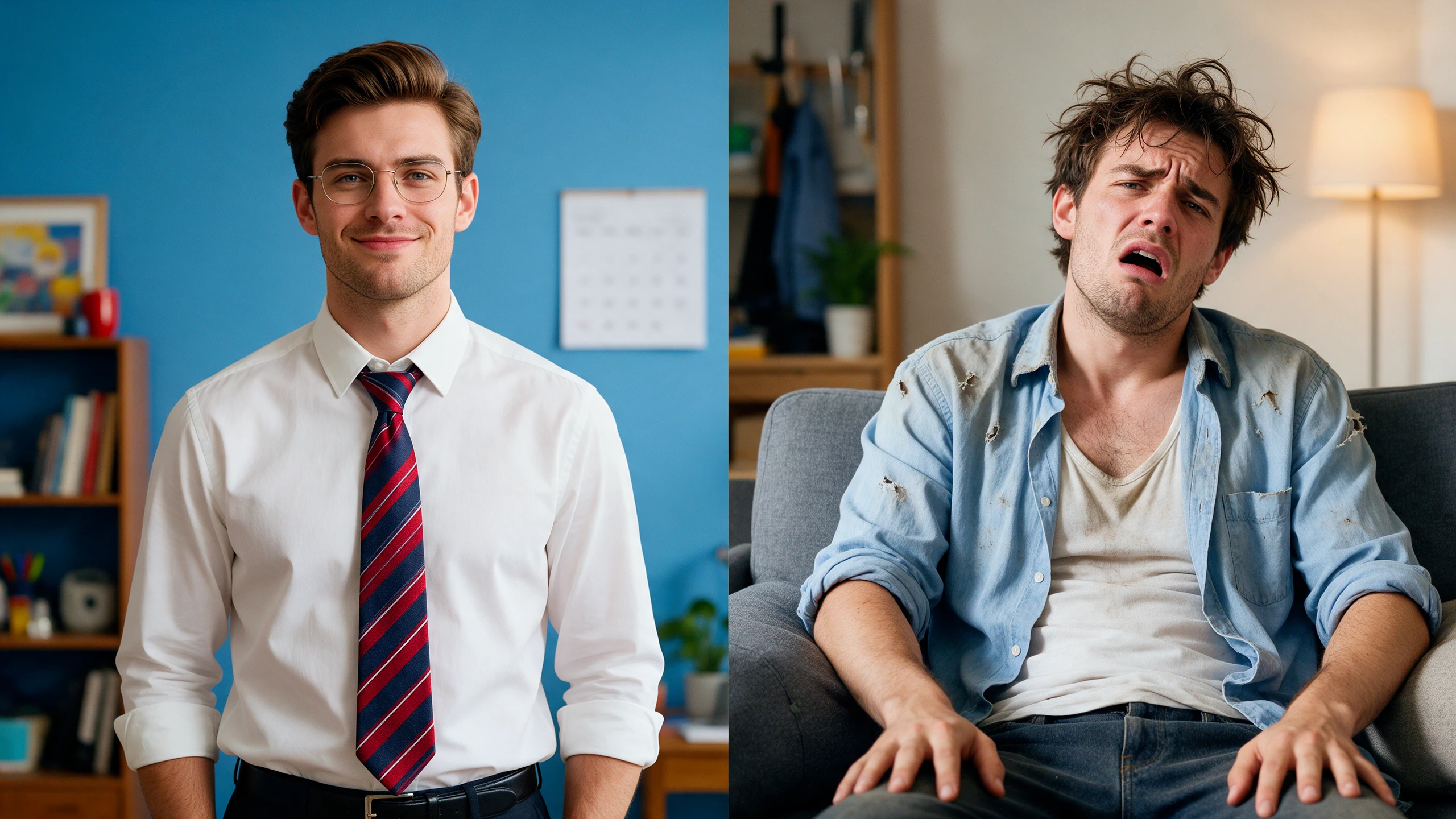








Magiclight AI 2 photo meme generator lets you compare what you expected with what actually happened. Place both pictures in one meme to make the difference clear to everyone.
Magiclight AI accepts JPG, PNG, JPEG and WEBP images of 20MB each. Upload the 2 pictures you want in your meme and explain which photo should appear first to keep the joke in the right order.
Create NowYou have 500 characters to explain how your two photos should look together. Write the exact caption you want and tell Magiclight AI where to place the words in your meme.
Write Your Prompt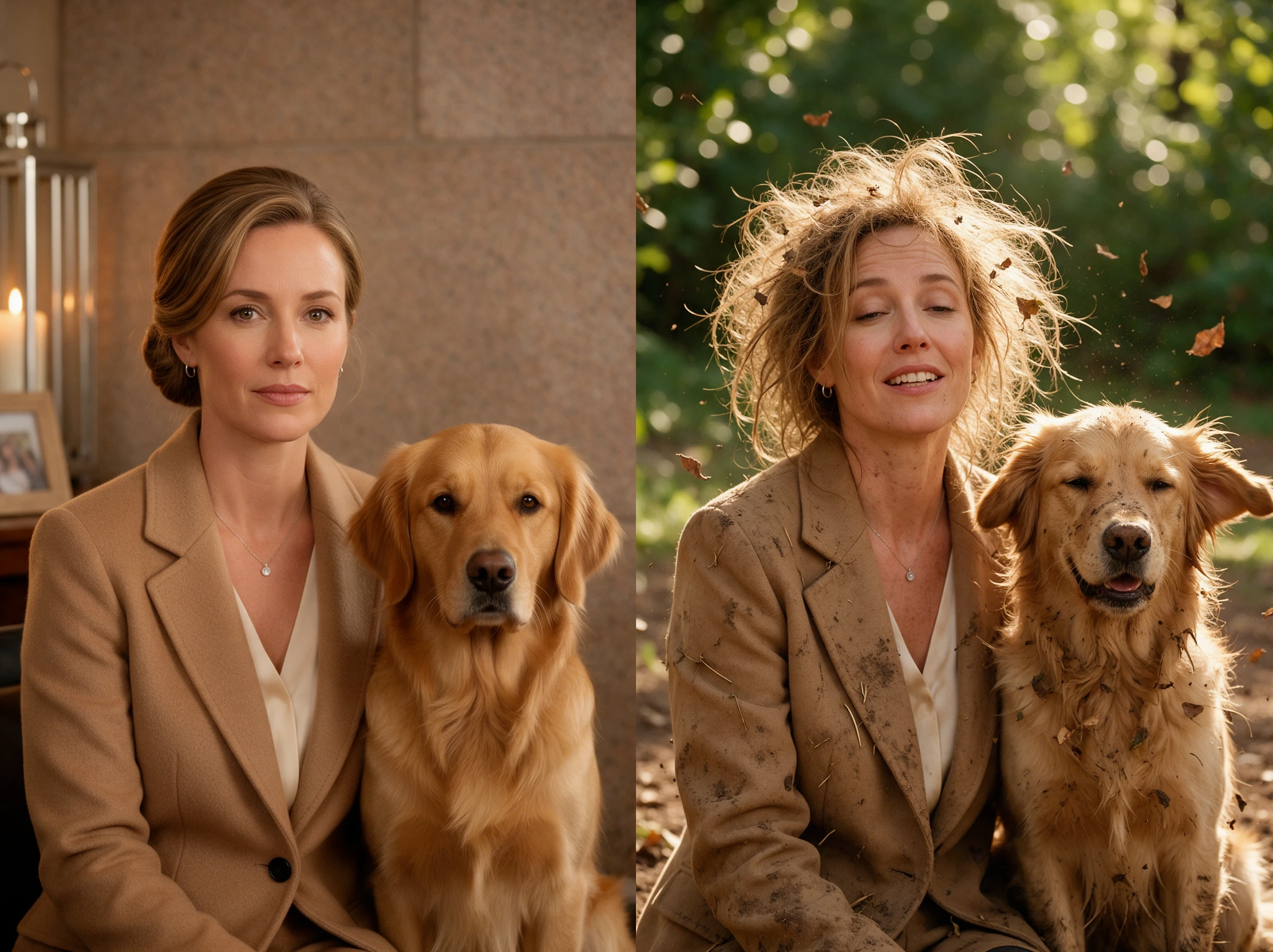
Magiclight AI offers 6 image models for your meme creation. Try Nano Banana 2.1 with your two photos and compare its result with another model to find the look you prefer.
Explore AI Models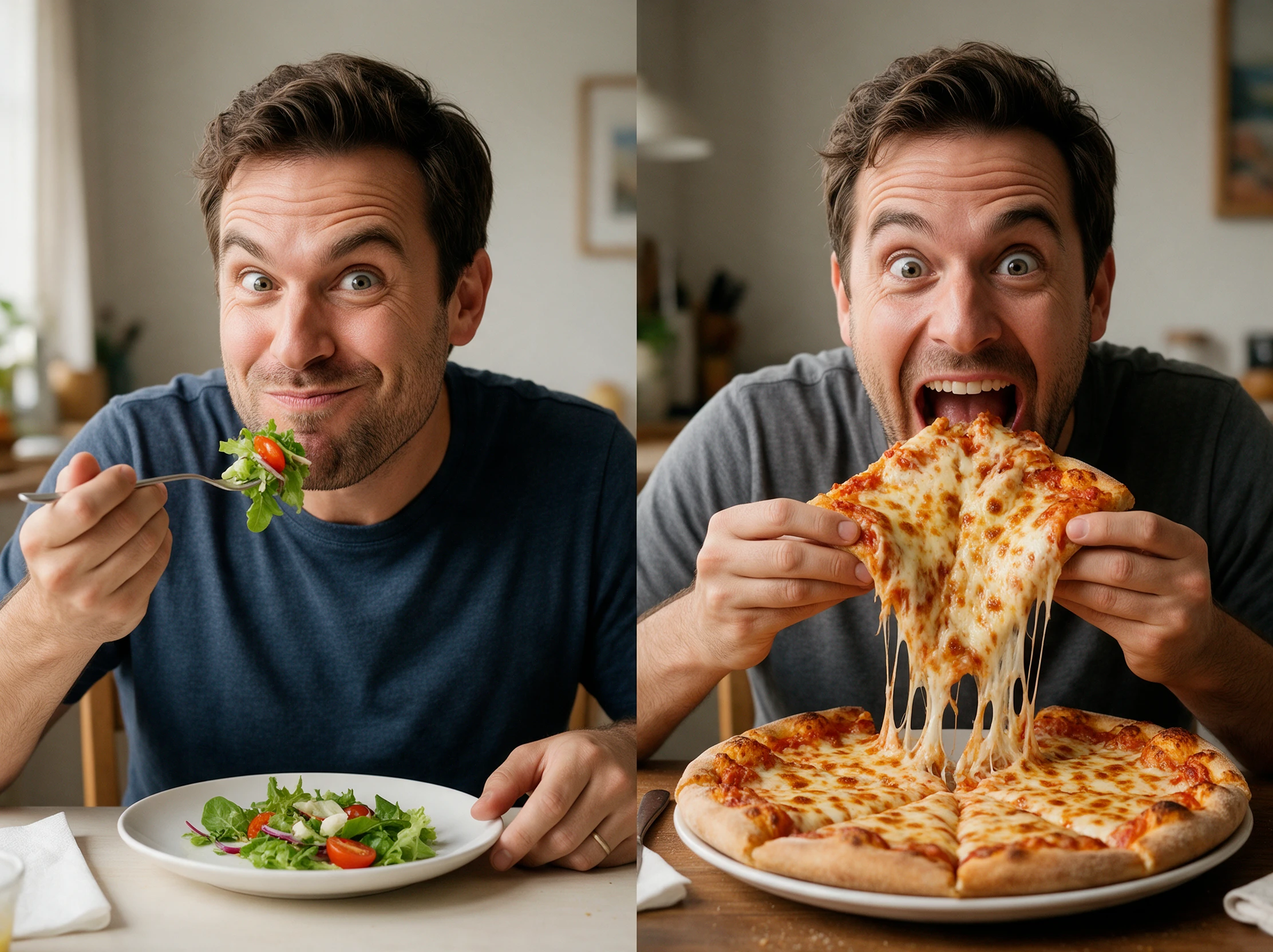
Your meme can have different shapes depending on where you plan to share it. Magiclight AI offers 1:1, 4:3, 16:9, and 9:16 ratios for square memes or pictures arranged in two panels.
Generate a Meme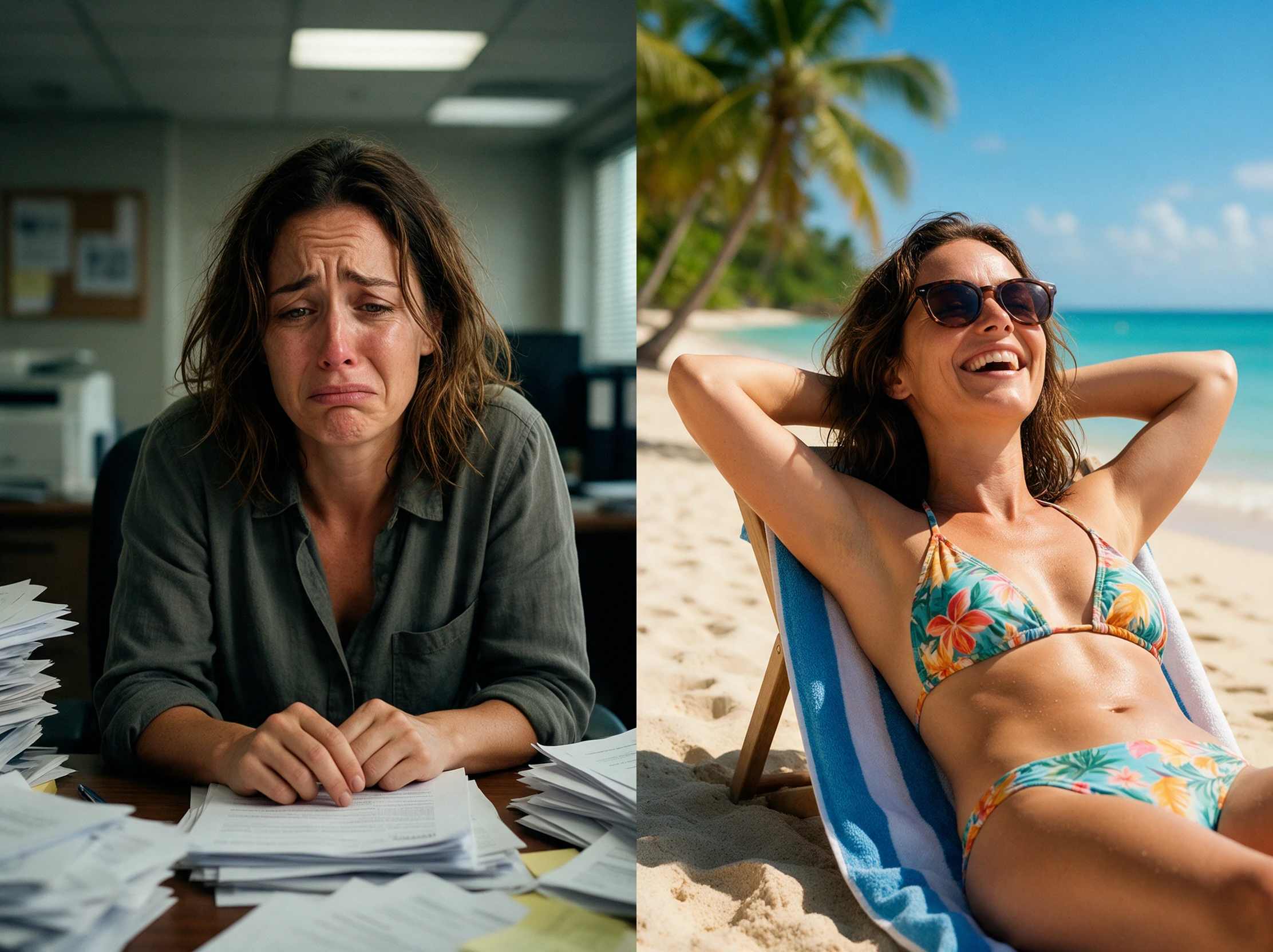


Magiclight AI 2 photo meme generator makes it easy to put two pictures into one meme. Just 4 steps cover uploading your photos, writing the caption, and saving the final image.
Open Magiclight AI Toolbox and go to the Image tab. Upload 2 photos as reference images for your meme and decide which picture should appear first.
Describe your meme in the 500 character prompt. Put the captions in quotes and tell Magiclight AI which photo goes first and how the two pictures should appear together.
Magiclight AI offers 6 image models for your meme. Pick a model and select your preferred aspect ratio before deciding how many versions you want to generate.
Click Create and wait for your meme to appear. Read the captions on both pictures and check their placement before saving your favorite version with the Download icon.
Food Blogger
The cake in the recipe looked nothing like mine. I put both photos into one meme and added a caption. My readers found it funnier than the actual baking disaster.
Marketing Assistant
We needed a quick comparison meme for a social post. The square format worked well, and trying different versions helped us find one that suited our brand's sense of humor.
College Student
My roommate and I compared our first day photos with our exam week faces. The result was hilarious. We sent it to our group chat and everyone wanted to make their own.
YouTuber
Two screenshots from my latest video made a pretty good meme. I tried a few captions before finding one I liked. It was a fun extra post for my channel that week.
Yes. Add both images as references and describe the look you want. Magiclight AI can keep their different styles or make both pictures look similar in the final meme.
Magiclight AI accepts 10 reference images for a single project. You can use several photos as references and ask it to place your two favorite pictures in the meme.
Yes. Magiclight AI has an Image to Video feature that can animate your meme for 30 seconds. Upload the finished image and describe the movement you want to see.
A 1:1 ratio works well for square memes shared in social feeds. For a taller meme with one photo above the other, try 9:16 to give both pictures enough space.
Magiclight AI offers free starting credits for trying its image generator. The Create button displays the credit cost before you generate a meme from your pictures.
Yes. Magiclight AI 2 photo meme generator can make comparison memes for your products. A paid Magiclight AI plan is required if you want commercial rights for business use.



Pick two pictures that tell a funny story and add your own caption. Magiclight AI puts them together into a meme you can share with friends.