12,000 Characters for your meme script
Magiclight AI provides 12,000 characters to write the story behind your meme. Include the funny situation and explain what each character should say before the joke reaches its ending.
Create Now
Create funny meme videos with Magiclight AI. Bring your ideas to life with animated scenes and entertaining moments. No filming or editing skills needed.
Create a Meme Video for Free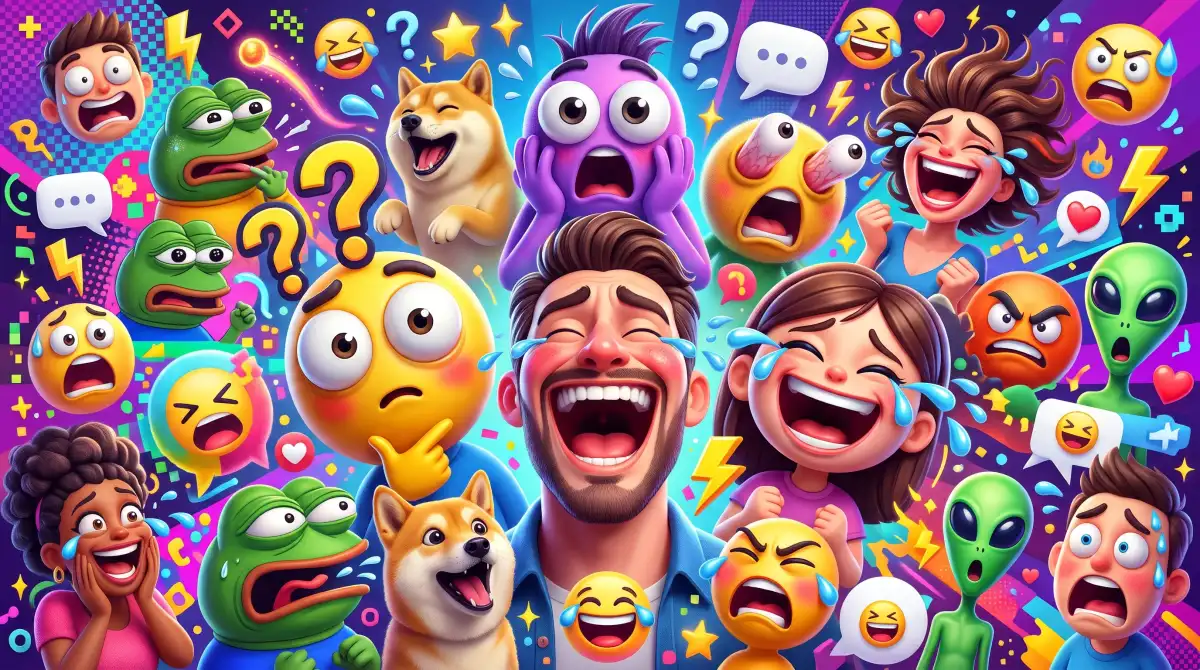










A good meme doesn't need a long story, but the details can change the joke. The Magiclight AI meme generator app lets you decide how those details appear in your video.
Magiclight AI provides 12,000 characters to write the story behind your meme. Include the funny situation and explain what each character should say before the joke reaches its ending.
Create NowYour meme video can have captions from 16 different subtitle styles. Pick larger text to show the punchline clearly on smaller screens and select No Subtitle when the scene needs no words.
Customize Captions
Give your meme character a funny appearance using the 1,000 character description space. You can also upload a reference image of a grumpy cat or another character you want in the video.
Create Characters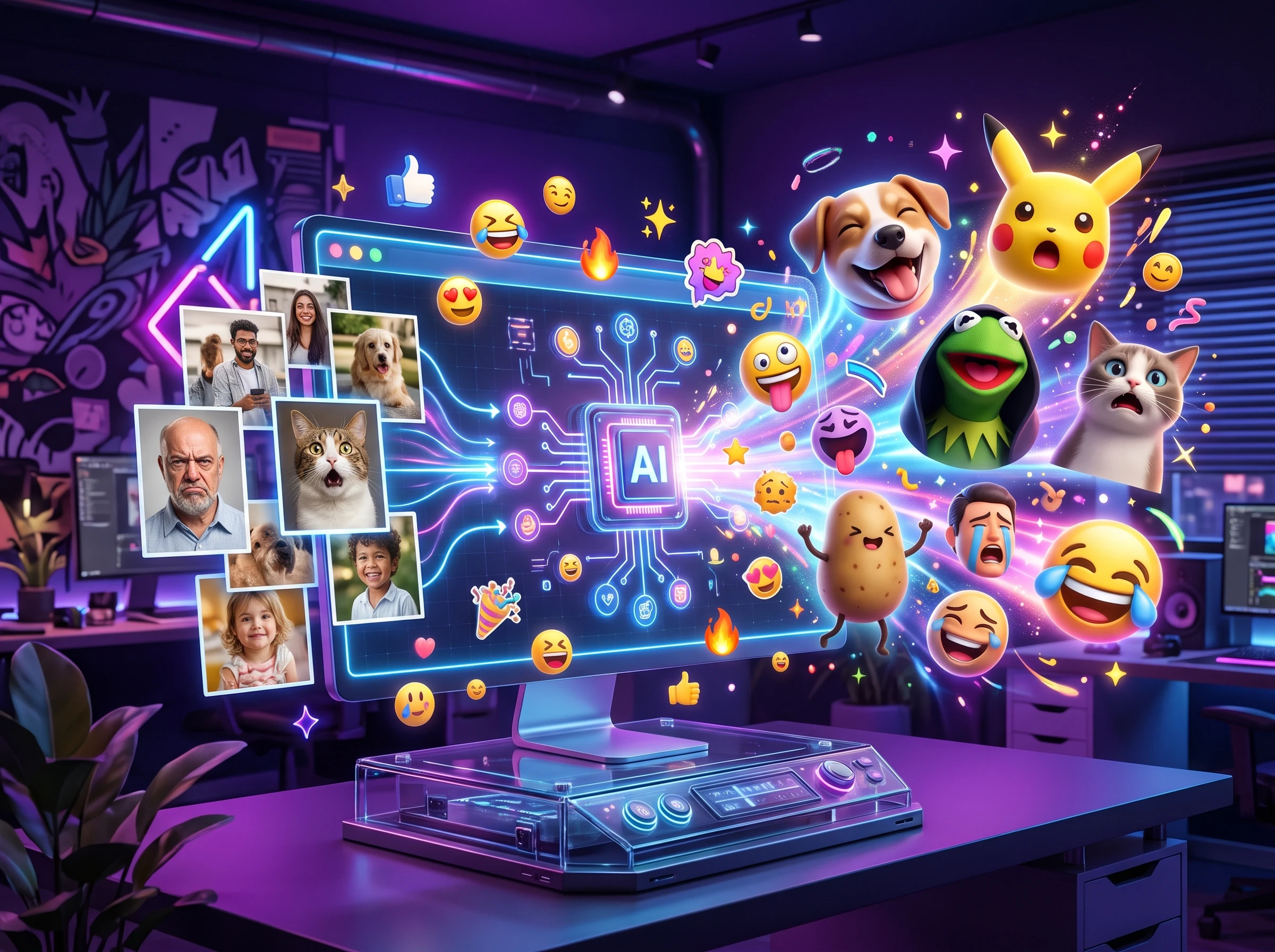
Choose from 37 voice options to find the right sound for your meme characters. A serious narrator can read a ridiculous line and make the whole scene funnier for people watching.
Generate a Meme Video


Magiclight AI meme generator app guides a joke through 4 steps. Start with a quick idea and let your own sense of humor guide the result.
Write your meme idea in the prompt box, then select one of 14 story models. Review the shot summary generated by MagicLight Agent before moving on to character design and animation.
Pick a visual style for the meme, then shape its main character. Upload a reference photo or write a 1,000 character description to guide the character's appearance.
Check MagicLight Agent's shot summary and confirm the scenes before moving to Nano Storyboard. Adjust expressions or camera angles, then animate the approved shots.
Choose from 37 voice options and 40 background music tracks to suit the joke. Generate the video in 1080p, then download the finished meme to share.
Social Media Manager
I needed something fresh for our daily posts. Magiclight AI helped me turn quick jokes into meme videos that fit our page without spending hours editing.
Small Business Owner
Our customers enjoy a little humor in our posts. I use Magiclight AI to make funny videos about everyday shop moments, and they feel more personal.
Middle School Teacher
My students respond well to funny examples during lessons. Magiclight AI gives me a way to present classroom jokes as short videos they remember afterward.
Video Editor
Some ideas work better as memes than detailed edits. Magiclight AI helps me test a joke as a quick video before spending time on a full project.
The Magiclight AI meme generator app is available through mobile apps and a browser version. You can create memes on your phone or work on a larger screen.
Magiclight AI focuses on video memes, but its image tool can create still images from prompts. Include your caption in the prompt and check the spelling afterward.
Free exports may include a watermark. Paid Magiclight AI plans offer watermark free downloads and 1080p output, depending on the selected plan.
Use a reference photo to guide your character's appearance and reuse it in later videos. Get your friend's permission before featuring their face in a meme.
Enter your idea and let MagicLight AI prepare the scenes for your meme. Review the video, adjust anything that feels off, and download your finished clip.
New users receive free signup credits to try Magiclight AI without entering card details. Once those credits run out, further video generation may require a paid plan.



Got a joke worth sharing? Bring it to life with the Magiclight AI meme generator app and send your friends something they'll want to watch again.