Explore the Magiclight AI Action Figure Generator Features
A collectible gets better when you can compare versions and extend the set. The AI action figure generator in Magiclight AI adds options for both.
Turn your photo into a custom action figure with MagicLight AI. Describe your ideal character and accessories to create a personalized toy-style figure. No design skills needed.
Create an AI Action Figure for Free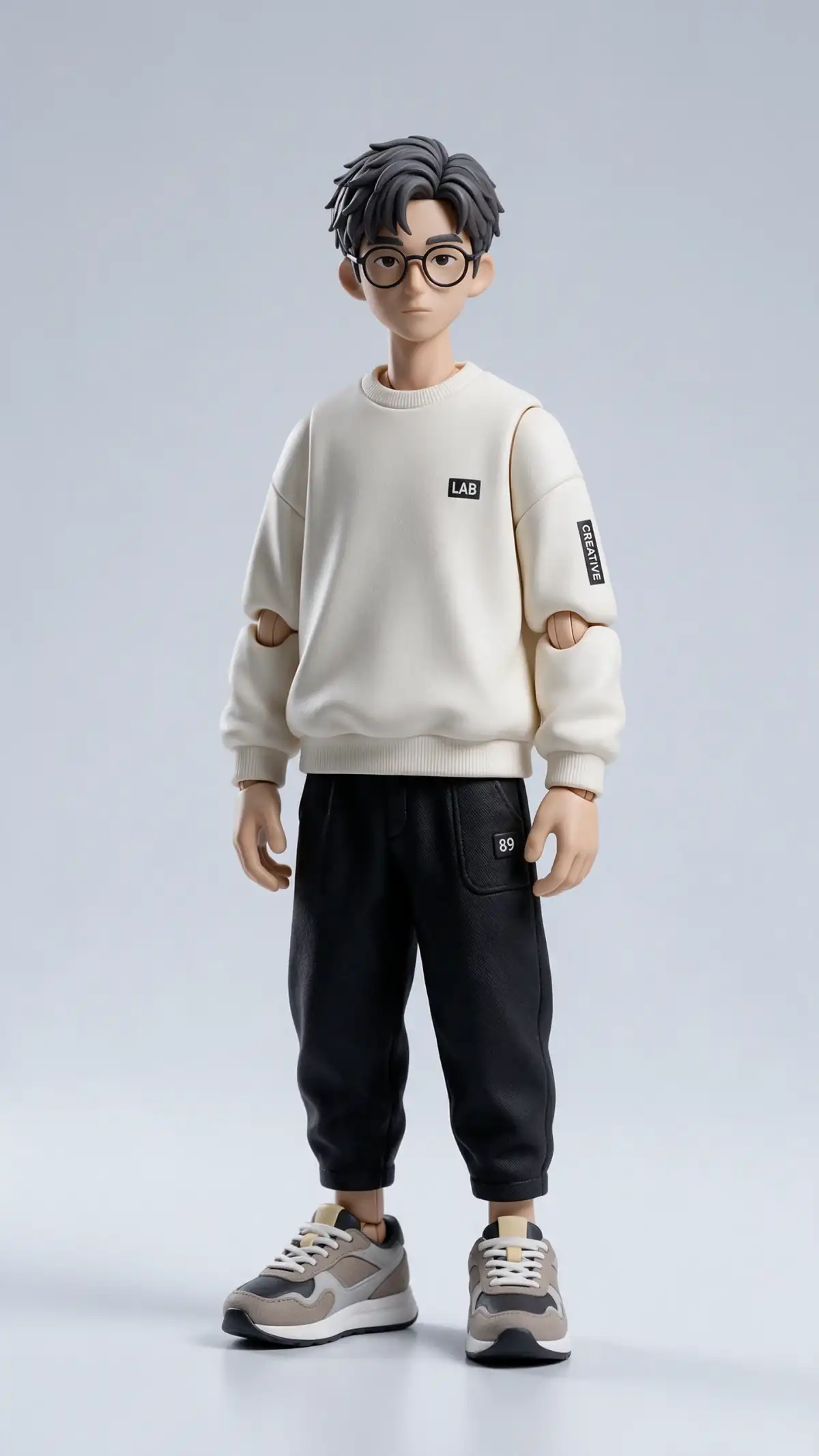
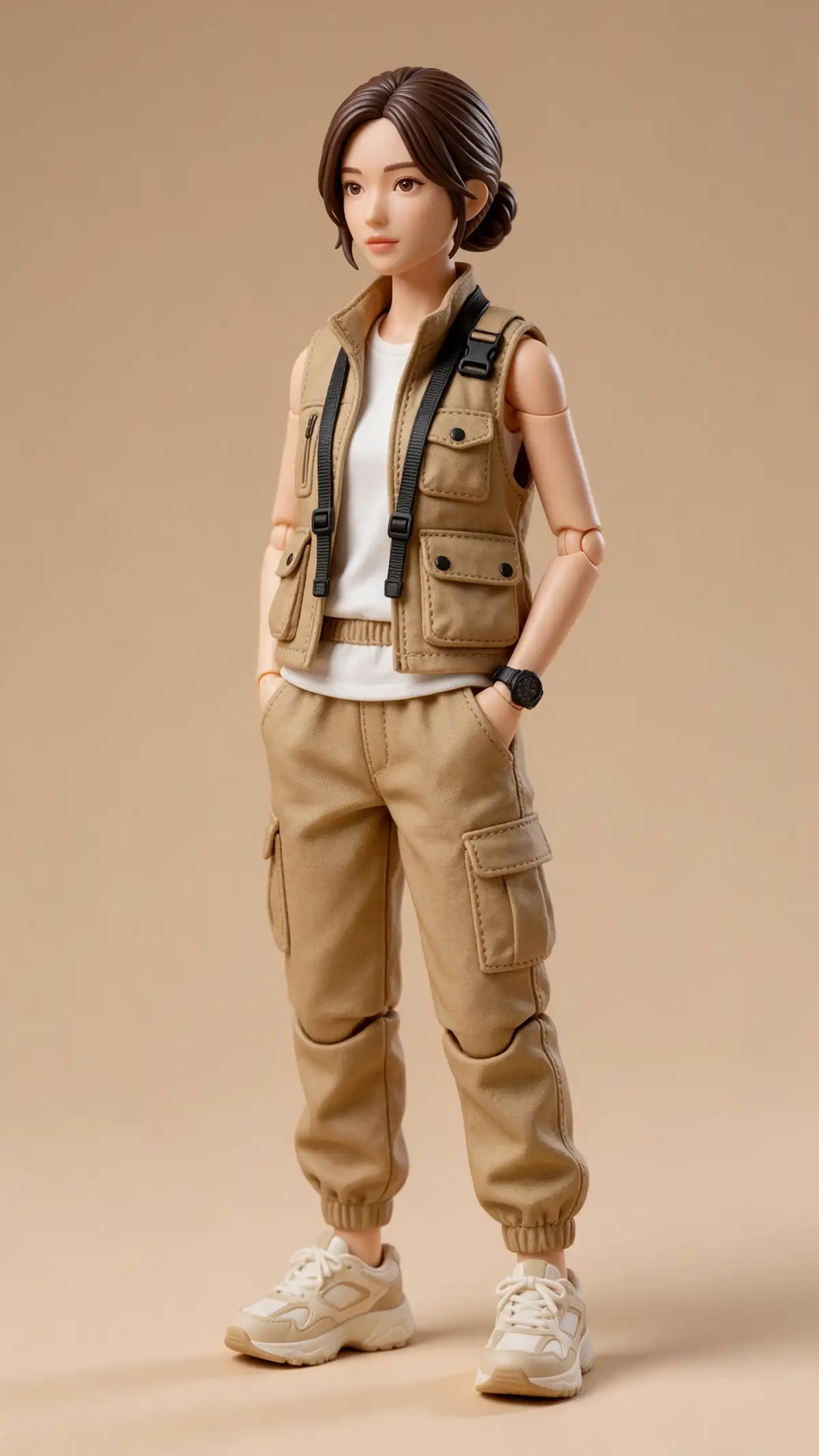
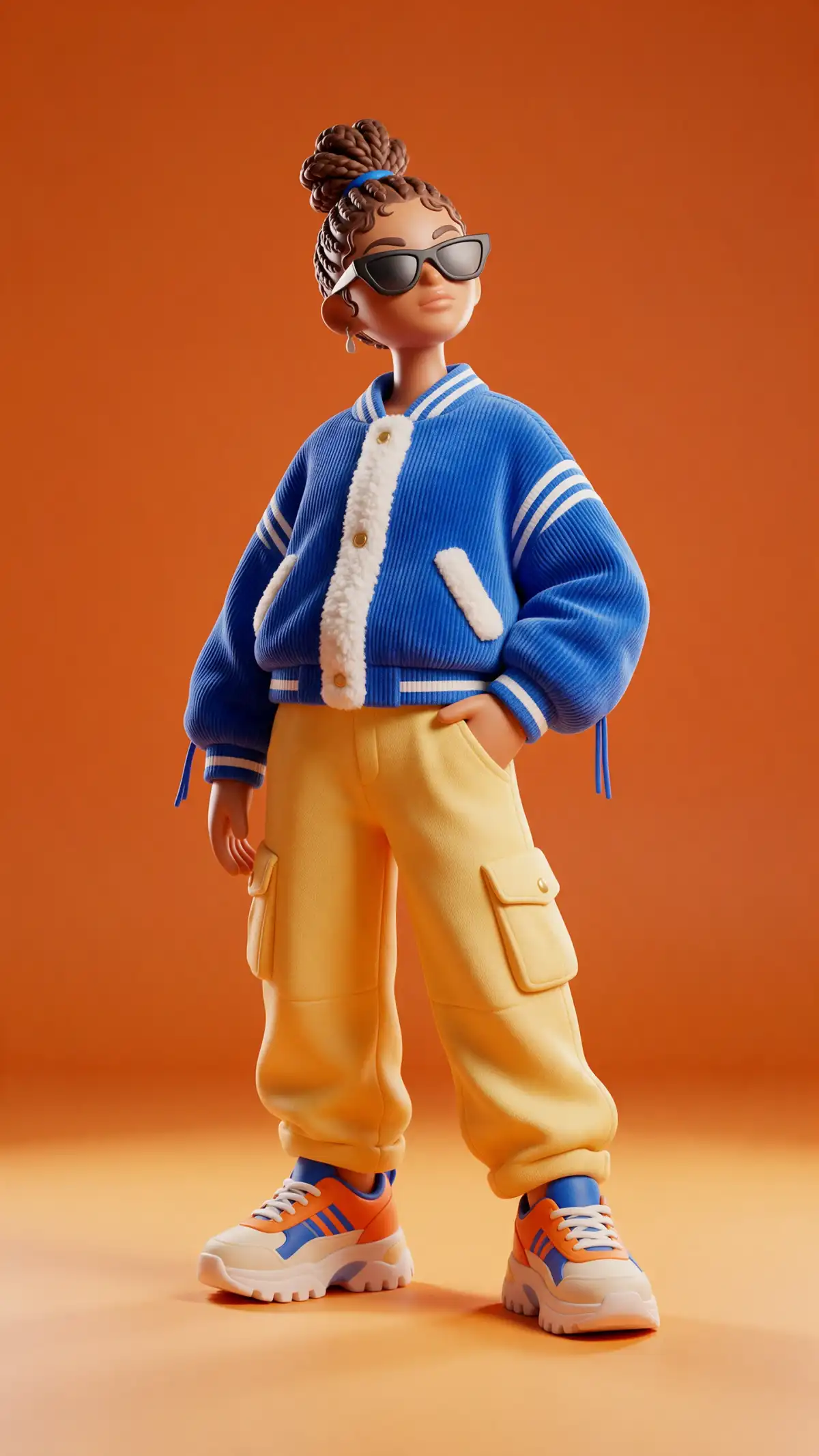
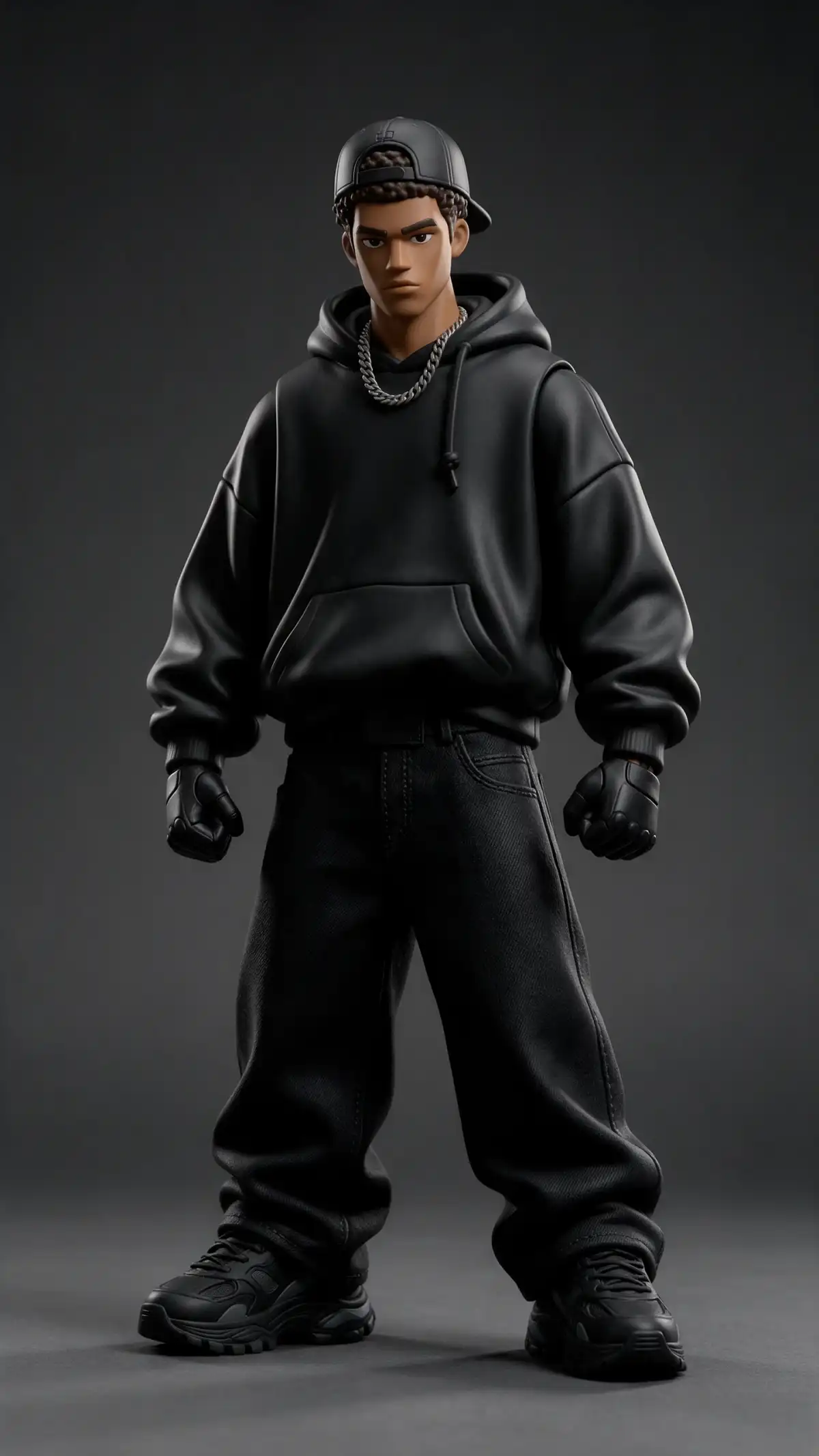
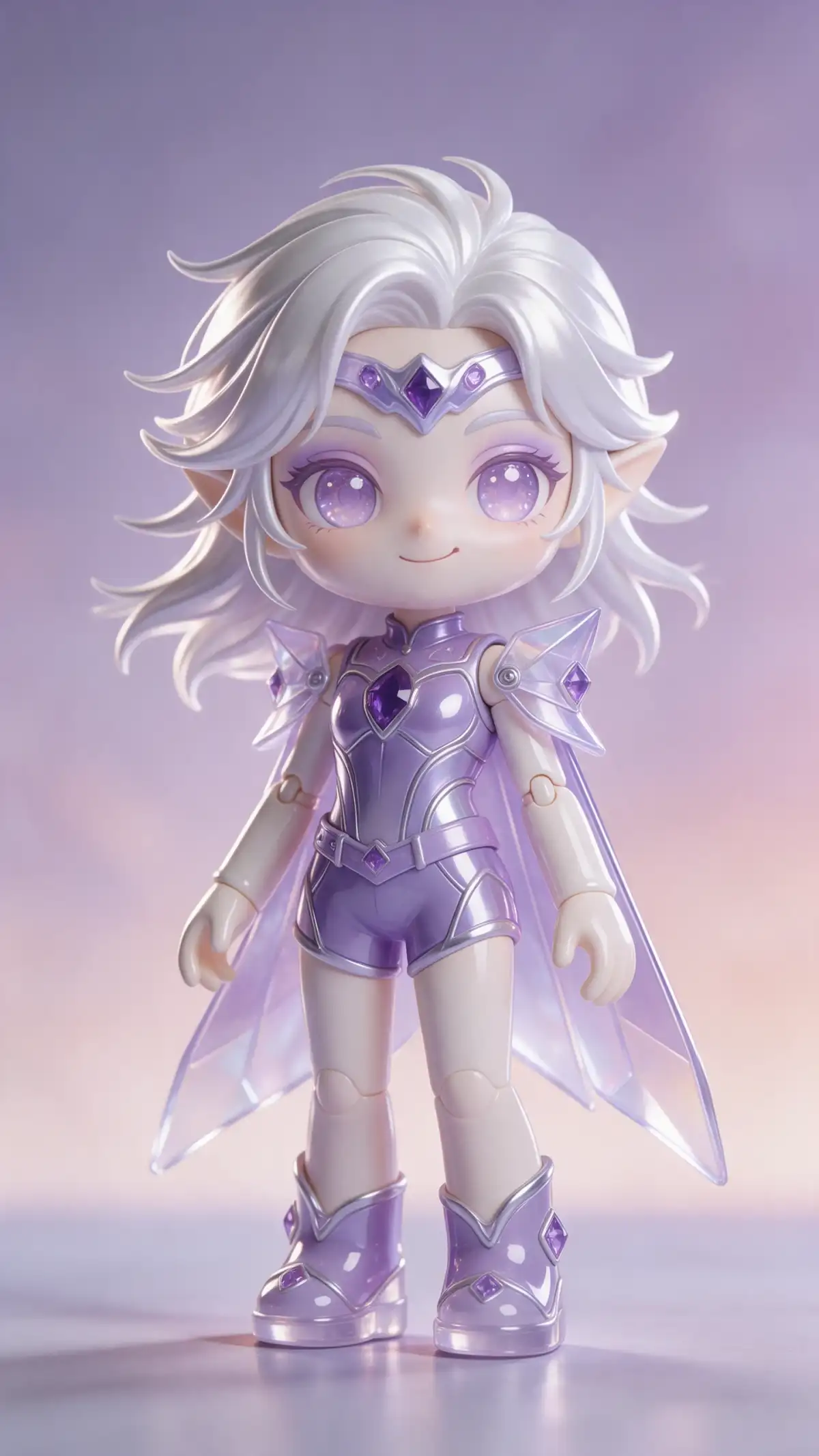
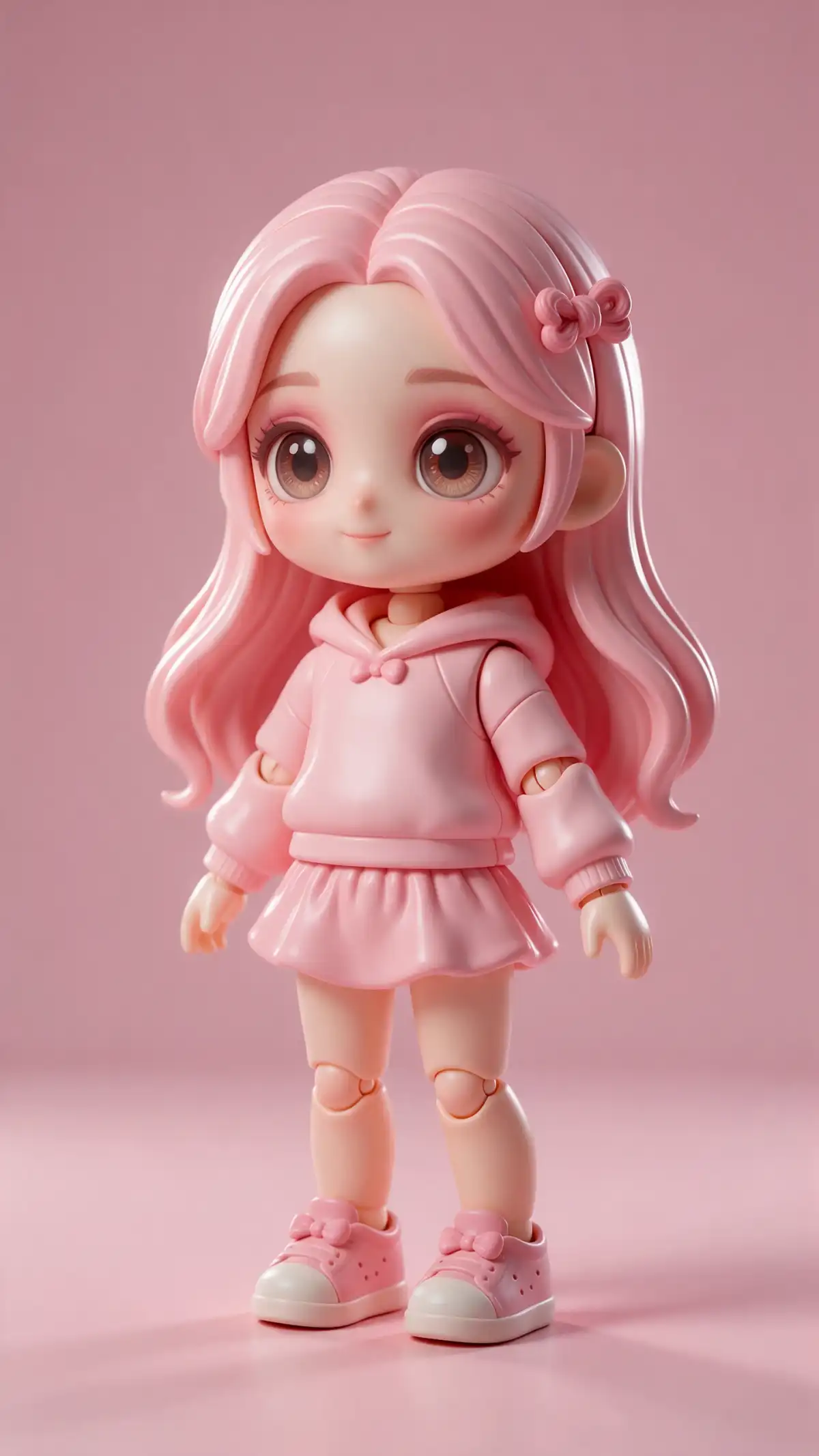
A collectible gets better when you can compare versions and extend the set. The AI action figure generator in Magiclight AI adds options for both.
Add up to 10 reference pictures, such as your pet, your bike, and a favorite jacket. Name each item’s role in the prompt. Each one can appear as a tiny accessory in the box tray.
Write the box color, the name on the label, and the tagline. A line like "Marketing Hero comes with coffee" sets the joke. Add a theme such as space explorer or office legend.
Run the same box through GPT Image 2.5 Flare and Seedream 5.0 Pro and Nano Banana 2. GPT Image 2 and the sunburst version of GPT Image 2.5 are in the menu too. Compare how the plastic looks in each result and choose.
Describe a retired wizard with a garden hose or any character that exists only in your head. The box and the figure come from the description alone. Add a reference later if you want a real face.


A boxed figure needs a photo and a short description. The AI action figure generator in Magiclight AI makes the rest quick.
Choose a clear selfie and photos of the items that belong in the box. Open the Image tab in the Toolbox, select the reference option, and upload each image.
Type the figure’s name, the label text, and the box colors in up to 500 characters. List each accessory and add a theme such as Office Legend. A funny tagline adds personality.
Select the tall shape for the box or the square shape for a feed. Choose an AI image model and click Create Image. Download the finished box and share it.
This tool creates a still image of you as a boxed toy. The video generator turns a figure into a moving toy commercial. Make the still image here first and animate it afterward if you want a clip.
Yes, upload photos of the items as references and list them in the prompt. Magiclight AI action figure generator shrinks them into tiny accessories in the box tray. Sharper photos give clearer miniatures.
Yes, write it in the prompt exactly as it should read. Box lettering can vary between engines, so check the spelling in each result. Try a second engine or retype the name afterward.
No, toy brands and their packaging designs are protected. Stay with original figures and package designs. Use your own name and your own accessories.
Yes, with their permission, upload their photo and describe their hobbies and gear. Magiclight AI then places them in the box with the accessories you list.
You can open a new account and make a first figure before choosing a plan. Upload one selfie and name three accessories. Pick a paid plan only if you want more figures or commercial rights.

Everyone has a job and a hobby worth boxing up. Open the AI action figure generator in Magiclight AI and see yours on the shelf.