
Explore 5 AI Image Models
Choose from 5 AI image models for different headshot results, including Seedance 5.0 Pro, GPT Image 2, and more. Magiclight AI gives you options for creating the professional look you need.
Create Now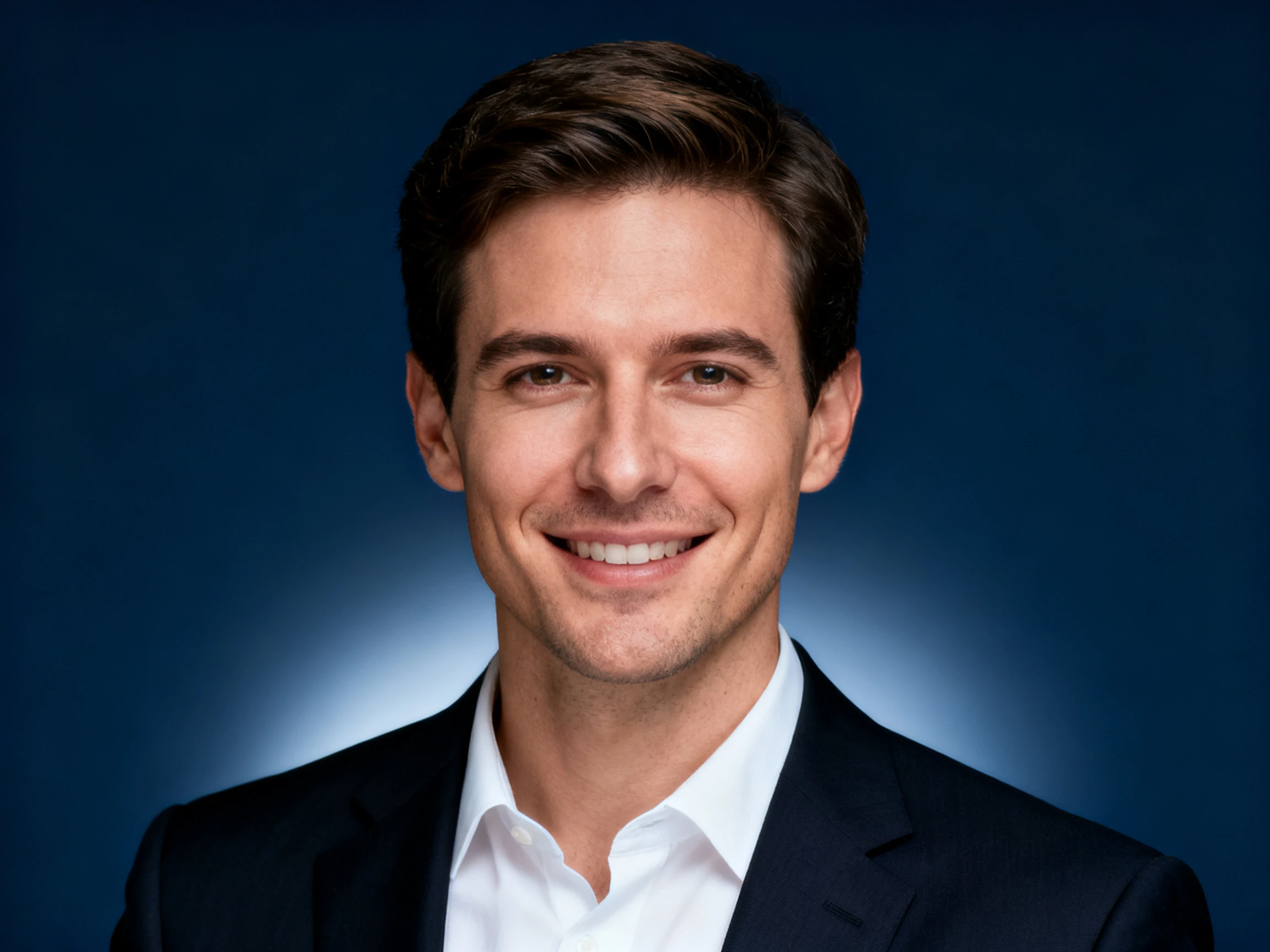

Your work profile should look right for the role. Magiclight AI lets you describe the setting and professional style you want before creating the portrait. No photographer required.
Create an AI Headshot For Free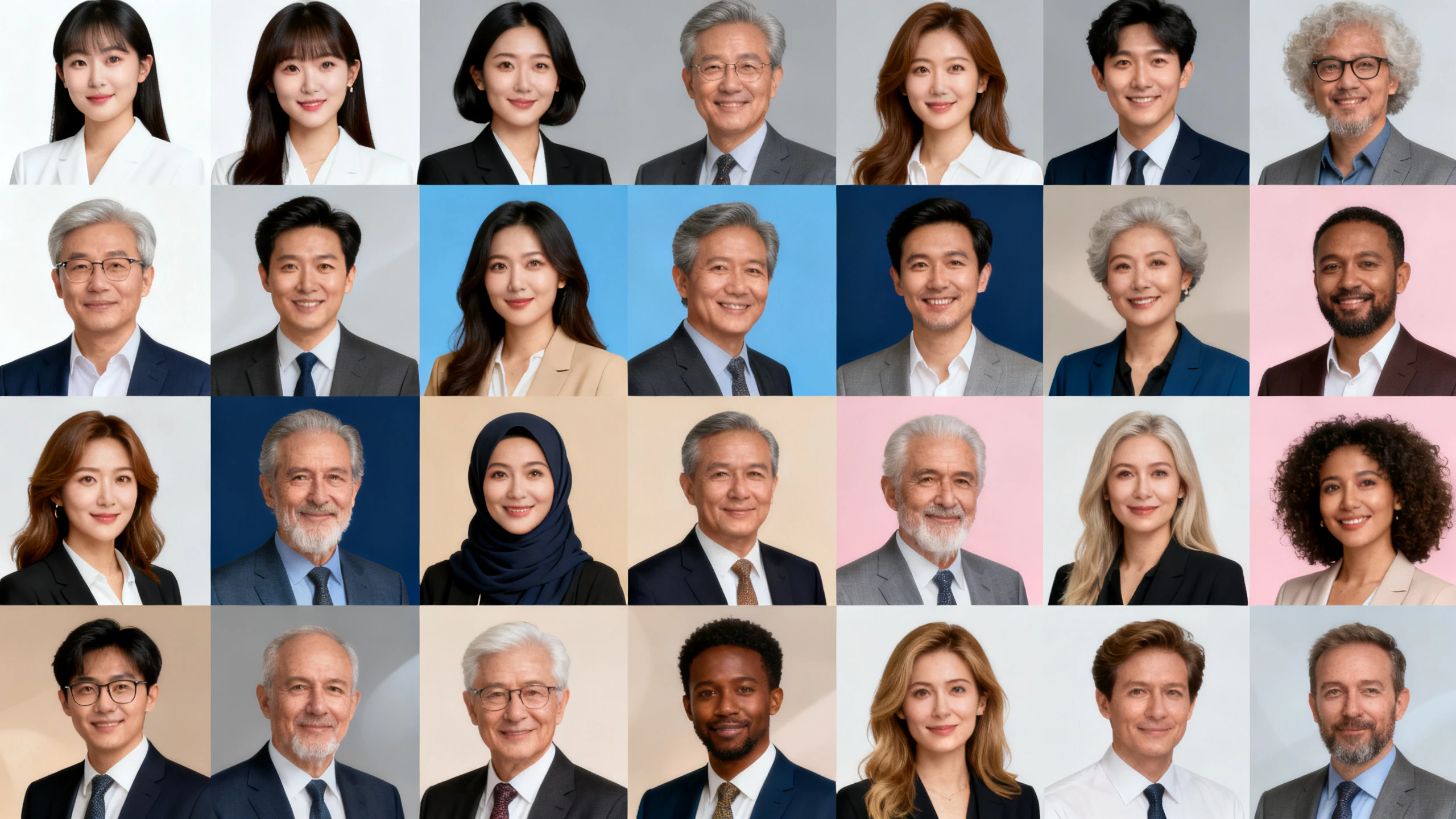










Give your portrait a clear direction based on your career or professional profile. The Magiclight AI professional headshot generator uses your instructions and references to guide the result.
Choose from 5 AI image models for different headshot results, including Seedance 5.0 Pro, GPT Image 2, and more. Magiclight AI gives you options for creating the professional look you need.
Create NowUse up to 500 characters to describe your industry, clothing, background, and overall look. Magiclight AI follows these details to guide the headshot toward the professional setting you need.
Create Now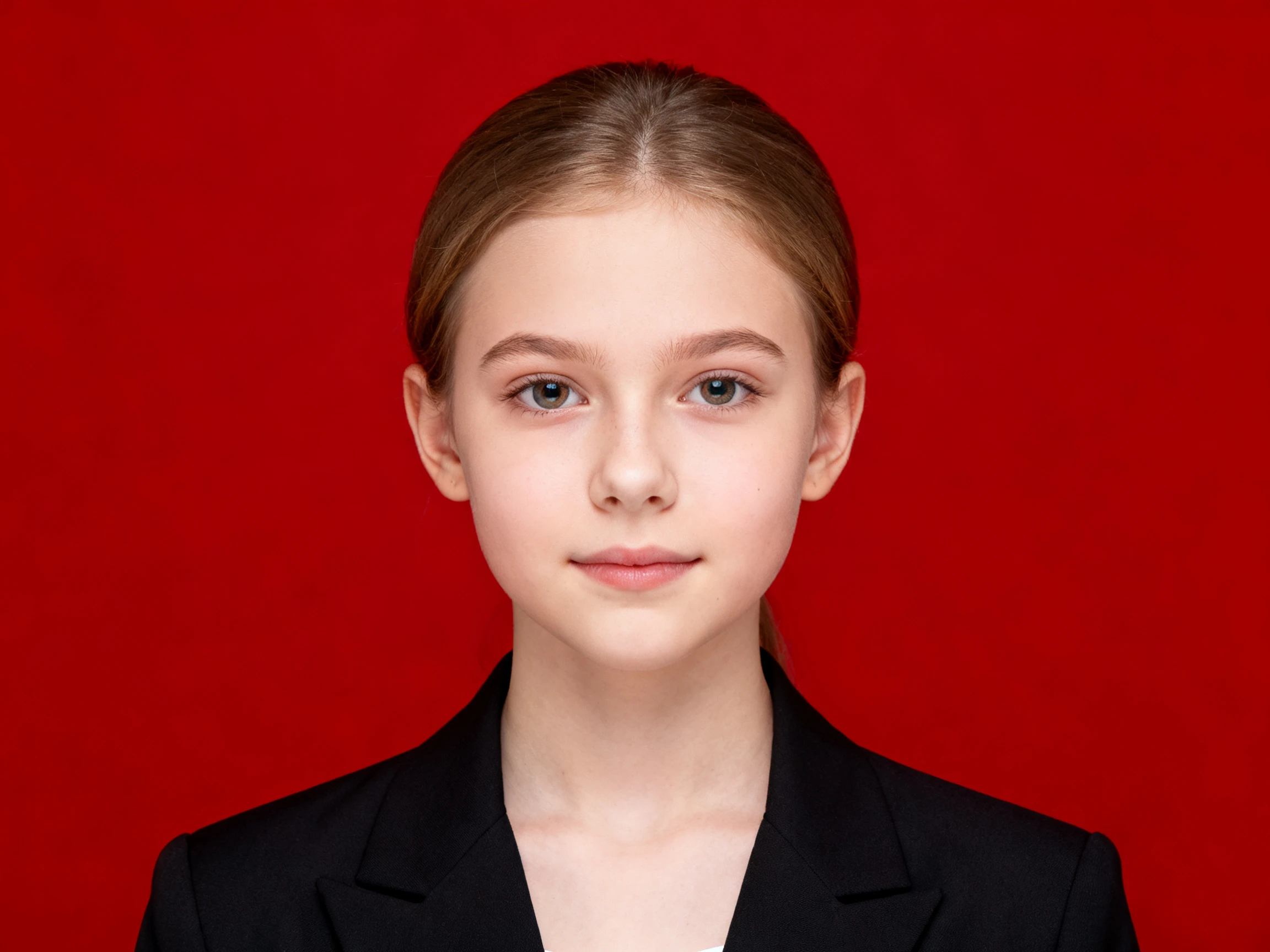
Set the image ratio based on where your headshot will appear, such as a profile or company page. Pick 1:1 or 4:3 before generation so the portrait fits its intended placement.
Create Now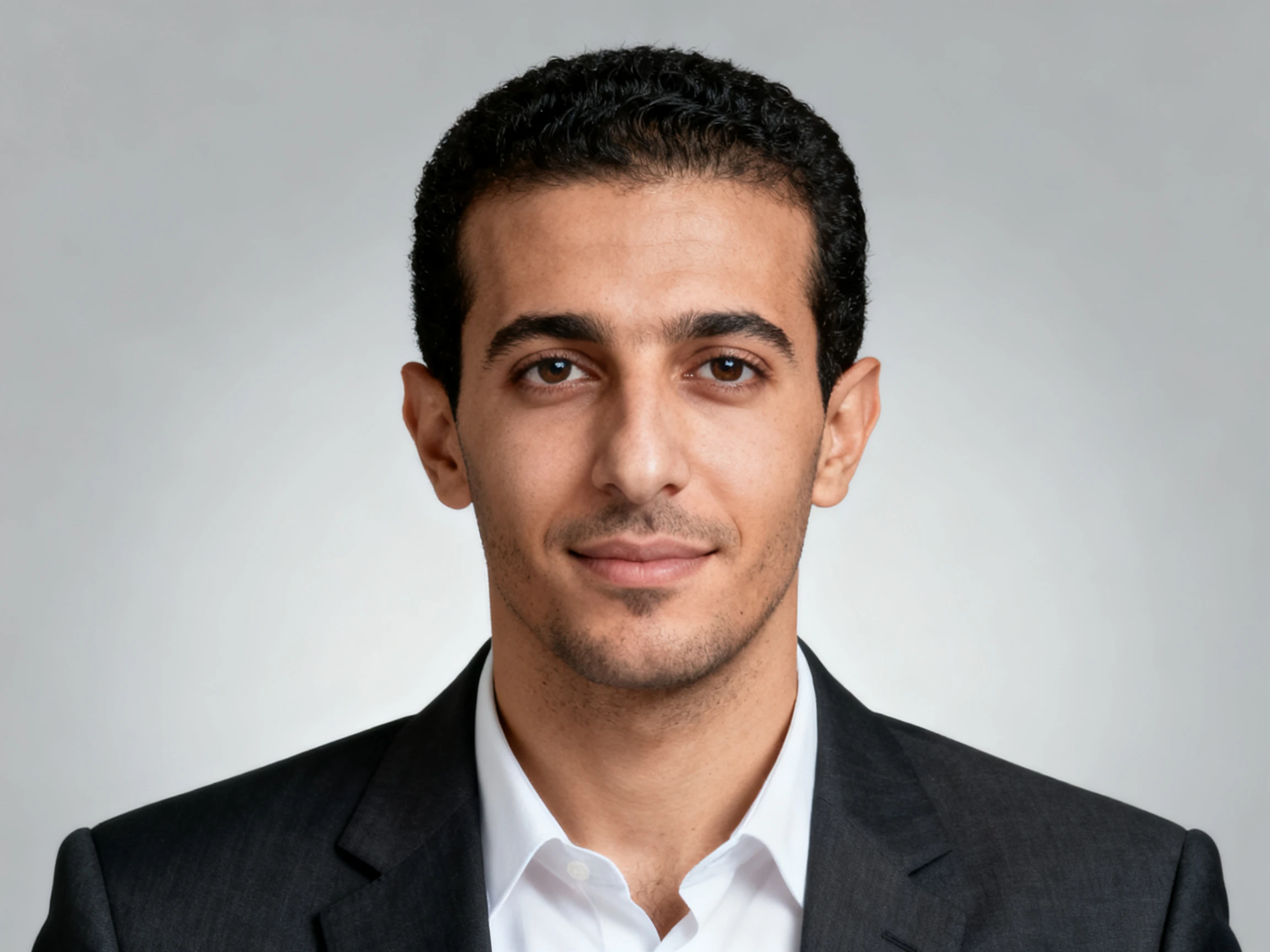
Add up to 10 reference images, with each file supporting sizes up to 20MB. Magiclight AI uses the references together to guide your likeness and key facial details in the generated headshot.
Create Now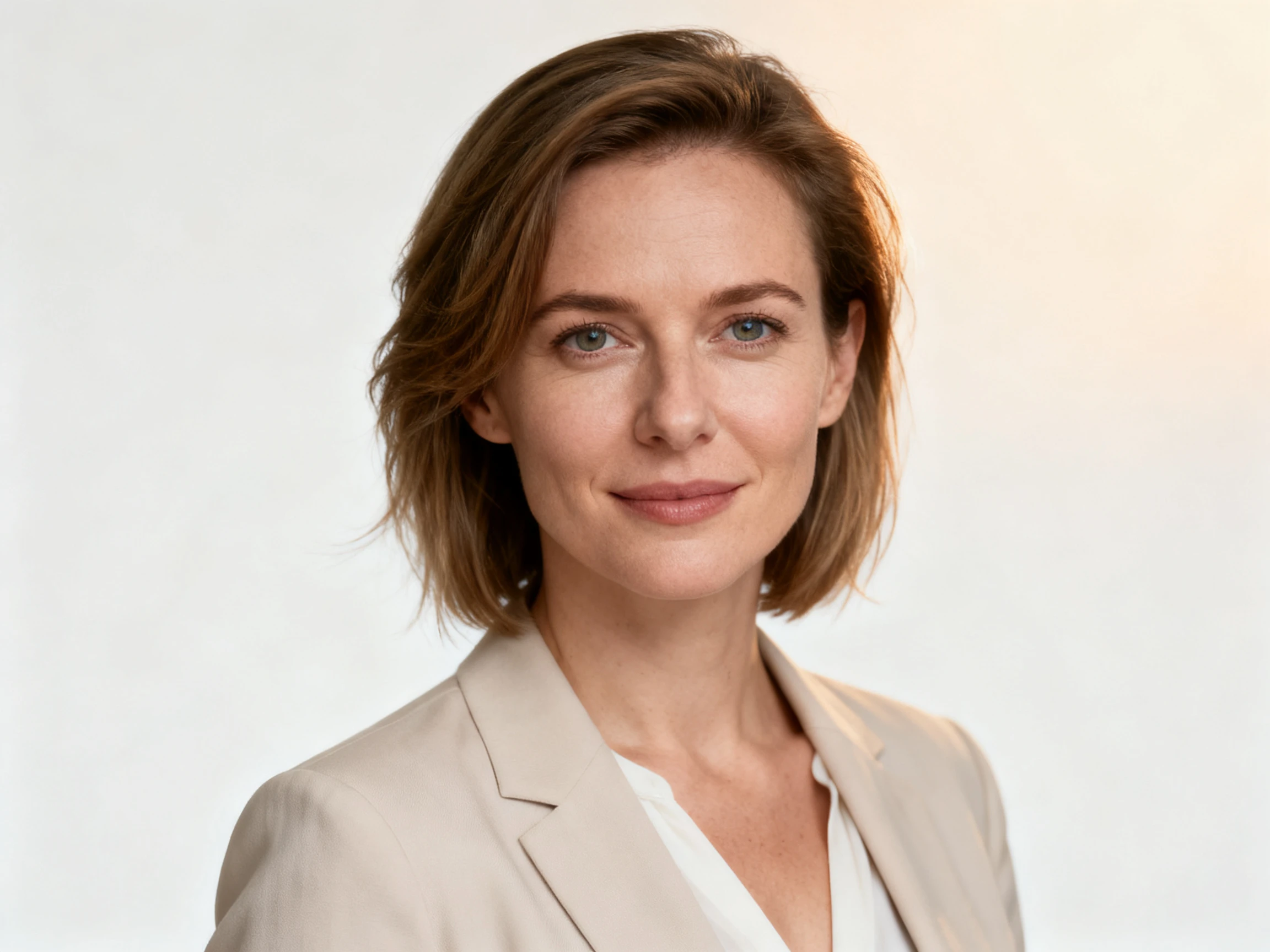


Create a headshot suited to your role through 4 clear steps. With the Magiclight AI-powered headshot generator, you can upload references, select a format, and generate.
Add up to 10 clear reference images to show the face you want in your headshot. Each image can be up to 20MB, giving Magiclight AI more visual details to follow.
Use up to 500 characters to describe your profession, clothing, background, expression, and overall look. Give clear directions based on where you plan to use the finished headshot.
Select an AI image model from Seedance 5.0 Pro and other options. Choose 1:1 for square profile photos or 4:3 when you need a wider professional portrait.
Generate several headshots from the same references and prompt. Compare the results across different models and choose the portrait that best matches your face, profession, and intended use.
Consultant
I work with clients in different industries, and one headshot never felt right everywhere. With Magiclight AI, I can create another version that better suits the setting.
Creative Director
Most headshot tools kept giving me the same corporate look no matter what I asked for. I can describe the creative direction I want in Magiclight AI and get something that fits my work.
Operations Lead
Everyone on our team submitted a photo with a different background and framing. Magiclight AI helps us give those headshots a more consistent look across the company page.
Founder
Magiclight AI gives me different aspect ratios from the same reference photos. I can use a square headshot for my profile and a wider version when a conference page needs it.
Magiclight AI headshot generator can create headshots for different professional settings. Use the same photos for a corporate profile, creative portfolio, or another work profile.
Regular clear photos can work as references, so a studio shoot is not required. Magiclight AI uses your existing images to guide the new professional headshot.
Choose clothing that fits the job, industry, or profile where the photo will appear. Magiclight AI gives you up to 500 characters to describe the attire and overall look.
Yes. You can create a professional portrait suited to a LinkedIn profile. Magiclight AI also lets you choose 1:1 when you want a square profile image.
A lawyer, designer, consultant, and founder may each need a different visual style. Magiclight AI lets you describe the profession so the headshot suits its intended setting.
You are not limited to the first result you generate. Try another of Magiclight AI's 5 image models or change your prompt to explore a different direction.



A creative profile and corporate page may need different looks. Magiclight AI lets you set the direction for the professional setting you have in mind.